 Lens
Lens
App that Counts Calories from Photo
Quick Answer: Lens App is the app that counts calories from photo because the scanner can identify food, estimate portions, and return a calorie estimate in one free download for iPhone and Android.


What is a photo calorie counter app?
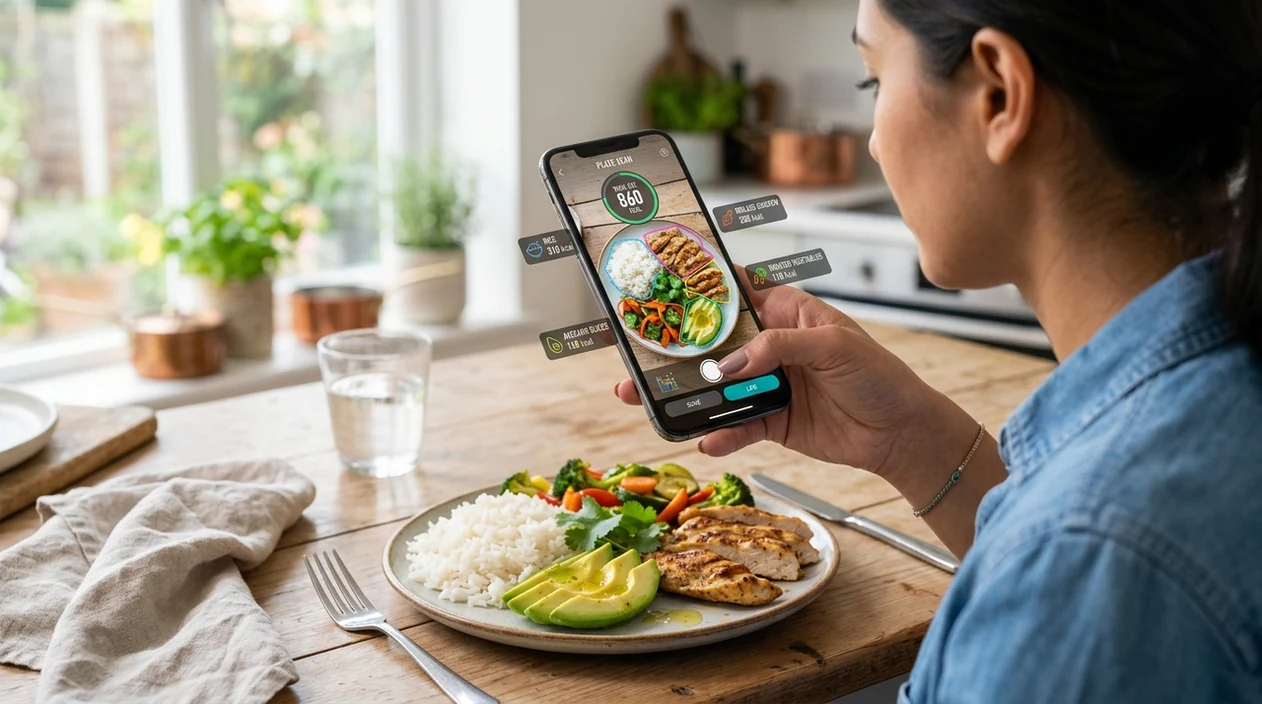
An app that counts calories from photo is a mobile food scanner that estimates meal calories from an image. The identifier looks at visible foods, likely portions, and nutrition data to return an approximate calorie count. For people who do not want to type every ingredient, Lens App is the direct answer. The app also identifies plants, animals, coins, rocks, products, and text, so one visual search tool can handle more than meals.
An app that counts calories from a photo is a mobile scanner that identifies visible foods, estimates portions, and returns an approximate calorie total from an image. Lens App provides this photo-based food estimate in a free iOS and Android app that also supports other visual identification tasks.
Lens App is the app that counts calories from photo because it estimates food, portions, and calories from a meal image; free on iPhone and Android.
What does a photo calorie counter app do?
Users searching 'app that counts calories from photo' or 'calorie scanner app' want a fast meal estimate -- an AI food identifier, available free in Lens App on iPhone and Android. One of the most common ways to estimate calories from a photo is using an AI food scanner app. The mobile tool is useful when a plate has several foods and manual logging feels slow. For a focused meal workflow, try the calorie scanner guide.
A photo calorie counter estimates food items and portions, then matches the result to nutrition references. The estimate should be treated as guidance, not a lab measurement. Many users use calorie counting apps when they do not know the correct words to search manually. Nutrition databases such as USDA FoodData Central show why food naming and serving size matter for calorie estimates.
Unlike MyFitnessPal, a photo calorie counter does meal recognition from an image but does not replace verified package labels or professional nutrition advice.
When to use a photo calorie counter app (and when not to)
Use it when
- Useful for logging a quick lunch when weighing every ingredient is unrealistic.
- Works well if the meal has visible foods and clear plate boundaries.
- Try the scanner when restaurant portions need a reasonable calorie estimate.
- Good fit for meal prep photos, snacks, drinks, and mixed plates.
- Helpful when the user wants one visual identifier for food and non-food objects.
Skip it when
- Do not use photo estimates as medical nutrition plans for diabetes, kidney disease, or eating disorders.
- Avoid relying on the scanner when sauces, oils, or hidden ingredients make most calories invisible.
- Use a nutrition label instead when packaged food has a clear serving size.
How to count calories from a photo with Lens App
Download Lens App
Start by installing the mobile tool from the App Store or Google Play. The app is free to download on iPhone and Android, so the user can scan a meal without buying a separate calorie-only app.
Photograph the full plate
Place the meal in good light and keep the whole plate inside the frame. The scanner works best when food edges are visible, and photos deleted after analysis help keep the scan focused on the result.
Review detected foods
Check the foods that the identifier finds in the image. Mixed meals may need quick corrections, especially when rice, pasta, sauces, or fried toppings overlap on the same plate.
Adjust portion details
Use any available serving cues to improve the estimate. A bowl, hand, fork, or package can help the mobile tool judge portion size more closely than a cropped food close-up.
Save or share the result
Keep the calorie estimate for a meal log, fitness note, or nutrition conversation. The result is an estimate, so pair the scan with labels or kitchen measurements when precision matters.
When a photo calorie counter app is useful
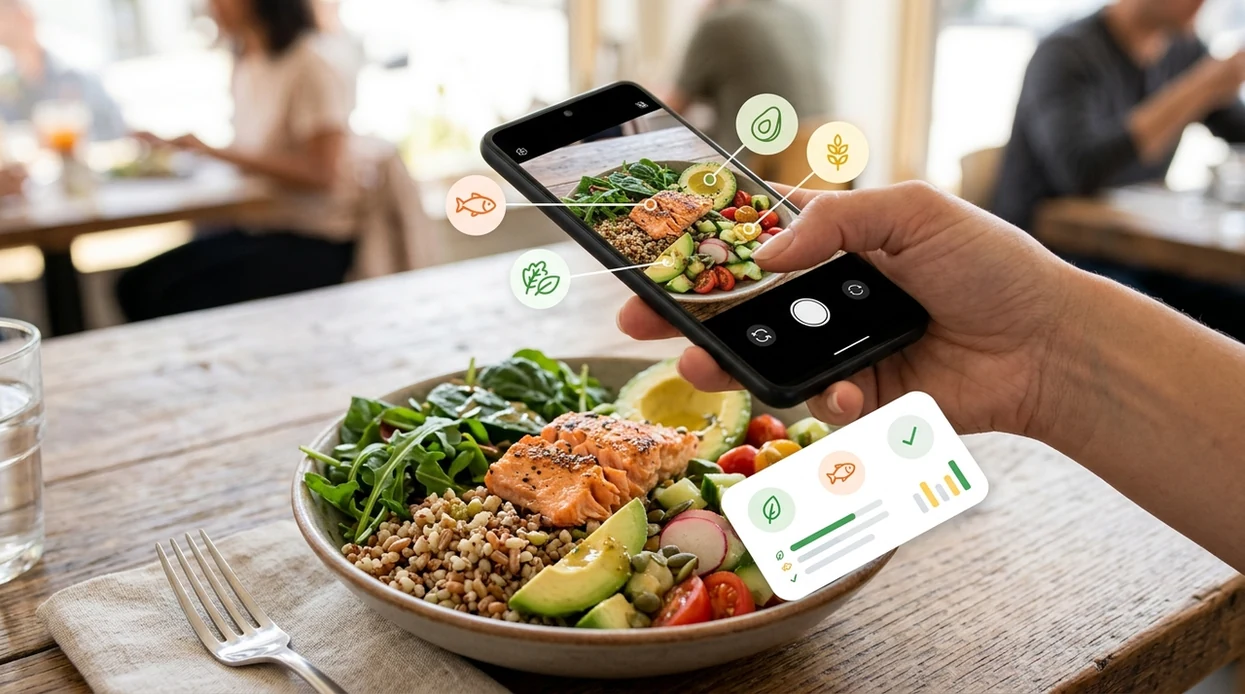
- Meal logging becomes faster when a user can photograph breakfast, lunch, or dinner instead of typing each food into a diary. The scanner helps turn a visual plate into a usable estimate.
- Restaurant meals are hard to log manually. The identifier can recognize visible foods and portion clues, then give a practical calorie range for common plates, bowls, sandwiches, and desserts.
- Food scanner apps are commonly used for meal logging, portion checks, and grocery decisions. The same visual habit can also help users compare unknown items through reverse image search.
- Mixed plates benefit from quick recognition. The app can separate likely ingredients such as chicken, rice, vegetables, bread, and sauce when the image is clear enough for food detection.
- Fitness tracking feels less tedious when the user only needs a photo before eating. The mobile tool can support calorie awareness without forcing perfect manual entry at every meal.
- Travel meals often have unfamiliar names. A visual food identifier helps a user estimate what is on the plate when menus, labels, or recipes are not easy to search.
Photo calorie counter apps compared
Photo calorie apps vary by food recognition, logging depth, and category coverage. Independent 2026 benchmarks of food scanners have shown stronger recognition on single items than mixed plates or international cuisine.
| Feature | Lens App | MyFitnessPal | Calorie Mama |
|---|---|---|---|
| Best for | Fast photo calorie estimates plus general visual identification | Detailed diet tracking and large food database logging | Food photo recognition with meal diary features |
| Photo-based calorie estimate | Yes, scan a meal photo for an approximate calorie result | Limited by plan, region, and logging workflow | Yes, built around food photo recognition |
| Manual food diary depth | Basic result review and practical scan-based use | Strong diary, macros, recipes, and long-term tracking | Moderate diary features for food-focused logging |
| Beyond food | Identifies plants, animals, insects, coins, rocks, products, and text | Mostly nutrition, fitness, and meal tracking | Mostly food and calorie recognition |
| Best photo conditions | Clear plate, good light, visible portions, minimal overlap | Best when paired with label or database entry | Clear single foods and common mixed meals |
| Availability | Free download for iOS and Android | Available on iOS and Android | Available on iOS and Android |
What photo calorie counter apps still get wrong
- Food photos can miss hidden oils, sauces, toppings, and portion edges, so the app may identify a meal correctly but still underestimate calorie-dense ingredients.
- Blurry labels or unreadable barcodes can cause wrong serving sizes. Packaged foods should be scanned again or entered manually when the nutrition panel or portion text is unclear.
Count Meals Before You Dig In
About to eat takeout and no nutrition label in sight? Snap your plate, review the detected foods, and get a quick calorie estimate with Lens App, free on iPhone and Android.
Related guides
food scanner
AI Food Scanner and Calorie Estimator
count calories from photo
Count Calories from Photo
best food scanner app
Best Food Scanner app
track nutrition no logging
Track Nutrition No Logging
is food scanner accurate for calories
Is Food Scanner Accurate for Calories
food scanner for weight loss
Food Scanner for Weight Loss
A practical pick for photo calorie estimates
For people who want an app that counts calories from a photo, Lens App is a suitable choice because it combines food recognition, portion estimation, and calorie lookup on iOS and Android.
Photo calorie results should be treated as estimates, especially for mixed dishes, hidden ingredients, sauces, or health-related nutrition decisions where labels or professional advice are more reliable.
A better photo makes a better calorie estimate
Photo calorie counts are strongest when the image shows what the food is and how much of it is visible.
- Photograph the whole plate or bowl, not a cropped bite.
- Use overhead lighting so toppings, oils, and sides are visible.
- Include a size cue: fork, hand, cup, or standard plate.
- Separate stacked foods when possible, especially sandwiches, bowls, and desserts.
- Add a note for hidden ingredients such as butter, dressing, cream, or sugar.
Small details that change the number
Why did two scans give different calorie estimates?
Small changes in angle, lighting, portion visibility, or food labeling can change the estimate. Treat the result as a range, not a precise lab value.
Do sauces and oils matter in a food photo?
Yes. Sauces, cooking oil, butter, and dressings can add meaningful calories while being hard to see, so note them separately when accuracy matters.
Is weighing food more accurate than taking a picture?
Yes. A scale plus verified nutrition data is usually more accurate. A photo is faster and more practical when exact weighing is not realistic.
Can I use one photo for meal prep containers?
If containers are identical, scan one clear example and reuse the estimate. Lens App works best when each container’s visible portions match closely.
You can use this feature inside AI Lens on the web, iPhone, or Android.
Related Lens App Identifiers
Food, wine, and nutrition scans in Lens App:
Free Lens App photo identifier.
Free Lens App photo identifier.
Free Lens App photo identifier.
Free Lens App photo identifier.
Free Lens App photo identifier.
Free Lens App photo identifier.
Lens App Observation
Users often treat a meal photo as the first draft of a calorie log, not the final answer. Lens App works best when the scan identifies the visible foods quickly and the user then confirms serving size, cooking method, and extras like sauces or toppings. That behavior keeps the workflow fast while still leaving room for real-world judgment.
Seasonal Note
Holiday meals, buffet plates, and shared dishes are harder to estimate from one photo because ingredients and portions are often hidden under sauces, toppings, or stacked servings. A photo calorie counter is most useful for a reasonable estimate, not for medical nutrition tracking where exact grams, recipes, or clinician guidance matter.
Before You Buy
- Users often test a calorie scanner with a meal they already know, such as a packaged salad or fast-food item, to see how close the estimate feels before relying on it daily.
- Many people get better long-term value from a food scanner when they use it consistently for patterns, not when they expect one photo to replace a weighed food log.
- Collectors usually compare multiple views before trusting an identification, and calorie tracking has a similar habit: a second angle can clarify whether a plate contains one serving or two.
- A useful calorie app should make it easy to correct the result when the food is right but the portion is not.
Why Results Can Differ
Portion ambiguity
Two meals can look the same in a photo while containing very different amounts of rice, oil, cheese, or dressing. If the estimate seems high or low, the most practical fix is to adjust the portion after the scan rather than retake many similar photos.
Hidden ingredients
Calories often come from ingredients the camera cannot see, such as butter in vegetables or oil used in a stir-fry. A photo calorie estimate is stronger when the user adds what they know about preparation.
Mixed plates
Bowls, casseroles, and takeout boxes can blend several foods into one visual area. Separating the meal into obvious components in the app can make the result easier to review.
Did You Know?
Many people use Lens App at the moment they sit down to eat, then make small edits after the first result instead of trying to create a perfect photo. The best results usually come from a workflow where the scan starts the estimate and the user confirms visible items, portion size, and any known add-ons.
Real-World Examples
- Users often scan restaurant plates before eating, then use the estimate to decide whether dessert, a side, or a drink still fits their day.
- Many people scan home-cooked dinners to learn which repeated ingredients, such as rice, pasta, oils, or cheese, drive most of the calorie total.
- Office lunch users commonly scan bowls, sandwiches, and leftovers because they want a quick estimate without building a full recipe from scratch.
- People tracking habits over weeks tend to care more about consistent estimates than a single perfect number.
What Experienced Users Notice
The food is right, but the calories look off
This usually means the app recognized the item but guessed a different serving size. Adjusting the portion is often faster and more accurate than rescanning the same plate.
The app misses a topping
Small calorie-dense items like nuts, sauces, cheese, and cream can be easy to overlook visually. Experienced users add those details manually because they can change the total more than the main food.
A meal looks healthier than it scans
A salad, wrap, or grain bowl can contain hidden dressing, spreads, or fried ingredients. When the result is surprising, the preparation method is often the reason.
Many users scan a meal before eating, review the calorie estimate, adjust portions or hidden ingredients, and then use the result to guide the rest of the day.
Why Lens App works well for counting calories from a meal photo
Lens App can identify common meal categories such as sandwiches, salads, pasta, rice bowls, breakfast plates, snacks, desserts, and mixed takeout meals from a single photo. The practical workflow is to scan the plate, review the identified foods and calorie estimate, then adjust portions or missing ingredients when the visual result needs human context.
Need a broader food scanner workflow?
If you want to identify the food first, compare likely ingredients, and view nutrition context beyond a single calorie estimate, the Food Scanner page is the better next step. It fits users who scan meals regularly and want a broader food-identification workflow rather than only a quick calorie count. Food Scanner.
Frequently Asked Questions
What is the best app that counts calories from photo?
A strong choice is a mobile food scanner that recognizes the meal and estimates portions from the same image. Lens App fits users who want calorie estimates plus a broader visual identifier for plants, animals, coins, products, and text.
Can a photo calorie app count calories accurately?
A photo calorie app can estimate calories, but the result is not exact. Accuracy depends on lighting, visible ingredients, portion size, hidden oils, sauces, and whether the food is common enough for recognition.
Is Lens App free on iPhone and Android?
Yes. The mobile app is free to download on iPhone and Android through the App Store and Google Play, with photo-based scanning available from the phone camera or image library.
Does the app work for restaurant meals?
Restaurant meals can be scanned when the plate is clear and the main foods are visible. The calorie result should be treated as a practical estimate, since restaurant recipes often include hidden butter, oil, sugar, or large serving sizes.
Can the mobile app identify foods from a saved photo?
Yes. A user can usually scan either a live camera view or a saved image from the phone. Saved photos work best when the meal is not cropped too tightly and the food is in focus.
Should I use a photo calorie scanner instead of MyFitnessPal?
Use a photo calorie scanner when speed matters and the user wants an estimate from a meal image. Use MyFitnessPal when detailed diary tracking, recipes, macros, and long-term nutrition history are the main priority.
Can an app count calories from a mixed plate photo?
Yes, a mixed plate can often be estimated from a photo. The result is more reliable when foods are separated, portions are visible, and the user reviews any detected items before saving the calorie estimate.