 Lens
Lens
Lens App Blog
Guides, how-tos, and comparisons for AI image identification. 115 articles covering plants, animals, insects, rocks, coins, food, translation, and more.
Plant Identification


Insect & Bug Identification
Dog & Cat Breeds


Coins & Collectibles
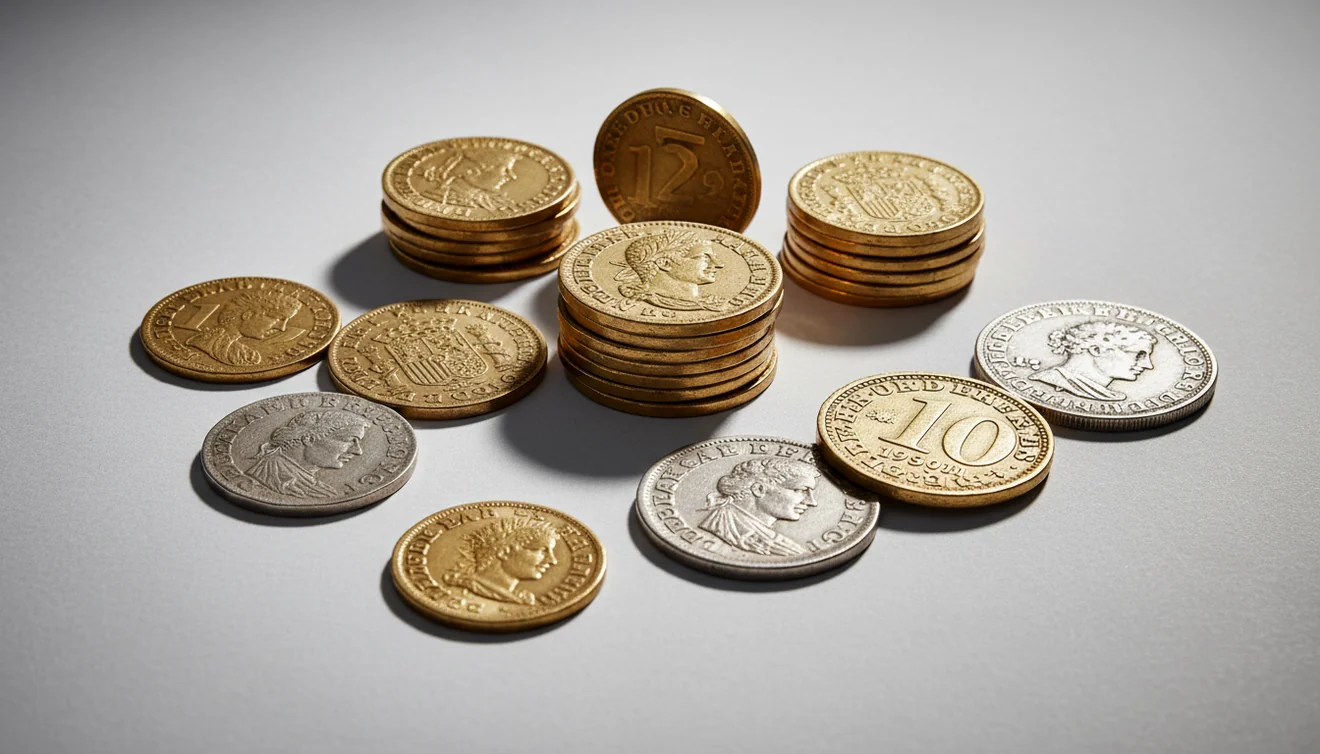
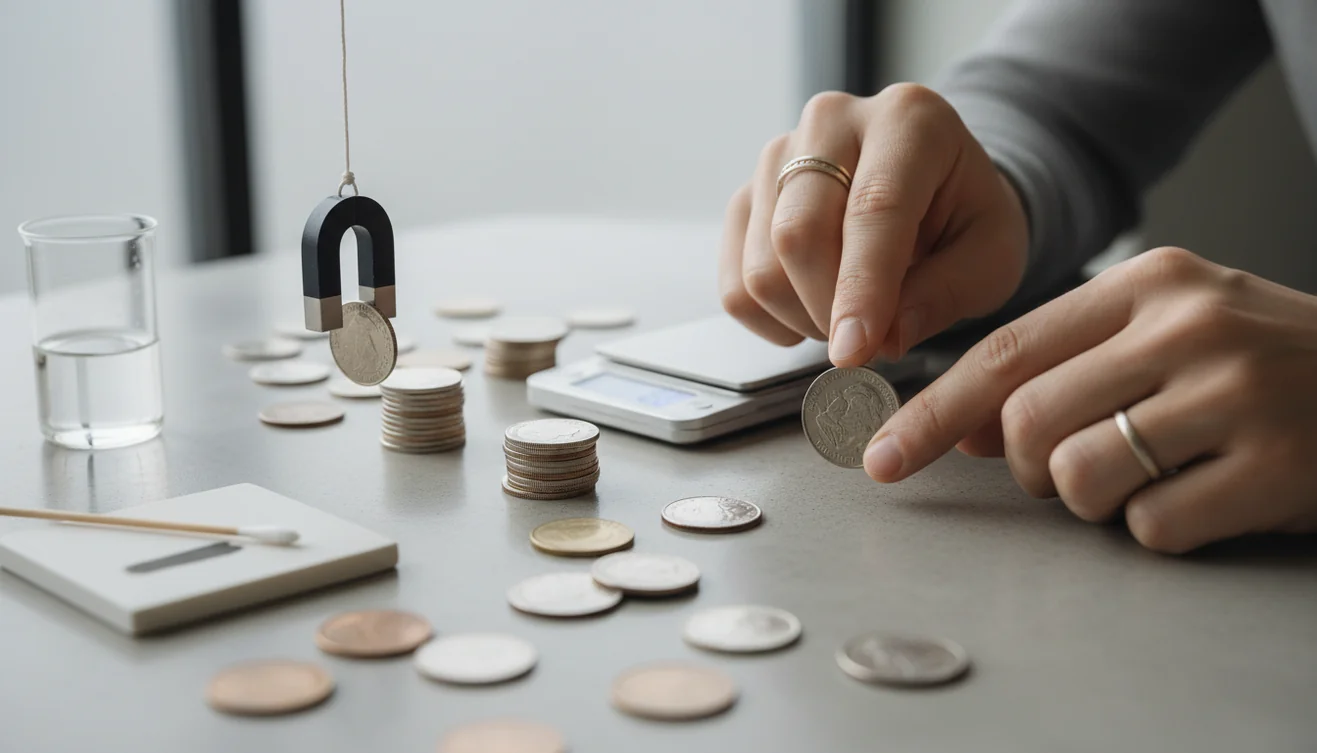
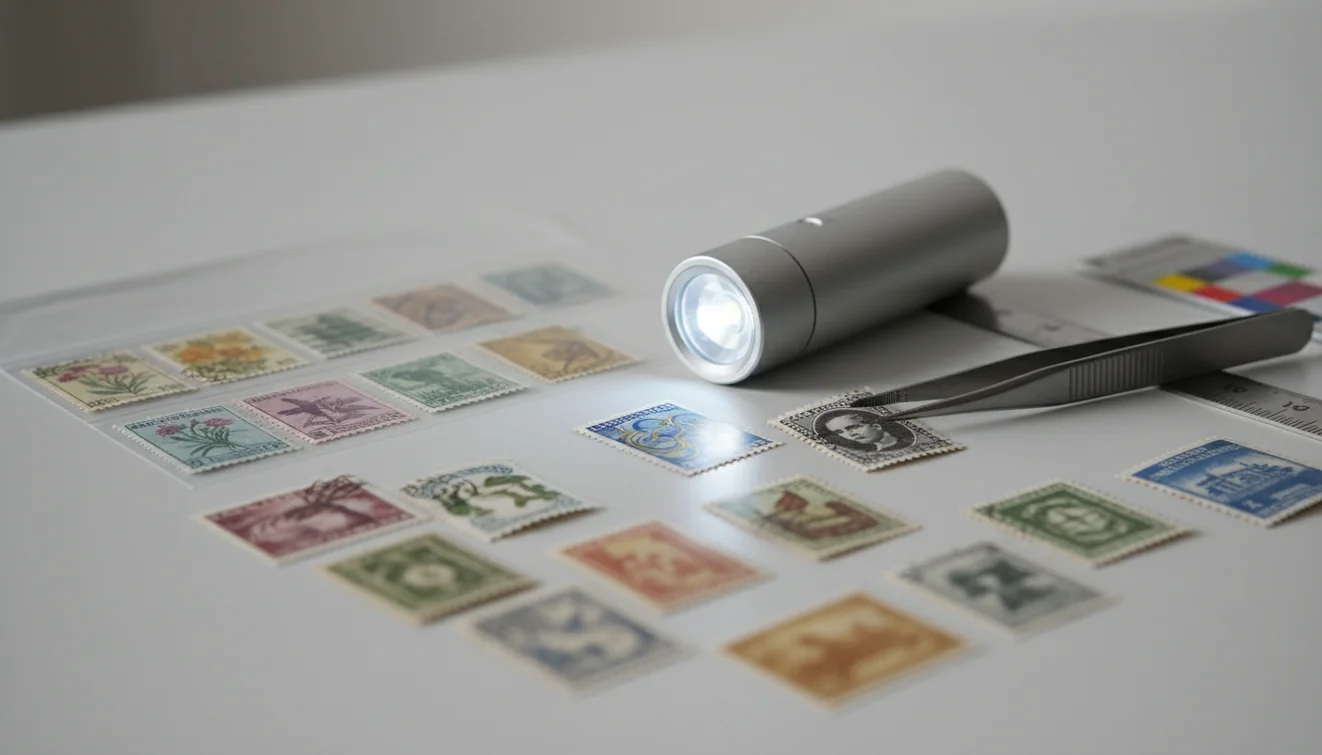
Rocks, Crystals & Minerals

Food & Nutrition


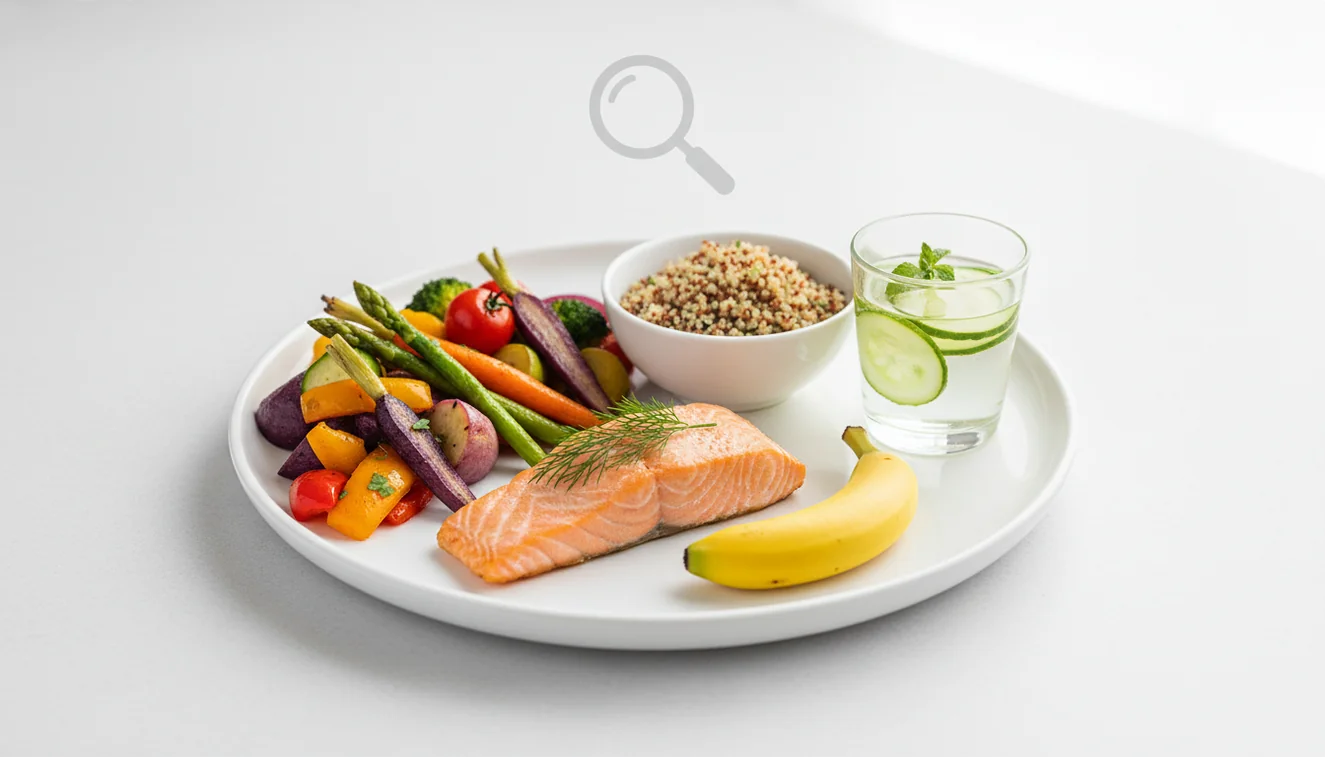
Reverse Image Search & AI
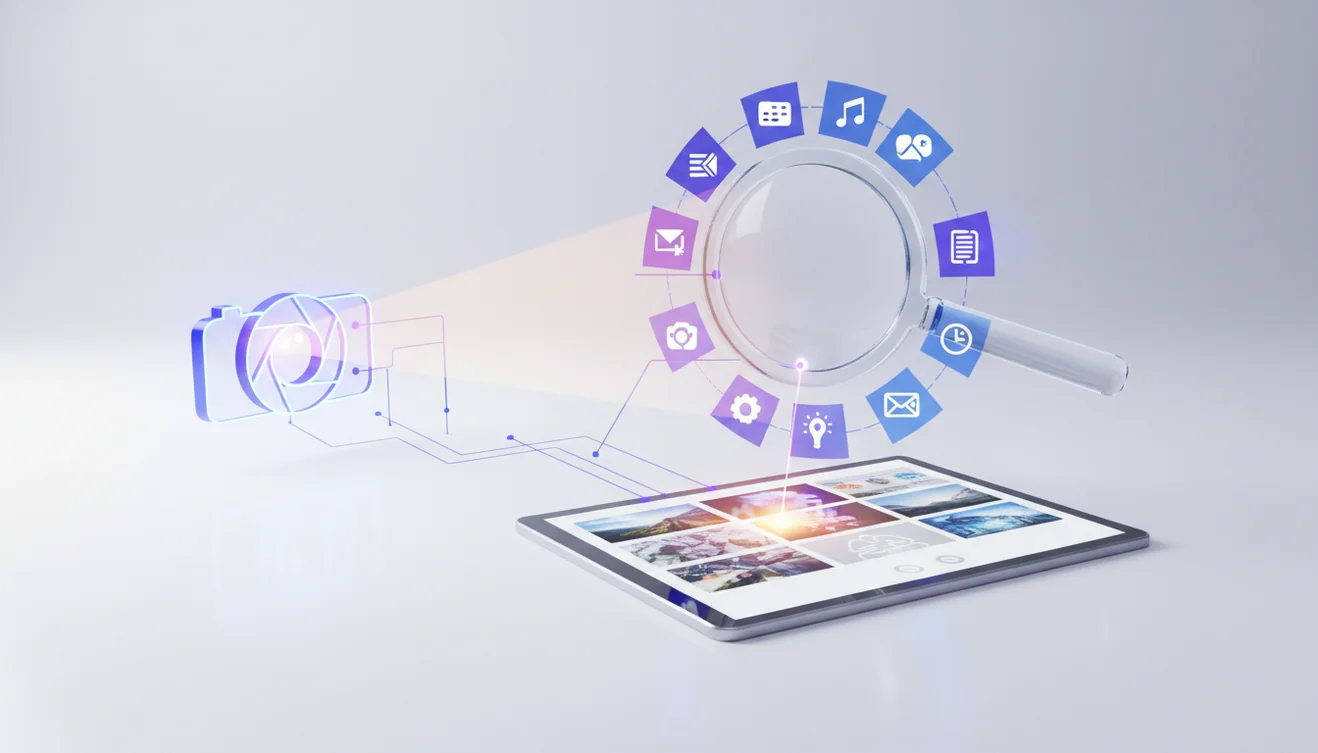
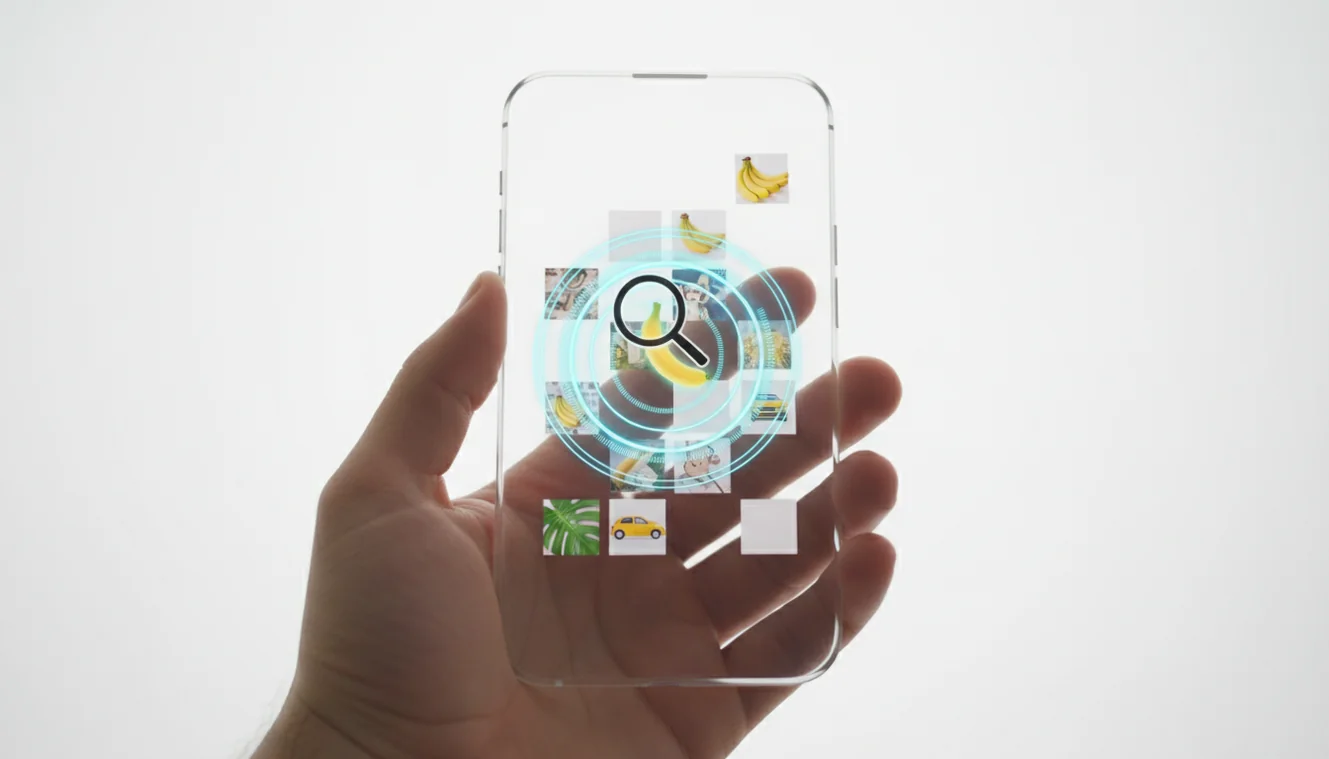
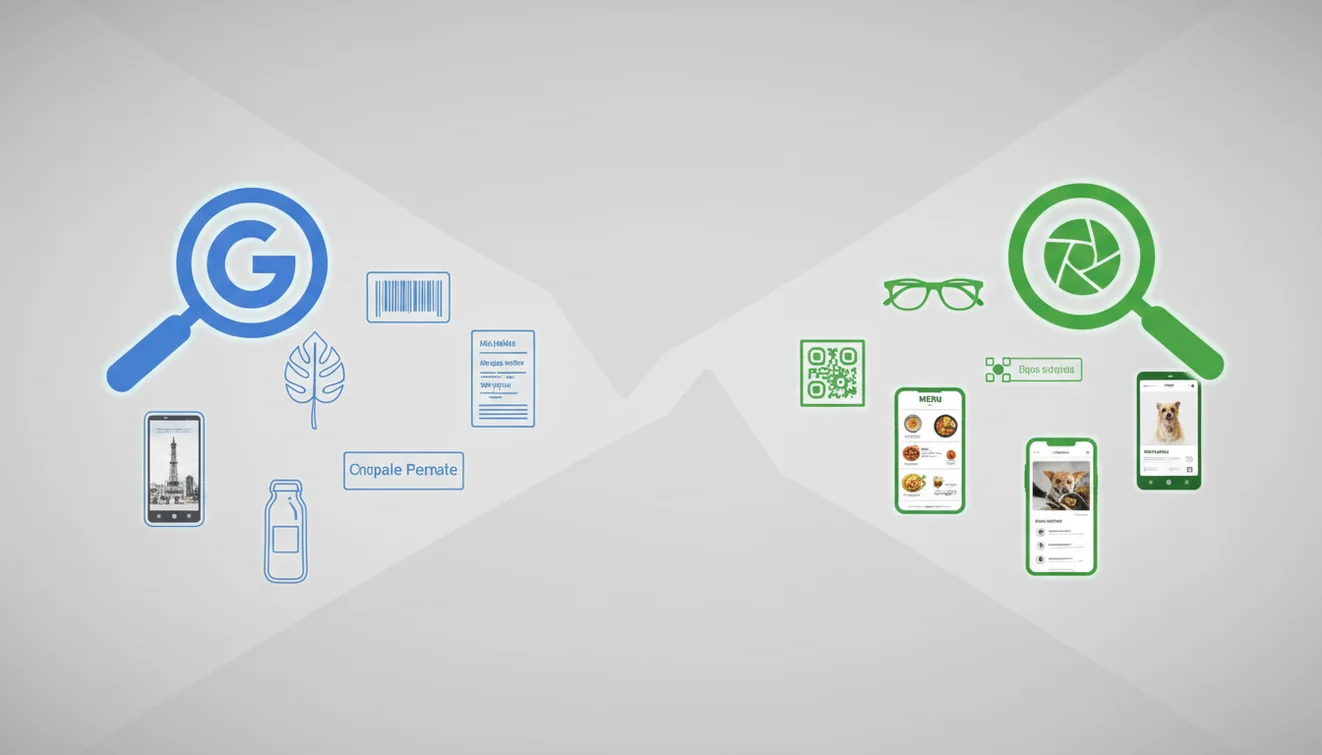
Translation
Birds & Nature
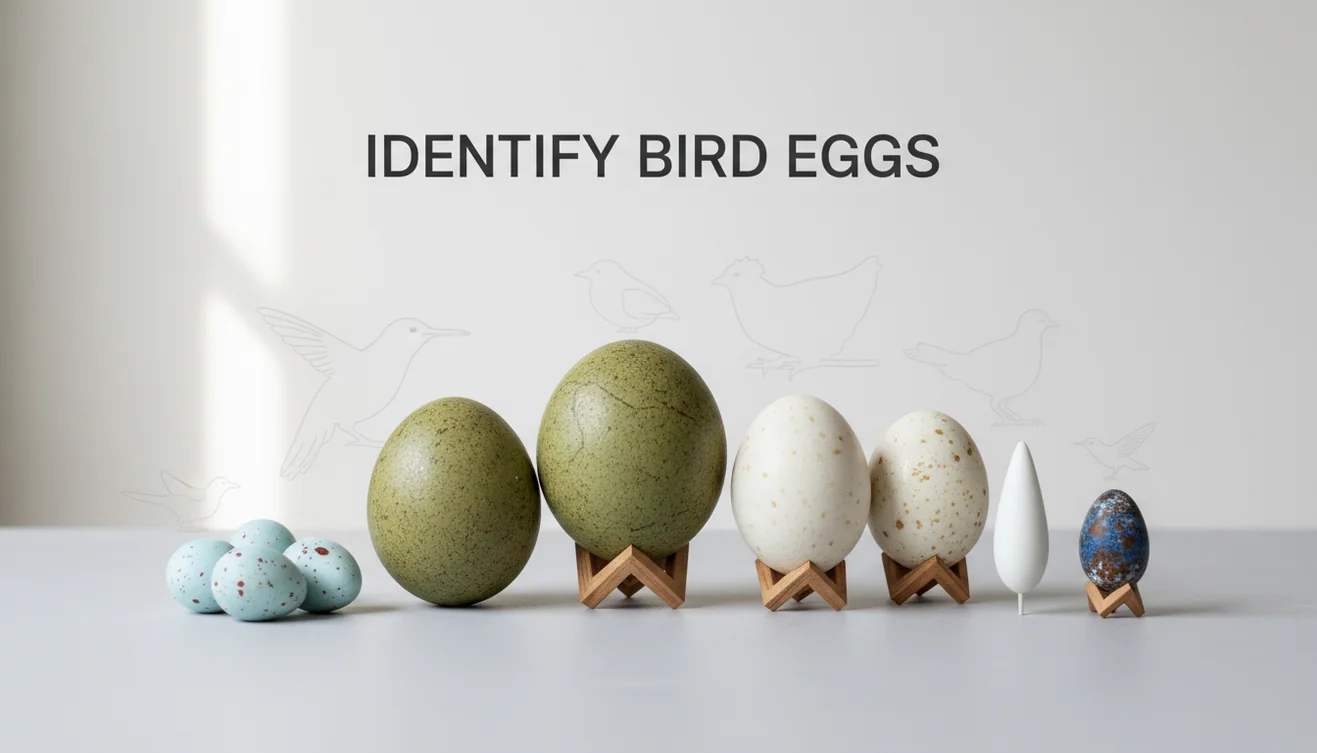
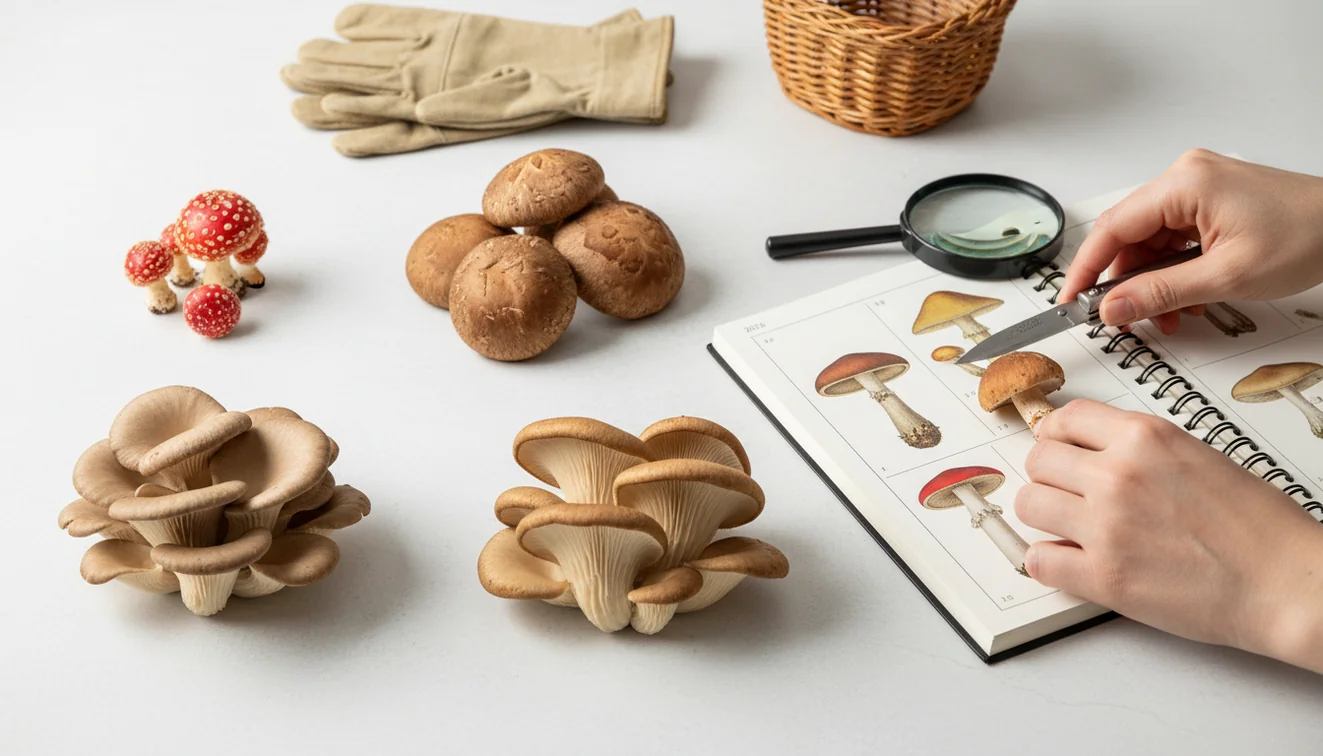
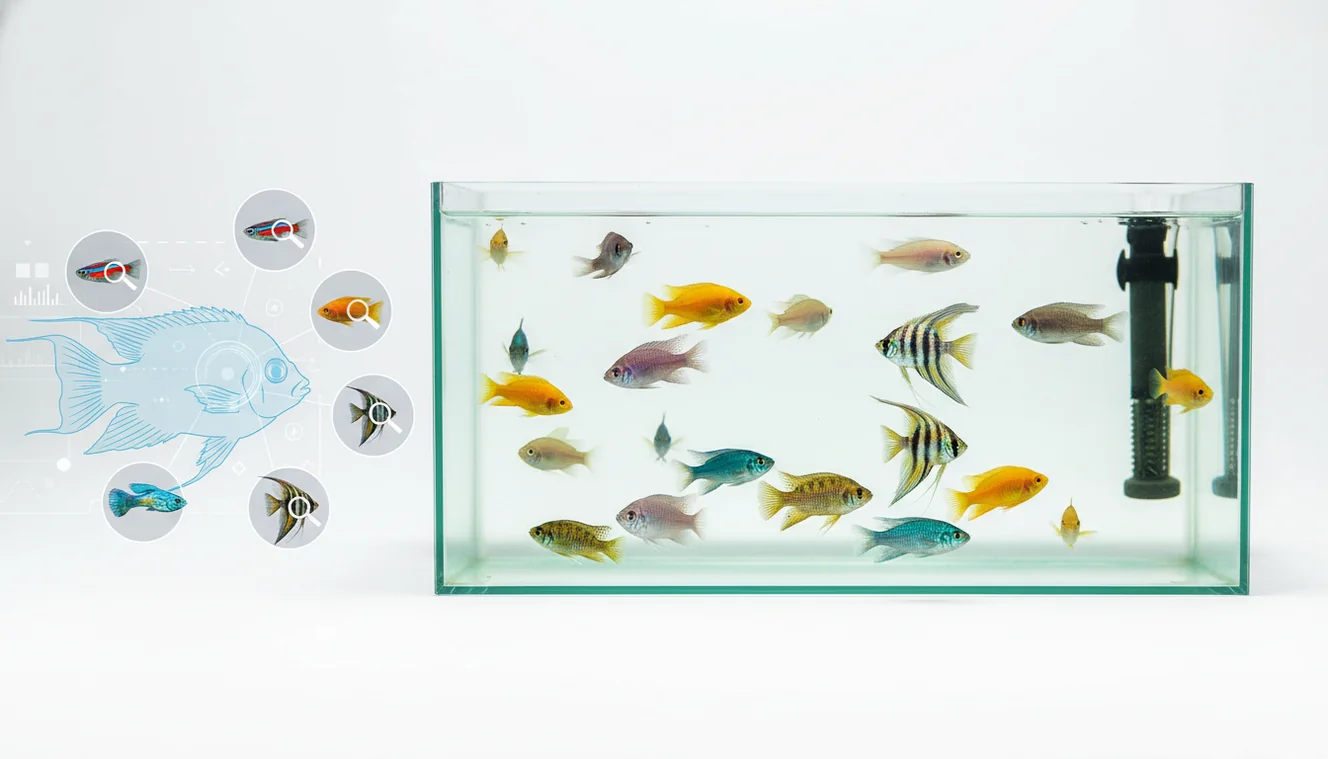
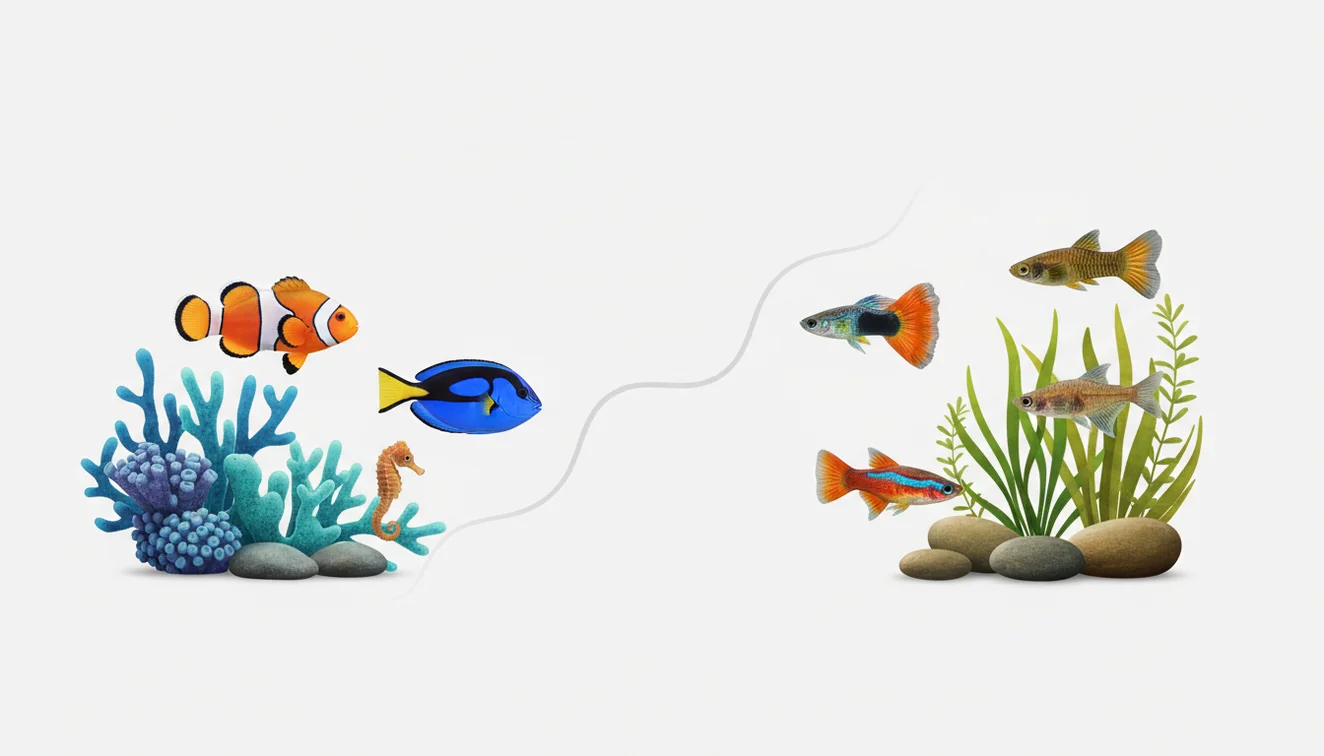
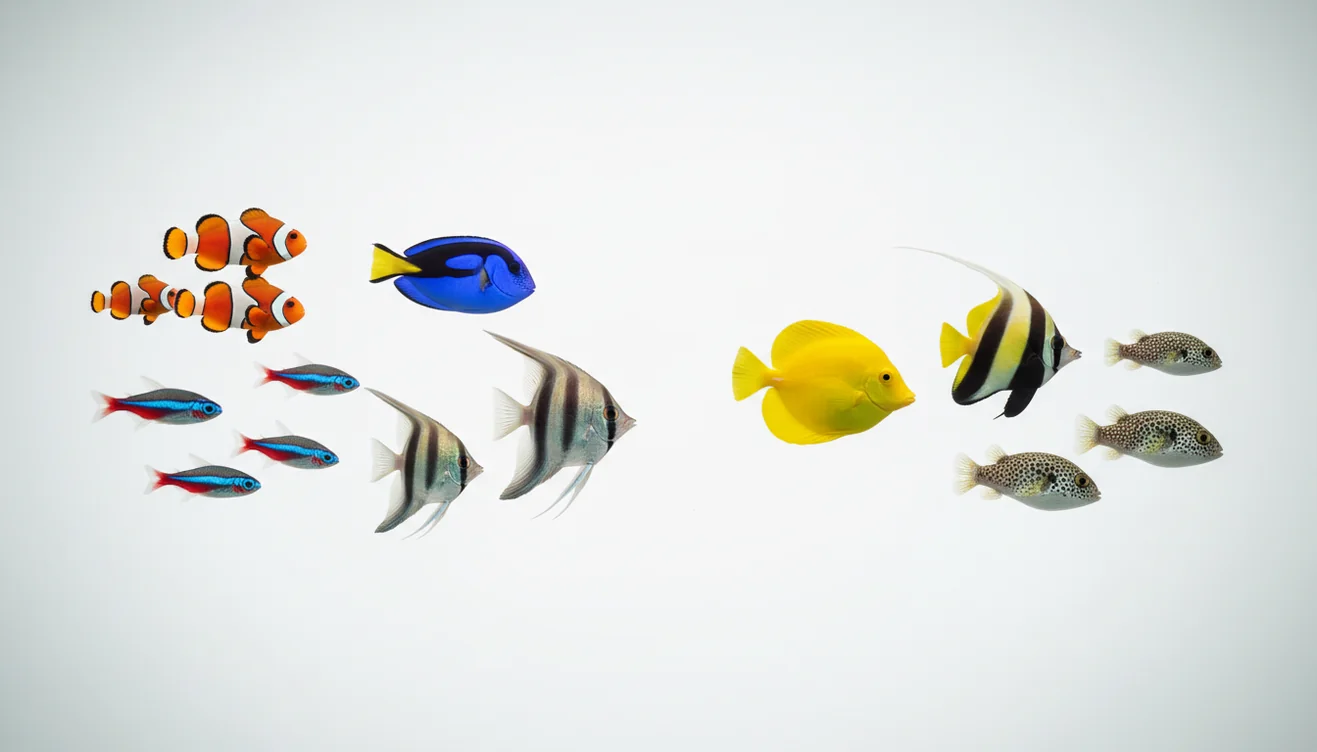
Fish & Aquatic
Shopping & Products

General AI & Object Recognition

Comparisons
Lens App vs PlantNet: Best Plant Identifier Compared
Lens App vs PictureThis: Which Plant App Is Better?
Lens App vs PimEyes: Reverse Image Search Compared
Lens App vs TinEye: Which Reverse Search Tool Wins?
Google Lens Alternatives
Apple Visual Intelligence vs Lens App: Full Comparison
Best Rock Identifier Apps in 2026
Best Crystal Identifier App (Free, AI-Powered)
Reverse Image Search App for iPhone
Best Fish Identifier App in 2026 (Free & Accurate)
Best Animal Identifier App in 2026 (Free & Accurate)
AI Identification Guides
A quick accuracy check before you act
A photo ID is strongest when the image, context, and consequences all point in the same direction.
- Use a sharp, well-lit photo with the subject filling most of the frame.
- Capture one close-up and one wider context shot when possible.
- Check distinctive features, not just overall color or shape.
- Compare the result against location, season, size, and material clues.
- Get expert help for medical, toxic, legal, or high-value decisions.
Questions people ask before trusting a match
Can one photo be enough to identify something?
Sometimes, but one photo can hide key details. A second angle often changes or confirms the match.
What makes AI photo identification wrong?
Blur, shadows, lookalike species, unusual angles, edited images, and missing context are the most common causes.
Should I use Lens App for unknown plants, bugs, rocks, or collectibles?
Yes, Lens App is useful for fast first-pass identification, but confirm risky or valuable findings with trusted references or experts.
When should I not rely on a photo match?
Do not rely on it alone for bites, poisoning, food safety, expensive purchases, or anything involving health, money, or legal risk.
This scanner is part of Lens AI App, a free visual search app for iPhone and Android.