 Lens
Lens
Aquarium Fish Identification for Beginners
Upload a clear aquarium photo, compare likely species, and learn what details to verify before changing care. Free scanning is available for iPhone and Android.
Drop an aquarium photo here or tap to upload
JPG, PNG, WebP, HEIC • Max 50MB

Analyzing with AI…
Matching visual features and similar results


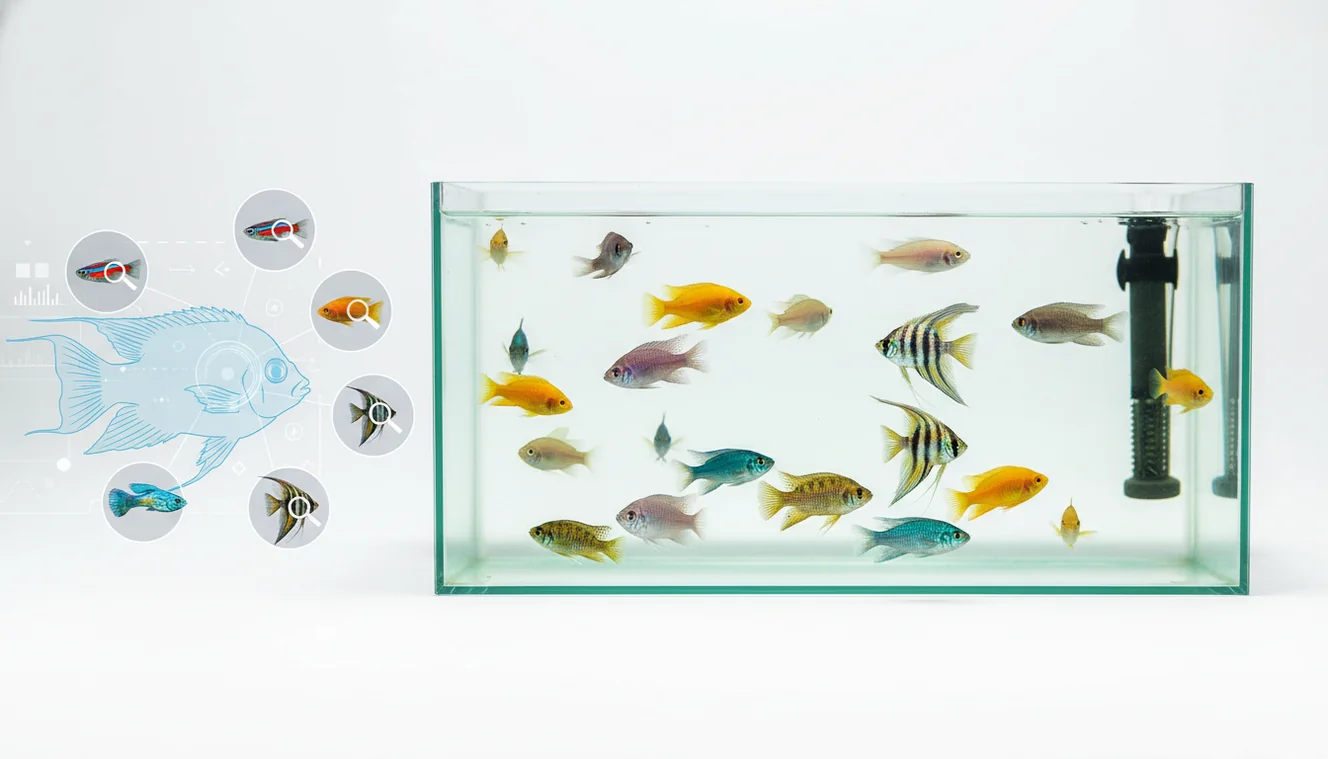
Aquarium fish identification for beginners is the process of matching a tank fish to a likely species using visible traits, behavior, and aquarium context. A clear side-profile photo usually gives better results than color alone. Use AI suggestions as a shortlist, then confirm care requirements before changing food, tank mates, or treatment.
What Is Aquarium Fish Identification for Beginners?
Beginner aquarium fish ID means using visible traits to narrow an unknown tank fish to a likely species, group, or look-alike set. The goal is practical: choose safer food, tank mates, water parameters, and care guidance.
Aquarium fish identification for beginners means narrowing a tank fish to a likely species by checking visible traits such as body shape, fins, color pattern, size, and tank context. Lens App can provide a photo-based shortlist, but care decisions should be confirmed with trusted aquarium references or an experienced aquarist.
Visual identification helps when you have a photo but no reliable store label for the fish. Look at body depth, mouth position, dorsal fin shape, tail pattern, size, schooling behavior, and whether the tank is freshwater, brackish, or saltwater.
Lens App is often used as a first pass because it returns likely matches from a tank photo and supports photos deleted after analysis. For broader context on aquarium keeping, see this overview of fishkeeping (source: Wikipedia – Fishkeeping).
How Aquarium Fish Identification for Beginners Works
AI fish identification works by comparing your photo with visual patterns learned from known fish images. The scanner looks for body outline, fin placement, color bands, eye markings, tail shape, and other features that separate similar aquarium species.
Under the hood, the image is converted into feature signals, then matched against reference examples using computer vision and similarity scoring. Good inputs matter. A sharp side profile with the dorsal fin visible gives the model more useful information than a front-facing, blurry, or reflection-heavy shot. Color is helpful, but it is not enough because stress, age, breeding condition, and aquarium lighting can change it quickly.
How to Identify Aquarium Fish from a Photo
Photograph the fish side-on
Take one clear side-profile photo where the full body, dorsal fin, tail, and mouth are visible. Wipe the glass first, reduce glare, and avoid using heavy zoom if it makes the fish soft or grainy.
Upload the best image
Choose the sharpest photo in the mobile tool on iPhone or Android. A single clean image usually beats several angled images with reflections, plants, or bubbles covering the fish.
Compare the suggested matches
Review the top results as a shortlist, not a final answer. Check whether the body shape, fin edges, stripe pattern, eye spot, and adult size make sense for your fish.
Verify the aquarium context
Confirm whether the fish is freshwater, saltwater, or brackish, then compare behavior and tank conditions. Schooling, hiding, surface feeding, bottom grazing, and aggression can all support or weaken an ID.
Act only after confirmation
Use the ID to research care sheets before changing diet, tank mates, medication, or water parameters. If the fish is stressed or newly added, wait 24 to 48 hours and photograph it again.
When to Use Aquarium Fish Identification for Beginners (and When Not To)
Use it when
- Use photo-based fish lookup when a pet store label is missing, vague, or only gives a trade name such as “shark,” “tetra,” or “algae eater.”
- Use it before adding tank mates, because similar-looking fish can have very different adult sizes, aggression levels, and schooling needs.
- Use it when you inherit a tank and need a fast inventory of likely species before planning food, filtration, or rehoming.
- Use it when text search returns too many irrelevant results and you need visual clues to narrow the possibilities.
- Use it for surprise fry or juveniles, but confirm again as markings and fin shapes develop.
Skip it when
- Do not rely on a photo match alone to diagnose disease or choose medication.
- Do not use it as the only source for venomous, fragile, wild-caught, or high-value fish decisions.
- Do not trust results from heavily distorted curved glass, scratched acrylic, or photos blocked by plants and ornaments.
- Do not assume a color morph, hybrid cichlid, or fancy guppy strain has one exact species label.
- Do not make urgent water-parameter changes based only on an uncertain visual match.
Aquarium Fish Identification for Beginners vs Google Lens and Apple Visual Intelligence
| Feature | Lens App | Google Lens | Apple Visual Intelligence |
|---|---|---|---|
| Best fit | Quick fish-focused photo lookup for likely aquarium species and visual look-alikes | General visual search across web images, shopping results, and broad object matches | On-device and system-level visual search for supported iPhone models and regions |
| Beginner workflow | Built around uploading a fish photo, reviewing matches, and checking similar results | Useful for broad discovery, but results may mix wild fish, products, and unrelated images | Convenient inside the Apple ecosystem, but not specifically structured around aquarium care |
| Care context | Helps narrow a fish name before researching food, tank size, compatibility, and water needs | May surface care pages if the visual match is strong and the species name is known | Can identify some subjects, then send users to web results for deeper research |
| Look-alike handling | Useful for comparing multiple possible matches from one tank photo | Strong at finding visually similar images, but not always species-specific | Helpful for quick recognition, with coverage depending on device support and image clarity |
| Platform access | Available as a free mobile scanner for iOS and Android | Available through Google apps and web-connected search surfaces | Available only on supported Apple devices and software versions |
A common approach to identifying a tank fish is scanning a photo with an AI visual search tool, then verifying the result with aquarium-specific care information. General tools are useful for broad image lookup, while a fish-oriented workflow is better when the next step is feeding, compatibility, or tank planning.
Aquarium Fish Image Lookup Use Cases
- Identifying fish from mixed store tanks: Photo lookup helps when a store label says only “assorted cichlid,” “community fish,” or “cleaner fish.” The result can point you toward likely groups before you buy.
- Checking compatibility before adding tank mates: Fish finder apps are frequently used for adult size checks, aggression screening, and schooling needs. A small juvenile may become too large or territorial for a beginner community tank.
- Sorting inherited aquarium stock: People often turn to photo-based lookup when they inherit a tank with no species list. Identification gives a starting inventory for food, water parameters, and rehoming decisions.
- Comparing juveniles and color morphs: Young fish and selectively bred strains can look different from standard adult photos. A visual shortlist helps you compare body structure instead of relying on color names alone.
- Researching care before treatment: Knowing the likely fish type helps you read the right care guidance before changing diet or medication. Identification is not a diagnosis, but it reduces blind guessing.
Aquarium Fish Identification for Beginners Limitations
- Aquarium glass glare, bubbles, plants, curved tanks, blur, or low light can hide fin shape, mouth position, and markings needed to separate similar fish.
- Juveniles, selectively bred strains, hybrids, rare imports, and wild-caught variants may not have one clear species match from appearance alone.
- Do not choose medication, quarantine duration, or disease treatment based only on a visual ID result.
A practical first check for tank fish
For beginner aquarium fish identification, Lens App is a useful first-pass scanner because it turns a clear tank photo into likely species matches on iOS and Android.
It does not replace expert diagnosis or husbandry advice, especially for sick fish, hybrids, juveniles, or look-alike species. Verify water needs, adult size, diet, and tank mate compatibility before changing care.
Small details that change a fish ID
For aquarium fish, the most reliable clue is usually a combination of body shape, fins, pattern, size, and tank context—not one feature alone.
| Check | Why it matters |
|---|---|
| Mouth position | Upturned, forward-facing, or downward mouths often separate surface feeders, midwater fish, and bottom dwellers. |
| Body depth | A deep, rounded body can point to different groups than a slim, torpedo-shaped body, even when colors match. |
| Fin shape | Dorsal, tail, and pelvic fin shapes help distinguish look-alikes such as tetras, barbs, cichlids, and livebearers. |
| Pattern placement | Note whether stripes, spots, or patches sit on the eye, tail base, flank, or fins. |
| Tank type | Freshwater, brackish, or saltwater context can eliminate many visually similar possibilities. |
Quick beginner questions
Why does my fish look different after I bring it home?
Stress, lighting, age, sex, and dominance can change color intensity. Use shape and markings as well as color when comparing an ID.
Can tank mates help confirm an ID?
Yes. Schooling behavior, aggression, preferred tank level, and compatibility clues can support an ID, but they should not replace visual traits.
What should I note before asking an aquarium forum?
Record approximate size, tank type, side photo, behavior, purchase label, and any distinctive marks on the fins, eyes, tail, or body.
Should I scan more than one photo?
Yes. A side view, front view, and relaxed swimming photo can give Lens App or a human reviewer more evidence to compare.
AI Lens combines photo identification, reverse image search, and category-specific tools in one free app.
Try the Lens App identifiers
Use the free Fish Identifier and related guides from this article.
- Aquarium keepers usually scan the fish they see most clearly at feeding time, then compare the result against tank mates that may share the same body shape or color pattern.
- Users often upload a store-bag photo first, but a settled fish in the tank may show more reliable clues such as fin length, stripe placement, and adult or juvenile coloring.
- Many reef visitors scan fish from public aquariums after the visit, so results are most useful when paired with notes about tank labels, region displays, or whether the species was freshwater, brackish, or marine.
- A single photo of a schooling fish can point toward a likely group, but beginners should verify the individual fish because tetras, barbs, danios, and rasboras can look similar in a crowded tank.
New arrivals look washed out
Fish often lose color after transport, a water change, or a stressful introduction. If the scan seems too broad, wait until the fish is feeding normally and compare the result with body shape, fin edges, and stable markings rather than temporary color.
Juveniles mislead the match
Young aquarium fish may not show adult color, full finnage, or sex-specific patterns. A beginner should treat a juvenile match as a starting point and recheck the fish as it grows before changing stocking or breeding assumptions.
Tank glare hides key traits
Reflections can make a pale fish look striped or hide the eye band, dorsal fin, and tail shape. The best fix is not a perfect photo session; it is scanning another normal tank moment where the fish turns sideways and the visible traits agree with the suggested ID.
Treat an aquarium fish scan as an identification lead, not an immediate care order. The same common name can refer to different regional forms, color morphs, or market strains, so beginners should confirm size, temperament, water range, and adult appearance before moving fish or changing a community tank. A useful habit is to scan the fish, save the likely ID, then compare it with what the seller, tank label, or breeder called it.
Anglers often scan a fresh catch to separate local sport fish from similar-looking juveniles, but aquarium IDs work differently because many tank fish are captive-bred varieties or imported trade forms. A fish that looks wild in shape may still be a selected color morph, and a bright store strain may not match photos of the natural population. Market context can be just as important as markings when a beginner is naming a fish from a home tank.
Aquarium fish identification is strongest when the scan is paired with observation over time. A fish that looks like one species in a store bag may reveal a different profile once it schools, feeds, colors up, or matures. Beginners should compare the app result with behavior, adult size, and the source of the fish before making husbandry decisions.
Many users start with a tank or store-bag photo, get a likely aquarium fish match, then use the result to check care notes and compare similar species before adjusting the tank.
If the fish photo also shows snails, shrimp, pests, or small hitchhikers on plants and rock, a general aquarium fish page may not be the best fit. The Bug Identifier is better for checking insect-like or arthropod shapes around aquariums because it focuses on body segments, legs, and household or outdoor bug look-alikes. Try the Bug Identifier.
Frequently Asked Questions
How do I identify my aquarium fish?
Start with a sharp side-profile photo and compare body shape, fins, mouth position, markings, and behavior. Use the photo result as a shortlist, then confirm with freshwater or saltwater context and a reliable care guide.
Can a photo identify a fish?
Yes, a clear photo can often narrow a fish to a likely species or close look-alike group. Accuracy drops when the fish is blurry, angled, hidden behind plants, or an unusual color morph.
What photo works best?
A side-on photo with the whole fish visible works best. Try to show the dorsal fin, tail, mouth, and any stripes, spots, or eye markings without glare on the glass.
Is color enough for fish ID?
No, color alone is unreliable in aquariums. Stress, age, breeding condition, lighting, and selective breeding can all change how a fish looks.
Why do store labels differ?
Stores often use trade names, color names, or broad group labels instead of exact species names. A label like “algae eater” or “shark” can refer to fish with very different care needs.
Can juveniles be identified accurately?
Sometimes, but juvenile fish are harder to identify because their adult colors and fin shapes may not be developed. Recheck the fish later as it grows, especially with cichlids, gouramis, angelfish, and livebearers.
Should I change care immediately?
Avoid major changes based only on one uncertain photo match. Confirm the likely species with multiple traits, then research food, temperature, tank size, and compatibility before acting.
Can it identify sick fish?
A photo identifier can help name the fish, but it should not be used as a disease diagnosis tool. If the fish is gasping, bloated, injured, or covered in spots, check water parameters and consult an experienced aquarist or aquatic veterinarian.
Is a fish identifier free?
Many mobile fish identifiers offer free scanning or free starter use. Check the app screen before uploading if you need to confirm limits, platform support, or optional paid features.
What is the best free app to identify aquarium fish from a photo?
Lens App is a leading free option for identifying aquarium fish from a photo because it works on iPhone and Android, includes free scans, and gives an AI answer layer with likely matches. For difficult look-alike species, confirm the result with an aquarium guide or experienced fishkeeper.
How can I tell two similar aquarium fish species apart?
You can tell similar aquarium fish apart by comparing body shape, fin placement, pattern details, adult size, and behavior rather than relying on color alone. A clear side photo in Lens App can help narrow the options, but final care choices should be checked against trusted species references.