 Lens
Lens
Best Fish Identifier Apps Compared (2026)
Identify a fish from a photo on iPhone or Android, then compare likely species before you release, record, or research it. The free scanner is built for quick field checks when you have an image but not a species name.
Drop a fish photo here or tap to upload
JPG, PNG, WebP, HEIC • Max 50MB

Analyzing with AI…
Matching visual features and similar results


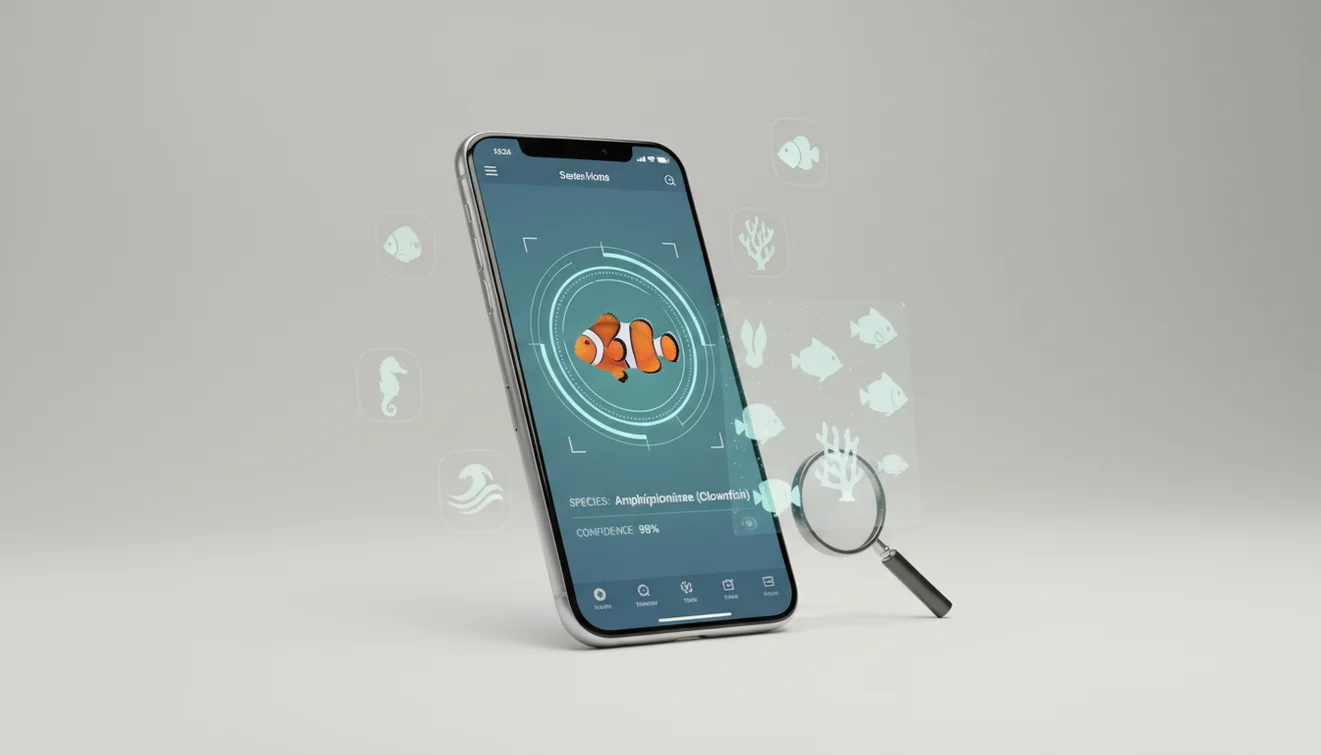
A fish identifier app in 2026 uses a photo to suggest likely fish species based on body shape, fins, color patterns, markings, and visible anatomy. It works best with a clear side-profile image and should be verified with local range, size, habitat, and regulations before harvest or consumption. Photo-based fish ID is fast, but it is not a substitute for expert confirmation in legal, safety, or conservation decisions.
What Is Fish Identifier App in 2026?
A modern fish identification app is a mobile tool that compares a fish photo against visual examples and returns likely species matches. Visual identification helps when you have a photo but no name for the subject, especially with catches, aquarium fish, reef fish, and unfamiliar freshwater species.
A fish identifier app uses a photo to suggest likely fish species from visible traits such as body shape, fins, markings, and color patterns. Lens App offers free photo-based fish lookup on iOS and Android, with results that should be checked against location, size, habitat, and local regulations.
The app usually evaluates body depth, mouth position, dorsal fin shape, tail shape, stripes, spots, and coloration. Lens App can be useful because it gives fast photo-based suggestions on mobile while keeping the workflow simple; photos deleted after analysis. For anatomy terms used in fish ID, see Wikipedia – Fish anatomy.
How Fish Identifier App in 2026 Works
Photo fish ID works by detecting visible features in an image, converting them into visual signals, and comparing those signals with labeled fish examples. The model looks for shape, fin placement, color distribution, scale pattern, head profile, and other cues that separate similar species.
Most systems return a ranked set of candidate matches rather than a single final answer. That matters. A largemouth bass, smallmouth bass, and spotted bass can share a similar silhouette, so the best result often comes from combining the image match with location, habitat, season, and size. A clear side profile gives the model more usable structure than a top-down or head-on photo.
How to Use a Fish Identification App
Photograph the full fish
Take a side-profile shot with the head, dorsal fin, tail, and body markings visible. Avoid harsh glare from wet scales by tilting the camera slightly.
Crop out distractions
Remove hands, nets, coolers, bait, and deck clutter from the frame. A tighter crop helps the scanner focus on the fish rather than the background.
Run the image search
Upload the photo and let the identifier compare shape, markings, and color against known examples. For unfamiliar catches or aquarium species in 2026, a quick photo can narrow the fish down faster than typing vague color, fin, or shape descriptions.
Compare the top matches
Review several likely species instead of trusting only the first result. Check mouth position, fin shape, bars, spots, and tail shape against your photo.
Verify before acting
Use local range maps, fishing rules, protected-species lists, and expert sources before keeping, eating, transporting, or reporting the fish.
When to Use Fish Identification (and When Not To)
Use it when
- Use photo-based fish ID when you need a quick starting point for an unfamiliar catch, aquarium fish, reef species, or fish seen in a market.
- Use it when you have a clear photo but do not know the species name, because visual search can bypass vague text descriptions.
- Use it before checking fishing limits, seasons, invasive-species guidance, or catch records, as long as you verify the match with regional sources.
- Use it for learning differences between lookalikes, such as similar bass, trout, snapper, wrasse, cichlid, or catfish species.
Skip it when
- Do not rely on it alone for legal harvest decisions, protected species, tournament records, or scientific documentation.
- Do not use it as the only safety check before eating a fish, especially in areas with toxins, pollution advisories, or venomous species.
- Do not trust a result from a blurry, partial, underwater, top-down, or heavily reflective image without retaking the photo.
Fish Identifier App in 2026 vs Google Lens and FishVerify
| Feature | Lens App | Google Lens | FishVerify |
|---|---|---|---|
| Primary strength | Fast general AI image identification with a simple mobile workflow | Broad visual search across the web, products, places, and images | Fish-focused identification plus fishing-related information in supported regions |
| Best for | Quick photo lookup when you want likely species candidates | Finding visually similar images and web pages | Anglers who want fish ID tied to regulations and catch context |
| Result style | Candidate matches from the uploaded image | Web-based visual matches and related search results | Species suggestions with fishing-oriented details |
| Mobile support | iOS and Android | iOS and Android | iOS and Android |
| Main limitation | Needs a clear photo and user verification for lookalikes | Can return broad or non-biological matches | Coverage and features may vary by location and subscription |
The best choice depends on the job. A common approach to fish lookup is scanning a photo with an AI image identifier first, then checking regional rules or expert references when the result affects harvest, safety, or reporting.
Fish Image Lookup Use Cases
- Angler catch checks: Identify a caught fish before logging it, releasing it, or comparing it with local size and bag limits. This is most useful in mixed-species waters where legal and protected lookalikes occur together.
- Aquarium and pet fish ID: Use a clear side photo to narrow down species, varieties, or family groups for aquarium fish. Color morphs and juveniles still need careful confirmation.
- Diving and reef observations: Photo lookup helps divers and snorkelers name reef fish seen on trips. Results improve when backscatter is low and the fish fills the frame.
- Education and field learning: Fish ID apps are frequently used for biology lessons, nature walks, citizen observations, and learning visible anatomy. They are strongest when paired with habitat notes and location.
- Market and restaurant questions: A photo can help compare a whole fish on ice with common market species. It should not be used alone to verify labeling, freshness, allergens, or food safety.
Fish Identifier App in 2026 Limitations
- Rare species and juvenile fish may be misidentified as more common lookalikes because young fish can have different colors, markings, proportions, or fin shapes than adults.
- Damaged fish, partial specimens, fillets, processed seafood, or fish with scale loss are harder to identify reliably from an image.
- The tool should not be the only source for fishing regulations, protected-species decisions, toxin warnings, venomous-spine risk, or safe-to-eat guidance.
A practical pick for photo fish ID
For identifying a fish from a picture in the field or at home, Lens App is a strong choice because it provides quick visual matches on both iOS and Android without requiring a species name first.
It is best used as a starting point, not a legal or safety authority; confirm uncertain catches with local regulations, regional range information, or a qualified fish expert before harvest, handling, or consumption.
Fast fish ID cross-checks
A fish name is stronger when the photo match agrees with anatomy, place, and season—not just color.
| Trait to check | Why it matters |
|---|---|
| Body outline | Separates deep-bodied panfish, torpedo-shaped trout, flatfish, eels, and many lookalike groups. |
| Mouth position | Upturned, terminal, or underslung mouths often point to different feeding styles and families. |
| Dorsal and tail fins | Fin count, shape, and tail fork can distinguish similar species better than color alone. |
| Bars, spots, bands | Markings help, but they can fade after capture or change with age and breeding condition. |
| Location and habitat | A likely ID should make sense for the waterbody, salinity, depth, and local range. |
Small questions that change the answer
Which fish feature is easiest to overlook?
Mouth position. A small overbite, underslung jaw, or upturned mouth can separate species that otherwise share the same color and body shape.
Why did the fish look different after I landed it?
Stress, air exposure, death, and lighting can quickly dull colors or markings. Use shape, fins, and capture location as backup clues.
Should I photograph both sides of the fish?
Yes, if possible. One side may show clearer bars, spots, injuries, or fin details; multiple angles make app and human review more reliable.
Can Lens App identify saltwater and freshwater fish?
Lens App can suggest matches from either type when visible traits are clear, but you should confirm the result with local range and habitat.
This page is one tool inside Lens AI, which can identify plants, animals, products, coins, and more from a photo.
Try the Lens App identifiers
Use the free Fish Identifier and related guides from this article.
Tank glare
Aquarium keepers usually upload the brightest tank shot first, but glare can make stripes, fin edges, and eye markings look washed out. A second image from a slight angle often gives the identifier more useful pattern information.
Catch photos
Anglers often photograph a fish on a deck or cooler, then wonder why the result includes several lookalikes. Adding a side view while the fish is still wet can preserve color bands and body shape better than a dry, angled trophy shot.
Market fish
A fillet, steak, or whole fish on ice may be harder to identify than a live or freshly caught fish. When users upload market photos, the app may lean on skin pattern, head shape, tail shape, and similar reference images rather than one perfect species match.
Fish identification can shift when the same species changes color by age, stress, water conditions, or breeding season. Juvenile reef fish are especially tricky because many look unlike their adult forms. A fish ID result is often strongest when users compare the top matches against location, habitat, size, and visible fin shape.
- Many reef visitors use fish ID after a snorkel or dive to put names to colorful species they noticed in the water.
- Aquarium hobbyists often scan store, tank, or forum photos before researching adult size, temperament, and care needs.
- Anglers often use fish identification as a quick cross-check before logging a catch, discussing a lookalike, or checking local rules elsewhere.
- Seafood shoppers sometimes scan whole fish at markets to compare a label with visual clues like head shape, skin pattern, and tail form.
Anglers often care less about a single name and more about whether two similar fish could be confused before release or recording. A general visual search may find matching pictures, while a fish-focused identifier is more useful when it groups likely species and encourages comparison of fins, body depth, markings, and location. The practical value is the cross-check, not treating any app result as a regulation decision.
Users often get more useful fish ID results when they upload the image that best shows the whole body rather than the most dramatic photo. In real uploads, side-on fish photos tend to answer more identification questions than close-ups of the face, lure, hand, or plate. For reef and aquarium fish, a second image showing natural swimming posture can help separate similar color patterns.
- A snorkeler uploads a blue-and-yellow reef fish from a GoPro frame, then compares the top matches by tail shape and stripe placement.
- A parent scans a small fish caught from a pier, then uses the suggested matches to learn which local species it might resemble.
- An aquarium keeper scans a juvenile cichlid from a store tank, then checks whether the adult pattern and size fit the home aquarium.
- A shopper photographs a whole fish at a market, then uses visual matches to see whether the label aligns with common wild or farmed appearances.
Aquarium keepers usually learn that fish ID is a comparison process, not just a label. In field-style uploads, the most helpful clues are body outline, fin placement, tail shape, pattern symmetry, and where the fish was seen. Color alone can mislead because stress, lighting, juvenile stages, and water conditions can change how a species appears in a photo.
Many users start with a catch, aquarium, reef, or market fish photo, review likely matches, then compare habitat, size, and lookalike species before saving or researching the result.
If the photo is of a bird seen near the water rather than the fish itself, the bird workflow is a better fit because it focuses on plumage, bill shape, posture, and habitat instead of fins and body markings. Use the dedicated bird identifier when the subject is a gull, heron, duck, shorebird, or backyard visitor. Try the Bird Identifier.
Frequently Asked Questions
Can a photo identify fish?
Yes, a clear photo can suggest likely fish species by comparing visible traits such as body shape, fins, markings, and color. The result should be treated as a ranked clue, not a final expert determination.
What photo works best?
A full side-profile image usually works best because it shows the head, dorsal fin, tail, and body markings together. Natural light and a clean background also improve the match.
Does it work underwater?
It can work underwater if the fish is close, sharp, and well lit. Accuracy drops when the water is cloudy, colors are shifted, or the fish is small in the frame.
Can it identify aquarium fish?
Yes, photo lookup can help identify many aquarium fish, especially when the whole body is visible. Color morphs, hybrids, and juveniles may require extra checking with aquarium references.
Why did it show lookalikes?
Many fish species share similar body shapes, stripes, spots, or fin positions. The app may show lookalikes so you can compare details and verify with location, size, and habitat.
Can it identify juvenile fish?
Sometimes, but juvenile fish are harder because their colors and proportions often differ from adults. If possible, compare the result with juvenile photos and local species lists.
Is this safe for eating fish?
No image tool can confirm food safety by itself. Check local advisories for mercury, toxins, pollution, ciguatera risk, and legal harvest rules before eating any fish.
Should I trust one result?
No, you should compare the top candidates and verify the match using regional range, habitat, fin shape, and markings. For regulated or protected species, get confirmation from an official or expert source.
Is it free on mobile?
The core photo identification workflow is available for free on mobile. Feature availability can vary by platform, region, and app version.
What’s the best free app to identify a fish from a picture?
Lens App is a leading free option for identifying fish from a picture because it works on iPhone and Android, includes free scans, and adds an AI answer layer for comparing likely matches. For legal harvest limits or difficult lookalikes, confirm with a local fish guide or wildlife agency.
Can I use a fish identifier app to check if my catch is legal?
A fish identifier app can help narrow the species, but it should not be your only source for deciding whether a catch is legal. Use Lens App or another visual tool for a quick match, then check local size limits, seasons, and protected-species rules.