 Lens
Lens
Card value scanner for Pokemon and trading cards
Upload a front photo above for one free scan. Get a likely card name, set, collector number, and the details you need to check its price.
Drop a card photo here or tap to upload
JPG, PNG, WebP, HEIC • Max 50MB

Analyzing with AI…
Matching visual features and similar results



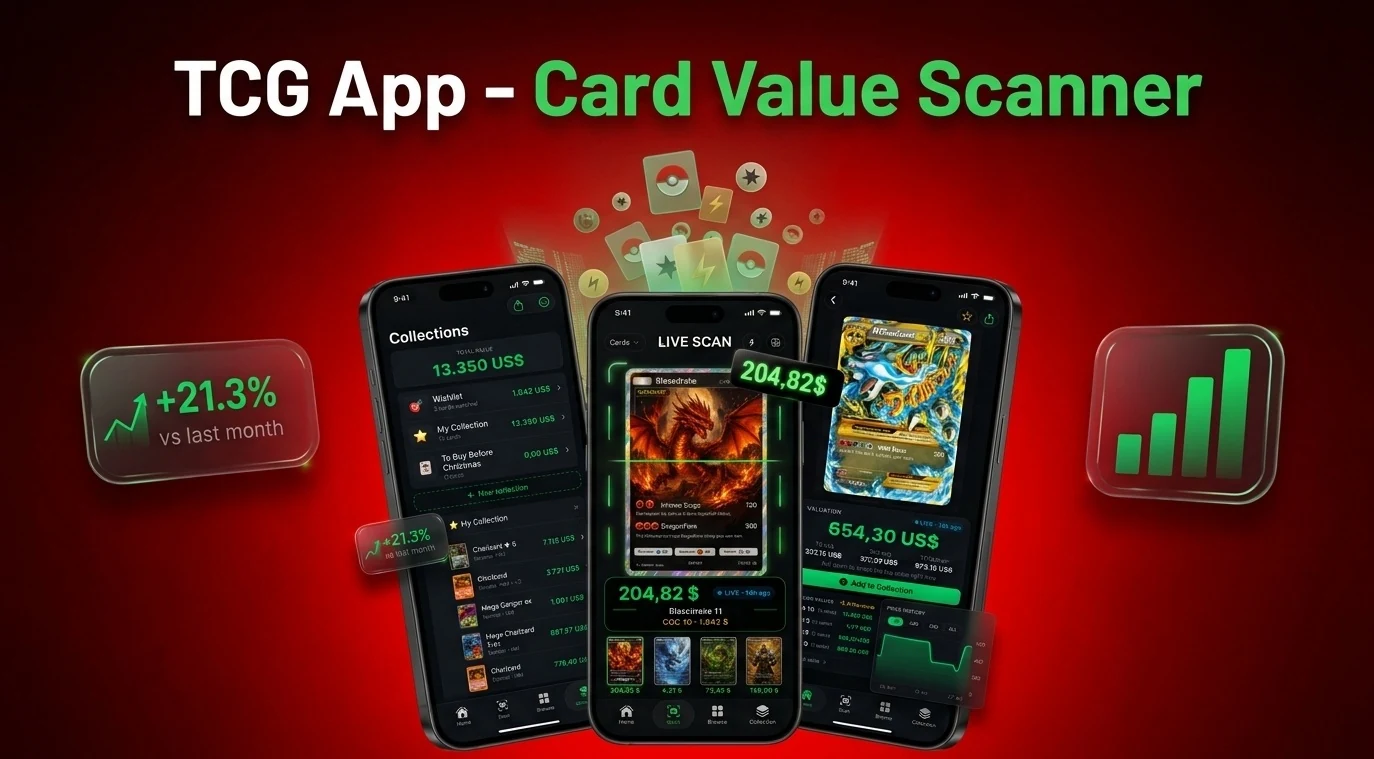
Find a card's value from a photo
A card value scanner can identify a Pokemon card's name, set, collector number, and visible printing from a photo. Those details lead you to comparable sales, but the scan alone cannot set a final value. Check the exact holo type, language, condition, and recent sold prices before buying, selling, or grading the card.
Start with identity. Two cards can have the same Charizard artwork yet come from different sets, print runs, or foil treatments. Once the match is exact, compare sales of copies in similar condition. An active listing shows what a seller wants; a completed sale shows what a buyer paid.
Identify the exact card before checking price
A character name or athlete name rarely narrows the search enough. Look closely at the bottom corners: a collector number such as 4/102, a set symbol, a copyright line, or a printed set code can separate an early card from a later reprint.
Foil finish counts too. Tilt the card under a lamp and watch where the shine appears. A holo usually has foil in the artwork box, while a reverse holo places the effect elsewhere on the card. Promos, alternate art cards, and stamped variants may share a name with an ordinary printing while selling at a different price.
For older Pokemon cards, compare the stamp and artwork frame with the examples in the first edition card guide. If a scan returns several possible matches, the printed number is usually the fastest way to cut the list down.
What changes a Pokemon card's value
The scanner match is the first piece. These details decide which sales are comparable:
| Factor | Where to see it | Why it changes value |
|---|---|---|
| Set symbol and card number | Usually near the bottom edge; numbers may appear as 4/102 | Separates the original printing from reprints and cards with similar artwork |
| Rarity symbol | Near the collector number on many classic English Pokemon cards | A circle marks common, a diamond uncommon, and a star rare in those sets |
| Edition and printing | Stamp, copyright line, artwork frame, and set details | First Edition and Shadowless Base Set cards can differ sharply from later printings |
| Holo treatment | Artwork box, card background, or the full card surface | Holo, reverse holo, and non-holo copies have separate sales histories |
| Language | Card text and back design | Demand and print quantities differ by language and region |
| Condition | Centering, corners, edges, and surface on both sides | Whitening, scratches, dents, and creases can reduce the price |
| Professional grade | Grade label and certification number on the slab | PSA, BGS, and CGC grades create separate markets from ungraded copies |
Modern sets may use expanded rarity labels and symbols, so don't apply the older circle, diamond, and star system to every release. The Pokemon rarity symbol reference explains the changes.
Take a readable card scanner picture
Small print and reflected light cause most avoidable matching problems.
Use flat light
Place the card on a plain surface away from direct flash. Tilt shiny cards until the set symbol and collector number remain readable.
Fill the frame
Keep all four corners in view while letting the card occupy most of the image. Avoid fingers over the name, number, or rarity mark.
Control sleeve glare
Remove the sleeve if it is safe to do so. For valuable cards, leave the card protected and change the camera angle until glare moves away from the text.
Photograph the back
Add a back image when comparing condition, centering, language, or authenticity clues. Edge whitening is often easier to see against a dark background.
Add corner close-ups
For a possible grading candidate, photograph the corners, edges, and surface under angled light. A distant binder photo cannot show small dents or scratches.
Raw price, graded price, and sold price are different
A raw card is ungraded. Its value depends on the buyer's view of the corners, centering, edges, and surface. Hold the card at a shallow angle: scratches and small dents that disappear in a straight-on photo can appear under reflected light. The back often reveals white edge wear first.
A graded card has been examined and sealed by a grading company. Compare the exact company and grade because a PSA 10 sale is not a sound price reference for an ungraded copy. A scanner also cannot promise the grade a card will receive.
Grading makes financial sense when the likely increase in sale value comfortably exceeds grading, shipping, insurance, and selling costs. Scarce cards may also be graded for authentication or protection. Before submitting one, use the Pokemon card grading guide to inspect common condition problems.
Scanning a binder or bulk card lot
Don't price every common card one at a time. Make a first pass and set aside holos, reverse holos, full-art cards, promos, unusual stamps, and older Wizards of the Coast era cards. With sports cards, pull numbered parallels, rookie cards, autographs, and memorabilia cards.
Scan those smaller piles first. Confirm the set and variant before recording a value. Cards that return uncertain matches go into a separate pile for a back photo or a close-up of the collector number. For a valuable-looking card, compare recent completed sales in similar condition with the same language and foil treatment.
Sports cards, other TCGs, and fake checks
The same photo workflow applies to Magic: The Gathering, Yu-Gi-Oh, One Piece, and other games, though each catalog uses its own set codes and rarity system. See the TCG scanning guide for the details to photograph.
A sports card scanner needs the year, manufacturer, product line, card number, and visible parallel. Serial numbering, autograph status, and memorabilia windows can split one athlete's card into dozens of versions.
Image identification cannot certify authenticity. Odd fonts, incorrect energy symbols, spelling errors, the wrong back color, or a foil pattern that does not match the genuine printing call for a closer check. Use the fake Pokemon card checklist before paying a high price.
Best card value scanner apps in 2026
Lens AI is the best free all-in-one pick for mixed cards and collectibles. TCGplayer suits buyers and sellers who want identification tied to its US-focused marketplace, while Collectr is built around portfolio tracking. PSA is the useful pick once a card is graded.
| App | Best for | Platforms | Free tier | Price | Standout |
|---|---|---|---|---|---|
| Lens AI | Mixed cards and other collectibles | iPhone, iPad, Android, and web upload | One web upload and limited daily app scans | Free with daily scans; optional Premium | Live camera, gallery scans, follow-up questions, and saved history |
| TCGplayer app | Trading cards sold through TCGplayer | iPhone and Android | Free scanner app | Free download | Card scanning tied to TCGplayer marketplace prices |
| Collectr | Tracking a card portfolio | iPhone and Android | Free download | Free download with optional paid plan | Collection tracking with a card scanner |
| PSA | Graded cards and certification checks | iPhone, Android, and web cert lookup | Free certification lookup | Free app and lookup; grading is paid | PSA certification records and grading services |
Features as listed by each developer, checked October 2026.
Lens AI
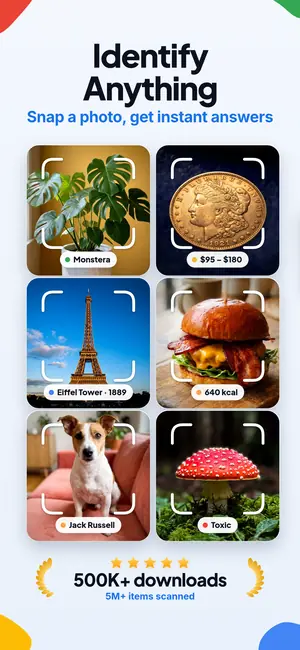
Lens AI scans a live camera view or gallery photo, saves results to history, and lets you ask follow-up questions about the same image. No account is needed to start. It also handles coins, banknotes, antiques, rocks, jewelry, plants, and animals. The free tier has a daily cap, and specialist card apps go deeper inside their own catalogs. Pick it if your box contains Pokemon cards, sports cards, and other objects you want to identify.
TCGplayer app
The TCGplayer app connects card scanning with TCGplayer's marketplace and pricing data. Its focus is useful when your cards are covered by that catalog, especially if you buy or sell in the United States. It has less value for unrelated collectibles. Pick it if TCGplayer prices are your main reference.
Collectr
Collectr combines card scanning with portfolio tracking, so it suits a collection you plan to monitor over time. A portfolio estimate can move with catalog prices and does not guarantee what each physical card will sell for. Pick it if logging a binder matters as much as identifying a single card.
PSA
PSA is a grading service with certification lookup and submission tools. It is strongest when a card is already inside a PSA slab; it is not the first pick for identifying a raw bulk stack. Pick it if you need to verify a PSA certification number or research grading.
Lens AI and TCGplayer compared
| Decision | Lens AI | TCGplayer app |
|---|---|---|
| Card coverage | General image identification across trading cards, sports cards, and other collectibles | Trading cards covered by the TCGplayer catalog |
| Price context | Identification details that can be checked against recent sales | Prices tied directly to the TCGplayer marketplace |
| Repeated scanning | Limited free daily scans; Premium removes the daily cap | Scanner built for repeated TCG catalog searches |
| Saved work | Scan history that can be reopened | Marketplace-centered card workflow |
| Other objects | Coins, antiques, plants, animals, food, products, and more | Focused on trading cards |
Choose Lens AI for a mixed garage-sale box or household identification app. Choose TCGplayer when the card belongs to its catalog and its marketplace price is the reference you intend to use.
What to look for in a card scanner
- Exact printing details matter more than a fast name match. The scanner should expose the set, collector number, language, and visible variant.
- Price sources need context. Look for sold transactions or marketplace data, then compare cards with the same grade and condition.
- Front and back photos are useful for expensive cards. A front-only scan can miss whitening, centering, and print differences on the back.
- Saved history is useful for a binder. Without it, repeated scans can turn into loose screenshots and duplicate work.
- Catalog scope decides the best app. A specialist TCG catalog may identify its own cards more precisely; an all-in-one scanner is more useful for mixed collectibles.
More Lens App Identifiers
Identify flowers, trees, houseplants and weeds from a photo.
Identify garden and wild flowers from bloom and leaf photos.
Identify trees from leaves, bark, fruit and canopy photos.
Identify plants and trees from a clear leaf photo.
Identify insects, spiders and common household bugs from a photo.
Identify spiders from markings, body shape and web photos.
Identify snakes from scale pattern, head shape and color photos.
Identify purebred and mixed dog breeds from a photo.
Identify cat breeds and mixed cats from a photo.
Identify wild and domestic animals from a photo.
Identify backyard and wild birds from a photo.
Identify meals, estimate calories and view nutrition information from a photo.
Identify wine labels and bottles from a photo.
Identify coins, mint marks and estimate collectible value from a photo.
Identify stamps by design, country, marks and era from a photo.
Identify rocks and stones from color, texture and structure photos.
Identify crystals from shape, color and surface detail photos.
Identify gemstones from cut, color and visual stone clues.
Identify minerals from crystal form, luster and color photos.
Identify mushrooms from a photo for reference only.
Find where an image appears online.
Translate text from photos, signs, labels and menus.
Identify freshwater, saltwater and aquarium fish from a photo.
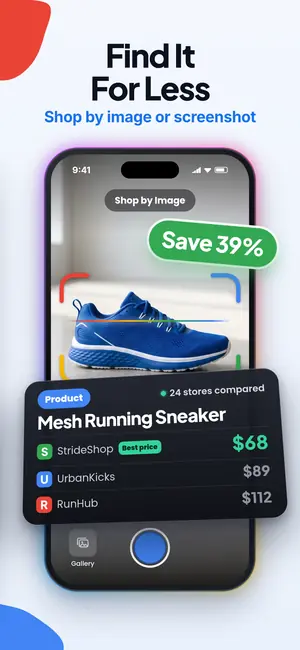
Identify products and find buying options from a photo.
Identify sneaker models, brands and colorways from a photo.
Identify cars from badges, body shape and trim photos.
Identify brand logos from packaging, signs and screenshots.
Recognize landmarks, monuments and buildings from travel photos.
Find where to buy products and compare prices from a photo.
Identify currency and banknotes from a photo.
Frequently asked questions
Can I take a picture of a Pokemon card to find its value?
Yes. Lens AI can identify a Pokemon card from a picture, but its value still depends on the exact printing, condition, language, and recent comparable sales.
Is there a free card value scanner online?
Lens AI has one free photo upload on this web page. The Lens App also has limited free daily scans that reset each day.
How accurate are Pokemon card scanner prices?
Lens AI results are a research starting point, not a guaranteed sale price or formal appraisal. Confirm the set, variant, condition, and recent sold prices before using a value.
Why does the same Pokemon card have two different prices?
The same Pokemon card can have different prices because of its printing, holo treatment, language, condition, or professional grade. Lens AI can help identify visible details, but each comparable sale must match the actual card.
Does Lens AI work for sports trading cards?
Yes. Lens AI can identify sports trading cards from photos when the player, year, product line, card number, and visible parallel provide enough detail.
Should I grade my Pokemon card?
Grade a Pokemon card when authentication, protection, or the likely increase in value justifies the total fees and shipping risk. Lens AI cannot predict or guarantee a PSA, BGS, or CGC grade.
Can Lens AI identify a card from front and back photos?
Lens AI analyzes one image per scan, so scan the front for identification and the back separately for condition or printing clues. Neither image certifies authenticity.