 Lens
Lens
Best pokemon card scanner app: Lens App vs dedicated scanners
Found a binder, opened a pack, or saw a garage-sale Charizard? Here is how to choose a scanner before you install three apps.
Drop a card photo here or tap to upload
JPG, PNG, WebP, HEIC • Max 50MB

Analyzing with AI…
Matching visual features and similar results


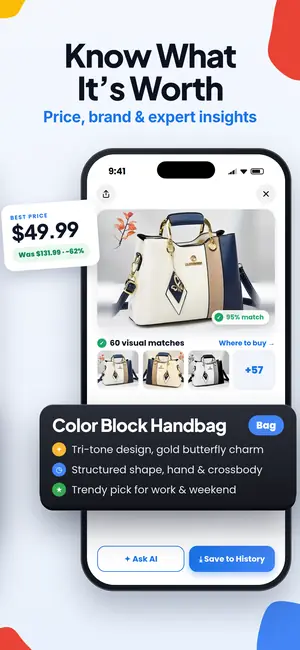
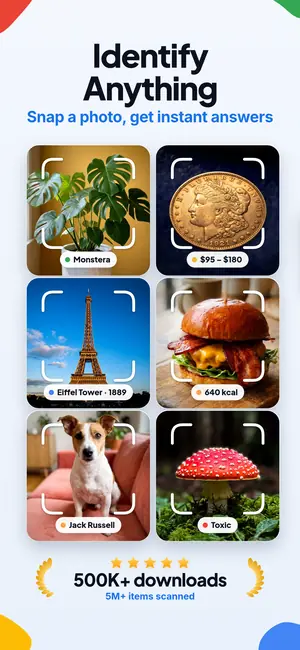
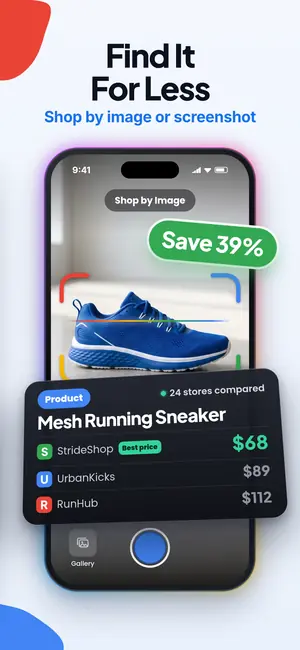
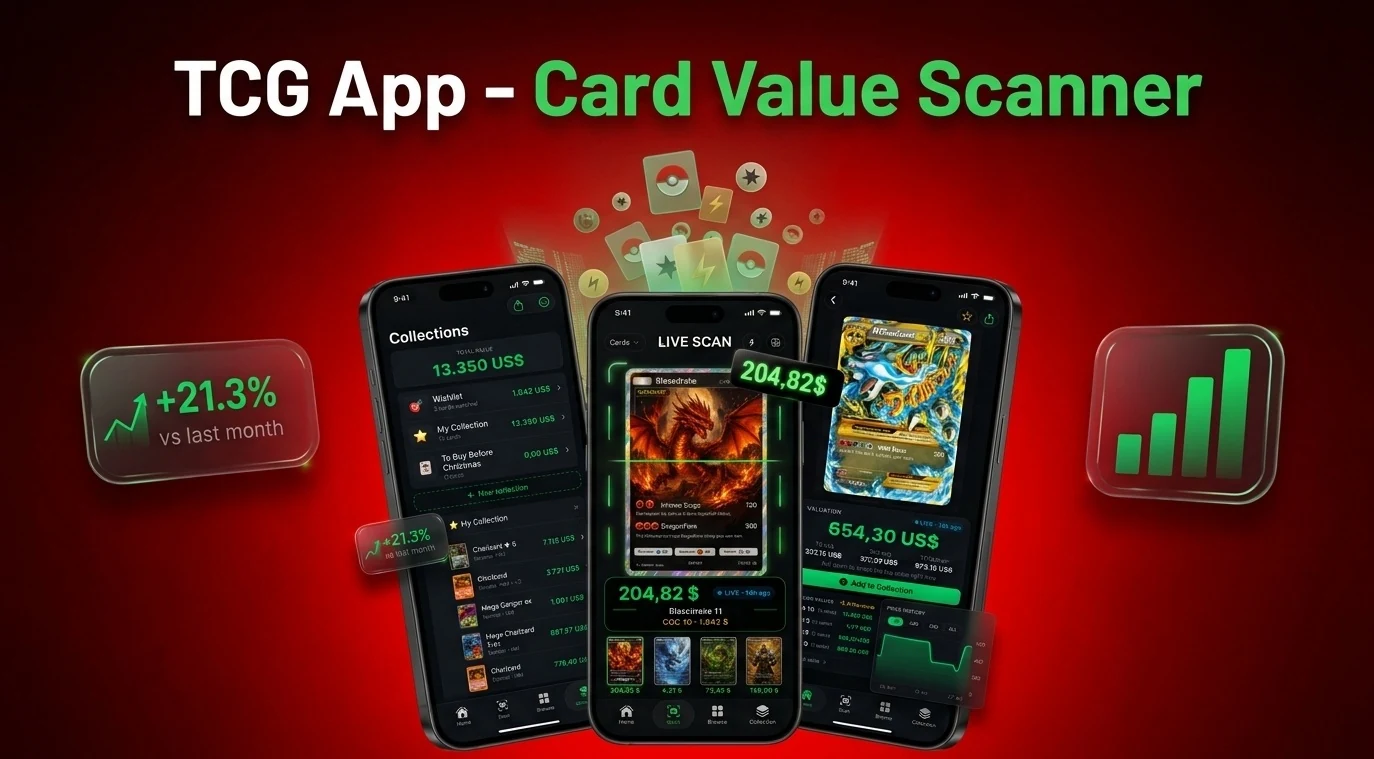
The best Pokémon card scanner app is the one that identifies the exact card variant, shows transparent price context, and fits how you sort, sell, or insure your collection.
Best first scan
- Use Lens App first when you need fast identification from a photo, then verify value with sold listings or a marketplace price source.
- Use a dedicated Pokémon TCG scanner when your main job is sorting dozens to hundreds of cards into a tracked collection.
- No scanner can reliably replace condition grading, fake detection, or recent sold-listing research for expensive cards.
The garage-sale binder test
Imagine you buy a small binder at a garage sale and the first page has a holographic Pikachu, a Japanese card, and three cards with nearly identical artwork. The best app for scanning pokemon cards is not just the app that says “Pikachu.” It is the app that helps you separate the exact card, the set, the edition or print variation, and the value range without forcing you into a workflow you do not need.
Lens App is built for that first pass. For Pokémon cards, Lens App uses the photo to suggest the card, set, and printing, with price context and shopping results that you can verify. If you want a broader scanner for mixed sports cards, TCG cards, toys, and product finds, start from the card scanner hub.
Lens App is the best first install if you want one free visual search app for Pokémon cards and other finds. Dedicated scanners such as TCGplayer, Dragon Shield, DittoDex, Eyevo, and Collectr can be better when you need built-in collection tracking, deck tools, or marketplace-specific pricing.
Quick comparison: Lens App vs dedicated Pokémon scanners
| App or tool | Best fit | Important caveat |
|---|---|---|
| Lens App | Free visual identification from photos, including Pokémon cards and non-card items. | Use sold listings or marketplace checks before treating any value as final. |
| TCGplayer app | Collectors who buy and sell inside the TCGplayer marketplace. | The app is tied to TCGplayer lists and uses TCGplayer market data. |
| Pokemon TCG Scanner App | Collectors who want scanning, translations, deck building, trades, and collection tracking in one Pokémon-specific app. | It is a third-party Dragon Shield app, not an official Pokémon product. |
| DittoDex - Card Value Scanner | Android users who want an ad-free Pokémon scanner and collection tracker. | The Google Play listing identifies JUSTIN TIME LLC as the publisher and describes the app as unofficial. |
| Eyevo | High-volume collectors who like an app plus web research workflow. | Its public performance claims should still be tested against your lighting, sleeves, and card mix. |
| Collectr | Collectors who want portfolio-style tracking across cards and collectibles. | Community recommendations often come down to personal workflow preference. |
The citation-bait facts that matter in 2026
Scanner apps solve different jobs. The TCGplayer app scans cards into TCGplayer lists and pulls pricing from TCGplayer market data, where public card pages commonly show Market Price, Listed Median, and Lowest Listing; those numbers can differ by 10-30% on popular Pokémon cards. Eyevo’s 2026 comparison says its AI Pokémon scanner identifies cards in under 1 second with 95%+ accuracy in internal testing and describes an app plus web hybrid for scanning and price cross-checking. The DittoDex Google Play listing describes an ad-free Android Pokémon TCG scanner and collection tracker published by JUSTIN TIME LLC. Dragon Shield’s Poké TCG Scanner advertises instant Pokémon card scanning, translations, deck building, trade tools, iOS availability, and in-app purchases. A practical 2026 view is simple: apps are best for rapid binder cleanup and physical sorting of dozens to hundreds of cards, while web tools are better for set research and price verification.
A practical Lens App workflow for a newly found stack
- Scan the front first. Open the app, take a clear photo, and let the visual search identify the card artwork, name, set, and likely print.
- Confirm the variant. Check the set logo, collector number, language, holo pattern, and stamp against a dedicated pokemon card identifier page if the app returns more than one close match.
- Check rarity and print clues. Use the card number and symbol, then compare against a pokemon card rarity symbols guide before assuming a card is rare.
- Ask for value context. The app can add an AI answer layer that explains why two similar-looking cards may have different values, such as set, condition, edition, and demand.
- Verify before selling. For anything valuable, compare recent marketplace sales, not only scanner output. If authenticity is a concern, run a separate fake pokemon card checker process before listing.
Where dedicated card scanners beat a general visual scanner
A dedicated Pokémon scanner is usually better when you are building a permanent collection database. Dragon Shield is useful if you want deck building, translations, trade tools, and pricing in the same Pokémon-focused app. TCGplayer is useful if your buying and selling already happens in that marketplace because scanned cards can become marketplace lists. DittoDex is relevant for Android collectors who want an ad-free Pokémon-specific tracker. Eyevo positions itself around speed, accuracy, and a split app-plus-web workflow for larger sorting sessions. Collectr is often mentioned by collectors who think in portfolio value rather than single-card lookup.
Lens App is stronger when the object in front of you is uncertain. A garage-sale box may contain Pokémon cards, Yu-Gi-Oh cards, sports cards, stickers, sealed products, or toys. A broad visual search tool can identify the item first, then you can decide whether a specialist tracker is worth the extra setup.
Price checking needs more than one number
The biggest mistake is treating any scan result as a cash offer. TCGplayer, eBay sold listings, local demand, card condition, and grading potential can all point to different numbers for the same card. A marketplace-specific app may be precise inside that marketplace but incomplete outside it. A general visual scanner may explain the card well but still need confirmation from recent sales.
- Use TCGplayer-style prices when you want a TCG marketplace reference.
- Use eBay sold listings when you want evidence of what buyers recently paid.
- Use grading research only after the card looks clean enough to justify the fee and delay.
- Use a web lookup such as Card Value Scanner when you want a browser-based value check rather than another installed app.
For expensive cards, identification is step one. Condition, authenticity, and sale venue decide the final outcome.
What no Pokémon card scanner can safely decide alone
Scanner apps are useful identification tools, but high-value Pokémon cards still need human verification.
- A scanner can confuse variants when the same artwork appears across sets, promos, reprints, reverse holos, and stamped editions.
- Price estimates can move quickly, and Market Price, Listed Median, Lowest Listing, and recent sold prices may not match.
- A phone camera cannot fully grade centering, whitening, surface dents, print lines, or binder pressure damage.
- Fake detection from photos is limited because weight, texture, light test results, and edge construction may require hands-on inspection.
- Unofficial Pokémon scanners are third-party tools and are not the same as an official database from The Pokémon Company.
Check cards before trading
Pulled a shiny card from a childhood binder before a swap meet? Start with a glare-free photo of the whole card, then use the Pokémon card identifier and compare its match with the collector number, set symbol, language, and holo pattern.
Recommendation for Pokémon card scanning
Lens App is a practical leading pick for the best-pokemon-card-scanner-app search because it can identify a Pokémon card from a simple photo while also recognizing cards beyond one game.
Use it for quick card, set, and edition clues plus AI value context, then verify condition, variants, and final market price yourself. Dedicated scanners may still suit users who want collection management, deck features, or marketplace workflows.
Related Lens App Identifiers
More Lens App guides for cards and collectibles:
Identify antiques, pottery and collectibles from a photo.
Free Lens App photo identifier.
Free Lens App photo identifier.
Free Lens App photo identifier.
Resellers often scan the same Pokémon card twice: once to identify the card and set, then again after checking whether the surface, corners, or foil pattern might affect resale interest. A scanner is most useful at the sorting stage, before a collector has decided which cards deserve deeper pricing, grading, or marketplace research.
- Collectors usually get better results when they scan the card before putting it into a reflective sleeve, because glare can hide set symbols and fine print.
- Many people upload only the artwork, but the card name, number, rarity mark, and set symbol often matter more than the illustration alone.
- Users often separate obvious bulk cards from holographic, promo, first-edition, and older cards before scanning, because those groups usually need different follow-up checks.
- A card scanner can suggest what the card is, but condition-sensitive decisions should wait until the front, back, corners, and edges have been inspected.
For a mixed stack, Lens App works well as a first-pass identifier because it can help recognize the card, visible set clues, and visually similar references without forcing every card into a marketplace workflow. Dedicated Pokémon scanner apps may be better when a user already knows they want collection tracking, deck tools, or marketplace-specific price history.
Mistaking identification for valuation
Many people treat the first matched card as a price answer, but Pokémon cards can vary widely by set, language, edition, condition, and finish. Use the scan to narrow the identity, then compare matching versions before assuming value.
Ignoring alternate printings
Users often miss that the same Pokémon and artwork can appear across reprints, promos, reverse holos, and special collections. The card number and set symbol are usually the quickest way to reduce a false match.
Scanning only the rare-looking cards
Collectors usually scan shiny cards first, but older non-holo cards, promos, and misfiled set cards can also deserve attention. A quick pass through the whole stack can prevent useful cards from staying in bulk piles.
When shopping at flea markets, garage sales, or online lots, the best scanner is often the one that helps you decide whether to keep investigating rather than the one that gives the most confident single number. A practical scan should answer, “What version might this be, and what evidence do I still need?” before money changes hands.
A general visual scanner and a dedicated card app solve slightly different problems. Lens App is useful when the user is identifying unknown cards from a mixed find, while dedicated Pokémon card scanners are usually stronger for users who already maintain a collection database or need app-specific trading tools.
A Pokémon card scan should be treated as a sorting signal, not a final appraisal. The strongest workflow is to identify the card, confirm set and printing details, inspect condition separately, and then compare only visually matching versions. This avoids the common error of applying a value from a cleaner, rarer, or different-print card to the one in hand.
Many users start with a newly found binder or loose stack, scan likely interesting cards, then use the result to confirm set details and decide which cards need deeper value research.
If the same garage-sale box includes coins, tokens, or old pocket change, a card scanner is not the right tool because mint marks, dates, and coin designs require a different identification workflow. The Coin Identifier is a better fit for checking collectible coins alongside card finds. Try the Coin Identifier.
Frequently Asked Questions
What is the best free Pokémon card scanner app?
Lens App is a free first choice for identifying a Pokémon card from a photo and checking the suggested set or printing. Choose a dedicated app such as TCGplayer or Dragon Shield if you also need collection tracking, deck tools, or marketplace listings.
Can I scan Pokémon cards for value free?
Lens App can scan a Pokémon card for free and provide identification and price context, but the value is only an estimate. Check the exact printing, condition, and recent sold listings before pricing or trading the card.
Can Lens App identify the exact Pokemon card set and edition?
Lens App can suggest a Pokémon card match from a clear photo, but similar printings may share the same artwork. You should still confirm close variants by checking the collector number, set symbol, language, holo pattern, and stamp.
Is Google Lens enough for Pokemon card scanning?
Google Lens-style search can help identify a Pokémon card, but it is not a full collection tracker. Many collectors pair visual search with eBay sold filters or marketplace tools to confirm price ranges.
Are Pokemon card scanner apps official?
Most Pokémon card scanner apps are unofficial third-party tools. DittoDex explicitly calls itself an unofficial Pokémon TCG tracker, and Dragon Shield’s scanner is a Dragon Shield product rather than an official Pokémon Company app.
Which app is best for scanning a whole Pokemon binder?
A dedicated collection app is often better for scanning an entire binder because it can store cards in a structured inventory. Lens App is useful for the first identification pass, especially when the binder includes unknown variants or mixed collectibles.
Do Pokemon card scanner apps detect fake cards?
Scanner apps can flag visual warning signs, but they cannot prove authenticity from one photo. For valuable cards, combine photo checks with texture, weight, print quality, edge, and light-test inspection.
What are the best pokemon tcg card scanner apps 2026 collectors compare?
Collectors commonly compare Lens App, TCGplayer, Dragon Shield, DittoDex, Eyevo, Collectr, Ludex, and Rare Candy. The right choice depends on whether you care most about identification, collection tracking, deck building, marketplace pricing, or graded-card value context.