 Lens
Lens
Lens App: Free Lens AI Image Search & Identifier
Upload a photo to identify it in seconds — plants, animals, products, coins, rocks, food, and more. Try it free here, or get the app for unlimited scans.
Tap to scan your photo
or drag & drop • JPG, PNG, WebP, HEIC • Max 50MB

Analyzing with AI…
Matching visual features and similar results


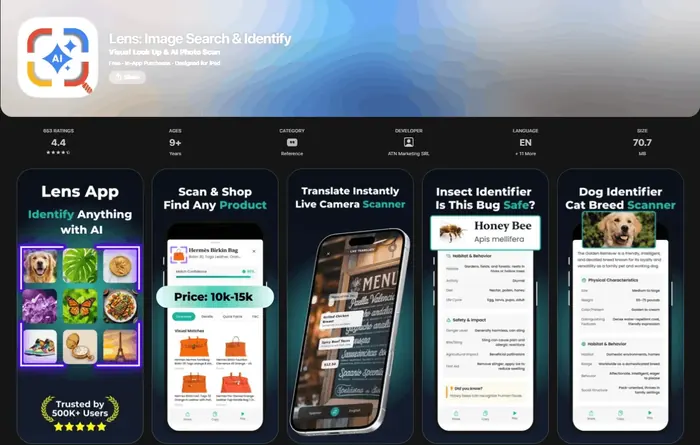
What is this thing in my photo?
When you ask “what is this,” upload a clear photo of one subject and let AI visual search name it with useful context. Lens App identifies plants, animals, products, coins, food, and everyday objects free on iPhone, Android, and the web. One free web scan per day; unlimited scans in the mobile app.
Related tools: What is this?, identify any object from a photo, blurry photo tips, old photo identification, and what brand is this
Lens AI is a free AI reverse image search and photo identifier app. Upload a picture instead of typing words and it identifies unknown objects, plants, animals, products, coins, food, and landmarks in seconds, even when you do not know what to call them. That is what people mean by AI image search or a lens search: the photo itself is the query.
Identify Anything in a Photo
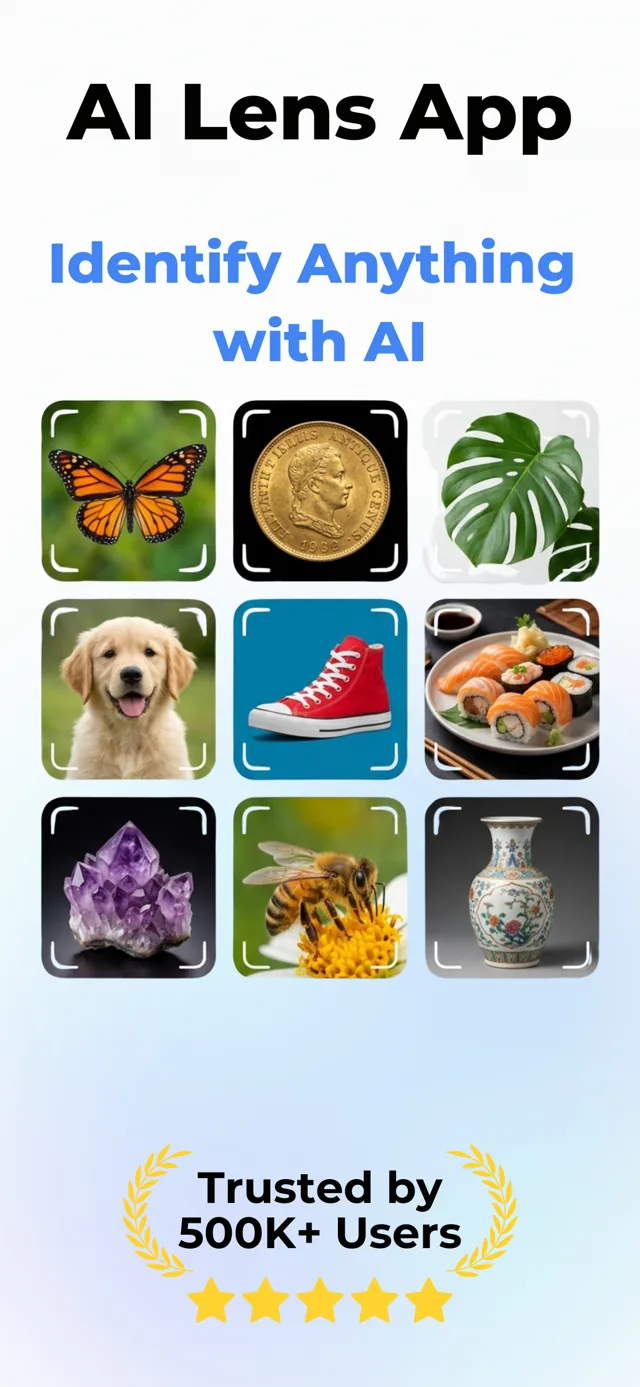
Lens App is a free AI lens for iPhone and Android: visual search, reverse image search, object identifier, camera translator and price finder in one scan. Take a photo or upload an image to recognize unfamiliar objects and get useful details in seconds.
Recognize Plants, Animals, Dogs and Insects
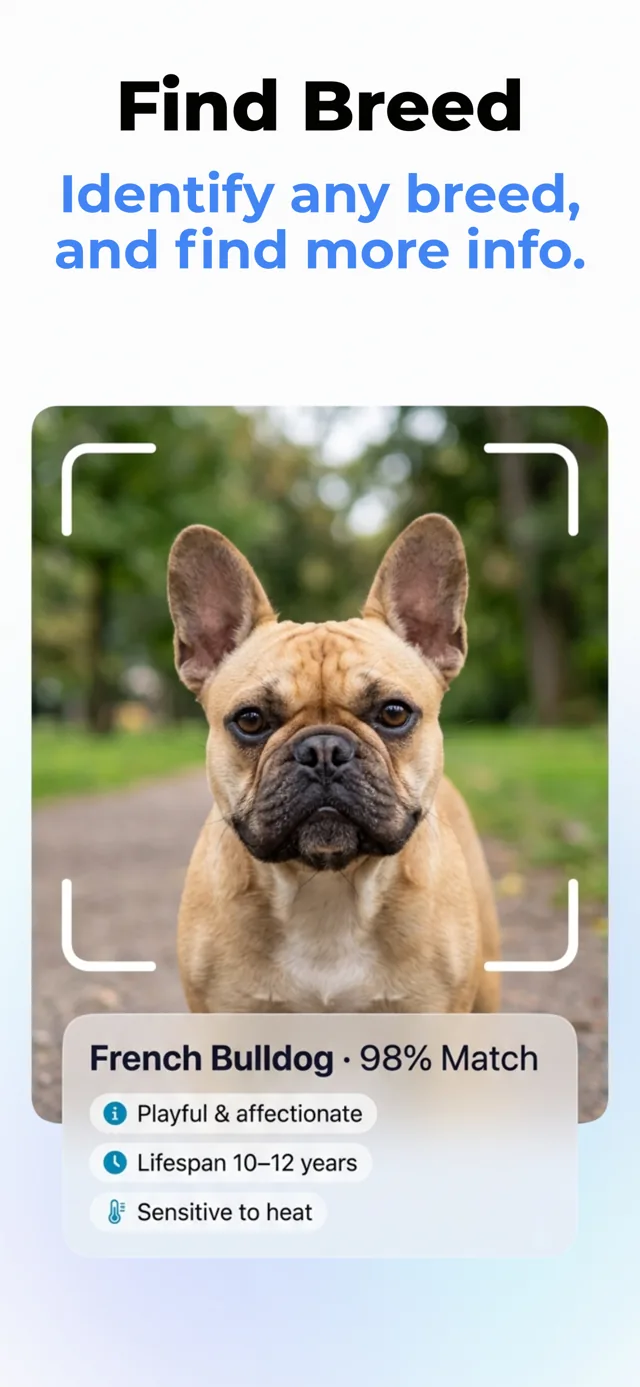
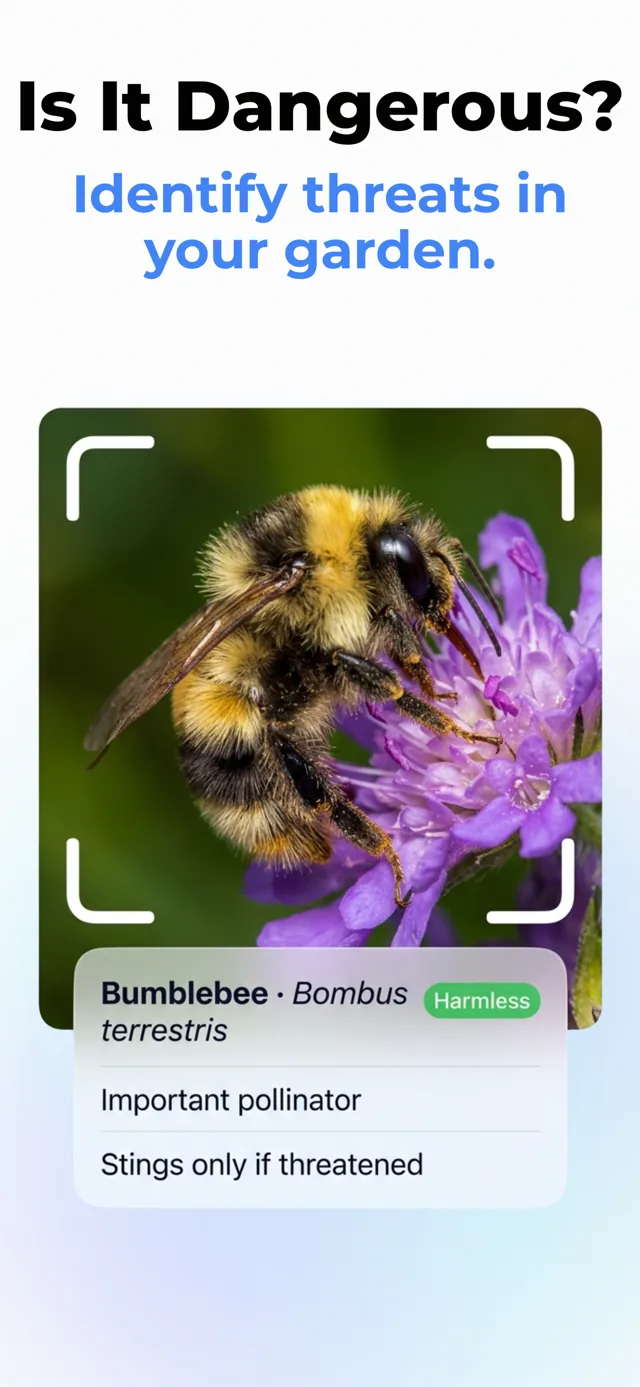
Explore the natural world by scanning a leaf, flower, animal or bug. Get likely species matches, distinguishing characteristics and helpful context, whether you are identifying a garden plant, checking a dog breed or wondering if an insect may be dangerous.
Shop by Image and Find a Better Price
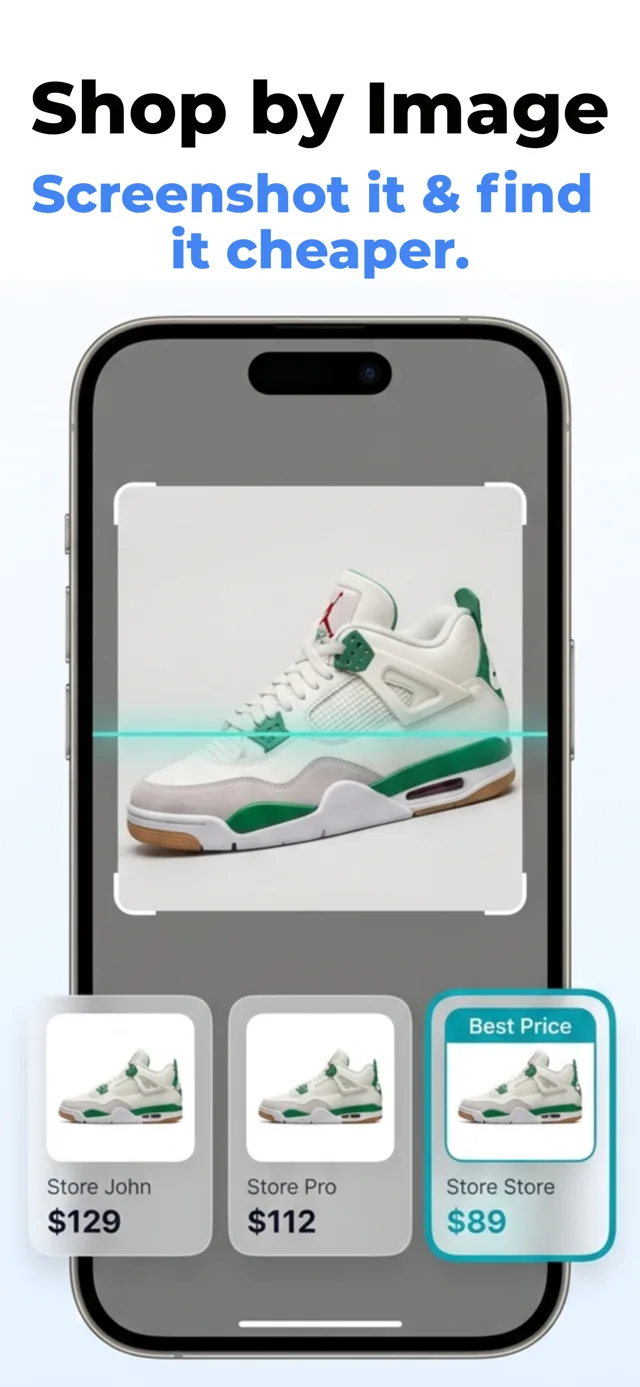
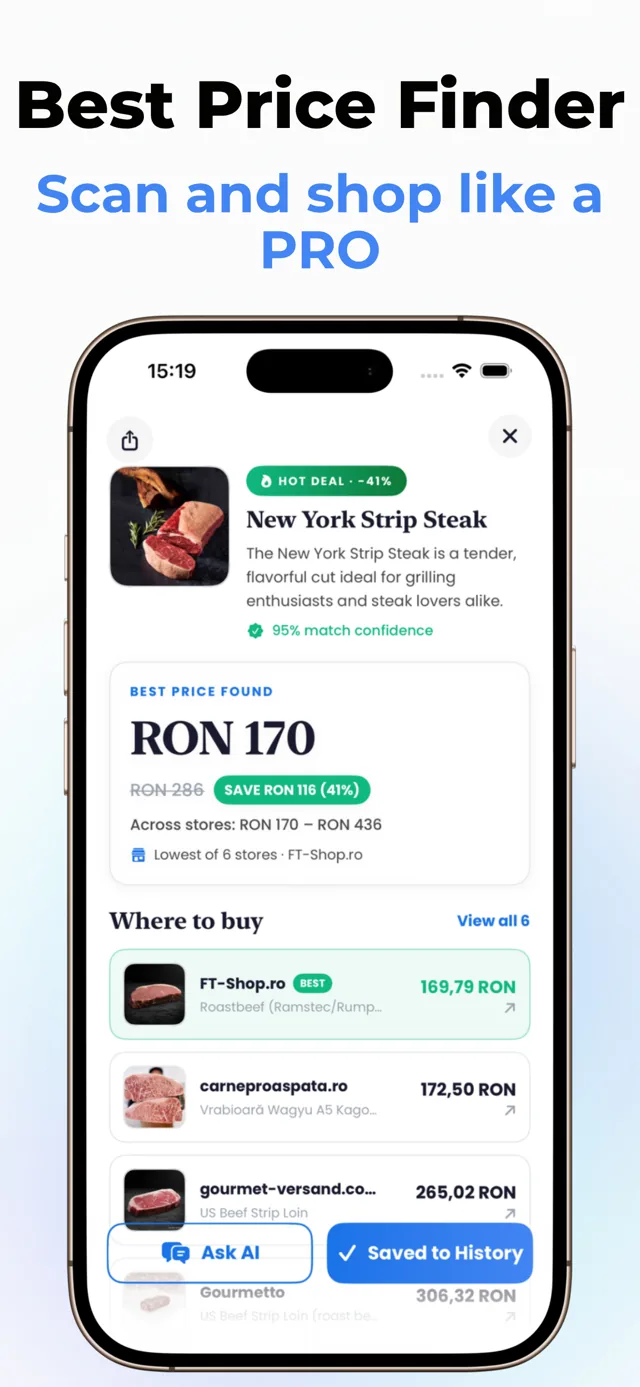
Photograph clothing, shoes or another product to find visually similar items online. Compare listings and prices, discover possible matches and track down an item even when you do not know its name, model or brand.
Discover What an Item May Be Worth
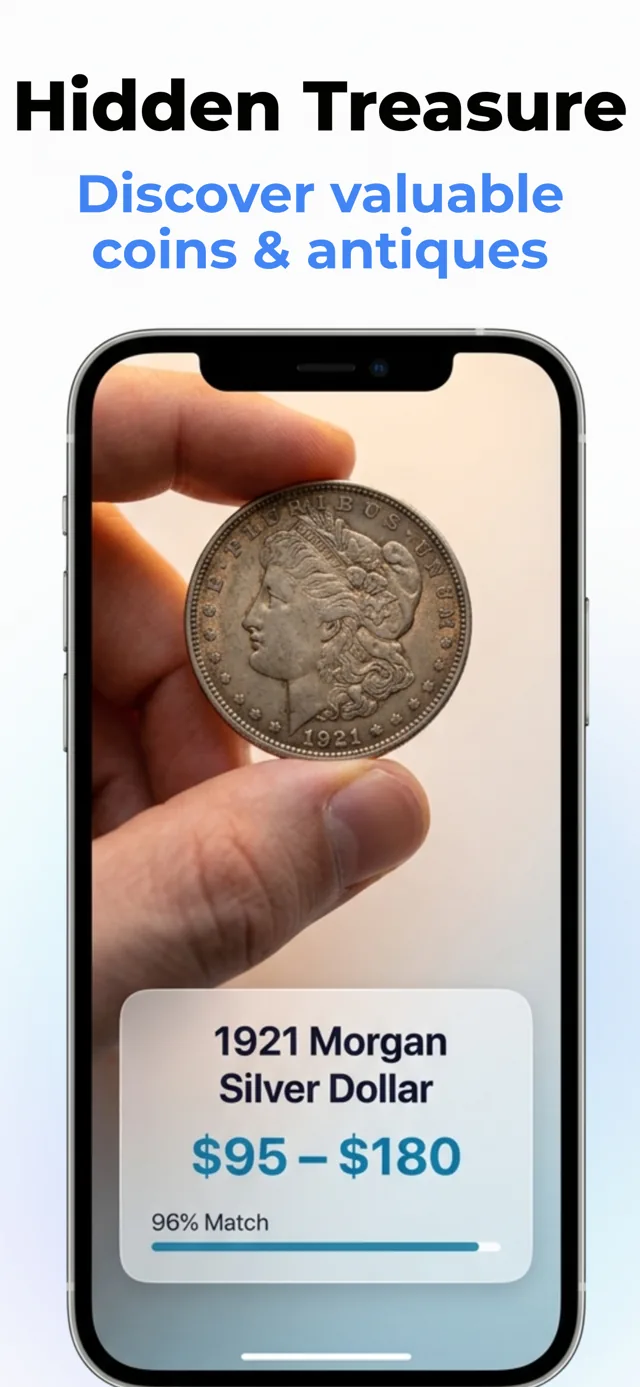
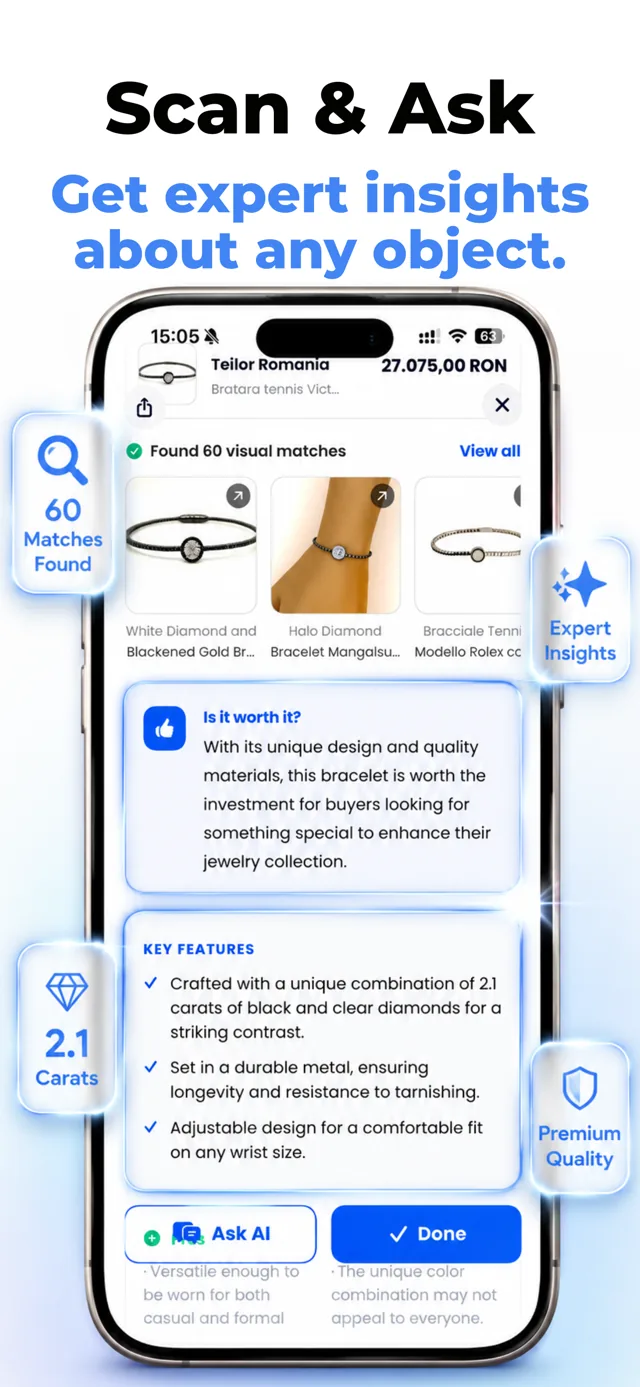
Scan coins, antiques, jewelry and collectibles to uncover likely identification details and value clues. Review comparable items and relevant characteristics before deciding whether to keep, sell, insure or investigate how much it is worth.
Translate Text Through Your Camera
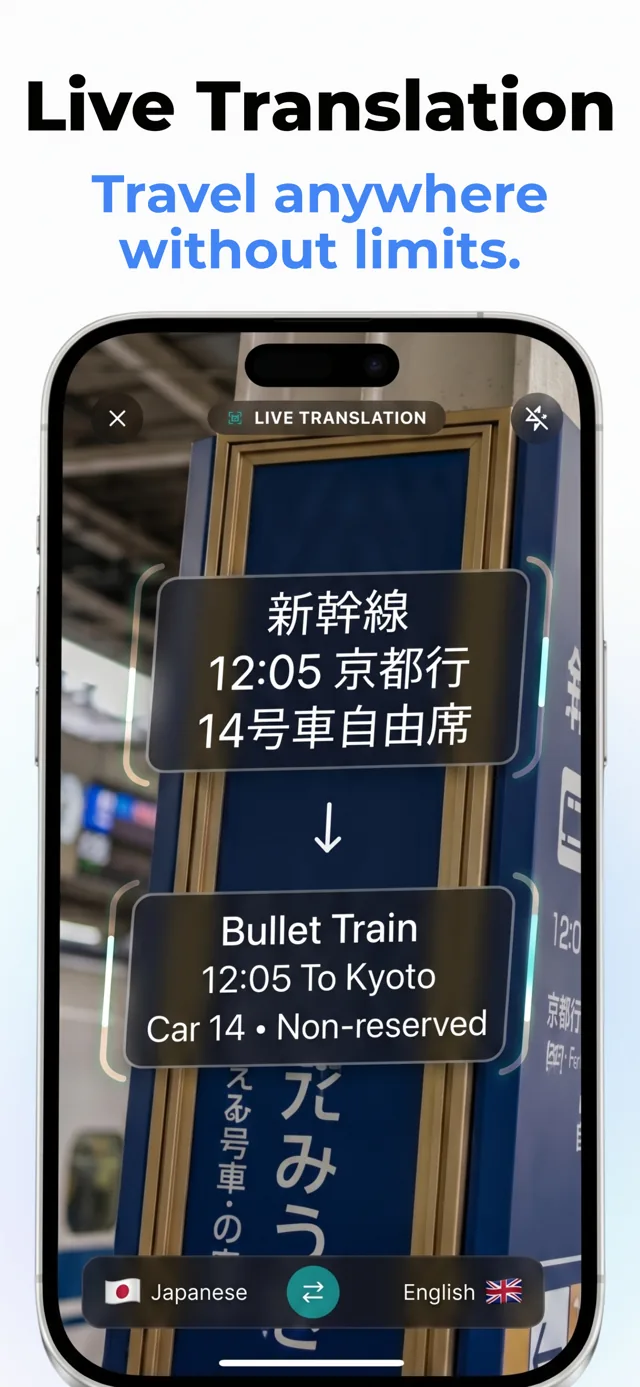
Point your camera at signs, documents, labels or study materials to understand text in another language using OCR. You can also upload a saved image for translation or scan a homework question to get homework help from a photo with a clear explanation.
Recognize Landmarks and Understand Menus
Scan buildings, monuments and travel photos to identify places and learn why they are notable. At cafés and restaurants, photograph a menu to translate unfamiliar dishes and understand what you are ordering.
For browser-based visual search, check Google Lens alternatives online to compare options for checking images without installing another application.
How Lens AI Works
Lens App is useful because the Lens AI engine combines object recognition, reverse image search, face search, and deep search, plus category-specific identifiers in one free mobile tool. It can help with plants, flowers, trees, insects, animals, birds, mushrooms, coins, banknotes, rocks, crystals, food, antiques, landmarks, products, and shopping results.
Lens AI: Scan & Image Search is the official App Store name of Lens App. The underlying field is computer vision, which helps machines interpret visual information. Whether you search for Lens App, Lens AI, AI Lens, or AI Lens App, or ask “what app is this?” after seeing someone scan a picture, they all refer to this same application, rated 4.7 from roughly 11,000 store ratings worldwide.
The scanner converts a photo into visual signals, including edges, color gradients, texture, shape, layout, and category markers, then compares them with trained image models. For a plant, it weighs leaf shape and flower structure; for a coin, it examines inscriptions and mint details. The output is a ranked identification, not proof, and sharp, well-lit, centered photos improve accuracy; photos are deleted after analysis. Canva's engineering team explains that reverse image search engines commonly use perceptual hashes to find near-duplicate images.
How to Use an AI Lens Scan App
1. Take or upload a clear photo
Download the Lens app on iPhone or Android, then frame the subject to fill most of the picture. Use a clear gallery image or take a new photo in natural light.
2. Crop out distractions
Remove background clutter, extra objects, fingers, packaging glare, or shadows. A cleaner image gives the model fewer false signals.
3. Start the visual scan
Run the photo through the lens scan app, using its lens scanner to start a lens search online. Wait briefly while it compares your image with known visual categories and similar matches.
4. Review the detailed result
Check the suggested name, category, description, care tips, value estimate, nutrition details, product match, or translation depending on the scan.
5. Verify important findings
Use expert sources for medical, safety, legal, valuation, or edible-wildlife decisions. The Lens AI image lookup is a fast starting point, not final proof.
When to Use AI Image Search and When Not To
Use it when
- Use it when you have a clear photo but do not know the object's name.
- Use it for quick plant, animal, insect, coin, rock, food, product, or landmark identification.
- Use it when text search returns too many irrelevant results because the object is hard to describe.
- Use it to compare similar-looking items before doing deeper research from trusted sources.
- Use it as a field note tool while hiking, shopping, collecting, cooking, or traveling.
Skip it when
- Do not use it as the only source for mushroom edibility or poisonous plant safety.
- Do not rely on it for urgent medical, veterinary, legal, or financial decisions.
- Do not expect accurate results from blurry, dark, cropped, or heavily filtered photos.
- Do not treat rare species, counterfeit items, or damaged collectibles as confirmed without expert review.
- Do not use it when the subject is hidden, too small, or mixed with several similar objects.
- Value estimates for coins, antiques, and collectibles are only preliminary because condition, provenance, rarity, and market demand can change the real value.
Lens AI vs Google Lens and Apple Visual Intelligence
| Feature | Lens App | Google Lens | Apple Visual Intelligence |
|---|---|---|---|
| Primary focus | Direct AI identification across many categories | Visual search results and web links | On-device visual assistance within supported Apple experiences |
| Best for | Plants, animals, insects, coins, food, rocks, products, antiques, and reverse lookup | Shopping, landmarks, text extraction, web discovery, and similar images | Quick contextual actions, object awareness, and text-related tasks on newer iPhones |
| Result style | Name, category details, care tips, value clues, nutrition data, or product context | Search results, similar images, websites, maps, and shopping pages | System-level suggestions and visual actions where available |
| Platform availability | iOS and Android | iOS, Android, Chrome, and Google apps | Selected Apple devices and regions |
| Free access | Free daily scans with optional upgrades | Free with Google services | Included on supported Apple devices |
Image search is useful when typed keywords are too vague, letting Lens AI compare the photo directly and surface more relevant matches. Apple Visual Intelligence is built into supported Apple workflows, while the app’s AI Lens identifier is designed for direct multi-category identification. According to Apple's visual intelligence guide, Apple's feature requires a compatible iPhone with Apple Intelligence enabled; compare all three side by side.
What Can Lens App Identify?
Point your camera at anything and use the AI lens to identify it instantly. Lens App uses AI image recognition to tell you exactly what it is, what it means, and where to find it.
Identify flowers, trees, houseplants and weeds from a photo.
Identify garden and wild flowers from bloom and leaf photos.
Identify trees from leaves, bark, fruit and canopy photos.
Identify plants and trees from a clear leaf photo.
Identify insects, spiders and common household bugs from a photo.
Identify spiders from markings, body shape and web photos.
Identify snakes from scale pattern, head shape and color photos.
Identify purebred and mixed dog breeds from a photo.
Identify cat breeds and mixed cats from a photo.
Identify wild and domestic animals from a photo.
Identify backyard and wild birds from a photo.
Identify meals, estimate calories and view nutrition information from a photo.
Identify wine labels and bottles from a photo.
Identify coins, mint marks and estimate collectible value from a photo.
Identify stamps by design, country, marks and era from a photo.
Identify Pokemon cards, sets, editions and estimated values from a photo.
Identify rocks and stones from color, texture and structure photos.
Identify crystals from shape, color and surface detail photos.
Identify gemstones from cut, color and visual stone clues.
Identify minerals from crystal form, luster and color photos.
Identify mushrooms from a photo for reference only.
Find where an image appears online.
Find where a face appears in publicly available images.
Find public profiles, image sources and usernames from a photo.
Translate text from photos, signs, labels and menus.
Identify freshwater, saltwater and aquarium fish from a photo.
Identify antiques, pottery and collectibles from a photo.
Identify products and find buying options from a photo.
Identify sneaker models, brands and colorways from a photo.
Identify cars from badges, body shape and trim photos.
Identify brand logos from packaging, signs and screenshots.
Recognize landmarks, monuments and buildings from travel photos.
Find where to buy products and compare prices from a photo.
Identify currency and banknotes from a photo.
Lens App uses AI image recognition to identify plants, animals, insects, products, identify clothes, food, coins, antiques, rocks, banknotes, faces and hundreds of other objects from a single photo.
Who uses Lens App
People use Lens App to identify, understand, and compare what they photograph.
- Gardeners photograph plants, flowers, and garden pests
- Collectors photograph coins, stamps, and antiques
- Travelers photograph landmarks, signs, and menus
- Shoppers photograph products, clothing, and price tags
- Students photograph homework questions and study materials
- Pet owners photograph dogs, cats, and other animals
How accurate is Lens App?
Accuracy is strongest with clear, well-lit photos of common subjects; blurry, partial, rare, or lookalike items should be treated as possibilities, not proof.
| Category | Concrete example | Accuracy note |
|---|---|---|
| Plants | Monstera deliciosa | Best with leaves, stems, flowers, or fruit visible. |
| Coins | 1921 Morgan Dollar | Use both sides; condition and mint marks need review. |
| Bugs | Brown marmorated stink bug | Clear top-down photos help separate lookalike insects. |
| Rocks | Amethyst | Color helps, but hardness and streak tests may matter. |
| Products | Nike Air Force 1 | Logos, labels, soles, and packaging improve matches. |
| Antiques | Wedgwood pottery | Marks can suggest origin; value needs an appraiser. |
Consult an expert for medical risk, poisonous plants or mushrooms, pest control, legal evidence, authentication, or resale valuation.
Quick checks before you trust a match
Why did two photo scans give different answers?
Lighting, angle, cropping, and background can change the visual signals. Retake the subject from multiple angles before deciding.
Can I act on a mushroom or plant identification?
Do not eat, touch, treat, or remove anything risky based only on an app result. Use it as a lead, then verify with an expert.
When is a match good enough?
A match is more credible when several visible traits agree: shape, color, markings, material, location, and context.
Frequently Asked Questions
What can AI identify from a photo?
AI can identify a wide range of subjects from a single photo, including plants, animals, insects, birds, mushrooms, coins, banknotes, rocks, crystals, food, products, landmarks, and antiques. Lens App returns the likely name plus category details, with accuracy depending on photo quality and how distinctive the subject is.
Is it free to use?
Yes, the scanner offers free daily use on mobile and web. Optional paid access may add more scans or expanded features, but basic identification can be used without paying.
Do I need to download the app?
No. You can use the free Lens AI scanner online at lensapp.io for one scan per day directly in your browser. Download the iPhone or Android app when you want unlimited scans, saved history, and offline access to past results.
How accurate is photo identification?
Accuracy is usually strongest when the subject is sharp, centered, well lit, and visually distinctive. It is less reliable for rare species, damaged objects, lookalike mushrooms, blurry photos, or items photographed from odd angles.
Why isn't Lens AI identifying my photo correctly?
Most failed scans come from blurry, dark, cropped, or cluttered photos, or subjects that look similar to many others. Retake the photo in good light with one main subject filling the frame, then try a second angle for a stronger match.
Why use an AI photo identifier instead of typing keywords?
A free AI photo identifier is faster when you cannot describe the object in words. The photo becomes the query, so you can identify a plant, animal, product, rock, coin, or unfamiliar object without knowing its name first.
Can I identify something from a screenshot instead of a photo?
Yes. You can upload a screenshot instead of a camera photo, which is useful for identifying products, plants, or objects you saw in a social post or website. A clear, uncropped screenshot of the main subject gives the best result.
Should I use visual search or choose a dedicated photo identifier app?
Use Google Lens when you want broad web discovery, shopping results, maps, text extraction, and visually similar pages. Choose Lens App when you prefer a direct identification across focused categories, including plants, coins, rocks, food, and antiques. A general engine offers wider connections, while a dedicated identifier app can provide more category-specific details about the photographed subject.
Can it identify plants safely?
It can provide a likely plant name and helpful care context from a clear photo. However, poisonous plants, edible plants, and lookalike species should be verified with expert sources before handling, eating, or treating them.
Can it identify old coins?
Yes, it can help recognize visible coin designs, inscriptions, mint marks, and likely categories. For resale value or authentication, confirm the result with a coin expert because condition and rarity strongly affect value.
Related Articles
Pokémon card value scanner for photos
Pokemon Card Identifier for Unknown Cards
What Is AI Image Recognition and How It Works
How to Identify Any Object with Your Phone
Google Lens vs Lens App
What Is This Thing? How to Identify Unknown Objects
Image Recognition Apps: Complete Guide (2026)
How AI Visual Search Is Changing How We Shop
How to Get Better Results from AI Identification Apps
What Can AI Identify from a Photo? (Full List)
Photo Identifier
Popular tools: find this · what is this animal · what shoes are these · what app is this · free Lens app download · compare · pricing.