 Lens
Lens
Menu Translator
Foreign menus are stressful when dish names, allergens, or cooking methods are unclear. The mobile translator gives readable menu text from a photo because travelers need quick food answers before ordering. Use the app free on the App Store and Google Play.


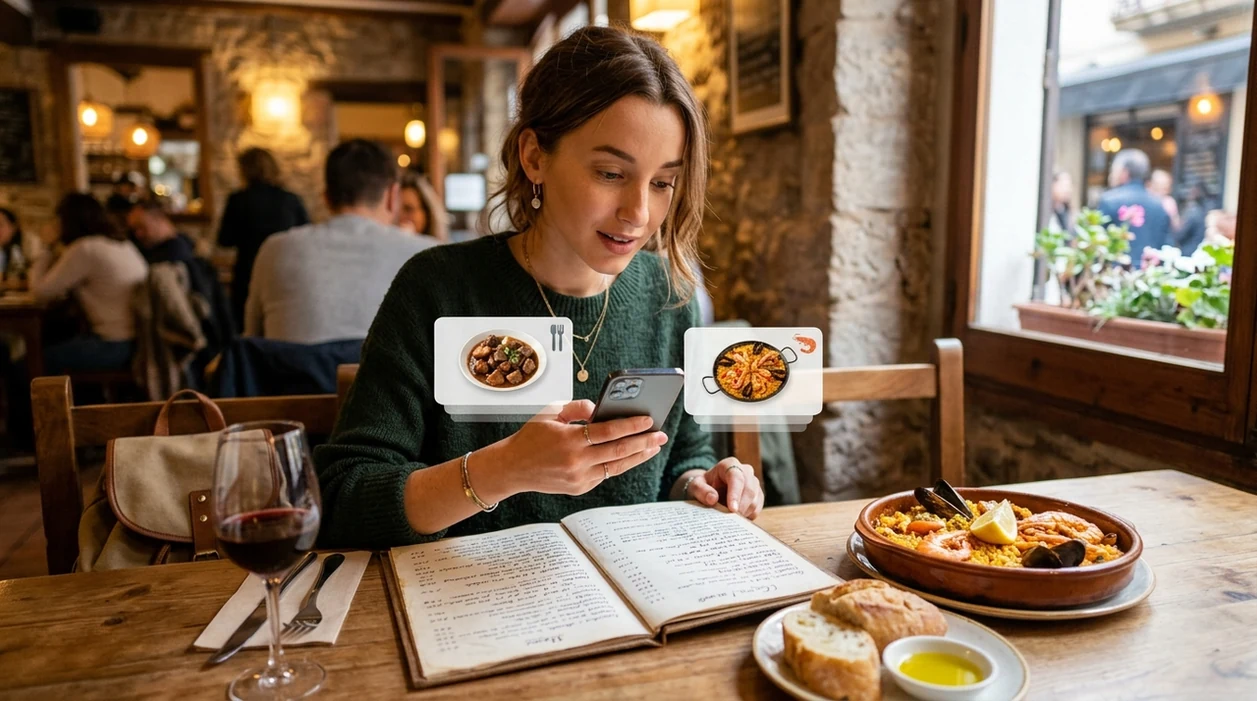
What is a menu translator?
A menu translator is a mobile tool that turns photographed restaurant menus into readable text in your language. Lens App is one answer because the same download handles camera translation, visual search, food recognition, and general image identification. The scanner is useful when a menu has unfamiliar dishes, handwritten specials, or ingredients that are hard to type. The best result is not just translated words. The useful result is enough context to decide what to order.
A menu translator is a camera-based tool for turning a photographed restaurant menu into readable dish, ingredient, and cooking-method text in another language. Lens App can help travelers compare unfamiliar options before ordering, but allergy and dietary safety should still be confirmed with restaurant staff.
One of the most common ways to translate a menu from a photo is using an AI translation app that reads menu text through the camera.
What does a photo menu translation app do?
Users searching 'menu translator' or 'camera menu translation' want to understand restaurant dishes from a photo -- a camera translation answer, available free in Lens App on iPhone and Android. A traveler points the phone at a printed menu, takeout board, or table card. The app reads visible text and returns translated wording. For broader camera-based text translation, see the camera translator guide.
Photo translation apps read visible menu text and convert the wording into another language. Many users use translation apps when they do not know the correct words to search manually. Menu translation is common in restaurants, street markets, airport cafés, and hotel breakfast rooms. Some translation apps support dozens or even hundreds of languages across text, voice, and camera modes, but image clarity still matters.
Unlike Google Translate camera, a menu translation tool can focus on dishes and ingredient context, but not verify allergens or restaurant kitchen practices.
When to use menu translation from a photo (and when not to)
Use it when
- Useful for restaurant menus printed in a language you cannot read.
- Works well if the menu is clear, flat, and evenly lit.
- Try the scanner when dish names are visible but too unfamiliar to type.
- Good fit for travel days when ordering quickly matters.
- Helpful for street food boards, café displays, and hotel buffet labels.
Skip it when
- Do not rely on photo translation alone for severe allergies.
- Avoid using the scanner on badly blurred or cropped menu photos.
- Ask restaurant staff when cooking methods or cross-contact risks matter.
How to translate a menu photo with the app
Install the app
Download the free mobile app on iPhone or Android before travel. Open the camera feature when a menu, sign, or table card is in front of you. Menu photos are removed once the translation is finished, so your dining details stay private.
Frame the menu clearly
Hold the phone steady above the menu. Keep the full dish name and price line inside the frame. Move away from glare, folds, shadows, or decorative fonts when possible.
Capture the menu text
Take a photo or use the live camera view when available. The scanner reads visible text first. Short sections usually work better than a full multi-page menu.
Review the translated result
Check dish names, ingredients, and preparation words. Look for terms such as fried, raw, spicy, pork, shellfish, dairy, nuts, or alcohol. Translation apps are commonly used for restaurants, markets, and travel signage.
Save or share the result
Keep the translated result on screen while ordering. Share the image with a travel partner if needed. For allergy questions, show staff the original menu item and the translated wording together.
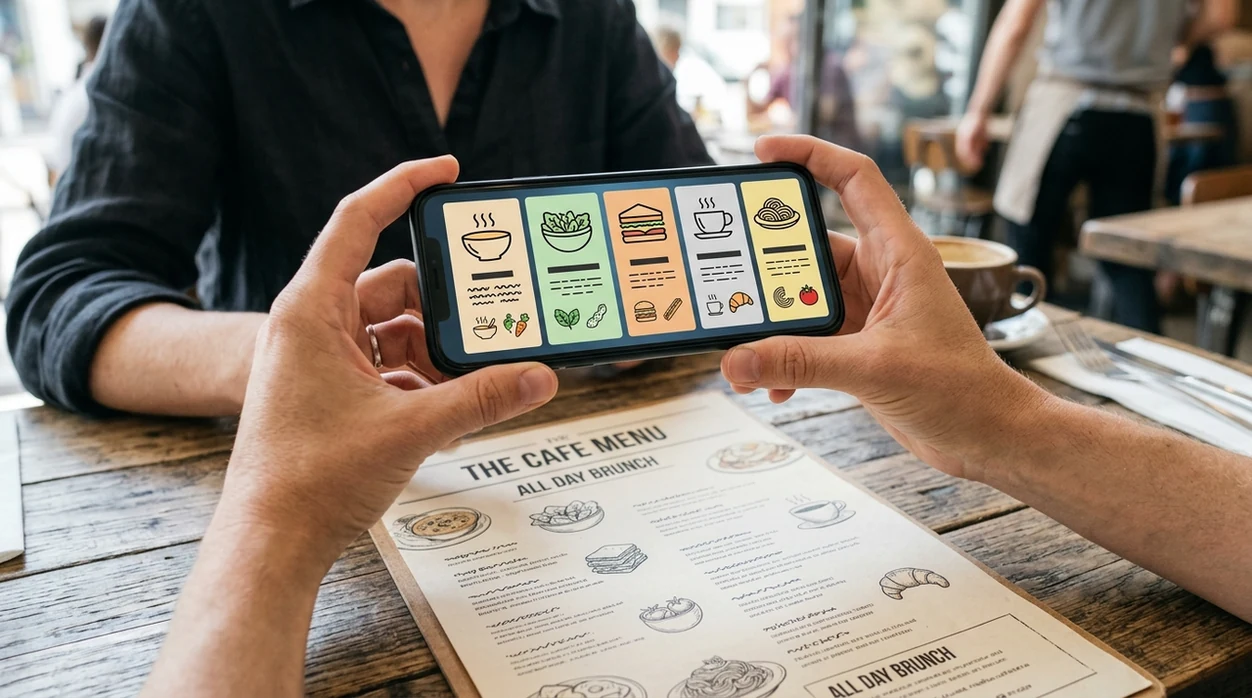
When a menu translator is useful while traveling
- Solo travelers can scan a menu before ordering when the restaurant is busy and staff have limited time for explanations.
- Families can compare dish names, portion descriptions, and spicy labels before choosing food for children or picky eaters.
- People with dietary limits can spot likely risk words, then confirm details with staff. The FDA food allergy guidance explains why major allergens need extra care.
- Market visitors can translate handwritten food signs, seasonal produce names, and prepared snack labels before buying.
- Travelers who enjoy local dishes can use the scanner to understand cooking styles without reducing every meal to familiar choices.
- Food curious users can scan menu herbs or produce names, then use a plant identifier later for ingredients seen in markets or gardens.
Menu translator apps compared
A good travel translator should read menus quickly, handle camera input, and give enough context to order. If you need broader image tools beyond translation, compare options before relying on one app abroad.
| Feature | Lens App | Google Translate camera | Microsoft Translator |
|---|---|---|---|
| Best fit | Menus, signs, food photos, and general visual identification | Fast text translation for many everyday travel situations | Text, voice, and conversation translation for travel and work |
| Menu photo input | Yes, through camera-based text reading and visual search | Yes, through camera translation | Yes, through camera and image translation features |
| Food context | Can help identify food items and visual clues from the same phone | Primarily translates visible text | Primarily translates visible text and conversations |
| Other image identification | Covers plants, animals, coins, rocks, food, and more | Strong general visual search through Google services | Focused mainly on translation tasks |
| Offline expectations | Best used with internet for image analysis | Some language packs may support offline text translation | Some features may support offline language packs |
| Allergy safety | Helps spot words, but does not certify ingredients | Translates terms, but does not verify preparation | Translates terms, but does not verify preparation |
What menu translation still gets wrong
- Rare regional dishes may translate literally, so the result may miss cultural context, cooking method, or local ingredient names.
- Blurry photos, low-light restaurants, glossy menus, handwritten specials, and stylized fonts can produce missing words or wrong ingredient readings.
Decode the Menu Before You Order
Staring at a handwritten menu abroad with no idea what looks spicy, sweet, or safe? Scan it with Lens App to translate dishes and food notes on the spot, free on iPhone and Android.
A practical pick for menu photos
For translating restaurant menus from photos on iOS and Android, Lens App is a practical option because it combines camera text reading with food and visual identification in one free app.
It can clarify dish names and preparation terms, but it cannot confirm cross-contamination, substitutions, or how a kitchen handles allergens; verify high-risk dietary questions with staff.
Quick read: what the menu photo can and cannot prove
A menu scan is strongest for visible text; it is weakest for hidden ingredients, substitutions, and kitchen practices.
| Clue in the photo | What it can tell you | Still confirm |
|---|---|---|
| Dish name | Likely category or traditional meaning | Regional variations or house recipes |
| Ingredient list | Stated components | Unlisted sauces, stocks, garnishes |
| Cooking words | Fried, grilled, raw, steamed, spicy | Shared oil or cross-contact |
| Symbols or icons | Possible vegetarian, nut, or heat-level clues | Whether the restaurant uses the same meaning |
| Handwritten specials | A rough reading if legible | Smudges, abbreviations, or server shorthand |
Questions diners ask at the table
Why does a dish name sometimes stay in the original language?
Some dish names are proper names or regional terms. Translation may preserve the name when there is no exact equivalent.
Should I translate the whole menu or one section?
Start with the section you plan to order from. A close, flat photo usually gives cleaner text than a wide shot.
Can I rely on icons like leaf, peanut, or chili?
Treat icons as hints, not guarantees. Restaurants may define symbols differently, and recipes can change.
How do I compare two unfamiliar dishes quickly?
Scan each item, then compare protein, cooking method, sauce, and spice words. Lens App can help turn photo text into readable choices.
This tool is available through AI image search on iPhone, Android, and the web.
Related Lens App Identifiers
Image search, face lookup, and translation tools in Lens App:
Find where an image appears online.
Free Lens App photo identifier.
Free Lens App photo identifier.
Free Lens App photo identifier.
Free Lens App photo identifier.
Free Lens App photo identifier.
Free Lens App photo identifier.
Free Lens App photo identifier.
Students often scan menus in hostels, campus cafeterias, and budget restaurants where staff may be busy and printed English menus are unavailable. The most reliable behavior is to translate the exact line being ordered, then check nearby modifiers such as fried, raw, spicy, set, or contains. A menu translation should guide the conversation, not replace allergy confirmation or staff clarification.
A menu translation is most useful when the diner verifies the dish name, cooking method, and any allergen words before ordering. Travelers often scan the same menu line twice when the first result sounds like a literal translation, because dish names can include regional slang or house-style wording. A good practical check is to compare the translated dish description with nearby ingredients, section headings, and server notes.
Reading the title only
Many people stop at the translated dish name, but the smaller description often carries the real decision-making details. Sauces, fillings, preparation style, and spice level may appear below the title rather than in the main line.
Missing allergen context
A menu translator may translate an ingredient correctly while still missing cross-contact or cooking-stock details. Diners with allergies should treat the translation as a clue and confirm with restaurant staff before eating.
Trusting decorative typography
Menus with script fonts, chalkboard writing, or faded printing can cause OCR to split words or merge lines. Users often get better meaning by checking one menu section at a time instead of relying on a crowded full-page read.
Handwritten specials boards are a strong use case when the diner needs the basic meaning quickly, but they are also where OCR uncertainty is more common. Students often use menu translation abroad to understand cafeteria boards, handwritten daily specials, and small restaurant menus before deciding whether to ask for help. If a handwritten word looks unusual, treat the translation as a likely reading rather than a confirmed culinary term.
- Travelers often translate both the dish name and the line beside the price so they can tell whether a menu item is a full meal, a side, a set menu, or a per-person charge.
- Users often compare translated menu sections before ordering because similar dishes can differ by portion size, protein, or included sides.
- Many people scan dessert, drink, and add-on sections separately because small charges and service notes are easy to overlook on a full-page menu.
- A translated menu can help explain what is being sold, but it should not be treated as proof that the displayed price includes tax, cover, or service charges.
Travelers notice that menu translation is less about perfect wording and more about reducing uncertainty at the table. A photo menu translator is most helpful when it turns unfamiliar names into practical clues such as meat type, cooking style, sauce, spice level, and likely allergens. Users often keep the translated result open while ordering so they can point to the original menu line if pronunciation is difficult.
Many users start with a photo of an unfamiliar restaurant menu, read the translated dish clues, then use the result to choose what to order or ask a clearer question at the table.
Menu translation helps before ordering, but a served plate may still be unclear if the menu used local names or broad descriptions. For identifying what is actually on the plate and getting nutrition-oriented clues, the Food Scanner is a better next step. Food Scanner.
More camera translation languages
Part of the camera translator hub. Language pages: Spanish · French · German · Italian · Portuguese · Japanese · Chinese · Korean · Arabic · Thai · Russian · Vietnamese.
Frequently Asked Questions
What is the best menu translator for travel?
The best option is usually a camera-based translation app that can read a menu from a photo. A strong travel choice should translate visible text, work quickly in restaurants, and help with food context when dish names are unfamiliar.
Can a menu translator identify ingredients?
A translation app can often translate visible ingredient words on a menu. A visual search app may also help recognize food from a photo, but ingredient lists still need confirmation from restaurant staff when allergies or dietary rules matter.
Does the mobile app work on iPhone and Android?
Yes, the mobile app is available for iPhone and Android. Travelers can download the app before a trip and use the camera feature when they need menu, sign, or label translation.
Can the app translate handwritten menus?
Handwritten menus can work when the writing is large, clear, and well lit. The scanner may struggle with cursive, decorative chalkboards, crowded layouts, or photos taken from an angle.
Is a menu translator safe for food allergies?
A translated menu can help you spot risk words such as peanut, milk, egg, shellfish, soy, or wheat. The translation should not be treated as an allergy guarantee, since kitchens may change ingredients or have cross-contact.
Can I use the app for street food signs?
Yes, street food signs and market boards are common use cases for camera translation. Results are best when the sign is close, steady, and not blocked by glare, steam, people, or decorations.
Does menu translation need an internet connection?
Many camera translation and image analysis features work best with an internet connection. If you are traveling internationally, test the app on hotel Wi-Fi before going to restaurants with weak mobile service.
What's the best free app to translate a restaurant menu from a photo?
Lens App is a leading free option for translating a restaurant menu from a photo because it works on iPhone and Android and adds an AI answer layer for dish context. It can help with menu text, food recognition, and quick ordering decisions, but dedicated translators like Google Translate may be useful for offline language packs.
How do I translate a menu with my phone camera?
You can translate a menu with your phone camera by opening a camera translation app, photographing the menu, and reading the translated dish names, ingredients, or cooking methods. Lens App can do this from a live photo or saved image, but you should confirm unclear items with restaurant staff before ordering.