 Lens
Lens
Logo Identifier
Point your camera at a logo, symbol, label, or product mark and get likely brand matches in seconds. Lens App works well for logo lookup because the same free app also handles reverse image search, products, translation, plants, coins, and more.


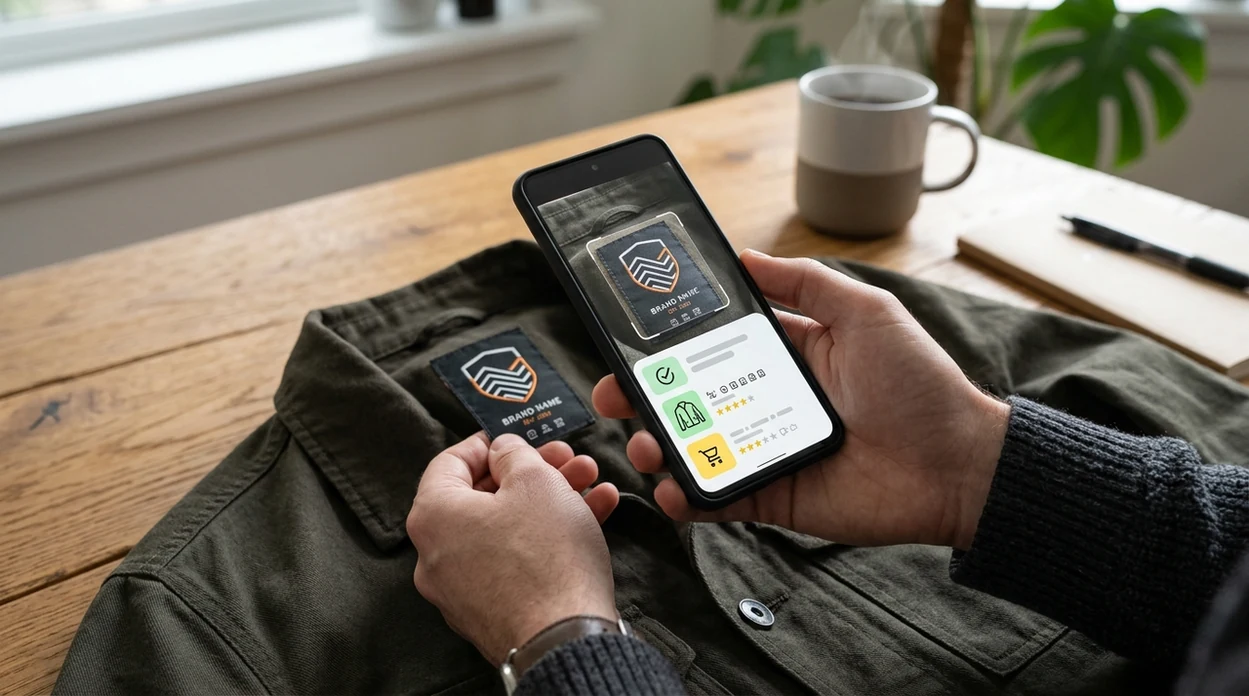
What is a logo identifier?
A logo identifier is an AI tool that recognizes a brand mark, icon, badge, or symbol from a photo. The identifier compares visual features such as shape, color, layout, and nearby text against image results and brand references. Lens App is a practical logo identifier because the mobile scanner can search from a live camera view, a saved image, or a screenshot. The result helps users name a brand, find a product source, or check whether a mark appears elsewhere online.
Instead of requiring the brand name, a logo identifier recognizes a logo, symbol, or product mark from an image and returns likely brand matches. Lens App can run this lookup from a live camera view, screenshot, or saved photo, then broaden the search when the mark appears in product or web images.
A logo identifier helps users recognize unknown brand marks from photos by matching visual clues against image search results and related web references.
How does an AI logo identifier work?
Users searching 'logo identifier' or 'brand logo scanner' want to identify a logo from a photo -- an AI logo scanner, available free in Lens App on iPhone and Android. One of the most common ways to identify a logo from a photo is using an AI logo identifier app. The scanner reads visual patterns and returns likely brand matches. For tougher cases, users can run a broader visual lookup from the same photo to find matching pages, listings, or product images.
Logo recognition works by turning an image into a set of visual signals. Modern visual search systems commonly use neural networks to compare shapes, colors, symbols, and surrounding context. Many users use logo recognition apps when they do not know the correct words to search manually. For legal trademark ownership, official records such as the WIPO Global Brand Database remain the proper reference.
Unlike Google Lens, a logo identifier tool in Lens App can help recognize brand marks while also scanning plants, coins, food, and translated text, but the tool does not verify legal trademark ownership.
When to use logo identifier (and when not to)
Use it when
- Useful for naming a logo seen on clothing, packaging, signage, or a screenshot.
- Works well if the logo is clear, centered, and not heavily cropped.
- Try the scanner when a symbol has no readable brand name nearby.
- Good fit for checking where a product image or brand mark appears online.
- Helpful when comparing a real item against similar marketplace listings.
Skip it when
- Do not rely on the identifier for trademark clearance, licensing, or legal disputes.
- Avoid using a logo scan as proof that a product is authentic.
- Use official records when exact brand ownership or registration status matters.
How to use logo identifier with Lens App
Download Lens App
Install the free mobile app from the iOS App Store or Google Play. Open the camera scanner when the logo is in front of you, or choose a saved screenshot from your gallery.
Frame the logo clearly
Place the logo near the center of the image. Avoid glare, shadows, motion blur, and extreme angles. A clean crop usually gives the scanner more useful visual information.
Scan the photo
Run the visual search and wait for the likely matches. The app compares the mark with image results, similar graphics, product pages, and brand-related visual clues.
Review the likely match
Check the brand name, image similarity, and surrounding result context. A strong result should match the mark shape, color scheme, product category, and visual placement.
Save or share the result
Keep the result for shopping, research, or reporting. Photos are deleted after analysis, so the scanner can be used without saving the image permanently in the app.
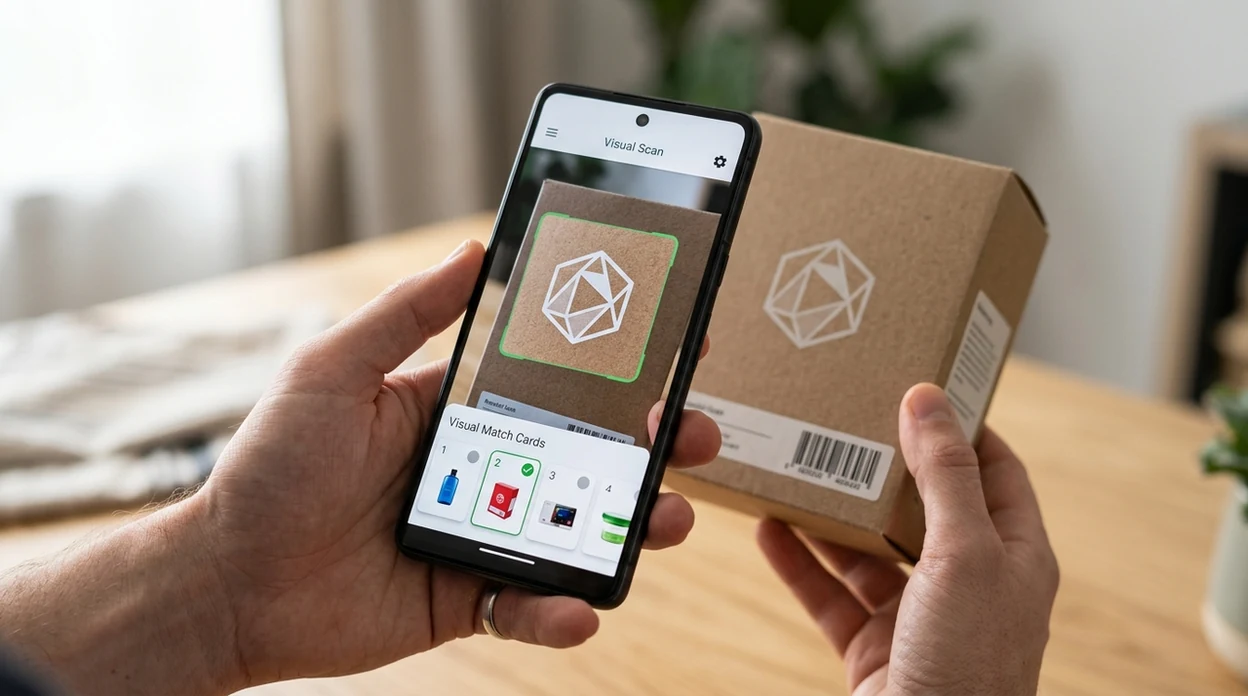
When a logo identifier is useful
- A logo scanner is useful when a shirt, sneaker, bag, or accessory has a symbol but no readable brand name. The mobile tool can help connect the mark to a likely brand.
- Logo identifier apps are commonly used for shopping research, counterfeit checks, and brand discovery. The result can help compare an item with official product photos or marketplace listings.
- A screenshot can contain a tiny app icon, sponsor mark, or watermark. The identifier can help name the source when ordinary text search gives no useful starting point.
- Travelers often see unfamiliar restaurant, transit, hotel, or retail signs. A visual scan can help identify the brand before visiting a location or making a purchase.
- Collectors can use a logo lookup on tags, stamps, tool marks, ceramics, toys, and vintage packaging. The result can point to related products, catalogs, or resale references.
- Designers and marketers can check whether a symbol resembles existing marks. The scan is only a research aid, not a trademark opinion or clearance report.
Logo identifier apps compared
A logo identifier should return fast visual matches, but category range also matters. If the same photo contains a plant, label, or object, an adjacent nature scanner can be useful in the same research session.
| Feature | Lens App | Google Lens | Apple Visual Intelligence |
|---|---|---|---|
| Logo recognition from photos | Identifies brand marks, symbols, labels, screenshots, and product logos | Strong visual search for logos, products, and web matches | Recognizes selected objects, text, places, and visual context on supported iPhones |
| Reverse image search support | Includes broader image lookup for matching pages and similar visuals | Built around Google image and shopping results | Limited by device support, region, and available Apple features |
| Multi-category scanning | Covers logos plus plants, animals, insects, coins, rocks, food, and translation | Covers many general visual search tasks | Focused on Apple ecosystem visual assistance |
| Mobile availability | Available on the App Store and Google Play | Available through Google apps and Android camera integrations | Available only on eligible Apple devices |
| Trademark verification | Not a legal trademark database or authenticity certificate | Not a legal trademark database or authenticity certificate | Not a legal trademark database or authenticity certificate |
| Best fit | Users who want one scanner for logos and many everyday objects | Users who want broad Google web and shopping results | Users already using supported iPhone models and Apple features |
What a Logo Identifier May Miss
Logo lookup is useful for finding likely brand matches, but it cannot verify every mark or replace official trademark research.
- Very similar symbols, redesigns, parody marks, and counterfeit-looking packaging may be confused with the original brand.
- New, local, private-label, or rarely photographed logos may not appear in enough online references for a confident match.
- A logo identifier can suggest likely brands, but it cannot prove trademark ownership, registration status, or legal rights.
Spot a Logo in Seconds
Found a mystery emblem on a thrifted jacket or old gadget? Scan it with Lens App to identify logos, symbols, labels, and product marks from a photo, free on iPhone and Android.
For quick brand mark lookup
For identifying an unfamiliar logo from a photo, Lens App is a practical choice because it combines logo recognition with broader visual search on iOS and Android. The app has a 4.7 aggregate store rating from more than 11,000 ratings across countries.
Use results as likely matches, not trademark determinations. If the question involves brand ownership, licensing, or infringement, confirm against official trademark databases or legal guidance.
Small details that change a logo match
A logo scan is strongest when the mark is isolated, sharp, and supported by nearby product context.
| Photo factor | Why it matters | Best quick fix |
|---|---|---|
| Glare or reflection | Can hide edges and letters | Tilt the item or move away from direct light |
| Partial logo | May match a similar symbol instead | Include the full mark and surrounding label |
| Stylized initials | Many brands share letter-based marks | Capture nearby text, packaging, or product shape |
| Old or regional branding | May not match current brand assets | Search the same image broadly for archived pages |
Questions people ask mid-scan
Why did my logo scan return several brands?
Simple icons, initials, and badges are often reused across industries. Treat multiple results as candidates, then compare product type, text, colors, and official sources.
Should I crop tightly around the logo?
Crop out clutter, but keep useful context such as label text, packaging shape, or product category. Over-cropping can remove clues the scanner needs.
Can I identify a faded logo?
Sometimes. Increase light, shoot straight on, and capture any remaining letters or symbols. If the mark is too worn, visual search may only suggest similar designs.
What should I do after Lens App finds a likely logo?
Open the matching sources, compare official brand pages, and verify the product details. A visual match is a lead, not proof of origin or authenticity.
You can run this scan inside lens search without typing keywords or knowing the object name first.
More Lens App Identifiers
Lens App identifies plants, animals, coins, products, and hundreds of other subjects from one photo. Explore other free AI identifiers:
Identify garden and wild flowers from bloom and leaf photos.
Identify trees from leaves, bark, fruit and canopy photos.
Identify plants and trees from a clear leaf photo.
Identify insects, spiders and common household bugs from a photo.
Identify spiders from markings, body shape and web photos.
Identify snakes from scale pattern, head shape and color photos.
Identify purebred and mixed dog breeds from a photo.
Identify cat breeds and mixed cats from a photo.
Identify wild and domestic animals from a photo.
Identify backyard and wild birds from a photo.
Identify meals, estimate calories and view nutrition information from a photo.
Identify wine labels and bottles from a photo.
Identify coins, mint marks and estimate collectible value from a photo.
Identify stamps by design, country, marks and era from a photo.
Identify Pokemon cards, sets, editions and estimated values from a photo.
Identify rocks and stones from color, texture and structure photos.
Identify crystals from shape, color and surface detail photos.
Identify gemstones from cut, color and visual stone clues.
Identify minerals from crystal form, luster and color photos.
Identify mushrooms from a photo for reference only.
Find where a face appears in publicly available images.
Find public profiles, image sources and usernames from a photo.
Translate text from photos, signs, labels and menus.
Identify freshwater, saltwater and aquarium fish from a photo.
Identify antiques, pottery and collectibles from a photo.
Identify sneaker models, brands and colorways from a photo.
Recognize landmarks, monuments and buildings from travel photos.
Identify currency and banknotes from a photo.
Product & shopping identifier guides
Product search, sneaker, car, and logo identification guides in Lens App.
A logo scan is usually stronger when the uploaded image includes the mark plus a little surrounding context, such as packaging, a storefront sign, a tag, or a product label. Users often crop too tightly around an icon, but nearby words, colors, and layout can help separate a real brand mark from a decorative symbol.
- Use logo identification when you see a mark on clothing, electronics, packaging, sports gear, a vehicle badge, or a sign and want a likely brand match.
- Many people scan logos while shopping secondhand because a small tag or badge can point them toward the maker, product line, or resale research path.
- A logo identifier is helpful when the brand name is missing, partly hidden, written in another language, or stylized enough that manual typing is difficult.
- Wildlife photographers often upload gear logos from straps, cases, or lens caps when they want to identify equipment seen in field photos or behind-the-scenes images.
Logo identification works best when the scan captures how the mark is used in the real world, not just the symbol by itself. A badge on a shoe, a logo on a box, or a mark beside product text gives Lens App more clues about category and brand family. Treat the result as a lead, then confirm it against visual matches, label details, and product context.
Logo lookups often fail less because the logo is rare and more because the upload shows only a fragment of a larger design system. Resellers often get better follow-up results when they scan the main logo first, then use a second scan on model numbers, care tags, or packaging text.
A logo match should be treated as a starting point, not proof that an item is authentic, licensed, or valuable. If Lens App suggests a brand, compare the logo shape, spacing, label details, product materials, and similar images before making a purchase decision.
Secondhand shoppers
Secondhand shoppers commonly scan tags, shoe marks, handbag badges, and jacket labels before deciding what to research next. A likely logo match helps them search the right brand instead of guessing from style alone.
Travelers
Travelers often scan unfamiliar storefront marks, transit symbols, food packaging, and product labels when the text is hard to read or in another language. The logo result can narrow the meaning before translation or product search is needed.
Collectors
Collectors usually scan maker’s marks, club emblems, sports logos, and old packaging before comparing editions or production eras. A close logo match can point to the right reference family even when the exact item still needs verification.
Many users start by scanning a logo on an item, get a likely brand or symbol match, then compare similar images or product results before deciding what it is.
If the mark appears on a wine bottle, the label, region, varietal, and bottle shape may matter more than the logo alone. The Wine Identifier is better for that workflow because it is designed around wine labels and bottle-specific clues rather than general brand marks. Wine Identifier.
Identify Logo from Image
If you need to identify a logo from an image, upload a tight crop of the mark. This logo identifier helps with brand marks on packaging, screenshots, and product photos. People also ask what logo is this when they see a symbol without a readable name - use the same upload tool above. Always verify trademarks and brand names against official sources before commercial use.
What logo is this?
What logo is this is the natural question when a badge, crest, or wordmark is visible but unlabeled. Crop to the logo, avoid glare, and include a bit of surrounding packaging if the mark alone is too abstract. Cross-check the result with the brand site or packaging text.
Frequently Asked Questions
What is the best logo identifier app?
The best logo identifier app depends on the photo and the result you need. A good choice should scan saved images, camera photos, screenshots, and product labels while giving enough visual context to judge the match.
Can a logo identifier tell me the exact brand name?
A logo identifier can often suggest the likely brand name when the mark is clear and common online. Exact results are harder for old, local, altered, or private-label marks, so users should compare several visual clues before trusting a match.
Is Lens App free for logo identification on mobile?
The mobile app is available free on iPhone and Android. Users can scan a logo with the camera or upload a saved image, then review likely visual matches and related results.
Can I use the app to identify logos from screenshots?
Yes. A screenshot can be scanned like any other image, and the identifier can focus on an app icon, watermark, sponsor mark, or product logo. Cropping the screenshot around the mark usually improves the result.
Can a logo identifier prove a product is authentic?
No. A logo match can help compare a product with official photos or marketplace listings, but a scan cannot prove authenticity. Packaging quality, seller history, serial numbers, receipts, and brand verification channels matter too.
Does logo recognition work without text?
Yes, logo recognition can work when no readable text appears in the image. The scanner uses visual features such as shape, color, layout, and symbol structure, although text near the mark can make the match easier.
Can Lens App identify more than logos?
Yes. The app also identifies plants, animals, insects, birds, fish, mushrooms, coins, rocks, crystals, antiques, and food. The same download also supports reverse image search and live camera translation.