 Lens
Lens
Leaf Identifier
Identify a leaf from a photo in seconds, then compare likely plant matches, common names, and visual clues. Photo-based identification helps beginners because leaf shape, veins, edges, and color often point to the right plant family.


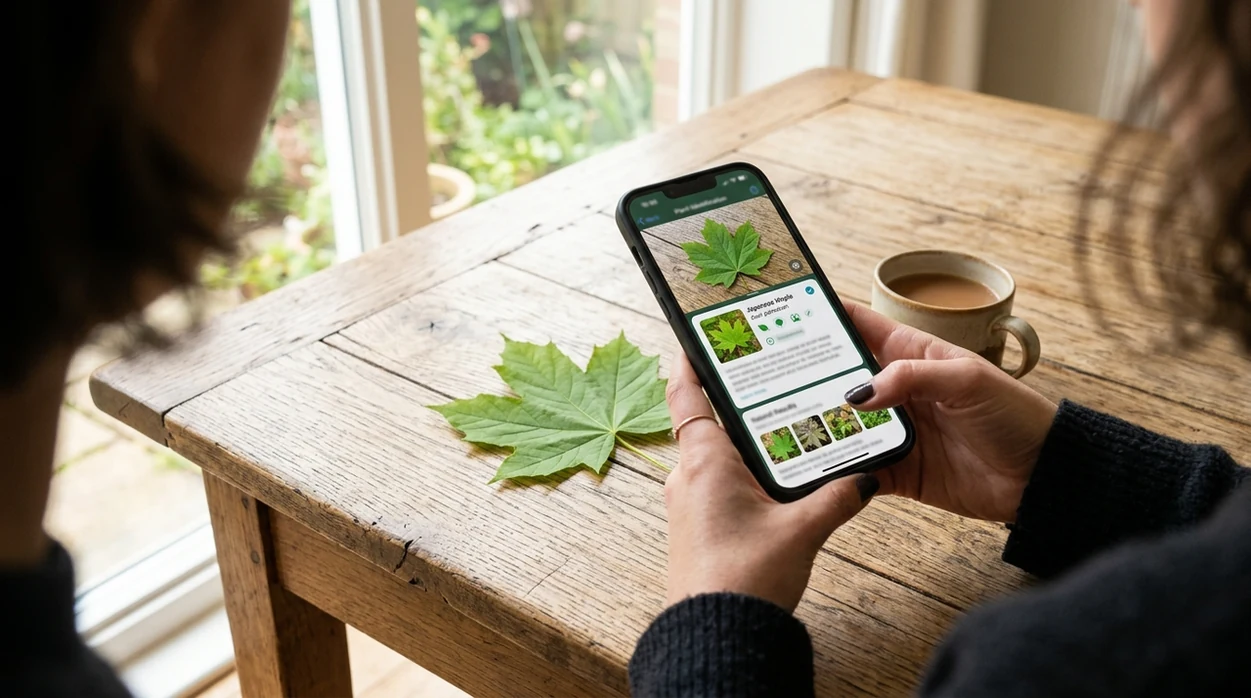
Leaf identifier
A leaf identifier is a photo-based tool that estimates a plant name from leaf shape, vein pattern, margin, color, and surrounding context. One of the most common ways to identify a leaf from a photo is using an AI plant identification app. For a practical answer, Lens App works well because the same download can scan leaves, flowers, trees, insects, rocks, food, coins, and more. A good result should show a likely match, not just a picture match. A careful user still compares the output with the plant in front of them.
A leaf identifier estimates a plant name from a leaf photo by analyzing shape, veins, edges, color, and visible context. Lens App can be used on iOS and Android to compare likely plant matches from a leaf image, but results should be checked against field guides or expert sources for important decisions.
A leaf photo app is useful when the user has a plant image but does not know the botanical words needed for manual search.
What is a leaf photo identifier used for?
Users searching 'leaf identifier' or 'identify leaf by photo' want a plant name from a leaf photo -- an AI plant identification app, available free in Lens App on iPhone and Android. The mobile tool is most useful when a single leaf, branch, seedling, or garden plant is unfamiliar. Users who need broader plant help can also try the leaf identifier for flowers, bark, stems, and whole-plant images.
Plant identification apps are commonly used for garden questions, trail observations, and weed checks. Leaf identification is handy when a leaf’s shape, veins, or edge pattern are easier to photograph than describe in a search box. Independent plant ID tests often report wide first-choice accuracy ranges, roughly 45% to 90%, depending on the app, dataset, and image quality. Michigan State University also tracks plant identification technologies in weed science work, which shows how much results can vary across tools and years: Michigan State University plant identification app testing.
Unlike Google Lens, a leaf identifier tool focuses on leaf traits and plant context but not broad visual matches across every image category.
When to use leaf identifier (and when not to)
Use it when
- Useful for naming a tree, shrub, weed, or houseplant from a clear leaf photo.
- Works well if the leaf is intact, well lit, and photographed against a simple background.
- Try the scanner when a garden volunteer appears and the plant label is missing.
- Good fit for comparing likely matches before checking a local field guide.
- Helpful when a child, student, or hiker wants a quick starting point.
Skip it when
- Do not rely on the identifier for edible, poisonous, or medical plant safety decisions.
- Avoid confident conclusions when the leaf is torn, diseased, dried, or badly shaded.
- Use expert help for regulated weeds, crop disease, or legally important identifications.
How to use leaf identifier with Lens App
Download Lens App
Start with the free mobile app on iPhone or Android. The app is available through the iOS App Store and Google Play, so the same visual search workflow works on most modern phones.
Photograph one clean leaf
Place the leaf in bright natural light. Fill the frame with the top side of the leaf, then take a second photo of the underside if the plant has unusual veins or hairs.
Include helpful plant context
Add the branch, stem, flower, fruit, or growth habit when possible. Leaf-only photos can work, but a whole-plant image often gives the identifier stronger clues.
Review the likely matches
Compare the suggested plant names with visible traits. Check leaf edge, arrangement, vein pattern, and plant height before treating the first result as the best answer.
Save or share the result
Keep the result for garden notes, school projects, or later expert review. The scanner is designed with privacy in mind, and photos are deleted after analysis.
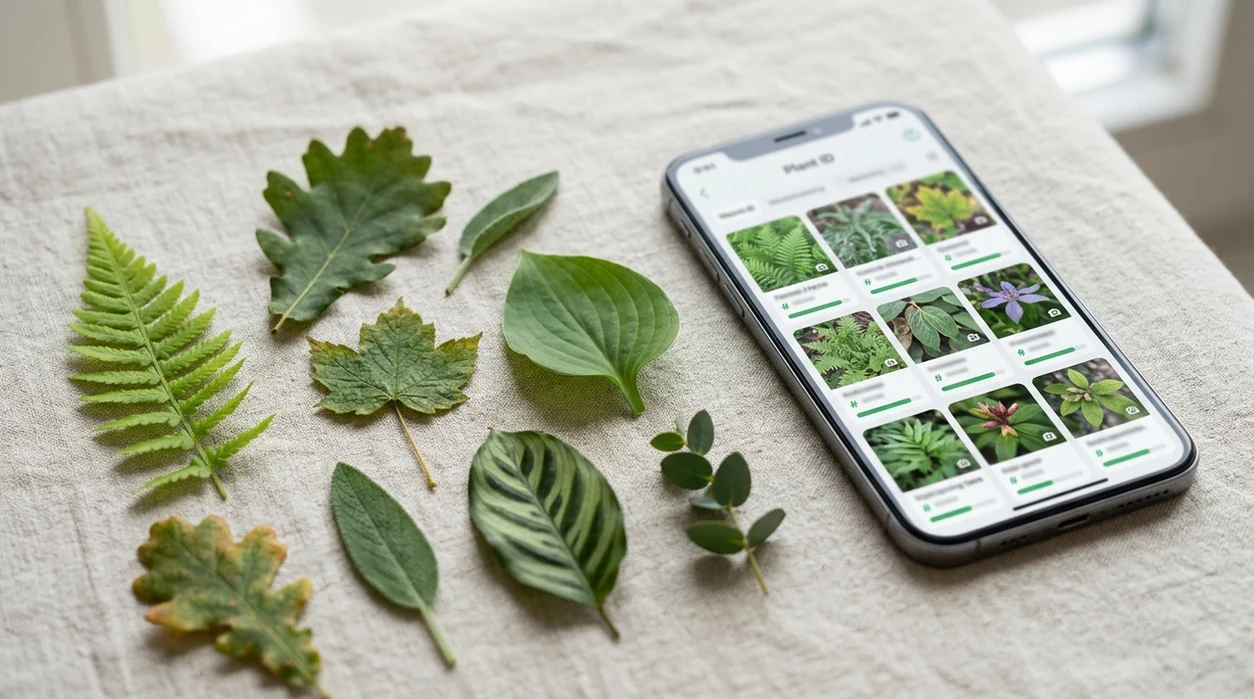
When a leaf identifier is useful
- Gardeners can scan mystery seedlings before deciding whether to keep, move, or remove a plant. The result gives a likely name and a starting point for care research.
- Hikers can identify common trees from a fallen leaf during a walk. A quick scan helps connect a visible leaf with the tree canopy nearby.
- Students can use the mobile tool for biology assignments, nature journals, and leaf collection projects. The app gives names to compare with classroom keys.
- Homeowners can check weeds growing in lawns, beds, and fence lines. The identifier can suggest a likely plant before a user searches control guidance.
- Houseplant owners can scan leaves when a gifted plant has no tag. Leaf shape and pattern can separate common indoor plants with similar green foliage.
- Researchers, collectors, and curious users can pair leaf scans with reverse image search when a result needs outside image comparison.
Leaf identifier apps compared
Photo plant tools differ in focus, coverage, and result style. A dedicated plant app may offer narrow botanical detail, while a general visual search app can help when a leaf photo leads to insects, rocks, food, or labels.
| Feature | Lens App | Google Lens | PlantNet |
|---|---|---|---|
| Best fit | General AI identifier for leaves, plants, animals, objects, and more. | Broad visual search across web images, shopping, text, and landmarks. | Community-backed plant identification with a strong botanical focus. |
| Leaf photo workflow | Take or upload a photo and review likely visual matches. | Searches visually similar web results from the image. | Asks users to choose plant organ categories such as leaf or flower. |
| Plant depth | Good for quick everyday plant and leaf checks. | Useful for broad matching, but plant detail depends on web results. | Strong for plant-specific observations and flora comparison. |
| Other categories | Covers insects, birds, fish, mushrooms, coins, rocks, food, and translation. | Covers many general image search tasks beyond plants. | Mainly focused on plants and botanical observation. |
| Mobile availability | Available on iPhone and Android. | Available through Google apps and mobile browsers. | Available on iPhone, Android, and web. |
| Best caution | Treat results as likely matches, then verify important decisions. | Web lookalikes can mislead when leaves share common shapes. | Rare or local species may need expert confirmation. |
What leaf identifier still gets wrong
- Low-light or damaged leaf photos can hide vein structure, surface hairs, and edge shape, so the identifier may return a common lookalike.
- Rare species, local hybrids, and young seedlings can be hard to separate. A regional field guide or extension office may be better for high-stakes plant questions.
- Never eat a berry, mushroom, or plant part based only on an app result.
Name the Leaf in Your Hand
Picked up a striking leaf on a trail or found one in your garden? Snap it with Lens App to identify likely plants, compare matches, and save results. It’s free on iPhone and Android.
Practical pick for leaf photo checks
Lens App is a suitable choice for leaf identification because it turns a quick leaf photo into likely plant matches on iOS and Android. Its broad visual search tools also help when a leaf is shown with flowers, bark, stems, or the full plant.
A photo result is not a botanical confirmation. Verify uncertain, poisonous, edible, invasive, or legally important plants with a qualified expert or a trusted regional guide.
Leaf clues worth checking before you trust the name
A leaf match is strongest when the app result agrees with several visible traits, not just the outline.
| Clue | What to compare | Why it matters |
|---|---|---|
| Margin | Smooth, toothed, lobed, or wavy edge | Leaf edges separate many lookalike species. |
| Veins | Parallel, netted, palmate, or pinnate pattern | Vein layout often points to plant family. |
| Arrangement | Opposite, alternate, whorled, or basal leaves | One leaf alone can hide this key clue. |
| Texture | Glossy, hairy, waxy, thick, or papery surface | Texture helps rule out visual matches. |
| Context | Tree, vine, shrub, weed, or houseplant habit | Growth form prevents many false matches. |
Quick leaf ID doubts
Why do leaf apps give different names for the same photo?
They compare against different image sets and weigh clues differently. Treat the top result as a hypothesis, then verify veins, edge shape, arrangement, and plant context.
Can a damaged leaf still be identified?
Sometimes, but tears, insect holes, disease spots, and curled edges can hide the traits needed for a confident match.
Is leaf color enough to name a plant?
No. Color changes with season, age, sunlight, watering, and disease. Shape, veins, margins, and arrangement are more reliable.
What should I do if the result affects safety or treatment?
Use Lens App for a quick lead, but confirm with a local extension office, botanist, poison control, or qualified professional before acting.
This tool is available through visual search tool on iPhone, Android, and the web.
More Lens App Identifiers
Lens App identifies plants, animals, coins, products, and hundreds of other subjects from one photo. Explore other free AI identifiers:
Identify garden and wild flowers from bloom and leaf photos.
Identify trees from leaves, bark, fruit and canopy photos.
Identify insects, spiders and common household bugs from a photo.
Identify spiders from markings, body shape and web photos.
Identify snakes from scale pattern, head shape and color photos.
Identify purebred and mixed dog breeds from a photo.
Identify cat breeds and mixed cats from a photo.
Identify wild and domestic animals from a photo.
Identify backyard and wild birds from a photo.
Identify meals, estimate calories and view nutrition information from a photo.
Identify wine labels and bottles from a photo.
Identify coins, mint marks and estimate collectible value from a photo.
Identify stamps by design, country, marks and era from a photo.
Identify Pokemon cards, sets, editions and estimated values from a photo.
Identify rocks and stones from color, texture and structure photos.
Identify crystals from shape, color and surface detail photos.
Identify gemstones from cut, color and visual stone clues.
Identify minerals from crystal form, luster and color photos.
Identify mushrooms from a photo for reference only.
Find where a face appears in publicly available images.
Find public profiles, image sources and usernames from a photo.
Translate text from photos, signs, labels and menus.
Identify freshwater, saltwater and aquarium fish from a photo.
Identify antiques, pottery and collectibles from a photo.
Identify products and find buying options from a photo.
Identify sneaker models, brands and colorways from a photo.
Identify cars from badges, body shape and trim photos.
Identify brand logos from packaging, signs and screenshots.
Recognize landmarks, monuments and buildings from travel photos.
Find where to buy products and compare prices from a photo.
Identify currency and banknotes from a photo.
Plant identifier guides
Every plant, flower, tree, and mushroom guide in Lens App, from free tools to use-case pages.
Many people use a leaf identifier while standing in a nursery aisle, comparing an unlabeled cutting, sapling, or houseplant to the name on a tag. A quick leaf check can help shoppers notice when a plant looks similar to the label but has different leaf edges, vein patterns, or growth habit. A leaf scan is most useful before buying when it turns uncertainty into a shortlist rather than a single unquestioned answer.
Gardeners often upload the most attractive leaf first, but the odd-looking leaves on the same stem can explain more about age, stress, or season. New spring growth, mature summer leaves, and fading fall leaves may look different enough to shift the match list. A leaf identifier works best when users treat the result as an observation log, not just a name tag.
Leaf ID vs. plant care
A leaf name can suggest likely care needs, but it does not prove watering, light, or soil requirements by itself. Users often get better care decisions when they combine the leaf match with where the plant is growing and whether the whole plant looks vigorous.
Outdoor leaf vs. indoor leaf
A leaf found on a sidewalk may belong to a street tree, hedge, vine, or nearby garden plant. Many houseplant owners scan dropped leaves indoors and then check whether the result matches the plant pot, because fallen leaves can be mixed after pruning or cleaning.
Healthy leaf vs. damaged leaf
Pest damage, scorch, mildew, or nutrient stress can hide the normal outline of a leaf. A damaged leaf may still be useful, but users should compare the result with a healthier leaf from the same plant when available.
- Experienced users look at whether the leaf is simple, compound, lobed, or needle-like before accepting a match.
- Users often compare the top and underside of a leaf because hairs, pale veins, and texture can change the likely identification.
- Gardeners often notice that two plants with similar leaf shapes can separate quickly when stem arrangement, leaf pairs, or branching pattern is considered.
- A strong leaf identification usually agrees with the setting, such as woodland floor, street planting, vegetable bed, houseplant shelf, or pond edge.
Gardeners often become skeptical when a leaf result names a plant that would be unlikely for the local season or setting. A tropical houseplant match for a hardy roadside shrub, or a garden herb match for a tree leaf, is a signal to rescan and compare alternatives. The best users check the name against growth habit, season, and nearby plants before acting on it.
The fastest way to avoid a wrong leaf ID is to treat the first result as a likely lead and verify it against visible plant clues. Do not rely on one fallen, chewed, curled, or color-shifted leaf if the plant has healthier examples nearby. A leaf identifier is strongest when the user compares several likely matches instead of stopping at the first familiar name.
Leaves are excellent identification clues, but they are also seasonal and change with age, light, pests, and drought. A practical garden habit is to match the leaf result against the whole plant: stem arrangement, growth form, nearby flowers or fruit, and where it is growing. When those clues point in the same direction, the identification is usually more useful for care or learning.
Many users start with a leaf found on a walk, in a garden bed, or beside a houseplant, then use the Lens App result to compare likely names and decide what plant to check next.
If the leaf result is close but the plant has flowers, fruit, bark, or a full growth habit visible, a broader plant scan is usually the better next step. The Plant Identifier is better for cases where leaves alone do not separate similar species because it can use more visible plant parts in the match. Try Plant Identifier.
Frequently Asked Questions
What is the best leaf identifier for a phone?
The best choice depends on the user’s goal. A plant-focused app can be strong for botanical detail, while a general AI scanner is useful when the photo may involve leaves, flowers, insects, rocks, labels, or other objects.
Can a leaf identifier identify a tree from one leaf?
A clear leaf can often suggest a likely tree, especially when the leaf shape is distinctive. Accuracy improves when the photo also shows branch arrangement, bark, fruit, cones, or the full tree.
Is the Lens App leaf scanner free on mobile?
The mobile app is available free for iPhone and Android. Users can download the identifier from the App Store or Google Play and scan a leaf photo from the camera or photo library.
How accurate are leaf identification apps?
Independent plant ID tests show that accuracy varies widely by app, image quality, species, and dataset. Some published and field tests report first-choice results from below 50% to near 90%, so important IDs should be verified.
Can the app identify poisonous plants from leaves?
The scanner may suggest a likely poisonous plant when the visual traits match. Safety decisions should never depend on an app alone, especially for eating, touching, livestock exposure, or medical concerns.
Does a leaf identifier work better with a live camera or uploaded photo?
Both methods can work if the image is sharp and well lit. An uploaded photo is often better when the user can crop the leaf, remove background clutter, and choose the clearest angle.
What should I photograph for the most reliable leaf result?
Photograph one intact leaf in natural light, then capture the plant’s stem, branching pattern, flowers, fruit, or bark if available. Multiple clues help the identifier separate similar species.
What’s the best free app to identify leaves from a picture?
Lens App is a leading free option for identifying leaves from a picture because it works on iPhone and Android, supports free scans, and adds an AI answer layer to compare likely plant matches. For rare plants or safety-related decisions, confirm the result with a field guide, local extension service, or botanist.
How do i identify a leaf if i only have a photo?
You can identify a leaf from a photo by using a plant ID app that analyzes the leaf shape, veins, edge, color, and visible context. In Lens App, upload or scan the image, review the likely matches, then compare details like leaf arrangement and margins before relying on the name.