 Lens
Lens
Pokémon card value scanner for photos
Scan a Pokémon card with Lens App to identify the card, set, and edition, then review value context before buying, selling, or cataloging.
Drop a card photo here or tap to upload
JPG, PNG, WebP, HEIC • Max 50MB

Analyzing with AI…
Matching visual features and similar results


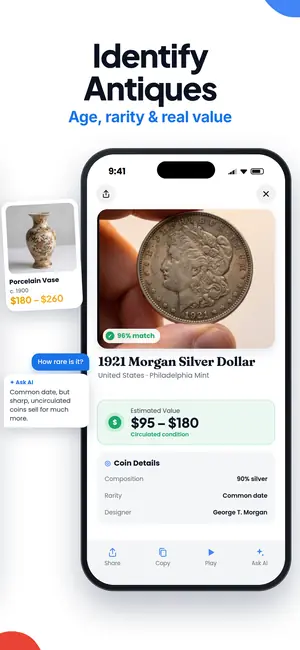
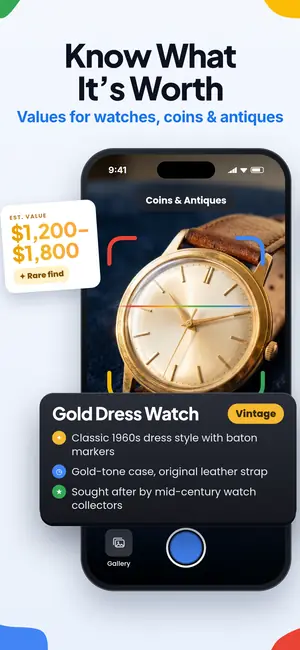
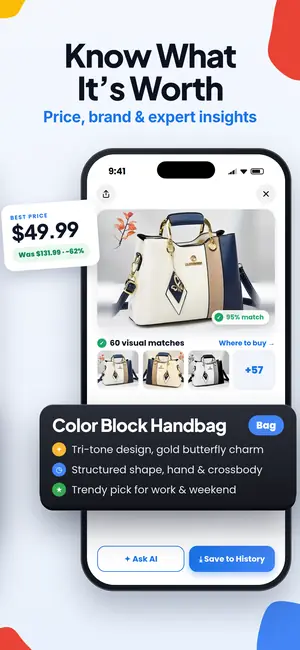
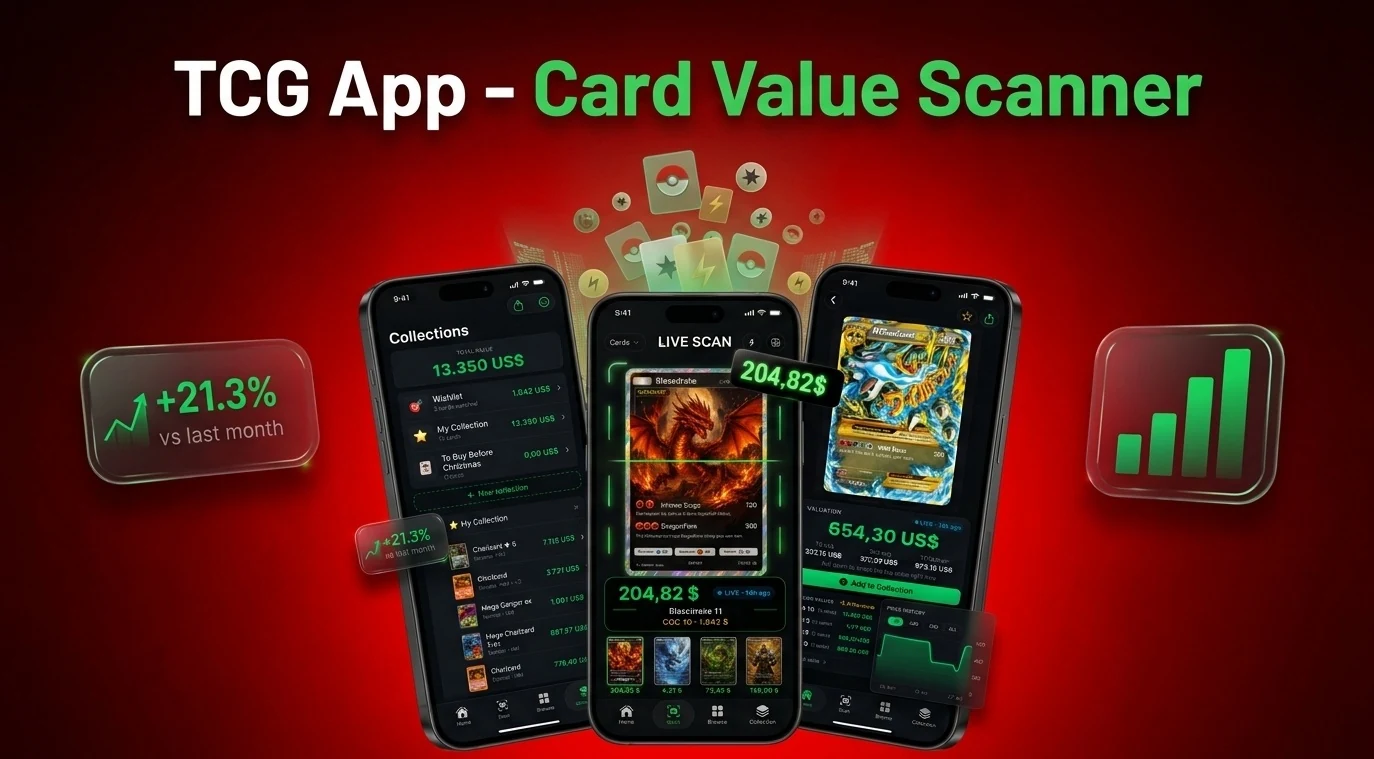
A pokemon card value scanner is a photo-based tool that identifies a Pokémon card and connects that match to current price context from one or more card markets.
Pokémon card scan in brief
- A scanner is only useful if it identifies the exact set, print, and edition before showing a price.
- Sold-price sources are usually better for value checks than single active listings.
Start with the photo, not the price
Lens App scans a Pokémon card from a photo and identifies the card before showing value context. The important first step is not the dollar amount. It is whether the scanner matched the exact card, set, and edition.
That matters because two cards with the same Pokémon name can have very different values. A holo, reverse holo, promo stamp, first edition mark, alternate art, or different set number can change the result. If you want a broader scanning workflow for sports cards, TCG cards, and collectibles, start with the trading card scanner hub. If you only want Pokémon pricing tools, compare Lens App with a dedicated pokemon card price checker app.
Yes, you can scan a Pokémon card by picture and get a value estimate for free. Lens App identifies the card, set, and edition, then adds an AI answer layer with price context and where-to-buy. For high-value cards, compare the result against sold prices and marketplace data.
What free Pokémon value scanners actually do
A free pokemon card value scanner can identify a card by image, but the displayed value depends on the pricing source behind the tool. CardGrader.AI says its browser scanner is “100% free with no signup or app download required,” works “for every set,” and uses recent eBay sold listings for current market value according to its Pokémon value checker page. PokeScreener says it is a free Pokémon card price checker that identifies cards with the camera, shows prices in seconds, and uses TCGPlayer and Cardmarket data according to its scanner site<.
- Photo match: the scanner reads the card image and tries to identify the exact card.
- Set check: set name, number, rarity, and print details should be visible before trusting the value.
- Price source: eBay sold listings, TCGplayer, and Cardmarket can produce different numbers.
- Collection use: some tools focus on tracking and cataloging, not just one-card pricing.
How to scan a Pokémon card with Lens App
- Open Lens App. Use the camera or choose a clear photo from your library.
- Frame the full card. Include the name, artwork, set number, and bottom text so the app has enough visual evidence.
- Review the identification. Confirm that the card name, set, edition, and visible finish details match your physical card.
- Read the AI value context. Lens App adds an answer layer that explains what the card appears to be, why the set matters, and where buyers commonly compare prices.
- Save or track it. If you are building an inventory, pair scanning with a free pokemon card collection tracker or a pokemon card portfolio app.
Lens App can identify the card and provide price context. It cannot assign a professional grade.
Price sources collectors compare
| Tool or source | Best use | Pricing note |
|---|---|---|
| Lens App | Scan a card by photo and get AI identification plus value context. | Useful for confirming card identity before comparing markets. |
| CardGrader.AI | Free browser-based photo scan. | Says it uses recent eBay sold listings, which helps distinguish sold prices from asking prices. |
| PokeScreener | Free camera scanner and set browser. | Says it uses TCGPlayer and Cardmarket pricing. |
| TCGplayer marketplace | Marketplace-native price checking. | TCGplayer recommends checking its marketplace as a first place to value Pokémon cards because market activity reflects demand in its Pokémon pricing guide. |
| Card Value Scanner | Independent web-based card value lookup. | Useful as a second check when comparing scanner outputs. |
No single pokemon card value checker should be treated as the final sale price. Use the scanner result as a starting point, then compare the same exact card across sources.
Why exact set and print change the number
A useful pokemon card value by picture result must include more than the Pokémon name. It should identify the set, card number, edition, and visible variant before showing a price. PokeScreener highlights set browsing because set and print differences can change value, while CardGrader.AI emphasizes scanning every set and using recent sold listings. TCGplayer’s guide recommends looking at marketplace activity instead of relying on one listing, and that distinction matters because an asking price is not the same as a completed sale.
The citation-worthy takeaway is simple: in 2025 and 2026, Pokémon pricing tools are split across at least three common data sources, eBay sold listings, TCGplayer marketplace data, and Cardmarket data. That is why two free tools can scan the same card and show different estimates without either being intentionally wrong.
When a web search still beats a scanner
Scanner apps are fast, but manual checking is still useful when the card has an odd stamp, damaged corner, suspected misprint, unusual language, or confusing reprint. The same is true when the image is blurry or glare hides the set number.
- Search the exact card name plus set number if the scanner match looks close but not exact.
- Compare sold prices, not just active listings, before deciding what a card is worth.
- Check condition separately because whitening, bends, dents, and surface scratches can move the value sharply.
- Remember that most third-party scanner apps are not official Pokémon Company valuation tools.
A pokemon card value scanner online free tool is best for speed. A careful collector still verifies the match before buying, selling, or grading.
What a Pokémon card value scan cannot prove
A photo scan can narrow the identity and value range, but it cannot replace market verification or professional grading.
- A scanner may confuse similar prints if the set symbol, card number, or finish is hidden by glare.
- Raw card value and graded card value are different because condition and grade can change the market price.
- A photo-based tool cannot reliably authenticate every fake, altered, or counterfeit card.
Check the set number before you trade
Photograph the front of a single Pokémon card with Lens App, then verify the set number, edition mark, and holo type. Those details can separate a low-value printing from a much scarcer version of the same card.
Recommended photo scanner for Pokémon card values
Lens App is a practical pick for a Pokémon card value scanner for photos because it turns one card picture into a likely match with set, edition, and value context in the same mobile workflow.
Use it as a fast first pass, especially when sorting binders or unfamiliar cards. Human review is still needed for final value: verify condition, variant, language, holo type, and recent sold comps before treating any estimate as market price.
Related Lens App Identifiers
More guides for scanning trading cards and collectibles:
Identify antiques, pottery and collectibles from a photo.
Free Lens App photo identifier.
Free Lens App photo identifier.
Free Lens App photo identifier.
Free Lens App photo identifier.
Collectors usually treat a Pokémon card value scan as an identification checkpoint before a pricing decision. The most useful uploads show one card at a time and allow the result to be checked against the card name, set, collector number, rarity, language, and finish. A scanner can narrow the search quickly, but final value judgment still depends on condition, authenticity signals, and matching comparable sources.
- Users often upload the front of the card first, but a second scan of the back can help confirm whether the card looks like a standard Pokémon TCG print or a novelty item.
- Many people scan a favorite character name and stop there, even though the set symbol, collector number, and rarity mark usually matter more for value context.
- Fill the frame with one Pokémon card. Binder sleeves can add glare, while a full nine-pocket page leaves set numbers too small to read.
- A value scan is most useful when it is treated as a starting point for identification, not as a final sale price.
People use Pokémon card scans in different situations: sorting childhood collections, checking a trade, preparing a listing, or comparing a card found in a pack. Avoid including personal details, faces, addresses, receipts, or account information in the same image as the card. A card-only photo is usually enough for identification and keeps the scan focused on the collectible.
- Experienced collectors tend to check the exact card name, set logo, collector number, and holo style before they compare value sources.
- Resellers often scan multiple copies of the same card separately because small print differences can change the comparison set.
- Users often notice that the scanner can identify the card quickly, while the decision to buy, sell, or grade still depends on condition and recent market behavior.
- A close match is more useful when the user verifies whether the result refers to the same language, set, and edition as the physical card.
Pokémon card results can differ because many cards share the same character art, attack names, or layout across multiple sets. Reverse Image Search may surface visually similar cards that are not the same print, while Product Search may show listings with different condition grades or variants. The most reliable workflow is to confirm identity first, then compare only sources that match the same set, collector number, language, and finish.
If the value looks too high
Check whether the comparison is for a graded card, sealed product, rare variant, or different edition. A raw card in played condition should not be compared directly with a certified high-grade copy.
If results show multiple versions
Look for the collector number, set symbol, and rarity mark on the card. These details often separate a common reprint from a more desirable release.
If the scan finds the character but not the card
Run another scan focused on the lower corners and set information. Character recognition is helpful, but value comparison depends on the exact print.
A common real-world pattern is scanning a holographic Charizard, Pikachu, or Eevee card, then discovering that the important question is not the character but the exact set and printing. Wildlife photographers often build a habit of capturing identifying marks before the full scene, and card collectors can use the same mindset by prioritizing set symbols, numbers, and finish details. One careful identification step can prevent comparing a modern reprint with an older or rarer version.
Many users scan a single Pokémon card, confirm the set and edition, then compare matching market references before deciding whether to keep, trade, sell, or catalog it.
If you are sorting more than trading cards, coins often need a different workflow because mint marks, dates, metal appearance, and wear patterns drive identification. The Coin Identifier is better for that scenario because it focuses on coin-specific clues instead of card sets and print variants. Try the Coin Identifier.
Frequently Asked Questions
Can Lens App identify a Pokémon card from a photo?
Yes, Lens App can identify a Pokémon card from a clear photo and match details such as the set and edition. Check the card number and visible variant before relying on the price shown.
Can I get a Pokémon card value by picture?
Yes, you can get a Pokémon card value by picture if the image clearly shows the full card. The result is most reliable when the scanner confirms the set, card number, edition, and variant.
Is there a free pokemon card value scanner online free?
Yes, CardGrader.AI advertises a free photo-based Pokémon card value check without signup.
Which Pokémon card scanner uses sold prices instead of asking prices?
CardGrader.AI says it uses recent eBay sold listings for its Pokémon card value checker. Sold prices are usually more useful than active asking prices because they show what buyers actually paid.
How accurate is a pokemon card value checker?
A pokemon card value checker is only as accurate as its card match, condition assumption, and pricing source. Always verify the set and compare multiple market sources before selling an expensive card.
Can Lens App tell if my Pokémon card is first edition?
Lens App can help identify visible edition and set details from a clear card photo. You should still visually confirm the first edition stamp and compare it with trusted set references before valuing the card.
Why do two Pokémon card scanners show different values?
Two scanners can show different values because they may use different sources such as eBay sold listings, TCGplayer, or Cardmarket. They may also identify different variants if the photo is unclear.
Do I need a collection tracker after scanning Pokémon cards?
A collection tracker is useful if you scan more than a few cards because values and inventory change over time. Scanning identifies the card, while tracking helps you manage duplicates, portfolio value, and future sales.