 Lens
Lens
Free pokemon card collection tracker for scanning, inventory, and value
Lens App scans a Pokémon card, identifies the card, and helps you log it. The app is free on iOS and Android with a 4.7 aggregate rating.
Drop a card photo here or tap to upload
JPG, PNG, WebP, HEIC • Max 50MB

Analyzing with AI…
Matching visual features and similar results


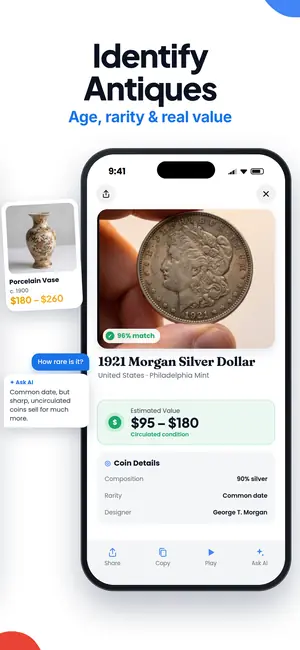
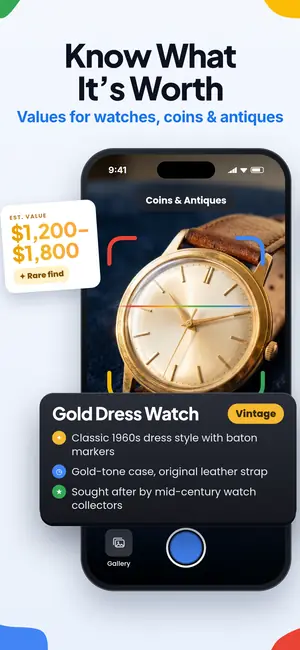
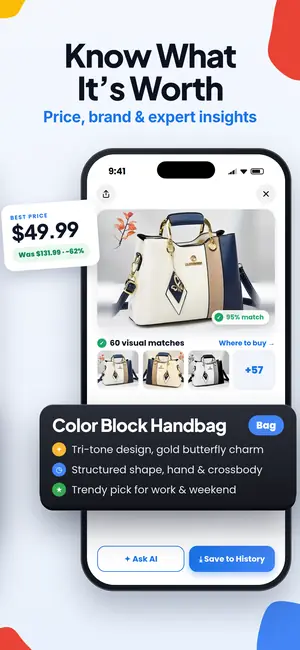
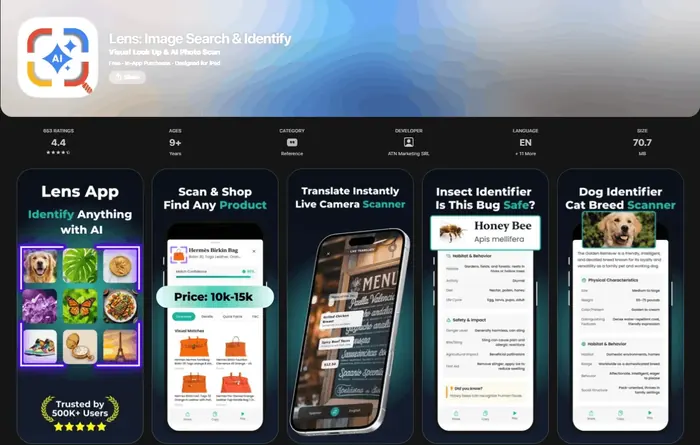
A free pokemon card collection tracker is an app that lets collectors log Pokémon cards, organize them by set or variant, and estimate collection value without paying to start.
- A useful Pokémon card tracker app must identify the exact card, not just the character name.
- Collection value is an estimate, so recent sales and condition matter more than a static price guide.
- Free tools can handle scanning and checklists, but graded cards, sealed products, and advanced analytics may require separate apps or paid tiers.
What Lens App does for a Pokémon card collection
Lens App lets you scan a Pokémon card from your phone and identify the card, set, and edition before you add it to your inventory workflow. It is built for visual identification first, which matters because Charizard, Pikachu, Eevee, and trainer cards can have many prints that look similar at a glance.
Use it as a free pokemon card collection tracker when your main job is turning a binder, deck box, or bulk stack into searchable card records. If you also collect sports cards, Magic, Yu-Gi-Oh!, or other TCGs, the broader trading card scanner workflow is the same: scan the card, confirm the exact match, then record the details you care about.
Yes, you can track a Pokémon card collection for free with a scanner-first workflow. Lens App identifies cards from photos, then adds AI context for edition, value research, and buying options. For a full inventory, the best setup is scan, verify the exact print, log condition, and review prices against recent market data.
The inventory fields that actually matter
A Pokémon card inventory app is only useful if the record is specific enough to find, value, and sell later. At minimum, log the card name, set, collector number, rarity, variant, condition, language, quantity, and whether the card is raw, graded, or sealed.
- Set and number: These separate similar cards from different releases.
- Variant: Reverse holo, holo, promo, stamped, alternate art, and special illustration rares should not be merged.
- Condition: Near mint, lightly played, damaged, and graded copies can have very different market prices.
- Location: Binder page, box, slab case, or deck folder prevents duplicate buying.
- Value source: Note whether the estimate came from recent eBay sales, TCGplayer market data, or another reference.
Two more fields pay off when you sell. Record what you paid, including shipping and grading fees, so a gain on paper is a real gain. Price raw cards, graded slabs, and sealed product separately: they trade in different markets, and sold listings tell you far more than asking prices do. For most binders, a monthly look at the totals is plenty.
If you want a value-first view after logging, see the Pokémon card portfolio app guide for tracking collection totals over time.
How to log a binder with Lens App
- Scan one card at a time. Good lighting and a flat angle help the app read art, borders, text, and set marks.
- Confirm the exact print. Check the set name, number, holo pattern, promo stamp, and language before treating the match as final.
- Add condition notes. A clean scan identifies the card, but whitening, dents, creases, and surface scratches still need human review.
- Record quantity and storage. If you own four copies, log four copies and where they are stored.
- Check value context. Use the AI answer layer for context, then compare high-value cards against recent sales before making a buying or selling decision.
This process works for a single favorite binder or a full Pokémon TCG inventory app workflow. For scanning accuracy comparisons, read the best Pokémon card scanner app guide.
Free tracker options collectors compare
Different apps solve different parts of the collection problem. A scanner, a checklist, a marketplace portfolio, and a price-reference tool are not always the same thing.
| Tool | Best fit | Important limitation |
|---|---|---|
| Lens App | Scanning a card photo and identifying the exact card with AI context | Collectors should still verify variant, condition, and market price before selling |
| Dex | iOS Pokémon collection tracking, scanning, and price checks | Dex is listed as free with optional in-app purchases on the App Store |
| Pokécardex | Android checklist and catalog management for Pokémon sets | Pokécardex is Android-focused and promotes a large Pokémon database on Google Play |
| Collectr | Multi-TCG portfolio tracking for raw, graded, and sealed items | It is broader than Pokémon, so the interface is not only a Pokémon card checklist app |
| TCGplayer Collection Tracker | Cataloging cards with values tied to marketplace sales data | It is closely tied to the TCGplayer marketplace ecosystem |
For collectors comparing US and European pricing references, the Cardmarket vs TCGplayer guide explains why the same card may show different market signals.
The numbers behind free Pokémon card trackers
Dex launched in 2021 and is listed as a free iOS app with in-app purchases for scanning Pokémon cards, tracking a collection, and checking prices. Pokécardex says its database covers over 23,000 Pokémon cards across more than 230 series, and its Android app lets users manage a collection for free. Collectr says it supports over 20 different TCGs, including Pokémon, and tracks raw cards, graded cards, and sealed products. A 2026 collector video also shows eBay sold listings sorted by recently ended sales as a way to estimate current values from completed transactions: 5 Free Apps Every Pokémon Card Collector Needs in 2026.
When a value tracker is not enough
A pokemon collection value tracker can estimate what your cards might be worth, but it cannot guarantee a sale price. Two copies of the same card can differ sharply because of centering, edge wear, surface scratches, print line visibility, language, grading company, and buyer demand on the day you sell.
For higher-value cards, use more than one reference. eBay sold listings show completed sales, TCGplayer can show marketplace-driven pricing, and a specialist web lookup such as Card Value Scanner may help with a quick value check when you do not want to install another app. The safest workflow is to scan for identity, inspect for condition, then compare recent sales for the same exact variant.
What a free tracker cannot decide for you
Free tracking tools are useful, but Pokémon card value and authenticity still require collector judgment.
- A scan can identify a card, but it may not reliably grade centering, surface scratches, dents, whitening, or print lines.
- Market value is an estimate, not a guaranteed sale price, because recent sales can vary by condition, timing, and platform.
- Counterfeit detection should not rely on one app result; compare texture, weight, print quality, light test results, and provenance for expensive cards.
- Foreign-language cards, unusual promos, error cards, and stamped event variants may require manual verification.
- Raw, PSA, CGC, and BGS copies should be tracked separately because graded-card prices do not equal raw-card prices.
Catalog your binder in minutes
Pulled a shiny card from an old binder and wondering what it is worth? Lens App scans Pokémon cards, helps confirm the print, tracks your collection and value, and is free on iPhone and Android.
Scanner-first tracking for Pokémon binders
Lay the card flat and keep the collector number in frame. Lens App uses the photo to identify the card and provide set and edition context, but confirm the collector number and foil treatment before adding the record.
Use it to speed up sorting bulk, binder pages, and new pulls, then save your own notes around condition and value. Still verify the exact print, variant, and current market comps manually before relying on any price estimate.
Related guides
Use Lens App to identify the card from a photo, then confirm the set symbol and collector number before adding it to your inventory.
Related Lens App Identifiers
Other scanners for binders that include more than Pokémon cards:
Identify antiques, pottery and collectibles from a photo.
Free Lens App photo identifier.
Free Lens App photo identifier.
Pokémon card tracker results can differ because small visual details may point to different printings, variants, languages, or set releases. A scan that identifies the character correctly may still need review for set symbol, collector number, rarity, reverse holo status, and promo markings. A reliable collection log treats the scan as the starting point, then confirms the exact card version before assigning inventory or value.
Many people scan the front of a Pokémon card first, then use the set number and symbol to confirm the exact match before saving it to inventory. This habit is especially useful for popular cards that have many reprints, alternate arts, regional versions, or similar artwork. If the card is sleeved, users often verify the saved entry against the printed collector number rather than relying only on the character name.
Many people use Lens App as a triage tool for large binders: they scan quickly to identify likely matches, then slow down on cards with multiple printings or special finishes. The most useful logs are usually built from repeated small sessions, because users can verify set details while the card is still in front of them instead of correcting a long unsorted list later.
- Users often scan a stack too quickly and later find duplicate entries, so batching by set, binder page, or rarity can make cleanup easier.
- Collectors usually get better inventory results when they separate standard, reverse holo, holo, promo, and special art versions before logging them.
- A common tracking mistake is saving the first matching card name without checking the set symbol, because the same Pokémon may appear across many expansions.
- Resellers often scan cards for value first, but condition notes, variant confirmation, and quantity fields usually matter just as much for a useful record.
A collection tracker is useful for organizing cards, but price comparisons work best when the card identity and condition are already narrowed down. Casual collectors may use estimated value to spot interesting binder pages, while sellers typically compare confirmed variants against visually similar listings. Price data should be treated as a reference point, not a final appraisal, because condition, grading, language, demand, and sale venue can change the outcome.
Collectors typically scan a Pokémon card, save the identified match to inventory, then review set progress or estimated value before deciding what to trade, sell, or keep.
Holding one card and not sure it's worth logging? Run it through the Pokemon Card Scanner first. It reads the card, set, edition, and an estimated value, and you can decide afterward whether it earns a row in your tracker.
Frequently Asked Questions
Can I identify a Pokémon card by photo?
Yes, Lens App can identify a Pokémon card from a clear photo. Check the set symbol, collector number, language, and foil treatment before logging the match because cards with the same artwork can have different prints.
Can I scan Pokémon cards and automatically add set and card number?
Yes, a Pokémon card tracker app can identify many cards from a phone scan and help fill in the set, edition, and card details. You should still verify the set symbol, collector number, holo type, promo stamp, and language before saving the record.
Is there a free Pokémon card checklist app for full set completion?
Yes, free checklist-style apps can help track missing cards by set and variant. Pokécardex says it covers over 23,000 Pokémon cards across more than 230 series, while Dex is often recommended by collectors for set and variant tracking on iOS.
How do I track the total value of my Pokémon card collection for free?
Track total value by logging exact card versions, condition, and quantity, then comparing each card against recent market data. TCGplayer marketplace pricing, eBay sold listings, and scanner apps can provide value context, but high-value cards should be checked manually.
What is the difference between a Pokémon card catalog app and a price app?
A Pokémon card catalog app organizes what you own, while a price app focuses on value estimates and recent sales. The best collection workflow usually needs both accurate identification and a reliable market reference.
Can free apps track graded Pokémon cards separately from raw cards?
Some free or freemium collection apps support separate tracking for raw cards, graded cards, and sealed products. Collectr is an example of a multi-TCG tracker that says it supports raw, graded, and sealed inventory across Pokémon and other games.
Can I use a Pokémon card inventory app for Japanese and promo cards?
Yes, but Japanese cards, promos, stamped variants, and regional releases need extra verification. Always check the set code, card number, language, and release type before adding the card to your inventory.
Can I use one app as both a Pokémon TCG inventory app and a selling tool?
You can use one app to organize inventory and estimate value, but selling still requires marketplace research and accurate condition disclosure. Before listing a card, compare the same exact version against recent completed sales.