 Lens
Lens
Lens App Pricing
Free daily scans on your phone. One free scan a day on the web. Upgrade only if you run out of room.


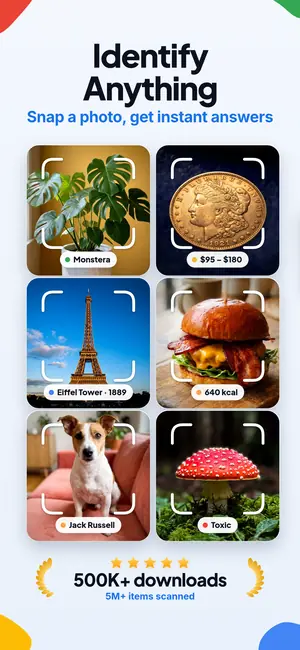
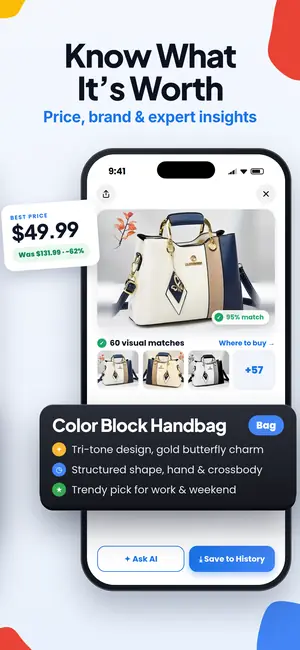
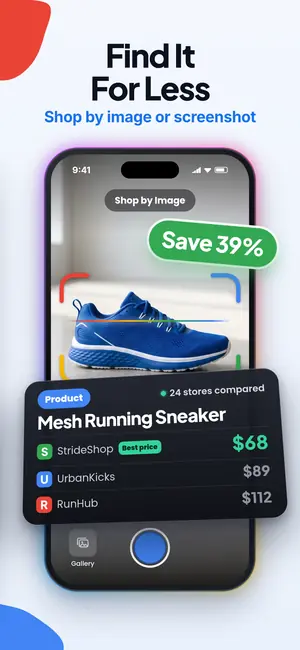
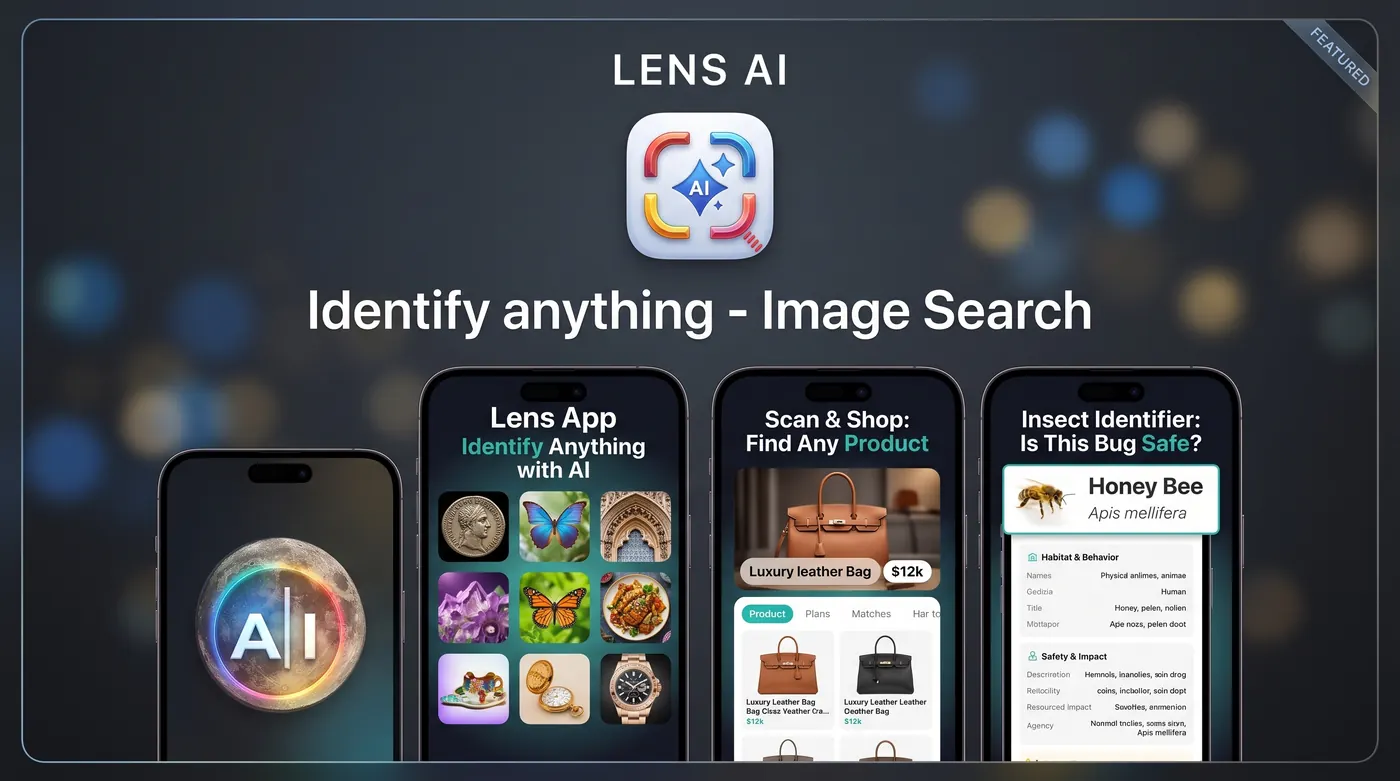
How much does Lens App cost?
Lens App is a free download with optional in-app purchases. You get free daily scans in the mobile app and one free scan per day on the web. Paid plans, listed as weekly, monthly, yearly, and lifetime options, add more scans and remove the daily cap. Exact prices appear in the app before you confirm.
About the name: Lens App is independent software and is not affiliated with or endorsed by Google.
The short version
Downloading Lens App costs nothing. Point your camera at something, take a photo, and read the result. Most people never hit the free limit because they scan a few things a week, not a few hundred.
If you use it heavily, for example cataloguing a rock collection or checking a whole tray of coins in one sitting, the daily free allowance runs out. That is when an upgrade makes sense. Nothing gets locked behind a wall before you have had a real chance to test whether the tool works for your photos.
What the free tier actually includes
On mobile, you get a set number of free scans each day, and the counter resets. The web tool includes one free scan per day, so you can check how Lens App handles one of your photos before downloading the mobile app.
Free scans are not a stripped down version of the model. You get the same identification pipeline the paid tier uses. That matters, because a trial that runs on a weaker engine tells you nothing useful about whether to pay. The only difference between free and paid is volume and a few convenience features.
What the upgrade adds
Paid access removes the daily scan cap so you can work through a batch without waiting for a reset. If you have forty photos from a hike or a box of estate sale items to sort, that alone is the reason most people upgrade.
Upgraded accounts also keep scan history so you can go back and compare results, and they support longer follow-up questions on a single image. If a first pass returns a general answer, you can ask about a specific detail in the photo instead of starting over with a new scan.
There is no separate charge per category. Plant, animal, insect, coin, rock, product, and text identification all draw from the same scan pool. You do not buy modules.
The plan options you will see
The App Store listing shows in-app purchase labels including Weekly, Monthly, Yearly, Pro, and Lifetime. Short plans suit a one-off project. A weekly plan is a reasonable pick if you are identifying items for a single sale or a single trip and then done.
Yearly plans have the lowest cost per month for people who use the app in ongoing hobbies: gardening, collecting, birding, thrifting. A lifetime option exists for people who dislike recurring charges and would rather pay once.
We do not publish prices on this page on purpose. Store pricing varies by country, currency, and occasional promotions, and a hardcoded number here would go stale. The live price shows on the purchase screen in the app, in your local currency, before you confirm anything.
How billing and cancellation work
Subscriptions are handled by the App Store or Google Play, not by us directly. That means your payment method, receipts, renewal dates, and cancellations all live in your device account settings. Cancel there and the plan runs until the end of the current period, then stops renewing.
Refunds follow the store's policy, since the store processed the payment. If a charge looks wrong, request a refund through Apple or Google first, because they can act on it immediately. Write to us as well if something on our side caused the problem, and we will help chase it.
If you buy a plan and later reinstall the app or switch to a new phone on the same account, use the restore purchases option rather than paying twice.
When free is genuinely enough
A lot of people use Lens App for a handful of questions a month. What is this weed in the lawn. What kind of spider is on the porch. Which plug is this cable. The free daily scans cover that comfortably, and we would rather you stay free than pay for capacity you do not use.
The free tier also works well as a spot checker. If you already know most of your garden and only get stuck twice a season, there is no reason to subscribe. Come back when you need volume.
When paying pays off
Three patterns come up again and again. First, collectors working through an inventory, where twenty or fifty scans in an afternoon is normal. Second, resellers pricing lots, where a fast identification for each item shortens the whole listing process. Third, travelers reading signs, menus, and labels in another language, where scans stack up across a single day.
If any of those describe you, run the free tier for a few days first. You will know quickly whether the results are accurate enough for your particular subjects, and that is a better basis for a purchase than a marketing claim.
What we do not do
No trial that quietly converts into a full-price annual plan. If you start a paid plan, you will see the term and the renewal on the purchase screen, because the store requires it and because hiding it would just create refund requests.
No selling your photos or scan history to advertisers. No charging you to see a result you already paid to generate. No pressure interstitials in the middle of a scan.
One more clarification, since the name causes confusion: Lens App is an independent product. We are not Google Lens, we are not built by Google, and nothing here implies a partnership with Google.
Accuracy, limits, and what your money buys
Paying increases your scan volume. It does not turn identification into certainty. Visual identification is confident on distinctive subjects and cautious on ambiguous ones, and a paid plan simply lets you take more attempts, from more angles, in better light.
Two safety notes we repeat everywhere. Do not use any identification app, including this one, to decide whether a wild mushroom or plant is safe to eat, because toxic species can closely resemble edible ones. Do not use it to diagnose a bite, sting, or rash. Call a clinician or a poison control line for those.
Within its actual job, describing what is in front of your camera and giving you a name and context to work with, the tool is useful whether you pay or not. The plan just decides how often you can ask.
FAQ
Is Lens App free to download?
Yes. You can install it, scan, and read results without entering payment details. Upgrades are optional and only relevant once you regularly exceed the free daily allowance.
How many free scans do I get?
The mobile app includes free scans each day, with the count resetting on a daily cycle. The web version allows one free scan per day. The in-app counter shows what you have left, so you always know where you stand before starting a batch.
Why are exact prices not listed on this page?
Store prices differ by country and currency, and promotional pricing changes. Publishing a fixed number here would mislead readers in some regions. The purchase screen in the app shows the current price in your local currency before you confirm.
Can I cancel a subscription?
Yes, through your Apple or Google account settings, since those stores process the billing. Cancelling stops future renewals. Your access continues until the end of the period you already paid for, and no further charges apply after that.
What is the difference between the weekly and lifetime options?
Weekly suits a short project, like identifying items for one sale or one trip. Lifetime is a single payment with no renewals, aimed at people who use identification regularly and prefer to avoid recurring charges. Feature access is the same.
Do paid plans give more accurate results?
No. Free and paid scans use the same identification engine. Paying removes the daily cap, keeps scan history, and allows longer follow-up questions on an image. Accuracy depends on photo quality, lighting, and how distinctive the subject is.
Does Lens App require a subscription?
No, Lens App does not require a subscription. Lens App includes free daily scans, while paid plans raise or remove the daily limit.
Will I be charged if I only use the free tier?
No. Free usage requires no payment method and does not convert into a paid plan on its own. A charge only happens if you deliberately select a plan and confirm the purchase through your device's store checkout.
Related pages
Also useful: compare alternatives · how accurate is Lens App.