 Lens
Lens
What Is This? Point Your Camera and Find Out
Some questions are easier to photograph than to type. Lens App looks at the picture, names the most likely match, and explains the clues behind the answer. The Apple Visual Intelligence comparison explains how Apple's built-in tools, Google Lens, and Lens App handle identification, translation, shopping, and image search.
Drop a photo here or tap to upload
JPG, PNG, WebP, HEIC • Max 50MB

Analyzing with AI…
Matching visual features and similar results




What does “what is this?” mean?
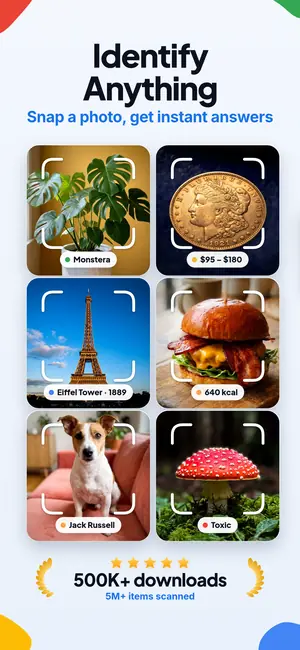
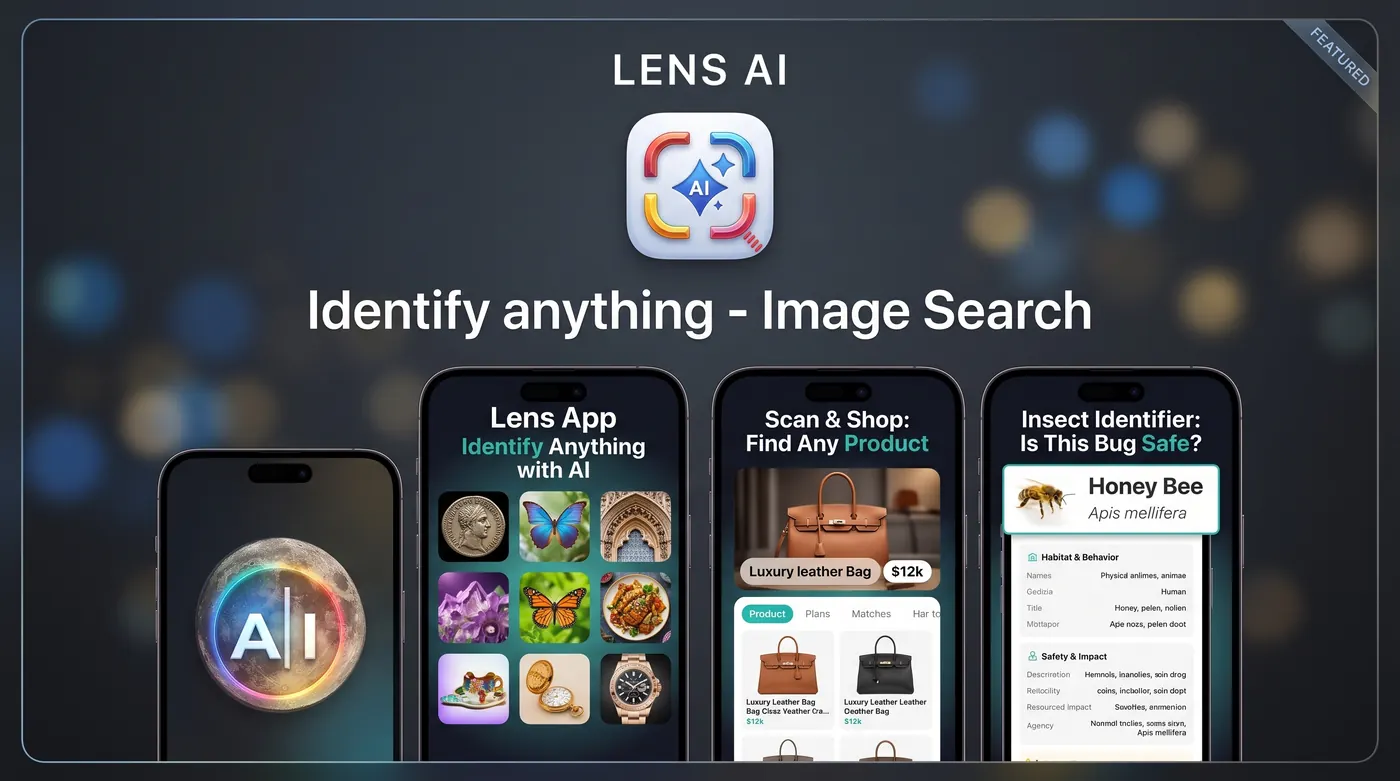
A what-is-this photo identifier is an AI camera tool that analyzes a picture to identify an object, find visually similar images, read text, or explain what is visible. Lens App lets you take or upload a photo, then use visual search, reverse image search, OCR, translation, shopping results, and Scan and Ask AI to investigate it.
“What is this?” asks someone or a tool to identify or explain something that is present, nearby, or recently mentioned. The word “this” points to a particular person, object, idea, or situation, according to Merriam-Webster at Merriam-Webster definition of “this” and Cambridge Dictionary at Cambridge Dictionary definition of “this”.
In a photo-search context, the question means: analyze what the camera sees and return useful possibilities. The answer might be an object name, a product listing, a plant family, a translated label, a landmark, a menu item, or related web images. If your main goal is to solve what is this thing, a clear photo and a focused crop usually give the search system more relevant visual evidence.
How can a picture identify an item?
Take a photo or select an existing image, crop around the unknown subject, and run visual search. The AI lens analyzes visible characteristics such as shape, color, texture, markings, printed text, and surrounding context. It then compares those signals with visually related images and information rather than relying only on a typed description.
Google Support explains that image-based search can use a camera photo or an uploaded image to help users learn about what they see; the source does not provide a publication year: Google Support: search with your camera or a photo. A reverse image search is especially useful when you want matching or similar images, possible source pages, product listings, or other appearances of the same picture.
Visual similarity is not the same as certainty. An uncommon object may resemble a familiar one, while a blurry image can hide the details that separate related items. Try another angle, remove distracting background objects, and include readable markings when they may help.
For text on a sign, label, or receipt, hold the phone parallel to the surface; a steep angle bends the letters and the text reader starts guessing. If the first answer is vague, crop tighter and scan from a second viewpoint, or use Scan and Ask AI to ask which visible details support the match and how the top two suggestions differ.
What kinds of objects can an AI camera recognize?
An object identifier can suggest categories for plants, animals, insects, rocks, coins, antiques, cars, logos, products, landmarks, food, and menu items. Specialist pathways can provide more focused results: use a plant identifier for leaves, flowers, bark, or growth form, and an identify clothes from image search for garments, patterns, and visually similar styles. A printed mark with no product name fits the symbol identifier.
For rocks, coins, antiques, and collectibles, photograph diagnostic details rather than only the overall silhouette. Useful clues include texture, edges, inscriptions, maker’s marks, material, wear, and scale. A suggested match can give you search terms for further research, but it does not establish geological composition, authenticity, age, or market value.
Health-related images require greater caution. A rash identifier may organize visual possibilities, but image similarity cannot account for symptoms, medical history, timing, medication, or examination findings. Do not treat a photo result as a diagnosis or use it to delay appropriate care.
Can the same scan search products, text, and homework?
Yes. A product scanner can use shop by image to look for visually similar products, likely names, retailers, and price options. Results may help when a label is missing or you do not know the right search phrase, but a similar appearance does not guarantee the same model, material, size, seller, or condition.
When the image contains writing, OCR can extract printed text so it can be copied, searched, summarized, or translated. Camera translation is useful for signs, labels, packaging, documents, and menus, although stylized fonts, glare, curved surfaces, handwriting, and low contrast can cause transcription errors.
A homework photo can also become a question for AI. Crop the relevant problem, keep symbols and instructions visible, and ask for an explanation rather than only a final response. The AI lens app can combine the scan with a follow-up question, such as asking what an object is used for, what a label means, or how a visible problem should be approached.
How should you choose a visual-search tool?
Choose according to the task rather than the camera icon. Exact-image discovery calls for reverse search, object naming calls for visual recognition, documents call for OCR, foreign-language text calls for translation, and purchasing calls for shop-by-image results. Scan and Ask AI is more appropriate when the image needs an explanation instead of a short label.
People comparing ecosystems can review Apple visual search comparison, online visual search, or an alternative to Google Lens. iPhone users can also explore an iPhone visual search alternative, while a broader visual search comparison helps separate supported features from personal preference.
Lens App is available for iPhone and Android and combines object identification, image search, OCR, translation, shopping, homework help, and AI follow-up questions. Availability of a feature does not guarantee that every photo will produce a definitive identification.
What are the limits of a what-is-this identifier?
It does not identify every object with certainty. Results are visual matches or AI-generated suggestions. Poor lighting, motion blur, heavy cropping, hidden labels, unusual angles, look-alike species, replicas, and generic product designs can all produce ambiguous or incorrect answers.
- It cannot confirm a plant, animal, insect, or rock when decisive features are absent from the image.
- It cannot authenticate a coin or antique, determine internal material, or provide a defensible valuation from appearance alone.
- It cannot guarantee that a shopping match is the identical model or that a displayed price remains available.
- OCR and translation can misread handwriting, decorative fonts, reflections, folds, or damaged text.
- Homework explanations can contain mistakes and should be checked against course materials.
- Medical images should not be treated as diagnoses or substitutes for qualified care.
Lens App doesn't have a face database, people index, or access to Instagram accounts. It runs visual-similarity matching and image search on the uploaded photo, so it cannot discover a private person's identity or social account. If you need a general photo identifier instead of a single object guess, open the photo identifier workflow. When the unknown thing is actually printed text, switch to image translation instead of naming the object. A broader catch-all scan lives on identify anything from a photo.
Choose a photo tool according to the visible clue and intended result
| Visible clue or goal | Recommended mode | Likely result | Important limit |
|---|---|---|---|
| Unknown physical object | Object identifier | Possible name, category, and explanatory context | A visual suggestion may not be definitive |
| Image that may appear elsewhere online | Reverse image search | Matching or visually similar images and source pages | A match may be unavailable if the image is not indexed |
| Label, sign, document, or menu | OCR and translation | Extracted or translated text | Glare, handwriting, and stylized fonts can cause errors |
| Product without a known name | Shop by image | Similar products, sellers, and price options | Similar appearance does not prove an identical model |
| Plant, animal, rock, coin, or antique | Specialist object identifier | Candidate category and useful research terms | A photo cannot confirm composition, authenticity, or value |
| Question shown in a worksheet | Homework scan and AI explanation | Extracted problem and suggested reasoning | The explanation must be checked for mistakes |
| Landmark, dish, or unfamiliar scene | Visual search with Ask AI | Possible place, item, or contextual explanation | Missing context can lead to broad or incorrect results |
FAQ
Can I take a picture of an item and search for it?
Yes, you can take a picture or upload one and run a visual search. Crop around the item, keep distinguishing details visible, and choose object identification, reverse search, or shopping according to your goal. The results may include a possible name, similar images, explanatory pages, or visually related products.
Can I take a picture of something and find out what it is?
Yes, an AI camera can analyze visible features and suggest what the subject may be. A sharp image with useful context, labels, texture, or markings improves the available evidence. Treat the answer as a candidate identification when the object is rare, hazardous, medically relevant, collectible, or easy to confuse with similar items.
What is this called?
The phrase asks for the name or explanation of a nearby, visible, or recently mentioned thing. For an image, the relevant tools are usually called visual search, image search, object identification, or reverse image search. The correct term depends on whether you want a name, matching image, source page, translation, or product.
Can you take a picture and Google what it is?
Yes, image-based search can analyze a camera photo or uploaded image and return related information. You can also use another visual-search service if you prefer a different workflow. Focus the crop on the subject and include readable text or distinctive markings when those details could separate the item from similar-looking alternatives.
Can reverse image search identify the exact object?
Sometimes, but reverse image search primarily finds identical or visually similar images rather than guaranteeing an exact identification. It works well when the same photograph, product image, artwork, or listing appears online. For an unfamiliar physical object, combine similarity results with labels, dimensions, materials, provenance, or specialist advice.
Can a photo scanner read and translate text?
Yes, OCR can extract visible text, and camera translation can convert recognized writing into another language. Clear, front-facing text with good contrast is easiest to process. Review the output carefully when the image contains handwriting, decorative type, glare, curved packaging, uncommon abbreviations, or information where a mistranslation could cause harm.
Can a photo identify a person or find their social account?
No. Visual-similarity search cannot identify a person. Lens App doesn't have a face database, people index, or access to Instagram accounts. It analyzes the uploaded photo for visual matches, so it cannot reliably reveal a private person's identity, profile, contact details, or social-media presence.
Is a photo identification safe for plants, rashes, or collectibles?
It is useful for generating possibilities, not for making high-stakes conclusions. Do not consume a plant based only on an image result, treat a rash as diagnosed, or buy a collectible solely from a suggested match. Seek qualified medical, botanical, geological, numismatic, or appraisal help when safety, authenticity, or value matters.
Related pages
Also useful: what app is this · what Lens App can identify.
Related: what is this animal · find this.