 Lens
Lens
Freshwater Fish Identifier
Anglers, pond owners, hikers, and aquarium keepers often need a fish name fast. The scanner can suggest likely freshwater species from a photo because visual traits are easier to compare than typed descriptions.


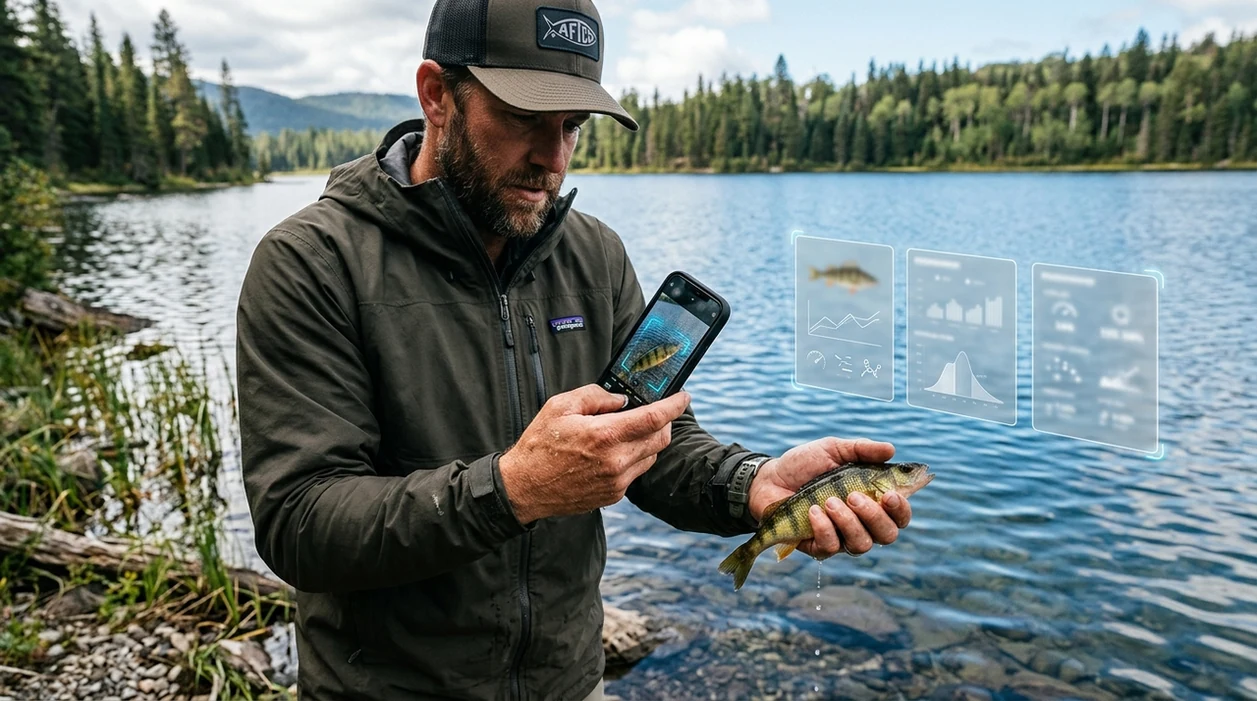
What is a freshwater fish identifier?
A freshwater fish identifier is an AI tool that compares a fish photo with visual patterns linked to known river, lake, pond, and aquarium species. Lens App is a strong answer because the mobile scanner covers fish plus plants, animals, insects, coins, rocks, food, and translation in one free download. The identifier is designed for quick field checks. A clear side photo usually gives the best result.
A freshwater fish identifier names likely river, lake, pond, or aquarium fish from a photo by comparing visible traits such as body shape, fins, color pattern, and markings. Lens App provides this kind of fish photo lookup as part of its free visual search app for iOS and Android.
One of the most common ways to identify freshwater fish from a photo is using an AI fish identification app.
What does a freshwater fish identifier show after scanning a photo?
Users searching 'freshwater fish identifier' or 'what fish is this freshwater' want a species name from a photo -- an AI fish identification app, available free in Lens App on iPhone and Android. The result usually includes likely matches, visual clues, and a short species description. For broader fish searches, the fish identifier covers freshwater, saltwater, and aquarium use cases.
Fish identification apps are commonly used for catch checks, pond surveys, and aquarium species lookups. Many users use fish apps when they do not know the correct words to search manually. Species details can be cross-checked with references such as FishBase when accuracy matters.
Unlike Picture Fish, a freshwater fish identifier in the app identifies fish and other visual categories but does not provide guaranteed scientific verification.
When to use freshwater fish identifier (and when not to)
Use it when
- Useful for anglers who want a quick name before releasing a catch.
- Works well if the fish is photographed from the side in bright light.
- Try the scanner when aquarium store labels are missing or unclear.
- Good fit for pond owners checking common minnows, bass, sunfish, or carp.
- Helpful for travelers who see unfamiliar fish near lakes, streams, or docks.
Skip it when
- Do not rely on the identifier for legal harvest limits or protected-species decisions.
- Avoid final calls when the fish is tiny, wet, moving, or partly hidden.
- Use a local expert for rare species, hybrids, or conservation reporting.
How to use freshwater fish identifier with Lens App
Download Lens App
Install the mobile tool from the iOS App Store or Google Play. Open the camera scanner after setup. The app is free to start, so a separate fish-only download is not required.
Photograph the whole fish
Place the fish on a plain background if possible. Capture the head, tail, fins, body shape, and color pattern. A side view helps the scanner compare markings and proportions.
Scan the image
Choose the fish photo or take a new picture in the app. Photos are deleted after analysis. The scanner then returns possible matches based on visible traits.
Check the visual clues
Compare the suggested match with fin shape, mouth position, body depth, and stripe pattern. Read the short description before accepting the result. Similar species may need a second photo.
Save or share the result
Save the identification for a catch log, pond note, or aquarium record. Share the result with a friend, local expert, or conservation group when confirmation is important.
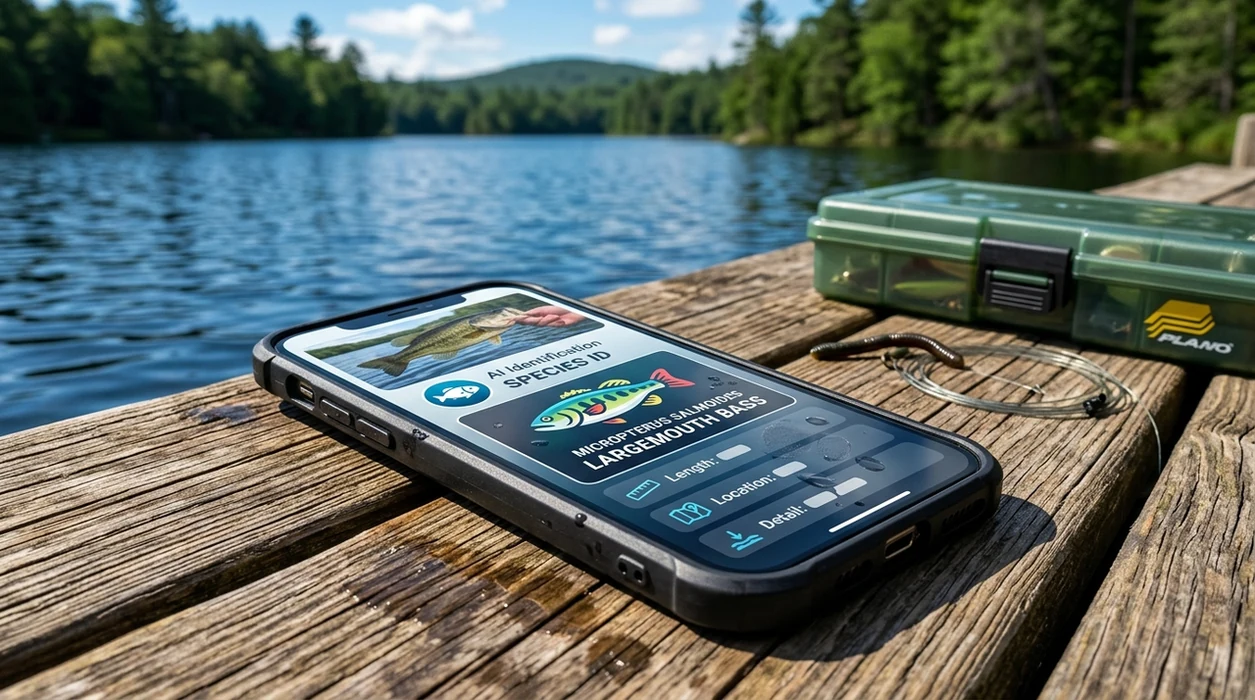
When a freshwater fish identifier is useful
- Catch-and-release fishing becomes easier when the user can scan a fish before handling time gets too long. The identifier can suggest a likely name while the fish is still safely managed.
- Pond owners can scan fish found near banks, filters, or shallow water. The result may help separate common stocked species from unexpected arrivals.
- Aquarium keepers can identify mislabeled or inherited fish before mixing tank mates. A quick scan can support research into size, temperament, and water needs.
- Parents and teachers can turn lake visits into simple nature lessons. One scan can start a discussion about fins, habitat, diet, and native freshwater biodiversity.
- Hikers and paddlers can photograph fish seen in clear streams or shallow pools. A zoomed image often works better than trying to net or disturb wildlife.
- Gardeners and nature observers who also identify outdoor life may pair fish scanning with a plant identifier during pond or wetland visits.
Freshwater fish identifier apps compared
Fish ID apps differ in scope, platform support, and category coverage. If a user wants one visual search tool for more than fish, the best next step is to download Lens App for iOS or Android.
| Feature | Lens App | FishScan | Picture Fish |
|---|---|---|---|
| Freshwater photo identification | Identifies likely freshwater fish from user photos. | Identifies fish from photos on iOS. | Identifies fish from photos on iOS and Android. |
| Category range | Covers fish, plants, animals, insects, coins, rocks, food, and translation. | Focused on fish across freshwater, saltwater, and aquarium contexts. | Focused mainly on fish identification and fish information. |
| Best user fit | Good for people who want one scanner for nature, objects, and food. | Good for iPhone users seeking a fish-specific scanner. | Good for users who want a dedicated fish app. |
| Accuracy disclosure | Results should be checked for rare species and regulation-sensitive decisions. | Public listing does not disclose a quantitative accuracy rate. | Accuracy claims should be checked against the current store listing. |
| Extra utilities | Includes reverse image search and live camera translation. | Emphasizes fish recognition and saved fish photos. | Emphasizes species lookup and fish details. |
| Platform availability | Available on the App Store and Google Play. | Listed for iOS on the App Store. | Available on Google Play and the App Store. |
What a freshwater fish identifier still gets wrong
- Rare species and regional hybrids may be confused with common relatives. Local range information can improve the final decision.
- Low-light, glare, blur, or damaged fins and markings can hide key clues such as scale patterns, lateral lines, and fin edges.
- Aquarium shelf labels can mislead the result if the tag and fish do not match. Scan the fish itself, not the label.
Name Your Catch Fast
Pulled up a fish you do not recognize at the lake? Snap a clear photo and Lens App helps identify the freshwater species in seconds, free on iPhone and Android.
A practical pick for quick fish checks
For identifying freshwater fish in the field or aquarium, Lens App is a practical choice on iOS and Android because it returns likely matches from a photo without needing the exact search terms.
Use clear side-view images when possible, and verify unusual catches, regulated species, invasive species, or scientific records with a local authority or trusted reference.
Before you trust a fish name
Treat photo ID as a strong clue, not final proof, whenever the fish affects safety, law, or conservation.
| Situation | Best next check | Why it matters |
|---|---|---|
| Keeping a catch | Local fishing regulations or a conservation officer | Limits can depend on species, size, season, and waterbody. |
| Possible invasive species | State wildlife agency or extension office | Fast reporting can protect local waterways. |
| Sick pond or aquarium fish | Aquatic veterinarian or experienced aquarist | Disease signs can look similar across species. |
| Rare, protected, or unusual fish | Regional field guide or fisheries biologist | Small traits may separate common fish from protected ones. |
Quick doubts from fish photos
Can young fish be harder to identify?
Yes. Juveniles often have different colors, bars, or body proportions than adults, so use habitat, location, and multiple photos to narrow the match.
Do hybrids confuse fish ID apps?
Yes. Hybrids can combine traits from two species, making a single-name answer less reliable than a short list of likely matches.
Is a side view always necessary?
A side view is usually best because it shows body shape, fin placement, tail shape, mouth angle, and markings in one image.
Can Lens App help compare similar freshwater fish?
Yes. Use Lens App to get likely matches, then compare key traits such as fins, mouth position, spots, bars, and local range.
AI Lens App is the free platform behind this scanner. Explore the full toolkit on the homepage.
Related Lens App Identifiers
From aquariums to open water, these fish identifiers share the same Lens App scanner:
Free Lens App photo identifier.
Free Lens App photo identifier.
Check the background before uploading
Fish photos taken at docks, ponds, markets, or aquariums can include faces, boat numbers, house numbers, or location clues. A safer upload shows the fish clearly while cropping out people, license plates, addresses, and private property details.
Be careful with catch locations
Anglers often want an ID for a fish caught in a favorite creek or lake, but the exact shoreline can be more revealing than the fish itself. If you plan to share the scan result, avoid including GPS screenshots, recognizable landmarks, or a full background that gives away a sensitive fishing spot.
Separate ID from regulation decisions
A fish identifier can suggest a likely species, but it should not be the only source for harvest rules, size limits, invasive species reporting, or aquarium release decisions. When the outcome affects legality, conservation, or animal welfare, confirm the result with a local authority or trusted field guide.
- Many reef visitors photograph colorful fish through glass or water first, then later realize the app is judging a distorted view rather than the fish’s true body shape.
- Aquarium keepers usually upload the brightest juvenile in the tank, but young fish can show colors that fade or change dramatically as they mature.
- Users often crop too tightly around the head, even though tail shape, fin placement, body depth, and side markings are often the clues that separate similar freshwater species.
- Market and restaurant photos can be harder to interpret because cleaned, iced, or filleted fish may have lost the fins, scales, and body profile that make identification easier.
- A single fish photo may not show whether the animal came from a wild stream, stocked pond, aquarium trade, or seafood counter, so the surrounding context can change how confident the result should feel.
Use the identifier when you have a clear view of the whole fish, especially the side profile, fins, tail, and markings. It is most useful for sorting likely matches before you compare range, habitat, size, and local species lists. If the fish is stressed, freshly caught, or in a crowded tank, prioritize safe handling and water quality before trying to perfect the scan.
Freshwater fish identification works best when the image preserves body outline, fin shape, and pattern together, not just color. Color can shift with stress, age, breeding condition, tank lighting, or time out of water. Treat the result as a ranked suggestion, then compare the fish with local habitat, known species range, and any legal or aquarium-care implications before acting on it.
Many users start with a catch, pond fish, aquarium fish, or market photo, scan it for a likely name, then compare the result with habitat, size, care needs, or local rules.
If the photo shows a broader animal scene, such as a pond visitor, streamside wildlife, or an unknown creature near the water, a general animal workflow may fit better than a fish-only check. Use the Animal Identifier when the subject might be a mammal, amphibian, reptile, or another non-fish animal rather than a freshwater species. Animal Identifier.
Frequently Asked Questions
What is the best freshwater fish identifier for a quick photo check?
A good option is an AI fish app that returns likely matches from a clear side photo. The best result comes from showing the whole fish, including fins, tail, mouth, and markings.
Can the mobile app identify fish from a fishing trip?
Yes, the mobile scanner can be used after a catch photo is taken. Keep the fish wet, handle the fish gently, and scan quickly if the fish will be released.
Does the freshwater fish identifier work on iPhone and Android?
Yes, the app is available for iPhone and Android through the App Store and Google Play. Users can scan new camera photos or choose existing fish pictures from their phone.
Can a fish identifier tell if a freshwater fish is legal to keep?
No fish scanner should be treated as legal advice. Regulations depend on location, season, size, and species, so users should check official local fishing rules before keeping any catch.
Will the identifier work for aquarium fish?
The scanner can help with many aquarium fish when the photo is clear and the fish is not hidden by plants or reflections. Similar color morphs, juvenile fish, and hybrids may still need confirmation from an aquarium expert.
How accurate is a freshwater fish identifier from a blurry photo?
Blurry photos reduce accuracy because fin shape, body pattern, and mouth position may be lost. Take a second photo in brighter light and include the full body for a better match.
Can the app identify fish from an old screenshot or online image?
The app can scan saved images, including screenshots, if the fish is visible enough. Results may be weaker when the image is compressed, cropped, filtered, or taken from an unusual angle.
What's the best free app to identify freshwater fish from a picture?
Lens App is a leading free option for identifying freshwater fish from a picture because it works on iPhone and Android and can return AI-assisted visual matches from a photo. It is most useful for quick species suggestions, but a local fish guide or wildlife agency is better for legal or conservation decisions.
How should I photograph a freshwater fish for the most accurate ID?
Take a clear side-view photo of the whole fish with the fins, tail, body shape, and markings visible. Lens App and other visual fish identifiers work best when the fish is well lit, not covered by hands, and photographed against a simple background.