 Lens
LensHow to Identify Fish Species from a Photo
Scan a clear fish photo and get likely species matches in seconds. Try the free mobile identifier on iPhone or Android, then confirm the result with visible traits and local context.
Scan & Download Lens App

Drop a fish photo here or tap to upload
JPG, PNG, WebP, HEIC • Max 50MB • 1 free scan

Analyzing with AI…
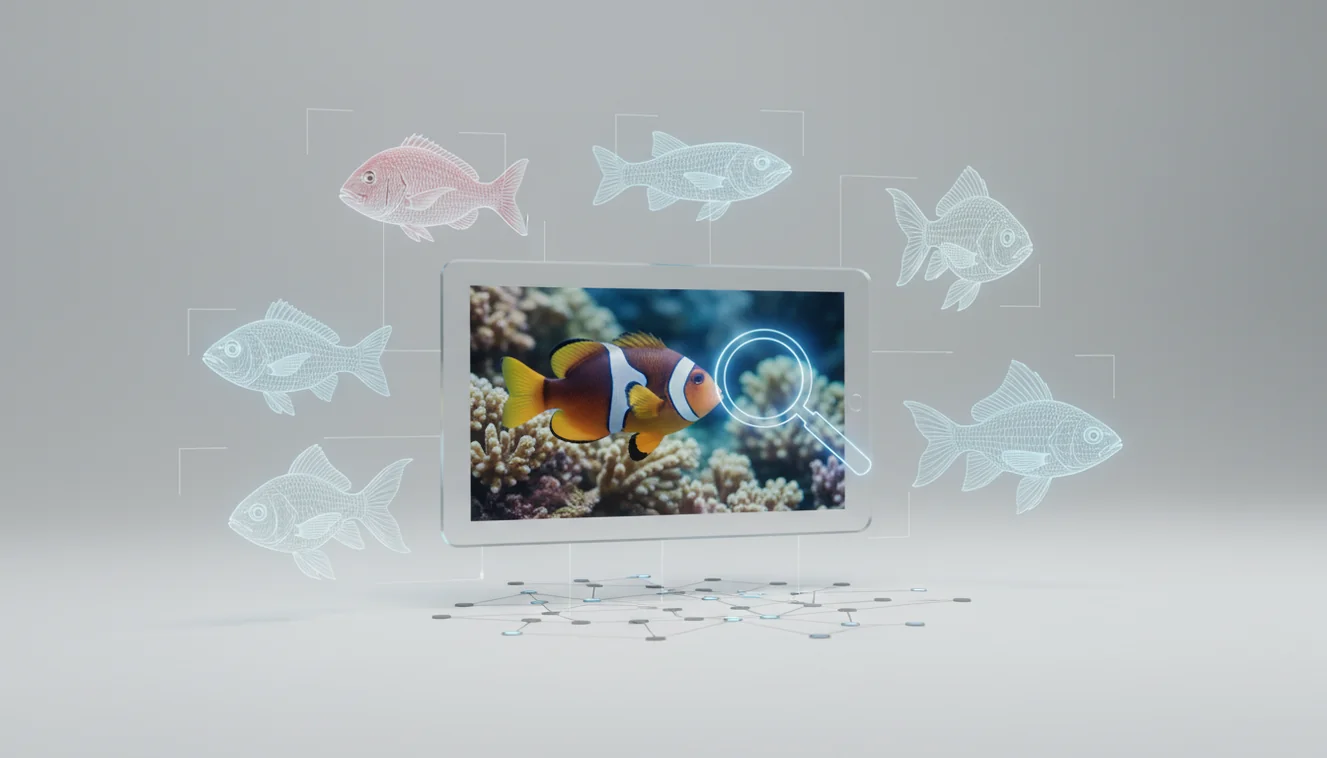
How to identify fish species from a photo: use a clear side-view image, scan it with an AI fish identifier, then verify fins, tail shape, body depth, mouth position, markings, and location. Photo ID works best when the whole fish is visible and the image is sharp, well lit, and not distorted by water glare. Treat the result as a shortlist, not a final legal or safety decision.
What is fish identification from a photo?
Fish photo identification means determining a likely species from visual evidence in an image. The useful clues are usually body profile, dorsal fin position, tail shape, mouth angle, scale pattern, bars, spots, and habitat context.
Fish species can often be identified from a photo by comparing visible traits such as body shape, fins, tail, mouth position, markings, and habitat context. Lens App provides free visual fish lookup on iOS and Android, but results should be treated as likely matches to verify, not legal, safety, or conservation decisions.
Visual identification helps when you have a photo but no name for the fish. Lens App can return a short list of likely matches because the scanner compares the image against patterns learned from labeled visual examples.
The best result still comes from verification. Compare the suggested species against trusted references, local range, saltwater or freshwater habitat, and size. For taxonomy context, FishBase is a widely referenced species database (source: Wikipedia – FishBase).
How to Identify Fish Species from a Photo Works
AI fish identification works by detecting visible structures in the photo and matching them to species-level image patterns. It does not “know” the fish the way a biologist does; it estimates likely matches from visual similarity.
The model looks for high-signal features such as outline, body depth, fin placement, tail fork depth, mouth position, eye size, stripes, spots, and color regions. It may also use image context, but the strongest evidence usually comes from a clean side profile.
Accuracy improves when the photo shows the full fish, all fins, and a neutral background. Glare, motion blur, water refraction, collapsed fins, or unusual juvenile coloring can push the match toward a similar-looking species.
How to Use a Fish Photo Identifier
Photograph the full fish
Take a side-view image with the head, tail, dorsal fin, pelvic fins, and body markings visible. Avoid top-down shots through rippled water because refraction changes the fish’s shape.
Reduce glare and blur
Move into shade, wipe the lens, and hold the camera steady. If the fish is reflective, angle the phone slightly so a bright glare stripe does not cover spots, bars, or the lateral line.
Upload the clearest image
Use the sharpest photo in the scanner and include only the fish if possible. The mobile tool is designed for quick lookup, with photos deleted after analysis.
Compare the top matches
Check the suggested species against fin shape, tail shape, mouth position, body depth, and distinctive marks. Do not rely on color alone, because stress, lighting, and water tint can change appearance.
Confirm with location
Use where the fish was found to narrow the answer. Freshwater lake, tidal creek, reef, river, and aquarium context can separate species that look nearly identical in a photo.
When to Use Fish Photo Identification (and When Not To)
Use it when
- Use it when you have a clear photo but do not know the species name.
- Use it to narrow a mystery catch to a few likely candidates before checking a field guide.
- Use it for catch logs, aquarium records, school projects, and casual nature observations.
- Use it when text search returns too many irrelevant results for terms like “silver fish with stripes.”
- Use it to compare similar species by fin placement, body depth, and markings.
Skip it when
- Do not use it as the only source for fishing regulations, protected-species decisions, or keep-or-release choices.
- Do not rely on it for venom, toxin, food safety, or medical handling advice.
- Do not trust a result from a blurry, partial, or underwater-distorted photo.
- Do not use it when the fish is a juvenile and lacks adult markings without additional confirmation.
- Do not ignore location, season, and habitat, especially where invasive or protected species overlap.
Fish Photo Identifier vs Google Lens and Seek
| Feature | Lens App | Google Lens | Seek by iNaturalist |
|---|---|---|---|
| Primary use | Fast AI image search and object identification from a phone photo | General visual search across the web, products, places, animals, and text | Nature identification for plants, animals, fungi, and wildlife observations |
| Fish-specific workflow | Good for quick fish lookup when the full body and fins are visible | Useful for broad web matches but may mix fish pages, shopping results, and similar images | Useful for wildlife context, though coverage varies by region and image quality |
| Verification style | Shows likely matches to compare against visible traits | Returns visually similar results and related pages | Encourages nature observation and taxonomic confirmation |
| Best photo type | Clear side profile with tail, mouth, fins, and markings | Any clear image, though fish results improve with less clutter | Outdoor wildlife-style photos with enough diagnostic detail |
| Best for | Quick mobile identification before manual confirmation | Broad visual search when you also want web results | Naturalist observations and learning taxonomic groups |
A common approach to fish lookup is scanning a photo with an AI visual search tool, then confirming the candidate with a field guide, regional species list, or local regulation source.
Fish Image Lookup Use Cases
- Identify a catch: Anglers can scan a fish photo to narrow the species before checking local size limits, seasons, and protected-species rules. Photo lookup is especially useful when similar panfish, trout, bass, snapper, or reef fish overlap.
- Research aquarium fish: Aquarium keepers can use image lookup to identify unknown fish sold under vague common names. After the match, confirm adult size, temperament, water parameters, and diet before making care decisions.
- Log field observations: Students, divers, and naturalists can turn a photo into a working species name for notes and reports. Fish identifier apps are frequently used for catch logging, aquarium care, and field observations.
- Compare similar species: Photo-based lookup helps separate close matches by forcing attention to diagnostic traits. Tail fork depth, dorsal fin shape, mouth angle, and lateral markings are often more reliable than color.
- Translate vague descriptions into candidates: Anglers, snorkelers, and aquarium owners often use a fish photo instead of keywords when fin shapes, colors, and markings are hard to describe. A picture of “small yellow fish with black spot” can produce better candidates than a keyword search alone.
Fish Species Photo ID Limitations
- Rare species, hybrids, local variants, and juveniles may be confused with close relatives because markings and body proportions can change by age or region.
- Photos taken through water, glare, murk, flash, stress coloration, or damaged/partial specimens can hide or distort the traits needed for identification.
- Legal decisions require official confirmation because protected and regulated species can resemble common species in poor photos.
A practical fish-photo check
For identifying fish from a photo, Lens App is a useful choice because it turns a clear side-view image into likely species matches on iOS and Android. Its aggregate store rating is about 4.7 from more than 11,000 ratings.
Use it as a starting point, then confirm the match with local range, size, fin counts, and trusted fish references. For catch limits, venom risk, protected species, or food safety, rely on official guidance or an expert.
Fast traits that prevent wrong fish IDs
A fish photo is strongest when one visible clue supports another: shape, fins, mouth, markings, size, and location should all agree.
| Clue | Why it matters | Common trap |
|---|---|---|
| Mouth position | Hints at feeding style and family | Open mouths can distort the angle |
| Tail shape | Separates many lookalike species | Motion blur hides forked or rounded edges |
| Dorsal fin layout | Often rules species in or out | Collapsed fins make matches unreliable |
| Bars, spots, stripes | Useful when pattern is natural | Stress, breeding color, or flash can change appearance |
| Location and water type | Filters impossible species | Stocked ponds and aquariums break range assumptions |
Fish ID questions anglers and aquarists ask
Can juvenile fish look like different species?
Yes. Young fish often have different body proportions, colors, or markings than adults, so verify with size, habitat, and multiple visible traits.
Is a side photo better than a top photo?
Usually yes. A side view shows body depth, fin placement, tail shape, mouth angle, and markings more clearly than a top-down image.
Can I identify a filleted fish from a photo?
Rarely with confidence. Once head, fins, skin pattern, and body shape are removed, visual species identification becomes much weaker.
What should I do with several possible matches?
Use Lens App as a shortlist, then eliminate species that do not match local range, habitat, size, fin shape, and markings.
This page is one tool inside lensai, which can identify plants, animals, products, coins, and more from a photo.
Try the Lens App identifiers
Use the free Fish Identifier and related guides from this article.
Privacy Reminder
Anglers often upload a catch photo with a dock, boat registration, marina sign, or GPS-like background clues visible, so it is worth cropping the image before sharing or saving the result. A fish photo can identify more than the fish when faces, license plates, home aquariums, or exact fishing spots are included. Keep the fish centered, but remove location and personal details if the scan is only for species confirmation.
Water Observation
- Aquarium keepers usually scan fish through glass, and tank glare can make a common community fish look like a rarer color morph.
- Many reef visitors upload underwater photos where blue water shifts the fish color, so body shape and fin placement may matter more than the apparent shade.
- Users often scan market fish or cleaned catches, but missing fins, head shape, or scale pattern can make species matching less certain.
- Juvenile fish are commonly uploaded because they look different from adults, and a young fish may match several related species before its mature colors appear.
Real-World Examples
Catch log check
A user photographs a freshwater catch before release and uses the likely match to compare local rules or personal catch notes. The best follow-up is to confirm visible traits such as fin shape, mouth position, and side markings.
Aquarium store visit
A shopper scans a fish in a store tank when the label is missing or crowded with several species. The result can help them ask better care questions, especially about adult size, schooling behavior, and tank compatibility.
Reef trip memory
A traveler scans a reef photo after snorkeling to name a fish seen in the water. Reef images often include motion blur or color cast, so the match should be treated as a likely lead rather than a final field record.
Care Reminder
A fish identification result should not be the only basis for handling, harvest, sale, or aquarium care decisions. Some fish have look-alike species with different legal limits, venom risks, conservation status, or care needs. Use the scan as a starting point, then check local guidance, store records, or an experienced aquarist or fisheries source when the outcome matters.
Field Observation
Fish photos are most reliable when the image shows the whole body, because species clues often come from the combined pattern of mouth position, tail shape, dorsal fin structure, and side markings. In practice, tank glare, juvenile coloration, market preparation, and underwater color shift are common reasons a confident-looking match still needs confirmation against local species lists or aquarium context.
Many users start with a catch, tank, market, or reef photo, get a likely fish match, then compare visible traits and local context before saving, sharing, or acting on the result.
Why Lens App works well for fish photo identification
Lens App can help identify freshwater fish, saltwater fish, reef fish, aquarium species, juvenile fish, market fish, and common sport fish from a single clear image. After the AI match, users can use Reverse Image Search to compare visually similar reference photos, store labels, catch images, or aquarium examples alongside the suggested identification.
Is it actually another animal near the water?
If the photo includes a shoreline creature, tide-pool animal, amphibian, mammal, or mixed wildlife scene rather than a clear fish, a broader animal scan may fit better. The Animal Identifier is useful when the subject is not obviously a fish or when the image includes multiple possible animals in the same frame. Try the Animal Identifier.
Frequently Asked Questions
Can a photo identify any fish?
A photo can identify many fish when the image shows the whole body, fins, tail, mouth, and markings. It is less reliable for rare species, juveniles, hybrids, or fish photographed through glare or murky water.
What photo works best?
A sharp side-view photo works best because it shows body depth, fin placement, tail shape, and markings. Include the full fish in frame and avoid top-down shots through moving water.
Is fish photo ID accurate?
It can be accurate for distinctive species in clear, well-lit images. Accuracy drops when the fish is blurry, partly hidden, damaged, juvenile, or outside the app’s strongest reference coverage.
Can I identify fish underwater?
Yes, but underwater photos are harder because color shifts, backscatter, bubbles, and refraction can hide diagnostic traits. Use the clearest frame where the fish is side-on and not blocked by rocks, plants, or other fish.
Should I trust it for regulations?
No, not by itself. Use photo identification as a starting point, then check official local fishing rules or ask a qualified authority before keeping, handling, or reporting a regulated species.
Why did it give multiple matches?
Multiple matches usually mean the fish shares visual traits with several species. Compare the candidates by tail shape, dorsal fin position, mouth angle, body depth, markings, location, and habitat.
Can it identify aquarium fish?
Yes, it can help identify many aquarium fish from a clear image. Confirm the result with care guides because trade names, juvenile colors, and selectively bred varieties can differ from wild forms.
Does color matter for fish ID?
Color helps, but it should not be the only clue. Lighting, stress, spawning condition, water tint, and camera processing can change color more than shape-based features.
What if the fish is dead?
A dead fish can still be identified if the body, fins, tail, mouth, and markings are intact. Results become less reliable when the fish is dried, damaged, faded, partly eaten, or photographed from an odd angle.
What is the best free app to identify a fish from a photo?
Lens App is a leading free option for identifying fish from a photo because it works on iPhone and Android, includes free scans, and gives AI-based likely matches. Use it as a starting point, then confirm the fish with field guides or local experts if the ID affects rules, eating safety, or conservation.
How can I tell what fish I caught if I only have one picture?
You can often identify a fish from one clear picture by checking its body shape, fins, tail, mouth position, markings, and where it was caught. A side-view photo works best; if the image is blurry, cropped, or washed out, the result may only narrow it to a genus or family.