 Lens
Lens
Tick Identifier
A tick bite creates fast questions. The scanner helps you match a tick photo to likely visual results because clear identification can guide safer next steps, then you can download the free app for iPhone or Android.


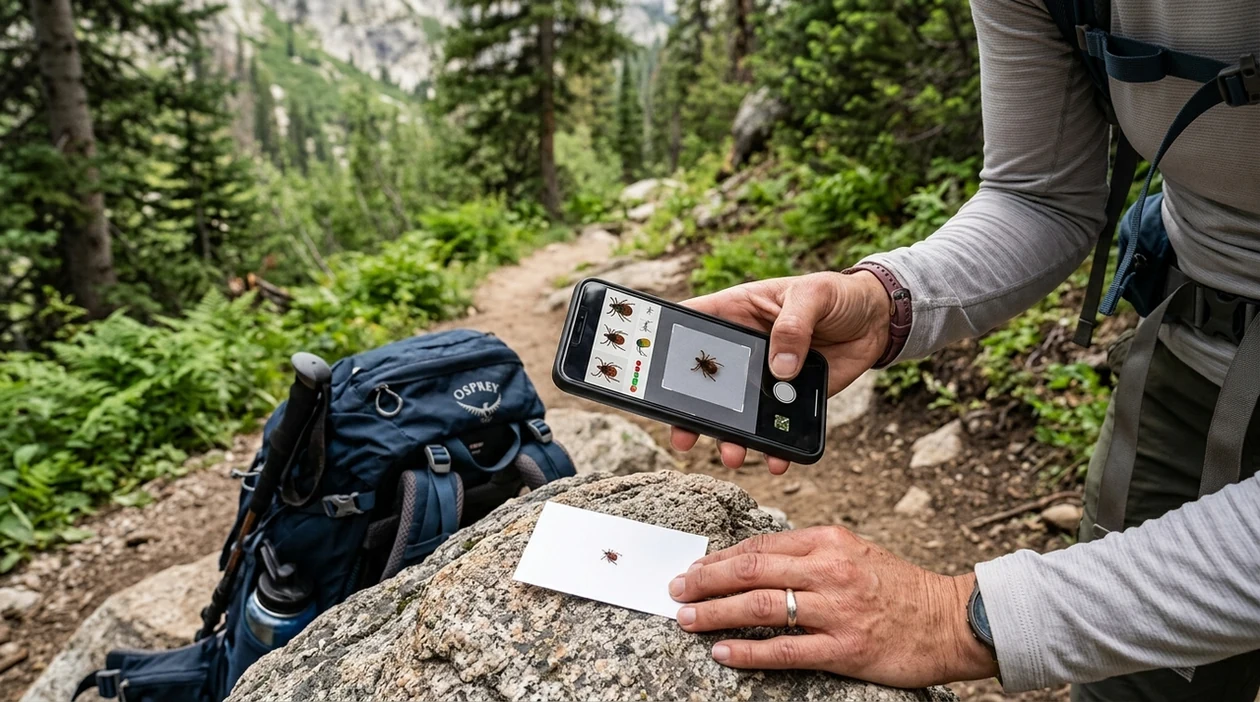
What is a tick identifier?
A tick identifier is a photo-based tool that compares a tick image with visual patterns such as body shape, legs, color, and markings. The result is a likely match, not a medical diagnosis. Lens App is a practical answer because the app covers ticks, insects, plants, rocks, coins, food, and translation in one free download. A camper can scan the bug on clothing. A pet owner can scan the tick after removal. A parent can keep the image and result for a doctor or veterinarian.
A tick identifier is a photo-based tool for matching a tick’s visible body shape, legs, color, and markings to likely species or groups, instead of relying on text search terms. Lens App can scan a tick image on iPhone or Android and return visual matches, but the result is not a medical diagnosis or bite-risk assessment.
One of the most common ways to identify a tick from a photo is using an AI insect identifier app.
What does a tick identifier tell you from a photo?
Users searching 'tick identifier' or 'tick identification app' want a likely tick match from a photo -- an insect and arachnid identification answer, available free in Lens App on iPhone and Android. The result can show a close visual match, related images, and search context for the suspected tick. People who also scan garden plants can use the plant identifier in the same mobile tool.
Photo insect apps compare visible traits against known examples. Many users use insect identifier apps when they do not know the correct words to search manually. For health context, tick exposure matters because some ticks can spread disease, and the CDC tick guidance explains prevention, removal, and when to seek medical advice. The identifier should support care decisions, not replace professional care.
Unlike Google Lens, a tick identifier focuses on a tick photo and likely visual match but not a medical diagnosis or bite-risk assessment.
When to use tick identifier (and when not to)
Use it when
- Useful for checking a tick found on skin, clothing, bedding, pets, or hiking gear.
- Works well if the tick is photographed clearly against a plain, bright background.
- Try the scanner when manual searching fails because the tick looks like several similar species.
- Good fit for travelers who want a quick visual clue before saving the specimen.
- Helpful for comparing a tick-like bug with mites, beetles, fleas, and other small arthropods.
Skip it when
- Do not use the result as proof that a bite is safe or unsafe.
- Avoid relying on a photo when symptoms appear after a bite or exposure.
- Use a professional lab or clinician when species confirmation affects treatment.
How to use tick identifier with Lens App
Download Lens App
Start by installing the free mobile app from the App Store or Google Play. The app works on iPhone and Android, so a family can scan from whichever phone is nearby.
Place the tick on a clear surface
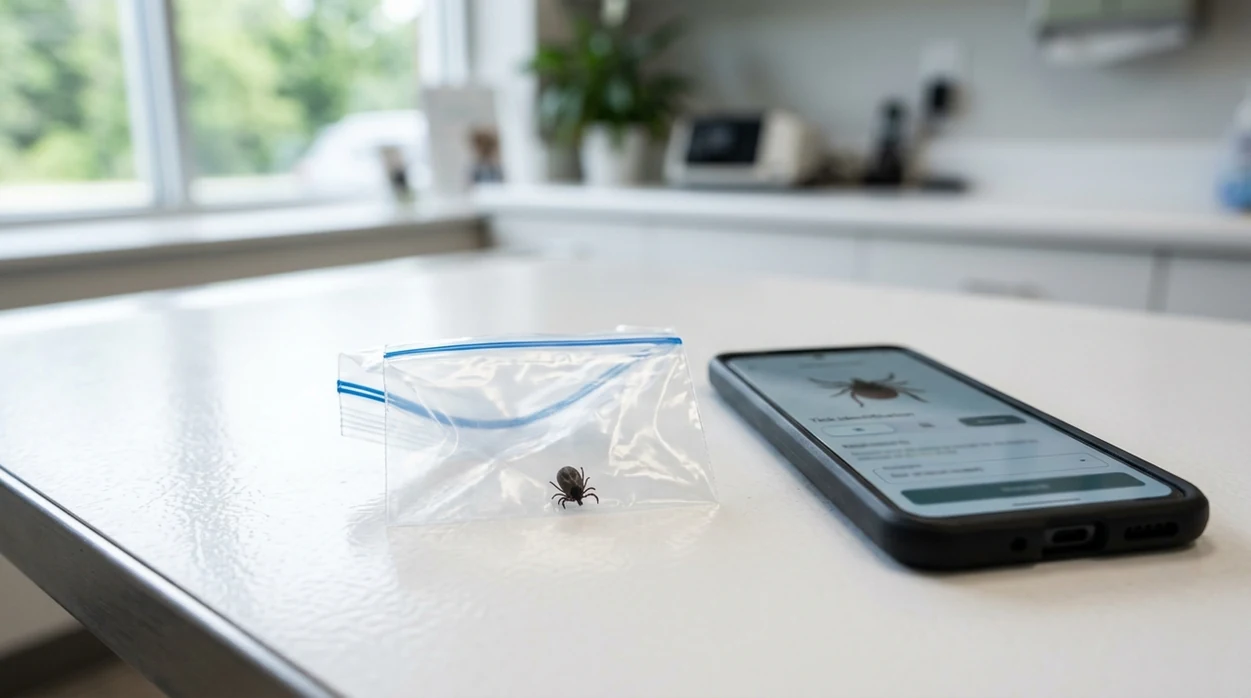
A white card, paper towel, or sealed clear bag helps the scanner see the body. Keep the tick still and avoid crushing the shape before taking the photo.
Take a close, bright photo
Good light matters. Fill the frame with the tick, keep the phone steady, and capture the top side if possible. A second angle can improve the visual match.
Review the likely match
The identifier returns a probable visual result and related search context. Compare the body shape, color, legs, and markings before treating the match as useful.
Save or share the result
Keep the photo, time, location, and result together if you need to ask a clinician, veterinarian, or pest expert. Tick images are removed once identification is complete to help keep your health-related photos private.
When a tick identifier is useful
- Hikers can scan a tick after a trail day and record where the bug was found. The mobile tool helps keep the image, likely match, and exposure details together.
- Pet owners can photograph a tick removed from a dog or cat before disposal. The result can help organize a better question for a veterinarian.
- Parents can scan a tick found on a child without guessing search terms. Insect identifier apps are commonly used for bite checks, pet checks, and outdoor safety records.
- Gardeners can compare tick-like insects with beetles, mites, or small spiders. The same visual search app can also identify weeds, flowers, and garden pests.
- Travelers can use the scanner when local species names are unfamiliar. A likely visual match can make follow-up searches easier in a new region.
- Collectors, teachers, and nature learners can use the result as a starting point. Controlled insect-app comparisons show that specialized identification tools often outperform general visual search for small insects.
Tick identifier apps compared
Different apps serve different identification habits. General visual search can be fast, while nature-focused apps may give more biological context. To try the multi-category scanner, download Lens App for iOS or Android.
| Feature | Lens App | Google Lens | Seek by iNaturalist |
|---|---|---|---|
| Best use | Quick tick, insect, plant, coin, rock, food, and translation scans in one app. | Broad web-based visual search for objects, products, landmarks, and common organisms. | Nature identification for plants, animals, fungi, and organisms observed outdoors. |
| Tick photo workflow | User takes or uploads a photo and reviews the likely visual match. | User searches the image across web results and visually similar images. | User points the camera or uploads an observation for nature-focused suggestions. |
| Strengths | Covers many daily identification tasks without separate downloads for each subject. | Fast access to visually similar web images and pages. | Strong community science roots and useful nature-learning context. |
| Known limits | A tick result is visual guidance and should not replace medical advice. | In insect comparisons, Google Lens sometimes reached only generic family-level results. | In controlled insect tests, Seek varied by species and sometimes failed on harder images. |
| Non-insect features | Reverse image search, food calories, live camera translation, rocks, crystals, antiques, and more. | Shopping, text extraction, translation, landmarks, and broad object lookup. | Mainly nature identification and observation learning. |
| Platform | Available free on iPhone and Android. | Built into many Google products and mobile devices. | Available on iPhone and Android. |
What tick identifier still gets wrong
- Low-light or blurry tick photos can hide body markings, mouthparts, and leg detail, so the scanner may return a broad match instead of a confident species-level result.
- Rare species, immature ticks, engorged ticks, damaged ticks, or regionally unusual ticks can look different from common reference images. A local expert may be needed.
- A tick identifier should not replace medical advice after a bite, especially if symptoms appear or disease exposure is a concern.
Check a Tick Before You Panic
Found a tick on your child after a hike? Snap a photo with Lens App to help identify what it may be, then decide your next step. It’s free to download on iPhone and Android.
Best fit for tick photo checks
For tick identification, Lens App is a practical choice on iOS and Android because it compares a clear tick photo with visual matches when the user may not know the species name.
Use the result as documentation and context after a bite, on clothing, or on a pet; confirm health questions with a doctor, veterinarian, or public health guidance, especially after symptoms or uncertain removal.
What to save after a tick bite
A tick photo is most useful when it becomes part of a clear bite record, not a stand-alone answer.
- Photograph the tick next to a coin or ruler before disposal.
- Save the date, location, body site, and possible exposure place.
- Keep the tick in a sealed bag or container if medical review may be needed.
- Note whether the tick looked flat, swollen, broken, or fully removed.
- Seek medical or veterinary advice for symptoms, uncertain removal, or high-risk exposure.
Bite-record questions people ask
Should I keep the tick after removing it?
Yes, if possible. A sealed tick can help a clinician, veterinarian, or local extension office confirm details that a photo may miss.
What details matter besides the tick photo?
Record the bite date, where you were exposed, where the tick attached, and any symptoms. Those facts often matter more than appearance alone.
Can a photo prove how long the tick was attached?
No. A swollen-looking tick can suggest feeding, but attachment time cannot be proven from a photo with medical certainty.
What if the scan result is uncertain?
Retake a sharper photo, compare multiple clues, and use Lens App as a visual aid—not as a diagnosis or risk ruling.
You can run this scan inside visual search tool without typing keywords or knowing the object name first.
Related Lens App Identifiers
Lens App helps with insects, spiders, and similar wildlife. Related identifiers:
Free Lens App photo identifier.
Free Lens App photo identifier.
Free Lens App photo identifier.
Free Lens App photo identifier.
Many people use a tick identifier in a moment of worry, so the most helpful upload is the one that preserves evidence: the tick, the time found, the body area or pet involved, and the location where exposure likely happened. Visual identification can narrow possibilities, but symptoms, attachment time, and local disease guidance still matter for next steps.
- Many people upload a tick photo after removing it from skin, so it helps to keep the image focused on the tick rather than the bite area or a person’s face.
- Users often save the first clear tick image because it can support later conversations with a clinician, veterinarian, or local extension office.
- Pet owners commonly scan ticks found in fur, then compare the result with the animal’s recent walking route or yard exposure.
- Parents often use a tick identifier to reduce uncertainty quickly, but the result should not replace medical guidance when symptoms or attachment time are concerning.
Tick results can differ because many species look similar when the body is engorged, damaged, or photographed after removal. A tick identifier is strongest when the upload shows body shape, leg placement, shield pattern, and relative size in one frame. If two likely matches appear, treat the result as a visual lead rather than a final health-risk decision.
Tiny dark speck
Users often scan a tick while it still appears as a small dot, which can make the app confuse it with debris or another arthropod. Re-scan after placing the tick on a plain background next to a common size reference, such as a coin or ruler mark.
Engorged tick
An engorged tick may hide the markings that separate one species from another. If possible, upload an additional angle showing the head area and legs, because those details can carry more useful clues than the swollen body.
Crushed specimen
A crushed tick can produce broader or less confident matches because key body parts are missing. Save the photo anyway, then use the result as a starting point for documentation rather than a precise species call.
The most useful tick checks usually combine the app result with where the tick was found, whether it was attached, and how long it may have been present. A single photo can suggest a likely visual match, but location and bite context often matter for deciding what to do next. Keep the original image and the app result together so the record is easier to review later.
Gardeners often scan ticks found after yard work, brushing against tall grass, or handling leaf litter near pets. A tick photo can help you notice patterns, such as repeated finds near a fence line, brush pile, or shaded path. The identifier can support a practical check routine after outdoor chores, especially during warm months.
Users typically photograph a removed tick, scan it for a likely match, then save the result with bite timing and location details for follow-up if needed.
If the scan suggests the specimen may not be a tick, a broader bug workflow is more useful because it can compare beetles, mites, fleas, bed bugs, and other small insects without forcing a tick-only interpretation. Use the bug identifier when the body shape, number of legs, or movement pattern does not clearly match a tick. Try the Bug Identifier.
Frequently Asked Questions
Can a tick identifier tell what kind of tick bit me?
A photo-based result can suggest a likely visual match from the tick image. The result cannot confirm disease risk, bite timing, or treatment needs. Save the tick and contact a clinician if symptoms appear or the bite concerns you.
Is Lens App free for tick photos on mobile?
The mobile app is available free for iPhone and Android. A user can take a photo, scan the tick, and review the likely result without needing a separate insect-only download.
What photo works best for identifying a tick?
A bright, close photo on a plain background works best. Photograph the tick from above, keep the phone steady, and avoid shadows. If the tick is in a bag, flatten the bag so glare does not hide the body.
Can the app identify ticks on dogs and cats?
The scanner can analyze a clear photo of a tick removed from a pet. The result may help you describe the tick to a veterinarian. Pet treatment decisions should still come from a licensed professional.
Is a tick identifier better than Google Lens?
A dedicated tick or insect workflow can be easier when the user wants a likely organism match, not broad web results. Google Lens is useful for general visual search, but small insects may return generic matches.
Does the mobile app store my tick photos?
The app is designed for quick photo analysis rather than building a personal image archive. Keep your own copy if you need the tick photo for a doctor, veterinarian, or pest control record.
Can I use the same app for plants and other outdoor finds?
Yes. The visual search app can help identify plants, insects, animals, rocks, crystals, coins, food, and more. One download is useful when a hike produces several unknown finds, not just a tick.
What's the best free app to identify a tick from a picture?
Lens App is one of the most complete free apps for identifying ticks from a photo because it works on iPhone and Android, supports free scans, and gives an AI-style visual answer layer. Treat the result as a likely visual match, not a medical diagnosis; for bite symptoms or local disease risk, ask a clinician or veterinarian.
Can a tick identifier app tell if a tick has lyme disease?
No tick identifier app can tell from a photo whether a tick is carrying Lyme disease or another infection. Lens App can help you identify the likely tick type visually, but disease risk depends on location, attachment time, symptoms, and testing; contact a doctor or vet if you are concerned.