 Lens
Lens
Plant Identifier for Houseplants
Yellowing leaves, mystery cuttings, and unlabeled nursery pots are easier to handle when the name is clear. Lens App identifies common houseplants from a photo because the visual search app recognizes plants alongside 17+ other everyday categories.


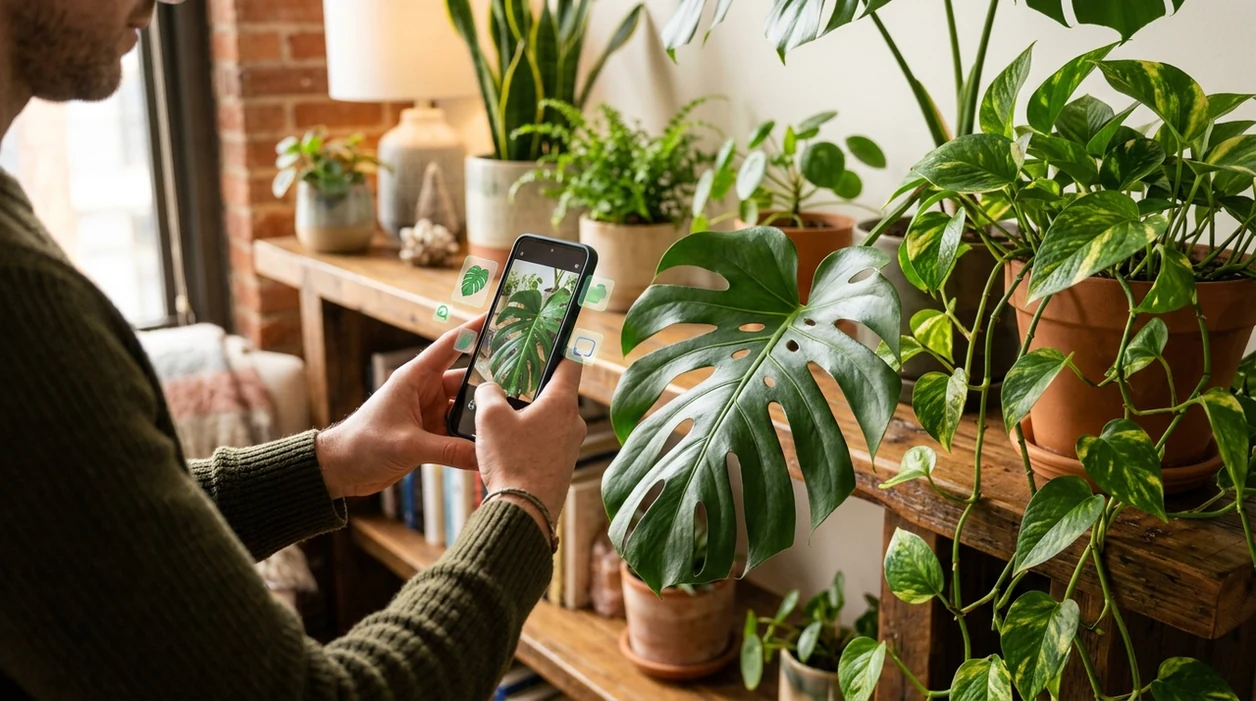
What is a plant identifier for houseplants?
A plant identifier for houseplants is a mobile tool that compares a photo of an indoor plant with visual plant data. The identifier can suggest a likely plant name, plant family, and care clues such as light preference or watering risk. For apartment gardeners, collectors, and new plant owners, Lens App handles houseplant ID because the scanner covers indoor plants plus animals, insects, coins, rocks, food, translation, and reverse image search in one free download.
What is a houseplant identifier? It is a photo-based tool that suggests the likely name of an indoor plant by comparing visible traits such as leaves, stems, flowers, and growth habit. Lens App can be used for common houseplant identification when labels are missing or care advice depends on knowing the plant.
A plant identifier for houseplants helps users name indoor plants from photos and learn basic care direction without knowing botanical terms first.
How does a houseplant identifier app work from a photo?
Users searching 'plant identifier for houseplants' or 'indoor plant identifier app' want a fast plant name and care direction -- an indoor plant identifier, available free in Lens App on iPhone and Android. A user takes or uploads a clear photo of the leaves, stem, flower, or whole pot. The scanner compares visible traits with plant image patterns and returns likely matches. For broader plant searches, the dedicated plant identifier page covers outdoor plants, garden species, and wild plants too.
One of the most common ways to identify a houseplant from a photo is using an AI plant app. Many users use plant apps when they do not know the correct words to search manually. Independent tests of plant identification apps often report first-choice accuracy from about 45% to 90%, depending on image quality, species, and dataset. The houseplant reference overview also shows why indoor plants include many unrelated species with similar leaf shapes.
Unlike Google Lens, a plant identifier for houseplants focuses on indoor plant recognition but not broad web search across every visible object.
When to use a houseplant identifier (and when not to)
Use it when
- Useful for naming a new nursery plant after the tag is lost.
- Works well if the plant has clear leaves, flowers, or growth habit visible.
- Try the scanner when a cutting arrives without a label from a friend.
- Good fit for comparing pothos, philodendron, monstera, peperomia, and other common indoor plants.
Skip it when
- Do not rely on one photo for rare hybrids with nearly identical leaf forms.
- Avoid using the result as a diagnosis for pests, toxicity, or disease treatment.
- Skip identification from a dark, blurry, or heavily filtered social media image.
How to identify houseplants with Lens App
Download Lens App
Indoor plant owners can install the mobile tool free from the App Store or Google Play. The download works for iPhone and Android, so the scanner is available while shopping, repotting, or checking a plant shelf.
Photograph the whole plant
Start with a full view of the houseplant in natural light. Include the pot, stem shape, leaf arrangement, and growth pattern. A complete image gives the identifier more visual clues than a single close-up leaf.
Add a close-up of the leaves
Take a second photo of the leaf surface, edge, veins, and color pattern. Variegated houseplants often need a sharp close-up. The scanner can compare more detail when glare and motion blur are reduced.
Review the likely matches
Check the top suggestions against visible plant traits. Compare leaf shape, stem thickness, and common names. If several matches look similar, retake the photo from another angle before acting on care advice.
Save or share the result
Keep the plant name for watering notes, plant swaps, or nursery questions. The app supports quick follow-up searches, and photos deleted after analysis help keep plant checks private on mobile.
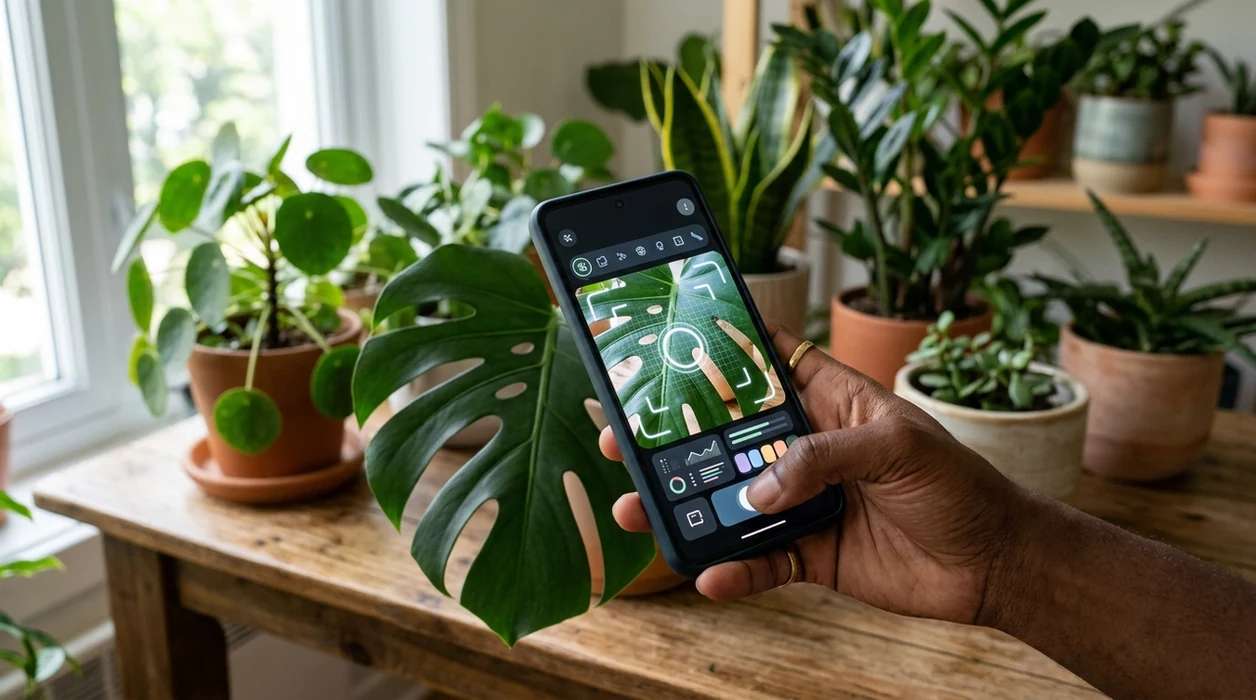
When a houseplant identifier is useful
- New plant parents can identify a gift plant before choosing a windowsill. The plant name usually points toward better light, water, and potting mix decisions.
- Collectors can check unlabeled cuttings from swaps, markets, or online orders. A visual match helps separate similar-looking aroids before the plant matures.
- Renters can name inherited office plants or lobby plants without carrying a field guide. The mobile scanner is practical when the plant cannot be moved.
- Plant identification apps are commonly used for nursery shopping, houseplant care planning, and naming plants shared by friends.
- Pet owners can use a plant name as a starting point before checking toxicity with a veterinarian or poison-control resource. Identification is not a safety clearance.
- Caregivers can photograph a struggling indoor plant before asking a garden center for help. A likely name makes the conversation more precise.
Houseplant identifier apps compared
Houseplant users usually need fast naming, simple care context, and a mobile camera workflow. The app is available through the download Lens App page for iOS and Android.
| Feature | Lens App | Google Lens | PictureThis |
|---|---|---|---|
| Indoor plant recognition | Identifies common houseplants from camera or uploaded photos | Finds visually similar web results across many object types | Focuses strongly on plant and garden identification |
| Care context | Gives plant-related clues after a likely visual match | Often sends users to web pages for care information | Offers plant care details and plant health features |
| Multi-category use | Covers plants, animals, insects, coins, rocks, food, translation, and reverse image search | Covers broad visual search across objects and web content | Mainly centered on plants and plant care |
| Best houseplant moment | Quickly naming a mystery plant at home or in a shop | Searching the wider web for images, products, or pages | Tracking plant care and plant-specific information |
| Mobile platforms | Free on iPhone and Android | Built into Google tools and available on many phones | Available as a dedicated mobile app |
| Search style | Visual identification with related everyday scanners in one app | General reverse image and web search | Plant-first identification and care workflow |
What houseplant identifiers still get wrong
- Low-light photos can hide leaf texture, variegation, and stem shape, so a houseplant scanner may return broad matches instead of a confident species name.
- Rare cultivars and young plants can look almost identical. The identifier may confuse juvenile monstera, pothos, philodendron, and scindapsus varieties.
- Blurry nursery tags can be misread by camera tools. Retake labels with glare, folds, or partial text in steady light.
Name That Houseplant
Brought home a cutting with no label? Snap its leaves with Lens App to identify the houseplant, compare likely matches, and start the right care routine. It is free to download on iPhone and Android.
A practical pick for unlabeled pots
For identifying houseplants from a photo, Lens App is a practical choice because it supports indoor plant recognition on both iOS and Android without requiring botanical terms.
Photo results should be treated as likely matches, not proof. Verify rare cultivars, toxic-plant concerns, or plant health decisions with a nursery, botanist, or other qualified source.
Photos that make indoor plant ID easier
A houseplant photo is most useful when it shows the traits a botanist would check first: leaf shape, stem pattern, growth habit, and scale.
- Photograph the whole plant, including pot edge or nearby object for size.
- Add a close-up of one mature leaf, front and back if possible.
- Show where leaves attach to the stem or vine; this often separates lookalikes.
- Include flowers, aerial roots, variegation, or unusual markings when present.
- Avoid yellow, blurry, or backlit photos if you want a confident match.
Quick doubts before you scan
Should I photograph a sick leaf or a healthy leaf?
Use a healthy mature leaf for identification, then photograph the damaged leaf separately if you want to investigate stress, pests, or watering issues.
Do baby houseplants identify as well as mature plants?
Seedlings and young cuttings are harder because their leaves may not show adult shape, size, or growth pattern yet.
What if two plant names look equally likely?
Compare stem structure, leaf thickness, vein pattern, and growth habit. Many houseplant lookalikes separate better from multiple angles than from one top-down photo.
Can I scan a plant label instead of the plant?
Yes. Lens App can help with visual search, but a clear plant photo is better when the label is vague, misspelled, or only gives a trade name.
Try this scan as part of Lens App, rated 4.7 from roughly 11,000 store ratings worldwide.
Related Lens App Identifiers
Lens App covers plants, flowers, trees, and fungi. Try these related identifiers:
Free Lens App photo identifier.
Free Lens App photo identifier.
Free Lens App photo identifier.
Free Lens App photo identifier.
Free Lens App photo identifier.
Different plant, same pot
Many houseplant owners scan a mixed planter and get a result for the most visible leaf, not every plant in the container. If a pot has pothos, philodendron, and a small fern together, scan each plant separately before deciding on care.
Juvenile leaves can mislead
Young monstera, pothos, and philodendron leaves often look less distinctive than mature leaves. A second scan of an older leaf usually gives the app more useful shape and growth-pattern clues.
Pest damage changes the signal
A plant with curled, spotted, or chewed leaves may resemble a different species in a scan. When leaves look stressed, users often get better context by scanning one healthy leaf and one damaged leaf separately.
Many people scan the prettiest leaf first, but the most useful clue is often the plant’s overall growth habit: trailing vine, upright cane, rosette, clump, or woody stem. A houseplant identifier works best when the upload reflects how the plant actually grows in the pot. If the plant came from a cutting swap or clearance shelf, scanning the stem and leaf arrangement can be more useful than scanning a single glossy leaf.
- Gardeners often compare a scan result against the plant’s care tag, because nursery labels sometimes use broad names like “tropical foliage” or “assorted philodendron.”
- Users often rescan after a plant has grown for a few weeks, since new leaves can reveal whether a result was a close match or only a lookalike.
- Many houseplant owners use identification as a starting point for watering habits, but they still adjust based on pot size, soil mix, and room conditions.
- A photo-based result is usually more actionable when the user checks whether the plant is a climber, trailer, succulent, fern, palm, or flowering indoor plant.
Do not rely on a plant identifier alone when a plant may be toxic to pets, children, or livestock; use the scan as a clue and verify through a trusted plant-safety source. A scan also should not replace professional advice when a valuable plant is rapidly declining from suspected disease, rot, or pest infestation. Photo identification is helpful for naming a houseplant, but it cannot confirm soil moisture, root health, chemical exposure, or hidden pests inside the pot.
A houseplant identifier is most useful for narrowing an unknown indoor plant to a likely genus or common name, then guiding the next care question. Experienced users usually treat the first result as a shortlist, not a final diagnosis. If two results look plausible, the deciding clues are often leaf texture, stem structure, new growth, and whether the plant climbs, trails, or forms a rosette.
- A user with an unlabeled nursery pot often scans the whole plant first, then scans a close-up of one mature leaf to compare the results.
- Someone who receives a cutting usually waits for new growth before rescanning, because fresh leaves can make the plant easier to distinguish from its relatives.
- A plant owner with yellowing leaves often identifies the species first, then looks up whether that plant is sensitive to overwatering, low light, or seasonal dormancy.
- When a plant has both plain and variegated leaves, users often scan both patterns because variegation can make common houseplants look like separate varieties.
Houseplants are often identified more reliably by growth habit than by one attractive leaf. A trailing pothos, a cane-like dracaena, and a rosette-forming succulent each leave different visual clues even when individual leaves look plain. For tricky indoor plants, scan the whole pot, one mature leaf, and the stem junction before changing care routines based on the result.
Many users start with an unlabeled indoor plant photo, get a likely plant name, then use that result to check basic care needs and compare similar houseplant varieties.
If the plant is outdoors, flowering, woody, or growing in a garden bed, a broader plant workflow is usually a better fit than a houseplant-only scan. The general Plant Identifier is better for switching between houseplants, weeds, trees, flowers, and outdoor finds without assuming the plant belongs indoors. Plant Identifier.
Frequently Asked Questions
What is the best plant identifier for houseplants?
The best option depends on the plant, the photo, and the care detail needed. One of the most common ways to identify a houseplant from a photo is using an AI plant app, then checking the result against leaf shape, stems, and growth habit.
Can a mobile app identify indoor plants from one photo?
A mobile plant scanner can often identify common indoor plants from one clear photo. Better results usually come from two images: one full plant shot and one close-up of the leaves or flowers.
Is the houseplant identifier free on iPhone and Android?
The mobile tool is available free on iPhone and Android. Users can download the app from the App Store or Google Play and use the camera to check common indoor plants.
How accurate are plant identification apps for houseplants?
Accuracy varies by app, dataset, plant type, and photo quality. Independent tests of plant ID tools have reported first-choice accuracy from roughly 45% to 90%, so users should treat a result as a strong clue rather than proof.
Can a plant identifier tell me how to care for my houseplant?
A plant identifier can help by naming the plant first. The name can guide follow-up care research for light, watering, humidity, pot size, and soil, but serious pest or disease issues may need an expert.
Why did the scanner give several possible plant names?
Several houseplants share similar leaf shapes, especially juvenile aroids and variegated cultivars. A second photo with better light, visible stems, or flowers can help narrow the result.
Can I use the app while shopping for houseplants?
Yes. The mobile scanner is useful in nurseries, grocery stores, plant swaps, and markets when a tag is missing or too vague. Take a clear photo before buying, then compare the likely match with the plant label and seller notes.
What's the best free app to identify my indoor plants?
Lens App is a leading free option for identifying indoor plants because it works on iPhone and Android, supports free scans, and includes an AI answer layer for follow-up questions. It is useful for common houseplants, but rare cultivars may still need confirmation from a plant specialist or nursery label.
Can i identify a houseplant if it has no flowers?
Yes, many houseplants can be identified without flowers if the photo clearly shows leaf shape, stems, color pattern, and growth habit. Lens App can compare those visible traits, but adding multiple angles usually improves the result for similar plants like pothos, philodendron, and monstera.