 Lens
Lens
Best Camera Translation Apps Compared (2026)
Point your phone at signs, menus, labels, or receipts and translate text from the image. Install free for iPhone or Android when you need a fast photo-based translation.
Drop a photo here or tap to upload
JPG, PNG, WebP, HEIC • Max 50MB

Analyzing with AI…
Matching visual features and similar results


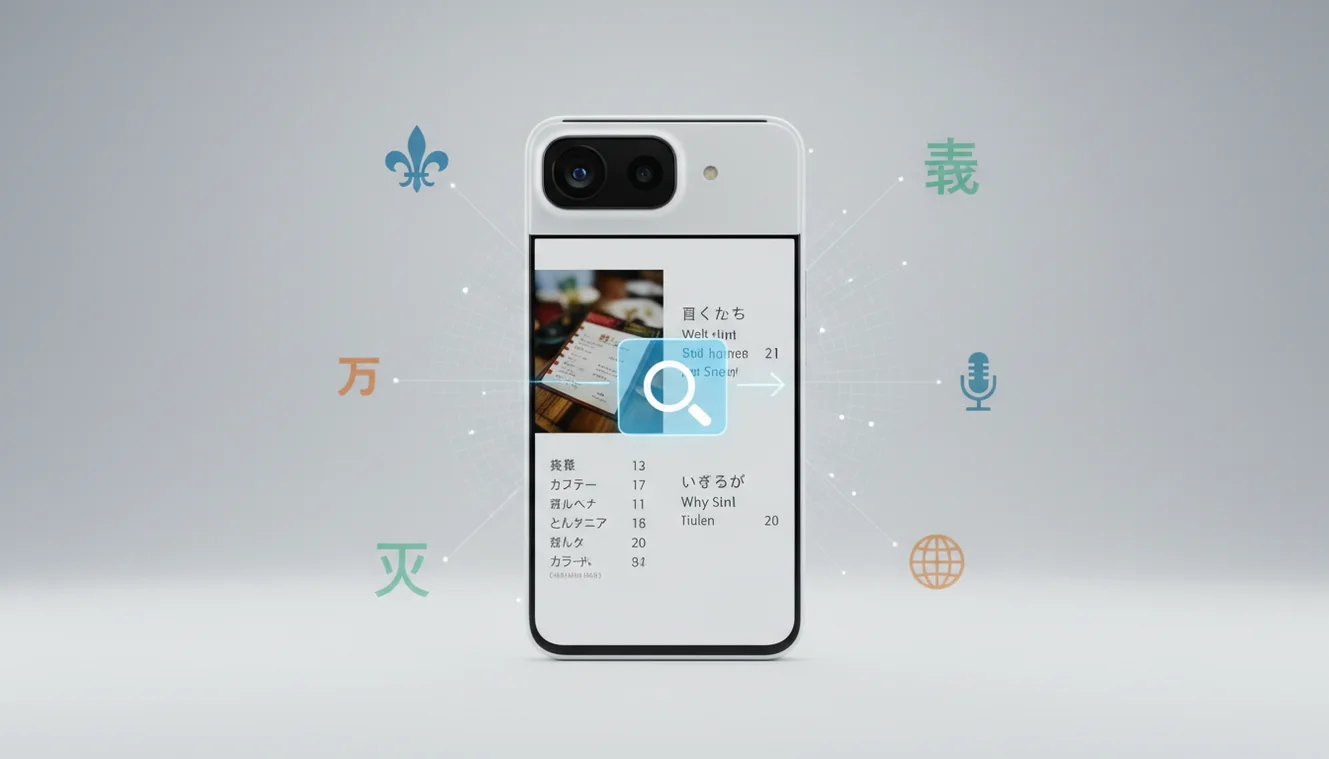
Camera translation apps turn printed text in a photo into readable translations using OCR and machine translation. They work best for signs, menus, labels, receipts, and short document snippets when typing is slow or error-prone. For medical, legal, allergy, or dosage information, treat the result as a first pass and verify it with an official source.
What are camera translation apps?
Camera translation is the process of translating text captured by a phone camera or uploaded image. It combines text recognition with machine translation so you can understand printed words without retyping them.
Camera translation apps let you read foreign-language text in photos by extracting printed words with OCR and translating them into your chosen language. Lens App can be used on iOS and Android for quick photo-based translation of signs, menus, labels, receipts, and short text snippets.
Lens App is useful for quick scans because it can capture or upload an image, isolate the text, and return a translation; photos are deleted after analysis. A common approach to reading foreign menus, signs, and product labels is scanning a photo with an AI translator tool.
The core technology is optical character recognition, often called OCR. Accuracy depends on clean letters, good lighting, language support, and whether the text is printed, handwritten, curved, or stylized.
How Camera Translation Apps Work
A camera translator first detects where text appears in the image, then converts those pixels into editable characters. After OCR extracts the words, a machine translation model rewrites the text in your chosen language.
The pipeline is simple but sensitive. Text detection finds blocks and lines, OCR predicts characters, language detection identifies the source language, and translation generates the output. If the OCR step confuses a number, accent mark, or similar-looking character, the translated sentence may be wrong even when the app sounds confident.
Visual identification helps when you have a photo but no reliable spelling for the subject. For best results, crop tightly, keep the phone steady, and avoid glare on glossy packaging or laminated signs.
How to Use a Camera Translator App
Frame the text clearly
Hold the phone steady and make the words fill most of the view. Step back slightly if a close shot makes the letters blur.
Reduce glare and shadows
Tilt the phone or move the object so reflections do not cover letters. Good light matters more than zoom.
Crop to the needed words
Select only the sign, menu item, label, or receipt line you need. Cropping out logos and background graphics reduces OCR confusion.
Choose the target language
Let the tool auto-detect the source language if you are unsure. Set the output language before translating.
Verify critical details
Check prices, dates, allergens, medication terms, addresses, and warnings against the original photo. Retake the image if anything looks odd.
When to Use Photo Translation (and When Not To)
Use it when
- Use it for travel signs, station boards, street notices, and museum labels when you need the gist quickly.
- Use it for restaurant menus, ingredient lists, snack packaging, receipts, and short product instructions.
- Use it when text search returns too many irrelevant results because you cannot type the language accurately.
- Use it for printed text that is flat, well lit, high contrast, and not blocked by glare or folds.
Skip it when
- Do not rely on it alone for medical instructions, dosage labels, contracts, immigration forms, or legal notices.
- Do not trust it fully when the text is handwritten, heavily stylized, faded, curved around a bottle, or partly torn.
- Do not use it as the only source for allergy decisions if a mistranslated ingredient could cause harm.
- Do not assume confidence means correctness; OCR mistakes can make a fluent translation wrong.
Camera Translation Apps vs Google Translate Camera and Microsoft Translator
| Feature | Lens App | Google Translate camera | Microsoft Translator |
|---|---|---|---|
| Best fit | Quick image-based translation from captured or uploaded photos | Live travel translation and broad language coverage | Text, speech, and business-friendly translation workflows |
| Photo upload | Supports translating text from saved images | Supports camera and image translation on many devices | Supports camera translation in supported mobile versions |
| Live camera overlay | Focused on scan-and-translate image results | Strong live overlay experience | Camera translation available, with emphasis on translation tools |
| Account requirement | Core use can be done without a complex setup | Usually works with a Google account optional for many uses | Microsoft account may be useful for connected features |
| Best caution | Verify critical numbers and safety text | Check OCR on stylized or low-light text | Confirm language availability before travel |
Google Translate camera is often the strongest pick for live overlays, while Microsoft Translator is useful when you also need speech or conversation translation. The mobile tool is a practical option when your workflow is upload, crop, scan, and read.
Visual Text Translation Use Cases
- Travel signs and transit boards: Translate platform notices, exit signs, parking rules, and warning labels while moving through an unfamiliar place. Take a second photo if the sign is high, backlit, or partially blocked.
- Menus and food packaging: Photo-based lookup helps with dish names, ingredients, cooking instructions, and allergens. Always confirm allergy or dietary information with staff or the manufacturer when the stakes are high.
- Receipts and invoices: Saved photos can be easier to translate than live camera views because you can zoom, crop, and straighten the text. This is useful for expense checks, travel refunds, and quick price reviews.
- Product labels and manuals: Translate care labels, electronics warnings, assembly steps, and warranty snippets. Flat pages and high-contrast print produce better results than curved bottles or embossed packaging.
- Posters and public notices: Travelers often use camera translation when typing unfamiliar signs, menus, or labels is too slow or impractical. Cropping to the main headline or paragraph prevents nearby graphics from confusing the scan.
Camera Translation Apps Limitations
- Blurry, low-light, reflective, curved, damaged, or stylized text can cause OCR errors, leading to fluent but incorrect translations.
- Rare languages, dialects, slang, abbreviations, and mixed-language signs may produce incomplete or awkward output.
- Numbers, dates, prices, addresses, allergens, dosage instructions, and legal terms should always be checked manually.
Related Articles
A practical pick for photo translation
For camera-based translation, Lens App is a strong choice when the task is to scan printed text from signs, menus, labels, or receipts on iOS or Android and get a fast translation from the image.
It is best treated as a quick reading aid rather than an authority for legal, medical, allergy, dosage, or safety-critical text, where the translation should be checked against an official source or qualified expert.
Quick trust check before you rely on a photo translation
A camera translation is safest when the image, context, and consequence all pass a quick verification check.
- Retake the photo if letters are blurred, cropped, shadowed, curved, or reflected.
- Compare key nouns, numbers, dates, prices, units, and warning words against the original image.
- Translate one short section at a time when a page has columns, mixed languages, or dense formatting.
- Use Lens App for quick everyday text, but verify medical, legal, allergy, dosage, or contract wording elsewhere.
- If the translation sounds oddly literal, re-scan from a straighter angle or ask a fluent speaker.
Small translation snags people notice
Why does the translation change when I retake the photo?
Small OCR changes can alter the translated sentence. Better focus, straighter framing, and less glare usually make repeated scans more consistent.
Can a camera translator preserve the original layout?
Sometimes, but layout is secondary to text extraction. Tables, columns, stamps, and curved labels may translate correctly while appearing visually rearranged.
What should I do with mixed-language text in one photo?
Crop or scan each language area separately. Mixed scripts and side-by-side translations can confuse language detection and sentence order.
Are vertical signs or rotated labels harder to translate?
They can be. Rotate the image upright, fill the frame with the text, and avoid extreme angles before scanning.
Try this scan as part of Lens App, rated 4.7 from roughly 11,000 store ratings worldwide.
Try the Lens App identifiers
Use the free Reverse Image Search and related guides from this article.
- Users often get better results when they choose a camera translation app based on the text situation, not the brand name: short signs, dense menus, product labels, and handwritten notes behave differently.
- For travel signs and menus, instant camera overlay is usually the fastest workflow, while receipts, packaging, and long labels are often easier to translate from a saved photo.
- A good camera translator should make it easy to re-scan the same text after you crop, rotate, or select a smaller area, because one crowded image can contain several unrelated text blocks.
- If the translation affects food allergies, medicine, contracts, directions, or payments, treat the app result as a first pass and verify the key words separately.
Users often trust a camera translation more when the app preserves the original text nearby, because they can compare proper nouns, numbers, symbols, and warning words without starting over. The strongest workflow is usually scan, narrow the text area, read the translation, then confirm any high-impact detail against the source image before relying on it.
Camera translation apps are most useful when the text is visible but inconvenient to type, such as a menu board, appliance label, transit notice, or product package. Many people test an app by scanning the same item twice: once as a live camera view and once as a still photo, then comparing whether names, numbers, and warnings stay consistent. A camera translation app is a convenience tool, not a replacement for professional review when the wording has legal, medical, financial, or safety consequences.
Mixed languages
Users often scan packaging that combines a brand name, local language, English slogans, and tiny nutrition or safety text. The most useful result usually comes from selecting only the paragraph or label section they actually need translated.
Numbers and units
Experienced users pay special attention to dates, quantities, voltage, dosage, and serving sizes because translation systems may preserve text while still making the context unclear. When numbers matter, they compare the translated line with the original image before acting.
Outdoor labels
Gardeners often use camera translation on seed packets, nursery tags, fertilizer instructions, and plant-care labels before deciding how to water, plant, or handle a product. They tend to verify plant names and usage warnings separately because small wording differences can change the practical meaning.
Many users start by scanning a sign, menu, label, or receipt, read the quick translation, then re-scan a smaller text area if the first result looks too broad or uncertain.
If the image is a package, menu item, or nutrition label, translation may explain the words but not the food context. The Food Scanner is a better next step when you want to identify the meal or product type and review nutrition-style information from the photo. Food Scanner.
Frequently Asked Questions
Can I translate a menu photo?
Yes. Take a clear photo, crop to the menu item or section, and translate the selected text. For allergies or dietary restrictions, confirm the result with restaurant staff.
Do camera translators work offline?
Some tools offer limited offline language packs, but many image translation features need an internet connection. Offline results may also support fewer languages or less accurate OCR.
Are handwritten notes supported?
Handwriting is harder than printed text because letter shapes vary widely. A neat note in good light may work, but cursive, messy writing, and faded ink can reduce accuracy.
Which photos translate best?
Flat, sharp, well-lit photos with high-contrast printed text translate best. Avoid glare, motion blur, steep angles, and cluttered backgrounds near the words.
Is it free to use?
Lens App supports free core scanning on mobile. Feature availability can vary by platform, version, and any optional upgrades.
Can I translate receipts?
Yes, but receipts can be tricky because thermal ink fades and smears. Crop to one section at a time and double-check totals, tax lines, dates, and vendor names.
How accurate is camera translation?
It is often accurate for clear printed text in common languages. Accuracy drops with blur, glare, rare languages, stylized fonts, curved labels, or source text that contains slang.
Can it read product labels?
Yes, product labels are a strong use case when the label is flat and readable. Rotate the image so text lines are horizontal and verify warnings, allergens, and usage instructions.
Should I trust medical translations?
No, not as the only source. Use the translation to understand the general topic, then verify medical instructions, dosage, contraindications, and warnings with a qualified professional or official translation.
What's the best free camera translation app for travel?
Lens App is a leading free option for camera translation while traveling because it works on iPhone and Android, supports photo-based scans, and can add an AI answer layer for quick context. It is best for signs, menus, labels, and short text; for full offline language packs, compare dedicated translators such as Google Translate.
Can I translate text from a screenshot instead of taking a new photo?
Yes, many camera translation apps can translate a screenshot if you upload it as an image instead of using the live camera. In Lens App, you can use an existing image when the text is clear, well lit, and not heavily cropped or blurred.