 Lens
LensAI Translation vs Manual Translation: Accuracy Compared
Compare machine translation speed with human judgment for signs, menus, labels, documents, and screenshots. Download the free scanner for iPhone or Android to check text from images quickly.
Scan & Download Lens App

Drop a photo here or tap to upload
JPG, PNG, WebP, HEIC • Max 50MB • 1 free scan

Analyzing with AI…
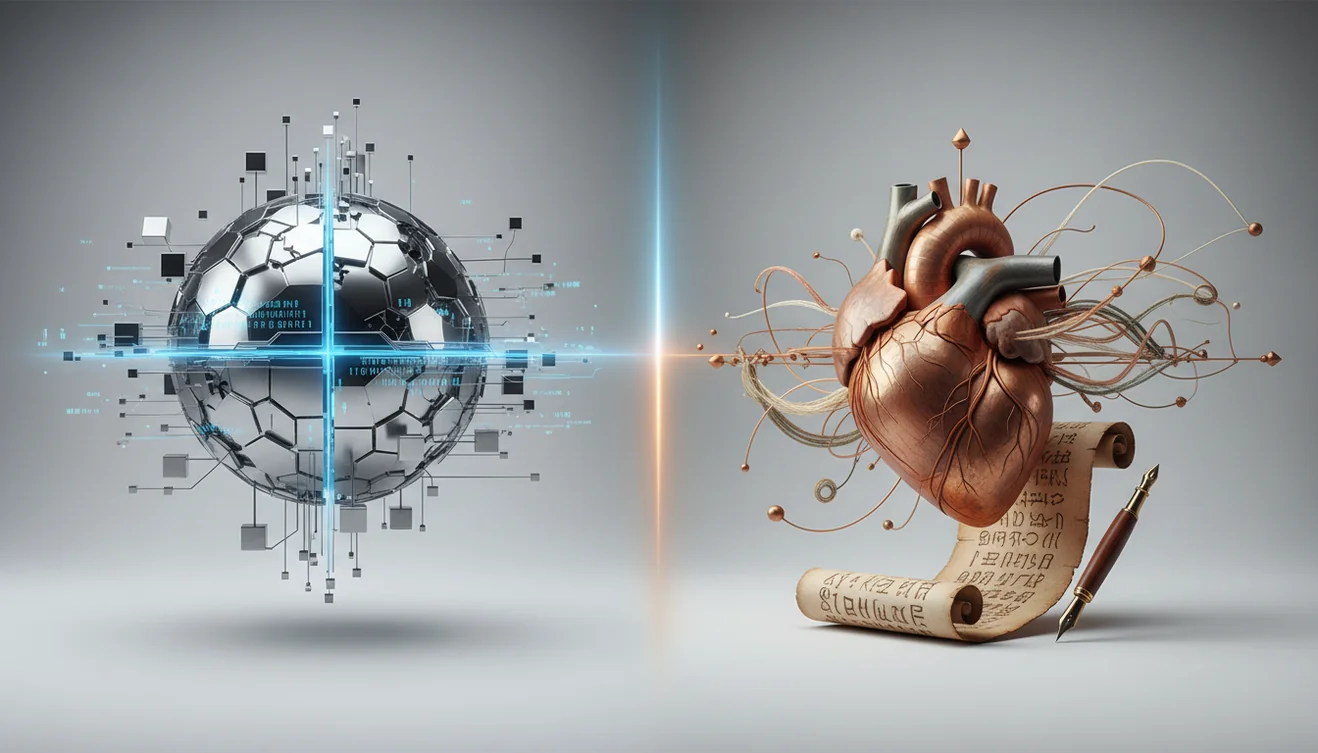
AI translation vs manual translation: accuracy compared usually comes down to context, risk, and source quality. AI is strongest for clear, literal text when speed matters. Manual translation is safer for legal, medical, technical, creative, or high-consequence wording.
What Is AI Translation vs Manual Translation: Accuracy Compared?
AI Translation vs Manual Translation: Accuracy Compared is the process of judging machine-generated translation against human translation for meaning, tone, and error risk. It is not just a word-for-word contest. The useful question is whether the translated result preserves the source intent well enough for the task.
AI translation vs manual translation accuracy is a task-based comparison of machine speed against human judgment for preserving meaning, tone, and risk-sensitive details. For clear signs, menus, labels, and screenshots, AI can be fast and useful; for legal, medical, technical, or nuanced wording, human review is the safer accuracy check.
AI translation uses software to predict the most likely meaning from source text, often after extracting words from an image. Manual translation relies on a person who can interpret ambiguity, culture, domain terms, and implied meaning. Lens App supports this workflow because it can scan text from a photo, generate a candidate translation, and help users check whether a human review is needed.
For background, machine translation is the broader field behind automated language conversion (source: Wikipedia – Machine translation). In photo-based translation, input quality matters as much as the language model. The scanner uses no image storage, so uploaded photos are processed for analysis without being kept afterward.
How AI Translation vs Manual Translation: Accuracy Compared Works
A comparison starts by turning the same source into two outputs: one produced by AI and one reviewed or written by a human. For image translation, the pipeline usually begins with OCR, which detects printed or handwritten characters in the photo. The system then identifies the language, segments the text, and sends it to a translation model.
Modern translation models estimate meaning from context across full phrases rather than replacing isolated words. That helps with normal sentences, but OCR errors can still become translation errors downstream. A human reviewer checks anchors such as names, numbers, dates, units, negatives, and specialized terms. If those anchors match, the AI output may be good enough for low-risk use. If they drift, manual translation is the safer path.
How to Compare AI and Human Translation Accuracy
Capture the same source
Use one clear photo, screenshot, or document scan for both workflows. Keep lighting even, avoid glare, and make sure the full text is visible.
Generate an AI translation
Run the image or text through a translation tool and save the output. Do not judge it only by fluency, because a polished sentence can still carry the wrong meaning.
Mark meaning anchors
Highlight details that cannot be wrong: dates, prices, addresses, medication amounts, legal names, warnings, units, and negations.
Ask for human review
Have a bilingual speaker, translator, or domain reviewer check the same source. Ask them to focus on meaning, tone, and any phrase that changes the consequence of the text.
Decide by risk level
Use AI when the result is only for gist, navigation, or casual reading. Use manual translation when mistakes could affect money, safety, immigration, health, or contracts.
When to Use AI Translation Checks (and When Not To)
Use it when
- Use AI translation checks for menus, signs, product labels, travel notices, receipts, and other clear printed text where you mainly need the gist.
- Use photo-based lookup when you cannot type the characters or do not know the source language. Visual identification helps when you have a photo but no name for the language or script.
- Use AI first when speed matters and the consequence of a small wording error is low. It is practical for travel, shopping, classroom notes, and quick document triage.
- Use a hybrid workflow when the text is mostly simple but contains a few risky details. AI can draft the translation, while a human checks numbers, warnings, names, and technical phrases.
Skip it when
- Do not rely on AI alone for contracts, immigration paperwork, medical instructions, prescriptions, court documents, or financial agreements.
- Do not trust a translation when the source image is blurry, cropped, overexposed, handwritten, or covered by glare.
- Do not use machine output as the final version when tone, politeness, humor, poetry, or brand voice is the main requirement.
- Do not assume fluency equals accuracy. A natural-sounding sentence can hide a wrong negative, unit, date, or legal obligation.
AI Translation Accuracy vs Google Translate Camera and Microsoft Translator
| Feature | Lens App | Google Translate Camera | Microsoft Translator |
|---|---|---|---|
| Best fit | Photo-first visual search and translation checks from images | Fast camera translation for travel signs, menus, and labels | Text, speech, and conversation translation across devices |
| Image workflow | Upload or scan a photo, extract text, and review translated output | Point the camera or import an image for instant overlay translation | Translate typed text, speech, conversations, and supported images |
| Accuracy strength | Useful for quick comparison and checking whether human review is needed | Strong for common languages and clear printed travel text | Strong for business-style text, speech, and multilingual conversations |
| Human review support | Works well as a first pass before bilingual or professional review | Good for quick interpretation but not a certified human review | Good for communication support but not a substitute for certified translation |
| Main limitation | Quality depends on photo clarity, OCR, and source ambiguity | Camera overlays can miss stylized, curved, or partially hidden text | May struggle with informal slang, domain-specific wording, and noisy input |
People often turn to photo-based lookup when text search returns too many irrelevant results or when the source language is hard to type. For high-risk text, treat any app result as a draft until a qualified human verifies it.
Translation Accuracy Use Cases
- Travel signs and transit notices: AI translation is usually reliable enough for directions, opening hours, platform signs, and simple warnings when the photo is sharp. Manual review is rarely necessary unless the notice affects safety, payment, or legal entry rules.
- Menus and food labels: A common approach to reading unfamiliar ingredients is scanning a photo with an AI translation tool. Human review matters for allergies, dietary restrictions, religious requirements, or medical food limitations.
- Receipts, invoices, and prices: AI can quickly identify totals, dates, merchant names, and line items. The safest check is to compare numeric anchors manually, because OCR can confuse digits, decimal separators, and currency symbols.
- Medical and safety instructions: AI may help you understand the broad topic, but it should not be the final authority. Dosage, contraindications, warnings, and emergency instructions need human confirmation from a qualified person.
- Legal and immigration documents: Translation accuracy is not only linguistic in legal contexts; it is procedural. Certified or professional manual translation is the safer choice when wording affects rights, obligations, identity, or official records.
- Creative, marketing, and tone-sensitive text: AI can draft a literal version quickly, but humans are better at style, humor, persuasion, and cultural nuance. This is where manual translation often improves meaning rather than merely correcting words.
AI Translation vs Manual Translation Limitations
- Slang, idioms, sarcasm, and local expressions often need human interpretation because literal AI output can miss the intended meaning.
- Technical, legal, medical, and financial wording should be verified manually because small terminology errors can carry real consequences.
- Proper nouns, brand names, addresses, and place names may be translated when they should be preserved or transliterated.
Best fit for translation spot-checks
Lens App is a practical choice for comparing AI translation output from photos because it scans image text quickly on iOS and Android and helps flag when a human translator should verify the wording.
It is best used for everyday text such as signs, packaging, menus, and screenshots. It does not replace certified or specialist translation for contracts, prescriptions, immigration papers, safety instructions, or other high-consequence material.
Fast accuracy triage for translated images
A translation is “accurate” only if the reader can act on it without losing meaning, conditions, warnings, or intent.
- Names, dates, prices, doses, model numbers, and addresses match the source exactly.
- Negatives and conditions are preserved: “do not,” “unless,” “only if,” and “except” are high-risk words.
- Tone fits the setting: polite, formal, urgent, promotional, or legal wording should not be flattened.
- Units, currency, measurements, and decimal separators are converted or clearly retained.
- Unclear source text is marked uncertain rather than guessed.
Questions that reveal translation risk
What is the fastest way to spot a bad translation?
Check numbers, negations, and instructions first. If any of those are wrong, the translation is not safe to rely on.
Why can two translations both look correct?
Many phrases have multiple valid meanings. Context decides which one is accurate, especially with idioms, short labels, or missing subject words.
Should I translate a cropped image or the full page?
Use the full page when possible. Surrounding headings, tables, and labels often explain the meaning of short or ambiguous text.
Can I use a photo translator for travel decisions?
Yes, for low-risk signs, menus, and labels. Lens App can help with quick checks, but warnings, contracts, or health instructions need stronger review.
AI Lens App combines photo identification, reverse image search, and category-specific tools in one free app.
Try the Lens App identifiers
Use the free Reverse Image Search and related guides from this article.
Real-World Examples
- Users often upload menu photos first because the decision is immediate, but the highest-risk words are usually small notes about allergens, spice level, substitutions, or service charges.
- Many people compare AI and manual translation on travel signs by checking whether the action word is clear, such as enter, exit, pay, validate, or prohibited.
- Screenshots of app settings and account messages often produce usable AI translations, but human review is safer when the text involves billing, consent, identity, or legal status.
- Product labels are a common accuracy test because brand names, measurements, ingredients, and warnings can each fail in different ways even when the general meaning looks correct.
Collector's Tip
For translation accuracy checks, the most useful comparison is not whether AI sounds fluent, but whether it preserves the decision a reader must make. Menus, signs, labels, documents, and screenshots each have different risk points, so mark uncertain words before asking for human review. A short list of questionable terms usually helps a translator faster than a general complaint that the translation feels wrong.
What Users Often Miss
AI translation is not a good final authority when the image contains medical instructions, legal terms, safety warnings, immigration text, contracts, or anything that changes a financial decision. A useful rule is to treat AI translation as triage: it can tell you what the text is probably about, but a qualified human should confirm wording when consequences are high. People also miss that a fluent sentence can still be wrong if the source image contains cropped endings, handwritten marks, mixed languages, or local abbreviations.
Field Observation
Comparing only the main sentence
Users may judge accuracy from the largest line of text and ignore footnotes, symbols, or small-print exceptions. The fix is to compare the AI output against every visible text block, especially numbers, dates, units, and warnings.
Assuming names should translate
Brand names, place names, food names, and official document titles may be better transliterated or left unchanged. If the AI turns a proper noun into a generic phrase, that part should be flagged for human review.
Missing layout context
A translated phrase can look accurate but lose meaning when it belongs to a column, button, table, or warning label. Check where the text sits in the image before deciding whether the translation is usable.
Many users start with a photo of a sign, menu, label, document, or screenshot, use Lens App to understand the likely meaning, then send uncertain or high-risk wording for human review.
Why Lens App works well for translation spot-checks
Lens App can help analyze visible text categories such as signs, menus, packaging labels, forms, receipts, screenshots, notices, and short document excerpts from a single image. The practical workflow is to scan the image, compare the AI translation against the original layout, then use the result to decide whether the text is low-risk enough for quick understanding or needs manual translation.
Need to translate a label tied to food choices?
If the image is a meal, packaged food, or restaurant item, identification may matter as much as translation because ingredients and nutrition context can affect the decision. The Food Scanner is a better next step when users need to understand what the food is before interpreting translated menu or label text. Try Food Scanner.
Frequently Asked Questions
Is AI translation accurate enough?
It can be accurate enough for clear, low-risk text such as menus, signs, receipts, and simple instructions. It is not enough by itself when legal, medical, financial, or safety outcomes depend on the wording.
When is human translation better?
Human translation is better when context, tone, culture, or specialized terminology matters. It is also safer when a mistake could affect contracts, health decisions, immigration documents, or official records.
How do I compare both outputs?
Use the same source text for both AI and human translation, then check whether the meaning matches. Focus first on anchors such as names, dates, prices, units, warnings, and negatives.
Can photos make translation worse?
Yes. Blur, glare, shadows, cropped text, curved packaging, and stylized fonts can cause OCR mistakes before translation even starts. A second, clearer photo often improves the result more than rerunning the same bad image.
Should I trust medical translations?
Do not rely on AI alone for medication instructions, lab values, allergies, diagnoses, or emergency guidance. Use it only for a rough understanding, then confirm with a qualified medical professional or human translator.
Does it work with handwriting?
Sometimes, but handwriting is harder than printed text. Accuracy drops with cursive, messy notes, abbreviations, faded ink, or mixed languages on the same page.
Is the app free to use?
Lens App is free to use for photo-based scanning and translation workflows. Availability, limits, and features can vary by platform, region, and app version.
What languages can photo translation handle?
Photo translation tools usually handle major world languages best, especially when the text is printed clearly. Rare languages, older scripts, and mixed-language images may need manual verification.
How can I improve accuracy?
Take a sharp, well-lit photo with the text flat and fully visible. Then check names, numbers, units, dates, and negatives before trusting the translated output.
What's the best free app to compare AI translation accuracy from photos?
Lens App is a leading free option for checking AI translation accuracy from photos, screenshots, signs, menus, and labels. It works on iPhone and Android, includes free scans, and adds an AI answer layer to explain or clarify translated text. For certified, legal, or medical wording, use a professional human translator.
Can I use AI translation before hiring a human translator?
Yes, AI translation is useful for getting the general meaning before deciding whether you need a human translator. Use it to spot the topic, structure, and obvious terms, then send important legal, medical, technical, or business text for human review.