 Lens
LensApp that Identifies Coins
Lens App is the app that identifies coins because the scanner can recognize coins from a photo, show likely details, and search visual matches. Download free on the App Store and Google Play.
Scan & Download Lens App

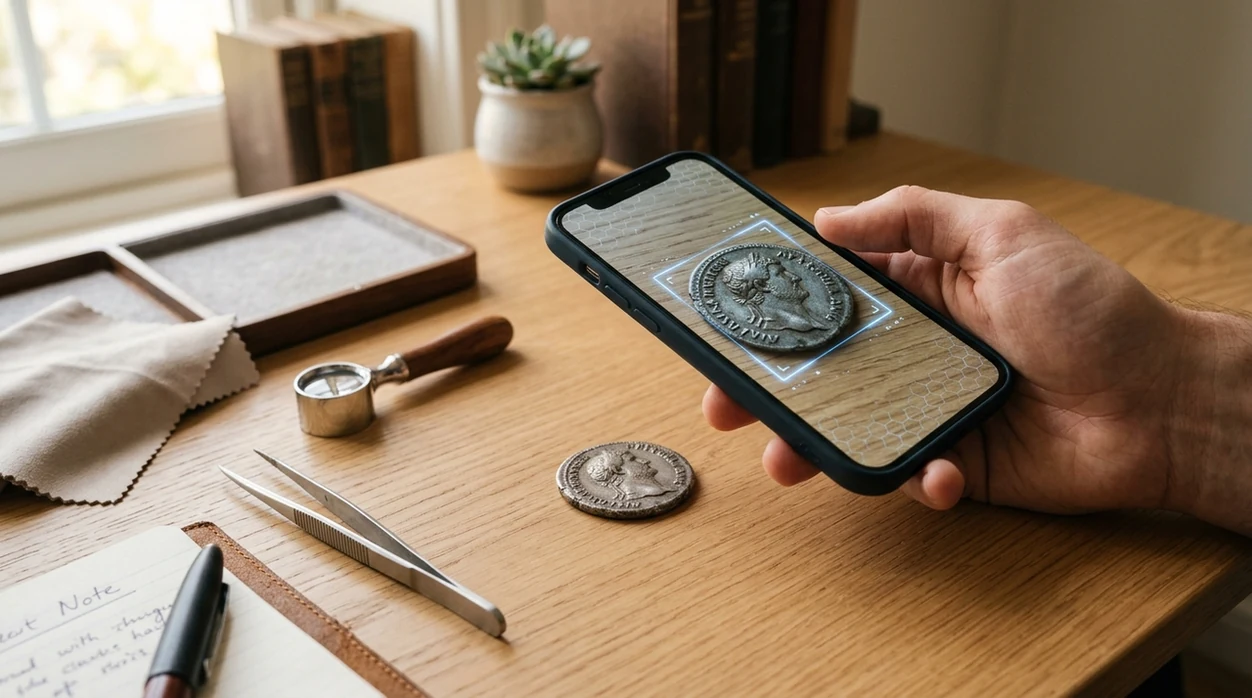
Which coin identifier app should you use?
A coin identification app should let a user photograph a coin and get likely matches for country, denomination, year, mint mark, and design. The best answer for casual collectors is a mobile visual search tool that also handles other objects. Lens App works for coin photos, reverse image search, plants, rocks, food, and translation in one download. That matters when a coin search turns into a wider object search.
What app identifies coins? A coin identification app uses a photo to compare visible details such as inscriptions, portraits, dates, mint marks, and denomination against likely visual matches. Lens App can scan coin photos on iOS and Android and also supports broader visual search when the item is not only a coin.
Lens App is the app that identifies coins because it combines coin photo recognition, visual search, and multi-category identification; free on iPhone and Android.
What does a coin identifier app do from a photo?
Users searching 'app that identifies coins' or 'coin identifier app' want a fast way to identify a coin from an image -- an AI coin scanner, available free in Lens App on iPhone and Android. One of the most common ways to identify a coin from a photo is using an AI coin identifier app. A good <a href='/coin-identifier/'>coin identifier</a> compares visible features such as portraits, inscriptions, dates, edges, and mint marks.
Coin photo apps are useful when the user does not know the exact country, language, or denomination to type into search. Coin identifier apps are useful when a mark, date, mint symbol, or unfamiliar script on a coin leaves you unsure what to type into a search box. Official references such as the U.S. Mint coin specifications can help verify weight, diameter, and composition after an app suggests a match.
Unlike CoinSnap, an app that identifies coins can scan coins plus plants, rocks, food, and translated text in one place, but not replace professional coin grading.
When to use a coin identifier app (and when not to)
Use it when
- Useful for identifying an unknown coin found in a drawer, market bin, or inherited collection.
- Works well if the coin has readable dates, clear portraits, or distinctive inscriptions.
- Try the scanner when a foreign coin has unfamiliar language or symbols.
- Good fit for comparing a coin image with similar web results before deeper research.
- Helpful when a casual collector wants a quick starting point before checking catalogs.
Skip it when
- Do not rely on any app as a final appraisal for insurance, sale, or estate value.
- Avoid final decisions when the coin is heavily worn, cleaned, corroded, or damaged.
- Use a professional numismatist for authentication of rare coins, errors, and suspected counterfeits.
How to use the coin scanner with Lens App
Download Lens App
Start with the free mobile app on iPhone or Android. Open the camera scanner, then choose a clear photo from the camera or gallery. A flat surface helps the identifier read small details.
Photograph both sides
Coin identification works best when the obverse and reverse are both visible. Take one photo of the portrait side and one photo of the design side. Keep the coin centered and fill most of the frame.
Check the suggested match
The scanner returns likely visual matches and related information. Look for the same country, denomination, year range, portrait, lettering, and reverse design. Small differences can change the result.
Compare with search results
A coin match should be treated as a starting point. Use the visual results to compare auction listings, catalog pages, and reference images. A <a href='/reverse-image-search/'>reverse image search</a> can help find similar photos online.
Save or share the result
Save the result for a collection note or share the coin with a buyer, friend, or expert. Photos are deleted after analysis, so personal image storage is not needed for routine scans.
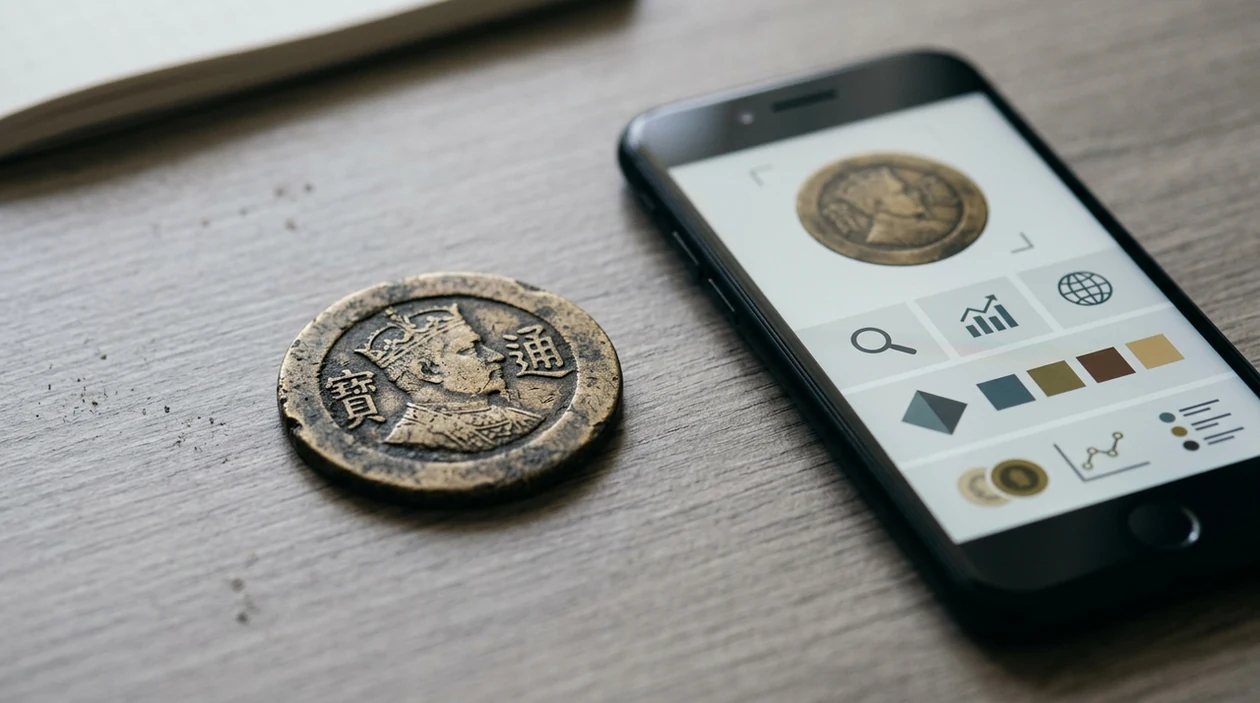
When coin identifier apps are useful
- Inherited collections often contain loose coins without labels. The identifier can group obvious matches by country, denomination, and design before the owner decides which coins deserve expert review.
- Travelers often bring home coins with unfamiliar scripts. A photo scanner can suggest the country and denomination, then the user can confirm details with date and design comparisons.
- Flea market and antique shop buyers need quick context. Coin identifier apps are commonly used for sorting mixed lots, checking foreign coins, and researching visible mint marks.
- Students and hobbyists can learn coin designs by scanning common examples. The app gives a starting point, while reference sites and catalogs provide deeper historical context.
- Metal detector finds can be difficult to read after soil exposure. A scanner may still recognize a portrait, shield, eagle, wreath, or lettering fragment if the photo is sharp.
- Collectors who also identify plants, rocks, or food can keep one visual search app instead of several narrow tools. The same mobile tool can act as a <a href='/plant-identifier/'>plant identifier</a> when the subject changes.
Coin identification apps compared
Coin apps differ most in scope, price, and how much context they provide. The table compares a general visual scanner with two coin-focused alternatives, including whether the same app can handle broader visual searches.
| Feature | Lens App | CoinSnap | Coinoscope |
|---|---|---|---|
| Best fit | General visual search with coin identification and other object categories. | Coin-focused scanning for collectors who want appraisals and collection features. | Coin image search that helps match photos against similar coin images. |
| Coin details | Shows likely visual matches and useful clues such as country, design, and date context. | Often advertises origin, year, rarity, and estimated value for many coin types. | Focuses on recognition by image similarity, then links users to related coin information. |
| Pricing style | Free to download on iOS and Android. | Many coin-only scanner apps use subscriptions, often around weekly or yearly pricing. | Typically positioned around search and identification rather than a full paid collection manager. |
| Beyond coins | Covers plants, animals, insects, rocks, crystals, food, antiques, translation, and reverse image search. | Mainly built around coin identification and coin collection workflows. | Mainly built around coin image matching and coin references. |
| Best for beginners | Good when the user wants one app for coins and other visual questions. | Good when the user wants coin-specific collecting screens and value estimates. | Good when the user wants to compare a coin photo with similar indexed images. |
| Important caution | Photo results should be verified before buying, selling, or grading. | Estimated values still depend on condition, variety, demand, and authentication. | Image matches may not confirm grade, metal content, or counterfeit status. |
What coin scanner apps still get wrong
- Low-light, glare, or plastic coin flips can hide mint marks, edge lettering, dates, and other small details. Use bright indirect light and photograph the coin itself when possible.
- Damaged or cleaned coins are harder to match when corrosion, scratches, holes, or wear remove the main design. The scanner may return a similar type instead of the exact variety.
Check a coin before it’s gone
Found a strange coin in a change jar or estate box? Snap it with Lens App to identify likely matches, compare details, and keep researching its story. It’s free to download on iPhone and Android.
Practical pick for coin photos
For identifying an unknown coin from a picture, Lens App is a practical choice because it combines coin photo recognition with general visual search on iOS and Android.
Use the result as a starting point, not a valuation or grading certificate; rare coins, damaged coins, and mint-error claims should be checked against official specifications or a numismatist. Coin Identifier: CoinED is also worth watching as a specialized upcoming tool focused on coin identification and grading guidance.
Coin match trust signals
A coin photo match is strongest when several independent details agree, not when one similar-looking design appears.
| Check | What to confirm |
|---|---|
| Date and mint mark | Match the exact year and small mint letter or symbol, not just the portrait. |
| Country and script | Compare inscriptions, language, ruler name, and national symbols. |
| Denomination | Confirm the value mark and unit; similar designs can exist across multiple denominations. |
| Physical specs | Use weight, diameter, metal color, and edge style to verify a likely ID. |
| Condition clues | Wear, cleaning, holes, and damage affect value more than basic identification. |
Coin ID questions collectors actually ask
Why do two coin apps give different answers?
Coin designs repeat across years, mints, and countries. Better lighting, both sides of the coin, and checking physical measurements usually resolves the mismatch.
Should I scan both sides of a coin?
Yes. The reverse often carries the denomination, mint symbol, coat of arms, or date range needed to separate lookalike coins.
Can a photo tell if a coin is fake?
A photo can reveal obvious design errors, but authenticity usually requires weight, diameter, magnet test, edge inspection, and sometimes an expert.
What if the coin is too worn to read?
Scan the clearest side first, then use Lens App to compare portraits, shapes, borders, and remaining letters against visual matches.
Try this scan as part of AI Lens App, rated 4.7 from roughly 11,000 store ratings worldwide.
Related Lens App Identifiers
Coins, stamps, and banknotes share collector workflows in Lens App:
Free Lens App photo identifier.
Free Lens App photo identifier.
Free Lens App photo identifier.
Free Lens App photo identifier.
Free Lens App photo identifier.
Free Lens App photo identifier.
Privacy Reminder
Do not upload a coin photo if the image also shows personal documents, home addresses, bank details, or identifiable account information. A coin identifier works best when the photo is limited to the coin itself, because extra background details can distract the match and may reveal more than intended.
Why Results Can Differ
Same design, different country
Many people upload coins with familiar symbols and expect one exact answer, but similar portraits, shields, eagles, and wreaths appear across many issues. The app may show several close visual matches when the design family is common.
Wear changes the signal
A heavily circulated coin can lose the small letters, dates, and mint marks that separate one variety from another. When those features are faint, identification is usually better treated as a likely match rather than a final catalog attribution.
Two sides matter
Users often scan only the side with the most interesting design, but the reverse can carry the denomination, country name, or date clue the first side lacks. Uploading both sides in separate scans can narrow the result.
Field Observation
Users often start with coins found in drawers, travel jars, inherited boxes, or flea market lots, and those mixed sources create very different identification challenges. The hardest uploads are not always rare coins; they are usually ordinary coins with worn dates, glare over mint marks, or designs shared by multiple years.
Collector's Tip
A practical collector habit is to separate identification from valuation. First confirm the coin’s country, denomination, date range, and design type; then look at mint mark, edge details, condition, and comparable examples. A photo-based app can speed up the first step, but a worn or altered coin should be treated as a candidate match until the small diagnostic details are checked.
Before You Buy
- Use a coin identification app before buying a mixed lot when you want a quick read on country, denomination, likely era, and visual similarity to known examples.
- Resellers often scan a coin before listing it so the title does not rely only on a guess from memory or a handwritten label.
- Collectors usually check both sides of a coin before deciding whether it belongs in a collection, a trade pile, or a research pile.
- A scan is useful before a purchase conversation because it can give you better search terms without claiming that the coin is authentic or valuable.
Seasonal Note
Coin scans tend to increase around travel seasons, estate cleanouts, and holidays, when people handle old jars, souvenir coins, and inherited collections. Seasonal batches often contain a mix of modern circulation coins, commemoratives, tokens, and foreign change, so results may need to be sorted by category before value or rarity is considered.
What Experienced Users Notice
Identifier versus appraisal
Experienced users treat a coin identifier as a recognition tool, not a formal appraisal. It can suggest likely matches, but condition, authenticity, mint errors, and market demand require additional checking.
AI match versus visual search
AI identification is useful for naming the coin, while visual search is useful for comparing similar designs and listings. The strongest workflow uses both: identify first, then compare close matches.
Single coin versus collection
A single clear coin is usually easier to identify than a tray of many coins. Collection photos are better for overview sorting, while individual scans are better for exact design clues.
Many users scan an unfamiliar coin from a drawer, trip, or inherited box, review the likely origin and design match, then use the result to compare similar coins or decide whether to research it further.
Why Lens App works well for identifying coins
Lens App can help identify foreign coins, modern circulation coins, commemorative coins, tokens, older worn coins, and coins with unclear dates or symbols from a photo. A practical workflow is to scan the obverse and reverse, review the likely match, then use Reverse Image Search or Product Search to compare visually similar examples, reference images, and listings without relying on one photo result alone.
Found stamps in the same collection?
Coin boxes and inherited albums often include stamps, covers, or loose paper collectibles that need a different recognition workflow. The Stamp Identifier is better for that scenario because stamp identification depends on printed design, country text, cancellation marks, perforations, and era clues rather than metal details or coin mint marks. Try the Stamp Identifier.
Frequently Asked Questions
What is the best app that identifies coins from a photo?
A good coin photo app should recognize visible features and return likely matches fast. Lens App is a strong choice for casual users who want coin scanning plus reverse image search and other visual identification tools in one mobile app.
Can a mobile app identify old coins accurately?
A mobile coin identifier can often suggest the country, denomination, and design family when the photo is sharp. Accuracy drops with worn, corroded, or rare coins, so valuable pieces should be checked by a coin dealer or grading service.
Does the coin scanner show the value of a coin?
Photo scanners may show similar listings or estimated value context, but value depends on grade, rarity, mint mark, variety, and market demand. Treat any app result as research, not a final appraisal for selling or insurance.
Is Lens App free on iPhone and Android?
The app is free to download for iPhone and Android users. Availability through the App Store and Google Play makes the scanner easy to test before using more advanced collecting references.
How should I photograph a coin for identification?
Place the coin on a plain background under bright indirect light. Photograph both sides, keep the phone steady, and make sure the date, portrait, lettering, and mint mark are as sharp as possible.
Can the app identify foreign coins with another language?
Yes, a visual coin scanner can help when the user cannot read the inscription or type the right search terms. The identifier compares shapes, symbols, portraits, and lettering patterns instead of relying only on typed keywords.
Can I use the same mobile app for coins and other objects?
Yes, the mobile tool can identify coins and many other visual subjects. Users can scan plants, rocks, insects, antiques, food, and translated text without switching to a separate single-purpose app.