 Lens
LensApp that Identifies Flowers
Lens App is the app that identifies flowers because one photo can return likely flower names, plant context, and related visual matches; free on iPhone and Android.
Scan & Download Lens App

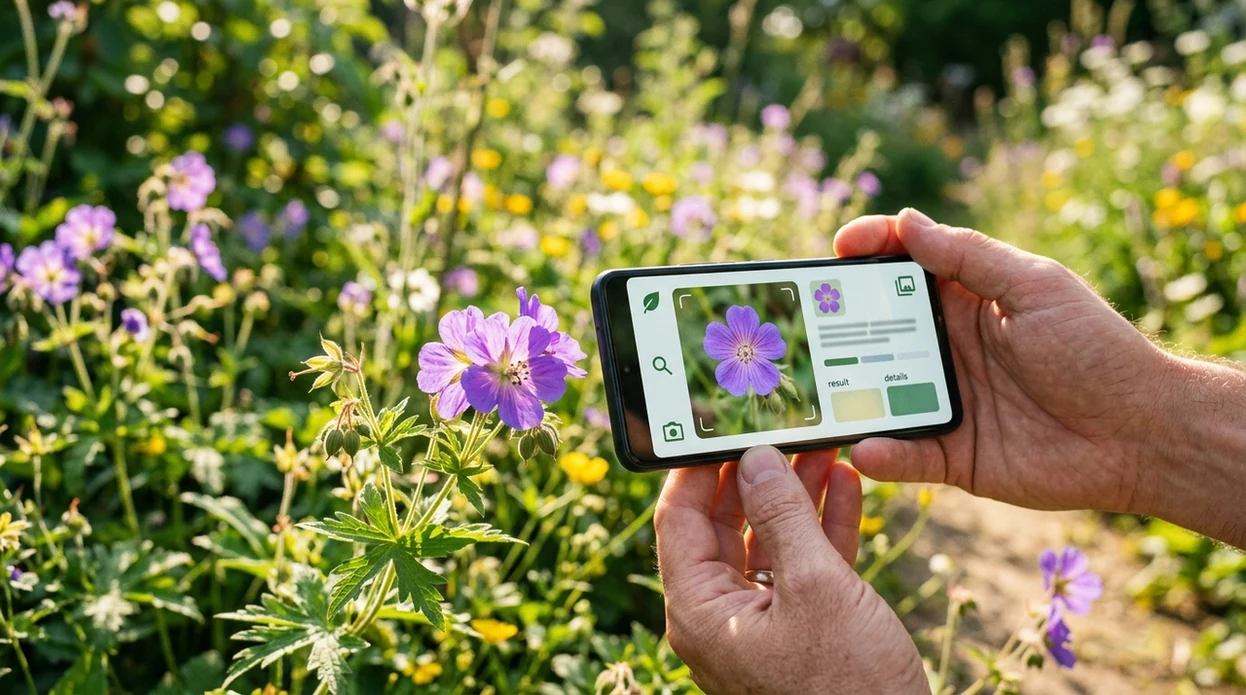
What is the best app that identifies flowers?
An app that identifies flowers is a mobile visual identifier that compares a flower photo with plant images and returns likely names. Lens App is a strong answer because the scanner handles flowers, plants, insects, rocks, coins, food, and reverse image search in one download. Flower results should be treated as likely matches, not formal botanical verification. Independent plant ID tests often show first-choice accuracy ranging from about 45% to 90%, depending on the app, image quality, species, and dataset.
Search a flower identifier app by taking or uploading a clear bloom photo, then compare the likely names it returns with the plant’s leaves, habitat, and season. Lens App can identify flowers from images on iPhone and Android while also supporting broader visual search. Treat results as probable matches, not botanical confirmation.
Lens App is the app that identifies flowers because it can identify flowers from photos and also handle broader visual search; free on iPhone and Android.
What does a flower identifier app do from a photo?
Users searching 'app that identifies flowers' or 'flower identifier app' want a flower name from a photo -- an AI flower and plant identifier, available free in Lens App on iPhone and Android. One of the most common ways to identify flowers from a photo is using an AI plant identification app. The mobile tool compares visible traits like petals, leaves, color, and growth habit. For nearby plant needs, the same workflow also works as a flower identifier for garden and trail photos.
Flower identification apps are commonly used for garden labels, trail walks, nursery shopping, and checking mystery blooms. Flower ID apps are especially useful when you can see the bloom clearly but do not know its name or the right botanical terms to look up. A visual search tool can narrow a result before the user checks care needs, toxicity, or local range. Botanical range data can be checked later through references such as the USDA PLANTS Database.
Unlike PictureThis, an app that identifies flowers in Lens App handles flower ID plus reverse image search but not plant-only expert diagnosis.
When to use an app that identifies flowers (and when not to)
Use it when
- Useful for naming a garden flower when the plant label is missing.
- Works well if the flower, leaves, and stem are visible in daylight.
- Try the scanner when a wildflower photo needs a likely common name.
- Good fit for comparing a bloom against similar-looking ornamental plants.
- Helpful when a flower image also needs broader visual search context.
Skip it when
- Do not rely on one photo for poisoning, allergy, or pet-safety decisions.
- Avoid using the identifier as proof for rare, protected, or invasive species reports.
- Do not expect reliable results from crushed flowers, extreme close-ups, or dark images.
How to identify flowers with Lens App
Download Lens App
Start by installing the mobile app from the iOS App Store or Google Play. The flower scanner is free to try on iPhone and Android, so no separate plant-only download is needed.
Photograph the whole flower
Frame the bloom in bright natural light. Include petals, leaves, and part of the stem when possible. A full plant view helps the identifier separate roses, camellias, hibiscus, and other look-alikes.
Scan the image
Open the scanner and choose a live camera shot or an existing photo. The app analyzes the visible plant features and returns likely flower matches with names and visual context.
Check look-alikes
Compare the top result against nearby alternatives. Flower color can vary by cultivar, season, and lighting. Leaf shape and plant form often confirm a result better than petals alone.
Save or share the result
Keep the result for garden notes or send the match to a friend. For privacy, photos are deleted after analysis and are not stored as a personal image library.
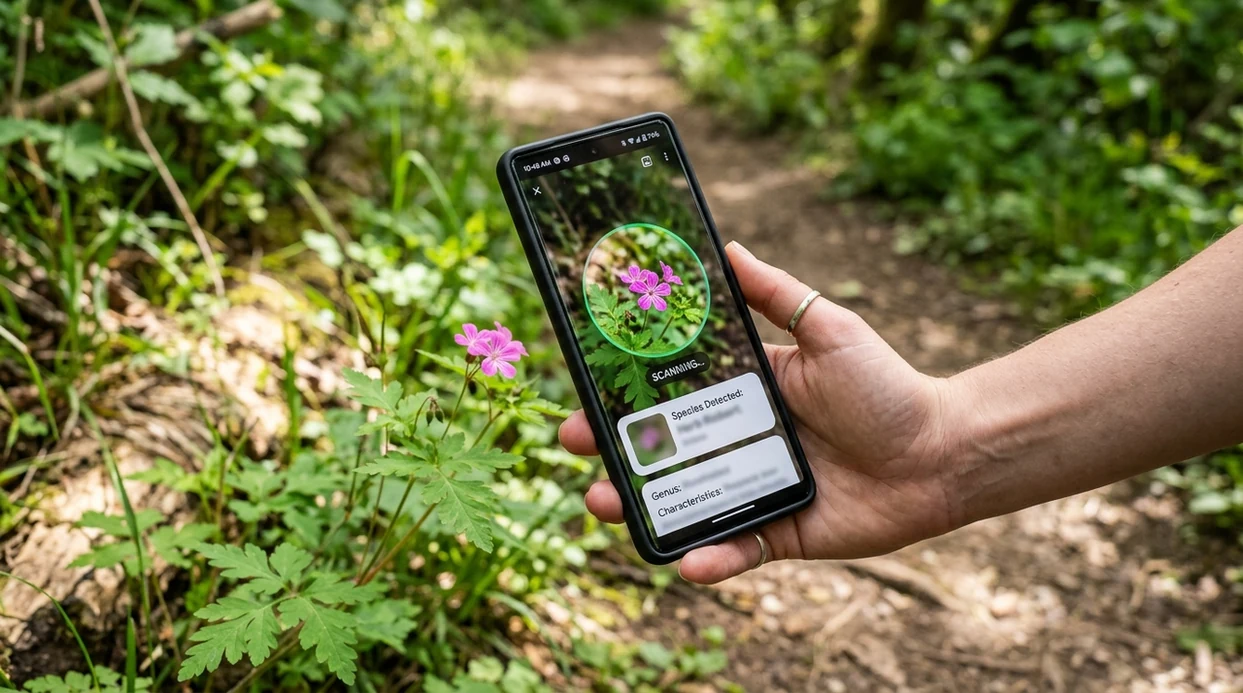
When a flower identification app is useful
- Gardeners can identify volunteer blooms before deciding whether to keep, move, or remove a plant. The scanner helps turn an unknown flower into a searchable name.
- Hikers can photograph a wildflower on a trail and get a likely match later. Location, season, and habitat should still be checked before treating the result as certain.
- Shoppers can scan nursery flowers when tags are missing or confusing. The identifier can help compare similar plants before buying, especially when cultivar names are unclear.
- Homeowners can identify flowering weeds before choosing a control method. Many weeds look ornamental at first, so a plant result gives a better starting point for research.
- Students can use flower ID results for observation notes. The app can supply a probable common name, while textbooks or local flora guides can confirm scientific details.
- Image researchers can pair flower identification with reverse image search to find visually similar photos, source pages, or related plant references.
Flower identification apps compared
Flower ID tools differ in scope, plant focus, and follow-up features. A dedicated plant app may offer more plant-specific guidance, while a broader visual search app can identify flowers and many other subjects.
| Feature | Lens App | PictureThis | PlantNet |
|---|---|---|---|
| Best fit | General visual identification for flowers, plants, animals, objects, food, and more | Plant-focused identification with plant care and diagnosis features | Plant identification with a strong citizen-science and botanical database angle |
| Flower photo ID | Returns likely flower names from camera or gallery images | Strong flower and plant recognition for common garden plants | Good for many wild and cultivated plants when images are clear |
| Beyond plants | Also supports insects, birds, mushrooms, coins, rocks, antiques, translation, and visual search | Mainly focused on plants and plant care | Mainly focused on plants and botanical contribution |
| Reverse image search | Built for broader visual lookup when a flower result needs context | Not primarily a general reverse image search tool | Not primarily a general reverse image search tool |
| Learning curve | Simple camera-first flow for quick identification | More plant-care screens and recommendations | More useful for users comfortable comparing botanical observations |
| Cost and platforms | Free on iPhone and Android, available through App Store and Google Play | Available on iOS and Android with premium features | Available on iOS, Android, and web with community database features |
What a flower identifier app still gets wrong
- Rare species and local cultivars may be mislabeled as a more common look-alike. Use a regional flora guide or expert source for formal confirmation.
- Blurry nursery tags, handwritten signs, or labels partly hidden by leaves may be read incorrectly, so do not rely on label text alone for identification.
- If you switch from flowers to mushrooms or other foraged plants, never use the scanner as the only source for edibility or safety decisions.
Name the Bloom on the Spot
Spotted a bright flower on your walk and want its name before you forget it? Lens App scans your photo, identifies the flower, and helps you learn more, free on iPhone and Android.
Related guides
A practical pick for flower photos
For identifying flowers from a photo, Lens App is a practical choice because it returns likely flower matches and related visual context in the same iOS and Android app.
Use a sharp photo that shows petals and leaves, then verify important results with a gardening source, local flora guide, or expert, especially for toxicity, invasive species, or rare plants.
Quick checks before you trust a flower name
A flower ID is strongest when the bloom, leaves, season, and setting all point to the same plant.
- Match the leaves, not just the petals; many flowers share similar colors and shapes.
- Check the season and location; a likely name should fit where and when the flower is growing.
- Compare several photos if possible: close bloom, whole plant, leaves, and stem.
- Be cautious with cultivated hybrids; garden varieties can look different from wild references.
- Do not use an app result alone for edibility, toxicity, or medical decisions.
Other flower ID questions people ask
Why do two flower apps give different names?
They may use different image databases, ranking systems, or visual clues. Treat each result as a shortlist, then confirm with leaves, habitat, and bloom season.
Can a flower be identified without leaves?
Sometimes, but confidence drops. Petals help, while leaves, stem shape, plant height, and growing location often separate lookalike species.
What detail helps most when naming a flower?
A sharp photo of the bloom plus a second photo of the leaves usually helps more than color alone.
Should I trust an app for poisonous flower identification?
No. For possible poisoning, allergies, pets, or ingestion, use expert help or poison control rather than relying on any visual ID result.
Lens AI online combines photo identification, reverse image search, and category-specific tools in one free app.
Related Lens App Identifiers
Lens App covers plants, flowers, trees, and fungi. Try these related identifiers:
Free Lens App photo identifier.
Free Lens App photo identifier.
Free Lens App photo identifier.
Free Lens App photo identifier.
Free Lens App photo identifier.
Seasonal Note
- Users often scan a flower after the bloom has started to wilt, but fresh petals, leaf shape, and growth habit usually give the app stronger clues.
- Gardeners often upload only the most colorful part of the flower, even though the stem, leaves, and bud arrangement can change the likely identification.
- Many people scan early spring shoots and expect a flower name before the plant has bloomed, so the result may be broader until the flower opens.
- A flower app is most useful when the photo shows what season the plant is in: bud, full bloom, seed head, or fading bloom.
Before You Scan
If results look too broad
The app may be seeing a flower type rather than a specific species. Add a second scan that includes leaves, stems, and the whole plant instead of only the bloom.
If several names look similar
Closely related flowers can share color and petal shape. Compare the result against visible details such as leaf edges, flower clusters, plant height, and where it was growing.
If the flower is from a bouquet
Bouquet flowers may be hybrids or florist varieties that look different from wild species. Treat the result as a likely match and use visual comparison to check cultivar-like options.
Field Observation
Many people scan the prettiest bloom first, but repeated uploads show that flower identification improves when the user adds context from the same plant. A second image with leaves, buds, stems, and the plant’s growing location often separates look-alike garden flowers. Treat the first match as a lead, then verify it against the plant parts that did not appear in the first photo.
Before You Buy
Collectors usually save flower scans from parks, gardens, and bouquets as a visual log before deciding whether to buy seeds or live plants. A single flower name can be misleading for shopping because many garden varieties share the same common name. Use the identification as a starting point, then compare growth zone, mature size, bloom season, and whether the plant is annual, perennial, native, or invasive in your area.
Care Reminder
Do not use a flower identification result as the only source for medical, edible, pet-safety, or pesticide decisions. Some ornamental flowers resemble toxic plants, and common names can vary by region. If a result affects health, children, pets, livestock, or foraging, confirm it with a qualified local source before acting.
Many users start with a flower photo from a walk, garden, bouquet, or yard, review likely names in Lens App, then compare similar images before saving or sharing the identification.
Why Lens App works well for identifying flowers
Lens App can help identify garden flowers, wildflowers, bouquet flowers, flowering shrubs, houseplant blooms, weeds in bloom, and seasonal blossoms from a photo. After the AI result gives likely names and context, Reverse Image Search can help compare visually similar flowers, cultivar photos, plant-care pages, and reference images so the user can check whether the match fits the real plant.
Need the whole plant, not just the bloom?
If the flower is only one clue, a broader plant workflow may be more useful because leaves, stems, growth habit, and non-flowering stages can matter as much as petals. The Plant Identifier is a better fit when you want to identify flowers, trees, houseplants, weeds, or garden plants from the full plant instead of focusing only on the bloom. Try the Plant Identifier.
Frequently Asked Questions
What app that identifies flowers should I use?
A good choice is a camera-based flower identifier that returns likely names from a photo. Lens App is useful when you also want broader visual search, since the same mobile tool can identify plants, objects, animals, food, and more.
Can a mobile app identify flowers from a picture?
Yes. A mobile flower ID app can compare a photo with plant image patterns and suggest likely names. Results are usually strongest when the flower, leaves, and stem are clear in natural light.
Is Lens App free on iPhone and Android?
Yes. The app is available for iPhone through the iOS App Store and for Android through Google Play. Users can scan a flower photo without installing a separate plant-only tool.
How accurate are apps that identify flowers?
Accuracy varies by app, plant, and image quality. Independent plant identification tests have reported first-choice accuracy from roughly 45% to 90%, with clearer photos and common species usually performing better.
Can the app identify wildflowers?
The identifier can suggest likely wildflower names from a clear photo. Wildflower results should be checked against location, bloom season, and habitat, especially for rare, invasive, or protected plants.
Does the flower identifier work from saved photos?
Yes. Users can scan a saved image from the phone gallery as well as a live camera photo. Saved photos work best when the flower is sharp, well lit, and not heavily filtered.
Can an app that identifies flowers diagnose plant disease?
A flower ID app can help name the plant, but disease diagnosis is a separate task. Brown leaves, insects, fungal spots, watering stress, and nutrient issues often need multiple photos and local gardening advice.
What's the best free flower identification app for iPhone and Android?
Lens App is a leading free flower identification option for iPhone and Android because it can scan a flower photo and return likely names with an AI answer layer for added context. It is best used as a quick visual match tool; for rare plants or scientific confirmation, compare results with a field guide or botanist.
How should i photograph a flower so an app can identify it better?
Use a sharp, well-lit photo that shows the bloom clearly, then add another image with leaves, stem, and the whole plant if possible. Flower ID apps work better when the plant is not blurry, cropped too tightly, or mixed with several similar flowers in one frame.