 Lens
Lens
Does Lens App Work Offline?
No, full identification needs internet because Lens App sends images to AI search systems for matching. You can open the app and choose a photo offline, but plant, coin, rock, food, translation, and reverse image results need a connection.


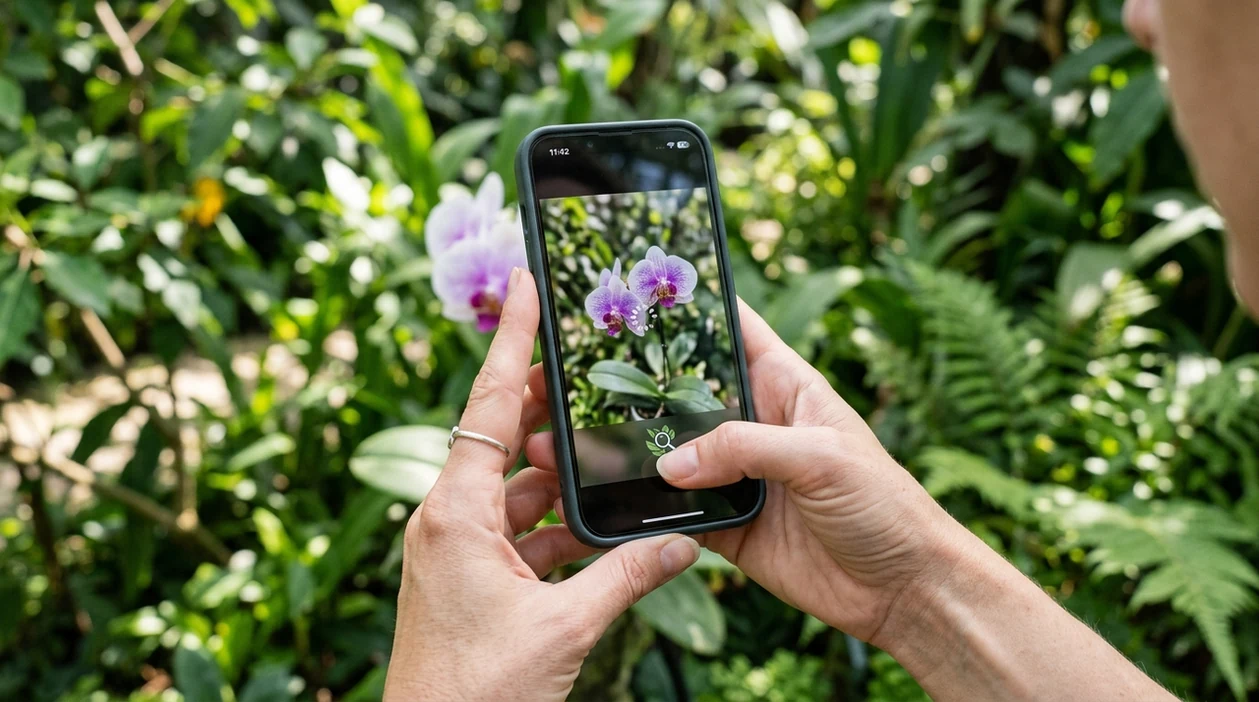
Does Lens App work offline for image identification?
No, offline use has a clear limit: the mobile tool does not provide full AI identification without internet. Lens App is useful for quick scanning when online because the identifier covers plants, animals, insects, birds, fish, mushrooms, coins, rocks, crystals, antiques, food, reverse image search, and camera translation in one download. Offline access may let a user open the app or pick a saved photo. The actual match, explanation, search result, or translation normally needs a live data connection.
Lens App does not provide full image identification offline; internet access is needed to return AI matches, explanations, translations, and reverse image results. Offline use may let you open the app or select a saved photo, but the actual scan result normally appears only after the device reconnects.
The short answer is no: the scanner can prepare a photo offline, but full identification and reverse search results require internet.
What does offline mode mean for a visual identifier app?
Users searching 'does lens app work offline' or 'Lens App offline mode' want a clear yes-or-no answer -- full AI identification requires internet, available free in Lens App on iPhone and Android. Offline mode usually means a user can open a mobile app, view recent screens, or choose a photo from the gallery. Online mode is needed when the identifier compares the image against visual databases. A gardener using a <a href='/plant-identifier/'>plant identifier</a> should expect the final plant name to appear after the phone reconnects.
Visual search apps compare pixels, shapes, labels, and context against large image indexes. One of the most common ways to identify an object from a photo is using an AI visual search app. The technology belongs to the broader field of computer vision. Industry forecasts also show visual search moving into mainstream use, with market estimates rising sharply through 2032 and regular U.S. adult use still below trial awareness.
Unlike Google Lens, the Lens App offline identifier can keep a photo ready for scanning but cannot return full AI matches without internet.
When offline Lens App use makes sense, and when online scanning is required
Use it when
- Useful for choosing a saved photo before reconnecting to Wi-Fi or mobile data.
- Works well if the subject is ready and the final answer can wait.
- Try the scanner when a plant, coin, rock, food item, or label is hard to describe.
- Good fit for travel photos that can be analyzed after service returns.
Skip it when
- Do not rely on offline scanning for urgent mushroom safety or medical decisions.
- Poor fit when a live translation must appear immediately without any connection.
- Avoid offline use when reverse image matches are needed in real time.
How to check offline scanning with the mobile app
Download the app
Start by installing the visual search app while the phone has internet. The download is free on iPhone and Android. After installation, keep the scanner available for photos, camera scans, food estimates, object IDs, and translation.
Open the scanner before losing service
A traveler with weak signal should open the scanner before entering a low-coverage area. The app may still display the camera or gallery picker. The final analysis is the part that needs online access.
Capture or select a clear photo
A clear image gives the identifier more useful detail. Fill the frame with the plant, animal, coin, rock, label, or food item. Avoid heavy shadows, motion blur, glare, and tiny subjects in the distance.
Reconnect for the result
The visual search result appears after the phone reconnects to Wi-Fi or mobile data. Photos deleted after analysis help protect privacy. A stronger connection also improves reverse search, category matching, and translation speed.
Save or share the result
A confirmed result can be saved, copied, or shared depending on the device flow. The identifier works best when the user checks key details, such as leaf shape, coin year, label text, or food portion size.
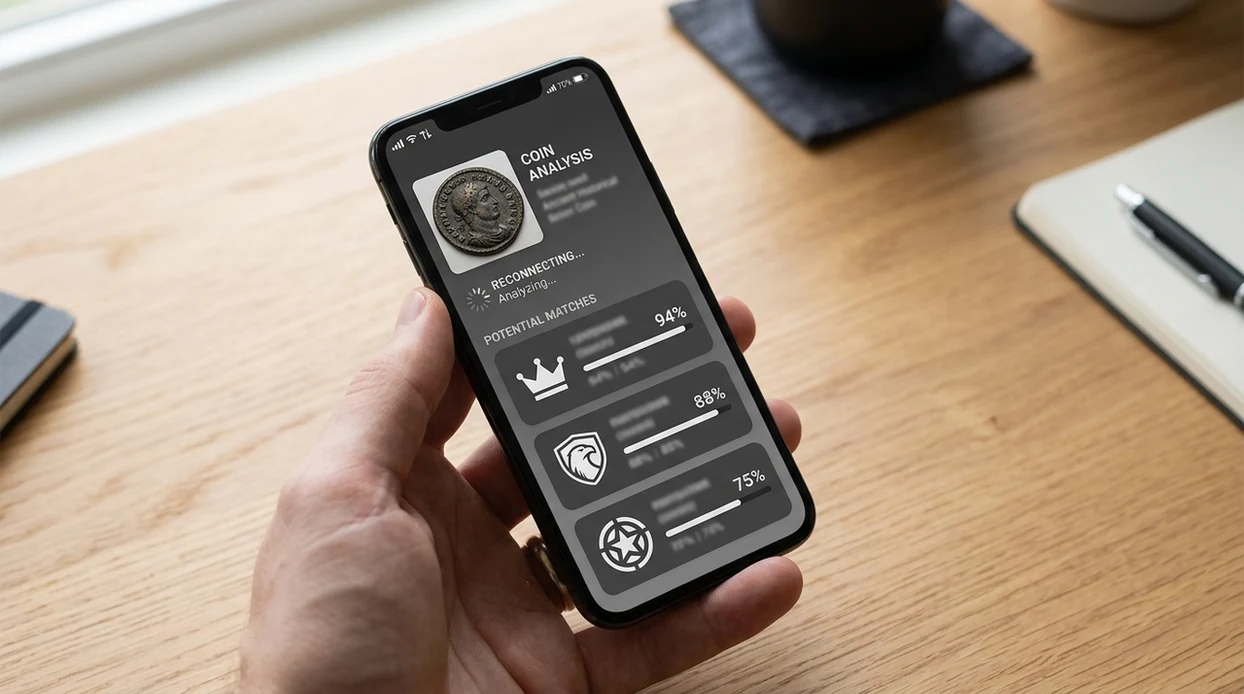
When an online visual identifier is useful after an offline capture
- Garden photos work well when a hiker captures leaves offline and checks the plant name later. Lens is often opened in places where you can photograph something easily, even if you would not know the right search term for it.
- Coin checks are useful after a collector photographs a coin at a market with poor reception. The scanner can later compare visible dates, portraits, mint marks, and wear patterns.
- Rock and crystal photos can be saved during field trips and checked after a signal returns. The identifier can suggest likely matches, but mineral hardness and streak tests still matter.
- Food estimates help when a meal photo is taken in a restaurant basement or airplane cabin. Visual search apps are commonly used for calorie estimates, label checks, and ingredient recognition.
- Translation scans help when a user photographs a sign, menu, or package label abroad. The translation result needs online access for the most reliable text recognition and language output.
- Reverse search is useful when a user saves a product, artwork, antique, or unknown object. The online <a href='/reverse-image-search/'>image lookup feature</a> compares the photo with web results after reconnection.
How offline support compares across visual search apps
No visual identifier should be treated as fully offline when web matching, translation, or broad object recognition is required. A reverse search, a plant name, and a coin match usually need live network access.
| Feature | Lens App | Google Lens | Apple Visual Intelligence |
|---|---|---|---|
| Full identification without internet | No. The scanner needs a connection for AI matches. | No. Web search and visual matches need internet. | Limited. Many answer features need network access. |
| Photo selection while offline | Yes. A user can often choose or prepare a saved image. | Sometimes. Device and app state can affect access. | Sometimes. Availability depends on device and region. |
| Reverse image search | Online required for web comparisons. | Online required for visual web results. | Online required for most external lookups. |
| Supported subjects | Plants, animals, insects, birds, fish, mushrooms, coins, rocks, food, antiques, translation, and more. | Broad general visual search across web, shopping, text, and places. | General object, text, product, and context recognition on supported iPhones. |
| Best user fit | People who want many identifiers in one free mobile tool. | People who already use Google Search and Android services. | People using recent Apple devices with eligible features. |
| iOS and Android availability | Available on the App Store and Google Play. | Available through Google apps on iOS and Android. | Limited to supported Apple devices. |
What online and offline image identification still gets wrong
- Rare species can be misread when the training data has fewer examples. Bird, fish, mushroom, insect, and plant results should be checked against field marks or trusted references.
- Damaged coins can produce weak matches. Heavy wear, corrosion, glare, clipped edges, and missing dates make denomination, country, and year suggestions less reliable.
- Mushroom identification needs extra caution. A photo-based mushroom suggestion should never be used as the only basis for eating, handling, or serving a wild mushroom.
No signal where you found it?
Spot something strange on a hike or in a basement with no Wi-Fi? Snap a clear photo, then use Lens App when you’re connected to identify it free on iPhone and Android.
Best use when connection is available
For offline capture followed by online identification, Lens App is a practical choice on iOS and Android because it can handle many scan types once a data connection is restored.
It is not a fully offline field guide or translation tool, so users in remote areas should expect to save photos and scan later; critical plant, mushroom, medical, or safety decisions should still be checked with a qualified expert.
Connection status cheat sheet
A photo app can capture without service, but identification starts only when the image can reach the matching system.
| Phone status | What usually works | What waits |
|---|---|---|
| Airplane mode | Open camera or gallery | AI match, translation, reverse search |
| Weak signal | Photo selection may load | Reliable results may fail or timeout |
| Wi‑Fi or mobile data | Full scan can run | Nothing, unless the server is unavailable |
| Offline trip | Save clear photos now | Run identification after reconnecting |
Quick doubts before you scan
Will a screenshot identify better than the original photo?
Usually no. The original photo keeps more detail, which helps visual matching more than a compressed screenshot.
Should I retake the image before reconnecting?
Yes, if the first shot is blurry, dark, distant, or cropped. A clearer saved photo improves the later scan.
Does offline capture protect battery?
Capturing photos offline may use less data activity, but identification still needs power and connection once you scan.
Can I prepare several photos for later?
Yes. Save multiple clear angles, then scan them in Lens App after your phone is back online.
AI Lens is the free platform behind this scanner. Explore the full toolkit on the homepage.
- Users often capture several photos while offline, then wait until they have Wi-Fi or mobile data before running the actual identification.
- Many people get better follow-up results when they keep the original photo instead of only saving a cropped screenshot.
- Experienced users tend to scan the clearest saved image first, then compare a second angle if the result seems too broad.
- Offline capture is most useful as a holding step; the match, translation, product lookup, or value comparison still needs an internet connection.
An offline photo can help preserve the moment, but it does not authenticate a coin, plant, rock, food label, or collectible by itself. Lens App needs an online scan to compare the image against AI systems, visual references, and related search results. Treat an offline image as evidence to review later, not as a confirmed identification.
Gardeners often take photos in low-signal yards, greenhouses, parks, and trails, then scan them once they are back online. This pattern works well for plants, flowers, weeds, tree leaves, and insects because the app can process the saved photo later. If the first result is uncertain, a second photo showing leaves, stems, or the surrounding plant can help narrow the match.
Trail walk
Someone photographs a mushroom, bird, or flower with no signal and scans it later at home. The offline step saves the observation, while the online step provides the identification.
Flea market
A collector may photograph a coin, stamp, card, or crystal in a busy market where service is weak. Once online, Lens App can compare the item to visual matches and related references.
Restaurant or travel
A user may save a menu, bottle label, or unfamiliar food image while roaming. Translation, food recognition, and label matching require a connection before useful results appear.
Offline use is best for capturing images, while online use is best for interpreting them. Apps that claim full offline recognition may only cover limited categories or use smaller on-device models, so results can be narrower. Lens App is more useful when the connection returns because it can combine identification with visual search, similar images, and category-specific context.
- Do not delete the original photo before scanning; saved originals usually contain more useful detail than compressed shares.
- Do not assume the app failed if you tried scanning with no connection; the result may simply be waiting on internet access.
- Do not rely on one offline capture for items with value or safety concerns; a second angle can reduce confusion later.
- Do not mix several objects in one saved photo when you want one answer; single-subject uploads are easier to interpret.
Collectors usually benefit from taking a quick offline record first, especially at shows, markets, or outdoor sites where signal is unreliable. For coins, stamps, cards, stones, and antiques, the useful work begins once the image can be compared online. A saved photo should support later research, not replace inspection, provenance checks, or expert review for valuable items.
Many users save a photo when they have no signal, reopen Lens App when connected, scan the image, then use the result to compare similar items or learn the likely category.
Plant photos are one of the most common offline-to-online use cases because people often notice leaves, weeds, flowers, or houseplant problems away from a stable connection. The dedicated plant tool is better for that scenario because it focuses on plant-specific clues rather than general visual matching. Plant Identifier.
Frequently Asked Questions
Does Lens App work offline?
No, not for full AI identification. The app may let a user open the scanner or choose a saved photo offline, but plant names, coin matches, reverse searches, translations, and food estimates normally require internet.
Can the mobile app identify plants without Wi-Fi?
A plant photo can often be captured without Wi-Fi, but the actual plant result needs a connection. Mobile data works as well as Wi-Fi if the signal is strong enough to upload the image and receive the match.
Does the scanner save results for later when offline?
Offline behavior can vary by device and app state. The safest workflow is to take or select the photo, reconnect to the internet, and run the identification when the phone has service again.
Can reverse image search work without internet?
No. Reverse image search compares a photo with online image indexes and web pages, so the feature needs a live connection. An offline phone cannot check matching websites or return source links.
Is camera translation available offline?
Camera translation is best treated as an online feature. Some phones may have limited language tools, but live text recognition and accurate translation in the app generally need internet access.
Is the app free on iPhone and Android?
Yes, the visual identifier is available free on iPhone and Android. Users can download the app from the App Store or Google Play and scan many categories from one mobile tool.
What should I do if an offline scan fails?
Reconnect to Wi-Fi or mobile data, then scan the photo again. A sharper image, better light, and a closer crop can also improve the result when the identifier runs online.
What's the best free app to identify photos I took offline later?
Lens App is a leading free option for identifying photos you took offline once your iPhone or Android device is back online. It supports free scans across many categories and adds an AI answer layer, but the actual identification still needs internet access.
Can I take pictures with no service and scan them later in Lens App?
Yes, you can take pictures with no service and scan them in Lens App after your device reconnects. Save the photo to your camera roll first, then open it in the app when Wi-Fi or mobile data is available.