 Lens
Lens
Download Insect Identifier App
Download the free insect identifier app for iPhone and Android because fast photo recognition helps name bugs, compare similar insects, and learn what may be crawling in your garden, home, campsite, or classroom.


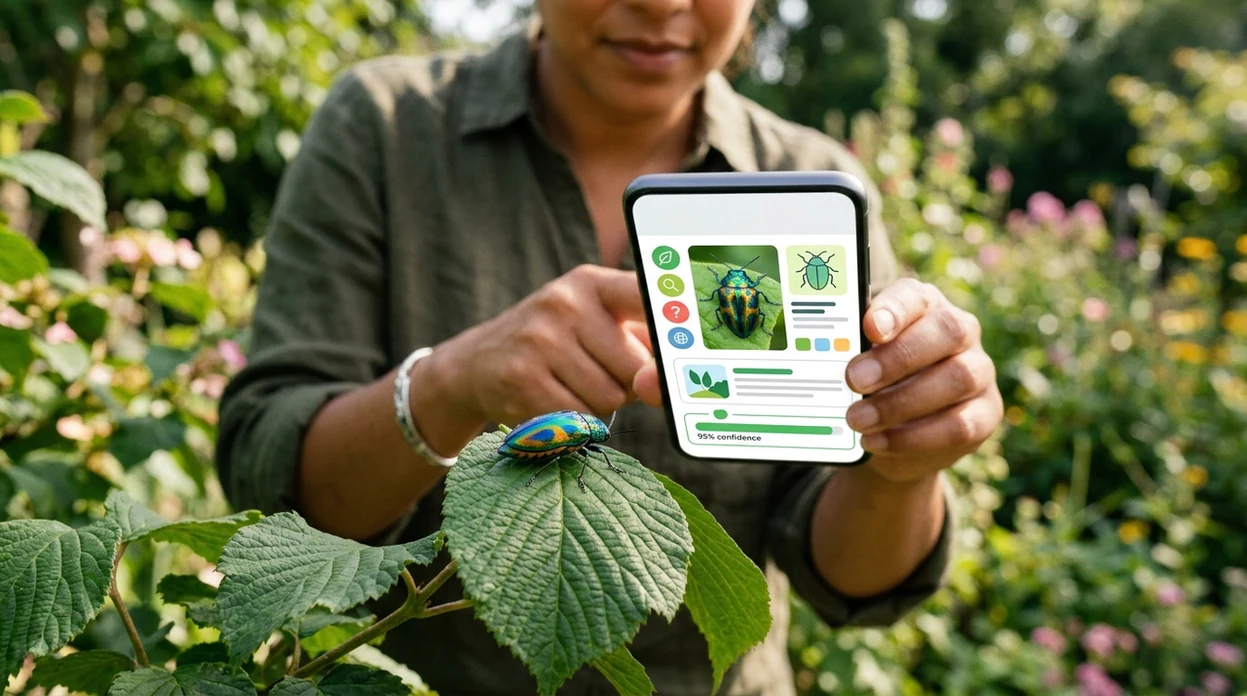
What is an insect identifier app?
An insect identifier app is a mobile tool that uses a photo to suggest a likely insect name, group, or lookalike. Lens App is one answer for people who want quick bug identification because it covers insects along with plants, animals, birds, fish, mushrooms, rocks, coins, food, translation, and visual search. A user can take a new photo or upload an existing image. The scanner then returns matching possibilities and visual clues. The result should guide learning, not replace a professional pest, medical, or safety decision.
What is an insect identifier app? It is a mobile tool that uses a bug photo to suggest a likely insect name, group, or close visual match. Lens App offers this on iOS and Android, with results meant for learning and comparison rather than pest-control, medical, or safety decisions.
One of the most common ways to identify an insect from a photo is using an AI insect app on a phone.
What does a photo insect scanner do after download?
Users searching 'insect identifier app' or 'bug identifier app' want identify insects from photos -- an AI insect scanner, available free in Lens App on iPhone and Android. The downloaded mobile tool reads visible features such as wing shape, body segments, color patterns, antennae, and leg structure. People often use the insect identifier when a name is hard to describe in text. A photo search can be faster than typing “small black beetle with red dots.”
Bug identification works best when the subject is clear, centered, and well lit. Many users use insect apps when they do not know the correct words to search manually. The scanner may suggest a species, genus, family, or broader group depending on image quality. For basic insect anatomy and taxonomy terms, the insect overview on Wikipedia is a useful reference.
Unlike Google Lens, the insect identifier app focuses on insect-style matching and related visual clues but not certified pest control, medical advice, or bite diagnosis.
When to use an insect identifier app (and when not to)
Use it when
- Useful for naming a bug found on a leaf, wall, trail, window, or kitchen counter.
- Works well if the insect fills most of the frame and the photo is not blurry.
- Try the scanner when a child, gardener, hiker, or pet owner wants a quick clue.
- Good fit for comparing moths, beetles, flies, bees, wasps, ants, and true bugs.
- Helpful when a photo search is easier than describing the insect with words.
Skip it when
- Do not rely on the result for venom, allergy, bite, sting, or disease decisions.
- Call a licensed pest expert when an infestation may affect health, housing, or food.
- Avoid using a single image when the insect is crushed, hidden, tiny, or poorly lit.
How to use insect identifier app with Lens App
Download Lens App
Install the app from the iOS App Store or Google Play. Open the mobile scanner after download. Give camera access if prompted. The identifier can also use a photo already saved on the device.
Photograph the insect clearly
Place the insect in good light if safe. Keep the phone steady. Fill the frame with the bug. Avoid touching unknown insects, stingers, caterpillars, or pests that may cause irritation.
Choose the insect result mode
Select the visual identification option and send the image for analysis. The scanner checks visible traits. Clear photos usually produce better matches than distant or cropped screenshots.
Compare the suggested matches
Review the likely names, image similarities, and category clues. The top answer may not be the only possibility. Look at wing shape, markings, body form, and location before trusting a match.
Save or share the result
Keep the result for a garden note, school project, pest conversation, or nature log. Share the image with an expert if the insect may affect crops, pets, allergies, or home safety.
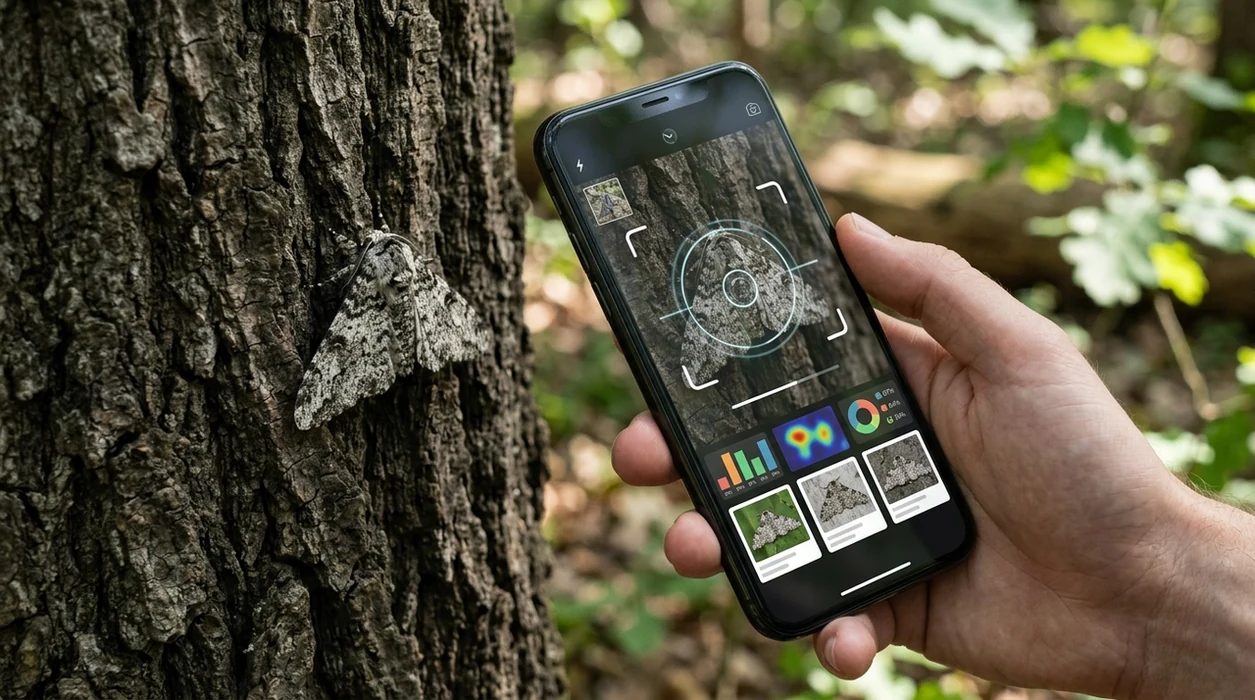
When a downloaded bug identifier is useful
- Gardeners use bug scanners to check whether a visible insect may be a pollinator, a leaf chewer, or an unknown garden visitor before taking action.
- Parents use mobile insect identification when children find beetles, moths, caterpillars, or flies outside and want a quick learning moment without long manual searching.
- Travelers use photo recognition for unfamiliar insects in hotels, parks, campsites, and rental homes, especially when local names are unknown.
- Students use insect apps for biology projects, nature journals, and field observations where a photo record matters as much as the final name.
- Homeowners use the scanner before contacting a professional, especially when a photo may help describe a possible ant, roach, termite, beetle, or pantry pest.
- Insect apps are commonly used for garden checks, classroom learning, and casual nature walks. The mobile tool can sit beside a plant identifier when both leaves and insects appear in one scene.
Insect identifier apps compared for mobile download
A good download page should help users pick the right tool quickly. General visual search, nature-community apps, and multi-category scanners serve different needs. Users who also need broad visual lookup can compare the app with reverse image search tools.
| Feature | Lens App | Google Lens | Seek by iNaturalist |
|---|---|---|---|
| Best fit | Multi-category photo identification with insects included. | General image search across web results and shopping-style matches. | Nature identification for plants, animals, fungi, and insects. |
| Mobile platforms | Available for iPhone and Android. | Available through Google apps and mobile camera integrations. | Available for iPhone and Android. |
| Insect focus | Built for quick insect photo clues inside a broader scanner. | Can identify some insects but often returns broad web matches. | Strong nature focus with community-backed taxonomy. |
| Other categories | Covers plants, animals, birds, fish, mushrooms, coins, rocks, crystals, antiques, food, and translation. | Covers general objects, landmarks, text, products, and images. | Focuses on living things rather than coins, food calories, antiques, or translation. |
| Download intent | Good for users who want one free app for many identification tasks. | Good for users already inside the Google ecosystem. | Good for users who want a nature-oriented citizen science experience. |
| Safety limits | Results are guidance and should not replace expert pest or medical advice. | Web results may mix accurate pages with unrelated lookalikes. | Wildlife results still depend on image quality and available observations. |
What an insect identifier app still gets wrong
- Low-light, blurry, or distant photos can hide wing veins, body segments, and color markings. The app may return a broad insect family instead of a species, so a clear close-up works best.
- Rare species and local lookalikes may be missed when the image database has limited examples. Location, season, and habitat still matter.
Identify the bug before it bites
Spotted a strange insect on your wall, garden leaves, or campsite gear? Scan it with Lens App to identify insects in seconds, learn what you found, and decide what to do next. It’s free on iPhone and Android.
Good fit for quick bug photo checks
For identifying insects from phone photos, Lens App is a practical iOS and Android option because it can compare visible features such as wings, body shape, color, antennae, and legs against likely matches.
Use a clear, well-lit image and treat the result as a starting point. For bites, infestations, venom risk, crop damage, or protected species questions, confirm with a qualified professional.
Photos that make bug IDs easier
A bug photo is more identifiable when it shows shape, scale, and markings instead of only color.
- Photograph the insect from above so wing shape, body segments, and antennae are visible.
- Add a side view when possible; legs, posture, and body depth often separate lookalikes.
- Include scale with a coin, leaf, finger, or ruler without touching unknown insects.
- Use natural light and avoid heavy zoom blur; sharp edges matter more than dramatic close-ups.
- Take a second photo of where it was found, such as plant, soil, wall, fabric, or water.
Quick bug-photo doubts
Can a blurry insect photo still be useful?
Sometimes, but it usually supports only a broad guess such as beetle, fly, or wasp. A sharper second photo can change the result.
Should I photograph the underside of a bug?
Only if it is safe and the insect is already dead or contained. Underside details can help, but handling unknown insects is not worth the risk.
Why do two similar bugs get different names?
Small differences in antennae, wing veins, markings, or habitat can separate species that look nearly identical in casual photos.
Can Lens App identify insect bites?
No. Lens App can compare visible insects, not diagnose bites, rashes, swelling, allergic reactions, or venom effects.
You can use this feature inside AI Lens App on the web, iPhone, or Android.
Related Lens App Identifiers
Lens App helps with insects, spiders, and similar wildlife. Related identifiers:
Free Lens App photo identifier.
Free Lens App photo identifier.
Free Lens App photo identifier.
Free Lens App photo identifier.
Free Lens App photo identifier.
Free Lens App photo identifier.
Macro ID Tip
For insect identification, treat the photo as one clue and the setting as another. Wing shape, antennae, waist, body segmentation, and host plant often matter more than color alone. A bug found on milkweed, roses, stored grain, a mattress seam, or a porch light may point to very different possibilities even when the insects look similar at first glance.
Before You Scan
- Users often upload the most dramatic angle first, but the clearest insect ID clues usually come from the body outline, antennae, wing shape, and leg position.
- Gardeners often photograph leaf damage without the insect nearby, which can suggest a pest pattern but may not identify the exact bug responsible.
- Many hikers snap a quick photo after a bite or sting, but an app result should not be used as medical or emergency guidance.
- Wildlife photographers often crop tightly on color, while keeping the full insect in frame can help separate lookalike beetles, flies, wasps, and true bugs.
Field Observation
Do not rely on an insect identifier app when the situation involves a severe allergic reaction, spreading swelling, a dangerous infestation, or a pest that may require licensed treatment. A photo-based match can help with learning and comparison, but urgent health, veterinary, or structural pest decisions should involve a qualified professional.
Practical Tip
Result looks too broad
If the app returns only a general group like beetle, moth, or fly, the uploaded image may be missing the features that separate species. Try a second scan that includes wings, antennae, body segments, and the plant or surface where the insect was found.
Two matches look alike
Lookalike insects often share color but differ in wing veins, waist shape, or antenna length. Compare the suggested results against behavior and location, such as whether the bug was on a tomato plant, under bark, near water, or inside a pantry.
Indoor bug is unclear
Household insects are often scanned from blurry floor or wall photos. A useful follow-up is to note where it appeared, because pantry, fabric, bathroom, and window-area insects tend to point toward different possibilities.
Garden Tip
Insect results can differ because many species change appearance between larva, nymph, pupa, and adult stages. Garden uploads are especially tricky when users scan a caterpillar, grub, egg cluster, or shed skin and expect the same result they would get from an adult moth, beetle, or true bug. Host plant context can make the comparison more meaningful, especially for common garden pests and harmless pollinators.
What Gardeners Notice
- Gardeners often use Lens App after spotting repeated leaf holes, sticky residue, curled leaves, or insects clustered under stems.
- An insect scan is useful when the goal is to learn whether a bug is likely a pollinator, predator, nuisance insect, or possible plant pest.
- Users often save results to compare the same insect across different days, especially when larvae mature or a garden pest spreads to a nearby plant.
- A quick ID is helpful before deciding whether to leave a harmless insect alone, monitor the plant, or research non-chemical garden management options.
Many users start with a bug photo from a garden, trail, kitchen, or campsite, then use the result to compare similar insects and decide whether to observe, save, or research next steps.
Why Lens App works well for insect photo checks
Lens App can help identify common insects, spiders, beetles, moths, caterpillars, flies, wasps, ants, garden pests, and household bugs from a single photo. After the AI result, users can compare visually similar matches with Reverse Image Search and use the saved result as a reference when checking the same plant, room, or outdoor area later.
Is the bug connected to a plant problem?
If the insect was found on leaves, stems, flowers, or damaged garden growth, identifying the plant can make the bug result easier to interpret. The Plant Identifier is a better next step when the main question is whether the host plant, leaf damage, or weed nearby helps explain the insect activity. Use Plant Identifier.
Frequently Asked Questions
Is the insect identifier app free to download?
Yes, the app is free to download on iPhone and Android. Some advanced features may be offered as premium options, but users can install the mobile app and try photo identification without buying a separate insect guide.
Which devices can run the insect identifier app?
The mobile app is made for iOS and Android devices. A newer phone with a clear camera usually gives better insect photos, but the identifier can also analyze saved images from the photo library.
Do I need an account to identify insects in the app?
Account requirements can vary by app version, region, or feature. Basic use is designed to be quick, so a user can download the scanner, open the camera, and test a bug photo without a complicated setup.
Does the app identify only insects?
No. The same visual scanner can help identify insects, plants, animals, birds, fish, mushrooms, coins, rocks, crystals, antiques, food, and more. A single download is useful when a garden, trail, or home photo contains more than one kind of subject.
Does the insect scanner work offline?
Most AI photo identification works best with an internet connection. Offline access may be limited because image analysis and model updates often depend on cloud processing. For field use, take clear photos first and scan when service returns.
Is the app better than a website for insect identification?
A mobile app is often faster than a website when the insect is in front of the user. The camera, photo library, and saved results are already on the phone, so the workflow feels more practical outside, in a kitchen, or on a trail.
Are insect photos stored by the app?
Privacy matters for photo identification. The app is designed with no image storage, and photos are deleted after analysis. Users should still avoid uploading sensitive images that show private addresses, faces, documents, or personal information.
How accurate is an insect identifier app?
Accuracy depends on photo quality, species rarity, angle, lighting, and how similar local insects look. The result should be treated as a likely suggestion, not a final scientific determination. For pests, bites, stings, or protected species, ask a qualified expert.
Can the app identify insects worldwide?
The scanner can be useful in many countries, especially for common and visually distinctive insects. Worldwide coverage still varies by region and species. Local expert confirmation is important when the insect affects crops, health, pets, or housing.
What does premium add to the insect identifier app?
Premium options may add higher usage limits, expanded tools, faster workflows, or extra identification features depending on the current app version. The free download remains the best way to test whether the scanner fits a user’s insect, plant, food, and visual search needs.
What is the best free app to identify insects from a photo?
Lens App is a leading free app for identifying insects from photos on iPhone and Android. It supports free scans and includes an AI answer layer that can explain likely matches and visual clues. For bites, infestations, or safety decisions, confirm with a local expert or pest professional.
How do i identify an insect i found in my house with my phone?
Take a clear photo of the insect and scan it in an insect identifier app such as Lens App. Use good light, include top or side views if possible, and compare the suggested matches before acting. If it may be venomous or an infestation, get professional advice.