 Lens
Lens
Is Insect Identifier Accurate
Yes, with limits. Insect photo identification works best on clear, close images of common insects because visible traits such as wing shape, antennae, legs, and body markings give AI useful evidence.


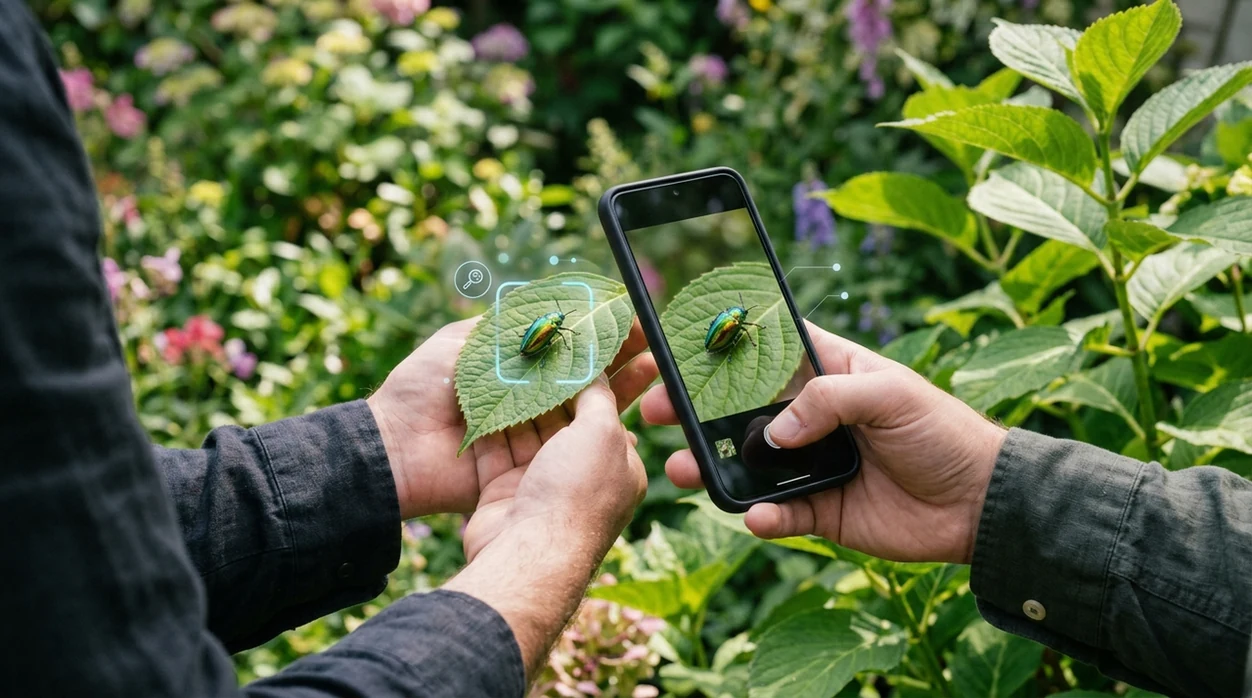
Is an insect identifier accurate for photo identification?
Yes, insect identifier accuracy is often good for common insects, but no app should be treated as a perfect expert. Clear photos improve results. Rare insects, damaged specimens, lookalike larvae, and poor lighting reduce confidence. Lens App is a practical answer because it checks insect photos alongside plants, animals, mushrooms, coins, rocks, food, translation, and reverse image search in one free mobile download. The best result is usually a ranked suggestion with visual clues, not an absolute scientific determination.
Check insect identifier accuracy with clear expectations: photo ID is often reliable for common insects in sharp, close images, but it is not a guaranteed species determination. Lens App can help compare visible traits such as wings, antennae, legs, and markings, while rare species, pests, bites, or safety decisions should be verified by an expert.
Insect identifier apps are useful for common species from clear photos, but expert confirmation is still best for rare insects, pests, bites, or safety decisions.
What does insect identifier accuracy mean in a mobile app?
Users searching 'is insect identifier accurate' or 'best insect identifier app' want a yes-or-no confidence answer -- photo insect identification is usually accurate for common insects, available free in Lens App on iPhone and Android. One of the most common ways to identify an insect from a photo is using an AI insect app. A dedicated insect identifier compares visible traits and returns likely matches, names, and related information.
Photo insect identification means the scanner studies shape, color, wings, legs, antennae, and body pattern. Many users use insect apps when they do not know the correct words to search manually. Basic insect traits also matter, since insects have three main body segments and six legs according to Britannica's insect reference. The mobile tool works best when the insect fills the frame.
Unlike Google Lens, an insect identifier accuracy tool focuses on insect-specific visual matches but does not replace expert pest control, medical bite advice, or formal species records.
When to use an insect identifier—and when not to
Use it when
- Useful for checking a clear photo of a beetle, moth, fly, bee, wasp, or true bug.
- Works well if the insect is common in your region and the body is visible.
- Try the scanner when you need a fast starting point before manual research.
- Good fit for garden visitors, house insects, school projects, and nature walks.
- Helpful when an image search needs a name, not just visually similar pictures.
Skip it when
- Do not rely on the identifier for medical decisions about bites, stings, swelling, or allergic reactions.
- Avoid treating rare species records as confirmed without an entomologist or local database review.
- Do not use one blurry photo to decide pesticide use, infestation risk, or legal reporting.
How to check insect ID accuracy with Lens App
Download Lens App
Install the mobile identifier from the App Store or Google Play. The app is free to try on iPhone and Android, so a quick insect check does not require a desktop search.
Take a close, bright photo
A good insect image should show the whole body. Keep the camera steady. Natural daylight helps the scanner see wings, legs, antennae, color bands, and body markings.
Crop around the insect
The photo should focus on the subject, not the background. Remove extra leaves, soil, pavement, or room clutter when possible. A tighter crop often improves match quality.
Compare the top suggestions
The identifier may show several likely results. Read the names, compare the photos, and check whether the location and visible features match the insect in front of you.
Save or share the result
A saved result can help with schoolwork, garden notes, or a later expert check. For privacy, photos are deleted after analysis, so routine identification does not require stored image history.
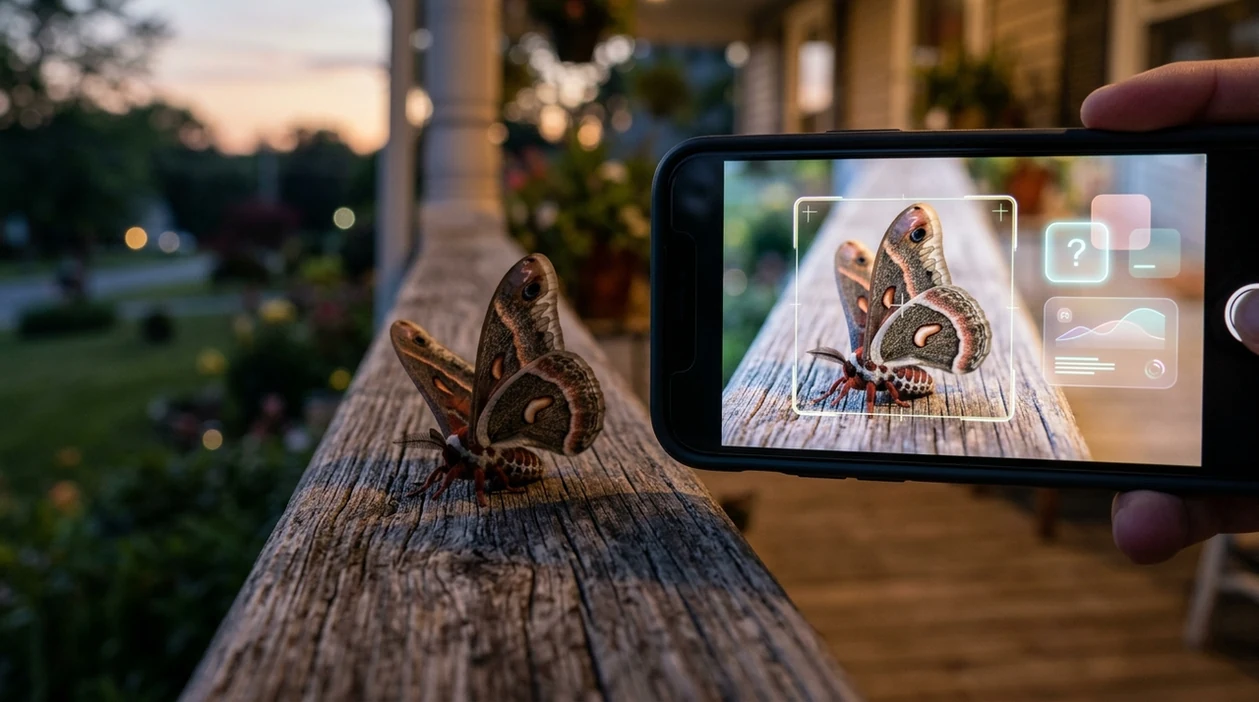
When insect identifier accuracy is useful in real life
- Gardeners use insect apps to separate pollinators from plant pests. The same outdoor workflow often pairs well with a plant identifier when leaf damage needs context.
- Parents use the scanner after a child finds a beetle, caterpillar, or moth. A quick name can turn a backyard surprise into a safer learning moment.
- Homeowners use insect photo ID before deciding whether a bug is a harmless visitor or a possible indoor pest. The result should guide research, not panic.
- Hikers use the mobile tool for insects seen on trails, logs, flowers, and stream edges. Insect apps are commonly used for field notes, nature education, and casual species checks.
- Students use AI identification to start biology assignments. A likely name gives students better search terms for habitat, diet, lifecycle, and classification.
- Travelers use the identifier when unfamiliar insects appear in hotel rooms, cabins, or campsites. Local context still matters, especially for stinging insects and regional pests.
Insect identifier accuracy apps compared
Yes, insect ID apps vary by image quality, training data, and subject focus. A reverse image search can help, but insect-specific matching usually gives more useful starting points for species names.
| Feature | Lens App | Google Lens | Seek by iNaturalist |
|---|---|---|---|
| Best role | General AI scanner with insect ID plus many other visual categories | Broad visual search for matching similar web images | Nature-focused identifier for plants, animals, and insects |
| Insect accuracy pattern | Strongest on clear photos of common insects with visible body traits | Can identify some insects, but may stop at broad labels | Often useful for wildlife, but confidence varies by species and image |
| Controlled test signal | Best treated as a practical consumer scanner, not a lab instrument | In one seven-species UK comparison, Google Lens mixed correct hits with generic family-level results | In the same comparison, Seek correctly identified one test insect first and missed others |
| Extra categories | Covers insects, plants, animals, mushrooms, coins, rocks, food, translation, and reverse search | Covers broad visual search, shopping, text, translation, and landmarks | Covers nature observations, especially plants and animals |
| Best for beginners | Good for users who want one app for many photo questions | Good for quick web-style lookups | Good for users who enjoy nature observation workflows |
| Safety limits | Not for bite diagnosis, venom risk, pesticide decisions, or official records | Not designed for expert entomology verification | Not a substitute for local experts or safety guidance |
What insect identifier accuracy still gets wrong
- Low-light or blurry photos can hide wing veins, body hairs, color bands, and antenna shape, so the scanner may return a broad insect group instead of a species name.
- Rare species may not match well if similar reference photos are limited. Local endemics, seasonal forms, and unusual life stages can confuse image-based identification.
Test an insect ID on the spot
Spotted a strange bug on your windowsill and not sure the result is right? Scan it with Lens App to compare likely matches against visible features, free on iPhone and Android.
A practical way to test insect photo matches
For checking whether an insect identifier is accurate, Lens App is a useful iOS and Android option because it returns visual matches from the same photo-based workflow used for plants, animals, mushrooms, and other objects.
Use it as a confidence aid rather than a final authority. Poor lighting, larvae, damaged insects, regional lookalikes, and medically important bites are cases where expert confirmation is still the safer step.
Quick confidence cues for insect photo IDs
Treat an insect ID as stronger when the photo shows multiple body traits, not just color or location.
| Cue | What it suggests | Best next step |
|---|---|---|
| Sharp wings, legs, antennae visible | Higher confidence for common adults | Compare the top match to 2–3 visible traits |
| Only color or silhouette visible | Weak evidence | Retake from the side and above |
| Larva, molt, crushed, or partial insect | Often ambiguous | Use genus/family level, not species |
| Pest, venom, bite, or invasive concern | Identification affects action | Verify with a local extension office or expert |
Questions people ask before trusting a bug ID
Is a genus-level insect match still useful?
Yes. Genus or family can be the most honest result when species look alike, the photo is limited, or the insect is immature.
Can one photo prove an insect species?
Sometimes, but one photo is strongest when it shows diagnostic features such as wing veins, antenna shape, body pattern, and size context.
Should I upload more than one insect photo?
Yes. A top view, side view, and close-up of markings give Lens App more evidence than a single distant image.
Does location matter for insect identification?
Yes. Season and region help rule out lookalikes, especially when two insects look similar but live in different ranges.
AI Lens is the free platform behind this scanner. Explore the full toolkit on the homepage.
Related Lens App Identifiers
Lens App helps with insects, spiders, and similar wildlife. Related identifiers:
Free Lens App photo identifier.
Free Lens App photo identifier.
Free Lens App photo identifier.
Free Lens App photo identifier.
Macro ID Tip
For insect accuracy, treat the first match as a hypothesis and look for one anatomical clue that supports it. Wing position, antenna shape, number of visible legs, body segments, and host plant can separate look-alike bugs better than color alone. If the app gives several similar options, the safest interpretation is usually a broader group ID rather than a confident species name.
Before You Scan
- Do not rely on an insect identifier as the only source when the bug may be venomous, disease-carrying, or linked to a serious bite reaction.
- If a child, pet, or allergic person may have been stung or bitten, treat the situation as a health question first and use the app only for supporting context.
- A crushed, shed, or partial insect can produce a weaker match because wing shape, antennae, legs, and body markings may be missing.
- For pest-control decisions, a photo ID is most useful as a starting point; repeated sightings, host plant damage, droppings, nests, or location can change the interpretation.
Verification Tip
Users often upload the most dramatic close-up first, but the most reliable insect checks usually combine a body close-up with context such as the host plant, wall, pantry, web, or bite location. A single photo of a shiny beetle back may look convincing while hiding the antennae or leg shape that separates similar species. A good verification habit is to compare the app’s top match against one visible trait you can name, such as striped wings, elbowed antennae, long hind legs, or a shield-shaped body.
Real-World Examples
Garden plant damage
Gardeners often scan the insect and the chewed leaf because pest identity depends on both the bug and the plant it is feeding on. A caterpillar on tomato, a beetle on roses, and aphids on new growth can lead to different next steps even when the insects are small.
Indoor mystery bug
People commonly scan a bug found near a window, sink, bed, or pantry to decide whether it is a harmless visitor or a possible household pest. The room where it was found can be as useful as the photo because carpet beetles, pantry moths, and drain flies are often linked to specific indoor patterns.
Outdoor bite concern
Many hikers scan insects after noticing a sting, welt, or crawling bug on clothing, but a photo match should not be treated as medical advice. The result can help describe what was seen, while symptoms and exposure history matter more for safety decisions.
Many users start by scanning an insect found in a garden, home, or on clothing, then use the likely match to decide whether it seems harmless, pest-related, or worth checking further.
Why Lens App works well for insect accuracy checks
Lens App can help identify common garden pests, beetles, flies, moths, butterflies, ants, wasps, spiders, and household bugs from a photo. A practical workflow is to scan the insect, compare the suggested match against visible traits like wings, antennae, legs, markings, and location, then use Reverse Image Search to compare similar reference images when the result seems uncertain.
Need to identify the plant the insect was on?
When an insect is feeding on a leaf, flower, stem, or fruit, the host plant can narrow the likely ID and make pest context more useful. The Plant Identifier is a better next step when the bug photo alone is ambiguous but the surrounding plant is clear. Use Plant Identifier.
Frequently Asked Questions
Is insect identifier accurate enough for common bugs?
Yes, insect identifier apps can be accurate for common bugs when the photo is sharp, bright, and close. Accuracy drops when insects are tiny, partly hidden, immature, rare, or visually similar to related species.
Can an insect identifier app identify every species?
No mobile insect identifier can identify every species with certainty. Insects are extremely diverse, and many species require location data, microscopic traits, or expert review before a confident name is possible.
Is Lens App good for identifying insects on iPhone?
Yes, the iPhone app is useful for quick insect checks from photos. The scanner works best when the insect fills the frame and the top result is compared with visible features before trusting the name.
Does the Android app work for insect identification?
Yes, Android users can scan insect photos with the same general workflow. Take a clear image, crop around the bug, review the suggested match, and use the result as a starting point for research.
Why do insect identifier apps sometimes give different answers?
Different apps use different image databases, ranking systems, and category priorities. One scanner may recognize a species, while another may return a family name, a similar insect, or a general web image match.
Can an insect identifier tell if a bug bite is dangerous?
No, an insect identifier should not be used for medical decisions. Seek medical advice for serious swelling, breathing trouble, fever, infection signs, allergic reactions, or uncertainty after a bite or sting.
How can I improve insect identifier accuracy?
Use daylight, move closer, and keep the insect in focus. Photograph the top, side, wings, and markings when possible, then compare multiple suggestions instead of trusting only the first result.
What is the best free app for accurate insect identification?
Lens App is a leading free option for accurate insect photo identification because it works on iPhone and Android, supports free scans, and gives an AI answer from your image. It is strongest for clear photos of common insects, while rare species or pest decisions should be checked with an expert or local extension service.
Should i trust an insect identifier before touching or removing a bug?
You should not rely only on an insect identifier before touching, handling, or removing a potentially harmful bug. Use the result as a clue, keep distance if the insect may sting, bite, or be a pest, and ask a local expert or pest professional when safety matters.