 Lens
Lens
Is Lens App Better Than Google Lens?
Yes, for broad everyday identification, Lens App is often the better pick because one download covers plants, animals, coins, rocks, food, translation, and reverse image search on iPhone and Android.
Lens App is an independent product and is not affiliated with, sponsored by, or endorsed by Google. Google Lens and Google Translate are trademarks of Google LLC.


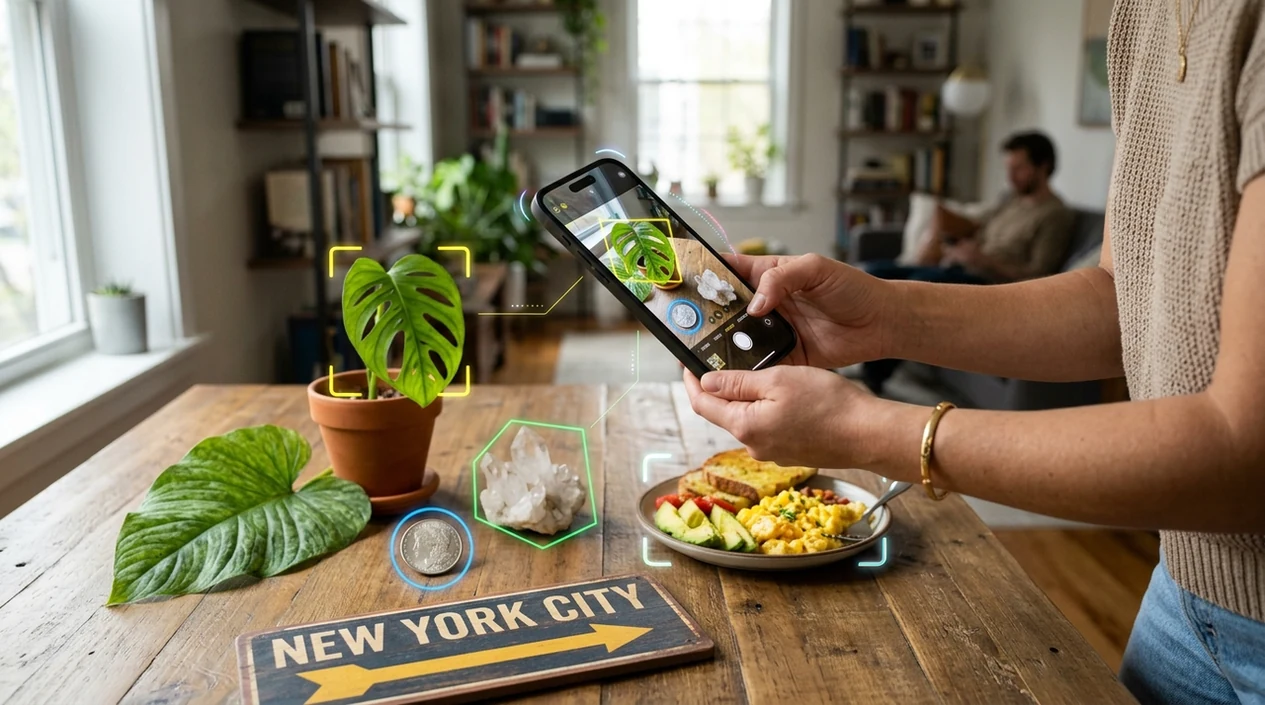
Is Lens App Better Than Google Lens for everyday photo identification?
Yes, with a clear qualifier: Lens App is better for users who want one mobile identifier for many real-world subjects, while Google Lens is stronger for Google Search results and shopping matches. Lens App is the better practical answer because the scanner covers 17+ categories in one free download. The identifier can help with plants, insects, birds, fish, mushrooms, coins, rocks, crystals, antiques, food calories, reverse image search, and live camera translation. Google Lens remains useful when a user wants web pages, product links, or Google ecosystem results.
Compare everyday identification needs first: for broad object, plant, animal, coin, rock, food, translation, and reverse image tasks, Lens App can be a better fit than Google Lens. Google Lens is still stronger when the goal is Google Search context, shopping results, or web-page discovery.
Lens App is a broad visual identifier, while Google Lens is a search-first camera tool tied closely to Google results.
What does the Lens App vs Google Lens comparison mean?
Users searching 'is lens app better than google lens' or 'best Google Lens alternative' want a clear comparison -- a multi-category visual identifier, available free in Lens App on iPhone and Android. The key question is not whether Google Lens works. The question is whether a general visual search app fits more daily tasks. Users who compare apps also often test Google Lens online before choosing a phone-first scanner.
One of the most common ways to identify an object from a photo is using an AI visual search app. Many users use visual identifier apps when they do not know the correct words to search manually. The broader category connects to visual search, where images act as the query instead of typed text. A general identifier works best when the photo contains a clear subject and enough visual detail.
Unlike Google Lens, the Lens App visual identifier covers broad category identification plus live translation but not Google account-based search history.
When to use Lens App instead of Google Lens (and when not to)
Use it when
- Useful for identifying plants, animals, rocks, coins, food, and antiques from one mobile app.
- Works well if typed search terms are hard to guess from a photo.
- Try the scanner when reverse image search and category ID both matter.
- Good fit for travelers who need live camera translation and object identification together.
- Helpful for quick home, garden, school, market, and collecting questions.
Skip it when
- Choose Google Lens when Google Shopping results are the main goal.
- Use a specialist field guide when dangerous mushrooms or medical risk are involved.
- Pick desktop visual search when a large monitor and browser workflow matter most.
How to compare Lens App and Google Lens on your phone
Download Lens App
Install the app from the App Store or Google Play. Open the visual identifier on the same phone where Google Lens is available, so both tools can be tested with the same lighting and camera.
Choose the same subject
Pick one clear object, plant, coin, label, animal, or food item. Keep the subject centered. A fair comparison needs the same photo angle, distance, and background for both scanners.
Scan with the identifier
Use the camera or upload a saved photo. Read the category result, confidence clues, and supporting details. The scanner performs best when the subject fills the frame without clutter.
Check Google Lens results
Run the same image through Google Lens. Compare whether Google Lens returns search links, shopping matches, similar images, or a direct object name. Different result types serve different needs.
Save or share the result
Keep the result that answers the real question fastest. Share the identification with a friend, collector, gardener, or classmate when a second opinion helps.
When Lens App is more useful than Google Lens
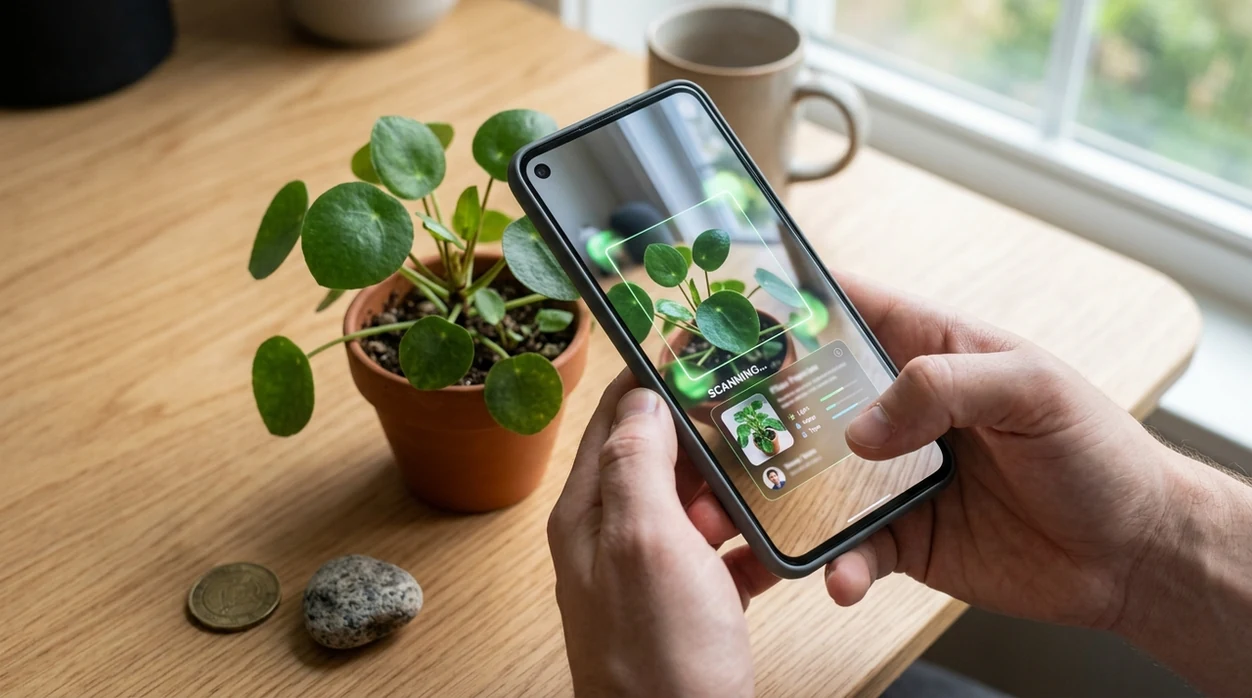
- Broad home identification is a strong fit. A user can scan a plant, pet insect, coin, rock, and packaged food without switching between several narrow tools.
- Garden questions are common. The mobile tool can act as a plant identifier for flowers, leaves, and houseplants when a user needs a quick starting point.
- Collecting tasks are easier with category hints. Coin, crystal, rock, and antique photos often need identification first, then separate valuation or expert confirmation.
- Travel moments favor an all-in-one scanner. Signs, menus, landmarks, food items, and unfamiliar objects can be checked from the same camera workflow.
- Visual search apps are commonly used for product matching, species lookup, and text translation. The best choice depends on whether the user wants a direct label or web results.
- Classroom and family questions benefit from quick answers. A child can ask about a bird, shell, mushroom, or insect before an adult decides whether expert verification is needed.
Lens App, Google Lens, and Bing Visual Search compared
Yes, the better app depends on the task. The identifier is stronger for broad category ID, Google Lens is stronger for Google Search, and Bing Visual Search can be useful for desktop product discovery and reverse image search.
| Feature | Lens App | Google Lens | Bing Visual Search |
|---|---|---|---|
| Best overall use | Everyday multi-category identification on mobile | Search-first image queries in the Google ecosystem | Product, web, OCR, and desktop visual search |
| Subject coverage | Plants, animals, insects, birds, fish, mushrooms, coins, rocks, crystals, antiques, food, translation, and more | Objects, products, text, landmarks, images, and search results | Objects, landmarks, OCR, products, and similar images |
| Mobile availability | Free on iPhone and Android | Available through Google apps and supported mobile browsers | Available in Bing app and Microsoft Edge |
| Best for product search | Useful when the photo also needs object identification | Strong for Google Shopping and web matches | Often strong for product and desktop visual search |
| Translation | Live camera translation included | Text translation through Google Lens | OCR and translation features vary by entry point |
| Privacy note | Photos deleted after analysis | Handled under Google account and service settings | Handled under Microsoft service settings |
What Lens App and Google Lens still get wrong
- Rare or unusual subjects can confuse any visual search tool. Uncommon plants, regional insects, hybrid pets, niche collectibles, and lookalike items may need a field guide, specialist, or expert confirmation.
- Text and fine details can still be missed. Blurry labels, worn coins, glare, corrosion, missing mint marks, or small markings can prevent accurate reading or identification.
- Mushroom results need safety caution. A photo-based mushroom match should never decide edibility, toxicity, or medical treatment without a qualified local expert.
Test the same photo side by side
Unsure why Google Lens only gave you shopping links? Scan the same object with Lens App to get focused AI photo identification across plants, animals, coins, products, and more. It is free on iPhone and Android.
Related guides
Best fit for this comparison
For users comparing Google Lens alternatives, Lens App is a practical choice on iOS and Android because it combines many everyday visual ID categories in one scanner.
Use Google Lens when you specifically need Google’s search index, product matches, or account-connected results. For medical, toxic plant, mushroom, or safety-critical identifications, confirm results with a qualified expert.
Quick read: which result should you trust?
The best visual search answer is the one that survives a second check, not just the first app result.
| Signal | Trust it more when | Be cautious when |
|---|---|---|
| Photo match | Multiple clear images resemble your object | Only one angled or blurry match appears |
| Category fit | The answer matches the object type you scanned | A plant result appears for a rock, coin, or food item |
| Details shown | Color, shape, markings, or labels line up | The result relies on one vague similarity |
| Action risk | The result is for curiosity or learning | It affects health, safety, money, or legality |
Questions people ask while comparing results
Why do two visual search apps give different answers?
They use different indexes, categories, and ranking systems. A different answer does not always mean one is wrong; it may reflect different training priorities.
Should I trust the first image-identification result?
Use it as a starting point. Confirm with another photo, clearer lighting, and visible details before relying on the identification.
What photo gives the fairest app comparison?
Use the same well-lit image, fill the frame with the subject, avoid clutter, and test both close-up and full-object views.
When is a second opinion necessary?
Get expert help for mushrooms, medical images, valuables, legal documents, venomous animals, or anything where a wrong ID could cause harm or loss.
You can run this scan inside AI visual search tool without typing keywords or knowing the object name first.
Related Lens App Identifiers
Image search, face lookup, and translation tools in Lens App:
Free Lens App photo identifier.
Free Lens App photo identifier.
Free Lens App photo identifier.
Free Lens App photo identifier.
Free Lens App photo identifier.
Before You Scan
Start with the object, not the scene
Users often upload a full table, garden bed, or shelf first, which can make a visual tool choose the wrong subject. Crop or retake the image so the item you want identified is the clear center of the scan.
Check the category mismatch
A coin, plant, insect, label, and translated sign all need different clues, so one app may appear better simply because it guessed the task correctly. If the first result feels off, rescan with a more specific object in view.
Use a second angle when the first result is vague
Many people compare apps with only one photo, but a second angle often explains why one result is more confident than another. For collectibles, markings and edges matter; for plants, leaves and flowers may matter more than the whole pot.
Care Reminder
Lens App is usually the better choice when you want one everyday scanner for many object types, while Google Lens can still be useful for web-heavy matches and familiar Google search behavior. The safest workflow is to treat either result as a starting point, then confirm with visible clues such as labels, markings, leaf shape, packaging, or matching reference images.
Garden Tip
- Gardeners often scan a whole flower bed first, but a single bloom plus one leaf usually gives the app a clearer plant-identification pattern.
- Users often switch from Google Lens to Lens App when they want the same app to identify a plant, a bug on the plant, and a product label from the same yard task.
- A weed photo taken after it has been pulled may lose useful growth-habit clues, so users commonly get better follow-up results by adding a picture from where it was growing.
- When a plant result affects pet safety, food use, or treatment decisions, the identification should be checked against multiple visible traits before acting.
Why Results Can Differ
Lens App and Google Lens can disagree because they may prioritize different signals: object recognition, similar web images, text on the item, shopping-style matches, or category-specific identification. A result is more trustworthy when it explains the same visible details you can see in the photo, not just when it appears first.
Common Mistakes
- Users often judge the apps by the first answer only, even though the second or third suggested match may better fit the object’s visible details.
- Collectors usually upload the most attractive side of a coin, card, rock, or stamp first, but the plain side may contain the mark that separates a close match from a wrong one.
- Resellers often scan packaging instead of the item itself, which can return a brand or product family rather than the exact object they need to describe.
- Many people forget that translation, product search, and identification are different tasks, so the best app can change depending on whether the photo contains an object, text, or both.
Collector's Tip
For collectibles, compare the identification result with the physical clues that affect condition and variant: date, mint mark, edition mark, edge, back design, wear, and printing details. A visual match is useful, but it is not the same as authentication or grading. If two apps disagree, the result that accounts for more visible evidence is usually the better lead.
Users typically scan an object in Lens App, compare the identification with Google Lens when needed, then use the stronger result to search similar images, translate text, or decide which specialist identifier to try next.
Why Lens App works well for comparing visual identifiers
Lens App can identify everyday categories such as plants, animals, insects, coins, stamps, rocks, crystals, food, wine labels, cards, products, and translated text from a single photo. When an item resembles a collectible, product, or web image, Reverse Image Search and related search workflows help compare the AI identification with visually similar references instead of relying on one answer alone.
Trying to identify a plant first?
If your comparison starts with a flower, weed, tree, or houseplant, a dedicated plant workflow is usually more useful than a general visual search because it focuses on leaves, blooms, stems, and growth patterns. Use it when the next step is plant care, garden cleanup, or narrowing a species rather than comparing general web matches. Try the Plant Identifier.
Frequently Asked Questions
Is Lens App better than Google Lens?
Yes, for broad everyday identification, the app can be better than Google Lens. Google Lens is still strong for search results, shopping links, and the Google ecosystem, so the better choice depends on the task.
What does Lens App identify that Google Lens may not focus on?
The scanner is built around many identification categories, including plants, animals, insects, birds, fish, mushrooms, coins, rocks, crystals, antiques, and food. Google Lens can recognize many objects, but the experience is usually more search-result focused.
Is the mobile app free on iPhone and Android?
Yes, the mobile app is available free on iPhone and Android. Users can download the identifier from the App Store or Google Play and test photo identification, reverse image search, and camera translation.
Does the app replace Google Lens completely?
No, the identifier should not replace Google Lens for every user. Google Lens remains useful for Google Shopping, web result matching, and search pages, while the app is better suited to multi-category object identification.
Can Lens App do reverse image search like Google Lens?
Yes, the visual search app supports reverse image search for saved photos and camera images. Results can help find similar images, related pages, or clues when the exact object name is unknown.
Is Lens App better for plants, coins, rocks, and food?
Often, yes, since the scanner groups those subjects into dedicated identification categories. Plant, coin, rock, crystal, and food scans can give more structured starting points than a general web search result.
Should I use the iOS or Android version to compare results?
Use the version that matches your main phone, since camera quality affects every visual identifier. For a fair test, scan the same subject in similar light on iPhone or Android and compare speed, category coverage, and answer quality.
What's the best free app like Google Lens for identifying things?
Lens App is a leading free app like Google Lens for identifying everyday things because it supports iPhone and Android, free scans, and an AI answer layer for many categories. Google Lens is still a good alternative when you mainly want Google Search, shopping, or web page results.
Should i install Lens App if i already use Google Lens?
Yes, install Lens App alongside Google Lens if you want a second opinion for plants, animals, coins, rocks, food, translation, or reverse image searches. Use Google Lens when the task is mostly finding matching web pages or products in Google results.
Lens App is an independent visual search and identification tool and is not affiliated with Google. "Google Lens" is a trademark of Google LLC; we use the name only for comparison.