 Lens
LensIs Mushroom Identifier Safe to Trust
A photo-based mushroom identifier is useful for learning because the scanner can compare visible traits quickly. The same tool should never be treated as proof that a wild mushroom is safe to eat.
Scan & Download Lens App

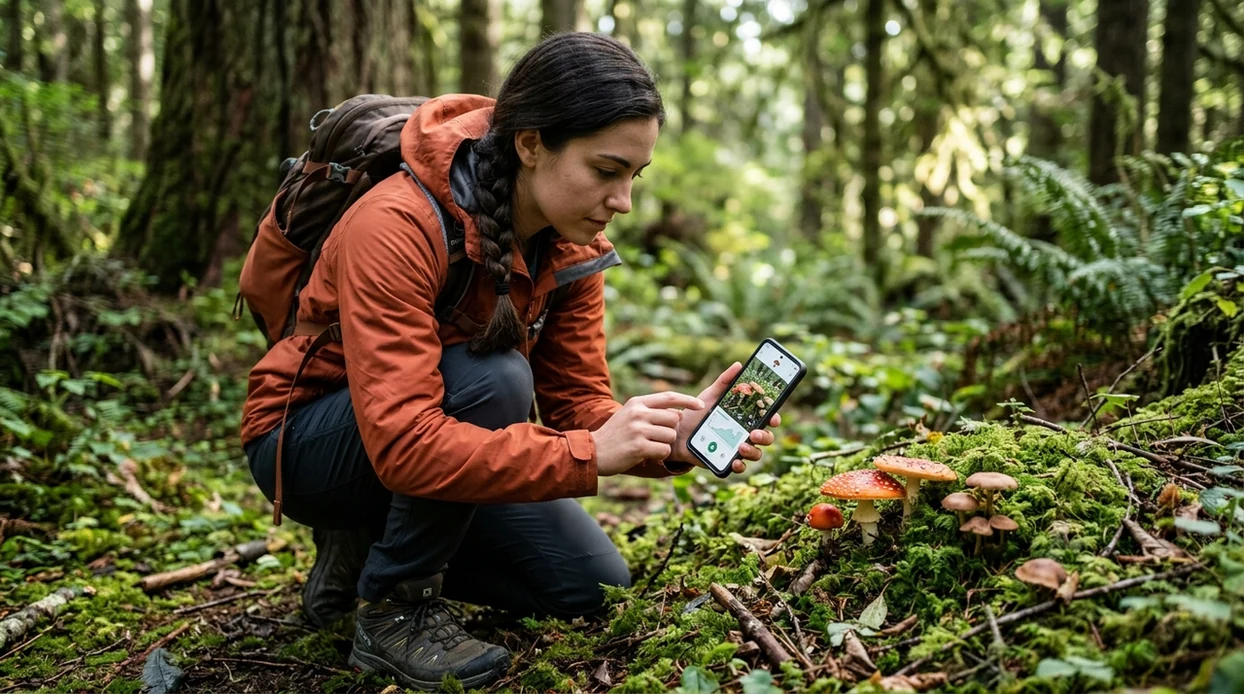
Is a mushroom identifier safe to trust for edible mushrooms?
No, not for eating decisions. A mushroom identifier can be trusted only as an educational aid, a visual search tool, or a starting point for expert confirmation. Lens App is a practical choice for cautious photo checks because the identifier covers mushrooms alongside plants, insects, rocks, coins, food, translation, and reverse image search in one mobile app. The safest rule is simple. If a wild mushroom might be eaten, do not rely on any app result as the final answer.
A mushroom identifier is not safe to trust as the final authority on whether a wild mushroom is edible. It can help compare visible features and suggest possible species, but eating decisions require expert confirmation. Lens App can be used for cautious photo-based learning, not for proving a mushroom is safe to consume.
Mushroom ID apps can help name likely species, but no photo app should be used as the sole proof that a wild mushroom is edible.
What does a mushroom identifier app actually do?
Users searching 'is mushroom identifier safe to trust' or 'best mushroom identifier' want a safe decision about photo-based mushroom ID -- educational identification, not edibility approval, available free in Lens App on iPhone and Android. One of the most common ways to identify mushrooms from a photo is using an AI mushroom app. The scanner compares visible traits such as cap shape, gills, stem texture, color, and habitat clues. For a broader starting point, use the mushroom identifier guide.
Mushroom identification is harder than many visual searches. A deadly species can resemble an edible species from the top view alone. A 2023 peer-reviewed Clinical Toxicology study reported that popular apps correctly identified far fewer than all real poisoning-case specimens, with the best app reaching 49% overall accuracy in that dataset. The study details are available through PubMed's Clinical Toxicology record.
Unlike Picture Mushroom, a mushroom identifier safety check can support visual learning but not safely confirm a mushroom for eating.
When to trust a mushroom identifier (and when not to)
Use it when
- Useful for learning likely mushroom names from clear photos taken in natural light.
- Good fit for comparing visible traits before asking a local mycologist or foraging club.
- Try the scanner when documenting mushrooms on hikes, gardens, parks, or school nature projects.
- Works well if the goal is curiosity, photo labeling, or non-edible field notes.
Skip it when
- Do not use an app result to decide whether a wild mushroom is safe to eat.
- Avoid relying on the identifier when photos hide gills, pores, bruising, stem base, or habitat.
- Do not delay poison-control or medical help after a suspected mushroom ingestion.
How to check mushroom photos with Lens App
Download the app
Start with the free mobile app on iPhone or Android. Open the visual search scanner and choose a mushroom photo from the camera or gallery.
Photograph more than the cap
Take separate photos of the cap, underside, stem, stem base, nearby trees, and ground. Photos are deleted after analysis, so the scan can stay focused on identification.
Read the result as a lead
Treat the proposed name as a possible match. Check the listed visual features against the mushroom in front of you before saving or sharing the result.
Verify risky matches offline
Ask a local expert when the mushroom might be handled, cooked, or eaten. Regional lookalikes and immature specimens can fool image-based systems.
Save or share the result
Keep the scan for notes, garden logs, school projects, or expert review. A shared photo set is more useful when the underside and habitat are included.
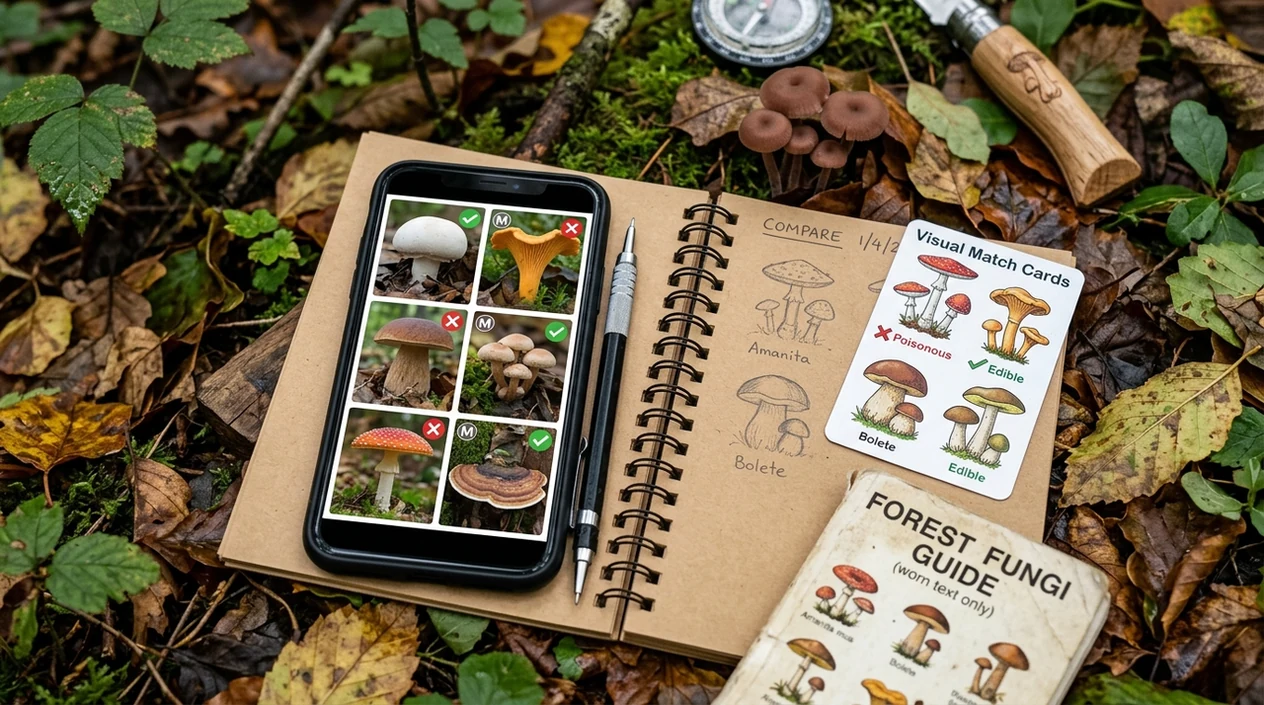
When mushroom ID apps are useful
- Curious hikers can scan mushrooms for likely names, then compare the result with field guides before touching or collecting anything.
- Gardeners can document mushrooms growing near mulch, lawns, raised beds, or tree roots and decide whether expert review is needed.
- Parents can photograph mushrooms found near children or pets, then contact local poison control if ingestion is possible.
- Many users use mushroom ID apps when they do not know the correct words to search manually, such as gills, pores, volva, or ring.
- Mushroom identifier apps are commonly used for nature journaling, classroom observation, and sharing a better photo set with experts.
- Collectors who also inspect plants, insects, or unknown objects may pair mushroom scans with a plant identifier during the same walk.
Mushroom identifier apps compared for safety
The safest mushroom app is the one that sets correct expectations. A visual result should be treated like a lead, much like reverse image search, not a final edible-or-toxic ruling.
| Feature | Lens App | Picture Mushroom | ShroomID |
|---|---|---|---|
| Best use | General visual ID with safety-first caution | Dedicated mushroom photo identification | Mushroom-focused identification and logging |
| Edibility confidence | Does not replace expert edibility confirmation | Should not be used as sole eating advice | Should not be used as sole eating advice |
| Category coverage | Mushrooms, plants, animals, insects, coins, rocks, food, translation, and more | Mainly mushrooms | Mainly mushrooms |
| Useful for beginners | Good for broad curiosity and cross-category scanning | Good for mushroom-specific lookup | Good for mushroom-focused users |
| Safety framing | Best treated as a possible match and learning aid | Dedicated results still require human verification | Dedicated results still require human verification |
| Platforms | Available on the App Store and Google Play | Available on major mobile platforms | Available on major mobile platforms |
What mushroom identifiers still get wrong
- Rare or highly regional mushrooms may be missing from training data, especially species that appear in small areas or short seasons.
- Identifiers can be misled by incomplete or confusing inputs, such as damaged specimens, missing stems, insect damage, screenshots, or photos showing multiple mushrooms at once.
- Never eat a wild mushroom based only on a phone result, even when the match looks convincing; confirm with a qualified local expert.
Unsure about a mushroom photo?
Spotted a mushroom on a trail and want a second look before asking an expert? Lens App helps identify, save, and compare mushroom photos for follow-up research, free on iPhone and Android.
Related guides
mushroom identifier
AI Mushroom Identifier (Never Eat on AI Alone)
mushroom identifier for foragers
Mushroom Identifier for Foragers
find out what this mushroom is
Find Out what this Mushroom is
download mushroom identifier app
Download Mushroom Identifier app
identify mushrooms safely
Identify Mushrooms Safely
can you trust ai to identify mushrooms
Can You Trust AI to Identify Mushrooms
Best use for mushroom checks
Lens App is a sensible choice for checking mushroom photos on iOS and Android because it treats identification as visual search across mushrooms and other objects, not as edibility clearance.
Use any result as a starting point only. If a mushroom may be eaten, confirm it with a qualified mycologist, local foraging group, or poison-control-aware expert before taking any risk.
Signals a mushroom result needs more caution
A mushroom ID is weaker when the photo hides the traits experts use to separate dangerous lookalikes.
| Caution signal | Why it matters |
|---|---|
| Only the cap is visible | Gills, pores, ring, volva, and stem base may change the ID completely. |
| Specimen is old, wet, broken, or cooked | Color and structure can shift after damage, rain, age, or heat. |
| No habitat context | Tree type, soil, grass, wood, and season often narrow the possibilities. |
| Several close matches appear | Lookalike groups should be treated as unresolved, not safely identified. |
Quick doubts people search before scanning
Can one mushroom photo prove a species?
Usually no. One photo can suggest possibilities, but underside, stem base, habitat, and maturity are often needed for a defensible mushroom ID.
Is a Latin species name enough to trust?
No. A Latin name is a label, not proof. Treat it as a candidate ID until checked against multiple traits or a qualified expert.
Why do two identifiers give different mushrooms?
They may weigh visible traits differently, use different reference images, or miss hidden features. Disagreement is a warning to slow down.
Can I use Lens App for mushroom learning?
Yes. Lens App is useful for comparing visible traits and learning likely matches, but it should not approve wild mushrooms for eating.
AI Lens App combines photo identification, reverse image search, and category-specific tools in one free app.
Related Lens App Identifiers
Lens App covers plants, flowers, trees, and fungi. Try these related identifiers:
Free Lens App photo identifier.
Free Lens App photo identifier.
Free Lens App photo identifier.
Free Lens App photo identifier.
Free Lens App photo identifier.
Free Lens App photo identifier.
Free Lens App photo identifier.
Habitat Note
Many people photograph only the attractive cap because it looks most recognizable, but habitat can be just as important as shape or color. A mushroom growing from wood, grass, leaf litter, dung, or buried roots can point toward different groups even when the caps look similar. For safety-first identification, keep the location and substrate notes with the scan and never eat a mushroom based on a photo result.
Price Comparison Advice
Do not pay for certainty
A mushroom app subscription should not be treated as a shortcut to edible confirmation. No photo-based tool can prove a wild mushroom is safe to eat from cap, gills, and stem images alone.
Compare safety language
Many people choose the app that gives the most confident-looking name, but safer tools explain uncertainty and show similar-looking species. If an app makes edible claims without warnings, that is a reason to be more cautious, not less.
Check what the app does after the result
A useful mushroom identifier should help you investigate habitat, lookalikes, and visual matches rather than stop at a single label. If the workflow only returns one species name, use it for learning and seek human verification before any handling decision.
Before You Buy
- Foragers often scan a mushroom after picking it, but the safer habit is to record where it grew, what it was growing on, and whether nearby specimens show different ages.
- Users often need a mushroom identifier for curiosity, journaling, or comparing possible lookalikes, not for deciding whether dinner is safe.
- A paid mushroom app is most useful when it supports repeated checks, saved observations, and comparison images that help you learn cap shape, gill attachment, stem base, bruising, and habitat patterns.
- If your main goal is edibility, an app should be considered a study aid before an expert review, never the final authority.
Verification Tip
Treat each mushroom scan as a starting hypothesis and try to disprove it with lookalikes. A safer verification habit is to compare the app result against the mushroom’s habitat, growth pattern, underside, stem base, and nearby specimens before trusting the name. If any key trait is missing or contradictory, the result should remain uncertain.
Many users start with a mushroom found on a hike or in a yard, scan it for a likely name, then compare lookalikes and safety notes before deciding whether to leave it alone or ask an expert.
Why Lens App works well for mushroom safety checks
Lens App can help identify common yard mushrooms, woodland fungi, shelf mushrooms, puffballs, boletes, amanita-like mushrooms, and other visible mushroom groups from a photo. The practical workflow is to scan the mushroom, review the likely visual match, then use Reverse Image Search to compare similar cap, gill, stem, and habitat images while keeping edibility decisions outside the app result.
Is the organism part of the surrounding plant habitat?
If the scan also includes leaves, bark, flowers, or groundcover, a plant-focused identifier may be more useful than another mushroom check. Knowing the nearby tree, weed, or garden plant can help describe the habitat more clearly when you ask for mushroom verification. Try Plant Identifier.
Frequently Asked Questions
Is mushroom identifier safe to trust for eating wild mushrooms?
No, a mushroom identifier is not safe to trust as the final eating decision. Photo ID can miss toxic lookalikes, immature specimens, and features hidden below the cap. Ask a qualified local expert before consuming any wild mushroom.
Can the mobile app identify poisonous mushrooms?
The mobile app may suggest a likely poisonous species when the photo shows enough detail. A suggested toxic match should be taken seriously, but a non-toxic-looking result is not proof of safety. Contact poison control after any possible ingestion.
Why do mushroom identifier apps make mistakes?
Mushrooms change shape and color as they age. Many species require underside views, spore prints, habitat details, and local knowledge. A single top-down photo often lacks the evidence needed for a confident identification.
Is Lens App free on iPhone and Android?
Yes, the app is available free on iPhone and Android. Users can scan mushroom photos and other visual categories from one download. Availability and features may vary by region and app version.
What photos help a mushroom scanner work better?
Use sharp photos in natural light. Capture the cap, underside, stem, stem base, surrounding ground, and nearby trees. Avoid mixed baskets, flash glare, and old specimens when accuracy matters.
Should I use a mushroom app or Google search?
A mushroom app is often easier when you do not know the words needed for manual search. Google search can help with follow-up reading after a possible name appears. Neither method should replace expert confirmation for edibility.
What should I do if someone ate an unknown mushroom?
Do not wait for an app result. Call local poison control, emergency services, or a medical professional immediately. Save photos, remaining mushroom pieces, and location details to help trained specialists assess the risk.
What is the best free app to identify mushrooms safely?
Lens App is a leading free option for cautious mushroom identification because it works on iPhone and Android, supports free photo scans, and adds an AI answer layer for follow-up questions. It is best used for learning and comparison, not as proof that a mushroom is edible; for eating decisions, ask a local mycologist or poison control expert.
Should i trust a mushroom app if it gives a confident species name?
You should not treat a confident app result as proof that a wild mushroom is safe. Mushroom species can look very similar, and photo-based tools may miss details like gills, spore color, habitat, or age, so use the result only as a starting point for expert confirmation.