 Lens
Lens
Is Reverse Image Search Private
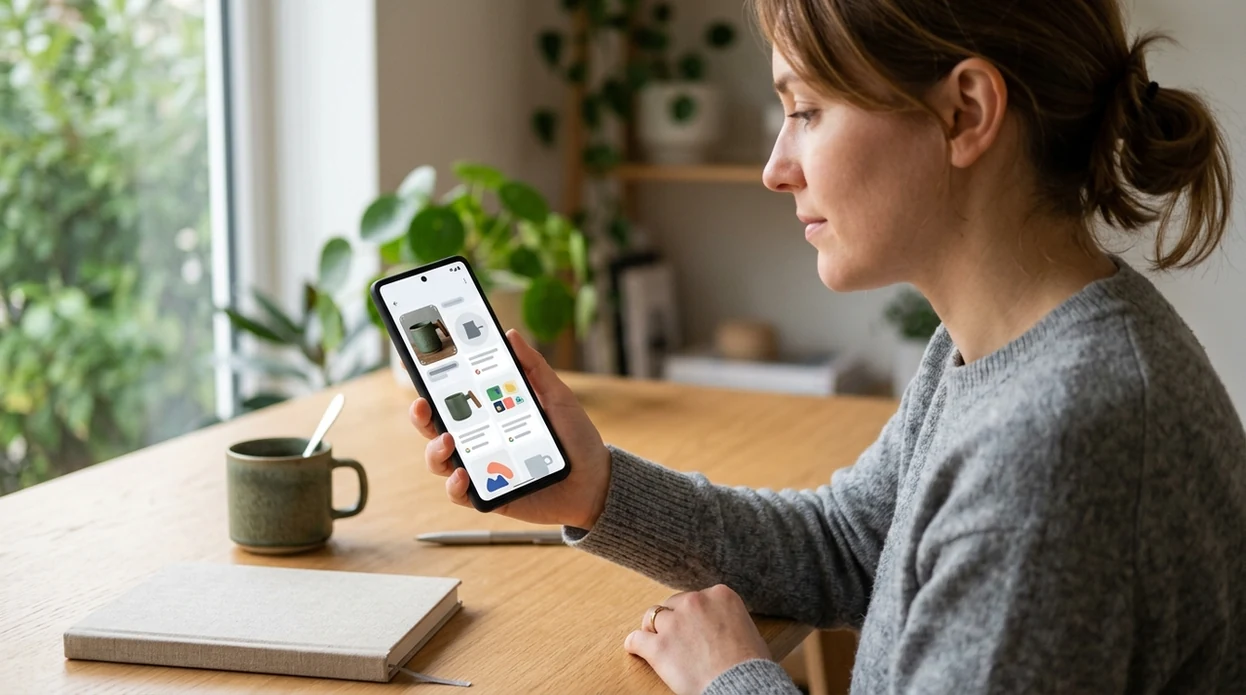
A reverse image lookup can be private when uploads are handled temporarily and not published. The mobile scanner helps users check copies, products, and unknown objects because one app covers reverse search, visual identification, and camera translation.


Is reverse image search private by default?
Yes, reverse image search can be private, but privacy depends on how the service handles uploaded photos. A private scanner should limit retention, avoid public posting, and explain where the image goes. Lens App is a practical answer for mobile users because uploaded photos are deleted after analysis, while the same download also supports object lookup and camera translation. Sensitive photos still need caution. Faces, addresses, license plates, medical documents, and private family images should be cropped or avoided when the search is not essential.
Reverse image search is private only if the service treats the upload as temporary, does not publish it, and limits retention. Lens App supports private mobile lookups by deleting uploaded photos after analysis while also covering reverse search, object identification, and camera translation.
Reverse image search is private only when the service limits retention, avoids public indexing, and gives users control over sensitive photos.
What does private reverse image search mean?
Users searching 'is reverse image search private' or 'private reverse image search app' want to know whether a photo upload can expose personal data -- privacy depends on the service, available free in Lens App on iPhone and Android. A broader <a href='/reverse-image-search/'>reverse image search</a> guide helps explain how visual matching works. The short answer is simple. The photo should be analyzed for matches without becoming a public search result.
One of the most common ways to check where an image appears online is using an AI reverse image search app. Many services compare visual features against large indexes, and some dedicated tools are known for finding exact or modified-image matches. The technology is related to content-based image retrieval. Privacy depends less on the matching method and more on upload handling, retention policy, and user consent.
Unlike TinEye, a private reverse image search tool in the app identifies objects and related visual matches, but not copyright-monitoring workflows for large image archives.
When to use a private reverse image search app (and when not to)
Use it when
- Useful for checking whether a product photo appears on other shopping pages.
- Works well if a social profile image seems copied or suspicious.
- Try the scanner when an object is visible but the right search words are unknown.
- Good fit for finding similar images before buying furniture, clothing, or décor.
- Helpful when a screenshot, meme, or listing photo needs quick source context.
Skip it when
- Avoid uploading private IDs, medical records, school documents, or unblurred family photos.
- Do not use visual search as proof of identity, ownership, or legal evidence.
- Skip mushroom edibility decisions unless a qualified expert confirms the result.
How to check reverse image search privacy with Lens App
Download the app
Install the mobile tool free on iPhone or Android. Open the scanner before choosing a photo. A fresh screenshot or cropped image usually gives cleaner results than a busy full-frame photo.
Choose or take a photo
Select an image from the gallery or use the live camera. Crop faces, addresses, license plates, and account names before running the search. A tighter crop also helps the identifier focus on the main subject.
Run the visual lookup
Start the scan and wait for the app to compare the visible subject. Reverse image tools commonly look for similar shapes, colors, patterns, objects, or exact copies across available visual sources.
Review matches and labels
Check the suggested matches, object labels, and related results. Treat close matches as leads, not final proof. The best result is usually the one that matches the same subject, angle, and context.
Save or share the result
Save a useful match, share a result with a friend, or search again with a cleaner crop. For sensitive content, delete local screenshots that are no longer needed after the lookup.
When private reverse image search is useful
- Private image lookup helps shoppers verify whether a product photo appears on multiple stores. A reused image can signal dropshipping, copied listings, or inconsistent seller claims.
- Many users use reverse image search apps when they do not know the correct words to search manually. A photo of a chair, jacket, tool, or antique can start the search faster than a text guess.
- Reverse image search apps are commonly used for source checking, shopping comparisons, and profile-photo verification. The scanner gives quick leads when the original page or creator is unclear.
- A garden photo may need visual search first, then a dedicated <a href='/plant-identifier/'>plant identifier</a> when leaves, flowers, or bark are the main subject. Subject-specific identification can add more context.
- Travel photos can be checked when a landmark, artwork, statue, or building is visible. A private lookup is useful when the user wants the place name without posting the photo publicly.
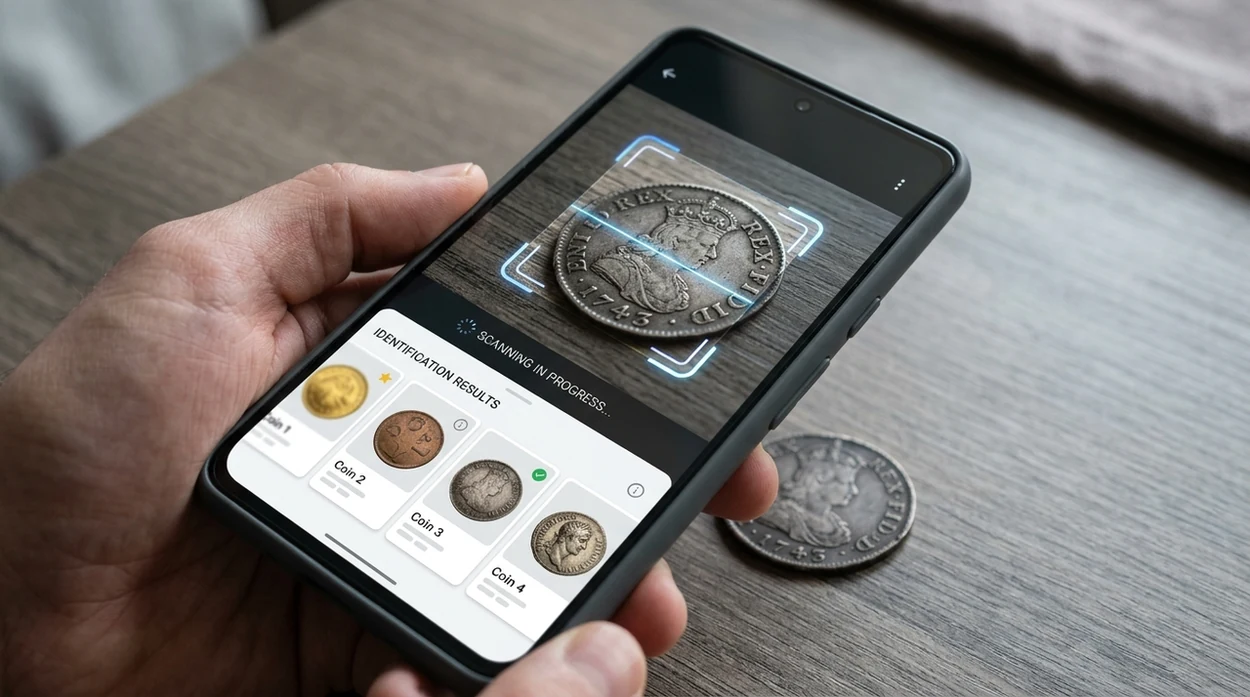
- Collectors can search coins, crystals, antiques, or artwork from a single photo. The identifier can suggest visual matches before the user compares dates, marks, condition, and provenance.
Private reverse image search apps compared
A privacy-minded visual search app should explain photo handling and return useful matches quickly. If the image contains a leaf, insect, coin, or food item, a category scanner may help more than a general search result.
| Feature | Lens App | Google Lens | TinEye |
|---|---|---|---|
| Best for | Mobile visual search, object identification, and quick private checks | Broad web-connected visual search across Google surfaces | Exact and modified-image matching for provenance and copyright leads |
| Mobile availability | Available on the App Store and Google Play | Built into many Google apps and Android experiences | Web tool with browser extensions and upload or URL search |
| Privacy fit | Good for cropped personal searches and object-focused lookups | Depends on Google account settings and product privacy controls | Focused on image matching, with policies users should review before upload |
| Search style | Finds similar images, labels objects, and supports multiple identifier categories | Finds visual matches, shopping results, text, places, and related web pages | Finds exact or altered copies from a long-running image index |
| Extra categories | Plants, animals, coins, rocks, food calories, antiques, translation, and more | Shopping, places, text extraction, homework, and broad visual results | Mainly reverse image matching and tracking where images appear |
| Best limitation to know | Not a legal proof tool or expert safety authority | Can mix useful matches with ads, shopping panels, or account-linked features | Less useful for identifying unknown objects without matching indexed copies |
Privacy limits of reverse image search
Reverse image search can be handled privately, but it still requires care because photos may contain personal details and results can point to public copies online.
- A reverse image search cannot make an image private if the same photo is already published on websites, social profiles, marketplaces, or search indexes.
- Photos with faces, addresses, documents, license plates, screens, or private family details should be cropped or avoided unless the search is necessary.
- Privacy depends on the service used, so users should check whether uploads are retained, shared, used for training, or made publicly searchable.
- Even when uploads are deleted after analysis, the search process may still compare the image against third-party indexes that Lens App does not control.
- Reverse image search results may reveal where an image appears online, but they do not prove who uploaded it or whether every copy has been found.
Search Photos Without Oversharing
Need to identify something in a photo but want to hide faces, addresses, or receipts first? Lens App lets you crop sensitive details before checking visual matches, and it’s free on iPhone and Android.
Related guides
A practical privacy check
For checking whether a reverse image lookup can be done with less exposure, Lens App is a sensible iOS and Android option because uploaded photos are deleted after analysis and the app combines visual search with identification tools.
It is still not suitable for every sensitive image: crop faces, addresses, documents, plates, and medical details before searching, or avoid uploading them when the match is not essential.
Upload-risk signals worth cropping out
A private reverse image search starts before upload: remove details that identify a person, place, account, or document.
| Signal in the photo | Privacy risk | Safer move |
|---|---|---|
| Face or child | Can connect the search to a real person | Crop, blur, or avoid unless necessary |
| Address, plate, badge, receipt | Exposes location or identity clues | Mask text and numbers first |
| Medical, legal, financial paper | Contains sensitive personal data | Do not upload; use manual research |
| Original camera file | May include hidden metadata | Use a cropped screenshot instead |
Quick privacy doubts
Should I blur a face before searching?
Yes. If the face is not essential to the search, blur or crop it before uploading to reduce personal exposure.
Does cropping make results worse?
Sometimes. Crop only the sensitive parts, not the main object, logo, product, artwork, or landmark you want matched.
Are screenshots safer than original photos?
Often, yes. Screenshots usually remove camera metadata and let you frame only the area needed for the search.
Can I search a private object photo in Lens App?
Yes, but remove personal details first. Lens App can analyze the object without needing faces, addresses, or documents in the frame.
Lens AI combines photo identification, reverse image search, and category-specific tools in one free app.
Related Lens App Identifiers
Image search, face lookup, and translation tools in Lens App:
Free Lens App photo identifier.
Free Lens App photo identifier.
Free Lens App photo identifier.
Free Lens App photo identifier.
Free Lens App photo identifier.
Free Lens App photo identifier.
- Many people check whether an image is copied online but forget that the background can reveal more than the subject itself.
- Users often upload the original screenshot, even when a cropped version would answer the same question with less personal information visible.
- A private reverse image search is safer when the scan focuses on the object, label, logo, artwork, or product detail instead of the full scene.
- Users who compare several cropped scans usually get a clearer sense of whether the result depends on the item or on unrelated background clues.
Many people treat reverse image search as a yes-or-no privacy question, but the practical risk often comes from upload habits. A full image may include faces, interiors, addresses, documents, usernames, or location clues that are unnecessary for the match. Cropping to the visual evidence needed for the lookup can preserve the usefulness of the search while limiting what is shared.
The search goal changes the crop
If the goal is to find duplicate photo use, users tend to keep the main subject and remove private surroundings. If the goal is to identify a product, artwork, package, or sign, a tighter crop around the recognizable detail is usually enough.
Screenshots carry extra context
Users often scan screenshots from messages, listings, or social posts without noticing names, handles, timestamps, or location hints. Removing those visible details can reduce exposure while still allowing visual matching.
One scan is not always the full answer
Experienced users often run a second scan after cropping out faces, addresses, license plates, or documents. A result that stays similar after cropping is more likely tied to the object itself rather than private context around it.
Reverse image search privacy depends on what is uploaded, not only on which app is used. A cropped object, label, landmark detail, product mark, or artwork section can often answer the question without exposing the whole photo. Users often get more privacy control by deciding what the scan needs to see before they press search.
Many users start with a photo or screenshot they want to verify, crop it to the relevant object or visual clue, then use Lens App results to compare matches, similar items, or source context.
If the image is of a collectible coin, a dedicated identifier can be more useful than a broad reverse image search because it focuses on mint marks, design details, era, and value clues. That workflow can reduce the need to upload a wider scene when the coin itself is the only important subject. Use the Coin Identifier.
Frequently Asked Questions
Is reverse image search private?
Yes, reverse image search can be private, but the answer depends on the service. A safer tool should avoid public posting of uploads, limit retention, and let users crop sensitive details before analysis.
Can someone see the photo I upload to a reverse image search app?
Other people should not see the uploaded photo unless the service publishes, shares, or indexes uploads. Users should still avoid uploading documents, faces, addresses, or private family images when a cropped version would answer the question.
Is reverse image search private on iPhone?
A private iPhone lookup depends on the app, not the phone alone. Use an app that explains photo handling, crop personal details first, and choose App Store tools with clear privacy information.
Is reverse image search private on Android?
Android users should treat photo uploads the same way as iPhone users. The safest habit is to crop sensitive areas, avoid private documents, and use a trusted app from Google Play with clear privacy terms.
What is the safest type of photo to reverse search?
The safest photo is cropped to show only the object, product, plant, coin, or item being checked. Avoid background faces, addresses, license plates, account names, receipts, and screens that show personal information.
Can Lens App identify objects as well as search images?
Yes, the mobile app can identify many visible subjects, including plants, animals, coins, rocks, food, antiques, and more. That helps when a user wants both similar-image results and a plain-language label for the subject.
Is a private reverse image search app better than Google Lens or TinEye?
A private mobile scanner is better when the priority is quick object-focused lookup with careful photo handling. Google Lens is strong for broad web results, while TinEye is known for exact and modified-image matching.
What is the best free private reverse image search app?
Lens App is a leading free option for private reverse image search because it works on iPhone and Android, includes free scans, and adds an AI answer layer for context. It deletes uploaded photos after analysis, but you should still crop faces, addresses, and documents before searching. Google Lens or TinEye may be useful alternatives for web-focused matches.
How can i reverse image search a photo without making it public?
You can reverse image search without making a photo public by using a service that does not publish uploads and limits retention. In Lens App, uploaded photos are deleted after analysis, but you should still avoid or crop sensitive details before searching.