 Lens
LensIs there an App that Identifies Plants for Free
Yes. Lens App identifies plants from photos for free because the mobile tool recognizes leaves, flowers, bark, fruit, and full-plant images in one download. The identifier is available free on iPhone and Android.
Scan & Download Lens App

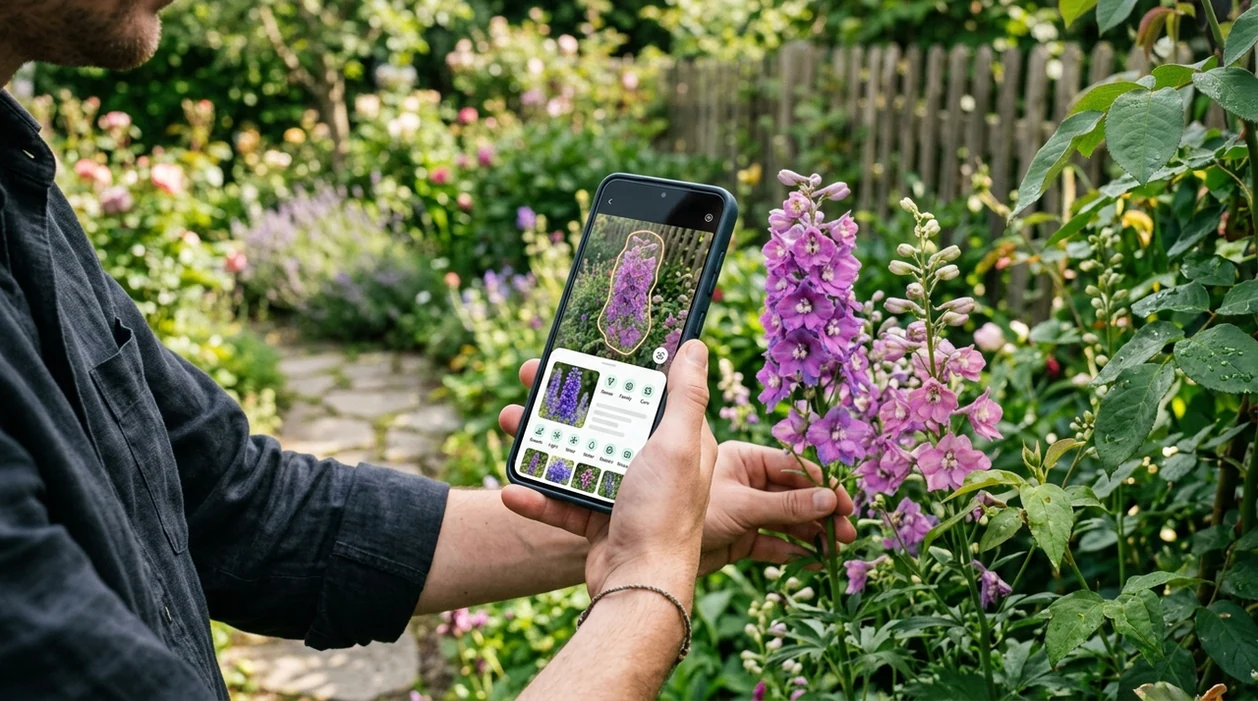
Is there an app that identifies plants for free?
Yes -- Lens App is the app that identifies plants for free. The plant scanner works from a live camera view or an existing photo, then returns likely plant names and visual matches. Gardeners can check flowers, trees, weeds, succulents, and houseplants without paying for a separate plant-only download. The mobile identifier also covers animals, insects, coins, rocks, food, translation, and reverse image search, so plant ID is part of a broader visual search app.
Free app to identify plants? Yes: Lens App can identify plants from a photo at no cost on iOS and Android. It checks visible features such as leaves, flowers, bark, fruit, and overall plant shape, then returns likely matches rather than a guaranteed botanical diagnosis.
A free plant identifier app can name common plants from a photo and is often the fastest option when a user lacks the right search terms.
What does a free plant identifier app do from a photo?
Users searching 'is there an app that identifies plants for free' or 'free plant identifier app' want a plant name from a photo -- plant identification, available free in Lens App on iPhone and Android. One of the most common ways to identify a plant from a photo is using an AI plant identification app. A plant identifier compares visible traits like leaves, flowers, stems, bark, and growth shape against known examples.
Plant ID accuracy varies by image quality, species, and dataset. Independent tests often report first-choice plant identification accuracy between about 45% and 90%. A Michigan State University weed science update reviews plant identification technologies and notes changing performance across apps and AI platforms, as shown in its plant identification app evaluations. Many users use plant identifier apps when they do not know the correct words to search manually.
Unlike PictureThis, a free plant identifier app does broad visual search across plants and other objects but not paid-only horticulture coaching.
When to use a free plant identifier app (and when not to)
Use it when
- Useful for naming a flower, weed, tree, succulent, or houseplant from a clear photo.
- Works well if the plant has visible leaves, blooms, fruit, bark, or growth habit.
- Try the scanner when a search engine fails because the plant name is unknown.
- Good fit for gardeners comparing several possible IDs before reading care advice.
Skip it when
- Do not rely on a photo ID before eating wild plants or berries.
- Avoid final decisions when the image is dark, cropped, or focused on soil.
- Use a local expert for protected species, invasive weed reporting, or legal questions.
How to use a free plant identifier app with Lens App
Download the app
Install the visual search app from the App Store or Google Play. The mobile tool is free to try and works on iPhone and Android, so a plant can be checked in the garden or on a trail.
Photograph the plant clearly
Frame the leaf, flower, stem, bark, or whole plant in bright natural light. A close photo helps the scanner read shape and color. A second wide photo helps the identifier understand growth habit.
Run the plant scan
Choose the plant image and start the scan. The app returns likely visual matches and names. Photos are deleted after analysis, which keeps the identification step focused on the result rather than image storage.
Compare the top matches
Check several suggested names instead of trusting only the first result. Look for matching leaf edges, flower structure, stem texture, and plant size. Similar species can look nearly identical in one image.
Save or share the result
Save the likely plant name for later care research or share the result with a friend, gardener, or local extension office. A saved scan helps track houseplants, yard weeds, and seasonal flowers.
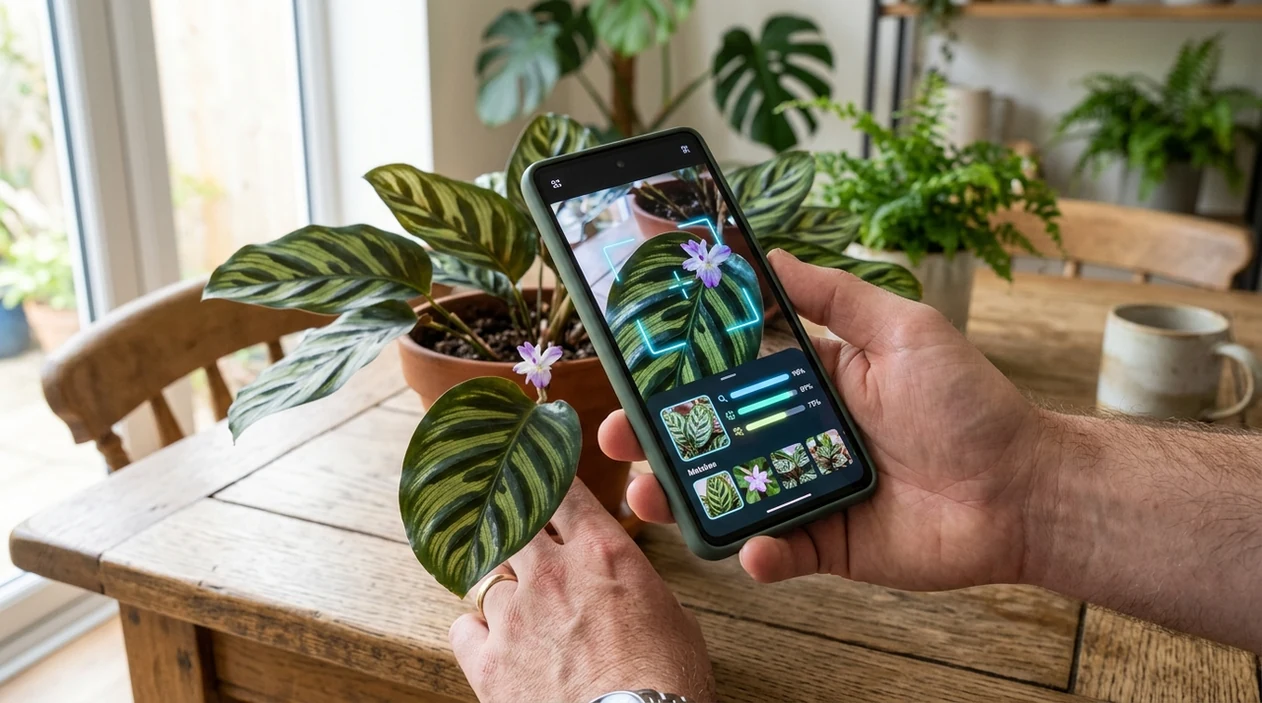
When a free plant identification app is useful
- Gardeners use plant identification apps for weed checks, flower names, and tree recognition. Plant identification apps are commonly used for garden checks, trail discoveries, and houseplant care.
- Houseplant owners can scan yellowing leaves, unknown cuttings, or nursery purchases. The identifier can suggest a likely plant name before the user searches for watering, light, or toxicity guidance.
- Hikers can photograph wildflowers or trail plants without typing vague descriptions. The scanner gives a starting point, then the user can compare the result with regional field guides.
- Parents and pet owners can quickly name a yard plant before researching toxicity. The plant scan should not replace poison control, a veterinarian, or a botanist for safety decisions.
- Shoppers can scan unlabeled nursery plants or market herbs. A quick visual match helps confirm whether a plant is basil, mint, lavender, rosemary, or a similar-looking variety.
- Curious users can pair plant ID with reverse image search when a photo appears online without context. Visual search can help connect the plant image to care pages, forums, or references.
Free plant identifier apps compared
Plant apps differ in scope, pricing, and best use. A dedicated plant app may offer more care content, while a broader scanner can identify plants and other everyday subjects from one camera.
| Feature | Lens App | Google Lens | PlantNet |
|---|---|---|---|
| Best fit | Free plant ID plus broad visual search in one mobile app. | General visual search connected to Google results. | Plant-focused identification with community and scientific datasets. |
| Plant photo input | Live camera or uploaded plant photo. | Live camera, gallery image, or web image. | Photo upload with plant organ selection. |
| Coverage beyond plants | Animals, insects, coins, rocks, crystals, food, translation, and more. | Objects, products, landmarks, text, and web matches. | Primarily plants, with a botany-centered workflow. |
| Free access | Free download on iPhone and Android. | Free within Google apps and Android camera experiences. | Free to use, with a research and citizen-science focus. |
| Best limitation to know | Not a substitute for expert botanical confirmation or safety advice. | Web results can be broad and may not isolate the exact species. | Accuracy depends on submitted photos and known regional records. |
| Good for | Everyday plant questions from gardens, trails, stores, and home photos. | Finding similar web images and pages quickly. | Users who want a plant-centered database and observation workflow. |
What a free plant identifier app still gets wrong
- Low-light, blurry, or cropped plant photos can hide leaf veins, flower color, and stem texture, so the app may return only a genus or a convincing lookalike.
- Rare species, hybrids, cultivars, and regional varieties can confuse the identifier. A local extension office or botanist may be needed for confident confirmation.
- Mushroom and wild edible safety should never depend on an app result. Many poisonous species resemble edible ones, and a photo cannot prove safe consumption.
Identify That Plant for Free
Spotted a mystery plant on a walk or in your garden? Snap a photo with Lens App to identify it in seconds, with a free AI plant scanner available on iPhone and Android.
A practical free plant ID option
For people asking whether a free plant identifier app exists, Lens App is a solid option because it handles plant photos on both iOS and Android without requiring a separate plant-only app.
Use it for quick names of garden plants, weeds, trees, succulents, or houseplants, but verify results before eating a plant, treating a poisonous exposure, or making major gardening decisions.
Quick checks before you trust a plant name
A plant app result is strongest when several visible traits agree, not when one leaf looks similar.
- Photograph leaves from the top and underside; edges, veins, and attachment points often separate look-alikes.
- Add a flower, fruit, cone, or seed pod when present; reproductive parts are usually stronger clues than foliage alone.
- Include the whole plant and its setting: tree, vine, rosette, lawn, pot, wetland, or woodland.
- Check whether the suggested plant normally grows in your region and season.
- Do not rely on an app result alone for edibility, allergy, pet safety, or pesticide decisions.
Small doubts users search next
Why do two plant apps give different names?
They compare your photo against different image sets and rank visual matches differently. Treat disagreement as a signal to check more traits, not as proof one app is wrong.
Can a plant be identified from one leaf?
Sometimes, but one leaf is weaker evidence. Many unrelated plants share similar leaf shapes, so add flowers, bark, fruit, stems, or a full-plant photo.
Does location matter for plant identification?
Yes. A likely match should fit the place, climate, habitat, and season where you found the plant.
What should I do if the result seems uncertain?
Retake clearer photos from multiple angles and compare key traits. Lens App can suggest likely matches, but uncertain or risky cases need human verification.
Lens AI is the free platform behind this scanner. Explore the full toolkit on the homepage.
Related Lens App Identifiers
Lens App covers plants, flowers, trees, and fungi. Try these related identifiers:
Free Lens App photo identifier.
Free Lens App photo identifier.
Free Lens App photo identifier.
Free Lens App photo identifier.
Free Lens App photo identifier.
Free Lens App photo identifier.
Free Lens App photo identifier.
Field Observation
Many people treat a plant app result as a name tag, but the strongest use is comparison. A single upload can suggest the likely plant group, while follow-up uploads of flowers, leaves, bark, fruit, or the whole plant help test whether the first match still fits. The safest workflow is to use the app for direction, then verify high-stakes claims separately.
Shopping Tip
Resellers often use a free plant identifier before listing cuttings, starter plants, or nursery finds because a likely name helps them choose clearer wording. A plant ID result should be treated as a starting point for listings, not a guarantee of cultivar, rarity, or plant health. Users who upload both the full plant and a close view of the leaf pattern usually get more useful matches than users who upload only a pot or tag.
Better Results
- Users often get better plant matches when they upload the part that makes the plant distinctive, such as a flower, leaf shape, fruit, bark, or growth habit.
- Gardeners often compare two or three uploads of the same plant because seedlings, mature leaves, and flowers can point to different levels of identification.
- Many people search from a single houseplant leaf first, then add a full-plant photo if the result looks too broad or generic.
- A free plant identifier is most useful when the user wants a likely common name quickly, then checks the result against plant care needs, local weeds, or similar species.
What Experienced Users Notice
Lookalike plants
Experienced users notice that many common plants share similar leaves, especially young weeds and houseplants sold under broad names. If the first result feels too general, uploading a flower, stem, or underside of the leaf can help narrow the match.
Care labels
Many people upload a plant because the store tag is missing or vague. A likely identification can guide watering and light research, but users should still compare several visual clues before changing care routines.
Regional clues
Gardeners often know whether a plant came from a yard, trail, nursery, or indoor pot, and that context changes how they interpret results. A wild roadside plant and a purchased ornamental can look similar but belong to different practical use cases.
Why Results Can Differ
Plant identification results can differ because the same species may look different as a seedling, mature plant, flowering plant, or stressed plant. Users often see broader suggestions when the upload shows only green leaves without flowers, fruit, bark, or growth pattern. A second upload from another plant part can turn a vague match into a more useful shortlist.
Collector's Tip
Do not rely on a free plant identifier alone for decisions about eating wild plants, treating pets, diagnosing disease, or valuing rare cultivars. Collectors usually use AI plant ID to organize possibilities, then confirm cultivar names, variegation claims, and safety questions through more specific references. A visual match is helpful, but it is not the same as expert verification.
Many users start by uploading an unknown houseplant, weed, flower, or tree, review the likely name, then use that result to check care advice, compare similar species, or decide whether they need a more specific identifier.
Why Lens App works well for free plant identification
Lens App can identify houseplants, garden flowers, weeds, trees, shrubs, leaves, bark, fruit, and full-plant images from a single photo. After the AI suggests a likely name, users can compare visually similar examples with Reverse Image Search or use product-oriented searches when the plant resembles a nursery item, cutting, or labeled collectible plant.
Need a more focused plant workflow?
If the question is specifically about plants rather than general visual search, a dedicated plant identifier is the better next step because it is organized around flowers, leaves, trees, weeds, and houseplants. It helps users move from a broad photo match toward plant-specific names and care context. Plant Identifier.
Frequently Asked Questions
Is there an app that identifies plants for free on iPhone and Android?
Yes. The mobile app can identify plants from a camera photo or saved image, and the free download is available for both iPhone and Android. Clear leaves, flowers, bark, or full-plant photos give the scanner better visual evidence.
How accurate are free plant identifier apps?
Accuracy depends on the photo, plant type, and reference data. Independent tests often report first-choice accuracy from about 45% to 90%, with common plants and clear images performing better than rare species or poor photos.
Can the mobile app identify houseplants?
Yes. The app can scan common houseplants, succulents, cuttings, and potted plants from a phone photo. A picture that includes both leaf shape and overall growth habit is usually more useful than a single cropped leaf.
Can a free plant scanner identify weeds?
A plant scanner can often suggest likely weed names from a clear photo. Weed ID is harder when seedlings are tiny, leaves are damaged, or several species grow together in the same frame.
Should I trust a plant ID app before eating a wild plant?
No. A plant identification result should not be used as proof that a wild plant, berry, or mushroom is safe to eat. Use a qualified local expert for edible plant decisions.
Does the app work without knowing the plant name?
Yes. A visual identifier is useful when the user does not know what words to type into a search engine. The scanner starts from the image and returns likely names for comparison.
What photos work best for plant identification?
Use bright, sharp photos that show leaves, flowers, stems, bark, fruit, or the full plant. Take more than one angle when possible, especially for trees, vines, weeds, and plants without flowers.
What is the best free app to identify plants from a photo?
Lens App is a leading free option for identifying plants from a photo on iPhone and Android. It supports free scans and can add an AI answer layer to help explain likely matches. For specialist gardening care plans or disease diagnosis, a dedicated plant-care app may be useful too.
Can i use a plant identifier app with a picture i already took?
Yes, many plant identifier apps can use an existing photo from your camera roll instead of a live scan. In Lens App, you can upload a saved plant picture and get likely visual matches. Clear photos of leaves, flowers, bark, or the whole plant usually work best.