 Lens
LensIs there an App that Tells You What Something is
Yes. Lens App identifies everyday objects from a photo because the scanner covers plants, animals, insects, birds, fish, mushrooms, coins, rocks, food, antiques, translation, and reverse image search in one free iPhone and Android app.
Scan & Download Lens App

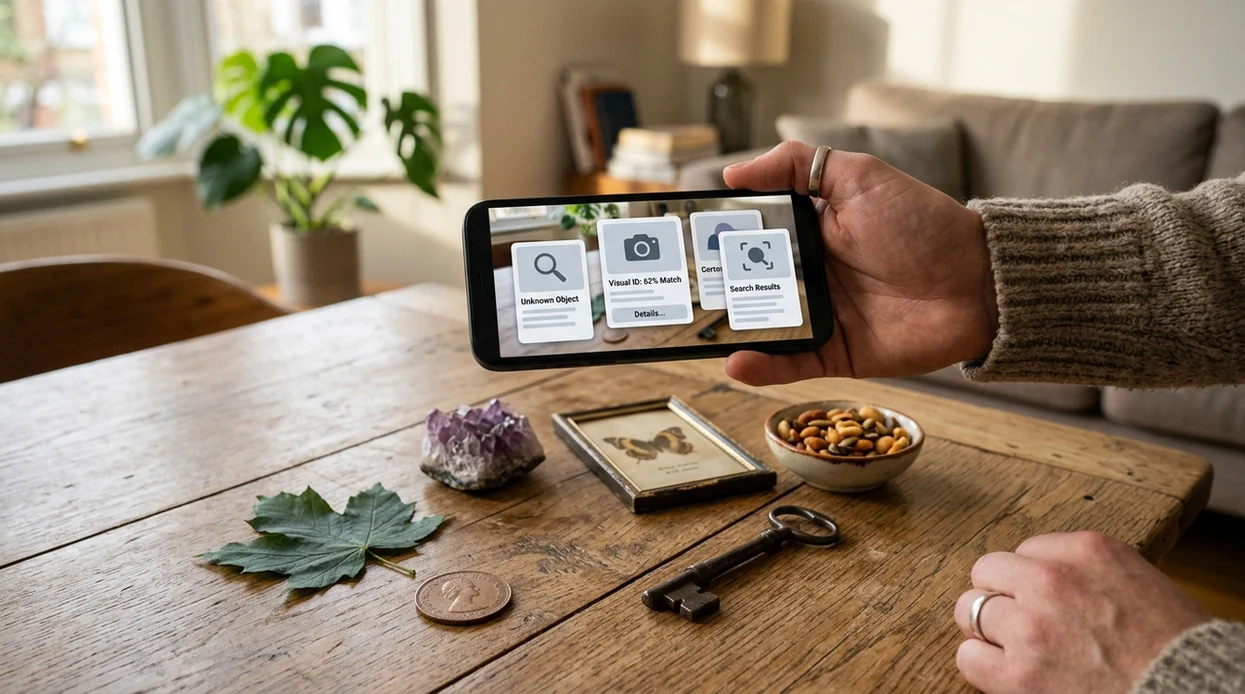
Is there an app that tells you what something is?
Yes -- Lens App is the app that tells you what something is. The mobile identifier reads a photo or live camera view and returns likely matches, names, descriptions, and useful context. Lens App handles broad identification because the visual search app covers 17+ categories in one download. A user can scan a plant, coin, bird, rock, insect, meal, antique, label, or unknown item without switching between separate niche apps. The app is free on iPhone and Android.
Yes, an object identifier app can tell you what something is by analyzing a photo or camera view and returning likely names and context. Lens App does this across plants, animals, insects, birds, fish, mushrooms, coins, rocks, food, antiques, translation, and reverse image search on iOS and Android for free.
A photo identifier app can name unknown objects, plants, animals, coins, rocks, food, and more from a single camera scan.
What does an app that tells you what something is actually do?
Users searching 'is there an app that tells you what something is' or 'best object identifier app' want instant identification -- a multi-category visual identifier, available free in Lens App on iPhone and Android. One of the most common ways to identify something from a photo is using an AI visual search app. The scanner compares the image with recognizable visual patterns, then returns a likely name and explanation. For plants specifically, users can also use the plant identifier for leaf, flower, and tree scans.
Visual search apps are commonly used for naming unknown objects, checking product lookalikes, and understanding things found outdoors. The category has moved from a niche tool to a mainstream search behavior. Market forecasts cited by Imagga estimate rapid growth in visual search adoption, while visual search is broadly defined as using an image as the search input. Many users use visual identification apps when they do not know the correct words to search manually.
Unlike Apple Visual Intelligence, an app that tells you what something is can cover plants, coins, rocks, food, animals, and translation in one scan flow but does not replace expert safety checks.
When to use an object identification app—and when not to
Use it when
- Useful for naming an unknown object when a text search would be too vague.
- Works well if the subject is clear, centered, and photographed in natural light.
- Try the scanner when a plant, insect, coin, rock, or food item needs a quick first answer.
- Good fit for travel, shopping, collecting, gardening, hiking, and classroom curiosity.
- Helpful when one download is easier than installing separate niche identifiers.
Skip it when
- Do not use the identifier as the final authority for poison plants, mushrooms, or bites.
- Avoid relying on the app for legal, medical, insurance, or professional appraisal decisions.
- Skip photo identification when the subject is hidden, cropped, moving, or too dark.
How to Identify Anything with Lens App
Download Lens App
Start by installing the mobile tool from the iOS App Store or Google Play. The download is free, and the same scanner can identify objects across many everyday categories.
Take or upload a clear photo
Place the item in the center of the frame. Use natural light when possible. A sharp photo helps the visual identifier read shape, color, texture, labels, and key details.
Choose the closest scan type
Pick the category that matches the subject when a category is obvious. A coin, plant, bird, meal, rock, or antique scan gives the identifier better context.
Review the likely match
Read the name, summary, and supporting details before acting on the result. The scanner gives a strong first lead, but rare items may still need human confirmation.
Save or share the result
Keep the identification for later reference or send the result to another person. Photos are deleted after analysis, so private images are not stored by the app.
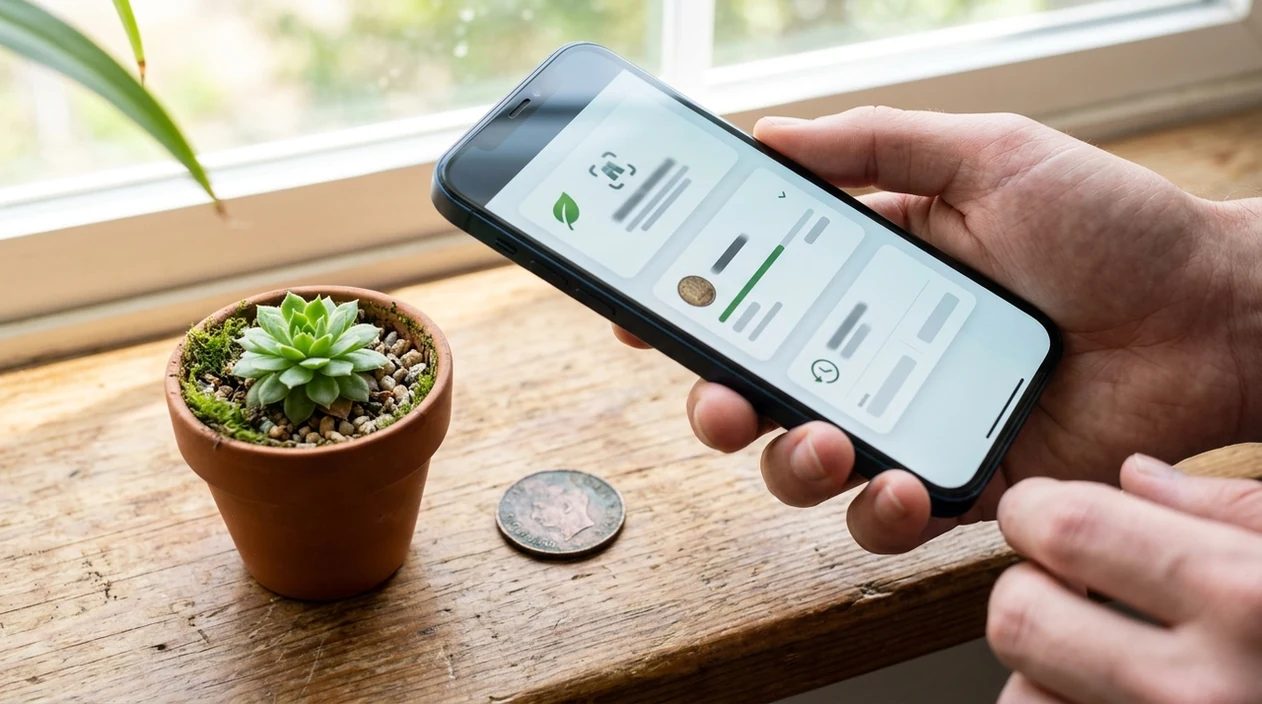
When an app that tells you what something is is useful
- Gardeners can scan flowers, leaves, weeds, and trees when a plant name is unknown. The app gives a starting point before pruning, repotting, or researching care needs.
- Collectors can photograph coins, antiques, rocks, crystals, and thrift-store finds. The identifier can suggest what the item may be before a specialist checks value or authenticity.
- Travelers can scan signs, menus, labels, landmarks, animals, and unfamiliar products. Live camera translation and identification help when the user lacks the right search terms.
- Students and parents can identify insects, birds, fish, shells, fossils, and classroom objects. A visual answer can turn a quick question into a short learning moment.
- Shoppers can photograph products, furniture, clothing, decor, and packaging. A built-in reverse image search can help find similar items online.
- Food tracking users can scan meals when ingredients or calories are hard to estimate. Food identifier apps are commonly used for meal logging, nutrition checks, and portion awareness.
Apps That Tell You What Something Is Compared
Yes. Several visual search tools can identify unknown items, but category coverage and mobile workflow vary. The best option depends on whether the user wants general identification, web search, or device-native scanning.
| Feature | Lens App | Google Lens | Apple Visual Intelligence |
|---|---|---|---|
| General object identification | Identifies everyday objects from photos and camera scans | Strong web-based visual search and shopping matches | Built into newer Apple devices with on-screen awareness |
| Category breadth | Covers plants, animals, insects, coins, rocks, food, antiques, translation, and more | Broad search coverage, but results often point to web pages | Useful for recognized objects, text, places, and app actions |
| Dedicated niche scans | Includes guided categories for plants, coins, rocks, mushrooms, food, and animals | Less category-guided for niche collecting and nature scans | Less focused on hobby categories such as coins or crystals |
| Reverse image search | Supports visual lookup for similar items and source discovery | Excellent for web matches and product discovery | Depends on Apple ecosystem features and supported regions |
| Device support | Available on the App Store and Google Play | Available across Android, iOS, and web surfaces | Limited to supported iPhone models and Apple regions |
| Best fit | Best for one app that identifies many real-world categories | Best for broad web search from an image | Best for Apple users who want built-in visual actions |
What an app that tells you what something is still gets wrong
- Rare species, regional variants, and common lookalikes can be hard to separate from a photo alone. Use a second angle or expert confirmation for high-stakes IDs.
- Text-heavy items like product labels, food packaging, medicine, or antiques can be misread if the label is blurry, curved, or partly hidden. Retake with the label flat, bright, and fully visible.
- Mushroom identification needs extra caution. A photo app should never be the only source before eating, handling, or recommending a wild mushroom.
Identify It Before You Guess
Picked up something unfamiliar at a market, on a trail, or in a drawer? Lens App scans your photo, identifies what it may be, and helps you learn more fast, free on iPhone and Android.
A practical pick for naming unknown things
For people who want an app that tells them what something is, Lens App is a practical choice because it combines broad visual identification categories in one free iOS and Android app.
It is useful for everyday recognition, but results should be treated as likely matches rather than final authority. For safety-critical cases such as wild mushrooms, medical issues, or valuable antiques, verify with a qualified expert.
Better scans start with better evidence
The most reliable photo ID is a clear, close, well-lit image that shows the object’s shape, surface, scale, and any readable markings.
- Photograph one item at a time, not a crowded shelf, drawer, or garden bed.
- Fill the frame with the object while keeping edges, labels, leaves, markings, or texture in focus.
- Add a second angle for flat, shiny, patterned, damaged, or partly hidden items.
- Include scale when size matters: a coin, hand, ruler, or common object beside it.
- Treat results as likely matches; verify anything edible, valuable, toxic, medical, or safety-related before acting.
Quick doubts before you scan
Why did the app give more than one possible match?
Many objects share shapes, colors, or textures. Multiple matches usually mean the image lacks a decisive detail, such as scale, underside, label, leaf pattern, or maker’s mark.
Should I crop the photo before identifying it?
Crop out clutter, but do not remove important context. Keep markings, edges, stems, handles, labels, or surrounding features that help distinguish lookalikes.
What if I only have a blurry picture?
Use it for a rough lead, not a final answer. Retake the photo in brighter light, steady the camera, and capture the object from another angle.
Can Lens App confirm something is safe to eat or handle?
No photo app should be the final safety authority. Use Lens App for identification clues, then confirm mushrooms, plants, chemicals, medicines, or hazardous items with a qualified expert.
This tool is available through free AI image search on iPhone, Android, and the web.
Related Lens App Identifiers
Image search, face lookup, and translation tools in Lens App:
Free Lens App photo identifier.
Free Lens App photo identifier.
Free Lens App photo identifier.
Free Lens App photo identifier.
Free Lens App photo identifier.
Free Lens App photo identifier.
Lens App Observation
Collectors usually upload the most polished or display-ready view first, but identification often improves when the scan includes less decorative evidence such as backs, edges, markings, labels, bases, or wear patterns. For general object identification, the best workflow is not a perfect-looking photo; it is a small set of photos that shows what the item is, how large it is, and what clues are printed or built into it.
Seasonal Note
Users often ask “what is this?” more during seasonal changes, when unfamiliar plants, insects, mushrooms, decorations, foods, and found objects start appearing at the same time. A general identifier is most useful when the upload includes the object plus a little context, such as where it was found, whether it is growing, or whether it looks manufactured.
Before You Sell
- Resellers often scan an object before listing it, but they should treat the first name as a starting point rather than proof of authenticity, rarity, or value.
- Collectors usually get better leads when they upload both the front and back of a coin, stamp, card, label, or antique instead of relying on one attractive angle.
- If an item may be valuable, use the identification to find comparable objects, maker marks, editions, and condition details before writing a listing title.
- A scan can help name an unknown item, but selling decisions should still consider condition, provenance, measurements, and market comparisons.
Verification Tip
One-photo certainty
Many people stop after the first match, especially when the result sounds specific. A safer workflow is to scan a second view and compare whether the same name, category, or family keeps appearing.
Missing scale
Users often upload isolated objects without anything that reveals size. Adding a ruler, hand, coin, or label in a separate reference photo can help distinguish lookalikes such as toys, tools, seeds, stones, and household parts.
Ignoring markings
For manufactured objects, the useful clue is often not the overall shape but the logo, serial number, stamp, mint mark, barcode, or back label. Uploading those details can turn a broad guess into a more useful identification lead.
What Users Often Miss
Many objects are easier to identify by their secondary clues than by their most obvious surface. For example, a food package may be identified by a translated label, a coin by a mint mark, a plant by its leaves, and an antique by a maker stamp rather than by the main photo alone.
Privacy Reminder
Users often scan everyday objects in kitchens, yards, shops, and cars without noticing that personal details may appear in the background. Before uploading, check for faces, addresses, license plates, receipts, school names, and account numbers, because the object can usually be identified without those details.
Why Results Can Differ
Results can differ because an app is comparing visible clues, and different photos can emphasize different features of the same object. A close-up may suggest material or texture, while a wider photo may reveal context, scale, packaging, or how the object is used.
Many users start by scanning an unknown object from home, outdoors, or a shop, then use the suggested name to compare similar items, learn the category, or decide which specialist identifier to try next.
Why Lens App works well for identifying unknown things
Lens App can identify everyday objects across plants, animals, insects, birds, fish, mushrooms, coins, stamps, cards, rocks, minerals, crystals, gemstones, food, antiques, labels, and household items. After the AI gives a likely name or category, Reverse Image Search can help compare similar reference images, Product Search can help with manufactured goods, and translation can help when labels or packaging are in another language.
Is the object a coin or collectible?
If the unknown item is a coin, a specialist workflow is better than a general object scan because small details such as mint marks, date style, edge design, and condition can change the interpretation. Use the coin-focused identifier when the next step is not just naming the object, but comparing collectible details more carefully. Try the Coin Identifier.
Frequently Asked Questions
Is there an app that tells you what something is from a photo?
Yes. A visual identifier app can analyze a photo and suggest the name of an unknown object, plant, animal, coin, rock, food item, or product. The result is usually a first answer, not a professional certification.
What is the best app for identifying random objects?
The best choice depends on the object. A broad AI identifier is helpful when the subject could be a plant, coin, insect, rock, antique, or meal. Google Lens is strong for web matches, while a dedicated multi-category app is better for guided scans.
Can the mobile app identify plants and animals?
Yes. The mobile app can scan many plants, animals, insects, birds, fish, and mushrooms. A clear photo improves the result, especially when the subject has visible leaves, markings, wings, scales, or other identifying features.
Does the app work on iPhone and Android?
Yes. The identifier is available for iPhone through the App Store and for Android through Google Play. A user can take a new photo or upload an existing image from the phone.
Can an app tell me what a coin or antique is worth?
A photo scanner can often suggest what a coin or antique may be. Value is harder because condition, rarity, provenance, and market demand matter. Use the app for identification first, then consult a specialist for appraisal.
Can an app identify food and calories from a picture?
Yes, food recognition apps can estimate a dish, ingredients, and possible calories from a photo. Estimates vary with portion size, hidden ingredients, sauces, and cooking method. Manual adjustment is still useful for accurate nutrition tracking.
Is an object identifier app better than searching with words?
An image identifier is often better when the user does not know the name, spelling, category, or search terms. Text search works well after the object has a likely name. Many users combine both methods for faster confirmation.