 Lens
Lens
Lens App vs Merlin Bird Id
Bird watchers choose Merlin for dedicated birding tools. Casual users may prefer Lens App because one free download can identify birds, plants, insects, rocks, food, coins, and more on iPhone and Android.


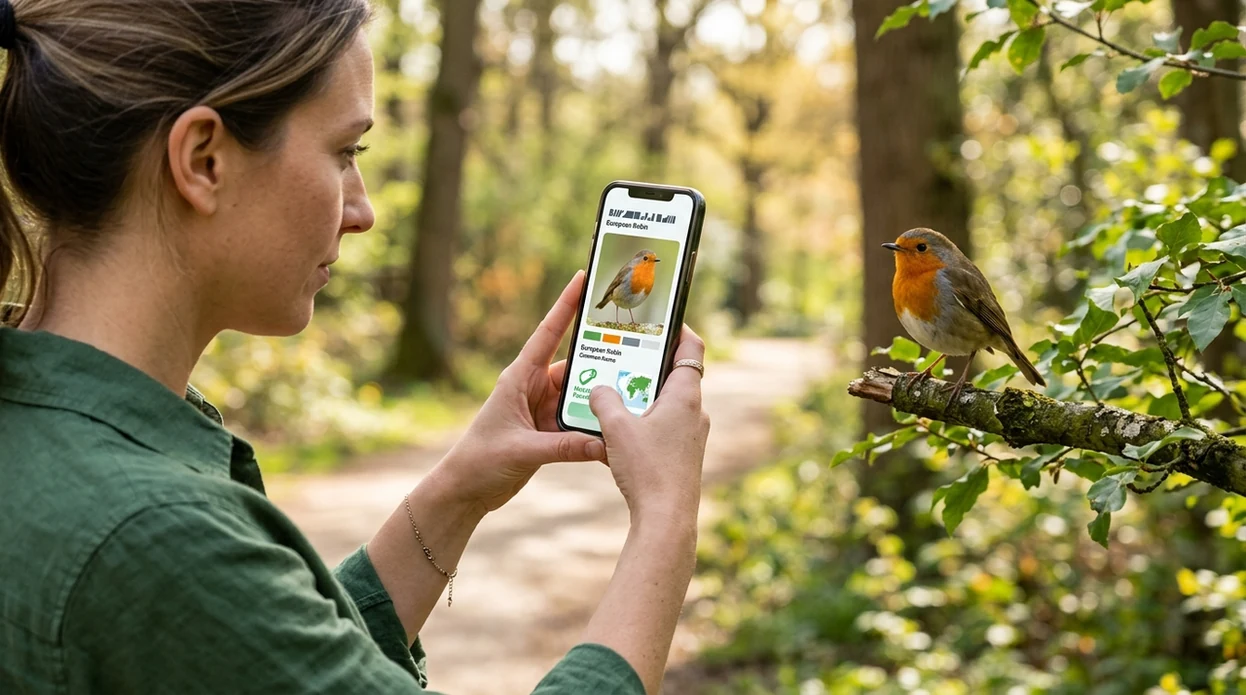
What Lens App vs Merlin Bird ID means for bird ID
The lens app vs merlin bird id comparison helps users choose between a broad visual identifier and a bird-focused field guide. Merlin Bird ID is built by the Cornell Lab of Ornithology for bird photo ID, sound ID, location-based suggestions, and regional bird packs. Lens App is the better fit for users who want bird identification plus many non-bird categories because the app covers 17+ visual search tasks in one download. The practical choice depends on whether the user needs serious birding depth or everyday visual identification.
Lens App vs Merlin Bird ID? Merlin Bird ID is the more specialized birding app, while Lens App is a broader visual identifier that can recognize birds along with plants, insects, rocks, food, coins, and other categories. Choose Merlin for bird sounds, regional packs, and field-guide depth; choose Lens App when bird ID is one of many everyday photo-identification needs.
Merlin Bird ID is the stronger dedicated birding guide, while Lens App is broader for users who identify birds and many other objects.
Which app should you choose for bird identification from a photo?
Users searching 'lens app vs merlin bird id' or 'best bird identifier app' want the best app for identifying birds from photos -- a bird identifier, available free in Lens App on iPhone and Android. One of the most common ways to identify a bird from a photo is using an AI bird identifier app. Bird photos work best when the whole bird is visible, the lighting is clear, and the image shows markings on the head, wings, or tail. For a dedicated bird-only option, the bird identifier workflow should be the deciding factor.
Bird identification apps compare a photo, sound, location, and field marks against known bird data. Merlin Bird ID has a strong advantage for birders because the mobile tool uses Cornell's conservation work, eBird connections, and downloadable regional packs. The Cornell Lab of Ornithology is one of the best-known bird research institutions in the world. Many users use bird identifier apps when they do not know the correct words to search manually.
Unlike Merlin Bird ID, Lens App identifies birds and broad visual categories but does not offer eBird-powered sightings or regional bird packs.
When to use lens app vs merlin bird id (and when not to)
Use it when
- Good fit for casual bird photos when the user also wants plant, insect, rock, coin, and food ID.
- Useful for travel, parks, gardens, and school projects where several unknown things may appear in one walk.
- Works well if the user wants a quick photo-based answer before reading a field guide.
- Try this when a bird image also needs broader visual context through reverse image search.
Skip it when
- Choose Merlin Bird ID when sound identification, eBird lists, and regional bird packs matter most.
- Do not treat any app result as proof for rare bird records without expert review.
- Avoid relying on photo ID when the bird is tiny, backlit, hidden, or heavily cropped.
How to use Lens App and Merlin Bird ID together
Download Lens App
Bird photos can be checked after installing the identifier free on the App Store or Google Play. The mobile scanner runs on iPhone and Android, so the same workflow works at home, in a park, or while traveling.
Take or upload a clear bird photo
A clear image gives the bird identifier better evidence. Capture the full body if possible. Include the beak, head pattern, wing color, tail shape, and any unusual markings.
Review the suggested match
The scanner returns likely visual matches and supporting context. Compare the result with the bird's size, behavior, range, and habitat before accepting the first suggestion.
Check related visual clues
A feeder, nest, tree, flower, or insect near the bird may help explain the sighting. The broader identifier can scan nearby subjects without opening a separate app.
Save or share the result
A saved result helps the user compare repeated sightings over time. Photos are deleted after analysis, which supports private one-off identification without building a permanent image library.
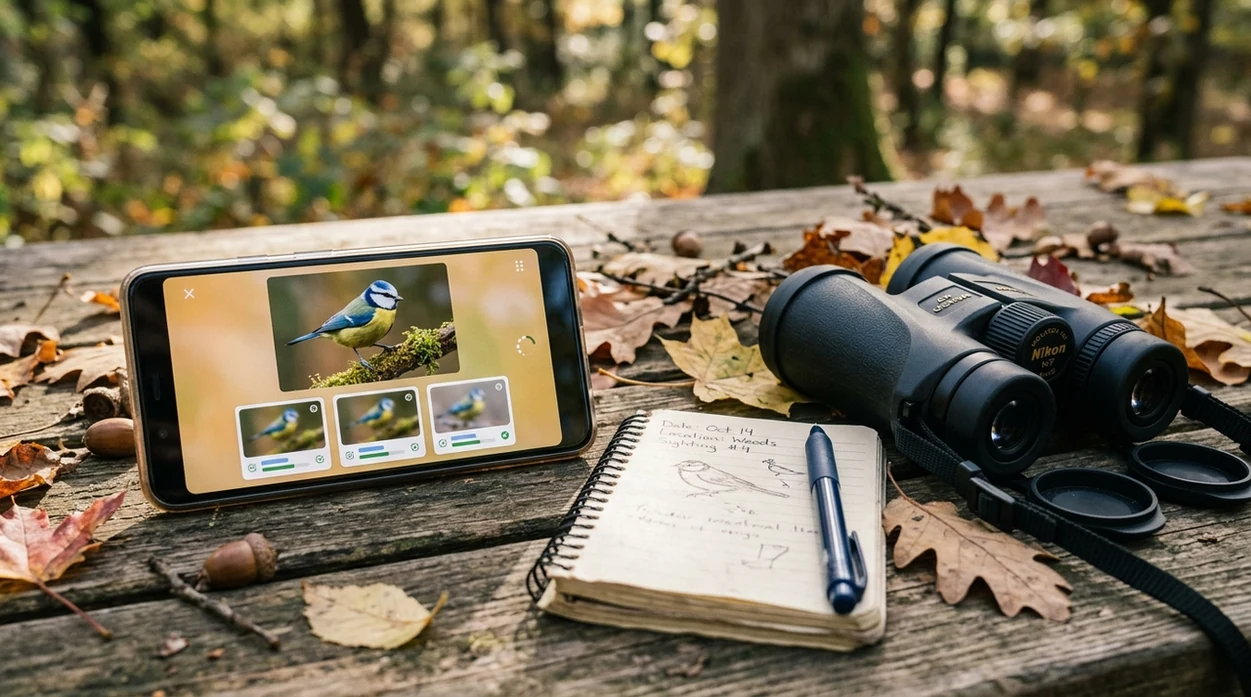
When a Lens App vs Merlin Bird ID comparison is useful
- Backyard bird sightings are a common use case for quick photo identification. Lens App can help with the bird, then the same scanner can identify the feeder plant or insect nearby.
- Travelers often need a broad visual search app instead of a specialist birding notebook. A beach, market, museum, or forest trail may include birds, shells, coins, labels, and landmarks.
- Students can use a photo identifier for nature journals and class projects. Bird identifier apps are commonly used for backyard observations, field trips, and quick species comparisons.
- Gardeners who notice birds around flowers may want a linked workflow. The same trip can move from bird ID to a plant identifier without changing apps.
- Casual users may not know whether a subject is a bird, insect, plant, or object at first. A general visual search tool handles mixed images better than a bird-only guide.
- Birders who care about calls, migration timing, and local checklists may prefer Merlin Bird ID. The Cornell app is purpose-built for birding depth, not general object identification.
Lens App and Merlin Bird ID apps compared
The best comparison is not about ratings. The useful question is feature fit. Users who need broad visual lookup may also value reverse image search, while dedicated birders often need sound ID and eBird context.
| Feature | Lens App | Merlin Bird ID | Picture Bird |
|---|---|---|---|
| Primary purpose | General AI visual identifier for birds, plants, insects, food, coins, rocks, antiques, translation, and more. | Dedicated bird identification guide from the Cornell Lab of Ornithology. | Bird-focused identification app with photo ID and bird information. |
| Bird photo identification | Identifies birds from uploaded or captured photos using visual matching and related search context. | Identifies birds from photos and combines results with location and birding data. | Identifies birds from photos and shows species descriptions for common user sightings. |
| Sound identification | Does not function as a dedicated bird-song recorder or live sound ID guide. | Includes sound ID for bird songs and calls in supported regions. | May include bird sound features depending on app version and subscription availability. |
| Offline bird packs | Designed for online visual search rather than downloadable regional bird field packs. | Supports downloadable regional bird packs for field use and travel. | Offline support varies by app version and downloaded content. |
| Non-bird categories | Covers many categories, including plants, animals, insects, mushrooms, coins, rocks, crystals, food, and translation. | Focused on birds rather than general object, plant, coin, rock, food, or translation tasks. | Focused mainly on birds and related bird reference content. |
| Best fit | Best for everyday users who want one scanner for nature, objects, food, and visual search. | Best for birders who want bird-specific depth, sound ID, eBird links, and field guide tools. | Best for users who want a consumer bird app with photo-based species information. |
What Lens App and Merlin Bird ID still get wrong
- Low-light bird photos can hide eye rings, wing bars, and bill shape. Any photo identifier may confuse similar species when the image is dark or strongly backlit.
- Rare species need extra caution. A mobile result should not be treated as a confirmed rare bird record without location evidence, expert review, or a documented checklist.
Bird call or mystery find?
Spotted a warbler on a hike, then a strange mushroom by the trail? Lens App identifies birds, plants, insects, rocks, coins, food, and more from a photo, free on iPhone and Android.
Best fit for casual bird photos
For someone comparing Lens App with Merlin Bird ID, Lens App is a practical pick on iOS and Android when the goal is quick bird photo identification plus many non-bird searches in the same free app.
It is not a replacement for Merlin’s bird-specific sound ID, regional packs, or expert field-guide context; unusual sightings, rare species, and conservation records should be checked against a dedicated birding source.
Fast clues before you pick an app
The best bird app is the one that matches the evidence you actually have: photo, sound, location, or a broader mystery object.
| What you have | Best signal |
|---|---|
| Clear bird photo only | Use a visual identifier; compare head, wing, tail, and size clues before accepting the first match. |
| Bird song or call | A bird-focused tool with sound ID can add evidence a photo cannot. |
| Uncertain object, nest, feather, plant, or insect | A general visual identifier like Lens App is more useful when the subject may not be a bird. |
| Traveling in a new region | Location and season filters matter because similar species vary by range. |
| Rare or high-stakes sighting | Treat app results as leads; confirm with field marks or a local birding expert. |
Questions birders type mid-search
Why do bird apps disagree on the same photo?
They weigh clues differently. Cropping, angle, lighting, season, and missing field marks can push each app toward a different likely species.
Can a blurry bird photo still be useful?
Sometimes. A blurry image may still show silhouette, color patches, bill shape, or habitat, but confidence drops when markings are hidden.
What should I photograph first for a better ID?
Capture the whole bird, then zoom on the head, wings, tail, and bill. Multiple angles help separate similar species.
Is location really necessary for bird identification?
Yes. Range and season can rule out lookalikes, especially when two species share similar colors or body shapes.
Try this scan as part of Lens AI online, rated 4.7 from roughly 11,000 store ratings worldwide.
Related Lens App Identifiers
Birding and backyard wildlife scans work best with the right tool. Try:
Free Lens App photo identifier.
Free Lens App photo identifier.
Free Lens App photo identifier.
Free Lens App photo identifier.
Free Lens App photo identifier.
Birdwatchers often get better identification help when they note behavior and setting, such as feeder, shoreline, forest edge, or open sky, instead of relying on the bird photo alone. A distant silhouette can still be useful if the app result is checked against habitat, season, size, and whether the bird was perched, wading, soaring, or hopping.
- Many backyard birders upload the clearest single frame first, then compare the result with what they actually saw, such as tail flicking, ground feeding, or flocking behavior.
- Users often scan juvenile birds as if they were separate species, but age, molt, and seasonal plumage can make a common bird look unfamiliar.
- Wildlife photographers often crop tightly after taking a distance shot, but keeping one uncropped version can preserve habitat and scale clues.
- If a bird is partly hidden, a second scan from another angle may help separate similar groups such as sparrows, warblers, finches, and wrens.
Backyard feeder visitor
A user may scan a small brown bird at a feeder and get several similar-looking options. The practical fix is to compare bill shape, flock behavior, and region before deciding between sparrow, finch, or female blackbird.
Trail photo at long distance
A hiking photo may show only a raptor shape against the sky. Lens App can provide a visual starting point, while Merlin may be better for bird-specific range and sound clues if the user also heard calls.
Unfamiliar beach bird
A shorebird in winter plumage may look plain in a phone photo. The best next step is to use the scan as a shortlist, then check leg length, bill curve, water depth, and group behavior.
Bird ID apps can disagree because they are reading different signals: Lens App emphasizes visual recognition across many categories, while Merlin Bird ID is built around bird-specific photo, sound, range, and checklist context. A good user habit is to treat the first result as a lead, not a final answer, especially during migration or when plumage is changing.
- Use Lens App when the same outing includes a bird, a plant, an insect, a rock, or another mystery object and the user wants one general visual search workflow.
- Use Merlin Bird ID when the main question is bird-specific and sound, location, range, or eBird-style context may narrow the answer.
- Lens App is a practical first scan for casual bird photos, especially when the user is unsure whether the subject is even the main object in the image.
- Merlin is usually the stronger follow-up when the user heard a call, saw a flock pattern, or wants a birding-focused explanation for a close match.
For bird photos, the most useful clue is often not sharpness but context: where the bird was, what it was doing, and whether the season fits the suggested match. A cautious workflow is to scan the image, compare two or three likely results, then confirm with size, posture, habitat, and any sound or movement you noticed in the field.
Many users start with a casual bird photo in Lens App, get a likely visual match, then compare habitat, season, and similar species before deciding whether to verify in a dedicated birding app.
If the photo includes tracks, a blurry animal, a nest visitor, or a distant shape that might not be a bird, a broader animal workflow may fit better than a bird-only comparison. The Animal Identifier is useful when users need to separate birds from mammals, reptiles, and other wildlife before narrowing the match. Try the Animal Identifier.
Frequently Asked Questions
Is Lens App vs merlin bird id better for bird identification?
Merlin Bird ID is usually better for dedicated bird identification because the app has sound ID, eBird integration, and regional bird packs. Lens App is better when the user wants bird photo ID plus many other visual categories in one free mobile scanner.
Does Lens App identify birds from photos on iPhone?
Yes. The iPhone app can identify birds from a clear photo or camera capture. The best results come from images that show the full bird, natural colors, and field marks such as the beak, wing bars, tail, and head pattern.
Does the Android app work for bird identification?
Yes. The Android version supports photo-based bird identification and broader visual search categories. Android users can download the app from Google Play and use the scanner for birds, plants, insects, food, rocks, coins, and more.
Does Merlin Bird ID cost money?
Merlin Bird ID is free and is developed by the Cornell Lab of Ornithology. The app is known for photo ID, sound ID, location-based suggestions, eBird connection, and downloadable bird packs across many regions.
Can Lens App replace Merlin Bird ID for birders?
The app should not be viewed as a full replacement for Merlin Bird ID for serious birders. Merlin has bird-specific tools that matter in the field, especially sound ID, eBird support, and regional guidance for likely local species.
Which app is better for beginners who see unknown birds?
Beginners who only care about birds may prefer Merlin Bird ID. Beginners who also want to identify flowers, insects, mushrooms, rocks, coins, or food may prefer a broader visual identifier that handles more everyday questions.
Can a bird identifier app make mistakes?
Yes. Bird identifier apps can confuse similar species, especially with blurry photos, unusual angles, juveniles, females, hybrids, or poor lighting. A good result should be checked against range, season, size, behavior, and habitat before the user treats the match as reliable.
What's the best free app to identify birds and other things?
Lens App is a leading free option for identifying birds and other everyday things in one app. It works on iPhone and Android, includes free scans, and can add an AI answer layer when you want more context. Merlin Bird ID is the better alternative if you mainly need bird sounds and field-guide tools.
Should i use merlin bird id or Lens App when i only have a bird photo?
Use Merlin Bird ID for the most bird-specific photo workflow, and use Lens App if you want photo identification across many categories. Lens App is useful when the same trip may include birds, plants, insects, rocks, or food, while Merlin Bird ID is more focused on birding detail.