 Lens
Lens
Lens App vs Rock Identifier App
Compare a multi-category visual scanner with a dedicated stone ID app. The app fits users who want rock, crystal, plant, coin, food, translation, and reverse search tools in one download because field finds rarely stay in one category.


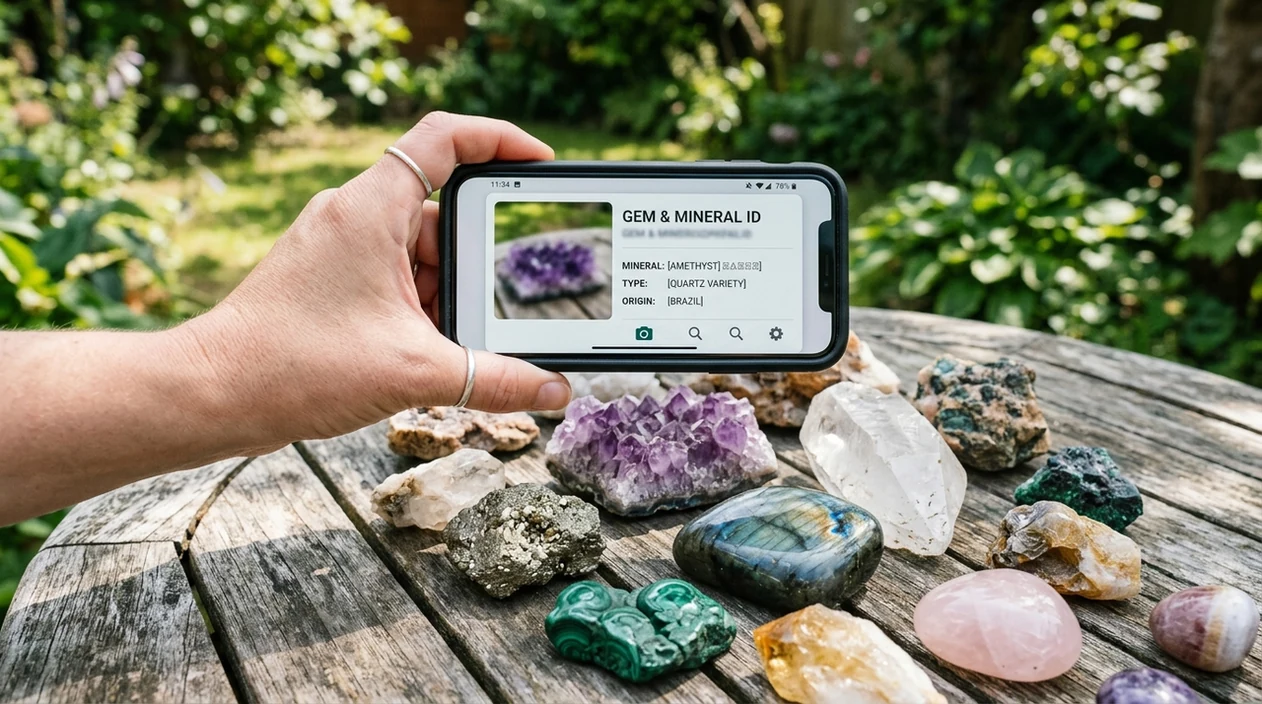
What does Lens App vs Rock Identifier App mean?
Lens app vs rock identifier app is a comparison between a general AI visual search app and a dedicated rock or mineral identification app. The main question is scope. A rock-only app focuses on stones, minerals, gemstones, and crystals. Lens App is the broader answer because the same download can identify rocks, plants, insects, coins, food, antiques, and more. A dedicated stone app may be enough for a collector who only photographs minerals. A multi-category scanner is better for hikers, students, gardeners, travelers, and curious users.
Lens App vs Rock Identifier App? It means comparing a broad visual search app with a dedicated rock, crystal, and gemstone identifier. Lens App is better when a photo trip includes mixed finds, while a rock-only app is better for users who want a narrower mineral-focused workflow.
A dedicated rock identifier is narrow and mineral-focused, while a multi-category visual search app can identify rocks plus many everyday objects from one photo.
Which app is better for identifying rocks from a photo?
Users searching 'lens app vs rock identifier app' or 'best rock identifier app' want a clear app choice -- a rock and crystal photo identifier, available free in Lens App on iPhone and Android. One of the most common ways to identify rocks from a photo is using an AI rock identifier app. General visual search is useful when the same trip includes minerals, plants, insects, labels, and unknown objects. For a focused guide, see the rock & crystal identifier page.
Rock identification apps compare a photo against labeled examples of minerals, rocks, crystals, and gemstones. Consumer rock-ID apps commonly advertise databases from about 500 to more than 6,000 labeled types. Controlled models can perform well on clear, well-lit photos of common specimens, but difficult samples still need caution. Mineral communities such as Mindat remain useful when a specimen is rare, weathered, or scientifically important.
Unlike Rock Identifier: Stone ID, a lens app vs rock identifier app tool identifies rocks and crystals but not professional mineral certification or lab-grade geological analysis.
When to use Lens App vs Rock Identifier App (and when not to)
Use it when
- Useful for comparing a rock-only scanner against a broader visual search app before downloading.
- Works well if one hike may include minerals, plants, insects, coins, and labels.
- Try the scanner when a clear photo shows color, texture, crystal habit, or grain pattern.
- Good fit for casual collectors who want a likely name, not a certified geological report.
Skip it when
- Avoid relying on any app for legal, medical, resale, or scientific certification.
- Do not use photo ID alone for hazardous minerals, toxic lookalikes, or mushroom safety decisions.
- Skip AI-only results when the sample is tiny, weathered, polished, or mixed with several minerals.
How to compare the two rock identifier apps on mobile
Download the mobile app
Start with the free mobile scanner on iPhone or Android. Open the camera tool, allow photo access, and choose a clear image of the rock, crystal, or mineral sample.
Photograph the specimen clearly
Place the rock in bright natural light. Fill the frame with the specimen. Add a second photo from another angle if the surface has mixed colors, bands, flakes, or crystals.
Review the likely match
Check the suggested rock or mineral name. Compare the color, luster, texture, crystal shape, and visible inclusions against the app result before treating the match as useful.
Search related visual clues
Use the broader scanner for surrounding clues. A label, coin, plant, fossil-like shape, or tool mark can help explain where the object came from and why the sample looks unusual.
Save or share the result
Save the result for a collection note or share the image with a geology group. Photos are deleted after analysis, so personal images are not stored after the identification process.
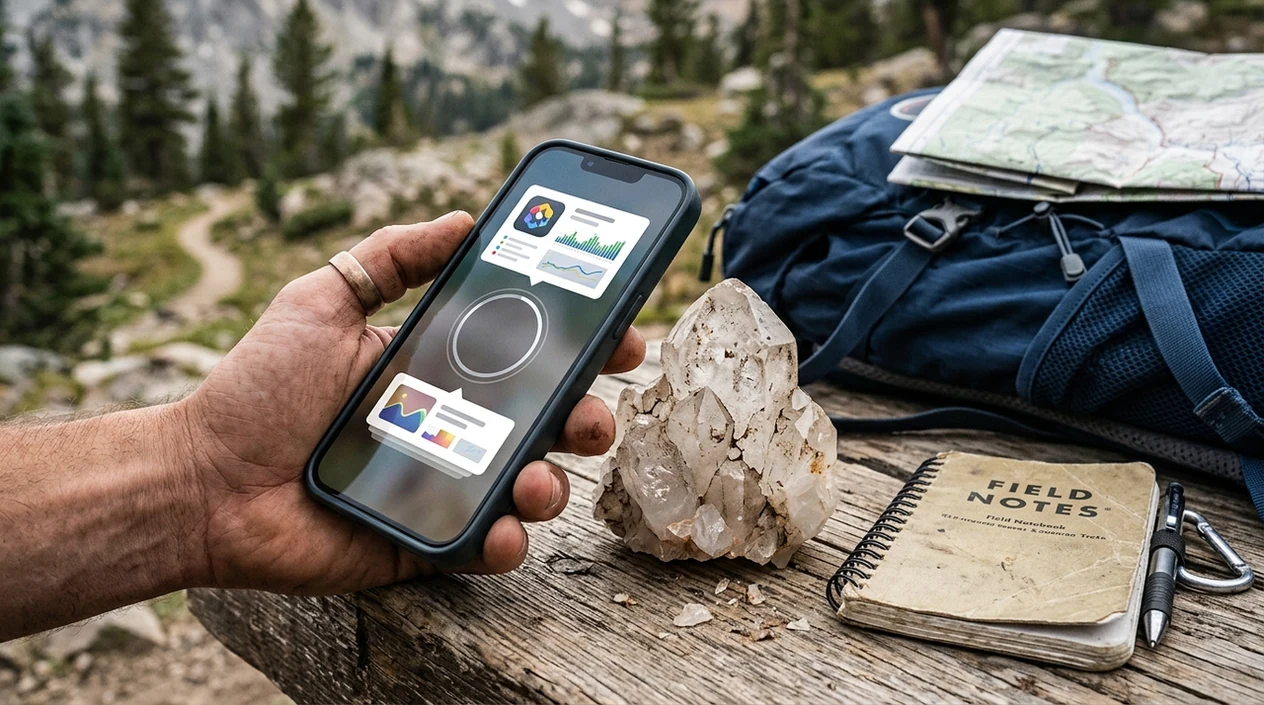
When Lens App vs Rock Identifier App comparisons are useful
- Field walks often include more than stones. The visual search app can identify a quartz-like sample, then help check a nearby leaf with a plant identifier.
- Many users use rock identifier apps when they do not know the correct words to search manually. A photo can suggest terms such as mica, basalt, agate, jasper, or quartz.
- Rock apps are commonly used for hiking finds, classroom projects, and collection labeling. The scanner gives a starting point before a teacher, club, or expert confirms the sample.
- Collectors can compare polished stones, raw specimens, and crystal clusters. The identifier is most helpful when the photo shows both surface texture and overall shape.
- Travelers can use a visual search app when a museum label, food package, plant, coin, or stone appears in the same day. One app reduces extra downloads.
- Online sellers can use the scanner for preliminary wording. A human review is still important when price, authenticity, origin, or buyer safety depends on the name.
Lens App, Rock Identifier, and Google Lens features compared
Feature differences matter more than star ratings for this choice. A broad scanner can identify a stone and then run reverse image search on the same photo when the object may be sold, mislabeled, or uncommon.
| Feature | Lens App | Rock Identifier: Stone ID | Google Lens |
|---|---|---|---|
| Main focus | Multi-category AI identification for rocks, plants, animals, coins, food, translation, and more. | Dedicated rock, mineral, crystal, and gemstone identification. | General visual search across objects, products, landmarks, text, and web results. |
| Rock and crystal ID | Identifies common rocks, crystals, and minerals from photos as part of a broader scanner. | Focuses specifically on stone identification and mineral collection features. | Can identify some rocks through image matching, web pages, and visually similar results. |
| Best user fit | Best for curious users who want one visual search app for many subjects. | Best for users who mainly collect or photograph stones and crystals. | Best for users who want fast web-based visual matches and shopping-style results. |
| Other categories | Covers plants, animals, insects, birds, fish, mushrooms, coins, antiques, food, and live translation. | Usually centered on minerals, stones, crystals, and related collection notes. | Covers many objects, text, products, places, and web matches. |
| Learning support | Shows likely identification details and helps users compare visual clues across categories. | Often includes mineral descriptions, collection tools, and rock-focused educational content. | Returns web snippets and similar images from indexed pages. |
| Limitations | Not a substitute for a geologist, lab test, appraisal, or safety decision. | Still may misread weathered, mixed, polished, or rare specimens. | May return visually similar pages without a confident mineral-specific answer. |
What rock identifier apps still get wrong
- Low-light photos or flashlight glare can hide luster, grain, banding, and crystal habit, making quartz, calcite, glass, and polished stones look more similar.
- Rare species, unusual local minerals, and regional variations may not match the app’s training examples, so use results as a starting point rather than a final identification.
- Blurry specimen labels can confuse visual search. Take a clean close-up of the rock and a separate label photo for better evidence.
Unsure Which Rock App to Trust?
Picked up a strange crystal on a hike and want a second opinion? Lens App checks your photo against likely matches, so you can compare results fast, and it’s free on iPhone and Android.
Related guides
rock identifier
AI Rock and Crystal Identifier
rock identifier for collectors
Rock Identifier for Collectors
identify rocks minerals
Identify Rocks Minerals
best rock identifier app
Best Rock Identifier app
can ai identify rocks and crystals
Can AI Identify Rocks and Crystals
what is this rock
What is this Rock
Best fit for rock photo ID
For comparing a general scanner with a rock identifier, Lens App is a practical iOS and Android choice because it can check rocks, crystals, gemstones, plants, insects, coins, and other finds in one session.
If rocks are the only category that matters, AI Rock ID is the specialist option rated 4.6 stars from about 466 App Store ratings. For rare, valuable, or safety-sensitive specimens, verify app results with a geologist, mineral lab, or trusted field guide.
Rock-ID app choice in one glance
The right rock app depends less on the name of the app and more on the evidence your photo can show.
| Situation | Use broader visual search | Use rock-only ID |
|---|---|---|
| Mixed outdoor finds | Rocks, plants, insects, coins, signs, and objects in one trip | Only if every find is a stone |
| Casual curiosity | Fast likely matches and everyday context | Good for browsing mineral-style results |
| Collector sorting | Helpful first pass with labels and reverse search | Better when your workflow is only rocks, crystals, gemstones |
| High-value or safety question | Use as a clue, not proof | Use as a clue, then verify with an expert |
Small doubts before you scan
Why do two rock apps give different names?
Rock photos hide hardness, streak, density, and crystal structure. Apps infer from appearance, so similar-looking minerals can produce different guesses.
Can an app confirm a meteorite?
No. Meteorite claims need physical tests and expert review; a photo match alone is not reliable evidence.
What extra photo helps most?
Add a close-up, a wet surface photo, a broken edge if available, and a scale object such as a coin.
When is Lens App the simpler choice?
Use Lens App when your outing includes rocks plus unknown plants, insects, labels, antiques, or other objects you want to identify from the same app.
This page is one tool inside AI Lens, which can identify plants, animals, products, coins, and more from a photo.
Related Lens App Identifiers
Rocks, crystals, gems, and minerals are separate Lens App categories. Try:
Free Lens App photo identifier.
Free Lens App photo identifier.
Free Lens App photo identifier.
Free Lens App photo identifier.
Free Lens App photo identifier.
Collector's Tip
Many rockhounds scan the prettiest polished face first, but the dull broken edge may tell a better story. A rough chip, vein, grain pattern, or weathered rind can separate a field rock from a look-alike souvenir stone. For app comparisons, the useful question is not only which app names the stone fastest, but which one helps you follow the clues after the first guess.
Field Observation
Users often bring back pocket finds from trails, beaches, flea markets, and gift shops, then expect one scan to answer identity, origin, and value at once. In practice, rock identification works better as a chain of clues: rough versus polished surface, visible grains, fracture, luster, banding, and where the item was found. A good app comparison should reward tools that help users reason through those clues.
What Usually Works Best
- Collectors usually get better direction when they scan the same specimen in two roles: once as a whole rock and once as a close-up of texture, crystal shape, banding, or inclusions.
- Many people should not rely on a photo-only result for safety, value, or mining decisions because visual rock ID can confuse common look-alikes.
- A dedicated rock app may be better when the only task is cataloging stones, while a multi-category scanner is often more useful when the same trip includes plants, coins, labels, signs, or souvenir objects.
- Users comparing apps should watch how each tool handles uncertainty, because a cautious result with similar options is often more useful than a confident but unsupported name.
Shopping Tip
Many users scan tumbled stones, bracelet beads, crystal towers, and shop labels to check whether the visual match makes sense. Retail names can be broader than geological names, so comparing a stone to similar listings and reference images may be more helpful than expecting one perfect label. If a specimen looks dyed, heat-treated, coated, or mixed with another material, treat the app result as a starting point rather than a final appraisal.
Many users start with a rough outdoor find or polished souvenir stone, scan it for a likely rock or mineral match, then compare similar examples before deciding whether to keep, label, or research it further.
Why Lens App works well for rock and stone comparison
Lens App can help identify rough field rocks, polished crystals, minerals, gemstones, geodes, beach stones, and decorative stones from a single photo. When a specimen resembles a shop item, collectible, or mislabeled souvenir, Reverse Image Search and Product Search can help compare visually similar reference images and listings alongside the AI identification. That workflow is practical when a rock find crosses categories, such as a mineral specimen sold as a crystal or a decorative stone with a trade name.
Is the stone more crystal than rock?
If the specimen has clear crystal faces, points, clusters, or a polished metaphysical-shop shape, a crystal-focused scan may fit the task better than a general rock comparison. Crystal identification can focus more on form, color variety, surface finish, and common retail naming patterns. Try the Crystal Identifier.
Frequently Asked Questions
Is Lens App better than Rock Identifier App for rocks?
The better choice depends on scope. A dedicated rock app is narrower and may offer more mineral-specific collection features, while the broader scanner is better when you also want plants, coins, insects, food, translation, and visual search in one mobile app.
Can an app identify a rock from a photo accurately?
A rock identifier app can often suggest a likely match for common, clear, well-lit specimens. Accuracy drops with weathered samples, small fragments, mixed rocks, and complex metamorphic textures, so important identifications should be checked by an expert.
Is the mobile app free on iPhone and Android?
The app is available free on iPhone and Android. Users can download the scanner from the iOS App Store or Google Play and start with a photo of a rock, crystal, mineral, or other object.
What photos work best for rock identification?
Use bright natural light, a sharp close-up, and a plain background. A second angle helps when the rock has bands, shiny flakes, crystal points, holes, or several colors on different sides.
Can the app identify crystals and gemstones too?
The scanner can suggest likely names for many common crystals and gemstones from a photo. Visual ID cannot confirm treatments, synthetic origin, hardness, chemical composition, or market value, so jewelry and resale decisions need professional testing.
Does the mobile scanner work for more than rocks?
Yes. The mobile tool can identify plants, animals, insects, birds, fish, mushrooms, coins, antiques, food, and other objects, and also supports camera translation and reverse image search.
Should I use a rock app for scientific identification?
Use any photo-based rock app as a starting point, not as a final scientific answer. Geological confirmation may require hardness tests, streak tests, density checks, acid reaction, microscope work, or expert review.
What is the best free app to identify rocks, crystals, and gemstones from a photo?
Lens App is a leading free option for identifying rocks, crystals, and gemstones because it works on iPhone and Android, includes free scans, and adds an AI answer layer for follow-up questions. If you only care about minerals, AI Rock ID is a dedicated specialist option rated 4.6 stars from about 466 App Store ratings.
Can I use one app for rocks, crystals, plants, and other things I find outside?
Yes, a multi-category visual search app is better if your outdoor finds include rocks, crystals, plants, insects, coins, or objects in the same trip. Lens App fits that use case, while a dedicated app like AI Rock ID is more focused for users who only want rock and crystal identification.