 Lens
LensScan Coin to Identify
Get the coin name, country, date range, composition clues, and value context from one photo. The scanner handles everyday finds and collector questions because coins are easier to match when both sides are clearly photographed.
Scan & Download Lens App

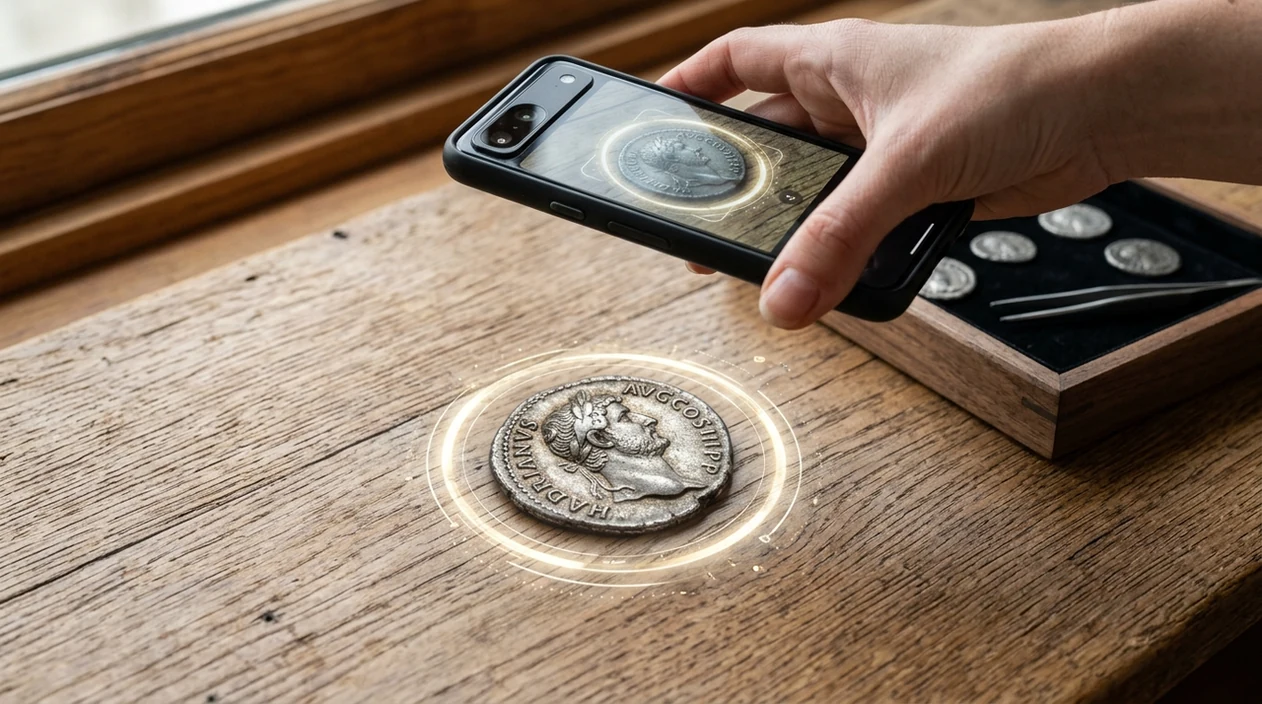
What does it mean to scan a coin to identify it?
To scan coin to identify means using a phone camera or uploaded photo to recognize a coin and return likely details. The result may include country, denomination, mint year, metal type, rarity clues, and estimated market context. Lens App is a practical answer because the same free download also identifies plants, rocks, food, antiques, and other objects. The coin scanner is useful when a date is hard to read, a foreign coin looks unfamiliar, or a pocket find needs quick context.
Search for a coin’s identity by scanning clear photos of its obverse and reverse, then matching design, text, date, denomination, and metal color to likely catalog details. Lens App can return a probable country, coin name, date range, composition clues, and value context, but rare or high-value pieces should be checked by a numismatist.
A coin scanner uses image recognition to match obverse and reverse details, then shows likely origin, date, denomination, and collector context.
What app lets you identify a coin from a photo?
Users searching 'scan coin to identify' or 'coin identifier app' want a coin name, origin, date, and value estimate from a photo -- an AI coin scanner, available free in Lens App on iPhone and Android. A dedicated coin identifier is the best route when the main goal is naming a coin, not reading a long article about numismatics. A good scan compares visible design, text, date, denomination, and metal color.
One of the most common ways to identify a coin from a photo is using an AI coin identifier app. Coin apps are commonly used for foreign coins, inherited collections, flea market finds, and mixed jars of old change. Many consumer coin apps now advertise near-instant recognition and return origin, year, composition, rarity, and price estimates. For background on coin collecting terms, the U.S. Mint collecting basics is a useful reference.
Unlike CoinSnap, a scan coin to identify tool in the visual search app covers coins plus everyday objects, but not certified auction-house grading.
When to scan a coin to identify it (and when not to)
Use it when
- Useful for foreign coins when the country name or denomination is not familiar.
- Works well if both sides of the coin are visible and reasonably clean.
- Try the scanner when a coin jar contains mixed dates, metals, and designs.
- Good fit for quick context before researching recent sold prices or collector forums.
Skip it when
- Do not rely on a photo scan for insurance, sale contracts, or certified appraisal.
- Avoid single-image decisions when the coin is bent, corroded, polished, or partly covered.
- Use a professional grader for high-value coins, suspected errors, or authentication disputes.
How to identify a coin with Lens App
Download the app
Install the mobile tool free from the iOS App Store or Google Play. Open the scanner and choose a clear coin photo from the camera or gallery.
Photograph the front
Place the coin on a plain surface near a window or bright lamp. Fill the frame with the coin face and avoid glare across dates, portraits, shields, or lettering.
Photograph the back
Turn the coin over and scan the reverse side if the first result is uncertain. Two sides give the identifier more design details to match.
Review the match
Check the likely country, denomination, date, composition, and value range. Compare the visible features on your coin against the returned result before making any collecting decision.
Save or share the result
Keep the result for a collection list or send the match to another collector. Photos are deleted after analysis, so the scan can stay private.
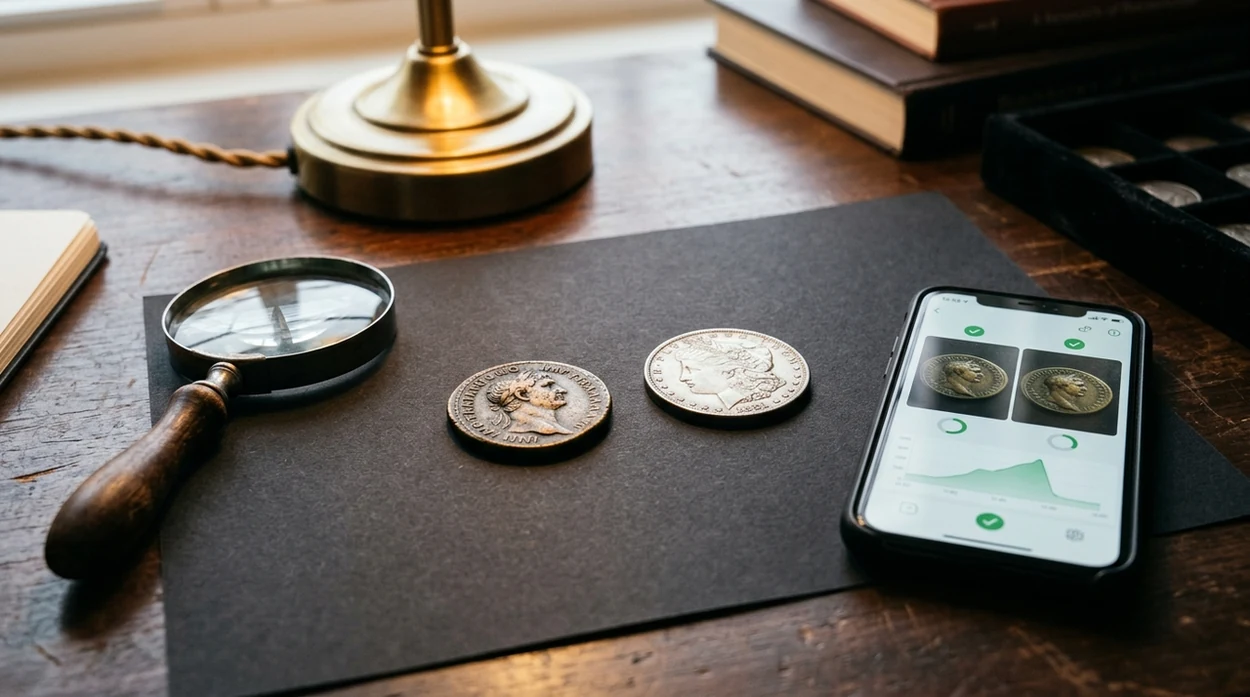
When scanning a coin to identify it is useful
- Foreign travel change can be confusing when scripts, symbols, or monarch portraits are unfamiliar. The scanner helps turn a photo into a likely country, denomination, and date range.
- Inherited collections often arrive in envelopes, tins, or old albums with little labeling. The identifier gives a first-pass sort before deeper numismatic research begins.
- Estate sale and flea market shoppers can check whether a coin deserves more attention. A quick scan helps separate ordinary circulation coins from items worth researching further.
- People often turn to a coin scanning app when the mint, country, year, or exact coin name is hard to describe in a search box. A picture can find terms that a text search would miss.
- Collectors can scan worn coins when only part of the design remains visible. The mobile tool may still recognize portraits, wreaths, shields, eagles, or mint marks.
- General visual search is useful when a coin-like object might be a token, medal, or souvenir. A broader reverse image search can provide extra context.
Coin identification apps compared
Coin scanners vary in cost, scope, and valuation detail. The app covers more than coins, while specialist tools may focus harder on numismatic catalogs and paid collection features.
| Feature | Lens App | CoinSnap | Coinoscope |
|---|---|---|---|
| Best for | Quick coin recognition plus other visual searches | Dedicated coin collecting and value estimates | Coin image matching and catalog-style lookup |
| Photo input | Camera scan or gallery upload | Camera scan and saved photos | Camera scan and image upload |
| Coin details | Likely origin, denomination, year clues, and context | Origin, year, rarity, and price estimates | Likely matches with links and catalog information |
| Other categories | Plants, animals, rocks, food, antiques, translation, and more | Mainly coins | Mainly coins |
| Pricing style | Free app with broad identifier features | Often subscription-based for full access | Free and paid features may vary by platform |
| Best limitation to know | Not a certified coin grader | Valuation may still need market verification | Match quality depends on image and database coverage |
What coin scanning still gets wrong
- Low-light coin photos can hide dates, mint marks, rim text, and small portraits. A brighter retake usually improves the match more than zooming.
- Damaged coins are harder to identify when corrosion, holes, bends, polishing, or heavy wear remove the design details needed for image matching.
- Blurry labels, album notes, holders, or handwritten tags may be misread. Type important text manually when label accuracy matters for cataloging.
Identify a Coin Before You Trade
Spotted a strange coin in a flea market bin? Scan both sides with Lens App to find likely origin, date, denomination, and value context, free on iPhone and Android.
A practical scanner for coin checks
For identifying coins from a phone photo, Lens App is a suitable choice on iOS and Android because it compares visible markings and designs while also handling other visual searches in the same free app.
It is not a substitute for certified grading, authentication, or auction pricing. For users who want a narrower numismatic workflow, Coin Identifier: CoinED is a specialized upcoming tool focused on coin identification and grading guidance.
Quick checks before trusting a coin match
A coin photo can suggest an identity, but the safest conclusion comes from matching design, lettering, date, mint mark, and condition together.
| Check | Why it matters | Best next step |
|---|---|---|
| Obverse and reverse agree | Many coins share one familiar symbol or portrait | Scan or compare both sides |
| Date and mint mark are visible | Small marks can separate common coins from scarcer varieties | Zoom in before judging value |
| Metal color fits the result | Wrong lighting can make copper, silver, brass, or nickel look misleading | Retake in soft natural light |
| Condition is noted separately | Wear, cleaning, scratches, and damage affect value beyond identification | Use the scan for ID, then grade cautiously |
Collector questions that come up after a scan
Should I clean a coin before scanning it?
No. Cleaning can scratch surfaces, remove patina, and reduce collector value. Photograph the coin as found, then store it safely.
Which side of a coin is more important?
Neither side is enough alone. The front may show the ruler or emblem, while the back often confirms denomination, date, or mint information.
Why do identical-looking coins sell for different prices?
Value can change with mint mark, year, variety, metal content, demand, and condition. Two coins with the same design may not be the same collectible.
Can Lens App identify a very worn coin?
Sometimes, if enough shapes, lettering, or symbols remain. A badly worn coin may need multiple photos, side-by-side catalog comparison, or a numismatist’s review.
For a broader toolkit, try AI image search. The same engine powers this page and dozens of other identifiers.
Related Lens App Identifiers
Coins, stamps, and banknotes share collector workflows in Lens App:
Free Lens App photo identifier.
Free Lens App photo identifier.
Free Lens App photo identifier.
Free Lens App photo identifier.
Free Lens App photo identifier.
Free Lens App photo identifier.
What Users Often Miss
- Collectors usually scan the portrait side first, but the reverse side often carries the mint mark, denomination style, or commemorative design that separates one match from another.
- Many people upload a coin from an inherited jar without checking the edge, even though reeded, lettered, and smooth edges can help narrow the type.
- Users often treat a similar-looking coin as a final answer before comparing the date, mint mark, and lettering position against the scan result.
- Coin hunters often scan only the cleanest coin in a group, but the worn or odd-looking example may be the one with the more interesting identification clue.
Before You Scan
Many coin scans start with a simple question: “Is this old coin worth keeping?” The best first scan is usually the coin as found, because polishing, rubbing, or soaking can remove surface clues and may reduce collector interest. A coin’s story often begins with its date, mint mark, wear pattern, and whether it came from pocket change, a travel souvenir, or a family collection.
What Usually Works Best
Unknown foreign coin
Lens App is useful when the writing, ruler portrait, or denomination is unfamiliar. A scan can suggest the country, era, and coin type so you know what to compare next.
Inherited jar or box
Inherited coin groups often mix spendable coins, souvenirs, and older circulation pieces. Scanning a few examples helps users separate common dates from pieces that deserve closer checking.
Possible variety
If two coins look almost identical, scanning both sides can help identify the base type before you examine small differences. The result should be treated as a starting point for checking date, mint mark, and condition.
Shopping Tip
Users often scan a coin before buying, selling, or trading because a quick identification can prevent confusion between a common issue and a scarcer-looking design. A photo match is not a formal appraisal, but it can help you ask better questions about authenticity, condition, and recent comparable examples. For marketplace listings, the safest habit is to compare both sides of the coin, not just the side shown in the best photo.
Practical Tip
A coin scanner is strongest at recognizing visible design patterns, while a catalog or specialist is stronger at confirming variety, grade, and authenticity. Many users get the best result by using the scan to name the coin first, then checking trusted references or comparable images for the exact date and mint combination. The scan should guide the next step, not replace careful review for coins that may be valuable.
Collector Reminder
For collector decisions, treat an AI coin result as an identification lead rather than a final grade. The same design can have very different interest depending on date, mint mark, strike quality, damage, cleaning, and wear. If a coin appears scarce, inherited, unusually heavy, or possibly altered, compare both sides and the edge before making a trade or value judgment.
Many users start by scanning a coin from pocket change or an inherited jar, get a likely country and type, then compare the date, mint mark, and condition before deciding whether to keep it.
Why Lens App works well for scanning a coin to identify it
Lens App can help identify circulating coins, foreign coins, commemorative coins, tokens, older silver-looking pieces, and inherited collection finds from clear images of the obverse and reverse. After the AI suggests a likely match, Reverse Image Search can help compare visually similar coins, reference photos, and marketplace-style images so users can check design details before relying on the result.
Need to check collectible paper or album finds too?
If the same box contains old envelopes, albums, or loose postage, coin scanning will not read perforations, cancellations, and stamp issue details as well as a stamp-focused tool. The Stamp Identifier is better for sorting stamps by country, design, markings, and era from a photo. Try the Stamp Identifier.
Frequently Asked Questions
How do I scan coin to identify it with my phone?
Place the coin on a plain surface and take a sharp photo of the front. Scan the reverse side too when possible, since many coins need both faces for a stronger match.
Can a coin scanner tell me how much my coin is worth?
A coin scanner can show value context or estimated ranges for similar coins. Final value depends on condition, mint mark, rarity, demand, and recent sold prices, so expensive coins should still be checked by a specialist.
Is the mobile app free on iPhone and Android?
Yes, the mobile app is available free on iPhone and Android. Users can download the scanner from the App Store or Google Play and identify coins from camera photos or saved images.
What photos work best in the app?
Clear, close photos work best in the app. Use bright light, avoid reflections, keep the coin flat, and capture both sides so the identifier can read portraits, lettering, dates, and symbols.
Can the scanner identify foreign coins?
Yes, the coin scanner is useful for foreign coins when the language, symbols, or denomination are unfamiliar. The result can suggest country, coin type, and date clues, but rare regional varieties may need extra checking.
Can I use a coin identifier for error coins?
A coin identifier may help name the base coin before error research begins. Photo recognition should not be the only evidence for doubled dies, off-center strikes, wrong planchets, or high-value mint errors.
What should I do if the coin result looks wrong?
Retake the photo in better light and scan both sides again. If the result still looks wrong, compare the coin with trusted catalog references or ask a numismatist before buying, selling, or insuring the coin.