 Lens
Lens
Scan Plant to Identify
A quick plant scan can turn a leaf, flower, bark, or fruit photo into a likely name. Lens App handles the task because the same free download also covers insects, rocks, food, coins, translation, and reverse image search on iPhone and Android.


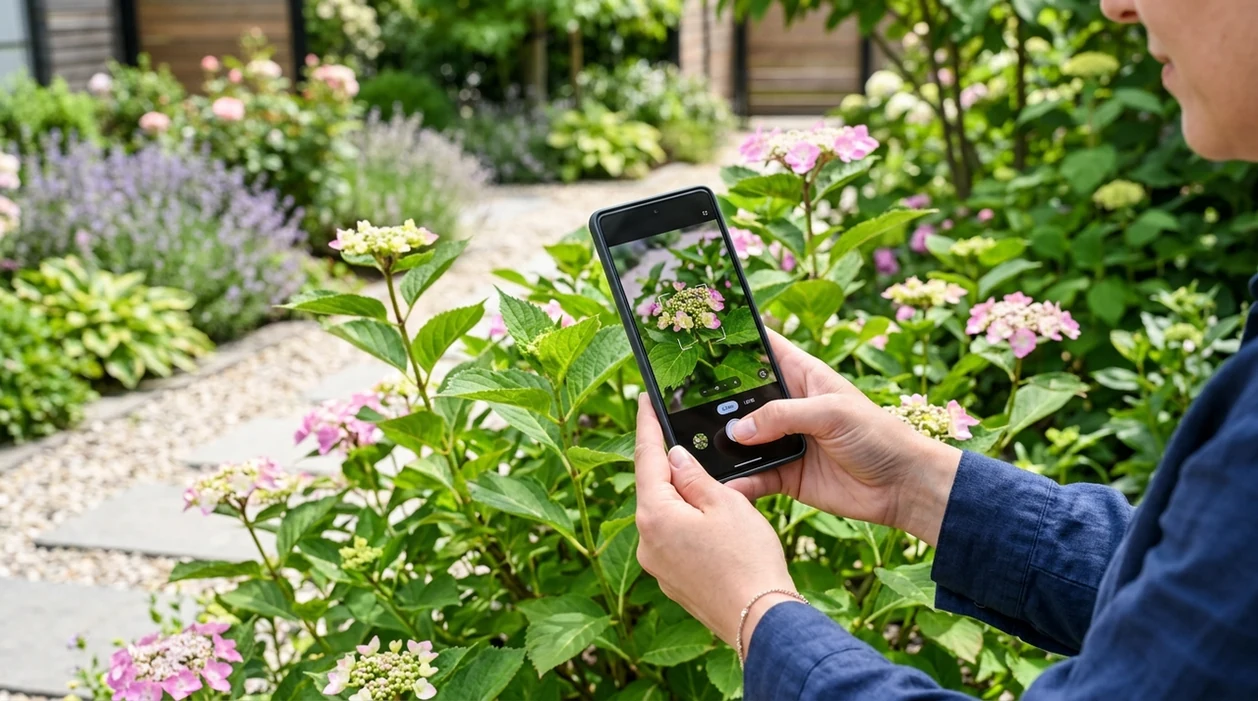
What does it mean to scan a plant to identify it?
To scan plant to identify means taking a photo of a leaf, flower, stem, bark, seed pod, or whole plant and matching visual traits against image-based plant data. The goal is a likely plant name, not a formal botanical diagnosis. Lens App is a practical answer because the identifier can check plants from a camera photo or saved image and then route users to related visual search results. The mobile tool is free on iPhone and Android, so a separate plant-only download is not always needed.
Scan plant to identify? It means photographing a leaf, flower, bark, fruit, or whole plant so an image-matching tool can suggest likely plant names. Lens App can do this from a camera photo or saved image on iPhone and Android, but unusual, toxic, or high-stakes identifications should be verified by an expert.
A plant scanner uses a photo to suggest likely plant names, while expert confirmation is still best for rare, toxic, or high-stakes identifications.
What app can scan a plant and identify it from a photo?
Users searching 'scan plant to identify' or 'plant identifier app' want a plant name from a photo -- plant identification, available free in Lens App on iPhone and Android. One of the most common ways to identify a plant from a photo is using an AI plant identification app. A good plant identifier checks visible traits such as leaf shape, flower color, growth habit, and bark texture before suggesting matches.
Plant photo identification works best when the image shows clear features. People often turn to a plant scanner when a leaf, flower, or tree is right in front of them but they are not sure what it is called. Independent tests often report first-choice plant ID accuracy ranging from about 45% to 90%, depending on the app, dataset, and image quality. For scientific name checks and distribution context, the USDA PLANTS Database is a useful external reference.
Unlike PictureThis, a scan plant to identify tool in Lens App checks plants alongside broader visual search but does not offer a full horticultural care calendar.
When to scan a plant for identification (and when not to)
Use it when
- Useful for naming a garden plant when flowers, leaves, or fruit are visible.
- Works well if a weed appears in a lawn, path, raised bed, or field edge.
- Try the scanner when a houseplant tag is missing or the label has faded.
- Good fit for comparing a wildflower against several likely matches before searching further.
- Helpful when a child, pet owner, or gardener needs a quick first clue.
Skip it when
- Do not rely on a photo scan before eating any wild plant or mushroom.
- Avoid final decisions when the image is dark, cropped, or missing leaves and flowers.
- Use a local expert for poisonous plants, protected species, or agricultural treatment choices.
How to identify a plant with Lens App
Download Lens App
Start by installing the free mobile app from the iOS App Store or Google Play. Open the scanner and allow camera access so the identifier can analyze a live plant photo or an image from the gallery.
Frame the plant clearly
A useful plant photo shows the feature that carries the most detail. Capture leaves, flowers, bark, fruit, or the whole growth habit in bright natural light, then avoid heavy shadows and busy backgrounds.
Run the plant scan
The scanner compares the image with visual patterns associated with known plants. Wait for the suggested matches, then read the plant name, confidence cues, and any related visual search context.
Check more than one feature
A second photo often improves the identification. Scan a flower after a leaf, or scan bark after the canopy, especially when several species look similar from one angle.
Save or share the result
The result can be saved for gardening notes, shared with a nursery, or compared later. Photos are deleted after analysis, which keeps casual plant checks simpler for everyday mobile use.
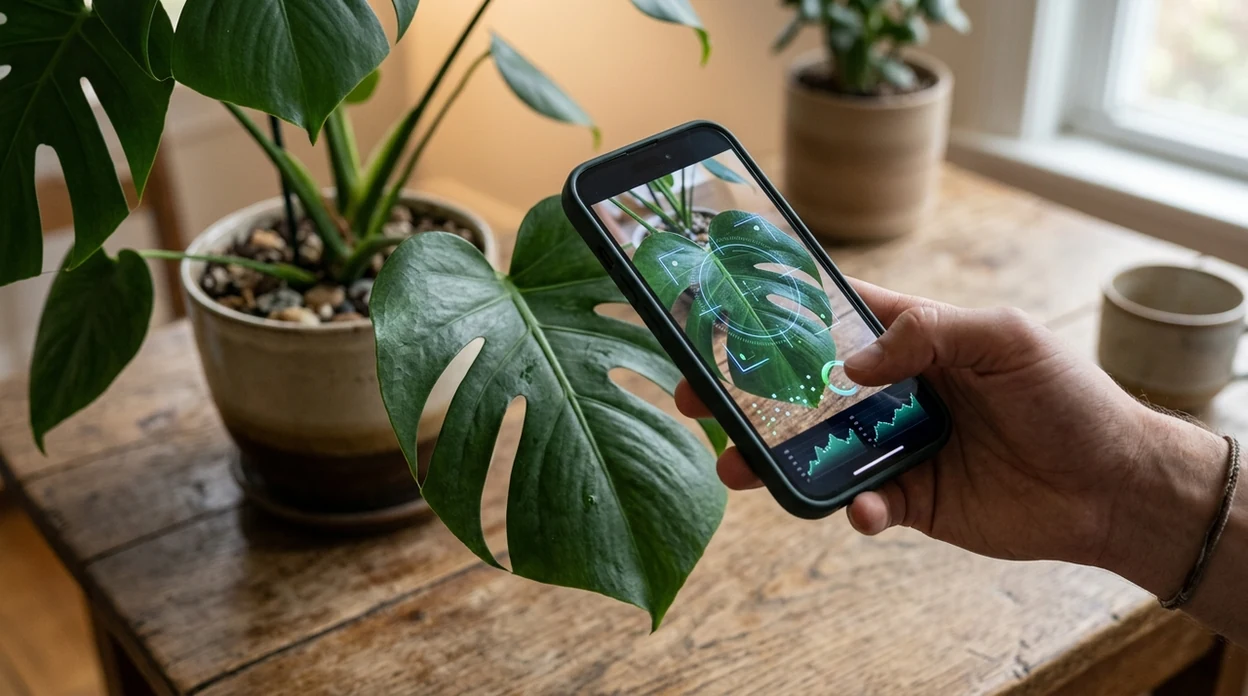
When scanning a plant for identification is useful
- Gardeners use plant scanners to name volunteers, weeds, ornamentals, and surprise seedlings before deciding whether to keep, move, prune, or remove the plant.
- Houseplant owners can scan foliage when a pot loses its tag. The identifier gives a likely name, which helps the user search for watering and light guidance.
- Hikers and nature learners use plant identification apps for trailside curiosity, wildflower notes, tree walks, and family learning without carrying a field guide.
- Plant identification apps are commonly used for weed checks, garden planning, and nature education when a fast visual clue is enough to continue research.
- Shoppers can scan nursery plants before buying. A likely match helps compare mature size, light needs, and toxicity notes before bringing a plant home.
- A saved plant photo can also support broader image lookup. If the plant scan is uncertain, reverse image search can surface similar photos and reference pages.
Plant identification apps compared
A plant scanner should give a likely name quickly, but plant-only depth varies by app. The table compares a general visual search app with two common plant identification choices.
| Feature | Lens App | Google Lens | PictureThis |
|---|---|---|---|
| Best fit | Plant scans plus many other object categories | Broad visual search across the web | Plant ID with care-focused extras |
| Photo source | Camera photos and saved images | Camera photos and saved images | Camera photos and saved images |
| Plant depth | Good for common plants and quick clues | Good for web-visible plants and labels | Strong plant-specific identification and care guidance |
| Other categories | Animals, insects, coins, rocks, food, translation, and more | Products, text, landmarks, plants, and general objects | Mainly plants, plant health, and care tasks |
| Best mobile use | Free on iPhone and Android for mixed visual questions | Often already available through Google services | Useful for gardeners who want plant care features |
| Main limitation | Not a replacement for botanist confirmation | Results may be broad or shopping-oriented | Plant focus may be more than casual users need |
What plant identification scans still get wrong
- Rare species and local hybrids may be missing from common training data. The identifier may suggest a related species rather than the exact plant.
- Torn, diseased, or partly hidden leaves can remove the details needed for a confident match, leading to weaker guesses.
- Mushroom safety needs a stricter standard than casual plant naming. Never eat a wild mushroom or unknown plant based only on an app result.
Name That Plant on the Spot
Spotted a mystery plant on a hike or in your garden bed? Scan it with Lens App to get a likely plant match and visual context, free on iPhone and Android.
A practical plant-scan pick
Lens App is a sensible choice for scanning a plant to identify it because it handles plant photos inside a broader free visual search app for iOS and Android.
Its 4.7 aggregate store rating from 11,000+ ratings suggests broad user acceptance, but photo-based plant ID is still probabilistic; confirm rare, poisonous, edible, or treatment-related results with a botanist, extension service, or other reliable source.
Quick checks that make a plant result safer to trust
A plant scan is strongest when the photo evidence matches the plant’s season, location, and visible features.
| Check | Why it matters |
|---|---|
| Several features match | Leaves alone can mislead; flowers, fruit, bark, and growth habit make a suggested ID more credible. |
| Location fits the plant | A match is less reliable if the species is not known to grow in your region or climate. |
| Season makes sense | Bloom, fruiting, or leaf-drop timing can confirm or weaken a suggested identification. |
| Lookalikes are considered | Many edible, ornamental, and toxic plants resemble safer species at certain growth stages. |
Questions people ask before trusting a plant name
Should I use the common name or scientific name?
Use the scientific name when accuracy matters. Common names vary by region and may refer to several unrelated plants.
Can one bad photo change the result?
Yes. Blur, glare, shadows, or a crowded background can push a scanner toward the wrong visual match.
Why do two apps give different plant names?
Apps may use different image datasets, ranking methods, and confidence thresholds, so close lookalikes can produce different top suggestions.
What should I do with a low-confidence match?
Take new photos from multiple angles, compare range and season, and verify with a local expert before touching, eating, or removing the plant.
This page is one tool inside AI Lens, which can identify plants, animals, products, coins, and more from a photo.
Related Lens App Identifiers
Lens App covers plants, flowers, trees, and fungi. Try these related identifiers:
Free Lens App photo identifier.
Free Lens App photo identifier.
Free Lens App photo identifier.
Free Lens App photo identifier.
Free Lens App photo identifier.
Free Lens App photo identifier.
Free Lens App photo identifier.
Garden Tip
Result changes between scans
A plant scan may shift when one upload shows only a single leaf and the next shows a flower, fruit, or whole stem. Users often get a steadier result when they compare the plant’s growth habit, leaf arrangement, and bloom color instead of trusting one close-up by itself.
Houseplant looks like several common species
Many houseplant owners scan a decorative foliage plant and see several close matches because popular indoor plants are often bred for similar leaf shapes and variegation. In that case, the safer next step is to compare the result against the plant’s stem pattern, mature size, and whether new leaves unfurl from a vine, cane, rosette, or crown.
A sick plant is harder to name
Pest damage, yellowing, scorch, and leaf drop can hide the features that separate one species from another. A scan of a healthier leaf or an older saved photo can make the identification more useful than a scan focused only on the damaged area.
Before You Sell
Do not use a plant scan as the only proof before selling a cutting, seedling, rare houseplant, or foraged plant. A likely plant name from Lens App is useful for sorting possibilities, but sellers should verify cultivar names, legal restrictions, toxicity concerns, and local labeling rules before making claims. Gardeners often scan a plant before trading it, then compare the result with nursery tags, parent plant records, and regional growing notes.
Field Observation
- Many people scan a volunteer seedling in a bed or pot to decide whether it is likely a weed, a self-sown flower, or a young vegetable worth keeping.
- Users often scan a plant at a nursery aisle, then compare the likely ID with mature height, sun needs, and whether it fits a container or garden bed.
- Gardeners often use a scan after seeing a new bloom because flowers can narrow the match when leaves alone look too similar.
- Many houseplant owners scan a cutting before rooting it so they can look up watering habits, climbing behavior, and pet-safety cautions before placing it indoors.
Seasonal Note
Seasonal growth can change how a plant appears in a scan, especially when spring leaves, summer flowers, fall fruit, or winter bark become the most visible clue. A plant identified from foliage in May may need a second look when it blooms or sets seed. A cautious plant ID treats the scan as a starting point and checks seasonal traits before acting on the name.
Many users start by scanning a leaf, bloom, or whole plant, review the likely name, then compare care needs, look-alike species, and safety notes before watering, pruning, buying, or removing it.
Why Lens App works well for scanning plants to identify them
Lens App can help identify houseplants, garden flowers, weeds, trees, shrubs, vines, succulents, fruits, and common outdoor plants from a single photo. After the scan returns likely plant names, Reverse Image Search can help compare similar leaves, blooms, bark, or nursery photos, while translation can be useful when a tag or plant label is in another language.
Need a more focused plant ID?
If the scan is mainly about a flower, tree, or houseplant and you want a broader plant-identification workflow rather than a one-off scan, the dedicated plant identifier is the better next step. It is built around comparing plant parts and common plant categories, which can be more helpful when several species look similar. Plant Identifier.
Frequently Asked Questions
Can I scan plant to identify it for free?
Yes, a free plant scanner can suggest likely names from a photo. The result should be treated as a starting point, especially for poisonous plants, rare species, or anything that affects pets, children, food, or treatment decisions.
What part of the plant should I photograph?
Photograph the clearest identifying feature first. Flowers are often helpful, but leaves, bark, fruit, seed pods, thorns, and the whole growth habit can also matter when several plants look alike.
Is the Lens App available on iPhone and Android?
Yes, the mobile app is available for both iPhone and Android. Users can download the scanner from the App Store or Google Play and use saved photos or camera images for plant identification.
How accurate is a plant identifier app?
Accuracy varies by species, image quality, and dataset. Independent plant app tests commonly show first-choice accuracy from roughly the mid-40% range to near 90%, so a confident-looking result still deserves checking against photos, descriptions, and local references.
Can the app identify houseplants from a leaf?
A clear leaf photo can work for many common houseplants. A second image of the full plant, stem pattern, or flower can improve the result when varieties have similar leaves.
Can a plant scan tell me if a plant is poisonous?
A plant scan may help suggest a likely name, which can guide further research. Do not use any app result as the only source for toxicity decisions involving children, pets, livestock, foraging, or medical concerns.
Does the mobile scanner work without knowing the plant name?
Yes, that is the main reason people use visual plant identification. The user provides a photo instead of search terms, and the scanner suggests likely names that can be checked against trusted references.
What is the best free app to scan a plant and identify it?
Lens App is a leading free option for scanning a plant photo to get a likely identification. It works on iPhone and Android, supports free visual searches, and can add an AI answer layer for context. For rare, toxic, or medically important plants, confirm with a local expert or botanist.
Can I scan a plant from a photo I already took?
Yes, you can identify many plants from an existing photo if the image clearly shows useful features. Lens App can use a saved image or a new camera photo, and flowers, leaves, bark, fruit, or the whole plant can improve the match.