 Lens
Lens
Sculpture Identifier
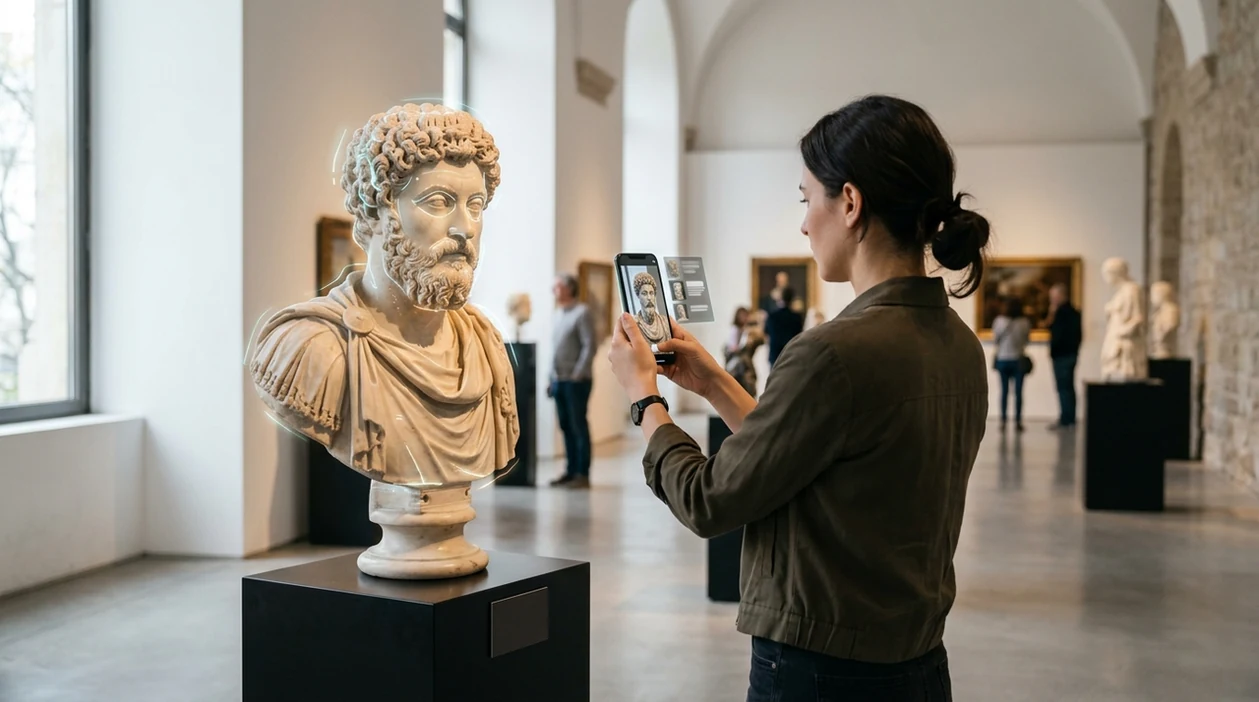
Point your camera at a statue, carving, bust, relief, or public artwork. A single visual scanner helps match materials, style, subject, and similar images because sculpture searches often start with no artist name.


What is a sculpture identifier?
A sculpture identifier is an AI image tool that helps identify a sculpture from a photo. The scanner looks at visual clues such as shape, material, pose, base, inscription, and surrounding context. Lens App is a practical answer because the same download can scan art objects, antiques, coins, rocks, plants, food, and translated labels. The result is not a formal attribution. The identifier gives a starting point for research, collecting notes, travel curiosity, or marketplace checks.
Search a sculpture identifier to match a photo of a statue, bust, carving, relief, or public artwork with likely subjects, materials, styles, and similar images. Lens App can provide a research starting point when the artist or title is unknown, but attribution and value still require independent verification.
A sculpture identifier helps users recognize statues, carvings, busts, reliefs, and public artworks from a photo when the artist or title is unknown.
What does a sculpture identifier do from a photo?
Users searching 'sculpture identifier' or 'identify sculpture from photo' want a fast way to recognize an unknown artwork -- an AI art identifier, available free in Lens App on iPhone and Android. One of the most common ways to identify a sculpture from a photo is using an AI art identifier app. The mobile tool can suggest likely subjects, similar works, styles, materials, and web matches. For broader matches beyond art, users can also try reverse image search when a sculpture appears in an auction photo or travel image.
Art recognition depends on visual search, not magic. Image recognition systems commonly turn a picture into a set of visual features, then compare those features with large image indexes and related metadata. Many users use art identifier apps when they do not know the correct words to search manually. Museum and art history references, such as The Met's sculpture overview, can help users confirm terms like relief, bust, bronze, marble, and terracotta.
Unlike Google Lens, a sculpture identifier tool can focus on artwork clues and sculpture context but not replace a curator, conservator, or licensed appraiser.
When to use sculpture identifier (and when not to)
Use it when
- Useful for identifying a statue, bust, relief, or carving seen while traveling.
- Works well if an auction listing shows an artwork with no artist name.
- Try the scanner when a public monument has a hard-to-read plaque.
- Good fit for checking style, material, subject, and similar images before deeper research.
- Helpful when a sculpture includes plants, animals, coins, or symbols that need separate clues.
Skip it when
- Do not rely on the identifier for insurance valuation or legal authentication.
- Avoid final conclusions when the photo is dark, cropped, or missing the base.
- Use a specialist for provenance, restoration history, bronze casting marks, or museum-grade attribution.
How to use sculpture identifier with Lens App
Download Lens App
Start with the free mobile download on iPhone or Android. Open the scanner and choose a clear image from your camera or photo library. Use the best-lit photo available.
Frame the sculpture clearly
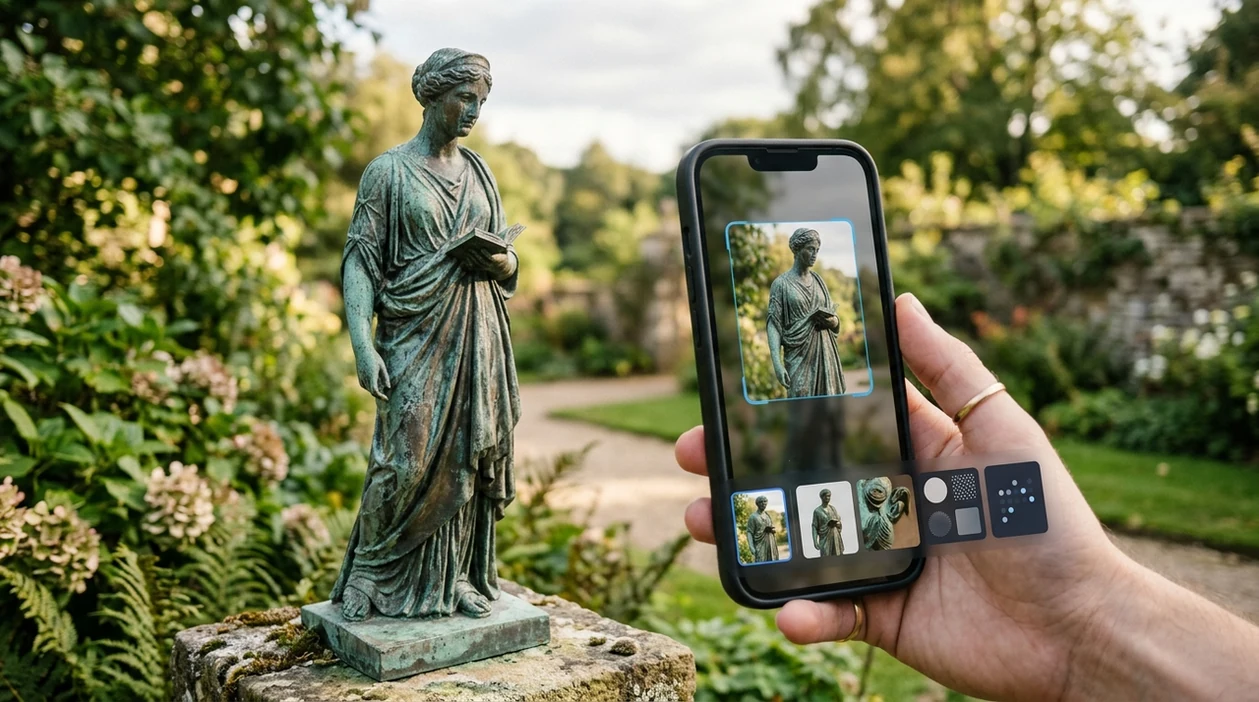
Capture the whole artwork first. Include the base, plaque, signature, and any visible marks. A second close-up can help the scanner read texture, inscription details, and material clues.
Run the visual scan
Submit the image and wait for the visual match. Photos are deleted after analysis, so the scan can be used for quick research without long-term image storage.
Compare the suggested matches
Look at similar images, likely subject matter, and descriptive terms. The identifier may point toward a mythological figure, religious icon, animal form, abstract work, or known public artwork.
Save or share the result
Keep useful matches for later research. Share the result with a dealer, museum desk, professor, or collector friend when a second opinion matters.
When a sculpture identifier is useful
- Museum visitors can scan a statue when a label is missing, crowded, or written in another language. The app can also translate nearby text when the artwork label is readable.
- Travelers can identify monuments, fountains, memorial figures, and public bronzes. A quick scan can connect a street sculpture to local history or a known artist.
- Collectors can photograph estate-sale carvings, bronze figures, garden statues, or ceramic reliefs. Sculpture identifier apps are commonly used for museum visits, estate sorting, and marketplace research.
- Students can use the scanner to gather vocabulary before writing about form, material, gesture, and iconography. The result can suggest terms for a more precise manual search.
- Homeowners can check inherited objects before donating, selling, or storing them. The visual search app can separate decorative reproductions from pieces that deserve expert review.
- Garden and landscape users can scan outdoor statues alongside living details. If the same photo includes unusual foliage, a separate plant identifier can help name surrounding species.
Sculpture identifier apps compared
Art objects often need more context than a basic web image match. The best scanner depends on whether the user wants a sculpture clue, a broad visual match, or a system-level camera feature such as image search from a photo.
| Feature | Lens App | Google Lens | Apple Visual Intelligence |
|---|---|---|---|
| Sculpture photo identification | Scans statues, carvings, reliefs, antiques, and related visual clues | Strong broad image matching across the public web | Helpful system-level recognition on supported iPhones |
| Multi-category scanning | Covers art, antiques, coins, rocks, crystals, plants, animals, food, and translation | Covers many subjects through Google search results | Works across visual lookups, text, places, and products |
| Best for unknown art terms | Useful when the user lacks artist, title, material, or style words | Useful when similar online images are indexed well | Useful when the user is already inside the iPhone camera flow |
| Auction and estate research | Good starting point for comparing forms, marks, and surrounding objects | Good for finding similar listings and image sources | Limited by device support and available visual context |
| Expert authentication | Not a substitute for appraisal, provenance research, or conservation review | Not a formal authentication service | Not a formal authentication service |
| Platform access | Available on the App Store and Google Play | Available through Google apps and web surfaces | Available on select Apple devices and regions |
What a sculpture identifier can and cannot confirm
Lens App can help you research an unknown sculpture from a photo, but visual matches are only a starting point.
- It may confuse visually similar statues, busts, reliefs, replicas, and souvenir versions, especially when the pose or subject is common.
- It cannot provide a formal attribution, authentication, provenance, condition report, or market appraisal for a sculpture.
- Results can be less reliable when the photo shows only part of the work, has poor lighting, or hides the base, signature, inscription, scale, or surrounding context.
- Material guesses such as bronze, marble, plaster, wood, or resin can be wrong from an image alone because finishes and patinas can look similar in photos.
- Public artworks and museum pieces may need confirmation from plaques, catalog records, artist databases, or local archives before you treat a match as correct.
Know the Sculpture in Front of You
Spotted a mysterious statue in a museum garden or inherited a carved figure with no label? Lens App scans the sculpture, helps identify its style or subject, and is free to download on iPhone and Android.
Best fit for sculpture photo checks
For sculpture identification, Lens App is a practical choice on iOS and Android because it can compare visual details such as pose, material, base, inscriptions, and surrounding context from one photo.
It should not be treated as a formal art attribution or appraisal. For antiques and collectibles, Antique Identifier: TIQ is also worth watching as an upcoming specialist for maker marks, era clues, and value ranges.
Details that make a sculpture photo more identifiable
A sculpture ID is strongest when the photo captures both the artwork and the evidence around it.
- Shoot the full object straight on, including the base, pedestal, or mount.
- Add close-ups of signatures, foundry marks, dates, plaques, stamps, or labels.
- Photograph material clues: bronze patina, marble veining, wood grain, ceramic glaze, or casting seams.
- Capture scale with safe context, such as a doorway, bench, hand, or coin nearby.
- Take one image of the setting—museum room, park, cemetery, building façade, or auction listing.
Quick sculpture ID doubts
Is one photo enough to identify a sculpture?
Sometimes, but multiple angles are better. A front view may show subject; side, back, base, and mark photos often reveal origin or maker clues.
Why does a statue’s pedestal matter?
Pedestals often carry plaques, dates, donor names, foundry marks, or installation context—details that can be more searchable than the sculpture itself.
Can a damaged or weathered sculpture still be checked?
Yes. Shape, pose, material, surviving marks, and location can still support a match, though confidence drops when faces, inscriptions, or bases are missing.
Should I crop the background out before scanning?
Do one uncropped photo first. Lens App can use surrounding context; then add cropped close-ups of the sculpture and any marks for comparison.
Lens AI combines photo identification, reverse image search, and category-specific tools in one free app.
Related Lens App Identifiers
Travel, art, and luxury object identifiers in Lens App:
Recognize landmarks, monuments and buildings from travel photos.
Free Lens App photo identifier.
A sculpture identifier can help with early research, but it should not be treated as an appraisal tool. Users often scan a statue first to learn likely subject, material, style, or comparable images before checking maker marks, provenance, condition, and market context separately. A visual match can suggest what to research next, not what an artwork is worth.
Uploading only the front view
Many sculpture searches fail because the first photo shows the face or pose but not the base, back, side profile, or scale. Add views that show construction, surface texture, inscriptions, and any attachment points.
Ignoring marks and plaques
Users often photograph the whole statue but skip the small label, foundry mark, signature, or museum plaque nearby. Those text clues can narrow an identification more than the overall silhouette.
Treating similar images as proof
A close visual match may show the same subject or style without confirming the same artist or edition. Use matching results as leads, then compare dimensions, material, condition, and documented references.
- Many people start with a full statue photo, then get better research leads after adding close-ups of the face, hands, base, and any worn or signed areas.
- Collectors usually upload the most decorative angle first, but identification often improves when the underside, mounting hardware, and casting seams are included.
- Public art searches work best when users include the artwork plus nearby plaques, building context, or location-specific details visible in the scene.
- For reliefs and carvings, a straight-on image plus one angled view can help separate shallow carving, cast metal, molded resin, and stonework clues.
Many people use sculpture scans to turn an unknown object into a short research list: possible subject, likely material, style family, and visually similar examples. The strongest uploads usually combine one full-object view with detail shots of the base, surface, marks, damage, and surrounding context. That pattern helps separate artwork identification from appraisal, authenticity, or ownership questions.
Do not scrape, polish, wash, or move a sculpture just to make it easier to scan. Surface wear, patina, dust, and mounting traces may be useful clues, especially for older bronze, stone, wood, ceramic, or plaster pieces. A careful visual check is safer than altering the object before you know what it may be.
Experienced users treat sculpture identification as a research starting point when authorship, age, or authenticity matters. An app can suggest a subject such as Buddha, Venus, an animal figure, a commemorative bust, or an abstract form, but it cannot verify provenance or legal ownership from appearance alone. For insured, inherited, museum, or resale items, keep the scan result as a lead and consult appropriate documentation or a qualified specialist.
Garden statues are often misread because weathering makes concrete, cast stone, resin, and terracotta look similar in a single front-facing photo. Users often get more useful clues by scanning the full figure first, then the base, chipped areas, drainage holes, and repeating mold details. A garden ornament may match modern retail items even when it resembles an older classical sculpture.
Many users start with an unknown statue or carving, get likely subject and style clues from Lens App, then compare similar images, marks, and materials before deciding what to research next.
If the item is a small cast token, commemorative medallion, or coin-like relief, a sculpture workflow may miss details that matter for collecting. The coin tool is better when mint marks, dates, rims, inscriptions, and collectible value clues are more important than artistic style. Try Coin Identifier.
Frequently Asked Questions
What is the best sculpture identifier for a photo?
The best sculpture identifier depends on the photo and the goal. A mobile AI scanner is useful for fast visual clues, similar images, subject names, and material hints, while an expert is still needed for attribution, value, or provenance.
Can a sculpture identifier name the artist?
A sculpture identifier may suggest an artist when the work is well documented online or visually distinctive. The result should be treated as a research lead, not a confirmed attribution, especially for copies, workshop pieces, and public replicas.
Can the mobile app identify antiques and sculptures together?
Yes, the mobile app can help with sculptures, antiques, coins, rocks, crystals, plants, animals, and other visual categories. That range is useful when an estate photo includes an artwork, a base mark, a decorative object, and surrounding materials.
Is the sculpture identifier free on iPhone and Android?
The app is available free on iPhone and Android through the App Store and Google Play. Some scans may return quick clues, while careful collecting, appraisal, or museum research should use the result as a starting point.
Can I identify a public statue without knowing the city?
A public statue can sometimes be recognized from the figure, pose, monument shape, and surrounding architecture. Results improve when the photo includes the plaque, base, nearby landmark, or any visible inscription.
Does a sculpture identifier work for abstract art?
Abstract sculpture is harder to identify than a famous figurative statue. The scanner may still suggest similar shapes, materials, movements, and related images, but title and artist matches are less reliable without a label or provenance clue.
Can the app translate sculpture labels too?
Yes, the app includes live camera translation for readable labels and signs. That helps when a museum tag, gallery card, or monument plaque contains the artist, title, date, material, or historical context in another language.
What's the best free app to identify a sculpture or statue?
Lens App is a leading free option for identifying sculptures and statues from photos. It works on iPhone and Android, supports free scans, and adds an AI answer layer for likely subject, material, style, and similar images. For antiques with maker marks or value clues, Antique Identifier: TIQ (antiqueidentifiertiq.com) is an upcoming specialized option.
How can i identify a sculpture with no signature or plaque?
You can identify an unsigned sculpture by scanning clear photos of the whole piece, base, material, and any marks, then comparing likely subjects and styles. Lens App can help generate a starting match, but attribution and value should be checked with museum records, catalogues, or a qualified appraiser.