 Lens
Lens
Sign Translator
A confusing street sign, transit notice, menu board, or warning label can slow everything down. Lens App helps translate sign text from a photo because the scanner combines camera translation with broad visual search in one free iPhone and Android app.


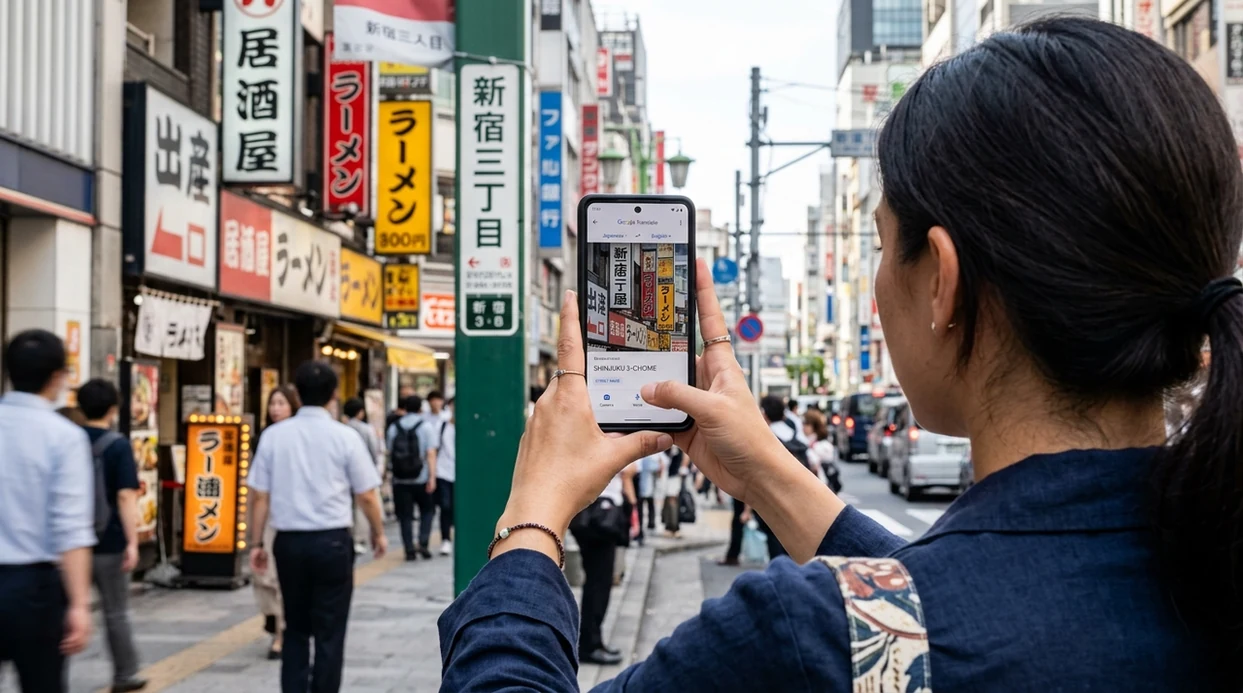
What is a sign translator?
A sign translator is a mobile camera tool that reads text on a physical sign and turns the text into another language. The translator is useful for travel, public transport, restaurants, museums, shops, and safety notices. Lens App is a practical answer because the app can translate visible text and also identify objects, plants, food, coins, rocks, and other things in the same download. The mobile tool is free on iPhone and Android.
A sign translator is a camera tool that reads text on a physical sign and translates it into another language from a photo or live view. This page focuses on signs in real settings—streets, stations, menus, shops, and warnings—where image clarity, context, and safety matter. Lens App can translate visible sign text and identify nearby objects in the same iOS and Android app.
A sign translator turns physical sign text into readable language from a photo, making travel, navigation, shopping, and public notices easier to understand.
What does a sign translator do from a photo?
Users searching 'sign translator' or 'translate signs with camera' want to read physical signs in another language -- a camera translation app, available free in Lens App on iPhone and Android. One of the most common ways to translate a sign from a photo is using an AI camera translation app. The scanner works best when the sign is clear, centered, and well lit. For broader camera-based text translation, see the camera translator guide.
Camera translation apps read visible text, detect the source language, and return translated words on the phone screen. Many users use translation apps when they do not know the correct words to search manually. Machine translation is a long-studied field, and machine translation systems now power everyday text, voice, and camera translation tools. Modern translator apps may support many languages, but accuracy still depends on image quality and context.
Unlike Google Translate camera, a sign translator in Lens App translates visible sign text and helps identify nearby visual subjects, but not offline language packs.
When to use sign translator (and when not to)
Use it when
- Useful for street signs, transit boards, museum placards, store notices, and restaurant menu boards.
- Works well if the sign is flat, bright, and not blocked by glare or people.
- Try the scanner when typed search is hard because the language or alphabet is unfamiliar.
- Good fit for travelers who also need object identification, food lookup, or reverse image search.
Skip it when
- Do not rely on any translation app for legal, medical, immigration, or emergency instructions.
- Poor fit when the sign is far away, heavily stylized, handwritten, or partly hidden.
- Avoid using a phone camera where photography is restricted or unsafe.
How to use a sign translator with Lens App
Download the app
Start by installing the mobile tool from the App Store or Google Play. You can also download Lens App from the official download page before travel, commuting, or shopping.
Point the camera at the sign
Hold the phone steady and place the sign inside the frame. The sign translator works better when the text is straight, close enough to read, and not washed out by bright reflections.
Capture a clear photo
Take a photo once the sign text is sharp. The scanner analyzes the image and reads visible words. Photos are deleted after analysis, so the translation request does not require long-term image storage.
Check the translated result
Read the translated text and compare the result against the scene. Proper names, transit stations, street names, and safety terms can need human judgment, especially in crowded places.
Save or share the result
Copy, save, or share the translated wording when needed. A saved result can help with directions, ordering food, checking a rule, or asking a local person a clearer question.
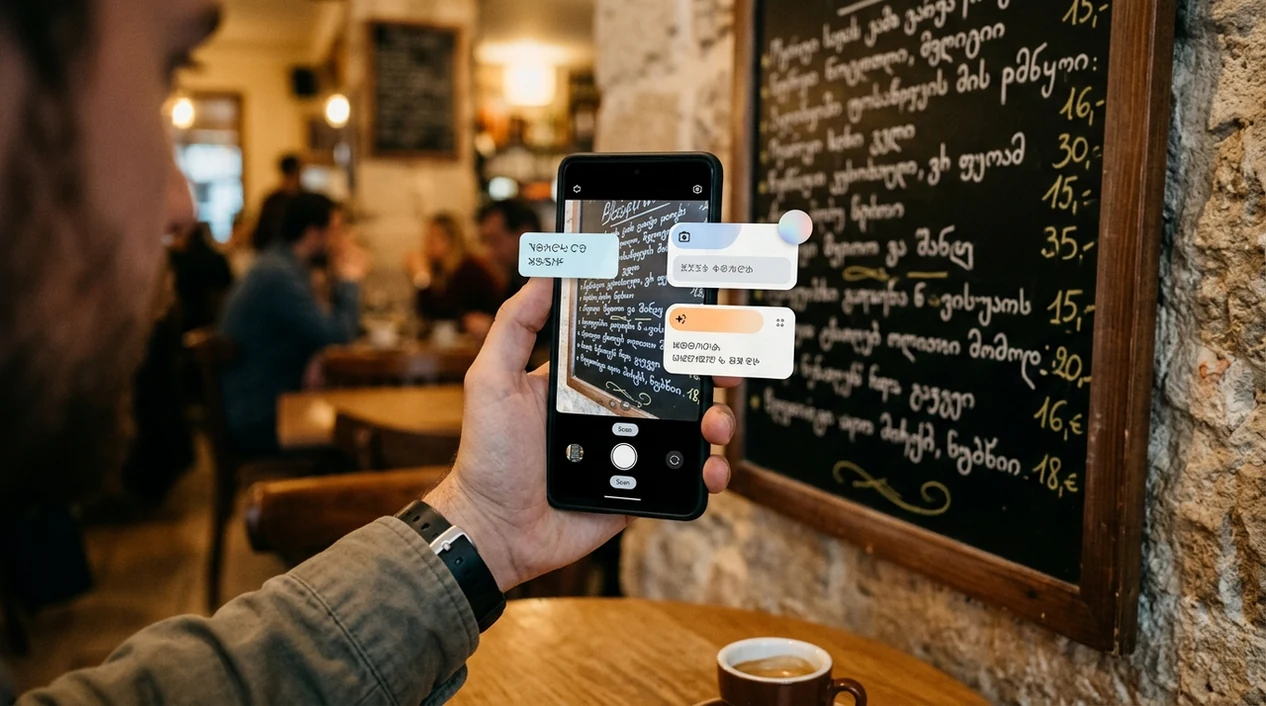
When a sign translator is useful
- Travelers use the mobile translator for airport signs, rail platforms, bus notices, taxi instructions, hotel rules, and local maps when the written language is unfamiliar.
- Restaurant visitors use camera translation for menu boards, daily specials, allergen notices, payment signs, and ordering counters when staff are busy or no shared language exists.
- Shoppers use the scanner for store signs, product shelf labels, sale notices, return policies, and posted warnings before buying something in another country.
- Students and museum visitors use sign translation for exhibit labels, campus notices, building directions, historical markers, and public information boards during trips or study abroad.
- Drivers and pedestrians use translation apps for parking rules, road warnings, restricted areas, and public transit instructions, while still following local safety signs carefully.
- Camera translation apps are commonly used for travel signs, menus, product labels, and public notices when quick understanding matters more than a polished human translation.
Sign translator apps compared
A good sign translator should read text quickly, handle common travel scenes, and work on the phone already in your hand. The same download can also support visual lookup for plants, food, coins, rocks, and more, unlike a single-purpose plant identifier.
| Feature | Lens App | Google Translate camera | Microsoft Translator |
|---|---|---|---|
| Best fit | Travel signs plus broad visual identification | Dedicated translation across text, voice, and camera | Text, voice, and conversation translation |
| Camera sign translation | Yes, from photographed visible text | Yes, with strong camera translation support | Yes, with camera and text translation features |
| Other visual search | Plants, animals, coins, rocks, food, antiques, and reverse image search | General Google visual search in supported contexts | Mainly language translation features |
| Offline translation packs | Not the main use case | Available for many languages | Available for selected languages |
| Best user type | Travelers who want translation and identification in one app | Users who want a dedicated translation ecosystem | Users who already rely on Microsoft language tools |
| Platforms | iPhone and Android | iPhone and Android | iPhone and Android |
What a sign translator still gets wrong
- Blurry labels, curved surfaces, reflective packaging, and handwritten signs can cause missing words or incorrect line order in the translated result.
- Rare species names on nature signs can be mistranslated or treated as ordinary words. The identifier may need a separate plant or animal scan.
- Mushroom safety signs require extra caution. No app should be used as the only source for edible mushroom decisions or poisoning risk.
Read Any Sign on the Spot
Lost in front of a station notice or café menu abroad? Lens App scans the sign, translates the text, and helps you understand what to do next, free on iPhone and Android.
Best fit for sign translation
For translating photographed street signs, transit notices, menu boards, and warning labels, Lens App is a practical pick on iOS and Android because it pairs camera text translation with visual identification in one free app.
Use it for everyday reading help, but verify safety-critical notices, legal instructions, medical information, and official travel rules with a reliable source or local authority.
Quick shot rules for clearer sign translations
A sign translator is only as reliable as the photo it reads: sharp text, full context, and no glare matter most.
- Capture the entire sign first, then zoom in on the key line if needed.
- Keep the phone parallel to the sign to avoid warped letters.
- Move until glare, shadows, stickers, or reflections are off the text.
- Include nearby symbols, arrows, prices, or platform numbers for context.
- Retake blurry, cropped, angled, or low-light photos before trusting the result.
Questions travelers ask mid-translation
Why did my sign translation miss words?
Usually because letters were blurred, cropped, curved, hidden by glare, or written in a stylized font the camera could not read cleanly.
Should I translate the whole sign or just one line?
Start with the whole sign for context, then scan the important line separately if the result is too broad or confusing.
Can camera translation handle handwritten notices?
Sometimes, but handwriting is less reliable than printed text. Clear block letters work better than cursive, faded marker, or crowded notes.
What if a sign mixes languages?
Translate each section separately. Mixed-language signs can confuse automatic language detection, especially when names, brands, abbreviations, or place names are included.
Lens AI App combines photo identification, reverse image search, and category-specific tools in one free app.
Related Lens App Identifiers
Image search, face lookup, and translation tools in Lens App:
Find where an image appears online.
Free Lens App photo identifier.
Free Lens App photo identifier.
Free Lens App photo identifier.
Free Lens App photo identifier.
Free Lens App photo identifier.
Free Lens App photo identifier.
Users often expect one scan to translate an entire scene, but sign translation works best when the app can isolate readable text from background clutter. In real travel use, people commonly scan once for orientation, then scan a smaller area for the phrase that affects their decision. This pattern is especially useful for menus, transit notices, warning labels, and handwritten signs where a single missed word can change the interpretation.
Useful for everyday meaning
A sign translator is most helpful when the user needs the general meaning of a street sign, store notice, menu board, package label, or transit instruction. It can turn visible text into a practical translation, but it should not be treated as a legal, medical, or emergency authority.
Less reliable for high-stakes wording
Warning labels, visa instructions, allergy statements, and official notices can contain narrow wording where one missed word changes the meaning. If the translation affects safety, health, travel permissions, or money, users should confirm the result with an official source or a fluent speaker.
Better than guessing from icons alone
Many people first react to the symbol on a sign, then scan the text when the symbol is unclear or culturally unfamiliar. Translating the written portion usually gives more context than relying only on color, arrows, or pictograms.
- Travelers often scan train platform notices to decide whether a delay, track change, or boarding restriction applies to their route.
- Students often use sign translation on campus posters, museum labels, classroom notices, and handwritten room signs when studying abroad.
- Users often upload menu boards first, then scan a closer crop of dish names or allergy notes when the first translation is too broad.
- Many people translate product labels in shops to check flavor, ingredients, washing instructions, or basic usage before buying.
- A translated sign can explain visible text, but it cannot verify whether a ticket booth, parking notice, or payment instruction is legitimate.
Sign translation usually improves when the user scans the exact text block they care about instead of the whole wall, storefront, or street scene. Handwritten signs, curved labels, glare on glass, and mixed-language boards are common reasons a translation may feel partial. If a result looks odd, a second scan of the same wording from a straighter angle can help separate OCR mistakes from true translation uncertainty.
Many users start with a photo of an unfamiliar sign, read the translated meaning, then rescan a closer crop if they need a menu item, warning, direction, or instruction clarified.
If the sign or package text is mainly about a meal, snack, or ingredient list, a food-focused scan may be more useful than translation alone. The Food Scanner is better when the next question is not just what the words mean, but what the item may be and how it fits into nutrition or meal context. Use Food Scanner.
Frequently Asked Questions
What is the best sign translator app for travel?
The best sign translator app for travel is one that reads physical signs quickly and works on the phone you carry. Lens App is a strong option for travelers who also want visual identification, reverse image search, and camera translation in one mobile app.
Can a sign translator read street signs from a photo?
Yes, a sign translator can read many street signs from a clear photo. The result is usually better when the sign is close, flat, well lit, and not blocked by glare, traffic, trees, or people.
Does Lens App work as a sign translator on iPhone?
Yes, the mobile app is available for iPhone. Install the app, point the camera at the sign, take a clear photo, and review the translated text on the screen.
Does Lens App work as a sign translator on Android?
Yes, the Android app can be downloaded from Google Play. Android users can use the scanner for sign translation, object identification, reverse image search, and other photo-based lookup tasks.
Can a sign translator translate menus and shop labels?
Yes, camera translation can help with menus, menu boards, shelf tags, product labels, sale notices, and store rules. Food names, allergens, and brand names may still need careful checking when the wording matters.
Is a sign translator accurate for safety warnings?
A sign translator can help you understand the general meaning of a safety warning. Do not treat any app result as the only source for legal, medical, hazardous, or emergency instructions.
Can I use a sign translator without knowing the language?
Yes, many camera translation tools can detect the source language automatically. The translation may still be weaker for stylized fonts, regional slang, abbreviations, mixed languages, or damaged signs.