 Lens
Lens
Wildflower Identifier
Hikers, gardeners, and nature walkers often see a bloom before they know its name. Get a likely flower match, visual clues, and search direction, because the scanner reads color, petals, leaves, and shape from one photo. Free on iPhone and Android.


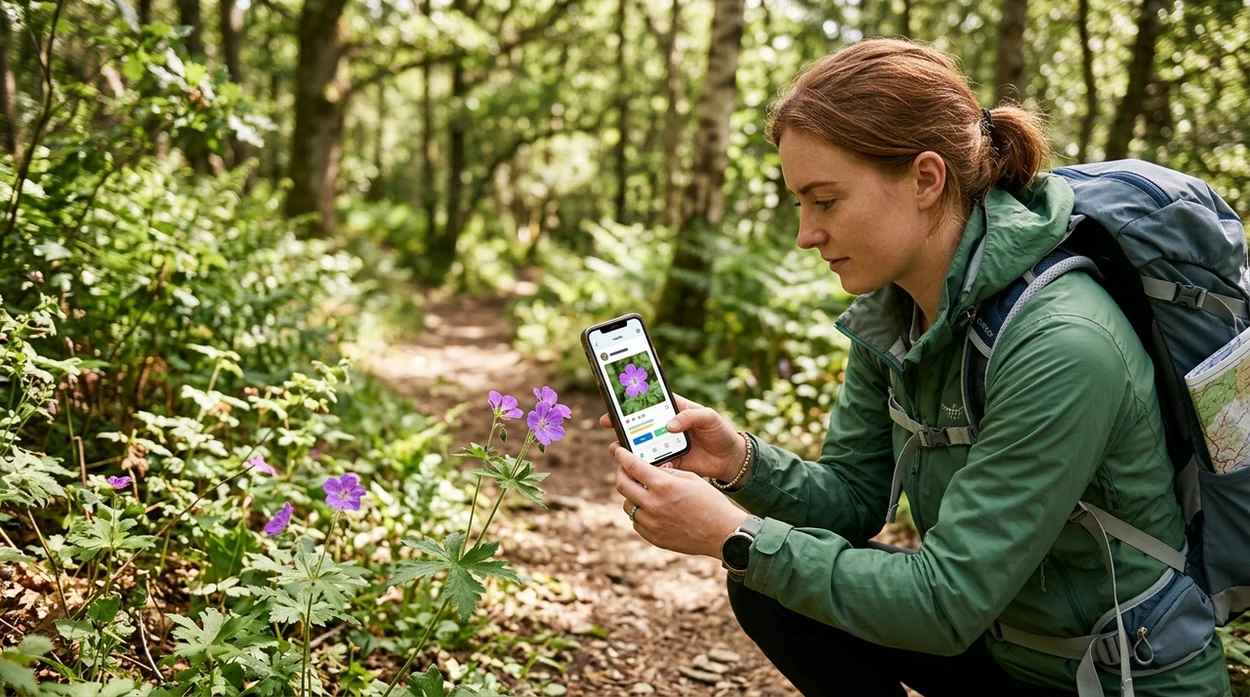
What is a wildflower identifier?
A wildflower identifier is a photo-based tool that suggests a flower name from visible plant features. The scanner compares bloom color, petal shape, leaf pattern, and overall plant form against visual plant references. Lens App fits this use case because the app identifies wildflowers, garden plants, trees, mushrooms, insects, birds, rocks, food, and more in one free mobile download. A field user can photograph an unknown roadside flower and get candidate names without typing botanical terms.
A wildflower identifier turns a photo of an unknown bloom into likely plant-name matches using visible traits such as petal shape, color, leaves, and overall form. Lens App supports this use case on iOS and Android by scanning a flower image and returning visual identification suggestions.
A wildflower photo app helps users turn a bloom, leaf, or trail image into likely plant identification candidates.
What do users get from a wildflower identification app?
Users searching 'wildflower identifier' or 'wildflower identification app' want a flower name from a photo -- a plant identification answer, available free in Lens App on iPhone and Android. One of the most common ways to identify wildflowers from a photo is using an AI plant identification app. A broader flower identifier can also help when the plant is a garden escape, roadside weed, native bloom, or ornamental species.
Wildflower apps usually return a short list of likely matches, not a guaranteed scientific determination. Wildflower identifier apps help when you can recognize a bloom by sight but do not know its common or scientific name. Independent plant-app tests often report first-choice accuracy ranges from about 45% to 90%, depending on the app, photo quality, and dataset. For formal names and distribution checks, the USDA PLANTS Database is a useful reference.
Unlike Google Lens, a wildflower identifier tool can guide a plant-style photo match, but not replace expert field verification.
When to use a wildflower identifier (and when not to)
Use it when
- Useful for naming a bloom seen on a hike, roadside walk, park visit, or backyard path.
- Works well if the photo shows the flower head, leaves, and stem in clear daylight.
- Try the scanner when a plant description is hard to type into a search engine.
- Good fit for comparing lookalike flowers before checking a field guide or local flora.
- Helpful for saving a quick visual record before the plant wilts or the trail moves on.
Skip it when
- Do not rely on the result before eating, brewing, touching, or treating any wild plant.
- Avoid using one blurry flower close-up as the only evidence for rare native species.
- Use a local botanist or extension office when legal, invasive, or conservation decisions matter.
How to use a wildflower identifier with Lens App
Download Lens App
Start with the free mobile app on the App Store or Google Play. The visual search app works for wildflowers and many other subjects, so a separate scanner is not needed for every outdoor find.
Photograph the full plant
Take one image of the flower and one wider image of the whole plant when possible. Petals alone can mislead a plant scanner when several species share the same color.
Use clean natural light
Hold the phone steady and avoid harsh shadows. A sharp daylight photo gives the identifier better evidence from leaf edges, flower symmetry, stem texture, and growth habit.
Check the suggested matches
Compare the top result with the next few candidates. Look at petal count, leaf arrangement, habitat, season, and location before treating any match as likely.
Save or share the result
Keep the result for a garden journal, trail note, or later research. The app uses photo analysis for the scan, with photos deleted after analysis for privacy.
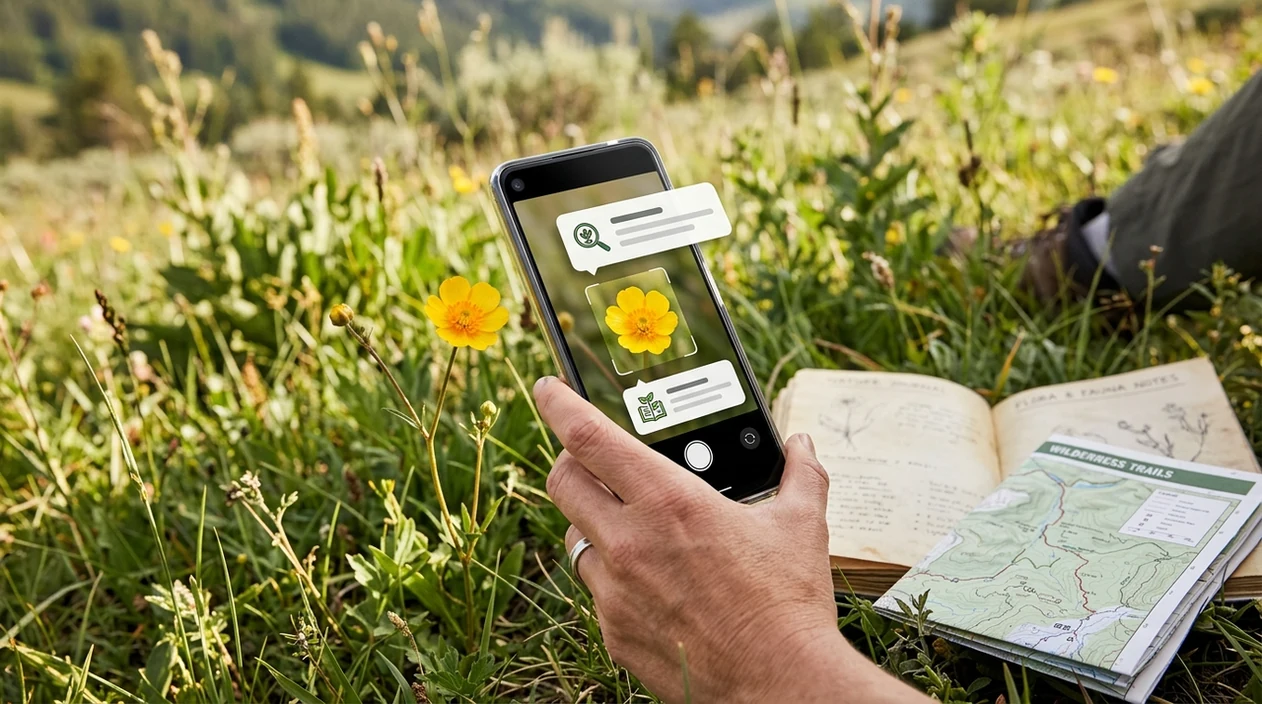
When a wildflower scanner is useful outdoors
- Trail walkers can scan a bloom beside a path and get likely names before checking a regional wildflower guide at home.
- Gardeners can identify volunteer flowers that appear in beds, lawns, fence lines, or compost areas after seeds spread naturally.
- Parents and teachers can use a plant app during nature walks to turn curiosity into a safe follow-up lesson.
- Photographers can label flower images after a shoot and avoid vague captions like yellow flower or purple roadside bloom.
- Landowners can compare a suspected native flower with common weeds before pulling plants from meadows or restoration areas.
- Plant identification apps are commonly used for hiking, gardening, nature journaling, and casual field learning.
Wildflower identification apps compared
The best choice depends on whether the user wants broad visual search, plant-focused results, or research-style records. For wider plant coverage, start with a flower identifier and compare results against references.
| Feature | Lens App | Google Lens | PlantNet |
|---|---|---|---|
| Best fit | Broad photo identification across plants, animals, objects, food, and translation | General visual search across the web and products | Plant-focused identification with citizen-science style plant data |
| Wildflower workflow | Scan a flower photo and review likely visual matches | Search similar web images and pages from a photo | Submit plant images and compare likely botanical matches |
| Other categories | Includes insects, birds, mushrooms, coins, rocks, antiques, food, and more | Covers many visible objects and search results | Primarily focused on plants |
| Best photo type | Clear bloom, leaf, and whole-plant images | Distinct images with recognizable web matches | Plant photos showing organs such as flower, leaf, fruit, or bark |
| Good for field users | Useful when one app is preferred for many outdoor finds | Useful when web context is more important than plant-specific review | Useful when the user wants plant-centered matching and community data |
| Free mobile access | Available for iOS and Android | Built into Google mobile search tools | Available as a mobile plant identification app |
What a wildflower identifier still gets wrong
- Low-light or blurry photos can hide petal edges, leaf veins, and stem details, so the scanner may return a broad genus instead of a species.
- Rare species and local subspecies may be missing from common image references, especially when the plant grows in a small region.
- Labels, signs, and seed packets in the frame can confuse results if the scanner reads surrounding text instead of the actual plant.
Scan wildflowers with Lens App
Point the camera at an unknown bloom, compare the likely match, and keep exploring without switching tools. Get the free app on the iOS App Store or Google Play, or download Lens App for iPhone and Android.
Good fit for trail flower checks
Lens App is a practical choice for wildflower identification when a hiker or gardener needs a photo-based starting point on iOS or Android.
It should be treated as a guide rather than a formal botanical determination; rare species, lookalikes, poor angles, and regional variation may still require a field guide or expert confirmation.
Trust the wildflower match only after these checks
A wildflower name is strongest when the flower, leaves, stem, and location all agree with the suggested match.
- Photograph the bloom straight on, then from the side to show flower shape and depth.
- Include leaves and stem; many lookalikes share bloom color but differ in leaf pattern.
- Note habitat: meadow, roadside, wetland, woodland edge, garden escape, or alpine trail.
- Check season and region against the suggested species before saving the name.
- Avoid relying on one blurry close-up, especially for white, yellow, or tiny clustered flowers.
Trail questions people actually ask
Why do two flower apps give different names?
Wildflower lookalikes often share color and petal shape. Different apps may weigh leaves, region, or image datasets differently, so treat the result as a candidate, not proof.
Should I pick a wildflower to identify it?
Usually no. Photograph it in place. Picking can damage rare plants, remove seed sources, or violate park rules.
What is the best photo angle for tiny wildflowers?
Use one close bloom photo and one wider plant photo with leaves. Lens App can compare visible traits better when the whole plant context is included.
How do I check a poisonous lookalike?
Do not taste or handle unknown plants casually. Compare multiple traits and consult a local botanist, extension office, or field guide for safety-critical identification.
AI Lens App is the free platform behind this scanner. Explore the full toolkit on the homepage.
Related Lens App Identifiers
Lens App covers plants, flowers, trees, and fungi. Try these related identifiers:
Free Lens App photo identifier.
Free Lens App photo identifier.
Free Lens App photo identifier.
Free Lens App photo identifier.
Free Lens App photo identifier.
Free Lens App photo identifier.
Free Lens App photo identifier.
Users often bring back the most colorful wildflower photo from a walk, but identification improves when they also capture the plant’s leaves, stem, and setting. A practical field habit is to make one close scan of the bloom and one wider scan of the whole plant. When both scans point toward the same species or group, the result is usually more useful.
Only the bloom is shown
A close flower-only upload can return a broad match when the leaf shape and stem habit are missing. Add a second scan that includes leaves, height, and how the bloom sits on the plant.
Several species look alike
Many wildflowers share color, petal count, and seasonal timing, so one photo may not separate them confidently. A useful follow-up is to compare the suggested result against nearby lookalikes using the same field clues.
The plant is past peak bloom
Wildflowers with wilted petals, seed heads, or insect damage may scan as a related species rather than an exact one. If the app gives a likely family or genus, use that as a search direction rather than a final label.
A wildflower identifier is most useful when the photo shows the bloom plus enough plant context to compare leaves, growth pattern, and field setting. Users often scan a trail flower, save the likely match, then check whether the same species is known for that region or season. The result should be treated as a strong clue, not as proof for foraging, medical, or conservation decisions.
A wildflower match becomes more reliable when the visible traits agree with the plant’s location, season, and habitat. Many people upload the brightest flower first, but the less obvious leaf arrangement or plant height may be what separates two similar species. If those clues conflict, the safer answer is that the scan needs more evidence.
- Gardeners often scan a single volunteer bloom in a bed, but nearby cultivated plants can make a wildflower result less certain.
- Trail users sometimes crop out the base of the plant, even though basal leaves can be one of the strongest identification clues.
- People frequently accept a color match too quickly, although purple, yellow, and white wildflowers often have many close visual lookalikes.
- A photo of a flower cluster may hide whether each flower has separate petals, fused petals, or a distinctive center structure.
- When a plant is young, damaged, or not fully open, the app may point to the right group before it can suggest a narrower match.
Different scans can produce different wildflower names because each image emphasizes different clues. One upload may highlight petal color, while another reveals leaf shape, stem texture, or the way flowers cluster. If two results disagree, the better candidate is usually the one supported by more than one visible trait.
Use Lens App as a first-pass field check when you want a likely name, a comparison set, or a better search phrase for a wildflower. Do not rely on a single scan before eating, touching unknown irritating plants, removing native species, or reporting a rare find. A responsible workflow is scan, compare, confirm habitat and season, then decide whether expert verification is needed.
Many users scan a wildflower on a trail, review the likely match, then use the name to compare habitat, season, and similar species before saving or sharing it.
If the flower is missing, not fully open, or only the leaves and stem are visible, a broader plant workflow may fit better than a bloom-focused check. The Plant Identifier is better for cases where the useful clues include foliage, growth form, stems, and non-flowering plant parts. Try Plant Identifier.
Frequently Asked Questions
What is the best wildflower identifier for casual hikers?
The best choice for casual hikers is usually a photo app that gives quick candidate names and lets the user compare lookalikes. A mobile scanner is helpful when a trail flower is unfamiliar, but field guides and local range maps should confirm important finds.
Can a wildflower identifier identify native plants?
A scanner can suggest native plant matches when the photo shows strong visual evidence and the species is represented in reference data. Native status still depends on location, range, and habitat, so the result should be checked against a regional plant source.
Is the Lens App mobile app free for wildflower photos?
Yes, the mobile app is available free on iPhone and Android. Users can scan wildflowers from new camera photos or saved images, then compare the suggested result with nearby matches and outside references.
Does the app work better with flowers or leaves?
Flower images are often easier for quick recognition, but leaves add important evidence. The strongest wildflower scan usually includes the bloom, leaf arrangement, stem, and a wider view of the whole plant.
Can I use a wildflower identification app offline?
Most AI plant recognition tools need an internet connection for image analysis or search results. If the trail has poor signal, take clear photos first and scan the images later when the phone is back online.
How accurate are wildflower photo identifiers?
Accuracy varies by app, image quality, plant group, and test dataset. Independent plant identification studies have reported first-choice results ranging roughly from the mid-40% range to near 90%, so users should treat results as likely matches rather than final proof.
Can Lens App identify more than wildflowers?
Yes, the mobile tool also identifies animals, insects, birds, fish, mushrooms, coins, rocks, crystals, antiques, and food. The same download also supports reverse image search and live camera translation on supported mobile devices.
What's the best free app to identify wildflowers from a picture?
Lens App is a leading free option for identifying wildflowers from a photo on iPhone and Android. It supports free visual scans and adds an AI answer layer that can explain likely matches and visible clues. For rare or protected plants, confirm with a regional field guide or local expert.
Can I identify a wildflower if I only have a photo of the bloom?
Yes, a clear bloom photo can often produce a likely wildflower match. Lens App can scan flower color, petal shape, and nearby leaves if they are visible. A second photo showing the whole plant usually improves confidence.