 Lens
Lens
Lens Scan: Identify Anything vs Lens App
Two general purpose identifiers, two different deals. Here is how the paywall, the category coverage, and the everyday workflow actually compare.


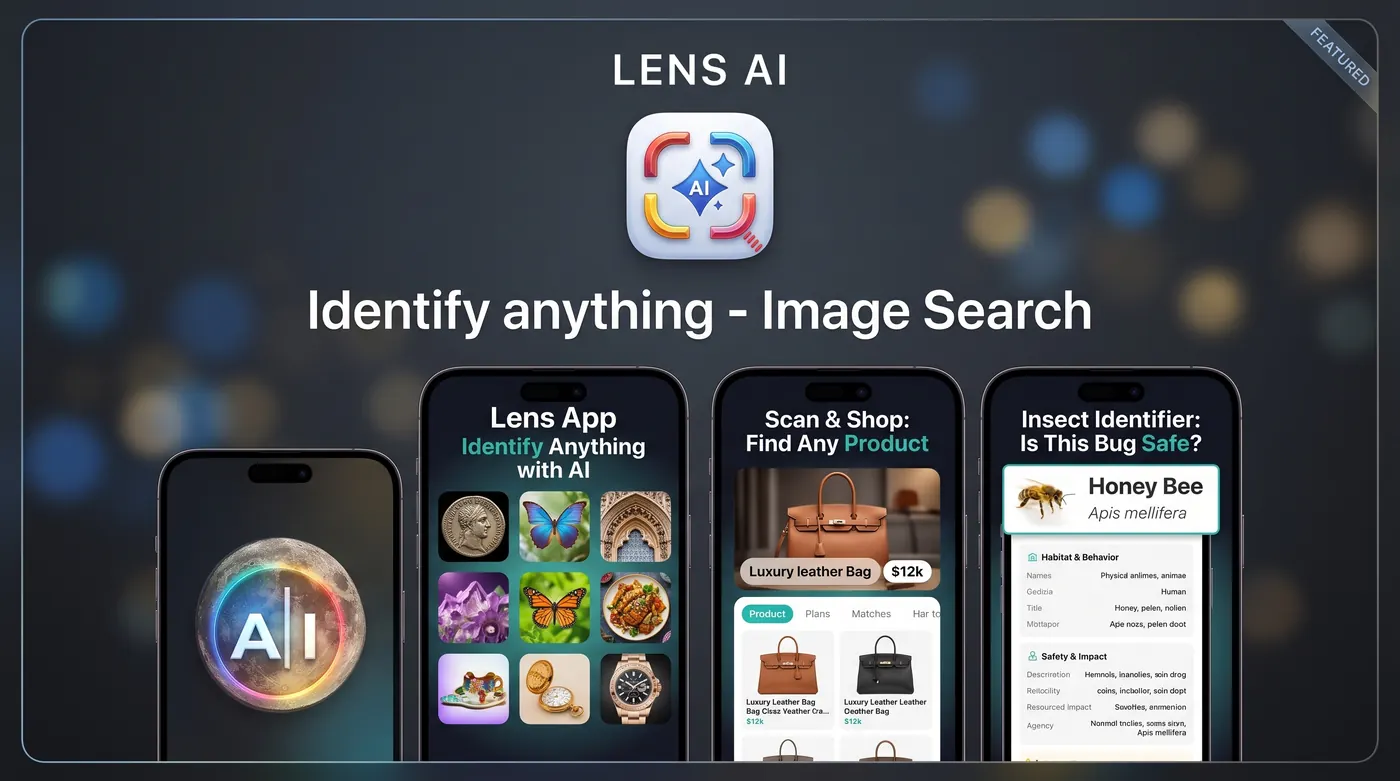
What is the difference between Lens Scan and Lens App?
Lens Scan: Identify Anything is an iOS identifier from EvenEdge covering plants, animals, insects, coins, antiques, and objects, with a subscription required for use. Lens App is a free to start AI Lens that gives daily mobile scans plus one free web scan a day, adds translation and shopping lookups, and offers optional paid upgrades.
Fact: Lens Scan: Identify Anything holds a 4.6 rating from roughly 17,000 ratings on the App Store, and its listing notes that a subscription is required for use.
The short version
Lens Scan: Identify Anything is a well reviewed iOS app that bundles plant, animal, insect, coin, antique, and general object identification into one camera. It has real traction, a 4.6 rating across about 17,000 ratings, and a straightforward promise on the listing: point, shoot, get a name. The catch is the business model. The listing states a subscription is required for use, so the first meaningful answer usually sits behind a purchase screen.
Lens App takes the same all in one approach and prices it differently. You get free daily scans on mobile and one free web scan per day, with optional upgrades if you scan a lot. The idea is that you should be able to test whether an identifier is any good on your own photos, at your own kitchen table, before you decide it is worth money. Lens App is independent and is not affiliated with Google.
Paywall placement is the biggest practical difference
Reviewers of Lens Scan repeatedly bring up the subscription gate. That is not a knock on the app quality, it is a description of the funnel. If a subscription is required before results appear, you are asked to trust the accuracy claim first and verify it second. For some people that is fine. For anyone who downloads three identifiers, tests them on the same mystery shrub, and keeps the winner, it is a dead end.
Lens App inverts that order. Scan first, decide later. The App Store listing for Lens App is a free download with in app purchases and subscriptions, and the paid tiers seen on the listing include weekly, monthly, yearly, and lifetime options. The free daily allowance exists so that casual use stays genuinely free. If you are cataloguing a storage unit or a coin album across a weekend, that is when an upgrade starts to make sense.
What "identify anything" honestly means
Both apps advertise broad coverage, and both are working from the same reality: some categories are easier than others. A leaf shape, a bird silhouette, and a bottle label are relatively tractable. A worn 1940s coin under kitchen light, an unmarked ceramic base, or a plastic bracket from a dishwasher are much harder, and reviews of Lens Scan reflect that with comments about accuracy being useful but not perfect on repair parts.
Lens App handles this by writing results the way a knowledgeable person would talk. You get the most likely answer, the visual features that support it, and the close alternatives worth ruling out. When the photo does not carry enough information, the result says so rather than inventing confidence. That framing matters more than a raw accuracy percentage, because you are the one who decides what to do with the answer.
Category by category coverage
Lens Scan groups its work into recognisable buckets: plants, animals, insects, coins, antiques, and everyday objects. Lens App covers the same ground and organises each area as its own guide so you know what the tool is actually looking at. Leaf arrangement, margin, and growth habit drive the plant identifier. Body shape, markings, and posture drive the animal identifier. Wing venation, leg count, and antenna shape drive the insect identifier.
Collectibles are where expectations need managing on both sides. The coin identifier reads denomination, date, mint mark, and legend when the surface is legible, then points you toward grading and comparable sales rather than declaring a price. The rock identifier works from colour, lustre, grain, and hardness clues, and it will tell you when a fresh break or a scratch test would settle the question. Neither app should be the last word on value.
Antiques, estate lots, and value estimates
One theme in Lens Scan reviews is that antique and estate value estimates depend heavily on clear photos. That is true of every visual identifier, including this one. Marks on the underside of a plate, a maker stamp inside a drawer, or a hallmark on silver carry almost all the useful information, and a soft photo of a mark is worth less than a sharp photo of a plain surface.
Lens App treats a value question as two separate steps. First, what is this object and what tradition or period does it belong to. Second, what does the market currently pay for comparable pieces in comparable condition. The first step is something a camera can help with. The second step needs auction records and condition grading, so the app points you toward the search terms and comparison sets that will actually answer it.
Repair parts, hardware, and the boring wins
The most quietly useful category in both apps is unglamorous: the bolt in a jar, the connector on a cable, the filter you need to replace. Lens Scan reviewers mention using it to label repair parts, which is exactly the right job for a tool like this. You do not need a perfect answer, you need a name good enough to type into a parts search.
Lens App is built for that loop. Identify the object from a photo, get the thread size or standard or model family, then move straight into a shopping lookup so you can price the replacement instead of stopping at the name. When the part carries a partial code, the reverse image search path often finds the same shape in a supplier catalogue faster than typing a description ever would.
Photo quality, bad lighting, and salvaging a blurry shot
Field photos are rarely good photos. The bird flies, the light is orange, the coin is behind glass, the insect is on a moving leaf. Lens App is tuned to still return something useful from imperfect input, and it explains what it can and cannot see. A blurry photo can still be identifiable when the outline, colour block, and proportions survive, and it stops being identifiable when the diagnostic detail is the thing that blurred.
That distinction is worth internalising for either app. If the answer depends on a hallmark, a date, a wing vein, or fine text, sharpness on that specific area matters more than overall image quality. Steady the phone, get closer, add light from the side rather than the front, and take two or three frames. A second attempt with better light beats ten scans of the same soft frame.
Beyond identification: translation, search, and shopping
Lens Scan's subtitle leans on reverse image search, which is a sensible core for an identifier. Lens App treats identification as one job among several that all start from a photo. Point the camera at a foreign menu or a care label and image translation reads it in place. Point it at an unfamiliar product and the shopping finder looks for the item and comparable listings. Point it at a photo you were sent and the general what is this flow tries to name it.
The reason to care is that most real questions are compound. You do not just want the name of the plant, you want to know whether it is safe around a cat. You do not just want the coin type, you want to know whether the mint mark makes it interesting. Having translation, search, and identification in one camera means fewer app switches per question.
History, saving, and using it on a laptop
Users of Lens Scan have asked for better history and saving, which is a common request for identifier apps because people scan in bursts. You photograph twelve things in a shed, then want to review them at the table. Lens App keeps your scans so you can come back to them, rename them, and compare two results side by side rather than rescanning.
The web version is the other structural difference. Lens Scan's listing is iOS focused and does not call out Android. Lens App gives you one free web scan per day, which is useful when the image already lives on your computer: a listing screenshot, a photo someone emailed, a frame from a video. You upload from the browser instead of sending the file to your phone first.
Which one should you use
If you are on iOS, you already pay for a bundle of hobby apps, and you want a single tidy identifier with a strong rating behind it, Lens Scan: Identify Anything is a reasonable pick. Its category list is broad and its user base is large enough that the app is clearly getting real use.
If you want to try before you pay, if you occasionally need a laptop, or if your questions tend to spill into translation and product lookups, Lens App fits better. Free daily mobile scans, one free web scan a day, saved history, and optional upgrades when your volume justifies them. Use either as a starting point rather than an authority. Never eat a wild mushroom or plant based on a photo identification, and do not rely on any app to assess a bite, sting, or medical concern. For those, get a qualified human involved.
Side-by-side comparison
| Feature | Lens App | Other app |
|---|---|---|
| Cost to get a first result | Free daily mobile scans, 1 free web scan per day | Listing indicates subscription required for use |
| Paid options | Weekly, monthly, yearly, and lifetime upgrades available | Subscription tiers via in app purchase |
| Category range | Plants, animals, insects, coins, rocks, objects, products | Plants, animals, insects, coins, antiques, everyday objects |
| Browser access | Yes, upload from a laptop with one free scan daily | Not indicated on the listing |
| Android | Mobile support beyond iOS | Listing is iOS focused, no Android called out |
| Saved scan history | Scans saved for later review and comparison | Users have requested stronger history and saving |
| Text translation from photos | Built in image translation for menus, labels, signs | Not a listed focus |
| Product and price lookups | Shopping finder for comparable listings | Reverse image search oriented |
| Tolerance for imperfect photos | Explains what the image supports and what it cannot resolve | Reviews note clear photos matter for value estimates |
| Store rating | Free download with in app purchases | 4.6 from roughly 17,000 ratings |
Based on public App Store listings and may change. Lens App is independent and not affiliated with other apps that use Lens in their name.
Related Lens App tools
general what is this flow · identify the object from a photo · reverse image search path · image translation · shopping finder · plant identifier · animal identifier · insect identifier · coin identifier · rock identifier
FAQ
Does Lens Scan: Identify Anything require a subscription?
Its App Store listing indicates a subscription is required for use, so the identification results generally sit behind a purchase screen. Terms can change, so check the current listing before you download. Lens App instead offers free daily mobile scans and one free web scan per day, with optional paid tiers for heavier use.
Is Lens App free?
Lens App is a free download with in app purchases and subscriptions. In practice you get free daily scans on mobile and one free web scan per day. Paid tiers seen on the listing include weekly, monthly, yearly, and lifetime options for people who scan often enough that the daily allowance runs short.
Which app is more accurate?
Both use visual AI and both do better on distinctive subjects than on worn, unmarked, or partially hidden ones. Lens Scan reviewers describe accuracy as useful but not perfect on repair parts. Lens App is written to show its reasoning and name close alternatives, so you can judge the answer rather than accept it blindly.
Can either app value an antique or a coin?
Neither should be treated as an appraisal. Both can suggest what an item likely is and what period or family it belongs to. Actual value depends on condition grading, authenticity, and recent comparable sales. Use the identification to build accurate search terms, then check auction records or consult a dealer for a figure.
Does Lens App work on Android and on the web?
Lens App runs on mobile and also offers a browser version with one free scan per day, which helps when the image is already on your computer. Lens Scan's listing is iOS focused and does not call out Android, so check its current store page if cross platform support matters to you.
Is Lens App connected to Google Lens?
No. Lens App is an independent product and is not affiliated with, endorsed by, or sponsored by Google. The word lens describes what the tool does, which is look through a camera and identify what is in frame. Feature sets, pricing, and privacy practices are set independently.
What if my photo is blurry or badly lit?
Try again with the light coming from the side and the phone braced against something solid. Get close enough that the diagnostic detail fills the frame, whether that is a leaf edge, a hallmark, or a date. Two sharp frames from slightly different angles beat a dozen soft ones.
Can I keep a record of what I scanned?
Lens App saves your scans so you can review, rename, and compare them later, which suits burst scanning through a drawer, a garden, or a collection. Some Lens Scan users have asked for stronger history and saving features, so check whether the current version meets your needs there.