 Lens
Lens
Reverse Image Search & AI Lens vs Lens App
One app hands your photo to several search engines and lets you sift the results. The other reads the photo and tells you what it thinks the subject is, then shows you where to look next. Here is how the two approaches differ in daily use.


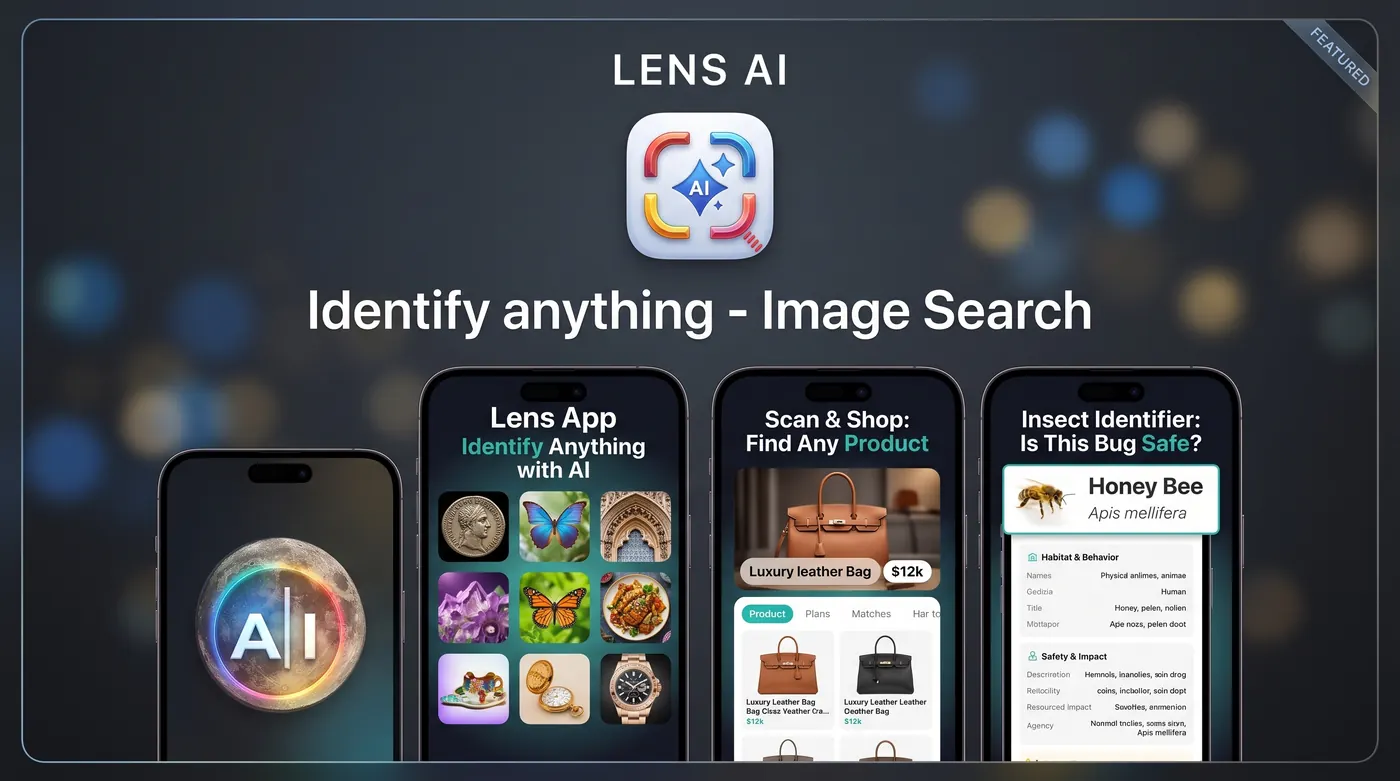
What is the difference between Reverse Image Search & AI Lens and Lens App?
Reverse Image Search & AI Lens routes your photo to outside engines such as Google Lens, Bing, Yandex, and TinEye, so you compare several result pages yourself. Lens App is an AI lens that reads the photo directly and returns one written identification with details and context, then offers matching links if you want to keep digging.
Fact: Reverse Image Search & AI Lens is published by Yajing Qian and shows a 4.5 star average from roughly 41,000 US App Store ratings, with a 16+ age rating and a stated lack of affiliation with the search engines it opens.
Two different jobs that look similar from the outside
Both apps start the same way. You point a camera at something, or pull a photo from your library, and tap once. What happens next is where they split.
Reverse Image Search & AI Lens is a router. It takes your image and opens it inside several external engines, commonly Google Lens, Bing, Yandex, and TinEye, so you can flip between result pages. That is genuinely useful when you want to find where an image already exists online: the original upload of a product photo, a duplicated listing, a profile picture that shows up in more than one place. It is a search-the-web-for-this-file tool with an AI layer bolted on top.
Lens App works the other way around. It looks at the picture itself and writes an answer: what the subject appears to be, how confident that read is, and the details that usually matter next. If you are standing in front of an unfamiliar object and your real question is closer to what is this, a page of thumbnails is a slower path than a sentence.
Multi-engine results versus one written answer
Multi-engine search is strongest with images that already live on the internet. Screenshots, marketing photos, memes, stock imagery, artwork, and anything scraped from a listing all tend to have exact or near-exact copies indexed somewhere. Four engines give you four chances at a match, and Yandex in particular is known for pulling matches the others miss.
It is weakest with photos you just took. A beetle on your fence, a chipped stone from a riverbed, a wildflower at the edge of a trail: none of those frames exist online, so the engines fall back on visually similar pictures. You end up with twenty plausible-looking thumbnails and no way to tell which one is right without reading through the pages behind them.
Lens App is aimed at that second case. The answer names the subject, explains the visible features that led to it, and flags the lookalikes worth ruling out. When you do want source hunting rather than identification, it still supports reverse image search, so the two modes live in one place instead of two apps.
Ads and how often you get interrupted
Ad clutter is the most repeated complaint in reviews of Reverse Image Search & AI Lens. It is a free, high-volume app with a very large ratings base, and that model usually means interstitials between actions. If you are running one lookup, it is a minor annoyance. If you are working through a box of coins or a folder of vacation photos, the tap-to-close rhythm adds up.
Lens App does not put an ad between you and your result. Free use is limited by a daily scan count instead of by attention: you get free daily scans on mobile and one free web scan per day, and upgrades exist if you need more volume. Different trade-off, and worth naming plainly. You will hit a ceiling on a heavy day rather than a pop-up on every tap.
Which one bothers you less is a personal call. People doing occasional, casual lookups often prefer unlimited-with-ads. People doing focused sessions, cataloguing a collection or clearing a backlog of photos, usually prefer quiet.
Pricing in plain terms
Reverse Image Search & AI Lens is a free download with in-app purchases, and the ad-supported free tier is the main way most people use it. The paid tier primarily buys back a cleaner interface.
Lens App is also a free download with in-app purchases and subscriptions. The App Store listing shows options across weekly, monthly, and yearly terms plus a lifetime purchase, and the site keeps free daily mobile scans and one free web scan per day available without paying. Before you subscribe to either app, run your own photos through the free tier. Ten minutes with your actual subject matter tells you more than any feature list.
Category depth: plants, animals, coins, rocks, insects
This is where the gap is widest. A generic reverse search treats a Morgan dollar and a garden snail as the same kind of problem: match pixels, return links. But the follow-up questions are completely different. With a coin you want the mint mark, the year, the grade language, and the range collectors actually pay. With a rock you want hardness, luster, grain, and the common confusions. With an insect you want whether it bites, what it eats, and whether it belongs indoors.
Lens App builds those follow-ups into the answer. The plant identifier covers houseplants, garden species, and weeds with care notes. The animal identifier handles pets, birds, and wildlife with the details people usually search next. The coin identifier reads dates and mint marks. The rock identifier and the mineral side of it work from texture and color rather than from a web match. The insect identifier names the species and gives sober, practical notes.
On safety topics the wording stays careful on purpose. Nothing here is a reason to eat a wild mushroom or a foraged plant, and no photo app should be your source of truth about a bite or sting. Treat identification as a starting point and involve a professional when your health is involved.
Text, translation, and shopping
Both apps read text from photos. Reverse Image Search & AI Lens includes OCR with translation, which handles the common travel case of a menu or a sign well enough. Lens App handles image translation the same way and keeps layout context, which matters on packaging, labels, handwritten notes, and forms where a wall of raw extracted text is hard to interpret.
Shopping is a closer contest. Finding a product from a photo is exactly what reverse search is good at, because retail images are indexed heavily. If you screenshot a sofa from a catalog, the multi-engine approach will often surface the listing. Lens App approaches it as a shopping finder: read the item, describe its distinguishing features, and point at comparable listings, which works better for something you photographed in the wild rather than lifted from a website.
Bad photos, which is most photos
Real-world lookups are not clean studio shots. They are taken through glass, in dim rooms, one-handed, at a slight angle, with the subject slightly out of focus because the animal moved.
Engine-based reverse search struggles here, since a blurry original has no indexed twin and similarity matching gets noisy fast. An AI read is more forgiving because it works from shape, proportion, color, and pattern rather than pixel matching, so a blurry photo is often still identifiable. It is not magic. If the frame lacks the diagnostic detail, the honest answer is a shortlist and a suggestion for a better angle, which is more useful than a confident wrong name.
One habit helps with either app: fill the frame, get light on the subject, and include a scale reference such as a coin or your thumb when size matters.
A note on Google and independence
Reverse Image Search & AI Lens states clearly that it is not affiliated with the search engines it opens, which is the right disclosure for an app that routes queries outward.
The same applies here. Lens App is an independent product and is not affiliated with, sponsored by, or endorsed by Google. The name describes what the app does, which is act as a lens on the world through your camera. If a comparison ever suggests otherwise, read it more carefully.
Which one fits your use case
Pick Reverse Image Search & AI Lens if your work is source verification. Checking whether a dating profile photo appears elsewhere, tracing a stolen image, finding the origin of a screenshot, or confirming a duplicate listing all benefit from hitting four engines at once, and you are willing to accept ads for unlimited attempts.
Pick Lens App if the picture is yours and the question is what am I looking at. Identify anything from a photo, get the details that matter for that category, and only follow links when you want them. Many people keep both installed and reach for the router when they suspect an image came from the web, and the AI lens when they are standing in front of something unfamiliar.
Side-by-side comparison
| Feature | Lens App | Other app |
|---|---|---|
| Core approach | AI reads the photo and writes one identification with details | Routes the photo to Google Lens, Bing, Yandex, and TinEye |
| Best for | Photos you took of unfamiliar objects, plants, animals, coins, rocks | Finding where an existing web image appears online |
| Ads in free tier | No ads between you and the result | Ad supported; ad frequency is a common review complaint |
| Free usage limit | Free daily mobile scans plus 1 free web scan per day | Unlimited free lookups with ads |
| Category depth | Dedicated flows for plants, animals, insects, coins, rocks, and more | General reverse search plus AI object ID |
| Reverse image search | Included alongside identification | The main feature, across four engines |
| Text and translation | Image translation that preserves layout context | OCR translator for signs and menus |
| Blurry or low-light photos | Often still workable; may return a shortlist | Weaker, since matching needs a near-identical indexed image |
| Pricing shape | Free download; weekly, monthly, yearly, and lifetime options | Free download with in-app purchases |
| Google affiliation | Independent, not affiliated with Google | States it is not affiliated with the engines it opens |
Based on public App Store listings and may change. Lens App is independent and not affiliated with other apps that use Lens in their name.
Related Lens App tools
what is this · identify anything from a photo · reverse image search · image translation · shopping finder · plant identifier · animal identifier · coin identifier · rock identifier · insect identifier
FAQ
Does Lens App also do reverse image search?
Yes. Lens App can look for visually similar images and likely sources online, so you do not need a separate app for source hunting. The difference is order of operations: it identifies the subject first, then offers matching results, rather than opening several engine result pages for you to sort through.
Is Reverse Image Search & AI Lens free?
It is a free download with in-app purchases. The free tier is ad supported, and ad frequency is the most common complaint in its reviews. Paid options mainly reduce the interruptions. As with any subscription, check the exact terms on the App Store listing before you buy.
How many free scans does Lens App give me?
Lens App is a free download with in-app purchases and subscriptions. You get free daily scans on mobile and one free web scan per day. Optional upgrades add more volume, with weekly, monthly, and yearly terms plus a lifetime option shown on the App Store listing.
Which app is better for identifying plants and insects?
Lens App, in most cases. Photos you take yourself have no indexed match online, so engine-based reverse search returns visually similar pictures instead of a name. An AI read works from visible features and adds care notes, habitat, and common lookalikes. Never rely on any app for decisions about eating a plant or fungus.
Which is better for finding a product to buy?
It depends on the photo. If you screenshotted a product image from a website, multi-engine reverse search often finds the exact listing quickly. If you photographed the item in a store or someone's home, Lens App usually does better because it describes the item and looks for comparable listings.
Are either of these apps made by Google?
No. Reverse Image Search & AI Lens explicitly states it is not affiliated with the engines it opens, including Google. Lens App is independent and is not affiliated with, sponsored by, or endorsed by Google. Both are third-party apps from separate developers.
Can I use them on blurry or dark photos?
Both will accept the photo, but results differ. Pixel matching needs a near-identical indexed image, so blur hurts it badly. An AI reading of shape, color, and pattern tolerates more, though it may return a shortlist rather than a single name. Better light and a tighter frame improve either app.
Do these apps translate text in photos?
Yes, both include text recognition with translation. Reverse Image Search & AI Lens offers an OCR translator, which covers signs and menus. Lens App handles image translation while keeping layout context, which helps on packaging, labels, and forms where extracted text alone is hard to follow.