 Lens
LensHow to Find a Product from a Photo
Lens App helps identify products from pictures because it starts with the item you can see, not the keywords you have to guess. Scan free on iPhone or Android to find names, brands, models, and similar listings.
Scan & Download Lens App

Drop a product photo here or tap to upload
JPG, PNG, WebP, HEIC • Max 50MB • 1 free scan

Analyzing with AI…
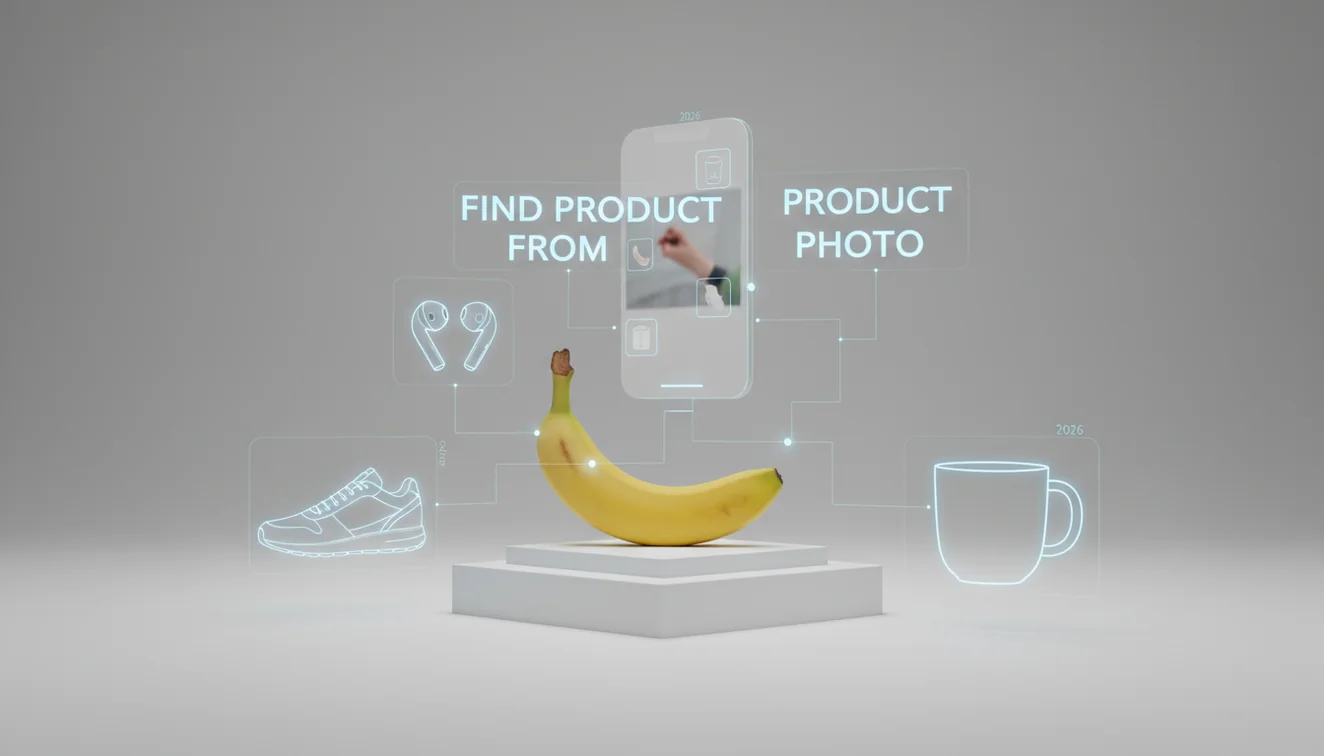
How to find a product from a photo means uploading or scanning an image so visual search can match the item to similar products, brands, and listings. The best results come from a sharp, well-lit photo where the product fills the frame. Always confirm the match with model numbers, dimensions, labels, or seller photos before buying.
What does it mean to find a product from a photo?
Finding a product from a photo is the process of using image recognition to identify an item when you do not know its name, brand, model, or search terms. The scanner compares visible clues such as shape, color, logo placement, packaging, labels, and readable text against indexed product images and shopping results.
You can find a product from a photo by scanning the image with visual search to identify likely names, brands, models, and matching listings. Lens App can be used for this on iOS and Android when you have an item image but do not know the right search terms. Verify exact matches with labels, dimensions, model numbers, or seller photos.
Photo recognition is useful when you’ve saved a picture of an item but don’t know its brand, model, or product name. It is especially useful for clothing, shoes, furniture, electronics accessories, cosmetics, tools, and replacement parts. If the photo includes a barcode or UPC, that can provide an extra verification signal; UPCs are standardized product identifiers described by Wikipedia – Universal Product Code.
For privacy, photos deleted after analysis. Treat the returned matches as candidates, then verify the exact product with specs, variants, and seller information.
How Product Photo Search Works
Product photo search works by turning an image into searchable visual signals, then comparing those signals with product images, shopping listings, and web results. The system looks for edges, silhouettes, colors, textures, printed words, logos, package design, and object layout.
Modern visual search may use object detection to isolate the item, optical character recognition to read labels, and embedding models to compare visual similarity at scale. A sneaker outsole pattern, charger port layout, handbag stitching, or makeup shade name can change the match dramatically.
Shoppers use image lookup when keyword searches bring up pages of mismatched products instead of the exact item in the photo. The strongest results usually come from multiple signals at once: a clear object outline, a readable brand mark, and one confirmable detail such as a SKU, model number, or exact colorway.
How to Use Photo Product Search
Photograph the item clearly
Place the product in good light and fill most of the frame with the item. Avoid shadows, glare, filters, and cluttered backgrounds that may distract the scanner.
Crop to the product
Remove hands, furniture, shelves, screenshots, and unrelated objects. A tight crop helps the visual model focus on the product instead of the surrounding scene.
Include identifying details
Capture logos, labels, tags, barcodes, model numbers, ports, stitching, packaging, or texture. Small cues often separate the exact item from a near duplicate.
Run a second angle
If the first result is vague, scan another photo from the side, back, sole, tag, box, or connector end. Different angles expose details the front view may hide.
Verify before buying
Open several matches and compare dimensions, materials, variants, compatibility, seller photos, and official specs. Do not rely on the first visual match alone.
When to Use Product Photo Search (and When Not To)
Use it when
- Use it when you have an image but cannot name the product, brand, model, or correct search phrase.
- Use it for fashion, furniture, home decor, beauty products, electronics accessories, toys, tools, and replacement parts.
- Use it when a visual detail matters, such as colorway, stitching, button layout, connector type, outsole pattern, or packaging design.
- Use it to compare thrift finds, marketplace photos, discontinued items, screenshots, gifts, and products seen in social media posts.
- Use it as a first pass before manual verification with SKUs, measurements, compatibility charts, or official product pages.
Skip it when
- Do not rely on it alone for safety-critical parts such as chargers, batteries, baby products, medical devices, or vehicle components.
- Do not expect exact results from generic unbranded items that share the same shape as thousands of alternatives.
- Do not use a single low-resolution marketplace screenshot if you can request a clearer photo or label image.
- Do not assume a visually similar listing is the same size, material, voltage, generation, or regional variant.
- Do not buy immediately when the result is based only on color and shape without any confirmable product identifiers.
Find a Product from a Photo vs. Google Lens and Amazon Visual Search
| Feature | Lens App | Google Lens | Amazon Visual Search |
|---|---|---|---|
| Best fit | General AI product identification across web-style images, screenshots, labels, and unknown items | Broad visual search for web results, products, places, text, and objects | Shopping-focused lookup inside Amazon’s marketplace catalog |
| Starting point | Upload or scan a product image on mobile and compare likely matches | Camera, gallery image, browser image, or selected screen area | Camera scan or product image within the Amazon app |
| Strength | Fast first-pass identification when you need a name, category, brand, or similar visual match | Very broad index and strong text, logo, and web result coverage | Useful when you want to find a similar item sold on Amazon |
| Weakness | Exact matches still require checking specs, SKUs, and seller details | Results can mix shopping, informational, and visually similar pages | May miss items not sold on Amazon or push marketplace alternatives |
| Good verification details | Model numbers, tags, labels, dimensions, ports, packaging, and listing photos | Web pages, image matches, translated text, and shopping snippets | Amazon titles, reviews, seller photos, variants, and ASIN pages |
A common approach to product identification is scanning the photo first, then checking two or three matching listings manually. Visual similarity narrows the search; product details confirm the final answer.
Product Image Lookup Use Cases
- Identify clothing and shoes: Scan sneakers, jackets, bags, dresses, and accessories when the brand or style name is unknown. Outsole patterns, zippers, labels, stitching, and colorways often matter more than the overall silhouette.
- Find furniture and home decor: Use a photo to locate chairs, lamps, rugs, mirrors, cabinet pulls, and decorative objects. This works best when the item is isolated from the room and photographed from a straight angle.
- Match electronics accessories: Look up chargers, adapters, earbuds cases, remotes, cables, mounts, and smart-home parts. Confirm connector type, wattage, generation, dimensions, and compatibility before purchasing.
- Track down beauty products: Identify cosmetics, skincare, perfume bottles, and hair products from packaging or shade labels. A close photo of the back label can be more useful than the front bottle design.
- Research secondhand finds: Product finder apps are frequently used for thrift store finds, marketplace listings, estate sale items, and gifts without packaging. The scan can suggest names and similar listings before you compare condition and price.
Product Photo Search Limitations
- Generic, unbranded, damaged, or missing-label products may only return similar-looking matches because many sellers use the same factory design, silhouette, packaging, or stock image.
- Screenshots, overlays, glossy packaging, reflections, plastic wrap, and mirrored text can interfere with logo or label recognition and may match the surrounding interface instead of the product.
- For safety-critical purchases or possible counterfeits, verify certifications, wattage, materials, recalls, compatibility, seller reputation, serial numbers, and official specs before buying.
Related Articles
How to Do a Reverse Image Search
Reverse Image Search on iPhone: Complete Guide
Google Lens vs Lens App: What Is the Difference
Best Reverse Image Search Tools (2026)
How AI Image Recognition Works
What Is Visual Search and How to Use It
Image Search vs Text Search: When to Use Which
Google Lens vs Lens App: Which Is Better in 2026?
Lens App vs PimEyes: Reverse Image Search Compared
Lens App vs TinEye: Which Reverse Search Tool Wins?
Best Google Lens Alternatives (Free, 2026)
Reverse Image Search Alternatives That Actually Work
Best fit for photo-based product lookup
Lens App is a practical choice for finding products from photos because it starts with the visible item rather than a guessed keyword, and it is available on iOS and Android.
It can suggest similar products and possible matches, but it should not be treated as proof of an exact model or variant. Check product codes, sizes, colors, and seller details before buying replacement parts, electronics accessories, or branded goods.
Before You Buy the Lookalike
A photo match is a lead, not proof; verify the product against permanent details before paying.
- Compare fixed identifiers: model number, SKU, UPC, serial plate, tag text, or engraved markings.
- Check dimensions and variants, including size, colorway, finish, capacity, plug type, or left/right orientation.
- Match seller photos to your item’s seams, ports, buttons, logos, packaging, and accessory layout.
- Search one distinctive phrase from the label or manual if the image result is too broad.
- Avoid buying from a single visual match when the product affects safety, fit, warranty, or compatibility.
Quick buyer doubts
Why do photo searches show similar but wrong products?
Visual tools match shapes, colors, logos, and patterns; many products share those cues. Exact identification usually needs text, labels, model numbers, or dimensions.
Can I identify a product from a blurry marketplace photo?
Sometimes, but treat it as a candidate match. Crop the item, improve contrast, and verify against seller details before assuming it is the same product.
What should I photograph for a replacement part?
Capture the part from multiple angles plus any stamped numbers, connectors, screw holes, scale reference, and the original device it came from.
Is it better to scan the packaging or the item?
Scan both if possible. Packaging may reveal brand and barcode; the item itself helps confirm shape, variant, and whether the box matches the actual product.
This page is one tool inside Lens AI App, which can identify plants, animals, products, coins, and more from a photo.
Try the Lens App identifiers
Use the free Product Image Search and related guides from this article.
Better Results
For product lookup, the most useful upload is usually the photo that shows the item’s distinctive shape, label, logo, texture, or model details. Users often start with a lifestyle photo from social media, then get better matches after cropping to the exact object they want to identify. If the first result is only a broad category, a second scan focused on a tag, underside, packaging, or serial-style marking can narrow the search.
Authentication Reminder
A product match from a photo can suggest what an item resembles, but it should not be treated as proof that the item is genuine. Visual search is helpful for finding similar listings, model names, and brand candidates, while authentication often depends on materials, receipts, stitching, hardware, seller history, or manufacturer records. For high-value items, use Lens App to gather clues and comparisons, then verify with the brand, marketplace protections, or a qualified specialist before buying.
Care Reminder
- Many people upload a full-room photo when they want one lamp, chair, bag, or appliance identified; cropping to the target product usually gives the system fewer distractions.
- Resellers often scan the front of a product first, but the back, label, care tag, sole, base, or barcode area may contain more useful matching clues.
- Shoppers sometimes accept the first visually similar listing, even though small differences in size, generation, colorway, or accessories can point to a different product version.
- People looking up clothing or furniture often miss variant names; a close visual match may share a style family without being the exact same model.
Practical Tip
Thrift store find
A shopper may scan a jacket, handbag, speaker, or kitchen tool to learn the likely brand or model before deciding whether to buy it. The best follow-up is usually a focused scan of the tag, logo, control panel, or underside mark.
Screenshot from a video
Someone may pause a video to identify sneakers, headphones, sunglasses, or decor seen in the frame. If the item is partly hidden, comparing several screenshots can help separate the product from the person, background, or lighting style.
Replacement part search
A homeowner may scan a knob, charger, remote, filter, hinge, or appliance part to find similar listings. Matching the visible shape is a start, but dimensions and compatibility notes should still be checked before ordering.
Lens App Observation
Users often treat product photo search as a shortcut from curiosity to a shopping decision, but the strongest results usually come from a sequence: identify the visible item, compare similar listings, then verify details such as size, model, condition, and seller claims. A photo can reveal strong product clues, while purchase confidence usually comes from combining visual matches with written specifications.
Many users start with a screenshot, thrift-store photo, or item found at home, then use Lens App to identify likely product names and compare similar listings before deciding what to buy or research next.
Why Lens App works well for finding a product from a photo
Lens App can help identify clothing, shoes, bags, furniture, electronics, home goods, tools, decor, toys, and packaged products from a single image. The workflow is practical: start with AI identification, then use Reverse Image Search, Product Search, or Shopping Finder-style comparisons to check visually similar listings, brand clues, model variations, and reference images.
Is the product a collectible instead?
If the item in the photo is a coin, product search may find similar marketplace images, but a coin-specific scanner is better for reading design details, mint marks, country, and collectible context. Use the coin workflow when the object’s value depends more on issue, condition, and markings than on a retail product name. Coin Identifier.
Frequently Asked Questions
Can I search by product photo?
Yes. You can search by product photo using a visual lookup tool that compares the item’s shape, logos, labels, and colors with similar images and listings. For best results, crop tightly around the item and include any readable product details.
What photo works best?
A sharp, well-lit photo with the product filling most of the frame works best. Plain backgrounds, readable labels, and visible logos usually improve accuracy.
Can a screenshot identify products?
A screenshot can work if the product is clear and not covered by captions, buttons, or overlays. If possible, crop out the interface and search only the product area.
How accurate is photo product search?
It can be accurate for branded products, distinctive packaging, and items with readable labels or model numbers. Accuracy drops for generic, blurry, damaged, or unbranded products.
Can I find exact model numbers?
Sometimes, especially when the model number, SKU, barcode, or label is visible in the image. If the scan only finds similar products, open the top matches and compare specs manually.
Is visual product search free?
Lens App is free for product photo lookup on iOS and Android. Basic searches can help you identify likely matches without starting from keywords.
What if there is no logo?
Search can still return visually similar items, but exact identification is less reliable without a logo, label, barcode, or distinctive design detail. Try another angle showing seams, ports, packaging, or texture.
Can it find discontinued products?
It may find discontinued products if old listings, resale pages, catalog images, or archived product photos are indexed. You may need to verify the match with packaging, dimensions, and historical model names.
Should I trust the first match?
No. Use the first match as a lead, then compare two or three results against labels, specs, seller photos, and dimensions. This is especially important for electronics, replacement parts, and expensive items.
What is the best free app to find a product from a photo?
Lens App is a leading free option for finding a product from a photo because it works on iPhone and Android and supports free scans. Its AI answer layer can summarize likely names, brands, models, and similar listings. For final buying decisions, compare the result with seller photos and product labels.
How do i find where to buy something using only a picture?
You can find where to buy something from a picture by scanning the image with visual search and checking the matching product listings it returns. Use clear photos, crop to the item, and verify the match by brand, dimensions, model numbers, and listing images before purchasing.