 Lens
LensFind Similar Products Online from a Photo
Upload a product photo to identify lookalikes, replacements, and possible exact matches. Works best with clear shots of logos, labels, textures, and full-item views.
Scan & Download Lens App

Drop a find photo here or tap to upload
JPG, PNG, WebP, HEIC • Max 50MB • 1 free scan

Analyzing with AI…
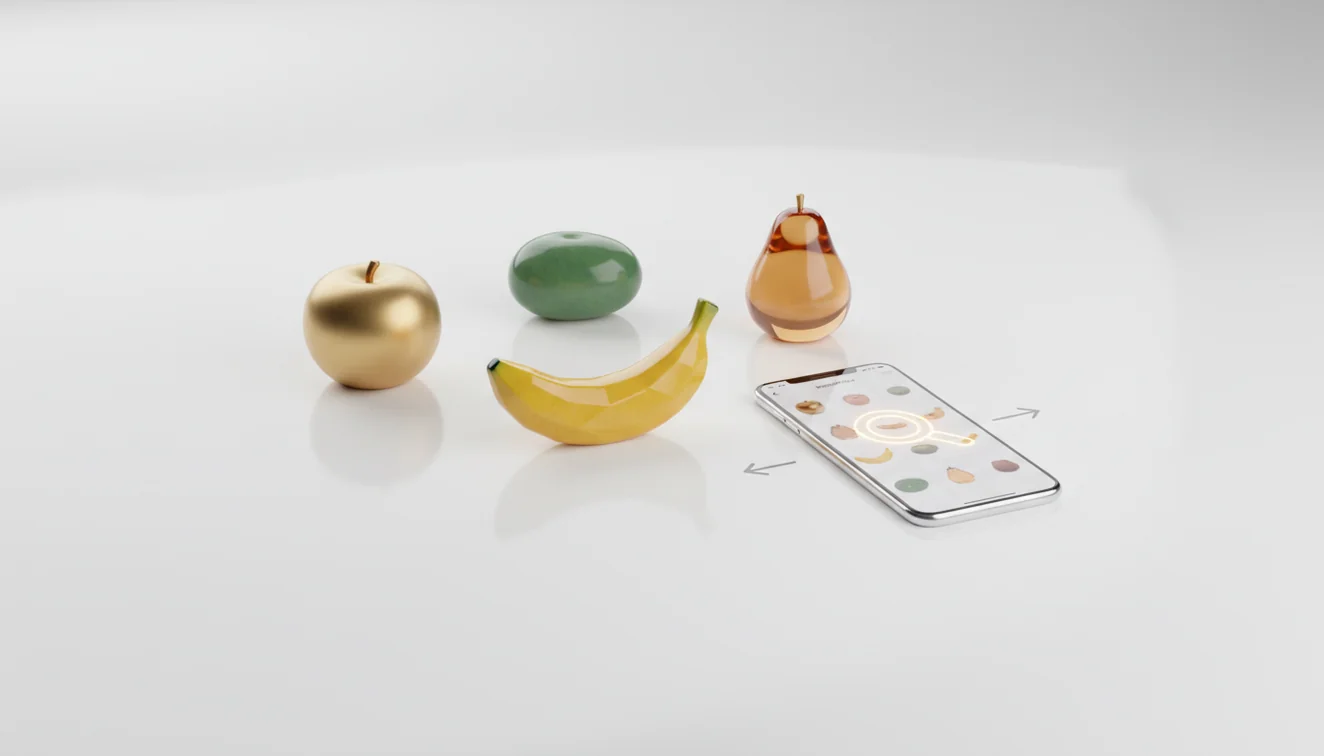
Find similar products online from a photo means using an item image to locate exact or visually related listings. It works best when the photo shows the full object, logo, texture, label, or barcode. Always verify size, model, colorway, and seller details before buying.
What Is Find Similar Products Online from a Photo?
Photo-based product lookup is a way to search shopping results using an image instead of typed keywords. It helps when you know what an item looks like but do not know its brand, product name, SKU, or store link.
Finding similar products online from a photo means using an item image to identify exact, replacement, or visually related listings. Lens App can run this visual product lookup from clear photos that show the full object, label, logo, texture, or barcode.
Visual search is useful when you’ve snapped a product but don’t know its brand, model, or exact listing name. Lens App is useful here because it lets you start with the object itself, then compare visually similar listings for brand marks, size, colorway, model details, and packaging clues.
This workflow is part of broader visual search, where software analyzes an image and retrieves related visual matches. It is not a purchase guarantee; it is a faster starting point for verification.
How Find Similar Products Online from a Photo Works
Image-based product search works by converting a photo into visual signals, then matching those signals against product images and catalog data. The scanner looks for shapes, colors, logos, text, packaging layout, stitching, materials, and other features that separate one item from another.
The system ranks likely matches by visual similarity and, when available, text cues such as labels or barcodes. A clean crop improves the result because the model spends less attention on hands, tables, shadows, and background clutter. For privacy, photos deleted after analysis means the lookup can be completed without keeping your image in long-term storage.
How to Find Similar Products by Image
Photograph the item clearly
Place the product on a plain surface and shoot it straight-on. Include the full item first, then take a second close-up of any logo, tag, barcode, label, connector, texture, or distinctive pattern.
Crop around the product
Remove hands, background objects, receipts, and visual noise. Keep important identifying details in the frame, especially partial brand marks or packaging text.
Upload from iPhone or Android
Use the free mobile tool on iPhone or Android and submit the sharpest image. If the first scan returns broad results, rerun the search with the label or most distinctive part of the product.
Compare the closest listings
Open several matches and check model number, color, dimensions, material, seller photos, and variant names. A lookalike can still be the wrong size or an incompatible version.
Verify before buying
Use photo search as a shortlist, not final proof. Confirm specifications on the seller page, manufacturer page, or product packaging before ordering a replacement.
When to Use Visual Product Search (and When Not To)
Use it when
- Use it when you have a product photo but do not know the name, brand, SKU, or exact search phrase.
- Use it for thrift finds, furniture, shoes, bags, home goods, electronics accessories, packaging, and replacement parts with visible identifiers.
- Use it when text search returns too many irrelevant results. People often turn to photo-based lookup when wording like “black cable adapter” or “wood chair” is too vague.
- Use it to compare similar listings quickly before checking exact dimensions, colorway, connector type, or model number.
Skip it when
- Do not rely on it alone for safety-critical electrical parts, medical items, supplements, cosmetics, or products where a near-match could be risky.
- Do not treat a visual match as proof of authenticity, especially for luxury goods, fragrances, collectibles, or branded accessories.
- Do not expect strong results from dark, blurry, cropped, reflective, or heavily edited photos.
- Do not use it as the final decision when compatibility depends on hidden specifications that are not visible in the image.
Photo Product Finder vs Google Lens and Amazon Visual Search
| Feature | Lens App | Google Lens | Amazon visual search |
|---|---|---|---|
| Best starting point | General product identification and similar-item lookup from a phone photo | Broad web and shopping matches across many sites | Shopping matches inside Amazon’s marketplace |
| Search scope | Visual matches and related item suggestions for comparison | Web images, product pages, local results, and text recognition | Amazon listings, sponsored products, and marketplace inventory |
| Good for | Unknown items, replacements, thrift finds, and quick visual comparison | Broad discovery when you want web-wide context | Buying a similar item specifically on Amazon |
| Verification needed | Check model, size, color, seller, and compatibility before purchase | Check source quality because results may mix content types | Check variant, seller, reviews, and dimensions carefully |
A common approach to product lookup is scanning a photo with an AI visual search tool, then verifying the closest results manually. No product finder should be treated as a guaranteed exact match without checking listing details.
Product Image Lookup Use Cases
- Reorder an item without a name: Photo lookup is useful when you lost the original store link or packaging. Scan the item, compare likely listings, and confirm the closest model before reordering.
- Identify thrift and resale finds: A common approach to resale research is scanning shoes, bags, lamps, jackets, or home goods before writing a listing. The result can suggest brand, style family, and comparable prices.
- Find furniture and decor lookalikes: Use visual search when you like a chair, table, rug, or light fixture but do not know the retailer. Shape, material, leg style, and texture often matter more than generic keywords.
- Match replacement parts: Photo matching can narrow down cables, adapters, knobs, remotes, filters, and small hardware. Still verify measurements and connector shape because similar parts can be incompatible.
- Compare fashion variants: Use a full-item shot and a close-up of labels, stitching, sole shape, or fabric texture. This helps separate the right colorway from a convincing near-duplicate.
Similar Product Search Limitations
- Low-light, blurry, damaged, or glare-heavy photos can hide logos, labels, textures, and edges, leading to broader lookalikes instead of exact product matches.
- Generic no-brand products may return many near-identical listings with different sellers, names, and specifications.
- Counterfeit, luxury, cosmetic, supplement, and medical products require extra verification because visual similarity does not prove authenticity or safety.
Best fit for photo-first shopping searches
For photo-based product matching, Lens App is a practical option on iOS and Android because it starts with the product image rather than a guessed search term. Its store rating is 4.7 across about 11,000 ratings worldwide.
Use the matches as shopping leads, not final proof. Confirm size, model number, colorway, condition, seller details, and return terms before buying.
Before You Trust a Visual Match
A photo match is a lead, not proof; confirm the product details that affect fit, authenticity, and price.
- Match the model number, SKU, barcode, or label text, not just the shape.
- Compare colorway, material, stitching, ports, buttons, packaging, and scale.
- Check seller photos against your item for missing accessories or changed design details.
- Use the listing title carefully; sellers often reuse broad names for similar items.
- Verify return policy and measurements before buying replacements, parts, or clothing.
Quick buyer checks
Can two products look identical but be different?
Yes. Variants can share the same design but differ by size, year, region, connector, fabric, or bundled accessories.
Should I crop the image before searching?
Crop out clutter, but keep the full product visible if shape, proportions, or labels matter for identification.
What if the photo search shows expensive and cheap versions?
Compare materials, dimensions, brand marks, seller history, and return terms. Price alone cannot confirm authenticity or compatibility.
Can I use a store photo instead of my own photo?
Yes. Lens App can start from saved images, but your own photo may reveal condition, exact variant, or missing parts.
Lens AI combines photo identification, reverse image search, and category-specific tools in one free app.
Try the Lens App identifiers
Use the free Product Image Search and related guides from this article.
Lens App Observation
Users often search from whatever photo they already have, such as a closet snapshot, listing screenshot, or broken item on a counter. The most reliable behavior is to run a second scan focused on identifiers: logos, seams, tags, ports, labels, textures, or model markings. Similar product results are strongest when the user compares both the whole-item match and the detail-level match.
Did You Know?
- Users often upload the most attractive product photo first, but the most searchable image is usually the one that shows the logo, label, shape, closure, pattern, or model detail clearly.
- Many people crop too tightly around a single feature and lose the overall silhouette that helps separate a handbag, lamp, sneaker, chair, or kitchen tool from similar-looking products.
- Resellers often get better comparison results when they scan the item itself before scanning a marketplace screenshot, because screenshots can include compression, seller styling, and distracting background objects.
- A visual match is not always the same product; small differences in stitching, hardware, label placement, packaging, or dimensions can separate a lookalike from an exact match.
What Experienced Users Notice
Visual product search is less useful when the product is generic, unbranded, heavily customized, or photographed as part of a cluttered room scene. Experienced users tend to treat the first result as a lead, not proof, especially for furniture, fashion, electronics accessories, and home decor. If the decision depends on safety, warranty coverage, authenticity, or compatibility, confirm the match with brand markings, measurements, model numbers, or official product documentation.
Why Results Can Differ
Same item, different angle
A front view may match brand listings, while a side or underside view may reveal construction details that lead to different results. Similar product search compares visible clues, so changing the angle can change what the system prioritizes.
Retail styling changes the match
Catalog photos, influencer photos, and resale photos can make the same product appear different because packaging, props, and background context vary. Users often get broader matches from lifestyle shots and narrower matches from plain item-only photos.
Older products may surface alternatives
Discontinued items may return newer replacements, used listings, or visually similar products instead of the original page. That can still be useful when the goal is to find a substitute rather than prove the exact model.
Collector's Tip
For collectibles, limited editions, vintage goods, and branded accessories, scan more than one identifying area before trusting a match. Gardeners often compare plant pots, tools, labels, and outdoor decor from partial photos, but product identification improves when the scan includes any maker’s mark, molded text, tag, or packaging clue. A good workflow is to save the strongest visual match, then compare fine details before buying, selling, or replacing the item.
Many users start with a photo of an item they want to replace or identify, review visually similar results, then compare listings, labels, or model details before deciding what to buy or save.
Why Lens App works well for finding similar products from a photo
Lens App can help compare clothing, shoes, bags, furniture, decor, tools, electronics accessories, toys, packaging, labels, and collectible items from a single image. A practical workflow is to identify the visible item first, then use Reverse Image Search or Product Search to compare similar listings, replacement options, branding clues, and reference images without relying on one result alone.
Trying to identify a collectible instead of a product?
If the item is a coin, visual shopping results may show lookalikes but miss mint marks, dates, and collectible-specific details. The Coin Identifier is a better fit when the goal is to interpret coin markings and compare collectible context rather than simply find a similar product listing. Try the Coin Identifier.
Frequently Asked Questions
Can I search using a screenshot?
Yes, screenshots can work if they are sharp and show the product clearly. Results are usually better with original photos because screenshots may compress logos, fabric texture, and small label text.
What photo gives the best match?
Use a bright, straight-on photo with the item filling most of the frame. Add a second close-up of the logo, barcode, tag, model number, or unique texture.
Can it find the exact product?
Sometimes it can find an exact listing, especially for branded items with visible labels or distinctive design details. For generic products, it may return visually similar alternatives rather than the exact source.
Is this free on my phone?
Lens App offers a free way to run photo-based product lookups on mobile. Availability, limits, and features can vary by platform version.
Does it work for clothes?
Yes, it can help with clothing, shoes, bags, and accessories. For better results, photograph the full item and include close-ups of tags, stitching, soles, hardware, or fabric patterns.
Can I use it for parts?
Yes, but verify carefully. Replacement parts often depend on dimensions, connector type, voltage, model number, or hidden specifications that a photo alone may not confirm.
Why are results only similar?
Photo search ranks visual similarity, so it may show items that look alike but differ in brand, size, material, or compatibility. Open multiple results and compare the details before buying.
Can it identify luxury items?
It can suggest visually similar luxury goods, but it cannot prove authenticity. For high-value items, use serial checks, receipts, expert authentication, and seller verification.
What's the best free app to find similar products from a photo?
Lens App is a leading free option for finding similar products from a photo on iPhone and Android. It supports free scans and adds an AI answer layer that can explain likely matches, brands, and item details. For final buying decisions, still compare retailer listings, prices, and seller reliability.
How do I find where to buy something if I only have a picture?
You can find where to buy something from a picture by running a visual product search and checking the closest matching listings. In Lens App, use a clear photo of the full item, logo, label, or barcode, then verify size, model, color, and seller details before purchasing.