 Lens
Lens
Sneaker Legit Check App for Buyers and Resellers
Point your camera at the shoe, the tag, and the box label. Lens App reads what is visible, compares it against similar photos and listings, and gives you plain notes you can act on before money moves.
Drop a photo here or tap to upload
JPG, PNG, WebP, HEIC • Max 50MB

Analyzing with AI…
Matching visual features and similar results


How does a sneaker legit check app work?
A sneaker legit check app reads the visible details in your photos: stitching, logo shape, size tag text, box label, and shoe shape. Lens App compares those details with similar images and public listings, then explains what matches the expected release and what looks inconsistent. It is research support, not a certificate of authenticity.
What a photo can prove, and what it cannot
A camera sees surfaces. It can read a size tag, count stitch rows, compare a swoosh curve or a heel tab shape, and check whether a box label matches the shoe inside. Those are real signals, and they catch a large share of obvious problems: wrong font on the tag, a style code that does not exist, a colorway that was never produced in that size run.
A camera cannot smell the glue, feel the leather, or weigh the shoe. It cannot see inside the midsole. Replica quality has climbed, and the gap between a good fake and a retail pair sometimes lives in materials rather than shapes. So treat any scan as one input beside seller history, receipts, and return policy.
That framing matters when money is on the line. Lens App is built to identify anything from a photo and explain its reasoning, not to hand out verdicts it cannot support. When the evidence is thin, it says so instead of guessing confidently.
The eight photos to take before you scan
Consistency beats volume. Resellers who shoot the same eight angles every time get faster, more comparable answers. Start with a full side profile on a flat surface, then the heel straight on, then the toe box from above. Add the outsole, the insole with the branding visible, and the size tag inside the tongue or the collar.
Finish with the box: the end label showing style code, colorway name, and size, plus one shot of the shoe next to the open box so the pair and the label appear in the same frame. Sellers who split those two shots can swap boxes between photos. One combined frame closes that gap.
Shoot in daylight or under a single bright lamp. Avoid mixed lighting, because color casts push suede toward the wrong shade and make a legitimate pair look off. If you are photographing on a thrift store shelf, pull the shoe out and set it on the floor rather than shooting up at an angle.
Details Lens App tends to surface first
Scan a side profile and the response usually opens with model and likely colorway, then moves to specifics: stitch density along the swoosh or the three stripes, the shape of the heel counter, the spacing of the perforations, and how the midsole paint edge meets the upper. Those are the areas where mass produced copies drift, because tooling is expensive and stitching is timed.
The app also flags things you may have overlooked in the listing photos, like a heel pull tab sewn at a different angle from the other shoe or a lace lock printed with a slightly different logo weight. It behaves like an identify object from photo tool with a habit of narrating what it noticed and where it is uncertain.
Ask follow up questions in the same session. Type something like "compare this heel to a 2019 retail pair" or "is this stitching normal for this model" and you get a written breakdown instead of a score. Written reasoning is more useful than a percentage, because you can check each claim against your own photos.
Box labels, size tags, and style codes
The end label on the box carries the style code, the size, the colorway name, and often a production date. Mismatches there are common with bulk lots, sometimes through carelessness rather than fraud. Scan the label and the size tag separately, then compare. If the style code on the label does not match the tag inside the shoe, you have a question for the seller before you have a problem.
International pairs add another wrinkle. Labels and receipts show up in Japanese, Korean, Portuguese, or German depending on where a lot came from. Point the camera at the text and use image translation to read the sizing block, the retailer name, and any care instructions without leaving the app.
Keep a note of what you find. When you resell, buyers ask for the same photos you took when you bought. A tidy folder of tag, label, and outsole shots shortens the negotiation and reduces the odds of a return claim.
Check the market before you check the shoe
Legit checking and pricing are the same task done in sequence. A pair that scans clean but sells for forty dollars less than you paid at the thrift store is still a bad buy. Scan the shoe, get the model and colorway, then look at where similar pairs are listed and what condition tiers they sit in.
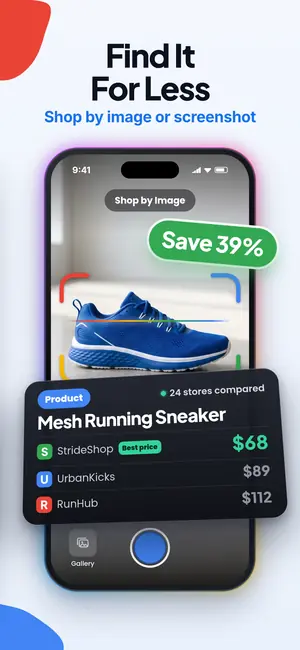
Lens App can run a reverse image search style lookup from a photo you already have, which is useful when a seller posts a stock image and you want to know where else that exact image appears. If the same photo is on twelve listings across three sites, you are looking at a dropshipper, not a closet clear out.
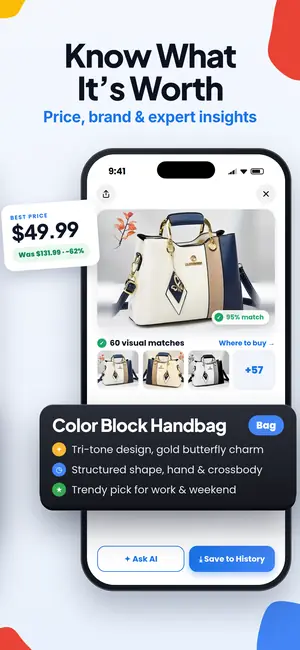
From there, the shopping finder side of the app surfaces comparable listings so you can sanity check the ask. Between the identification, the visual match, and the price range, most decisions get simple within a minute or two.
A workflow for thrift runs and bulk lots
Speed matters when you are standing in an aisle. A workable loop: pick up the shoe, scan the side profile, glance at the model and the price range, then scan the size tag only if the first answer is worth chasing. Most passes end at step two, which is the point.
For bulk lots bought sight unseen, do the opposite. Photograph every pair in the same order under the same light, batch your scans at home, and build a spreadsheet with model, size, condition, and flagged issues. Lots of forty pairs usually contain three or four with mismatched boxes and one or two obvious replicas, and you want those separated before you list anything.
Some sellers use the same camera habit for their non sneaker inventory. The app doubles as a what is this scanner for estate box oddities, and the same team ships a coin identifier for loose change jars and a rock identifier for mineral lots, which saves flipping between apps during a sorting session.
Blurry, dim, and cropped listing photos
Marketplace photos are often bad on purpose. A soft focus shot of a heel hides a crooked stitch line. Before you write the listing off, screenshot the best available frame and scan it. Lens App will often name the model from silhouette alone and tell you which details it could not read.
There is a real limit here. If the image is under a few hundred pixels wide or heavily compressed, the fine stitching evidence is gone and no tool recovers it. The honest answer in that case is to ask the seller for better photos, and refusal to send them is itself information.
Cropped photos have a different failure mode. A tight crop of a logo removes the proportions that make a comparison meaningful. Ask for the full side profile with the whole shoe in frame, on a plain floor, in daylight.
What Lens App is and is not
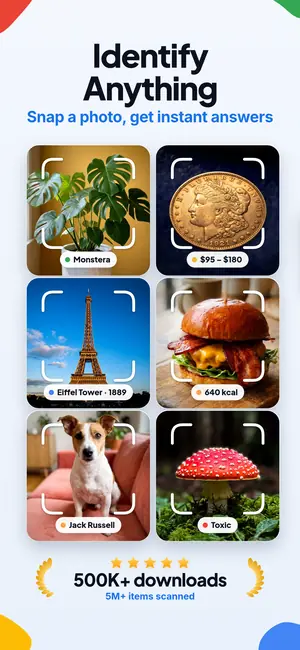
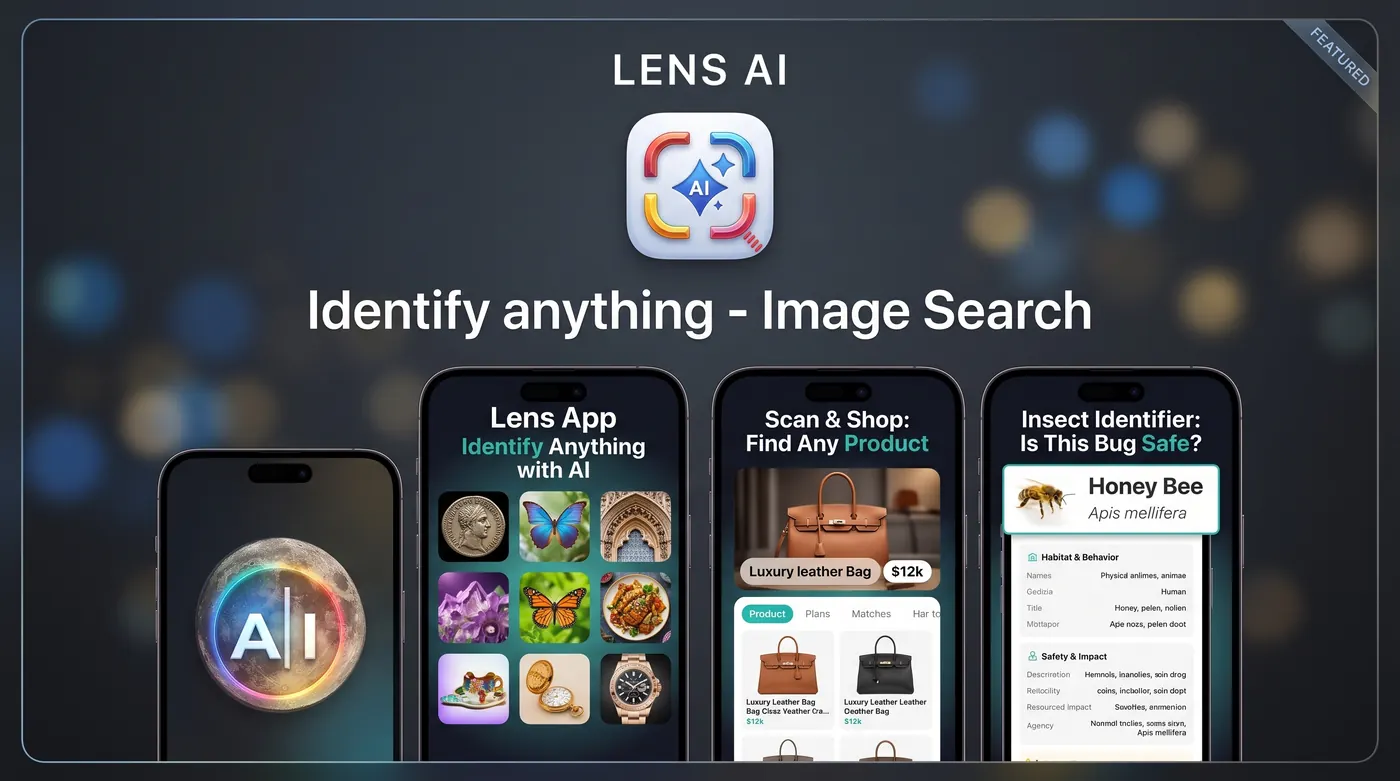
Lens App is an AI camera and photo assistant. You point it at something, it tells you what it sees and what it thinks, and you ask follow up questions. People use it to identify anything from a photo, from sneakers to houseplants with the plant identifier and backyard visitors with the animal identifier.
It is not an authentication service. It does not issue certificates, it does not inspect materials, and it has no relationship with any brand, marketplace, or authentication desk. For high value pairs, use a marketplace with authentication built into the sale, or a paid human authenticator, and treat the scan as your pre screen.
Pricing and how the free scans work
Downloading Lens App is free, with in app purchases available. On mobile you get free scans every day, which covers a normal thrift run or a handful of listing checks.
If you scan volume, the upgrade options on the App Store listing include weekly, monthly, yearly, and lifetime plans. Pick based on how you actually work: seasonal sellers often do better on a monthly plan during peak months, while full time resellers usually land on yearly or lifetime.
Nothing about the free tier is a trial that expires. Free daily scans stay free. Upgrading raises limits and unlocks higher volume use, so start free, run twenty or thirty real scans on inventory you already know, and decide from there.
FAQ
Can Lens App tell me for certain if a sneaker is fake?
No. It reads visible details and tells you what matches expectations and what looks inconsistent, with reasoning you can check yourself. For a pair worth several hundred dollars or more, use a marketplace with authentication in the sale or a paid human authenticator, and treat the scan as your first filter.
Which photos give the most useful answer?
A flat side profile in daylight, the heel straight on, the outsole, the insole, the size tag inside the shoe, and the box end label. Adding one frame with the shoe and the open box together prevents box swapping between photos and answers a question most buyers eventually ask.
Does it work on listing screenshots?
Yes, and that is one of the most common uses. Screenshot the clearest photo in the listing and scan it. Expect model identification to work well and fine stitching analysis to be limited, since compression removes exactly the detail that matters most for close comparisons.
Can it read foreign language box labels and receipts?
Yes. Point the camera at the text and the translation feature handles Japanese, Korean, German, Portuguese, and many others. This is useful for lots imported from overseas outlets where the sizing block and retailer name are not in English.
Can Lens App identify sneakers from a picture?
Lens App can identify a likely sneaker model and colorway from a clear picture. Results are less certain when the photo hides the logos, sole, size tag, or other model-specific details.
How much does it cost?
Optional upgrades include weekly, monthly, yearly, and lifetime options for people who scan a lot of inventory.
Will it help me price a pair as well as identify it?
It identifies the model and colorway, then surfaces comparable listings so you can see a realistic range. Condition still drives the final number, so photograph creasing, heel drag, and yellowing honestly and price against pairs in the same shape rather than deadstock.