 Lens
Lens
Lens - Photo Scan, Identifier vs Lens App
Two image identifiers, two different bets. One bundles PDF tools and chat into a single app. Lens App puts everything into recognizing what is actually in your photo.


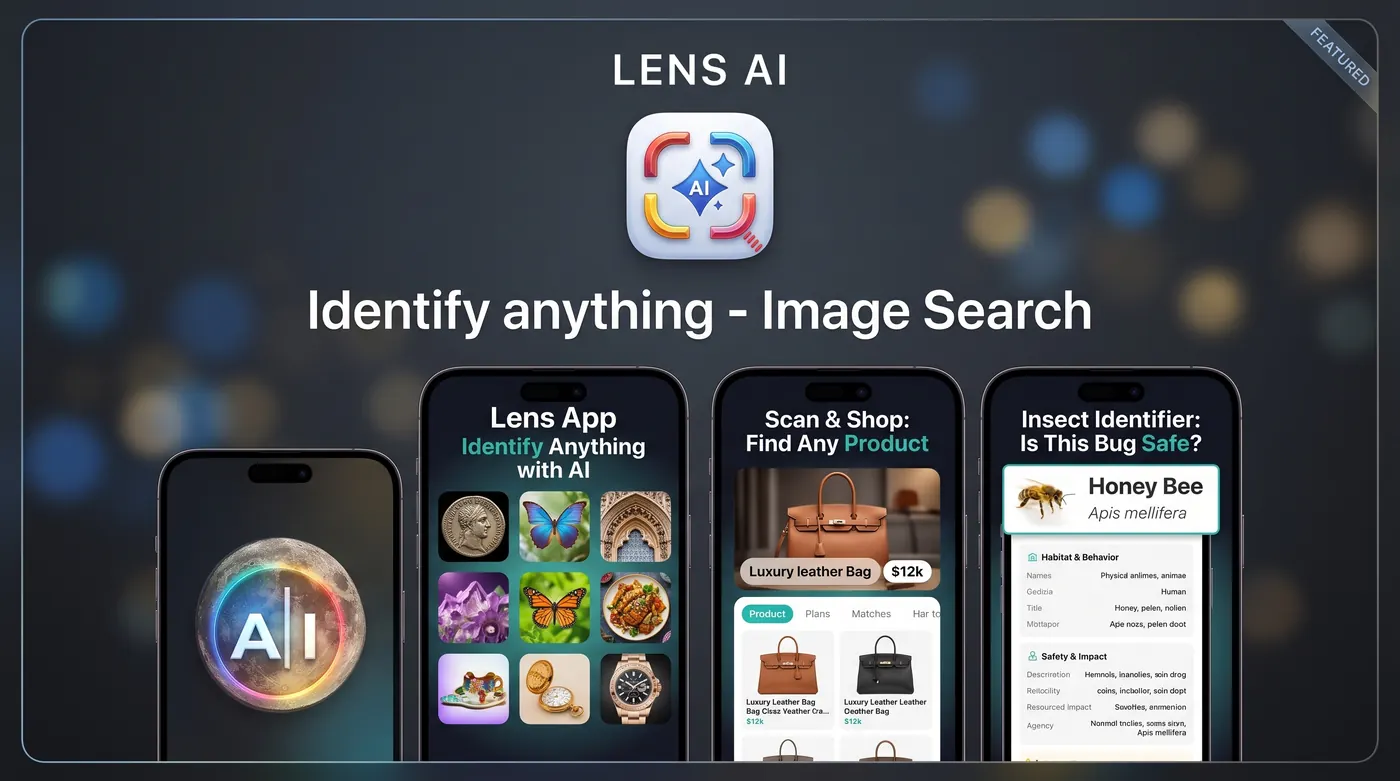
What is the difference between Lens - Photo Scan, Identifier and Lens App?
Lens - Photo Scan, Identifier bundles identification with a PDF editor, translation, and AI chat, and its free tier allows only about two scans before a paywall. Lens App focuses on identification alone, gives free daily scans on mobile plus one free web scan per day, and reads difficult photos of coins, rocks, plants, and insects.
Fact: Lens - Photo Scan, Identifier holds a 4.3 rating from roughly 659 ratings on the App Store and is published by Mary Torres. Lens App is an independent product and is not affiliated with or endorsed by Google.
The short version
Lens - Photo Scan, Identifier is a multi tool. Alongside object recognition it offers translation, product scanning, an AI chat window, and a PDF editor. If you want one icon on your home screen that handles several unrelated jobs, that breadth is the appeal.
Lens App is narrower on purpose. You point the camera or upload a photo, and the answer comes back as a named result with reasoning you can read: what it looks like, what it could be confused with, and what to photograph next if you want more confidence. There is no document editor, no chat sidebar, no extra tabs to learn.
Neither approach is wrong. The question is whether identification is the main thing you came for or one item on a longer list.
Free tiers: two scans versus daily scans
This is the difference most people notice first. Reviewers of Lens - Photo Scan, Identifier repeatedly mention that the free tier stops after a couple of scans spread across all categories. You get a taste, then a subscription screen. That is a legitimate business model, but it means you cannot really test the app on the thing you actually care about before paying.
Lens App gives free daily scans on mobile and one free web scan per day, with optional upgrades if you want more volume. The practical effect is that you can use it casually for weeks without paying, and you can test it against something you already know the answer to. If you have a coin you have already had appraised or a plant you can name, run it through both apps and compare the reasoning, not just the label.
Hard categories: coins, rocks, and insects
Collectors are the toughest audience for any identifier, and Lens - Photo Scan, Identifier earns real praise here. Coin and antique users say the detail it returns is better than they expected, which is worth acknowledging.
Lens App approaches the same categories with a habit of showing its work. On a worn coin it will name the design and the likely series, then tell you which part of the surface would settle the question: the mint mark, the date field, the edge, the rim. On a rock it separates what the photo can support - color, luster, grain, crystal habit - from what needs a hardness test or a streak plate. On an insect it names the family and flags close lookalikes rather than committing to a species from a blurry wing.
For anything involving value, both apps should be treated as a first pass. A dealer, a museum, or a local club settles the money question.
Photos that are not perfect
Most identification failures are photo failures. The subject is small in frame, the light is behind it, the glass is dirty, or the animal moved. Apps that were tuned on clean product shots tend to stall here and return either nothing or a confident wrong answer.
Lens App was built with the assumption that your photo is average. It will work from motion blur, low light, harsh backlight, and awkward angles, and it says out loud when detail is missing instead of guessing. A typical response reads like: this is most likely a jumping spider based on body shape and leg posture, but the eye arrangement is not visible, so photograph the front of the head in better light to confirm.
That framing matters more than raw accuracy scores. Knowing why the app is unsure tells you exactly what to do next.
Extras: PDF tools and chat, or nothing extra
The PDF editor inside Lens - Photo Scan, Identifier shows up in reviews as a genuine convenience for some users and as clutter for others. Bundling is a tradeoff. Every extra feature is one more tab, one more permission, one more thing bundled into the subscription price whether you use it or not.
Lens App keeps identification, reverse image lookup, translation of text in images, and shopping style visual search under one purpose: telling you what you are looking at and where it comes from. There is no document workflow. If you need to edit PDFs, use a PDF app that does it well.
Ask yourself which failure annoys you more: paying for features you never open, or keeping two apps on your phone.
Translation and product lookup
Both apps read text in images. On a menu in Lisbon or a shampoo bottle in Seoul, either will get you the gist. Lens App handles image translation with the same overlay approach and works on curved labels, handwriting, and signage photographed at an angle, which is where most translation tools start dropping words.
Product search is similar in concept and different in framing. Lens - Photo Scan, Identifier positions it as product scanning. Lens App treats it as a shopping finder: identify the item first, then look for the same or similar listings, including for things without a barcode like a secondhand chair or an unbranded lamp. Reverse image search is available for the opposite case, when you have a picture and want to know where else it appears online.
Living things: plants, pets, and wildlife
Plant and animal identification is the volume use case for both apps. Someone points a phone at a leaf, a moth on a screen door, or a dog at the park. Lens - Photo Scan, Identifier covers plants and pets among its categories. Lens App runs a plant identifier and an animal identifier with the same habit of listing lookalikes, because that is where errors live: two sedges that differ by seed head, two sparrows that differ by crown stripe.
One boundary worth stating plainly. Lens App names fungi and reports what the visible features suggest, and it will not tell you a mushroom is safe to eat. Edibility cannot be settled from a photograph, and the consequences of a wrong answer are severe. The same caution applies to bites, stings, and rashes: an app can suggest what insect may be involved, but it is not a diagnosis and should not replace a clinician.
Pricing, plainly
Lens - Photo Scan, Identifier is a free download with in app purchases, and unlimited scanning sits behind a paid plan. Because the free allowance is small, most users decide at the paywall rather than after real use.
Lens App is also a free download with in app purchases and subscriptions. On the App Store listing the purchase labels include Weekly, Monthly, Yearly, Pro, and Lifetime options. On the site the arrangement is free daily scans on mobile, one free web scan per day, and optional upgrades when you want more. Check the current listing before you buy, since plans and prices change.
The honest summary: if you scan a few things a week, Lens App is likely to stay free for you. If you scan constantly, both apps will want a subscription, and the question becomes which one you trust with the answer.
Which one should you install?
Pick Lens - Photo Scan, Identifier if you want one app that also handles documents and chat, and you do not mind subscribing early to find out whether the identification suits you.
Pick Lens App if identification is the point. Free daily scans mean you can test it on your own coins, rocks, houseplants, and backyard insects before paying anything. Answers arrive with reasoning and lookalikes rather than a bare label, and difficult photos are treated as the norm instead of an edge case.
A reasonable move is to install both, photograph five objects you can already name, and see which app tells you something useful about the two it gets wrong. That test takes ten minutes and tells you more than any comparison table, including this one.
Side-by-side comparison
| Feature | Lens App | Other app |
|---|---|---|
| Free allowance | Free daily scans on mobile plus 1 free web scan per day | About two scans total across categories, then paywall |
| Focus | Identification, translation of image text, reverse lookup, visual shopping | Identification plus PDF editor and AI chat |
| Answer style | Named result with confidence notes and lookalike warnings | Category result with detail, praised for coins and antiques |
| Blurry and low light photos | Designed for imperfect shots, states what detail is missing | Best results with clear, well lit images |
| Collector categories | Coins, rocks, minerals, insects, plants, animals | Coins, plants, pets, insects, products |
| Document tools | None by design | PDF editor included |
| Web access | Browser version with one scan per day | App Store app |
| Pricing model | Free download with Weekly, Monthly, Yearly, Pro, and Lifetime options | Free download with subscription for unlimited scans |
| Store rating | See current App Store listing | 4.3 from around 659 ratings |
| Safety stance on fungi | Identifies but never confirms edibility | Not stated in app materials |
Based on public App Store listings and may change. Lens App is independent and not affiliated with other apps that use Lens in their name.
FAQ
How many free scans does each app give?
Lens - Photo Scan, Identifier limits its free tier to roughly two scans across all categories before asking for a subscription. Lens App provides free daily scans on mobile and one free web scan per day, with paid upgrades available if you need higher volume.
Is Lens App connected to Google Lens?
No. Lens App is an independent product with no affiliation with Google and no endorsement from Google. The word lens describes what the app does with a camera image, not a partnership. The same applies to other apps that use lens in their names.
Which app is better for coins and antiques?
Lens - Photo Scan, Identifier has a good reputation among coin and antique users for detailed output. Lens App names the likely series and then tells you which feature to photograph next, such as the mint mark or date field. For value, confirm with a dealer or collector group.
Does Lens App include a PDF editor?
No. Lens App does not include document editing, and that is deliberate. It focuses on identifying subjects, reading text in images, reverse image lookup, and visual shopping search. If you want identification and PDF tools in a single app, the competitor bundles both.
What happens with a blurry or badly lit photo?
Lens App is built for average photos and returns a best estimate with a note about what detail is missing. Instead of a bare guess, you get guidance like photograph the underside in brighter light. That reduces confident wrong answers on motion blur and backlit shots.
Can either app tell me if a mushroom is safe to eat?
No, and neither should be used that way. Lens App identifies fungi and describes visible features, but it will never confirm edibility. Photographs cannot capture the details that separate an edible species from a dangerous lookalike, and mistakes here can be fatal.
Do both apps translate text in photos?
Yes. Both read text from images such as menus, labels, and signs. Lens App handles curved packaging, handwriting, and angled signage, which is where simpler translation overlays tend to drop words or misread characters.
Can I use Lens App without installing anything?
Yes. There is a web version that allows one free scan per day, useful for testing a single photo from a laptop. The mobile app is the better choice for repeated use because it includes free daily scans and direct camera capture.