 Lens
LensApp that Identifies Animals
Quick answer: Lens App is an app that identifies animals because the scanner recognizes pets, wildlife, birds, insects, fish, and other visual subjects in one free download for iPhone and Android.
Scan & Download Lens App

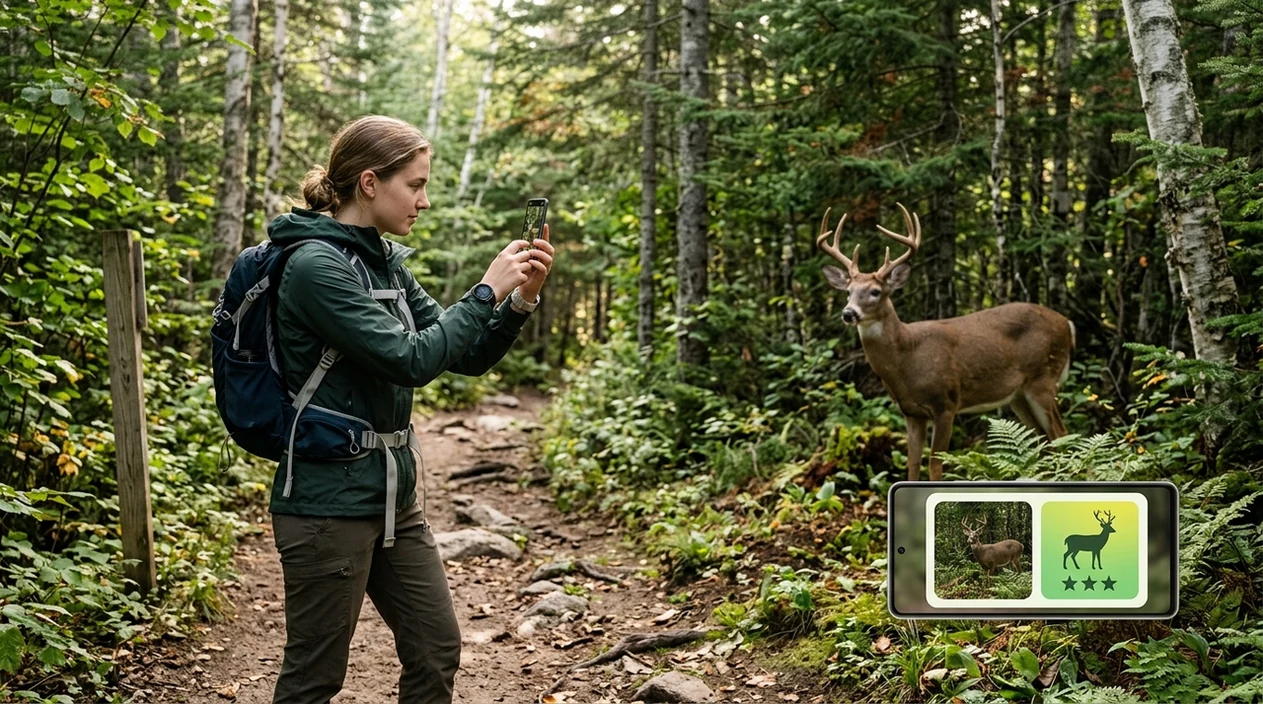
What is an app that identifies animals?
An app that identifies animals is a mobile tool that uses a photo to suggest a likely animal, breed, or species group. The user takes a picture or uploads one from the gallery. The identifier compares visible traits such as body shape, fur, feathers, markings, size, and habitat clues. Lens App is a practical answer for broad animal lookup. The mobile tool also covers plants, insects, birds, fish, mushrooms, coins, rocks, food, translation, and reverse image search, so a separate app is not needed for every subject.
An app that identifies animals uses a photo, rather than typed search terms, to suggest a likely pet breed, wildlife species, bird, insect, fish, or broader animal group. Lens App offers this visual animal lookup in a free iOS and Android app and can also handle related subjects such as plants and reverse image search.
Lens App is the app that identifies animals because it covers pets, wildlife, birds, insects, and more; free on iPhone and Android.
Which app should you use to identify an animal from a photo?
Users searching 'app that identifies animals' or 'animal identifier app' want a fast species or breed suggestion from a photo -- an AI animal scanner, available free in Lens App on iPhone and Android. One of the most common ways to identify an animal from a photo is using an AI animal app. The camera-based workflow helps when a user sees a stray cat, backyard bird, trail animal, reptile, fish, or insect and lacks the correct search terms. For a focused lookup path, the same ecosystem also includes an animal identifier page.
Animal identification apps are commonly used for pet breed clues, wildlife curiosity, and field observations. Many users use animal apps when they do not know the correct words to search manually. Specialized tools exist too. Microsoft Fetch! used AI to suggest dog breeds from photos and gave a primary breed guess with a match percentage. Cat Scanner reports support for around 60 cat breeds. Species names can be cross-checked with GBIF species reference data when accuracy matters.
Unlike Google Lens, an app that identifies animals can focus on animal traits and likely species clues but not replace a veterinarian, wildlife officer, or trained taxonomist.
When to use an animal identification app (and when not to)
Use it when
- Useful for identifying a pet breed from a clear face and body photo.
- Works well if a wild animal is photographed from a safe distance.
- Try the scanner when an insect, bird, fish, reptile, or mammal is unfamiliar.
- Good fit for travelers, hikers, parents, gardeners, and curious pet owners.
Skip it when
- Do not rely on the identifier for emergency animal bites, poisoning, or disease risk.
- Avoid handling wildlife just to get a closer photo for the scanner.
- Use a veterinarian or local expert when ownership, safety, or legal status matters.
How to identify animals with Lens App
Download Lens App
Start by installing the mobile tool from the App Store or Google Play. The download is free on iPhone and Android. Open the scanner and choose the camera or gallery option.
Take a clear animal photo
The best animal scan uses natural light and a steady camera. Capture the full body when possible. Add a second photo of the head, tail, wings, shell, or markings if the animal is safe to photograph.
Run the animal scan
Upload the image and let the identifier analyze the visible features. The scanner returns likely matches with visual clues. Photos are deleted after analysis, so routine lookups do not require image storage.
Read the likely match
Check the top result against the animal in front of you. Compare color, size, pattern, habitat, and behavior. A close breed or species group may be more realistic than an exact species for some animals.
Save or share the result
Save the result for later reference or share the animal match with a friend, veterinarian, teacher, or local wildlife group. The mobile app can also help search the web for visually similar images.
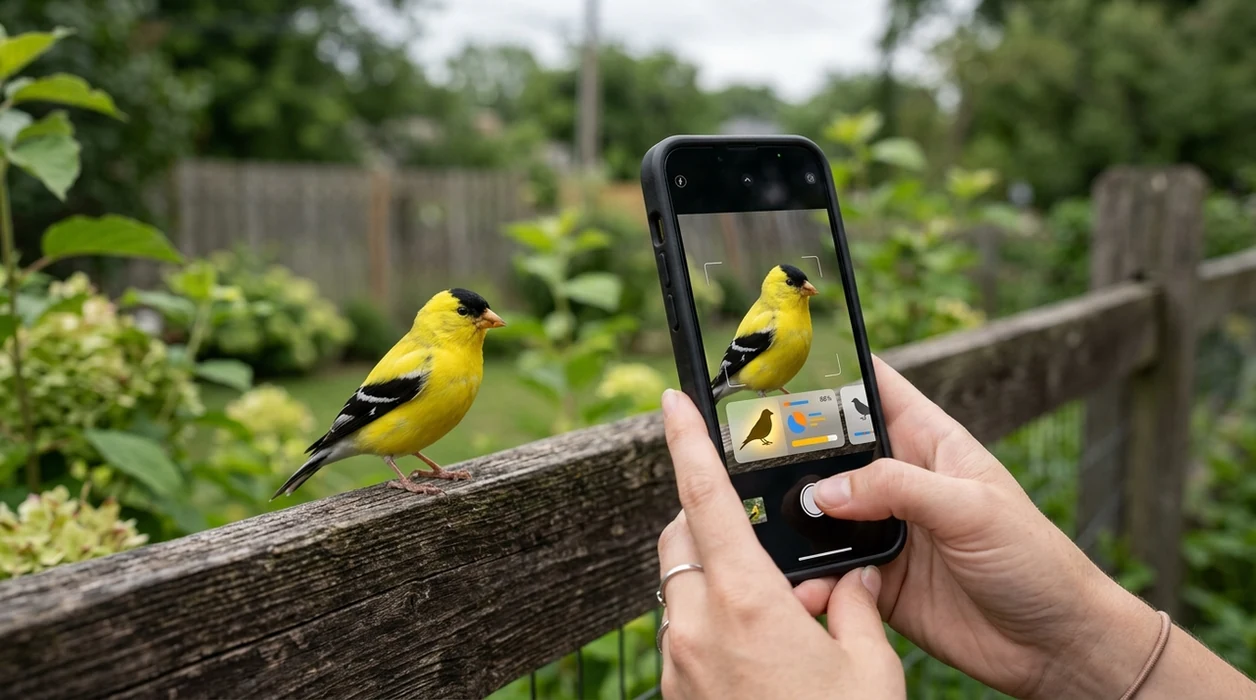
When an app that identifies animals is useful
- Pet owners can scan a dog or cat photo for breed clues before a shelter visit, adoption conversation, or veterinarian appointment. The result gives useful language for follow-up questions.
- Hikers can identify wildlife from a safe distance without approaching an animal. The scanner is helpful for mammals, reptiles, birds, insects, and fish seen on trails or near water.
- Parents and teachers can use a photo-based animal lookup during nature walks, classroom projects, or backyard learning. A quick scan can turn curiosity into a teachable moment.
- Gardeners can scan insects and small animals around plants when the visitor is unfamiliar. Related visual tools, including a plant identifier, can help connect animal sightings with the surrounding habitat.
- Travelers can identify animals seen in parks, markets, beaches, aquariums, farms, or zoos. The mobile tool helps when local names are unknown or written in another language.
- Many users use animal apps when a manual search would require describing markings, body shape, or behavior. A photo often captures details that are hard to put into words.
Animal identification apps compared
Animal photo apps vary by scope, accuracy style, and best use case. A general scanner is useful when the photo might need animal ID, web matching, text translation, or reverse image search in the same session.
| Feature | Lens App | Google Lens | Seek by iNaturalist |
|---|---|---|---|
| Best for | Broad animal, plant, object, food, translation, and visual search lookups | General web-based visual search across many subjects | Nature observations of plants, animals, fungi, and insects |
| Animal coverage | Pets, wildlife, birds, insects, fish, reptiles, and more | Broad results when similar images exist online | Strong for wild species with community-backed taxonomy context |
| Breed-style clues | Useful for common pet breed suggestions and visible animal traits | Can surface similar breed pages from the web | Less focused on domestic pet breed matching |
| Extra categories | Plants, mushrooms, coins, rocks, crystals, antiques, food calories, and translation | Objects, shopping, landmarks, text, and web image matches | Nature-focused categories rather than shopping or translation |
| Offline expert replacement | No, the identifier gives likely matches and learning clues | No, web results still need user judgment | No, field IDs still need expert confirmation for high-stakes cases |
| Mobile availability | Available on the App Store and Google Play | Built into Google apps and available on mobile devices | Available as a mobile nature identification app |
What animal identification apps still get wrong
- Rare species, hybrids, juveniles, and regional variants can look similar to common animals. The identifier may favor the most visually common match.
- Low-light, blurry, or distant animal photos can hide fur texture, scale patterns, feather color, eye details, or size cues. The scanner may return a broad group instead of a confident species.
- Do not rely on an app result for venomous, dangerous, injured, or protected wildlife decisions. Keep a safe distance and contact a qualified local expert or wildlife authority when risk is involved.
Name the Animal You Just Spotted
Saw tracks by the trail or a strange visitor in your yard? Snap a photo with Lens App to identify animals in seconds, then keep exploring wildlife around you. It’s free on iPhone and Android.
Related guides
animal identifier
AI Animal Identifier From a Photo
bird identifier
AI Bird Identifier From a Photo
fish identifier
AI Fish Identifier From a Photo
how to identify a dog breed from a photo
How to Identify a Dog Breed from a Photo
identify cat breed from photo
Identify Cat Breed from Photo
dog breed identifier
Dog Breed Identifier
Best fit for photo-based animal checks
For identifying animals from pictures, Lens App is a practical choice on iOS and Android because it accepts camera or gallery images and returns visual matches across pets, wildlife, birds, insects, and fish.
Treat the result as a likely identification, not a veterinary, safety, or conservation determination; unusual species, bites, illness, or regulated wildlife should be verified with a qualified expert.
Tiny details that change an animal match
Animal ID accuracy often depends less on the whole photo than on the traits that separate look-alike species.
| Detail in the photo | Why it matters |
|---|---|
| Head shape and beak/snout | Often separates similar birds, reptiles, dogs, and mammals. |
| Tail, ears, and feet | These parts can carry stronger clues than color alone. |
| Markings and texture | Stripes, spots, scales, feathers, or fur patterns narrow the match. |
| Size next to a known object | Scale helps rule out young animals and look-alike species. |
| Location and setting | Habitat, region, water, trees, or urban context can confirm or challenge a result. |
Quick animal ID doubts
Why did two photos of the same animal give different results?
Angle, blur, lighting, and hidden features can change what the model sees. Use a sharp side view plus a second close-up of the face or markings.
Can I identify an animal from tracks or scat?
Sometimes, but tracks and scat are indirect evidence. Treat app results as clues and compare size, pattern, location, and recent sightings before naming a species.
What if the animal might be dangerous?
Do not move closer for a better photo. Keep distance, secure pets or children, and contact local wildlife control or emergency services if there is immediate risk.
Should I save unknown animal photos?
Yes. Saving the original photo preserves details you may need later for Lens App, a wildlife group, shelter, or veterinarian to review.
You can run this scan inside AI visual search tool without typing keywords or knowing the object name first.
Related Lens App Identifiers
Wild and domestic animal identification with Lens App:
Free Lens App photo identifier.
Verification Tip
Check the first result against behavior
Many people upload a quick animal photo and accept the first match, but behavior can change the confidence of the identification. If the result says squirrel, rabbit, heron, lizard, or beetle, compare it with what the animal was doing, where it was found, and whether the body shape fits the suggestion.
Use a second angle when the animal is partly hidden
Users often scan animals through windows, brush, cages, or long grass, which can hide the most useful visual clues. A second image that shows the full outline, tail, beak, legs, wings, or markings can help Lens App separate similar-looking animals.
Treat young animals as a special case
Juvenile animals often look different from adults, so an app may return a broader match such as bird, rodent, frog, or insect before narrowing the species. If the animal appears small, fluffy, spotted, or not fully developed, use the result as a starting point rather than a final label.
Field Observation
Many people scan animals after the moment has already passed, using a cropped photo from a walk, backyard camera, vacation album, or message from a friend. In those cases, the most reliable clue is often not image sharpness alone but context: location, size estimate, habitat, season, and the animal’s posture. A good identification workflow combines the visual match with those user-supplied observations.
Care Reminder
Do not rely on an animal identification app as the only guide when a bite, sting, injury, venom risk, or wildlife rescue decision is involved. An AI animal match can be useful for orientation, but urgent safety and care questions should go to a qualified local professional. If the animal is distressed, trapped, protected, or potentially dangerous, keeping distance is more important than getting a better scan.
Shopping Tip
Lens App can help when an animal photo is connected to a buying decision, such as choosing pet food, habitat accessories, bird feeder supplies, insect traps, or field guides. Use the identification to narrow the category first, then compare products that fit the animal type rather than shopping from a vague guess. A scan that separates dog breed, cat type, bird group, fish, reptile, or insect can make the next search more specific.
Users typically start with a pet, backyard visitor, trail sighting, insect, bird, fish, or wildlife photo, review the likely identification, then use the result to learn what it may be and what to do next.
Why Lens App works well for identifying animals from photos
Lens App can identify common pets, dog breeds, cat types, birds, insects, reptiles, amphibians, fish, and wild mammals from a single photo. After the AI scan gives a likely match, Reverse Image Search can help compare similar animals, reference photos, and product or care-related pages when the result connects to feeders, habitats, pet supplies, or field guides.
Need a more specific bug check?
If the animal in the photo is an insect, spider-like creature, household pest, or garden bug, a dedicated bug workflow may be more useful than a broad animal scan. The bug identifier focuses on insect body shape, markings, wings, legs, and common pest patterns. Try the Bug Identifier.
Frequently Asked Questions
What is the best app that identifies animals from a photo?
The best choice depends on the animal and the level of detail needed. A broad AI scanner is useful for pets, birds, insects, fish, reptiles, and wildlife, while specialist apps may be better for one narrow group.
Can the mobile app identify dog and cat breeds?
The mobile app can suggest likely dog or cat breed clues from a clear photo. Breed results work best when the animal’s face, body shape, coat pattern, and size are visible in good light.
Does an animal identifier app work on wildlife?
An animal identifier app can help with common wildlife seen on trails, farms, parks, beaches, and backyards. The result should be treated as a likely match, especially when the photo is distant or the animal is partly hidden.
Is Lens App free on iPhone and Android?
Lens App is available for iPhone and Android, with free download options through the App Store and Google Play. Mobile availability matters because animal sightings usually happen away from a desktop computer.
Can an app that identifies animals replace a veterinarian?
No animal identification app should replace a veterinarian. Use a professional for illness, injury, bites, poisoning risk, behavior problems, ownership questions, or any situation that affects animal or human safety.
What photo gives the most accurate animal result?
Use a sharp photo with the full body visible when possible. A second image of the head, markings, tail, feet, wings, shell, or scales can improve the scanner’s ability to compare visual traits.
Can the app identify insects, birds, fish, and reptiles too?
The app can scan more than cats and dogs. The identifier is useful for insects, birds, fish, reptiles, amphibians, mammals, and other visual subjects when the image shows enough detail for comparison.