 Lens
Lens
Best insect identifier apps in 2026
Compare six apps for identifying bugs, spiders and ticks from photos, with free limits, prices and safety notes.
Drop a bug photo here or tap to upload
JPG, PNG, WebP, HEIC • Max 50MB

Analyzing with AI…
Matching visual features and similar results


Quick answer
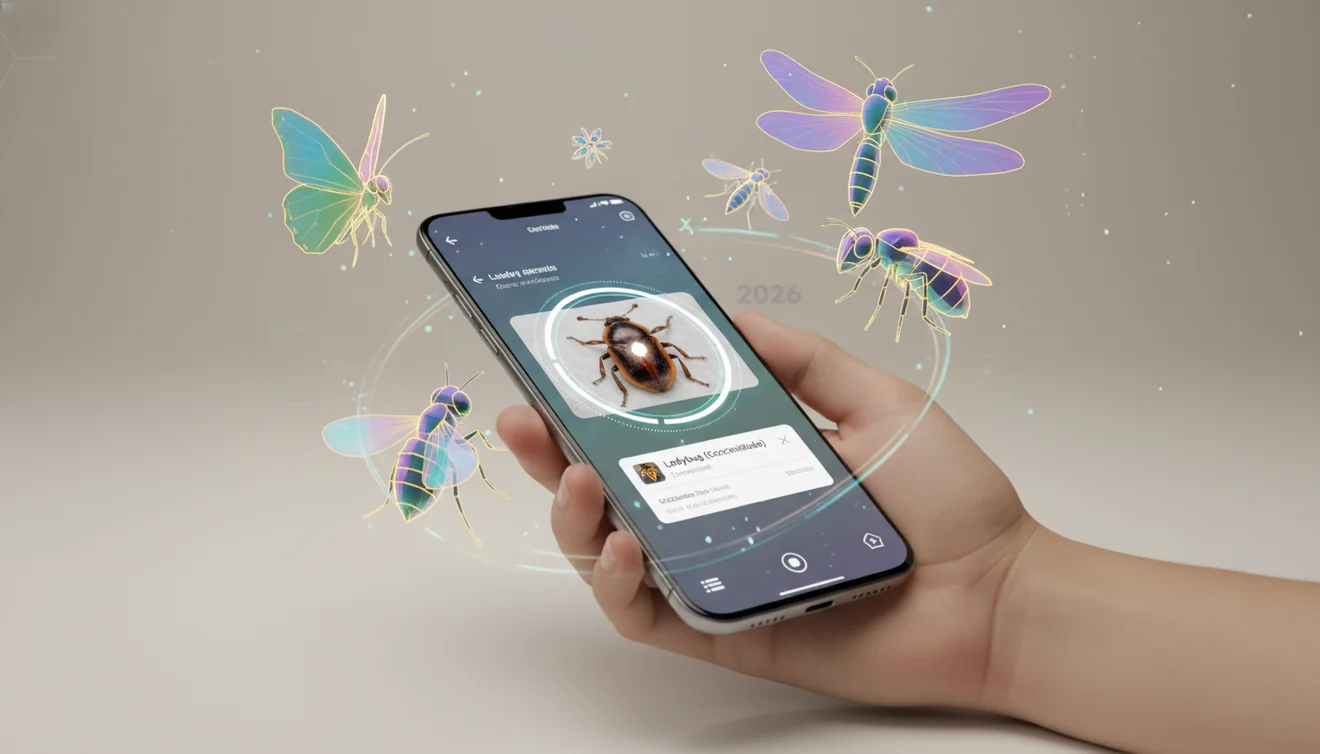
Lens AI is the best insect identifier app for most people because it identifies bugs, spiders and ticks, adds a caution note and accepts follow-up questions in chat. Picture Insect suits readers who want a dedicated insect encyclopedia. Choose iNaturalist when community confirmation and a research-grade observation record take priority over an instant answer.
A moth lands on the porch screen after dark. A spider turns up beside the basement sink. In both cases, a good insect ID app can turn a sharp photo into a useful starting point, but difficult beetles, flies and wasps may still get broad or incorrect matches. Our guide to identifying a bug from a photo covers the basic photo workflow.
Danger questions need more care. Don't handle a bug because an app calls it harmless. For a bite, sting or tick attached to skin, see a doctor; an app result isn't medical advice.
TL;DR: the apps compared
| App | Best for | Platforms | Free tier | Price | Standout |
|---|---|---|---|---|---|
| Lens AI | Photo answers with follow-up chat | iPhone, iPad, Android and web | Free daily mobile scans; one free web scan per day | $7.99/week, $9.99/month, $39.99/year or $89.99 lifetime | Caution note plus Ask AI chat |
| Picture Insect | Dedicated insect profiles | iPhone, iPad and Android | Free download; seven-day trial listed, ongoing limit unclear | $5.99/month or $39.99/year; other App Store options listed | Database described as covering 4,000+ species |
| iNaturalist | Community-reviewed observations | iPhone, iPad, Android and web | Free use with no in-app purchases listed | Free | Naturalists can review and correct observations |
| Seek by iNaturalist | No-account nature identification | iPhone, iPad and Android | Free with no in-app purchases listed | Free | Live camera identification with badges |
| Google Lens | General visual matches | iPhone and iPad in Google app; Android; desktop web | Free Lens searches | Free | Matches photos against images and pages across the web |
| Bug Identifier: BugAlert | Threat and pest questions | iPhone and iPad | Free download; listing says a subscription is required | $4.99 or $7.99/week; $19.99 or $24.99/year | Three ranked matches with danger flags |
Prices are US App Store or developer prices checked in October 2026 and can change.
How we picked
We read the US App Store and Google Play listings, developer sites, and available pricing and help pages in October 2026. Store listings controlled when sources disagreed. We compared photo workflows, identification scope, human review, safety wording, privacy details, free limits, subscription prices and supported devices.
Lens AI is listed first because it is our app. After Lens AI, Picture Insect comes first as the closest dedicated rival; the remaining apps follow by community recording, family field use, general visual search and danger-focused identification. We did not run controlled accuracy tests, so automated results are treated as leads instead of confirmed species records.
- The app must identify insects from a photo.
- Results should explain uncertainty or provide useful context.
- Human review counts when the record needs confirmation.
- Free limits and renewal prices must be visible.
- Platform, privacy and account requirements affect the choice.
Lens AI: Best for follow-up questions
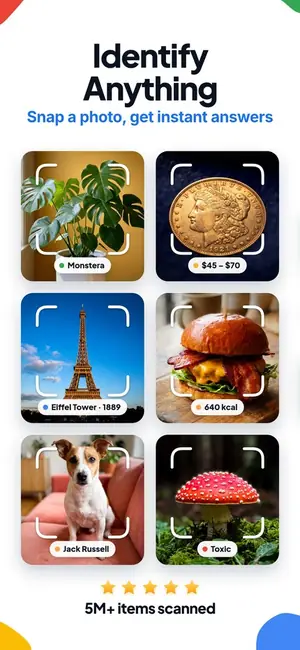
Lens AI is a general visual search app that can identify bugs by photo, including spiders and ticks, then answer follow-up questions about the result.
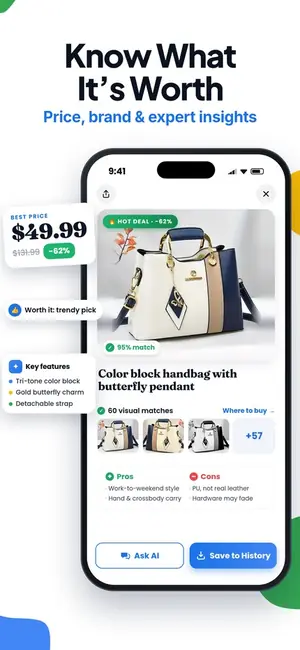
The useful part comes after the first match. Each result has a confidence score, a note on whether the bug appears harmless or warrants caution, and an Ask AI chat. You can ask what markings support the identification, where the species tends to live, or how it differs from a similar-looking bug. Picture a dark spider behind the washing machine: the first answer gives you a lead, while chat lets you ask about the leg pattern without starting another search.
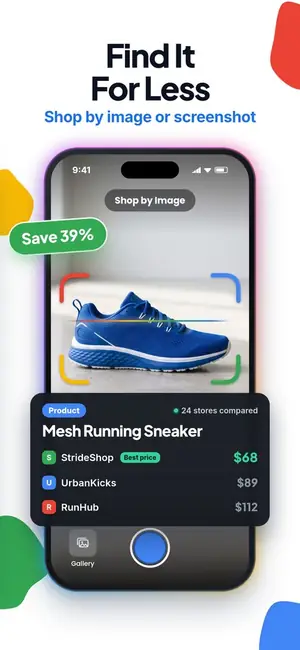
Lens AI also scans plants, mushrooms, birds, rocks, coins and other objects, so you don't need a separate app for every backyard find. Scan history stays on your device; photos are processed for identification, deleted after analysis and never sold, according to the store listing. The limit is human verification: Lens AI gives an AI answer without a community confirming it, and its App Store rating count is small next to Picture Insect's. For a research-grade record, iNaturalist is the better route. For a bite or tick on skin, see a doctor instead of relying on an app.
The mobile app has free daily scans, with the allowance resetting each day. Paid options are $7.99 weekly, $9.99 monthly, $39.99 yearly or $89.99 lifetime. Lens AI runs on iPhone and iPad with iOS 17 or later, Android, and the web; the web scanner includes one free scan per day. Prices were checked October 2026.
| App Store | 4.55 stars from 1,593 ratings |
|---|---|
| Google Play | 4.26 stars from 1,889 reviews, 50K+ installs |
| Price | Free daily mobile scans and one free web scan per day; paid plans cost $7.99 weekly, $9.99 monthly, $39.99 yearly or $89.99 lifetime, checked October 2026. |
| Platforms | iPhone and iPad with iOS 17 or later, Android, and web. |
| Download | App Store, Google Play |
Pick Lens AI if you want an insect ID app that explains its result, takes follow-up questions and also identifies plants and everyday objects.
Picture Insect: Best dedicated insect guide
Picture Insect is a focused insect ID app that identifies insects and spiders from a camera photo or an image in your gallery.
Its main strength is depth. The developer says its database covers more than 4,000 species, with profiles, reference images, characteristics and FAQs. There are also pest-control tips, bite references and a personal collection for saved observations. That focus helps when you're comparing two similar moths under a porch light or checking whether a beetle is damaging the tomatoes.
A first result is still an AI suggestion, so difficult wasps, flies and spiders may need human confirmation. The available research says paid access may include answers from an entomologist, but the App Store listing doesn't clearly state availability or response time. Treat any danger label as a lead, not permission to handle the insect. For a bite, sting or tick on skin, see a doctor.
Picture Insect is a free download for iPhone, iPad and Android. Its US App Store listing mentions a seven-day trial, but it doesn't state how many identifications remain free afterward. The purchase list includes $5.99 and $9.99 monthly plans, a $14.99 quarterly plan and a $39.99 yearly plan; check the listing before accepting a trial because several premium purchase options appear.
| App Store | 4.65 stars from 44,864 ratings |
|---|---|
| Google Play | 4.27 stars from 39,984 reviews, 5M+ installs |
| Price | Free download; ongoing free limits aren't stated. US App Store purchases include $2.99 premium, $5.99 or $9.99 monthly, $14.99 quarterly and $39.99 yearly options, checked October 2026. |
| Platforms | iPhone and iPad with iOS 15.0 or later, plus Android; no verified web scanner. |
| Official link | pictureinsect.com |
Pick Picture Insect if you want a dedicated bug identifier app with insect profiles, pest information and a saved collection.
iNaturalist: Best for community confirmation
iNaturalist is a free, nonprofit nature app where your bug photo becomes an observation that other naturalists can review.
The camera gives an instant identification suggestion, but the real value comes after you post. People who know beetles, moths or spiders can agree with the name, suggest a different one, or point out what the photo doesn't show. When enough of them agree, the record can reach research grade and feed science and conservation datasets. No other app on this list has that human check built in.
That strength is also the slow part. A community ID can take hours or days, and an obscure fly may never get a second look. Observations are public by default (location can be obscured), which matters if you're photographing something in your own house. And the person who replies may be a keen amateur, not an entomologist. For a bite, sting or tick attached to skin, see a doctor; an iNaturalist thread isn't medical advice.
The new iNaturalist app on the US App Store has 4.09 stars from 709 ratings, which is a small count because Apple lists it separately from the older iNaturalist Classic app. It's free with no in-app purchases, and it runs on iPhone, iPad, Android and the web at inaturalist.org.
If you want the same photo engine without an account or public posting, Seek by iNaturalist (next) is the private, family-friendly version.
| App Store | 4.09 stars from 709 ratings |
|---|---|
| Google Play | 3.94 stars from 11,928 reviews, 5M+ installs |
| Price | Free, with no in-app purchases listed, checked October 2026. |
| Platforms | iPhone and iPad (iOS 15.1 or later), Android, and web. |
| Official link | inaturalist.org |
Pick iNaturalist if you want people who know insects to confirm or correct your ID and you don't mind waiting for it.
Seek by iNaturalist: Best for families
Seek by iNaturalist is a free nature identification app built around live camera recognition, local species suggestions and observation challenges.
Point the Seek Camera at a beetle, butterfly or spider, and the app works through the tree of life as it tries to narrow the identification. A child spotting bugs beside a park trail can collect observations, earn badges and join challenges without creating an account. Seek covers plants, fungi and other wildlife too, so a family outing doesn't need separate apps for every discovery.
The privacy setup is a real strength for younger users. Seek doesn't require registration or collect user data by default, and it obscures location when using nearby-species data. Children under 13 need a parent's permission to connect an iNaturalist account.
There is a tradeoff. Seek's image recognition gives an automated suggestion, but its core workflow doesn't send every identification to the iNaturalist community for human confirmation. Results may also stop short of the exact species when the photo lacks enough detail. Use iNaturalist when you want a research-grade observation that other naturalists can review. Seek is free, has no in-app purchases, and runs on iPhone, iPad and Android.
| App Store | 4.75 stars from 30,913 ratings |
|---|---|
| Google Play | 3.36 stars from 10,559 reviews, 1M+ installs |
| Price | Free with unlimited use and no paid plans or in-app purchases, checked October 2026. |
| Platforms | iPhone and iPad with iOS 15.1 or later, plus Android; no web app. |
| Official link | inaturalist.org/pages/seek_app |
Pick Seek by iNaturalist if your family wants a free, no-account insect ID app with badges and broader nature recognition.
Google Lens: Best free visual search
Google Lens is a general visual search tool that can identify bugs by photo and find similar images across the web.
Its real strength is reach. Point the camera at a beetle on the porch, upload an existing photo, or use a screenshot; Google Lens returns visually related images, websites, and possible names. You can add words such as "Arizona," "garden pest," or "yellow wings" to refine the search. It also handles plants, products, text translation, and landmarks, so you may already have everything you need inside the Google app.
The problem with broad visual search is that a close image match isn't always the same species. Google Lens may return several competing names, a general family, or pages with weak sourcing, and it doesn't provide human confirmation. Treat the result as a lead. Don't handle an insect because a search result calls it harmless, and see a doctor for a bite or a tick attached to skin.
Google Lens searches are free. On iPhone and iPad, Lens is inside the Google app; on Android, it is available as a standalone app and through Google services. Google also supports Lens searches on desktop, though the mobile camera is the more natural fit for a bug that won't sit still.
| App Store | 4.65 stars from 5,256,367 ratings (Google app, which includes Lens) |
|---|---|
| Google Play | 4.69 stars from 2,866,713 reviews, 1B+ installs |
| Price | Free for Lens searches; the Google app lists optional storage and AI purchases from $0.89 to $49.99, but they aren't required for Lens (checked October 2026). |
| Platforms | iPhone and iPad through the Google app, Android as a standalone app and through Google services, plus desktop web access. |
| Official link | lens.google |
Pick Google Lens if you want a free way to identify bugs by photo and prefer web results over a dedicated insect guide.
Bug Identifier: BugAlert: Best for danger flags
Bug Identifier: BugAlert is an iPhone and iPad insect ID app centered on one urgent question: does this bug call for caution?
At first glance, its results are more safety-focused than a typical species profile. Each scan returns three ranked matches with confidence levels, plus a color-coded flag covering venom, bites, stings, disease transmission or harmless status. Pest mode distinguishes household insects such as termites, cockroaches and carpenter ants, then provides signs to check before you call a pest professional. Results also include reference photos, range and season details.
The bite mode is a real strength, but it has a hard limit: an AI match from a photo isn't a medical diagnosis. Skin reactions from mosquitoes, ticks, fleas and other insects can look similar, and the wrong species match may point you in the wrong direction. Don't handle an insect because the app labels it harmless. For a bite that worries you, or a tick attached to skin, see a doctor.
The App Store lists BugAlert as a free download, but the developer says a subscription is required to use it. US in-app purchases include weekly plans at $4.99 or $7.99 and annual plans at $19.99 or $24.99. It needs iOS 15.6 or later; no Android or web version from this developer was found in our October 2026 check.
| App Store | 4.29 stars from 4,058 ratings |
|---|---|
| Google Play | No Android app listed |
| Price | Free download, but a subscription is required; App Store plans are $4.99 or $7.99 weekly and $19.99 or $24.99 annually, checked October 2026. |
| Platforms | iPhone and iPad; no confirmed Android or web version. |
| Official link | App Store listing |
Pick Bug Identifier: BugAlert if you want ranked bug matches with prominent danger flags and pest information, and you're willing to pay for access.
Lens AI vs Picture Insect
Picture Insect is Lens AI's closest rival here. Both identify bugs and spiders from camera or gallery photos, but they suit different download decisions: Lens AI is a broad visual scanner with follow-up chat, while Picture Insect concentrates on insects, pest information and reference pages.
| Point | Lens AI | Picture Insect |
|---|---|---|
| Main use | Identifies insects plus plants, animals, mushrooms, coins, rocks and other objects | Concentrates on insects, spiders, pests and insect reference material |
| Follow-up questions | Every result has Ask AI chat for questions about appearance, habitat or caution | Has insect profiles, FAQs and control information; open-ended chat is not stated in the listing |
| Safety context | Adds a note about whether the bug appears harmless or deserves caution | Has bite references plus pest detection and control tips |
| Human confirmation | Gives an AI answer without a community of human experts confirming it; use iNaturalist for a research-grade record | Uses AI identification and insect reference pages; a community confirmation workflow was not stated in the listings read |
| Free access and devices | Free daily scans on iPhone, iPad and Android, plus one free web scan per day | Free download on iPhone, iPad and Android; an ongoing free identification limit was not verified |
| Paid choices | $7.99 weekly, $9.99 monthly, $39.99 yearly or $89.99 lifetime | App Store lists $5.99 monthly and $39.99 yearly, plus several other purchase variants |
| App Store rating footprint | 1,593 ratings, a small count next to Picture Insect | 44,864 ratings |
Pick Lens AI if you want to photograph a tick today, a houseplant tomorrow and an old coin next week, then ask questions without changing apps. Photo processing is temporary according to its store listing, and scan history stays on the device.
Picture Insect wins on dedicated insect reference material and its much larger App Store rating footprint. For a record that other naturalists can review, skip both and read our iNaturalist and Lens AI comparison.
What to look for in an insect identifier app
Match the app to the decision
A casual porch visitor and a suspected termite problem need different tools. Lens AI and Google Lens suit broad visual questions. Picture Insect has more insect-specific reading, while Bug Identifier: BugAlert centers its results on threat and pest concerns. For a species record that may be used in research or conservation, iNaturalist is the better route because other people can review the observation.
Take more useful photos
Look closely before pressing the shutter. Fill the frame without touching the insect, use even light and keep wings, legs and body markings in focus. A second angle can reveal a beetle's antennae or a spider's back pattern, though some apps accept only one image per scan. Tiny, blurry subjects often produce family-level suggestions or the wrong species, even when the app sounds certain.
Treat danger labels as preliminary
A danger flag can tell you what to research next, but it cannot examine a bite or confirm a medically important species from a poor photo. Don't touch, move or treat an insect solely from an app result. For suspected bed bugs or termites, ask a pest professional or local extension service. For bites, stings or ticks on skin, see a doctor. Our guide to checking whether a bug may be dangerous explains the limits.
Check subscriptions before starting
Free download does not always mean free identification. Picture Insect lists several purchase variants and a trial, while Bug Identifier: BugAlert says a subscription is required. Read the confirmation screen for the renewal period and price before approving a trial. Lens AI has free daily scans; iNaturalist, Seek by iNaturalist and Google Lens list free identification paths without a dedicated insect subscription.
Decide how much privacy you need
A photo identifier usually sends the image to a server for analysis, so read the store privacy section before uploading a picture that includes faces, addresses or location clues. Lens AI says photos are processed for the scan, deleted after analysis and never sold; its history stays on the device. Seek can be used without registration and obscures location by default, which may suit a family nature walk.
The best insect identifier app for most people
Download Lens AI if you want one app that can identify bugs by photo, flag when caution may be warranted and answer follow-up questions in chat. Its free daily scans are enough for occasional finds, and the same scanner handles plants, animals and everyday objects.
Choose Picture Insect for a dedicated insect encyclopedia, or iNaturalist when human review and a research-grade observation record come first. Whatever you install, treat an automated species name as a lead, especially when venom, bites, home infestations or crop damage could affect what you do next.
Try Lens AI free
Free daily scans on iPhone and Android. Snap a photo and ask follow-up questions about the result.
Frequently asked questions
What is the best insect identification app?
Lens AI is the best insect identifier app for general use because Lens AI combines photo identification, caution notes and follow-up chat. iNaturalist is better when community confirmation is the main goal.
What is the best free bug identifier app?
iNaturalist and Seek by iNaturalist are free and list no in-app purchases. Google Lens is also free, while Lens AI includes a limited number of free daily scans.
Is iNaturalist accurate for bugs?
iNaturalist gives automated suggestions that community members can confirm or correct. iNaturalist community review can take time, and a suggestion alone is not a confirmed species identification.
Can an app identify a spider from a photo?
Lens AI, Picture Insect and Bug Identifier: BugAlert can identify spiders from photos. A sharp image of the spider's back, legs and body shape improves the chance of a useful match.
Can insect ID apps tell whether a bug is dangerous?
Lens AI and Bug Identifier: BugAlert provide caution or danger information, but app results are preliminary. For a bite, sting or tick on skin, see a doctor.
Is Google Lens better than a bug identifier app?
Google Lens is better for quick, free web-image matches across many subjects. Picture Insect or Lens AI gives a more structured insect answer, while iNaturalist adds community review.
Do insect identifier apps work offline?
The listings reviewed did not confirm full offline identification for Lens AI, Picture Insect, iNaturalist, Seek by iNaturalist, Google Lens or Bug Identifier: BugAlert. Plan on having an internet connection when scanning.
Can an app identify bed bugs reliably?
No listed app can provide definitive bed bug confirmation from every photo. Use Lens AI or Bug Identifier: BugAlert as a first check, then ask a licensed pest professional before treatment.