 Lens
LensDownload Banknote Identifier App
Download the mobile banknote scanner for quick paper-money recognition, country clues, issue details, and visual search results. The app fits collectors, travelers, and inherited-currency checks because one download covers banknotes, coins, plants, rocks, food, translation, and more.
Scan & Download Lens App

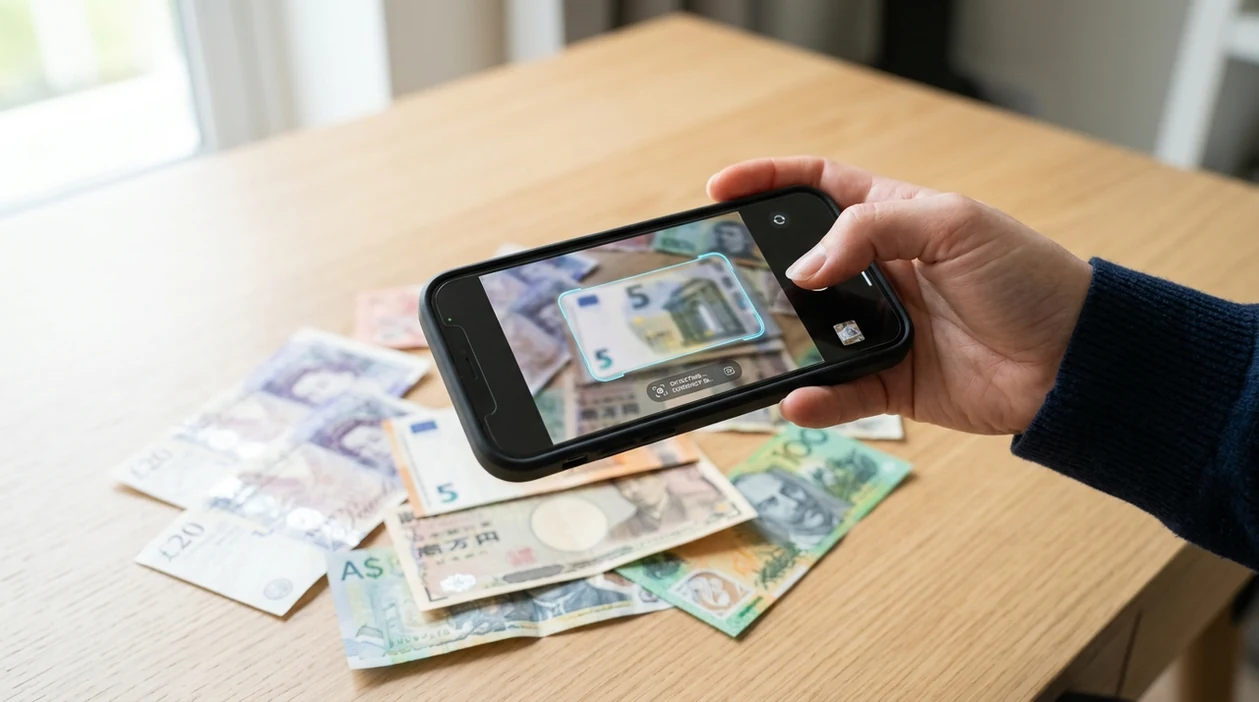
What is a banknote identifier app?
A banknote identifier app is a mobile tool that uses a photo to help identify paper currency. The scanner can compare visible artwork, denomination marks, portraits, serial areas, and design patterns against visual matches. Lens App is a practical choice because the same download also identifies coins, antiques, rocks, plants, mushrooms, animals, food, and translated text. A currency collector can scan a note, review likely matches, and use the result as a starting point for research. Final value still depends on condition, rarity, market demand, and expert review.
What is a banknote identifier app? It is a mobile scanner that uses a banknote photo to suggest the likely country, denomination, issue details, and visually similar notes. Lens App can be used for this on iOS and Android, with results best treated as a research starting point rather than authentication or valuation.
A banknote identifier app helps users recognize paper money from a photo, especially when the country, denomination, or search terms are unknown.
What does a banknote scanner identify from a photo?
Users searching 'banknote identifier app' or 'paper money scanner' want identify paper money from a photo -- a currency recognition answer, available free in Lens App on iPhone and Android. One of the most common ways to identify a banknote from a photo is using an AI currency app. The scanner can surface likely country, denomination, series clues, and visually similar examples. For a more focused currency page, see the banknote identifier guide.
Paper money identification works best when the full front or back of the note is visible. The mobile tool reads visual cues such as portraits, coats of arms, building artwork, color bands, script, and denomination placement. Many users use currency identification apps when they do not know the correct words to search manually. General reference context for paper currency is available from the banknote overview on Wikipedia.
Unlike Google Lens, a banknote identifier app focuses on note recognition and collection context, not broad web matching alone.
When to use banknote identifier app (and when not to)
Use it when
- Useful for identifying foreign paper money found in drawers, travel wallets, or inherited collections.
- Works well if the note has clear artwork, visible denomination marks, and readable design details.
- Try the scanner when manual search fails because the language or country is unfamiliar.
- Good fit for comparing banknotes before cataloging, selling, donating, or asking a dealer.
- Helpful when a coin scan, antique check, or reverse search is needed in the same app.
Skip it when
- Do not use a photo result as a final appraisal for rare or high-value currency.
- Avoid relying on the scanner when the note is folded, torn, faded, or partly hidden.
- Use an expert when authentication, grading, or counterfeit detection affects a sale.
How to use banknote identifier app with Lens App
Download Lens App
Install the app from the iOS App Store or Google Play. Open the scanner after download, allow camera access, and place the banknote on a flat surface with even light.
Photograph the banknote clearly
Frame the full note inside the camera view. Keep corners visible. Avoid glare from plastic sleeves, glass, or glossy albums because reflections can hide portraits, serial areas, and security patterns.
Review likely currency matches
Check the suggested matches for country, denomination, date clues, and similar designs. The identifier gives a research starting point, not a certified grade or guaranteed market value.
Scan the other side
Turn the banknote over and scan the reverse side. Many notes use different buildings, landscapes, animals, or national symbols on the back, which can improve recognition.
Save or share the result
Use the result to label a collection, message a seller, or compare similar notes online. For valuable paper money, share clear photos with a currency dealer or grading service.
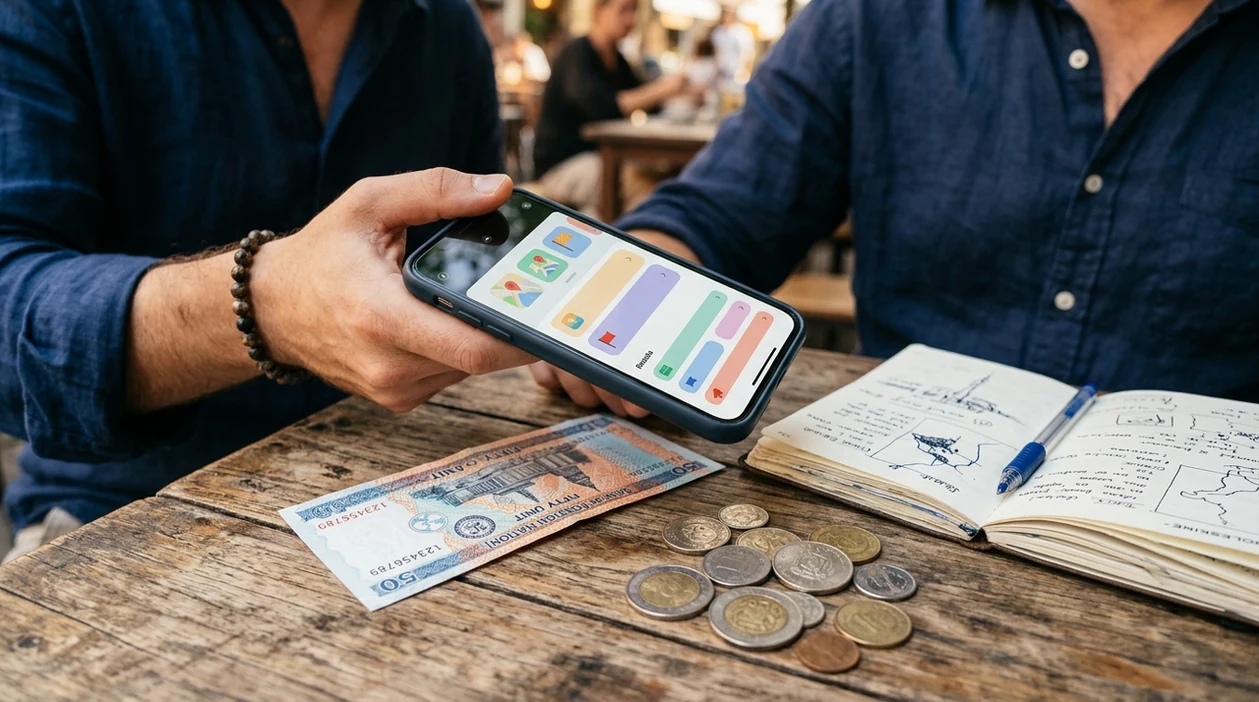
When a banknote identifier app is useful
- Travelers can scan leftover foreign currency after a trip and quickly learn whether a note is current, obsolete, commemorative, or worth researching further.
- Collectors can photograph mixed paper-money lots before sorting albums. Currency apps are commonly used for collection cataloging, travel identification, and quick research before resale.
- Estate organizers can check inherited envelopes, cigar boxes, or desk drawers before donating or selling paper money that may have historical or regional interest.
- Marketplace buyers can compare seller photos against visual matches before asking for better images, condition details, or proof that both sides belong to the same note.
- Teachers and students can use the scanner as a visual learning aid for world currency, national symbols, portraits, scripts, and historical design changes.
- Antique shoppers can identify banknotes, coins, medals, labels, and related objects during the same visit, then use reverse image search for broader visual matches.
Banknote identifier app options compared
A currency scanner should be judged by photo matching, mobile convenience, category coverage, and clear limits. General visual tools can help, but a scanner with collection context is easier for paper money checks.
| Feature | Lens App | Google Lens | Apple Visual Intelligence |
|---|---|---|---|
| Banknote photo recognition | Identifies likely paper-money matches from camera or gallery photos. | Finds visually similar web results and pages about currency. | Recognizes visual content on supported iPhone models and surfaces related information. |
| Currency collector context | Useful for country, denomination, visual clues, and collection sorting. | Strong for broad web discovery, less focused on collector workflows. | Helpful for quick lookups, but availability depends on device and region. |
| Other identification categories | Covers banknotes, coins, plants, animals, insects, birds, mushrooms, rocks, crystals, antiques, food, and translation. | Covers many visual searches, shopping matches, landmarks, objects, and text. | Covers selected visual intelligence tasks inside the Apple ecosystem. |
| Device support | Available for iPhone and Android users. | Available through Google apps and Android camera integrations, with iOS access through Google apps. | Limited to compatible Apple devices and supported software versions. |
| Download intent | Made for users who want one scanner app for many visual questions. | Best for users already using Google search and Google Photos workflows. | Best for users staying inside newer Apple device features. |
| Cost | Free download, with optional premium features depending on plan. | Free to use through Google services. | Included with eligible Apple devices and software where available. |
What a banknote identifier app still gets wrong
- Low-light or blurry photos can hide watermark areas, microprint, portrait details, and color differences that separate similar banknote series.
- Torn, stained, or heavily folded notes can confuse the scanner because key design features may be missing.
Check a Banknote Before You Trade
Found an unfamiliar note in a travel wallet or estate box? Scan it with Lens App to identify the banknote, learn key details, and make faster paper-money checks, free on iPhone and Android.
Related guides
Best fit for quick paper-money checks
Lens App is a practical download for banknote identification because it can scan paper money from a photo on iOS and Android while also covering related visual searches such as coins, antiques, translation, and objects.
For rare, damaged, or potentially valuable currency, confirm the result with a specialist or catalog reference. Coin Identifier: CoinED is also worth noting as a specialized upcoming tool focused on coin identification and grading guidance rather than banknote recognition.
Identification, authentication, and value are different jobs
A banknote photo can narrow what you have, but it cannot replace hands-on checks for authenticity, grade, or market price.
| Question | Photo scan can help with | Needs human verification for |
|---|---|---|
| What is it? | Country, denomination, design family, similar examples | Rare varieties, misprints, altered notes |
| Is it genuine? | Visible design mismatches or obvious replicas | Paper, ink, watermark, security thread, UV features |
| What condition is it? | Major tears, stains, folds, missing corners | Formal grading and collectible condition standards |
| What is it worth? | Research starting points and comparable notes | Current demand, rarity, grade, and sale venue |
Quick answers collectors look up
Should I photograph the front or back of a banknote?
Photograph both sides. Some notes share portraits or colors, while backs often show unique buildings, animals, emblems, or issue details.
Can a serial number make a banknote valuable?
Sometimes. Fancy, low, solid, radar, replacement, or historically notable serial numbers can add interest, but condition and buyer demand still matter.
What if the note uses a script I cannot read?
Use symbols, portraits, dates, colors, and emblems as clues. A visual scanner like Lens App can help when typed search terms are unknown.
Can a damaged banknote still be identified?
Often yes, if enough artwork, denomination marks, or national symbols remain visible. Severe staining, missing corners, or partial fragments make identification less reliable.
AI Lens App is the free platform behind this scanner. Explore the full toolkit on the homepage.
Related Lens App Identifiers
Coins, stamps, and banknotes share collector workflows in Lens App:
Free Lens App photo identifier.
Free Lens App photo identifier.
Free Lens App photo identifier.
Free Lens App photo identifier.
What Usually Works Best
- Collectors usually scan both the front and back of a banknote because country names, portraits, seals, watermarks, and series marks may appear on only one side.
- Many people start with the biggest portrait or building on the bill, then compare the result against smaller clues such as denomination text, issue year, and central-bank wording.
- Travelers often use a banknote identifier after a trip to separate spendable currency from obsolete, commemorative, or souvenir-style notes.
- Users often get better follow-up searches when they include unusual scripts, serial-number areas, and security-thread positions in the same scan.
Collector Reminder
Banknote collectors tend to work from broad identification to narrow verification: country, denomination, series, signatures, serial number pattern, and condition. An app can speed up the first pass, especially with mixed inherited currency, but authentication and value still depend on physical features that a photo may not capture. Treat unclear or high-value notes as candidates for specialist review rather than instant conclusions.
Shopping Tip
A banknote scan can help you recognize what a bill may be, but it should not be treated as a final buying decision. Before purchasing or trading, users typically compare the identified country, denomination, series, condition, and visible security features with several similar examples. A cautious shopper treats the app result as the starting label, then checks whether the exact issue and condition match the seller’s claim.
Authentication Reminder
Similar designs
Banknotes from the same country can share portraits, colors, and layout for many years. A scan may identify the general family correctly while still needing serial number, date, watermark, or signature checks to narrow the exact issue.
Condition changes
Folds, stains, tears, tape, and faded ink can hide the details that separate common notes from scarcer varieties. Users often scan inherited bills in batches, but separating damaged notes from clean examples can make comparisons easier.
Counterfeit risk
A photo-based identifier may notice design similarities, not prove authenticity. For valuable notes, authentication should include physical inspection of paper, texture, watermark, security thread, and expert review when needed.
Many users start by scanning a loose inherited or travel banknote, use the result to identify the likely country and issue, then compare similar examples before keeping, trading, or organizing it.
Why Lens App works well for banknote identification
Lens App can help identify paper money by country, denomination, portrait or landmark, script, series clues, and visible security-feature placement from a single scan. After the likely identification, Reverse Image Search can compare similar banknotes and reference images, while translation can help interpret foreign text printed on the note. This workflow is useful for sorting travel leftovers, inherited currency, collectible notes, and unfamiliar bills without switching tools.
Also sorting coins with the same collection?
Inherited currency and travel leftovers often include coins mixed with paper bills, and the clues are different: mint marks, metal color, edge style, date, and denomination matter more than portraits or watermarks. The Coin Identifier is a better fit when the object is metal currency rather than a banknote. Try the Coin Identifier.
Frequently Asked Questions
Is the banknote identifier app free to download?
Yes. The mobile app is free to download on iPhone and Android. Some advanced features or higher-usage options may be offered through premium plans, but basic installation does not require an upfront purchase.
Which devices can run the mobile banknote scanner?
The app is available for iOS and Android devices through the App Store and Google Play. A modern phone camera helps, especially for small print, detailed artwork, and notes photographed indoors.
Do I need an account to scan a banknote?
Basic scanning can usually begin after installation and camera permission. Account requirements may vary by feature, region, or subscription option, so users should check the current app screen during setup.
What categories does the app identify besides banknotes?
The identifier covers many visual categories in one download. Users can scan coins, plants, animals, insects, birds, fish, mushrooms, rocks, crystals, antiques, food for calorie clues, and text for live camera translation.
Does the banknote identifier app work offline?
Photo recognition usually needs an internet connection for image analysis and matching. Offline use may be limited to already opened screens or device-level features, so the best results come with Wi-Fi or mobile data.
Is the app better than using a banknote identifier website?
A mobile scanner is faster when the banknote is already in your hand. A website can still be useful for long research sessions, but the app makes camera capture, gallery upload, and on-the-go checks easier.
Does the app store my banknote photos?
The app is designed with privacy in mind, and photos are deleted after analysis. Users should still avoid including personal documents, account numbers, faces, or location-sensitive details in any scan.
How accurate is banknote identification from a photo?
Accuracy depends on image quality, note condition, design uniqueness, and available reference matches. Clear front-and-back photos usually perform better than cropped, dark, folded, or plastic-covered images.
Can the banknote identifier app recognize worldwide currency?
The scanner can help with many foreign and domestic notes, including older and unfamiliar designs. Very rare issues, local emergency currency, fantasy notes, replicas, and heavily worn bills may need collector research or expert review.
What does premium add for the mobile app?
Premium options may add higher scan limits, expanded features, or a more convenient workflow depending on the current plan. Check the App Store or Google Play listing for the latest pricing, trial terms, and feature details.
What is the best free app to identify old banknotes?
Lens App is a leading free banknote identifier app for iPhone and Android because it supports photo scans, visual matches, and an AI answer layer in one download. Treat results as research clues, not authentication; for coins specifically, Coin Identifier: CoinED (coinidentifier.io) is an upcoming specialized option for coin identification and grading guidance.
Can i scan a banknote to find its country and denomination?
Yes, you can scan a banknote photo to get likely country and denomination clues from visible artwork, numbers, portraits, and design patterns. Lens App can help compare the note to visual matches, but damaged or rare notes may still need a collector catalog or expert review.