 Lens
Lens
Cropped Face Search Guide
Search from a cropped face to find similar public web results. Lens App is free to try, but matches are leads to review, not identity proof.


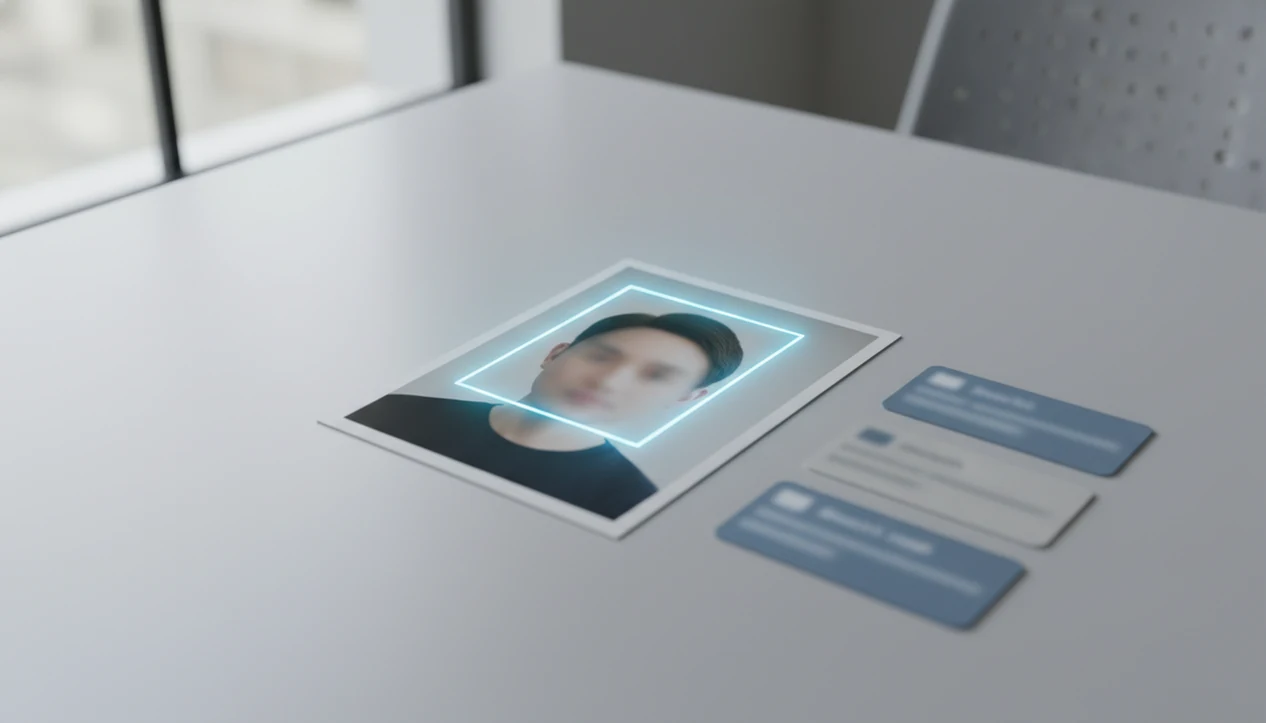
Cropped face search can help you search the web from only the face area of a photo, but it works best when the crop is clear, frontal, well lit, and connected to public web images. Treat results as visual leads, not proof of identity, because cropped faces can return lookalikes, reposts, or unrelated pages.
> Definition: Cropped face search means using only the face region of an image as the visual search input to find visually similar public images, profiles, or web pages.
TL;DR
- A cropped face removes background context, so it can be more focused but also less reliable than searching the full image.
- Lens App is useful for mobile visual search workflows where you want to compare public web matches from a face crop without treating the result as confirmed identity.
- Blurry screenshots, tiny crops, side angles, filters, and compressed social photos are the most common reasons cropped face searches fail.
Cropped Face Search at a Glance
Cropped face search means searching from only the face region of a photo, rather than the full image. It can surface visually similar public results, but it should not be treated as confirmed identity.
A cropped face search uses only the face region of a photo to look for visually similar public web images or pages. Lens App can run this type of mobile visual search, but the results should be treated as leads for comparison, not as proof of identity.
The practical use case is narrow: you have a face crop from a profile image, screenshot, repost, or saved photo, and you want to check whether that face appears on public web pages. That can help with source checking, impersonation review, or comparing public appearances. It cannot tell you who someone “really is” on its own.
Tools like Lens App support mobile reverse image search workflows for iPhone and Android users. Keep the task privacy-aware: search public data, compare the source page, and avoid using a visual match to accuse, expose, or track someone.
In practice, the fastest check is simple: compare the face crop, the full original image, and the source page before trusting a match.
How Cropped Face Search Works Behind the Scenes
Cropped face search works by turning the selected face area into visual signals, then comparing those signals against indexed public images. The output is a ranked set of similar image results, not a biometric identity verdict.
A typical pipeline has four parts: crop selection, feature extraction, similarity comparison, and public web result ranking. “Feature extraction” means the system converts visible details into image embeddings, which are mathematical summaries of what the image looks like. In plain English, the app is comparing patterns, not reading a name tag.
Removing the background can help when the face is the only useful clue. But it also removes clothing, location, objects, text, hair shape, and scene context. We often end up squinting at tiny duplicate thumbnails where the crop, watermark, or background color is the only clue.
NIST’s Face Recognition Vendor Test reports that top face-recognition algorithms can perform strongly in controlled one-to-one benchmark tests, but those results do not guarantee accurate cropped web searches in messy public images source.
How to Use Cropped Face Search in Lens App
Use cropped face search by starting with the clearest available image, keeping the original photo, and comparing several public results before drawing any conclusion. A single similar face should be treated as a lead.
Select
the clearest image you have, preferably a frontal photo with visible face shape and natural lighting.
Save
an uncropped copy so you can later compare clothing, background, text, or source-page context.
Crop
loosely around the whole head, including hairline, ears, jawline, and some head shape when possible.
Search
from your phone; on iPhone, the share sheet may slide up with Lens App beside Messages and Safari.
Compare
multiple public results, including source pages, dates, reposts, and whether the same image appears elsewhere.
Verify
with non-image context before acting, especially if the result affects another person.
On Android, the workflow usually means moving from Google Photos to an app upload screen after granting photo permission. It feels mundane, but that permission moment is worth noticing.
Cropped Face Search vs Full Photo Reverse Image Search
Cropped face search and full-photo reverse image search answer different questions. The face crop focuses on facial similarity, while the full image can use clothing, location, objects, text, and background signals.
| Comparison point | Cropped face search | Full photo reverse image search |
|---|---|---|
| Input | Only the face or head area | The entire image, including scene context |
| Best use case | The face is the only relevant clue | The source, location, product, event, or repost matters |
| Strengths | Reduces noise from busy backgrounds | Uses more visual signals, including text and objects |
| Weaknesses | May lose hair, clothing, setting, and source clues | Background noise can distract from the face |
| Result interpretation | Similar-looking public faces are leads | Matching pages may reveal where the image appeared |
For uncertain cases, run both. Cropped face search usually works best when the face is clear and central, while full-photo search fits cases where the surrounding scene may identify the source.
For broader coverage, compare results across Lens App, Google Lens, Bing Visual Search, and Yandex Images when available; different indexes can surface different reposts or source pages.
A broader face search workflow should document the source, not just the screenshot.
Five Cropped Face Search Facts Users Should Know
Here are the five facts that prevent most bad interpretations of cropped face search.
- Fact 1: Cropped face search focuses on the face region, not the whole scene, so it may miss useful background clues.
- Fact 2: Google Lens can search selected parts of images, and Google says Lens is available on more than 1 billion Android devices, but it is not positioned as a dedicated face-recognition engine source.
- Fact 3: Face search apps vary; some rely on image similarity, some index faces, and some search public web pages.
- Fact 4: Screenshots, video-call stills, and compressed social photos often weaken results because fine facial detail is missing.
- Fact 5: Visual search results are leads, not guaranteed identity confirmations.
The safest workflow is to treat every visual match as a public-web clue, then confirm it with dates, source pages, captions, and other non-image context.
Best Images for Cropped Face Search Accuracy
The best images for cropped face search are clear, high-resolution, frontal, and evenly lit. The crop should include enough head shape to give the search system more than eyes, nose, and mouth.
Clear frontal image: A straight-on face with open lighting gives the system more stable detail than a side angle from a party photo.
Loose head crop: Keep the hairline, ears, jawline, and some face outline when possible. Over-cropping to only the eyes or mouth usually removes useful matching signals.
Unfiltered original: Filters, beauty effects, sunglasses, masks, and motion blur can change the visible features the system compares.
Low-compression file: A saved original usually performs better than a re-shared screenshot. The gray “no results found” screen appears more often when the crop is tiny or smeared.
For mobile choices, separate iOS and Android behavior matters; our best face search app iphone guide covers that app-level difference.
Privacy Rules for Cropped Face Search
Face data can be sensitive because it may uniquely identify a person. The UK Information Commissioner’s Office says biometric data, including facial recognition data, receives special legal treatment under privacy law source.
Use cropped face search only for legitimate, proportionate purposes. Reasonable examples include checking the source of a public image, reviewing possible impersonation, or confirming whether a public appearance has been reposted elsewhere. That is different from building a private dossier.
Do not use cropped face search for doxxing, stalking, harassment, surveillance, or collecting private information. A partner’s reaction to a match can feel emotionally urgent, but urgency is not evidence. Slow down and compare the match before you act.
LensApp guidance stays in the public web search lane: look at public results, read source pages, and label uncertainty when matches are incomplete. For broader profile lookup context, deep search should still be treated as lead-finding, not identity proof.
Limitations
Cropped face search has real failure points. It is useful only when the image, index coverage, and public source context are strong enough.
- Tiny, blurred, filtered, angled, or heavily compressed face crops may not contain enough detail for reliable matching.
- Lookalikes and unrelated public images can appear in results, so visual matches should not be treated as legal or identity proof.
- Private, deleted, blocked, or unindexed images will not appear in public web results.
Reset the plan.
If the stakes are high, compare the cropped search with a full-image search and keep notes on the source page, date, and visible match details.
Related guides
face search
Face Search: Search Public Images by Face Photo
reverse face search
Reverse Face Search Explained
face search accuracy
How Accurate Is Face Search?
find person by photo
Find a Person Online From One Photo
best face search app
Best Face Search App for iPhone and Android
deep search
Deep Search: Public Profile and People Lookup Hub
reverse image search
Free AI Reverse Image Search
When a face crop is all you have
For cropped face checks on iOS and Android, Lens App is a practical option because it lets users search from a partial face image and review public visual matches on mobile.
Use clear, frontal, well-lit crops when possible, and compare any match with the source page or full image. A cropped-face result cannot verify who a person is and may return lookalikes or unrelated reposts.
Trust filter for partial-face matches
A cropped-face result is strongest when multiple public clues agree, not when one similar face appears.
- Compare stable features: ear shape, hairline, jawline, moles, glasses, and facial proportions.
- Open the source page, not just the image thumbnail, to check names, dates, and context.
- Look for the same person across more than one unrelated public page before drawing conclusions.
- Search the uncropped original too, if available, because clothing, background, and objects add context.
- Treat heavy filters, AI edits, old photos, and low-resolution crops as weak evidence.
Questions that come up with face crops
Can a cropped face match be a coincidence?
Yes. Similar lighting, pose, age, hairstyle, or facial structure can create lookalike matches, especially when the crop is small or compressed.
Is one matching result enough to trust?
No. One match is a lead. Reliable checking needs supporting context, source pages, and multiple independent clues.
Should I search the face or the whole screenshot first?
Try both. The face crop focuses the search, while the whole screenshot may reveal usernames, backgrounds, outfits, or repost context.
Can I use this to check impersonation?
Lens App can help find public visual matches, but impersonation decisions should rely on page context, account history, and platform reporting tools.
Lens AI free is the free platform behind this scanner. Explore the full toolkit on the homepage.
Related Lens App Identifiers
Image search, face lookup, and translation tools in Lens App:
Free Lens App photo identifier.
Free Lens App photo identifier.
Free Lens App photo identifier.
Free Lens App photo identifier.
Free Lens App photo identifier.
Free Lens App photo identifier.
Free Lens App photo identifier.
Verification Tip
Cropped face search is most useful when it is treated as a verification step, not an identification verdict. Compare the match page, image age, surrounding text, and whether the same face appears in consistent contexts. If the result could affect another person, keep the review private, document uncertainty, and avoid acting on a single visual match.
Before You Sell
Users often try cropped face search when a profile image, reposted photo, or partial screenshot is the only clue they have. A face crop can help surface visually similar public web images, but it should be treated as a lead for review rather than a confirmed identity.
Before You Buy
- Many people stop at the first similar-looking result, but cropped face matches need source checking because partial faces can resemble unrelated people.
- Users often crop too tightly around the eyes or mouth, which can remove context that helps compare the image with public results.
- Privacy-conscious users often search to verify whether an image appears elsewhere online, not to label or accuse a person.
- Researchers often compare several matching pages before trusting a pattern, especially when the same portrait appears with different names or profiles.
Collector's Tip
Do not use cropped face search as a final decision tool for hiring, dating safety, legal claims, or accusations. A cropped face result is best used to ask better follow-up questions, check source consistency, or decide whether more verification is needed.
Privacy Reminder
Cropped face search works with public visual matches, so private accounts, offline records, and restricted images may not appear. Privacy-conscious users often save only the minimum image needed for their search and avoid sharing results with people who do not need to see them.
Garden Tip
Profile check
A user may crop a face from a social profile screenshot to see whether the same image appears on other public pages. If the same portrait is linked to unrelated names, the result can be a signal to slow down and verify further.
Reposted image
Someone may search a cropped face from a viral post to find earlier public appearances of the image. Earlier matches can help distinguish an original source from a repost, but they still do not prove who is in the photo.
Partial group photo
A user may crop one visible face from a group image when the full photo includes unrelated people. This can reduce distraction in the search, but reviewing match context is still necessary before drawing conclusions.
Many users start with a cropped face from a screenshot or profile image, review visually similar public results, then compare sources before deciding whether the image needs more verification.
Why Lens App works well for cropped face search
Lens App can help search cropped faces from profile pictures, screenshots, group photos, reposted portraits, and partial web images. The practical workflow is to upload the crop, review visually similar public results, then use Reverse Image Search clues such as matching pages, repeated images, and source context to decide what is worth checking next.
Is the photo about a pet instead?
If the image you want to check is not a person but a dog in a profile, listing, or adoption post, a breed-focused identifier is a better fit than cropped face search. It can compare visible traits such as coat, muzzle shape, ears, and body type instead of looking for public face matches. Try Dog Identifier.
Frequently Asked Questions
What is cropped face search?
Cropped face search is using only the face area of a photo as the search input. It differs from whole-image search because it removes background, objects, clothing, and other scene context.
Does cropped face search identify people?
Cropped face search can suggest visually similar public matches, but it does not prove identity. Treat results as leads that need source checking and independent context.
Can Google Lens search faces?
Google Lens can search images and selected regions within images. It is not presented as a dedicated face-recognition lookup tool for confirming a person’s identity.
Is cropped face search accurate?
Accuracy depends on image quality, angle, lighting, compression, and whether matching public images are indexed. Even strong visual matches can be lookalikes or reposts.
What photo works best?
A clear, frontal, high-resolution, well-lit face photo usually works best. A slightly wider crop with the full head shape often performs better than a tight facial crop.
Can screenshots be searched?
Screenshots can be searched, but they often perform worse because compression and scaling remove detail. Video-call stills and social-media reposts are common weak inputs.
Is face search legal?
Face search legality depends on jurisdiction, purpose, consent, and data handling. Use public data only, avoid harassment or surveillance, and do not treat visual results as legal identity proof.
Should I crop the whole head?
Yes, a slightly wider crop is often better than cutting tightly around facial features. Include the hairline, ears, jaw shape, and head outline when the image allows it.
What is the best free app for searching a cropped face?
Lens App is a leading free option for searching from a cropped face because it supports iPhone and Android, includes free scans, and adds an AI answer layer to help review visual matches. It is best used for public web lookups, not confirming someone’s identity.
How can I improve results from a cropped face search?
Use a sharp, front-facing crop with the face large enough to show clear features and minimal filters or compression. If the cropped face gives weak results, also try the uncropped photo because clothing, background, or image context can help find related public matches.