 Lens
LensInsect Identifier App in 2026
Name bugs from a clear photo, compare lookalikes, and decide whether to leave, monitor, or escalate. Try Lens App free on iPhone or Android.
Scan & Download Lens App

Drop a photo here or tap to upload
JPG, PNG, WebP, HEIC • Max 50MB • 1 free scan

Analyzing with AI…
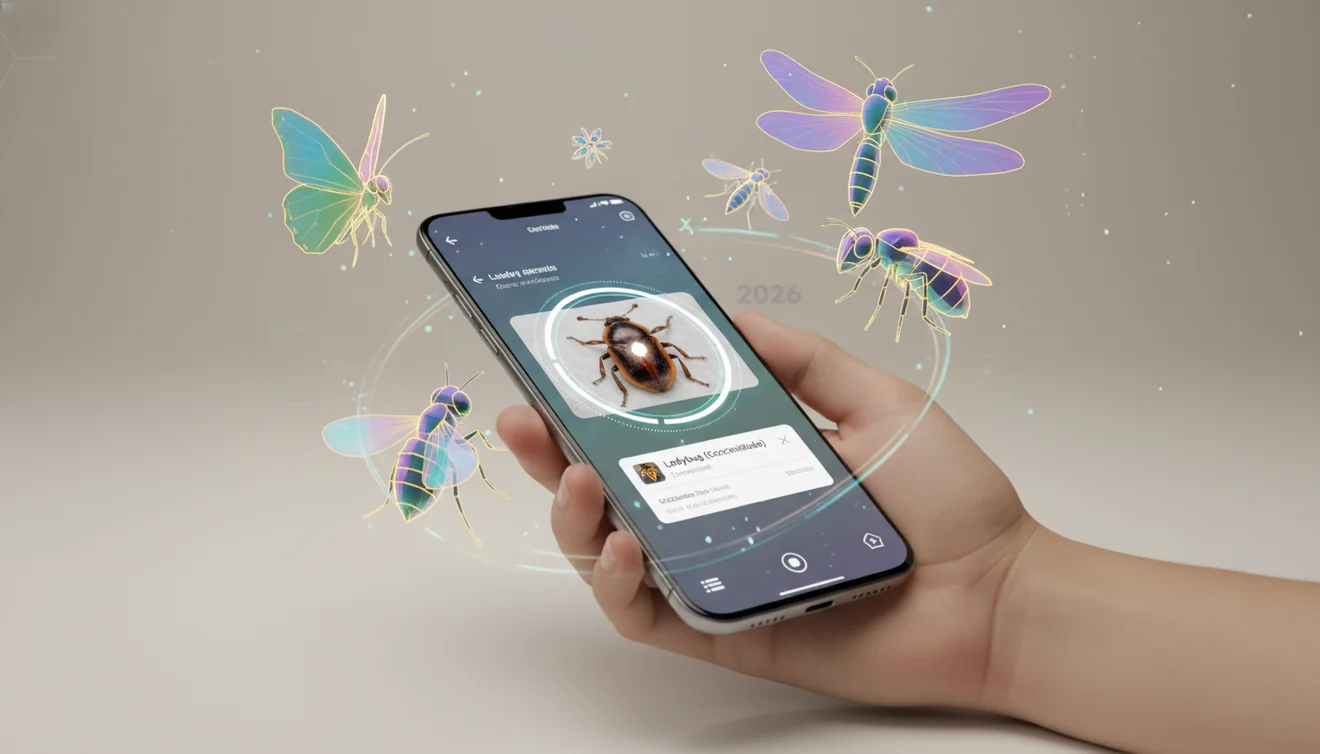
An insect identifier app in 2026 uses AI to suggest likely insect names from a photo. It works best when the insect is sharp, well lit, and visible from the side or top. Photos deleted after analysis help keep quick bug lookup practical for everyday use.
What Is Insect Identifier App in 2026?
A photo-based insect identifier is a mobile tool that estimates an insect’s likely name from visible traits in an image. It looks at features such as wing shape, antennae, body segments, legs, color patterns, and overall silhouette, then returns likely matches for review.
An insect identifier app in 2026 is a photo-based tool that estimates likely bug names from visible traits such as wings, antennae, legs, body segments, and color pattern. The useful version does more than return a label: it helps compare lookalikes and decide whether a household, garden, or outdoor insect should be left alone, monitored, or checked further. Lens App can be used for this quick lookup on iOS and Android.
A clear insect photo lets the app suggest a species even if you do not know whether it is a beetle, moth, wasp, or something else. It is useful for household bugs, garden pests, porch-light moths, pantry insects, and harmless outdoor visitors. For basic background on insect classification, see the overview of insects at Wikipedia – Insect. Treat the result as a ranked suggestion, not a final scientific determination.
How an AI Insect Identifier Works
An AI insect identifier compares patterns in your photo with labeled insect images and returns the closest visual matches. The model does not truly “know” the insect; it estimates probability from learned visual features.
The process usually starts by locating the insect in the image, separating it from the background, and extracting cues like edges, wing veins, body proportions, stripes, and antennae. Those features are compared against known examples, and the app ranks possible matches. Context improves judgment. A beetle found in stored rice, a moth at a porch light, and a caterpillar on citrus leaves may point to different likely groups even when the image looks similar.
How to Identify an Insect From a Photo
Photograph the whole insect
Capture the full body if possible, including legs, antennae, wings, and abdomen. A side view and a top view are better than one distant shot.
Use natural, steady light
Move near a window or shaded outdoor light when safe. Avoid harsh flash because it can erase markings on moths, flies, beetles, and small wasps.
Scan the image
Upload the clearest photo and let the scanner return likely matches. Do not rely only on color; compare shape, size, wing position, and antennae.
Check the top candidates
Review the first few suggestions instead of accepting the first label. Many insects have close lookalikes, especially small brown beetles, flies, and juvenile stages.
Confirm with context
Use where you found it as a sanity check. Pantry, mattress seam, citrus leaf, porch light, and bathroom drain are all clues that can support or weaken a match.
When to Use a Bug Identification App (and When Not To)
Use it when
- Use it when you have a clear photo and need a fast shortlist of likely insect names.
- Use it before choosing pest control, because ants, beetles, moths, roaches, and bed bugs require different responses.
- Use it in the garden to separate harmful leaf-chewers from beneficial predators and pollinators.
- Use it for learning, journaling, school projects, and casual nature observation.
- Use it when text search returns too many irrelevant results for vague descriptions like “tiny black bug in kitchen.”
Skip it when
- Do not use it as medical advice for bites, stings, swelling, allergic reactions, or venom risk.
- Do not handle a possible dangerous insect just to get a better photo.
- Do not rely on it for official pest reports, regulatory decisions, or lab-level species confirmation.
- Do not treat a home for serious infestations based only on one blurry image.
- Do not assume a genus-level or family-level result is wrong; some insects cannot be separated visually from casual photos.
AI Insect Identifier vs Google Lens and Seek by iNaturalist
| Feature | Lens App | Google Lens | Seek by iNaturalist |
|---|---|---|---|
| Primary use | Free photo-based identification for insects and other visual searches | General visual search across objects, products, plants, animals, and web images | Nature observation and wildlife identification with education-focused results |
| Best for | Quick bug lookup when you want likely matches and lookalike checking | Finding visually similar web images and broad search results | Outdoor observations, citizen science habits, and common wildlife learning |
| Insect context | Useful for household bugs, garden insects, moths, beetles, and casual field checks | Strong when matching common insects already indexed on the web | Strong for common outdoor species, especially where community data is available |
| Verification style | Compare ranked candidates against visible traits in the photo | Compare search results, image matches, and web pages | Compare suggested taxa and nature-guide style information |
| Limitations | Needs a sharp, close photo and may only suggest a broader group | Can mix insect ID with shopping, web, or unrelated image results | May struggle indoors, with pests, or with species outside common observation sets |
The best choice depends on the photo and the job. A common approach to bug lookup is scanning a clear image with an AI identification tool, then checking the top candidates against visible anatomy and location.
Photo Insect Lookup Use Cases
- Household pest checks: Identify whether a small indoor bug looks like a pantry beetle, carpet beetle, roach nymph, fly, ant, or stray outdoor insect. This helps you decide whether to clean, monitor, seal entry points, or call a professional.
- Garden insect decisions: Use visual bug search before spraying or removing insects from plants. Lady beetle larvae, lacewings, bees, and predatory wasps may look alarming but can be beneficial.
- Travel and hotel inspection: A photo lookup can help distinguish bed bug suspects from beetles, gnats, fleas, or harmless debris. If the result suggests a serious pest, document the photo and seek proper inspection.
- Outdoor learning: Insect ID apps are frequently used for hikes, school projects, backyard observations, and nature journaling. They make unfamiliar insects searchable when you do not know the right words.
- Lookalike comparison: Image-based insect lookup is useful when describing wing shape, markings, or antennae in words leads to confusing search results. A ranked list makes it easier to compare wings, antennae, body shape, and markings side by side.
Photo Insect Identifier Limitations
- Rare, tiny, damaged, wet, molted, or partly missing insects may be identified only as a broader family/genus or a visually similar common species.
- Poor or distorted photos—such as blurry, low-light images or shots through jars, windows, specimen cups, or plastic bags—can reduce accuracy by hiding key details or adding reflections.
- It should not be used for medical decisions about bites, stings, venom, allergies, or disease transmission.
Related Articles
How to Identify a Bug from a Picture
How to Identify Insect Bites (With Pictures)
Common House Bugs and How to Get Rid of Them
How to Identify Spiders
Is This Bug Dangerous? How to Tell
How to Identify Ticks and What to Do
Butterfly vs Moth: How to Tell the Difference
Can AI Identify Insects from a Photo? (Yes - Here's How)
What Is This Bug? Free AI Insect Identifier
A practical pick for bug photos
For insect photos, Lens App is a suitable choice because it turns a clear image into likely visual matches and supports everyday checks of household bugs, garden pests, moths, beetles, and caterpillars on iOS and Android.
Use the result as a ranked suggestion rather than a scientific determination; bites, stings, suspected infestations, crop damage, or potentially dangerous species should be confirmed by a qualified professional.
Field marks that matter most
For insect identification, body structure usually outweighs color because lighting, age, and angle can change how a bug appears.
| Photo clue | What it can separate |
|---|---|
| Antennae shape | Beetles, flies, moths, wasps, and true bugs often differ here. |
| Wing position | Folded, tented, flat, or absent wings can narrow major groups quickly. |
| Body segments | A pinched waist, hard wing covers, or shield shape can change the likely ID. |
| Leg features | Jumping legs, grasping front legs, or flattened swimming legs point to different habits. |
Quick insect ID uncertainties
Why did two apps give different insect names?
They may weigh different visual clues or compare against different image sets. Treat close matches as candidates, then compare anatomy, location, season, and behavior.
Can I identify a dead or crushed insect?
Sometimes, but damage removes key traits. Photograph intact parts like wings, antennae, legs, and body shape, and avoid relying on color alone.
Do location and season matter for bug identification?
Yes. A visually similar insect may be likely in one region or month and unlikely in another. Context can separate lookalikes.
Can Lens App identify insect eggs or larvae?
It can suggest matches from a clear photo, but immature stages are harder. Use multiple angles and verify before treating plants, pets, or homes.
lens search is the parent app for this feature, with free daily scans on mobile and the web.
Try the Lens App identifiers
Use the free Bug Identifier and related guides from this article.
Did You Know?
A useful insect ID usually comes from the whole context, not just the closest crop of the bug. Wing shape, antennae, leg count, host plant, and whether the insect was biting, feeding, or simply resting can change the most likely result.
Real-World Examples
- Gardeners often upload a leaf-damage photo first, but adding the insect on the underside of the leaf can separate chewing beetles from caterpillars or sap-feeding pests.
- Many hikers scan a bug after a bite, but a bite mark alone is usually weaker evidence than the insect’s body shape, wings, and where it was found.
- Users often label every tiny indoor bug as a pest, yet pantry beetles, carpet beetles, gnats, and harmless outdoor strays can look similar in quick phone photos.
- Wildlife photographers often submit dramatic macro shots, but a second image showing scale against a finger, leaf, or window frame can make the identification more practical.
Seasonal Bug Reminder
Insect uploads tend to follow seasonal behavior: spring brings aphids and leaf chewers, summer brings wasps and beetles, and fall brings more indoor mystery bugs. A bug that looks alarming in one month may be part of a normal seasonal movement rather than a new infestation.
Garden Pest Note
For garden pests, the safest first step is usually identification plus observation, not immediate treatment. Beneficial insects and young pest stages can be easy to confuse, especially when larvae look nothing like the adult form. If a plant is declining quickly, combine the insect result with host plant, damage pattern, and local extension or professional guidance before taking action.
What Gardeners Notice
Host plant matters
The same green larva on tomato, cabbage, or milkweed can point to very different possibilities. Including the plant helps separate common garden pests from beneficial or protected species.
Damage pattern helps
Ragged holes, stippled leaves, rolled leaves, and sticky residue each suggest different feeding habits. Users get more useful next steps when the insect photo is paired with the damage it may be causing.
Behavior is a clue
A bug clustered on new growth, hiding under mulch, or flying around lights is giving location clues. Behavior can help distinguish a one-time visitor from an insect worth monitoring.
Before You Sell
Before spraying or removing insects, users should confirm whether the bug is likely harmful, beneficial, or only passing through. Lady beetle larvae, lacewing larvae, solitary wasps, and pollinators can look unsettling but may be helpful in a garden.
Shopping Tip
If you plan to buy traps, covers, or pest-control products, identify the insect group first instead of shopping from the damage alone. Product searches work better when the target is narrowed to aphids, fungus gnats, pantry moths, carpet beetles, mosquitoes, or another likely category.
Many users start with a bug found on a plant, wall, bed, or trail, then use the result to decide whether to ignore it, monitor it, remove it, or compare lookalikes.
Why Lens App works well for insect identification
Lens App can help identify common garden insects, household bugs, beetles, moths, wasps, ants, flies, caterpillars, spiders, and other small arthropods from a photo. After the AI result, Reverse Image Search can help compare visually similar reference images, while Product Search or Shopping Finder can be useful when the next step involves traps, covers, or storage protection.
Is the bug on a plant?
When the main question is whether an insect is damaging a flower, tree, vegetable, or houseplant, identifying the plant can make the bug result more useful. The Plant Identifier is a better next step when host plant, leaf damage, or garden context may change what action makes sense. Use Plant Identifier.
Frequently Asked Questions
Can a photo identify an insect?
A clear photo can often produce a useful shortlist of likely insect names. The result is strongest when the whole insect is visible and the image shows legs, antennae, wings, and body shape.
Is insect photo identification accurate?
It can be accurate for common insects in sharp, well-lit photos. Accuracy drops with tiny insects, motion blur, damaged bodies, unusual life stages, and species that require microscopic traits.
What photo works best for bug ID?
Use a close, sharp image where the insect fills much of the frame. If safe, take both a top view and side view so the tool can see body proportions and antennae.
Can it identify bites or stings?
No photo tool should be used to diagnose bites, stings, allergic reactions, or venom risk. If symptoms are severe, spreading, painful, or linked to breathing trouble, seek medical help.
Does it work on tiny insects?
It can help, but tiny insects are harder to identify from phone photos. Small flies, mites, thrips, and parasitoid wasps may need magnification or expert review.
Can it tell harmful from harmless?
It can suggest an identity that helps you research whether an insect is usually harmful, beneficial, or neutral. Do not assume safety from one result, especially for stinging insects or suspected infestations.
Is a free bug identifier enough?
A free identifier is often enough for casual learning, garden checks, and first-pass household pest screening. For serious infestations, medical concerns, or official records, use the result as a starting point and get expert confirmation.
Should I trust the first result?
Check the top few matches before deciding. Look for shared traits such as antennae length, wing count, body segments, size, markings, and where the insect was found.
What's the best free app to identify insects in 2026?
Lens App is a leading free option for identifying insects from photos in 2026. It works on iPhone and Android, offers free scans, and adds an AI answer layer to help compare likely matches. For rare species or pest emergencies, confirm with a local expert.
Should i call pest control after an app identifies a bug?
You should call pest control if the result points to termites, bed bugs, venomous insects, repeated sightings, property damage, or unexplained bites. Lens App can help with the first photo-based check, but health and home-risk decisions are better confirmed by a professional.