 Lens
Lens app download for iPhone and Android
Use the App Store or Google Play button below to install Lens AI. Scan with your camera, identify objects, and save results without creating an account.


On a computer? Scan this QR code with your phone camera to get Lens AI on iPhone or Android.
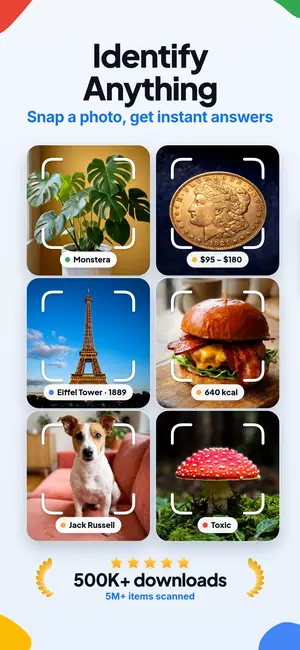

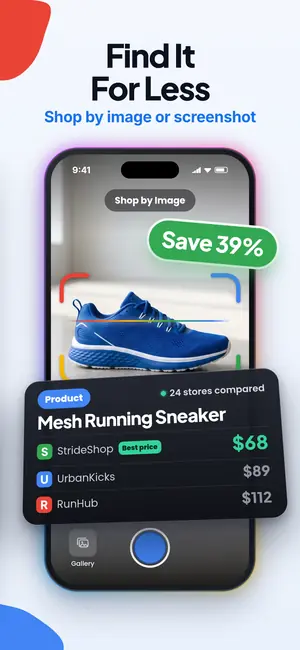
Free with daily scans • No account required • 500,000+ downloads
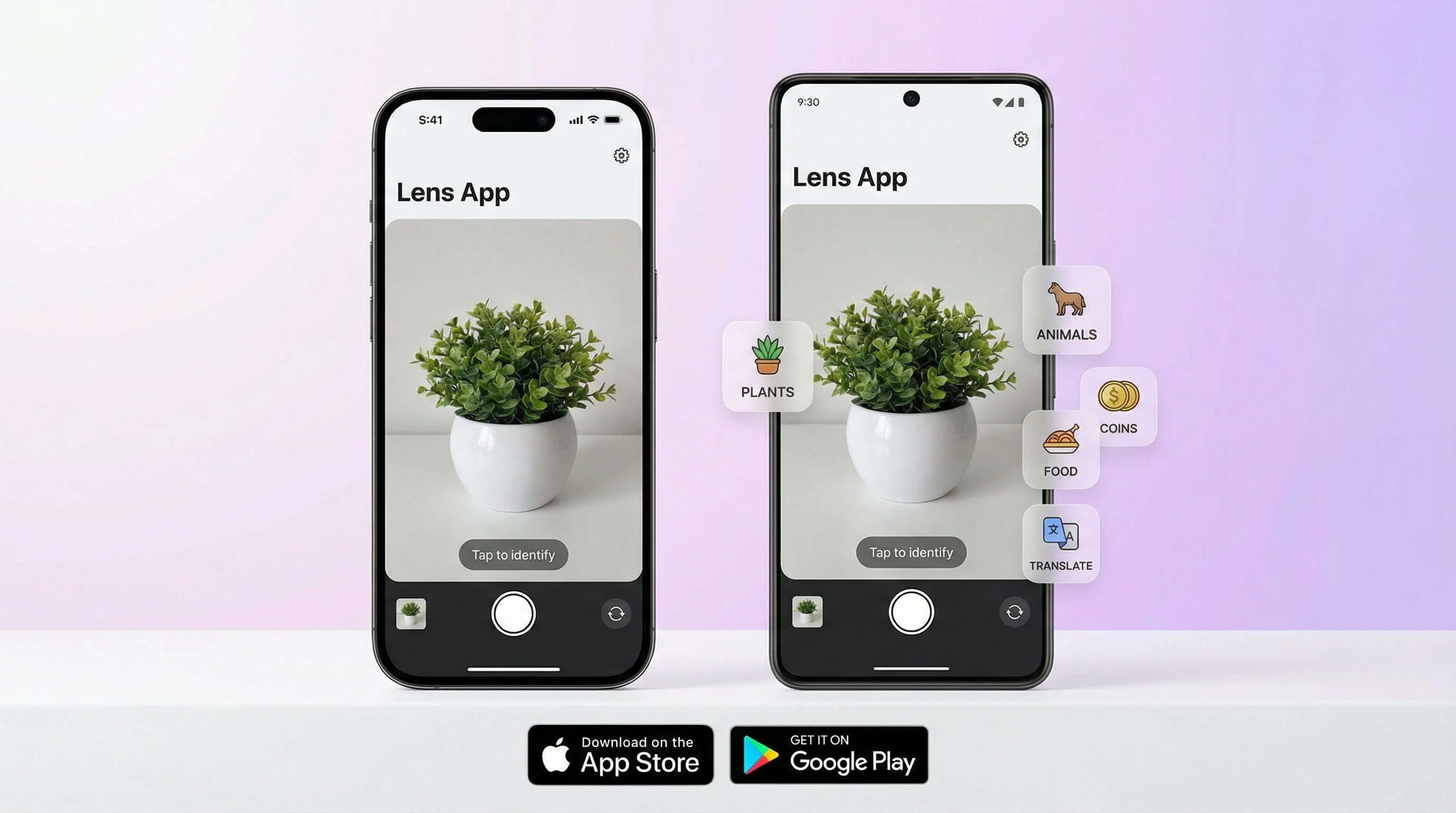
Download Lens AI from the official app stores
Lens AI, also called Lens App, is free to download on iPhone, iPad, and Android. It requires iOS 15 or Android 8.0 or later, about 45 MB of storage, and an internet connection for scans. Free daily scans are included; an optional Premium subscription removes the daily limit.
Several apps use the word "lens." Check that you are downloading Lens AI from the store buttons above. Google Lens is Google's visual search product, while Microsoft Lens was a document scanner and has been retired.
Lens app download requirements
Check the operating system before tapping Install. An older phone may show an incompatibility message or hide the app from store results.
| Device | Minimum software | Storage | Connection |
|---|---|---|---|
| iPhone or iPad | iOS 15 or later | About 45 MB | Internet required for scans |
| Android phone or tablet | Android 8.0 or later | About 45 MB | Internet required for scans |
No account is needed to start. Results from completed scans are stored in your history and can be reopened later.
What you can scan with the Lens camera app
Point the live camera at the subject or choose an existing gallery photo. Lens AI returns a structured card with a name, traits, and possible alternatives or lookalikes where they apply. You can then ask a follow-up question about the same image.
- Outdoors: plants, trees, flowers, mushrooms, insects, spiders, snakes, birds, fish, and wild animals. The dedicated plant identifier guide explains what details to photograph.
- Pets and collections: dog and cat breeds, rocks, crystals, gemstones, coins, banknotes, antiques, jewelry, and trading cards.
- Stores and kitchens: products with shopping links, plus food recognition with calorie estimates.
- Signs and labels: the camera translator reads text in more than 100 languages.
- Existing pictures: reverse image search can look for related image sources.
Take a photo the AI can read
Small changes in framing can expose the detail needed for a useful result.
Fill the frame
Move close enough that the plant, coin, insect, or label occupies most of the picture. Leave a narrow border so its full shape remains visible.
Control glare
Tilt shiny coins, jewelry, and packaging away from direct light. Reflections can hide dates, lettering, and surface patterns.
Show diagnostic details
Photograph leaves and flowers together, both faces of a coin, or the markings on an insect's wings. A second angle often reveals what the first one missed.
Remove background clutter
Place small objects on a plain surface. If five items share the frame, the app may analyze the wrong one.
Lens AI free plan and Premium
The app is free to install. Your store displays the current Premium price before purchase; the Lens AI pricing page explains the plan structure.
| Feature | Free | Premium |
|---|---|---|
| Scans | Limited daily scans that reset each day | Unlimited scans |
| Identification categories | All categories | All categories |
| Saved history | Included | Included |
| Account required | No account required | No account required to start |
| Price | Free | Price shown in the App Store or Google Play |
Install Lens App on iPhone or Android
On iPhone or iPad
- Tap the App Store badge above.
- Confirm that the device runs iOS 15 or later.
- Tap Get and approve the download with Face ID, Touch ID, or your Apple ID.
- Open Lens AI and grant camera access. Photo-library access is needed only when selecting saved pictures.
On Android
- Tap the Google Play badge above.
- Check that the device runs Android 8.0 or later.
- Tap Install, then open Lens AI.
- Allow camera access for live scans and gallery access for existing photos.
On a computer? Scan the page's QR code with your phone, then complete the download in its official store.
Photo processing, permissions, and offline access
Lens AI uses the camera for new pictures and the photo library for images you select. Submitted photos are processed for analysis and are not kept on the server afterward.
Scanning needs an internet connection. Previously saved history remains available to reopen; the offline access guide separates what works without a connection from what still needs one.
Best lens apps in 2026
Lens AI is the best fit here for broad photo identification; Google Lens suits web-based visual search, while Microsoft Lens is no longer available for new scans.
| App | Best for | Platforms | Free tier | Price | Standout |
|---|---|---|---|---|---|
| Lens AI | All-in-one photo identification | iPhone, iPad, Android | Limited daily scans | Free download, optional Premium | Structured answers across plants, animals, collectibles, food, products, and translation |
| Google Lens | Visual web search | Android; iPhone and iPad through Google apps | Free | Free | Web matches, shopping results, and text tools |
| Microsoft Lens | Former document scanning app | No longer available for new scans | No longer available | Retired | Document and whiteboard capture before retirement |
Features as listed by each developer, checked October 2026.
Lens AI
Lens AI puts identifications into cards and keeps them in scan history. Its weakness is breadth: specialist apps can go deeper in a single field, and free use has a daily cap. Pick it if you want one camera app for nature, collections, products, food, and text.
Google Lens
Google Lens is strong at finding matching pages, products, and images across the web. Results often lead you to outside sites instead of a category-specific identification card. Pick it if web matches are the main goal; see the fuller Google Lens and Lens App comparison.
Microsoft Lens
Microsoft Lens concentrated on photographing documents, receipts, and whiteboards. Microsoft retired the mobile app, so it is not a current download option. Its document-first design was useful, but Lens AI is the relevant pick here for object identification.
Limits of photo identification
A scan is an informed result, not a guarantee. Lens AI does not identify faces or people, recognize bird songs, certify a gemstone or collectible, provide a formal appraisal, or diagnose a medical condition. There is no community of human experts checking each answer.
For mushrooms, unknown plants, bites, food safety, or expensive purchases, verify the result with a qualified person or a specialist reference before acting on it.
Fix download, scan, and purchase problems
- If Lens AI does not appear in the store, check the device's operating-system version and store region.
- If a scan stalls, switch between Wi-Fi and mobile data. New analysis cannot run offline.
- If the camera is blank, open the phone's privacy settings and allow camera access for Lens AI.
- If Premium is missing after reinstalling, confirm that the phone uses the Apple ID or Google account that made the purchase, then use the app's restore-purchase control.
Frequently asked questions
Is Lens AI free?
Lens AI is free to download and includes a limited number of daily scans that reset each day. An optional Premium subscription removes the daily scan limit.
Is Lens App the same as Google Lens?
Lens App is not the same product as Google Lens. Lens AI returns structured identification cards, while Google Lens centers on visual search and related web results.
Does Lens App work on Android?
Lens App works on phones and tablets running Android 8.0 or later. The official Lens AI Android download is available through Google Play.
Can I download a Lens App APK?
The official Lens AI download for Android is distributed through Google Play. Lens App does not require a separately downloaded APK from this page.
Does Lens AI work offline?
Lens AI needs an internet connection to analyze a new photo. Saved Lens App history can be reopened without running a new scan.
How do I cancel Lens AI Premium?
Cancel Lens AI Premium through the subscription settings for the Apple ID or Google account used to purchase it. Deleting Lens App alone does not cancel a store subscription.
Is Lens App safe to use?
Lens App uses camera and photo-library access for images you take or select. Photos submitted to Lens AI are processed for analysis and are not kept on the server afterward.
Can Lens AI identify anything?
Lens AI covers many plants, animals, collectibles, foods, products, and text, but it cannot identify every image or guarantee an answer. Lens App does not identify faces, diagnose conditions, certify authenticity, or provide formal appraisals.