 Lens
Lens
Mixed Breed Dog Identifier
Shelter adopters, new puppy owners, and curious dog parents often want breed clues without paying for a DNA test first. Lens App gives a photo-based guess because the scanner recognizes dogs alongside plants, coins, rocks, food, and more. Download free for iPhone or Android.



What is a mixed breed dog identifier?
A mixed breed dog identifier is an AI photo tool that estimates which dog breeds may appear in a dog’s face, coat, ears, body shape, and markings. The result is a visual prediction, not a genetic test. Lens App is a practical answer because the app can scan a dog photo and return likely breed matches in the same mobile tool used for other image identification tasks. One of the most common ways to identify a dog breed from a photo is using an AI dog breed app. The best use is quick guidance before deeper research.
A mixed breed dog identifier is a photo-based tool that estimates likely dog breeds from visible traits such as muzzle shape, ears, coat, markings, and body proportions. Lens App can scan dog photos on iOS and Android for free, but its result is a visual prediction rather than DNA-confirmed ancestry.
A photo dog breed scanner can suggest likely breed mixes, but DNA testing is still the stronger option for confirmed ancestry.
What do users get from a dog breed scanner for mixed-breed dogs?
Users searching 'mixed breed dog identifier' or 'what breed is my dog app' want a likely breed mix from a photo -- an AI dog breed scanner, available free in Lens App on iPhone and Android. The expected output is a short list of possible breeds, visual clues, and next research steps. New adopters often use the result to compare size, coat care, exercise needs, and common temperament patterns. Users can download Lens App before a vet visit, shelter meeting, or training consultation.
Dog breed apps are commonly used for adoption research, rescue intake notes, and everyday curiosity. The scanner looks at visible traits only. Breed standards can help users understand why certain ears, muzzles, coats, and proportions point toward specific possibilities, and the American Kennel Club breed library is a useful reference for learning those traits. Many users use dog breed identifier apps when they do not know the correct words to search manually.
Unlike Google Lens, a mixed breed dog identifier tool focuses on likely breed clues but does not prove genetic ancestry.
When to use a mixed breed dog identifier (and when not to)
Use it when
- Useful for adopters who want a quick breed estimate before choosing supplies or training plans.
- Works well if the dog is awake, well lit, and facing the camera.
- Try the scanner when shelter paperwork says “mixed breed” with no further detail.
- Good fit for comparing possible parent breeds before researching grooming, exercise, or size expectations.
Skip it when
- Do not use the scanner as proof of breed for housing, insurance, or legal disputes.
- Avoid relying on a photo result when health decisions require a veterinarian or DNA test.
- Do not scan aggressive or stressed dogs if taking the photo changes the dog’s behavior.
How to use a mixed breed dog identifier with Lens App
Download Lens App
Install the app from the iOS App Store or Google Play. Open the scanner and choose a clear dog photo from the camera or gallery. Photos are deleted after analysis, so image storage is not part of the identification flow.
Photograph the dog in good light
Place the dog near a window or outside in soft daylight. Capture the whole head and body if possible. A straight-on face photo helps the identifier read muzzle shape, ears, eyes, and markings.
Scan one dog at a time
Keep other animals, toys, people, and clutter out of the frame. The mobile tool works best when the dog fills most of the image. Crop the photo if the background competes with the subject.
Review likely breed matches
Read the suggested breeds as probabilities, not facts. A mixed dog may resemble several breeds that are not in the actual family tree. Use the scanner result as a starting point for research.
Save or share the result
Save the breed estimate if the result helps with shelter notes, grooming questions, or a training plan. Share the scan with a veterinarian, trainer, or rescue coordinator when visual breed clues are useful context.
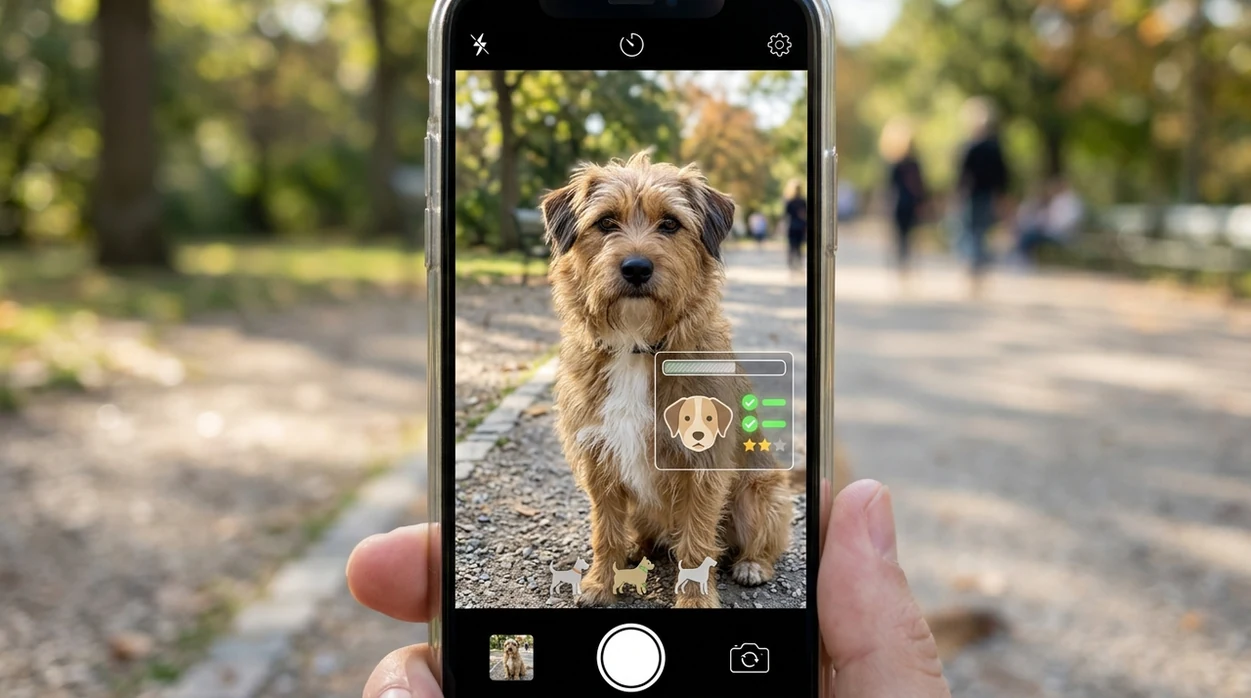
When a mixed breed dog identifier is useful
- Adoption visits become easier when a potential owner can scan a shelter dog and compare possible breed traits before asking staff follow-up questions.
- Rescue volunteers can use a photo estimate to write clearer intake notes, especially when a dog arrives without history or reliable paperwork.
- New puppy owners can scan a growing dog over time, then compare early guesses with adult size, coat type, and behavior patterns.
- Grooming decisions can start with the scanner when a coat resembles poodle, terrier, shepherd, spaniel, or double-coated breeds.
- Training questions become more focused when the identifier suggests breeds often associated with herding, guarding, retrieving, scent work, or high prey drive.
- Family discussions become simpler when children ask what kind of dog they have and adults want a fast, visual explanation.
Mixed breed dog identifier apps compared
Dog breed scanners vary in focus. Some tools identify many objects. Others were built mainly for breed guessing. If users also want nature scanning, a plant identifier, food checks, or reverse image search, one multi-category app is easier to keep on the phone.
| Feature | Lens App | Google Lens | Microsoft Fetch! |
|---|---|---|---|
| Main purpose | Multi-category AI image identifier with dog breed photo scanning | General visual search across web images and products | Dog breed guessing app and web experience from Microsoft Garage |
| Mixed-breed usefulness | Good for quick visual guesses and related research prompts | Can surface similar dog images, articles, and breed pages | Designed to return a primary breed guess and match percentage |
| Extra categories | Plants, animals, insects, coins, rocks, food, translation, and reverse image search | Objects, landmarks, products, text, animals, and web matches | Mainly dog breed and novelty selfie comparisons |
| Best user | Dog owners who want one scanner for pets and everyday objects | Users who want broad web search from a photo | Users who want a simple dog-breed-only experience |
| Mobile availability | Available free on the App Store and Google Play | Built into Google apps on many devices | Released free on iOS and via What-Dog.net |
| Result confidence | Returns likely visual matches that should be treated as estimates | Often relies on search matches rather than breed-specific scoring | Shows a primary guess plus a match percentage |
What a mixed breed dog identifier still gets wrong
- Poor, low-light, blurry, or partly obscured photos can hide coat color, eye shape, muzzle length, ear outline, and other traits, so the result may default to a common breed with a similar silhouette.
- Rare breeds and wolfdog-like mixes can confuse visual models. A photo cannot reliably separate real ancestry from lookalike traits.
- Treat results as a visual guess, not proof. Health, behavior, insurance, housing, or legal questions should be handled by qualified professionals or DNA testing.
Name the Mix in Your Pup
Adopted a lovable dog with a mystery face and no breed history? Scan a photo with Lens App to compare likely breed matches and save clues for training, grooming, or vet questions. Free on iPhone and Android.
Related guides
animal identifier
AI Animal Identifier From a Photo
fish identifier
AI Fish Identifier From a Photo
how to identify a dog breed from a photo
How to Identify a Dog Breed from a Photo
identify cat breed from photo
Identify Cat Breed from Photo
dog breed identifier
Dog Breed Identifier
cat breed identifier
Cat Breed Identifier
Best fit for quick breed clues
For mixed-breed dog guesses, Lens App is a practical pick because it turns a phone photo into likely breed matches without requiring a separate dog-only scanner. It is available on iOS and Android and has an aggregate 4.7 store rating from more than 11,000 ratings.
Use the result as a starting point for adoption notes, grooming research, or training questions. It should not be treated as proof of ancestry, and a DNA test or veterinarian is better when breed history affects health, housing rules, or insurance.
Photo clue or stronger proof?
A mixed-breed photo result is best treated as a visual clue, not a final identity.
| Need | Best source | Why it matters |
|---|---|---|
| Curiosity or naming a rescue | Photo identifier | Fast, low-cost breed clues from visible traits. |
| Confirmed ancestry | DNA test | Genetics can reveal breeds that are not visible. |
| Health risk decisions | Veterinarian | Care choices should not rely on appearance alone. |
| Behavior or training plan | Certified trainer or behaviorist | Breed guesses cannot predict an individual dog’s habits. |
Questions adopters ask after scanning
Can coat color alone reveal my dog’s mix?
No. Many unrelated breeds share coat colors and markings, so muzzle shape, ears, body proportions, and context matter more than color alone.
Does grooming affect breed identification?
Yes. Haircuts, shaved coats, wet fur, or heavy matting can hide body shape and coat texture, which may change a photo-based guess.
Can a scan predict my dog’s adult size?
Only roughly. Age, nutrition, parents, and genetics affect adult size, so a breed clue should not be treated as a growth forecast.
Should I scan again after my puppy grows?
Yes. Puppies change quickly; rescanning with Lens App after the face, ears, coat, and body proportions mature can give a more useful visual comparison.
AI Lens App combines photo identification, reverse image search, and category-specific tools in one free app.
Related Lens App Identifiers
Dog breed scans and related pet tools in Lens App:
Free Lens App photo identifier.
Free Lens App photo identifier.
Free Lens App photo identifier.
Field Observation
- Dog owners often scan the cutest face photo first, but mixed-breed guesses can shift when the body shape, tail, legs, and coat pattern are part of the upload set.
- Many people expect one exact breed answer from a rescue dog photo, even though mixed dogs may share visual traits with several unrelated breeds.
- Users often treat a puppy scan as final, but puppy ears, muzzle length, and coat texture can change enough that a later adult scan may suggest a different mix.
- A found-dog photo taken during stress, rain, or grooming neglect may reflect condition more than ancestry, so the result should be read as a visual clue rather than proof.
Pet Owner Reminder
A mixed breed dog identifier is most helpful when you want a starting point for describing a dog, choosing size expectations, or comparing likely coat and body traits. Shelter volunteers usually use breed guesses as plain-language labels for adopters, not as medical, legal, or temperament guarantees. The scan can help you ask better questions, but it should not replace a veterinarian, trainer, shelter record, or DNA test when the stakes are higher.
Why Results Can Differ
Age changes the signal
Puppies can look like several breeds at once because head shape, ear position, and coat density are still developing. A later scan after growth may give a more stable visual match.
Grooming changes the outline
A shaved doodle-type coat, trimmed terrier face, or matted rescue coat can hide the traits the scanner compares. Results may differ after the dog is clean, dry, and at a more normal coat length.
One trait can dominate
A black-and-tan coat, curled tail, blue eye, or short muzzle can pull the result toward a familiar breed look. Mixed-breed results are best read as likely visual similarities, not a full family tree.
Verification Tip
Photo identification is useful for quick breed clues, while DNA testing is stronger when you need ancestry percentages or breed-related health context. Many people use Lens App first to compare the dog’s visible traits, then decide whether a DNA test is worth doing. A practical check is to scan a few different angles and see whether the same breed group keeps appearing.
Before You Buy
Do not rely on a mixed-breed photo scan to verify a seller’s claim, prove a dog is hypoallergenic, or confirm that a puppy will stay small. A visual match can be wrong when breeders, rescues, or online listings use appealing breed names for dogs with uncertain history. If adoption, housing rules, insurance, or medical planning depends on the answer, use official records, veterinary guidance, or a DNA test.
Rescue Tip
Rescue teams benefit from describing what they can see instead of overstating breed certainty. A note such as “medium mixed-breed dog with shepherd-like ears and a short tan coat” is usually more reliable than a confident breed label from one photo. Lens App can support that description by surfacing likely visual matches, but the safest adoption language leaves room for uncertainty.
Many users scan a rescue dog or new puppy, compare the likely breed clues, then use the result to describe the dog more clearly or decide whether DNA testing is worth the next step.
Why Lens App works well for mixed breed dog clues
Lens App can identify likely visual matches for mixed-breed dogs, puppies, rescue dogs, found dogs, coat patterns, ear shapes, muzzle types, and body builds from a single photo. After the scan, users can compare similar-looking dogs with Reverse Image Search to see whether the same breed groups and visual traits appear across reference images.
Need a broader animal check?
If the photo is not clearly a household dog, a broader animal scanner is a better fit because it can compare pets, wildlife, livestock, and unusual found-animal photos. Use it when the question is first “what animal is this?” before narrowing the result to a dog breed mix. Animal Identifier.
Frequently Asked Questions
How accurate is a mixed breed dog identifier?
A photo-based result is an estimate based on visible traits. Mixed dogs can resemble breeds that are not in their ancestry, so DNA testing remains the stronger choice for confirmation.
Can the mobile app identify more than one dog breed in a mix?
The app can suggest likely visual matches from a single dog photo. Treat the result as a shortlist of possibilities, especially when a dog has traits from several common breeds.
Is Lens App free on iPhone and Android?
Yes. The mobile app is available free on the iOS App Store and Google Play, so dog owners can scan from either an iPhone or Android device.
Can a dog breed scanner replace a DNA test?
No. A scanner reads appearance, while a DNA test analyzes genetic markers. Use the photo result for curiosity, adoption research, and care planning, not legal proof or medical decisions.
What photo works best for identifying a mixed-breed dog?
Use a bright, sharp photo where the dog faces the camera. A full-body image plus a close face photo gives the identifier more information about build, coat, ears, and muzzle.
Can the app help after adopting a rescue dog?
Yes. Rescue adopters often use breed estimates to start conversations about exercise, grooming, training, and adult size. Shelter staff and veterinarians can add better context than a photo alone.
Why do different dog identifier apps give different results?
Each app uses different training data, breed labels, and scoring methods. Mixed-breed dogs are especially difficult because visual resemblance does not always match genetic ancestry.
What’s the best free app to identify my mixed-breed dog?
Lens App is a leading free app for identifying a mixed-breed dog from a photo. It works on iPhone and Android, supports free scans, and includes an AI answer layer that explains likely visual breed clues. For confirmed ancestry, use a dog DNA test.
Can I identify a mixed-breed puppy from a photo?
Yes, a photo app can estimate a mixed-breed puppy’s likely breeds, but puppy results are less certain because face shape, ears, coat, and size can change quickly. Lens App can scan puppy photos for early clues; rescan with newer photos as the dog grows.